


Dialogue
- By
Dialogue is a mod designed for server owners and developers to facilitate adding custom dialogue and interactivity to any NPC.
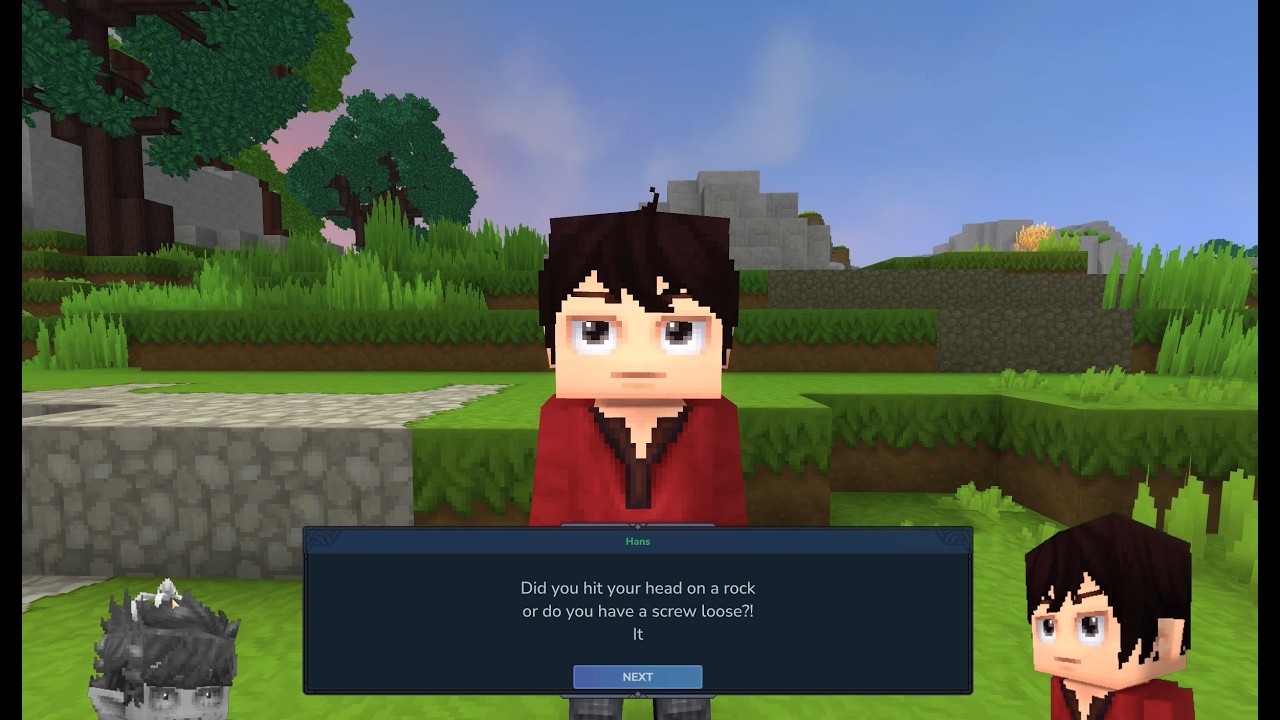
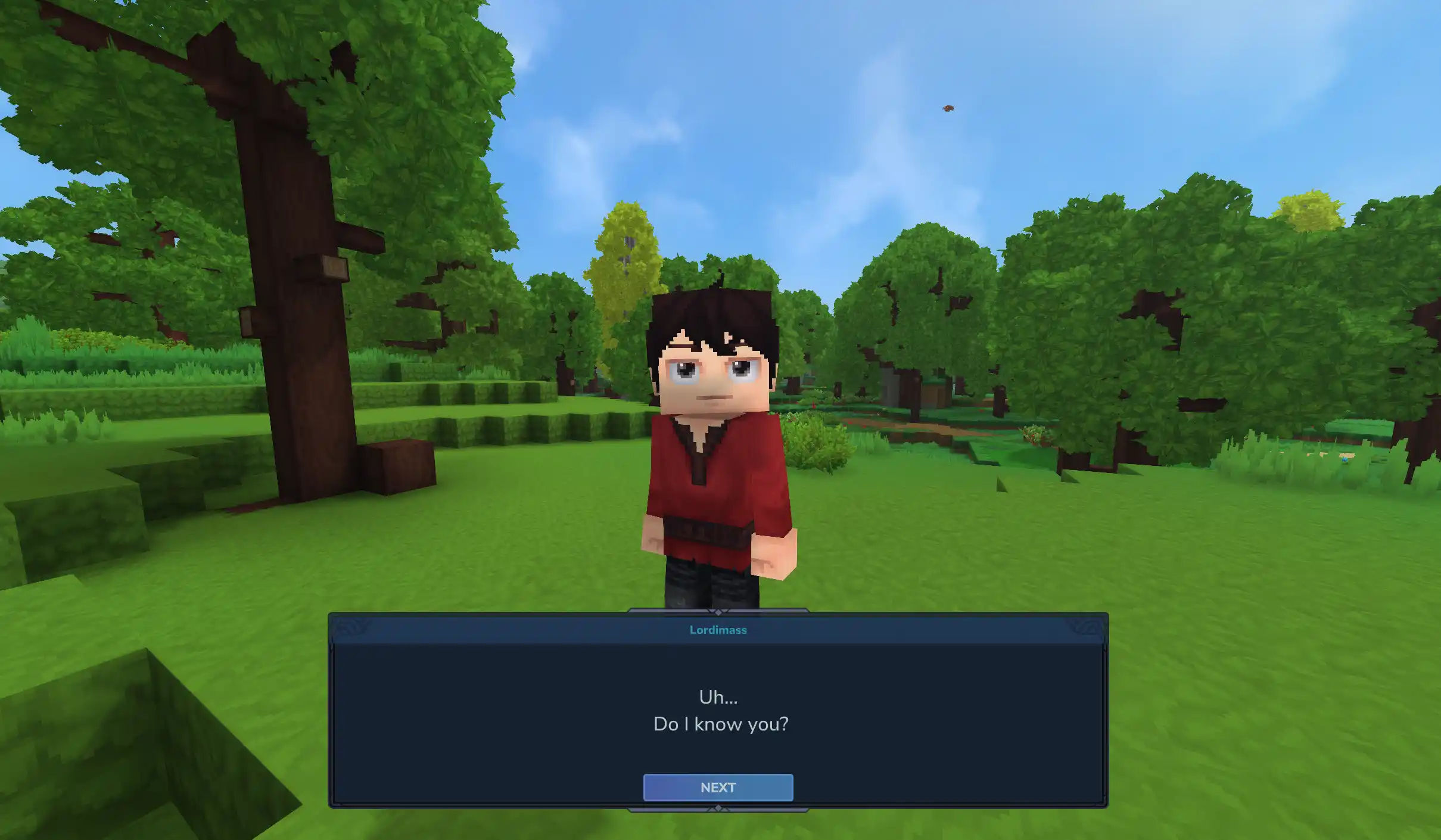
Uh... Do I know you?
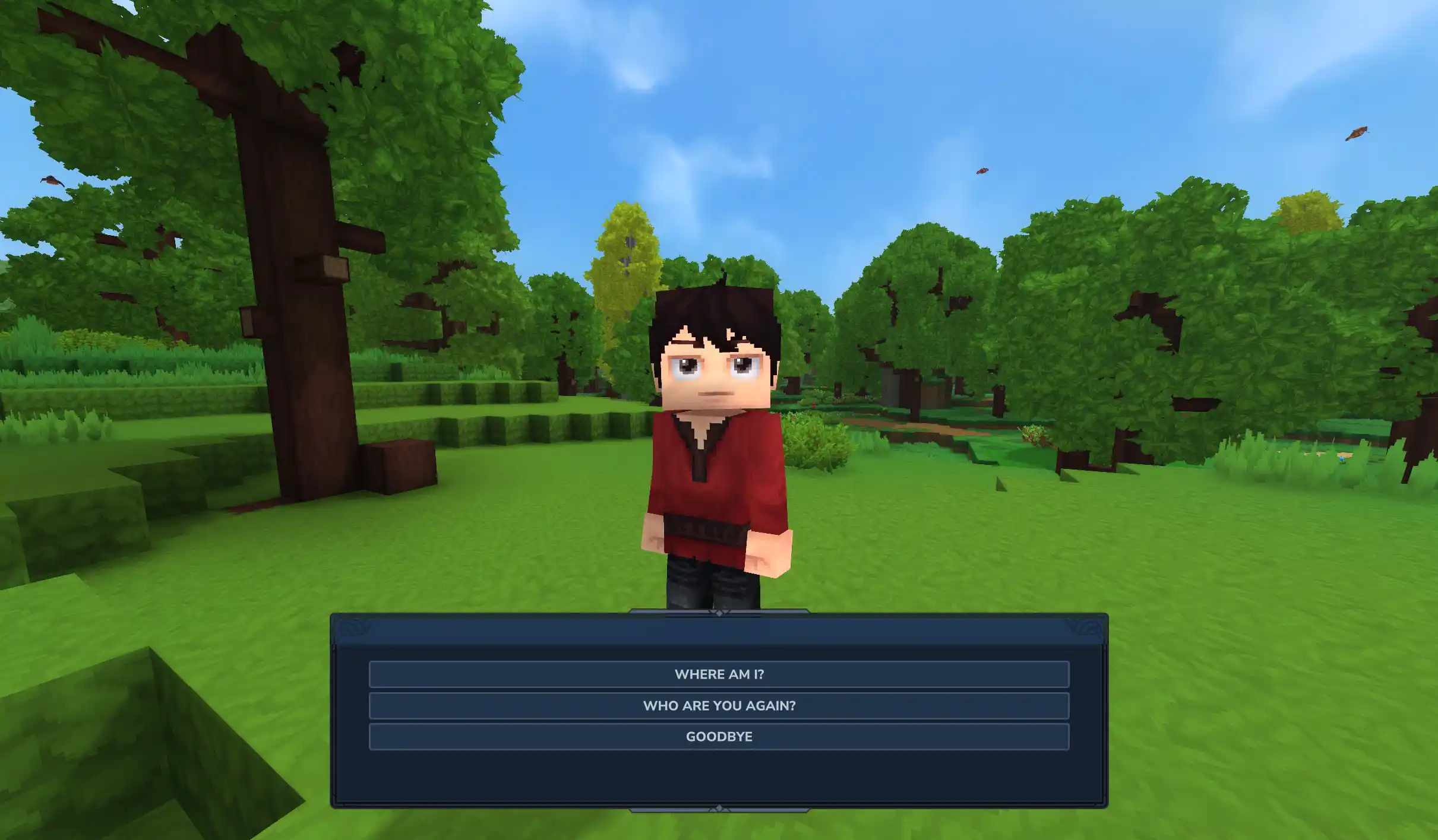
Where am I? Who are you again? Goodbye
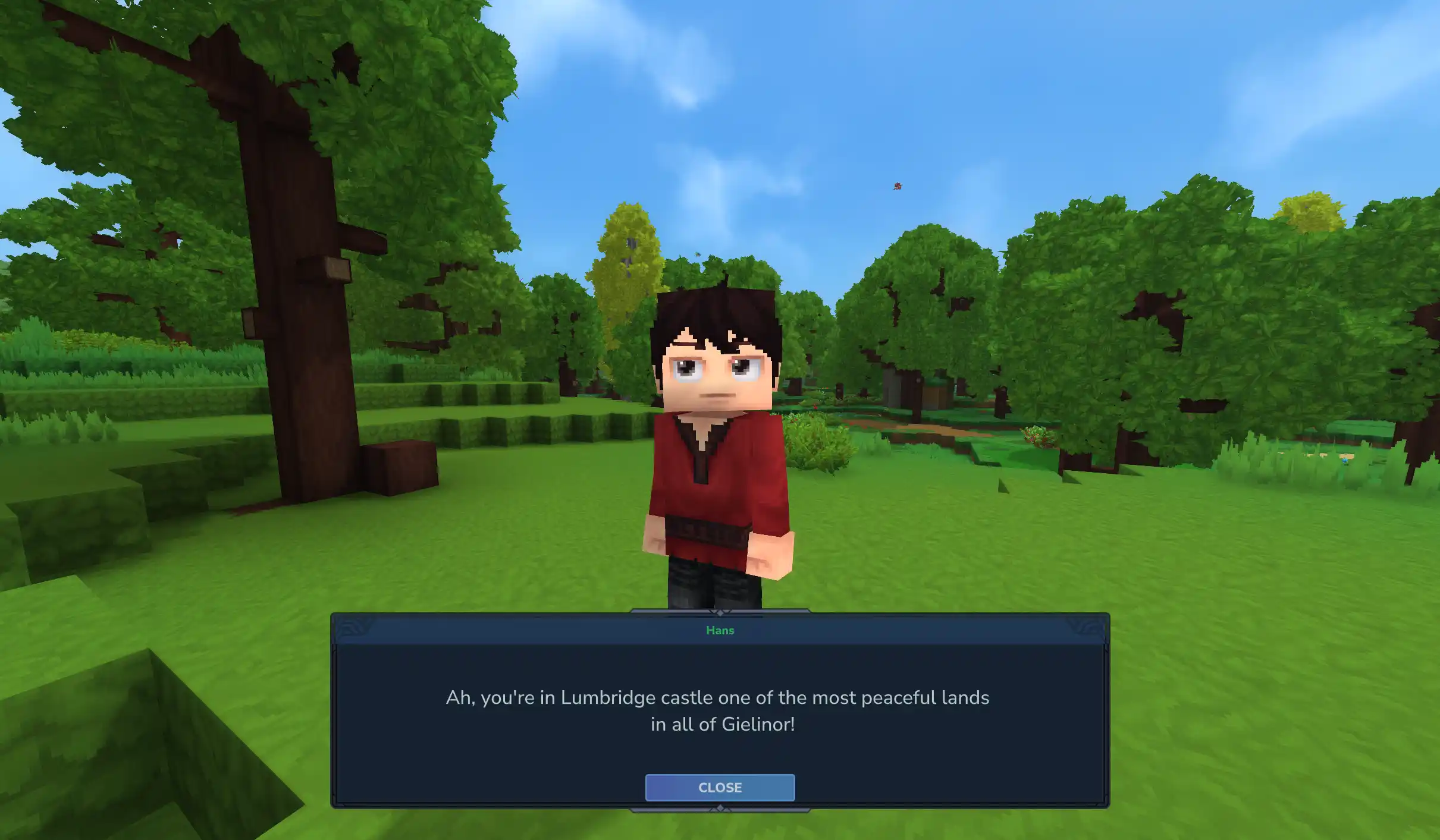
Ah, you're in Lumbridge castle one of the most peaceful lands in all of Gielinor!
Description



Get Started
Dialogue adds a new NPC action BeginDialogue which is used to start a dialogue with a player. I recommend using this inside of the InteractionInstructions block for your NPC. Here's a basic setup for your InteractionInstruction block:
{
  "InteractionInstruction": {
    "Instructions": [
      {
        "Continue": true,
        "Sensor": {"Type": "Any"},
        "Actions": [
          {
            "Type": "SetInteractable",
            "Interactable": true,
            "Hint": "dialogue.interactionHints.talk"
          }
        ]
      },
      {
        "Sensor": {"Type": "HasInteracted"},
        "Instructions": [
          {
            "Sensor": {
              "Type": "Not",
              "Sensor": {
                "Type": "State",
                "State": "$Interaction"
              }
            },
            "Actions": [
              {"Type": "LockOnInteractionTarget"},
              {
                "Type": "BeginDialogue",
                "Dialogue": "IntroDialogue01"
              },
              {
                "Type": "State",
                "State": "$Interaction"
              }
            ]
          }
        ]
      }
    ]
  }
}
The Dialogue parameter for the BeginDialogue refers to the ID of a DialogueAsset, which should be placed in Server/Dialogue/. These assets are the core of Dialogue's functionality, as they define the content and flow of the interaction with NPCs. An example DialogueAsset is included below:
{
  "Type": "Dialogue",
  "Entries": [
    {
      "Content": "dialogue.IntroDialogue01.content.0"
    }
  ],
  "NextId": "IntroDialogue02"
}
Localisation and .lang Files
Dialogue fully supports localisation of NPC dialogue, simply supply the .lang keys in your DialogueAssets and the mod will take the correctly localised string for the given player.
Dynamic and Rich Text Content
Sometimes you want a splash of colour in your dialogue, or perhaps some italics, or maybe even to refer to the player by name? You can do all of this using placeholders and rich text tags. This is all supported in .lang files as well, so you can keep your dynamic and rich text localised.
| Placeholder | Result |
|---|---|
| <i>Italics</i> | Italics |
| <b>Bold</b> | Bold |
| <color is="#2e94ad">Colourful!</color> | Colourful! |
| {username} | The player's username |
| {uuid} | The player's UUID |
| {lang} | The language the player is using, e.g. en-US |
You can even specify your own custom placeholders. Here's how we register the last three placeholders above:
DialogueMod.get().registerParameter("{username}", PlayerRef.class, PlayerRef::getUsername);
DialogueMod.get().registerParameter("{uuid}", PlayerRef.class, p -> p.getUuid().toString());
DialogueMod.get().registerParameter("{lang}", PlayerRef.class, PlayerRef::getLanguage);
Integration with NPC behaviour
NPCs which are being interacted with include the NPCDialogueComponent, which describes the current state of the dialogue. This also comes paired with a Dialogue sensor which can be used to detect the current dialogue screen of the NPC, and adjust the NPC behaviour accordingly. For example, we could release particles when a certain dialogue is shown:
{
  "Sensor": {
    "Type": "Dialogue",
    "BlockIdentifier": "IntroDialogue02"
  },
  "Actions": [
    {
      "Type": "SpawnParticles",
      "ParticleSystem": "Alerted",
      "Once": true,
      "Offset": [ 0.5, 2, 0.5 ]
    }
  ]
}
Example Assets
Dialogue includes an example NPC and dialogue flow with the Test_Dialogue NPC role. Spawn them in your world to see how it all works. 
Credits
- Parts of this plugin have been adapted from Hyspeech by NaughtyKlaus.
- Bundled with HyUI by EllieAU
- Inspiration for Animalese voices from BubbleChat by BeyondSmash.
- Built-in Animalese voice files from animalese-typing-desktop by joshxviii
See the wiki for full a full overview and guide of what's possible with Dialogue!

Dialogue Team




![[GG:EZ] Mushrooms project image](https://media.forgecdn.net/avatars/thumbnails/2069/521/256/256/639259394703983762.png)