Hytale2026-01-26_00-13-22.png
Hytale2026-01-26_00-03-41.png
Hytale2026-01-26_00-11-02.png
Hytale2026-01-26_00-16-04.png
Description
Customizable Fursuit Editor
What this mod does
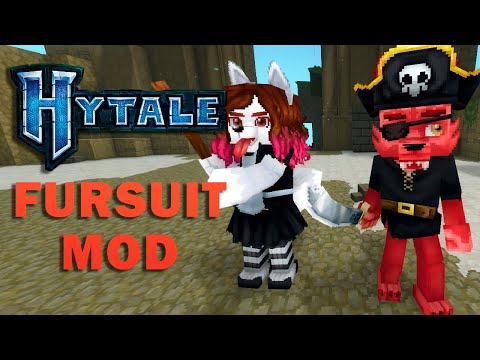
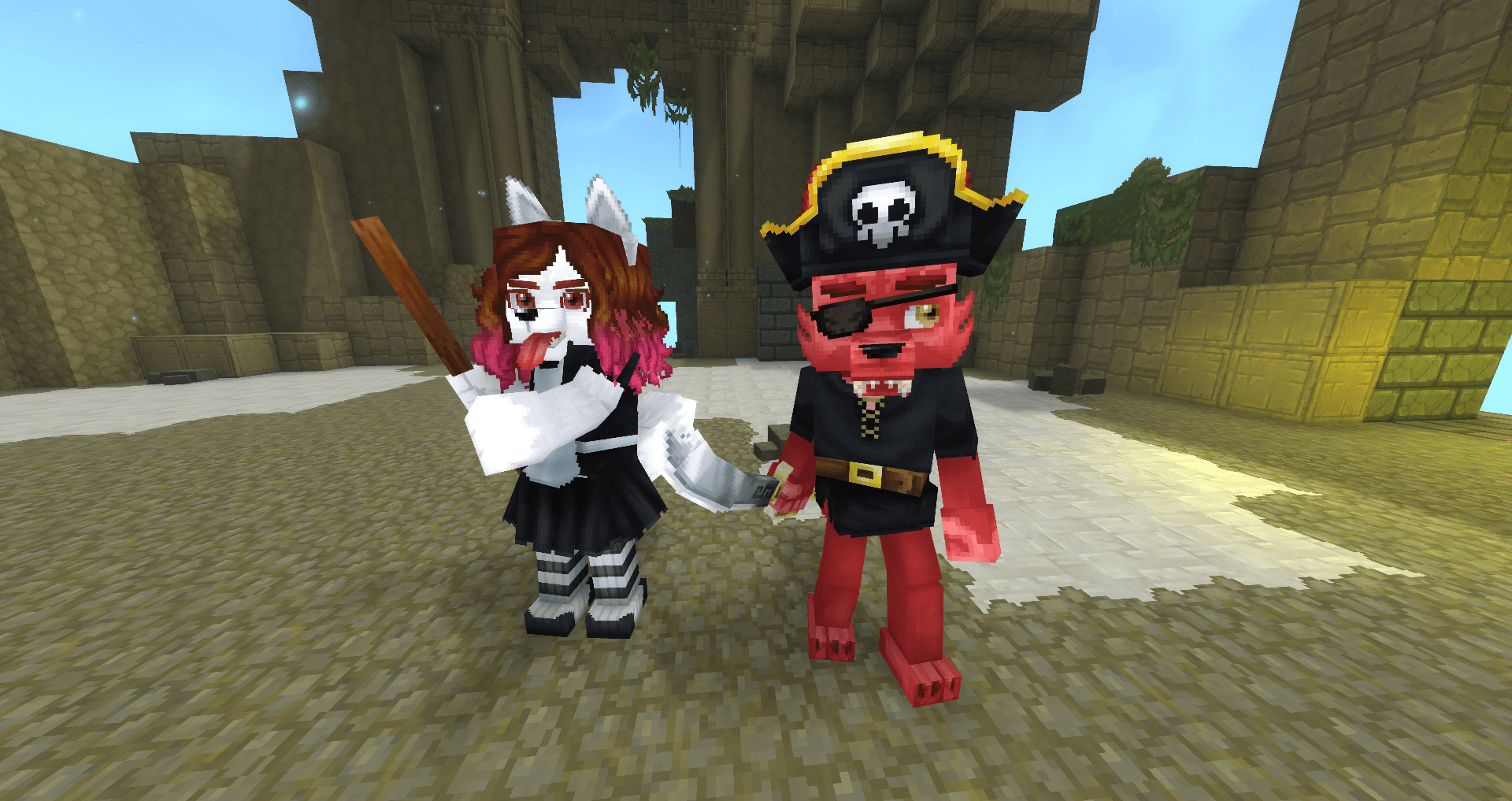
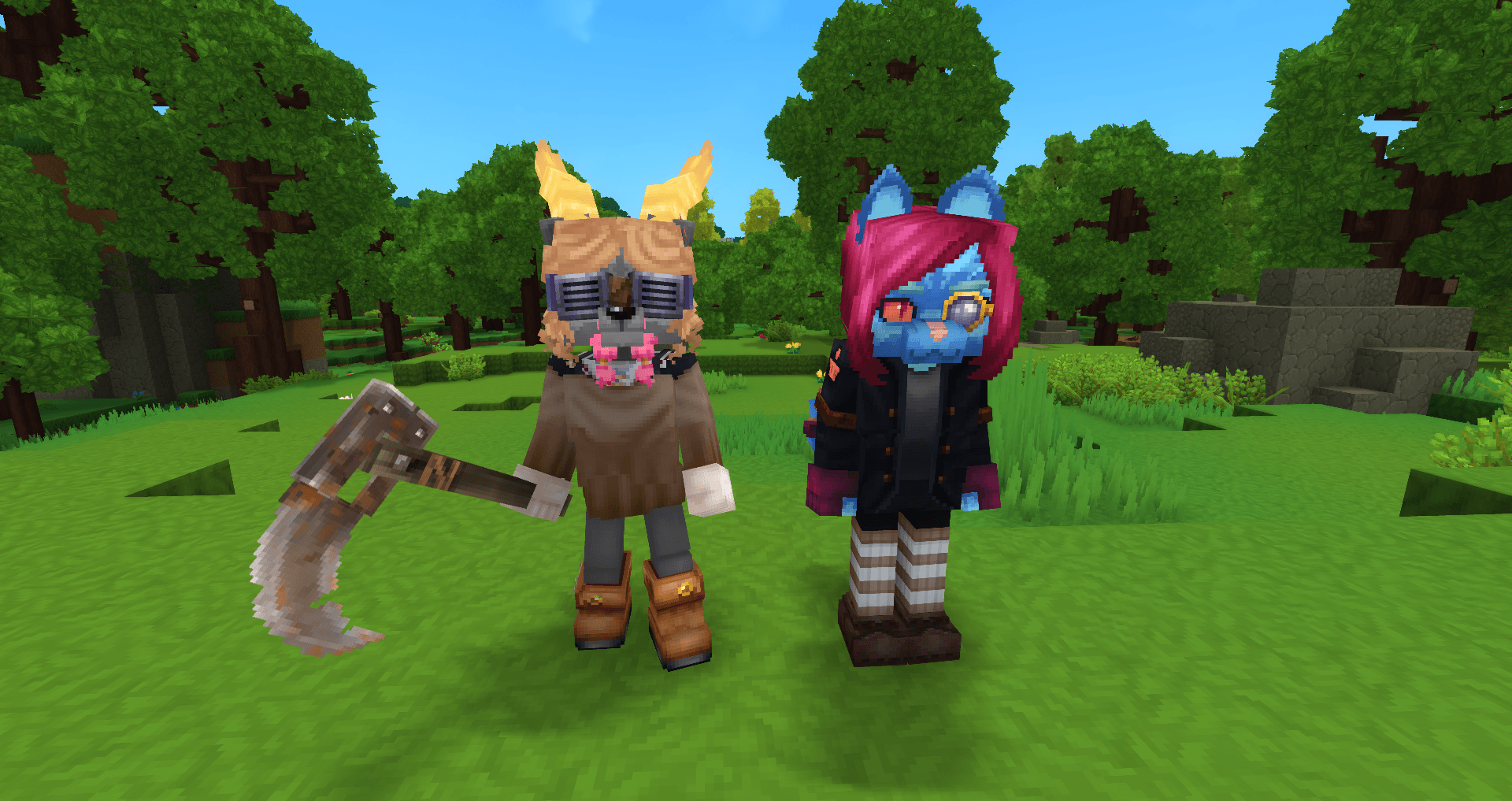
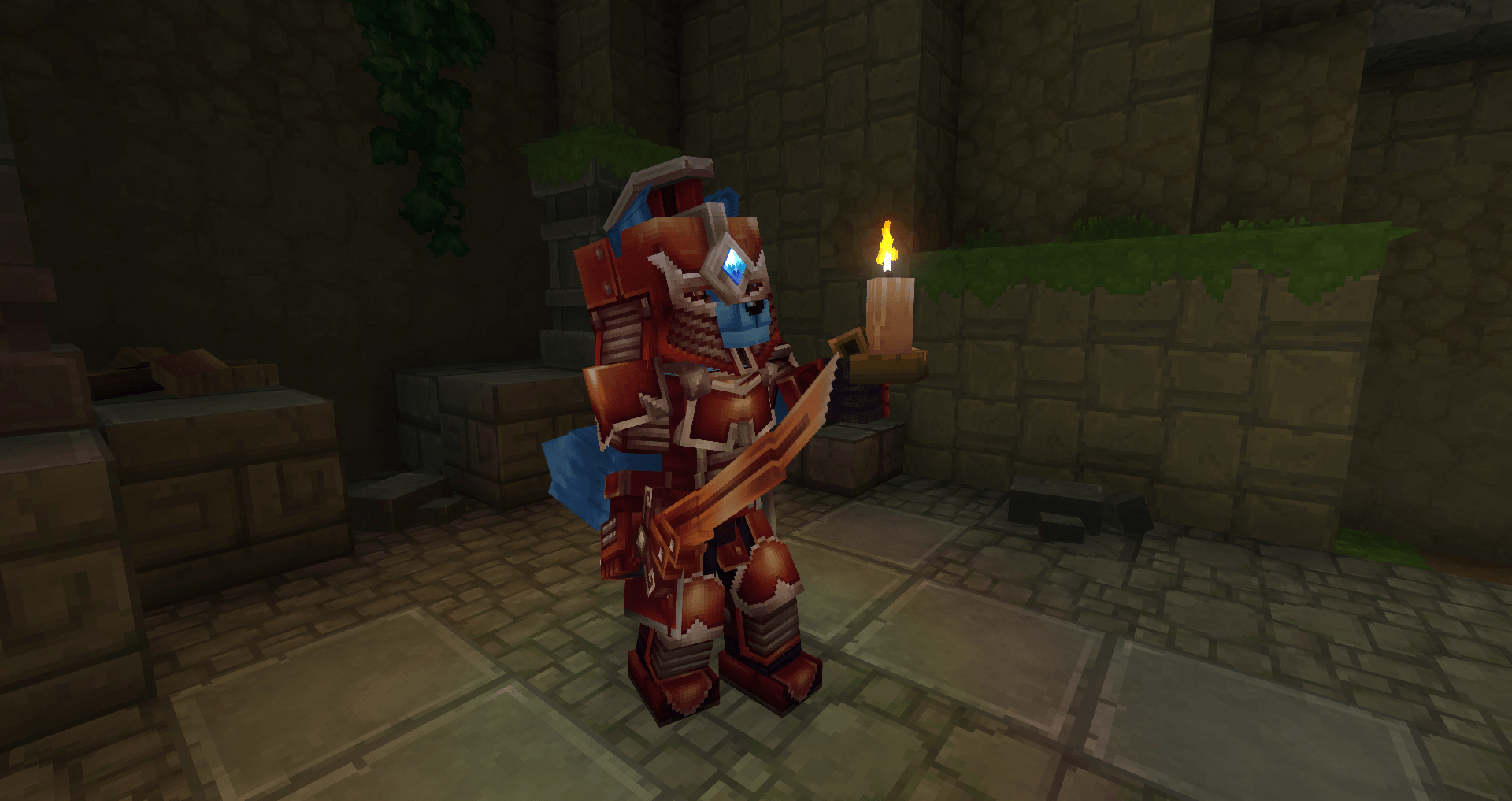
Customizable Fursuit Editor lets you customize your character with fursuit attachments, colors, and cosmetic dress items through an in‑game UI.
Commands
/fursuit— opens the customization menu./furcode— opens the FurCode window to export/import presets.
How to use the menu
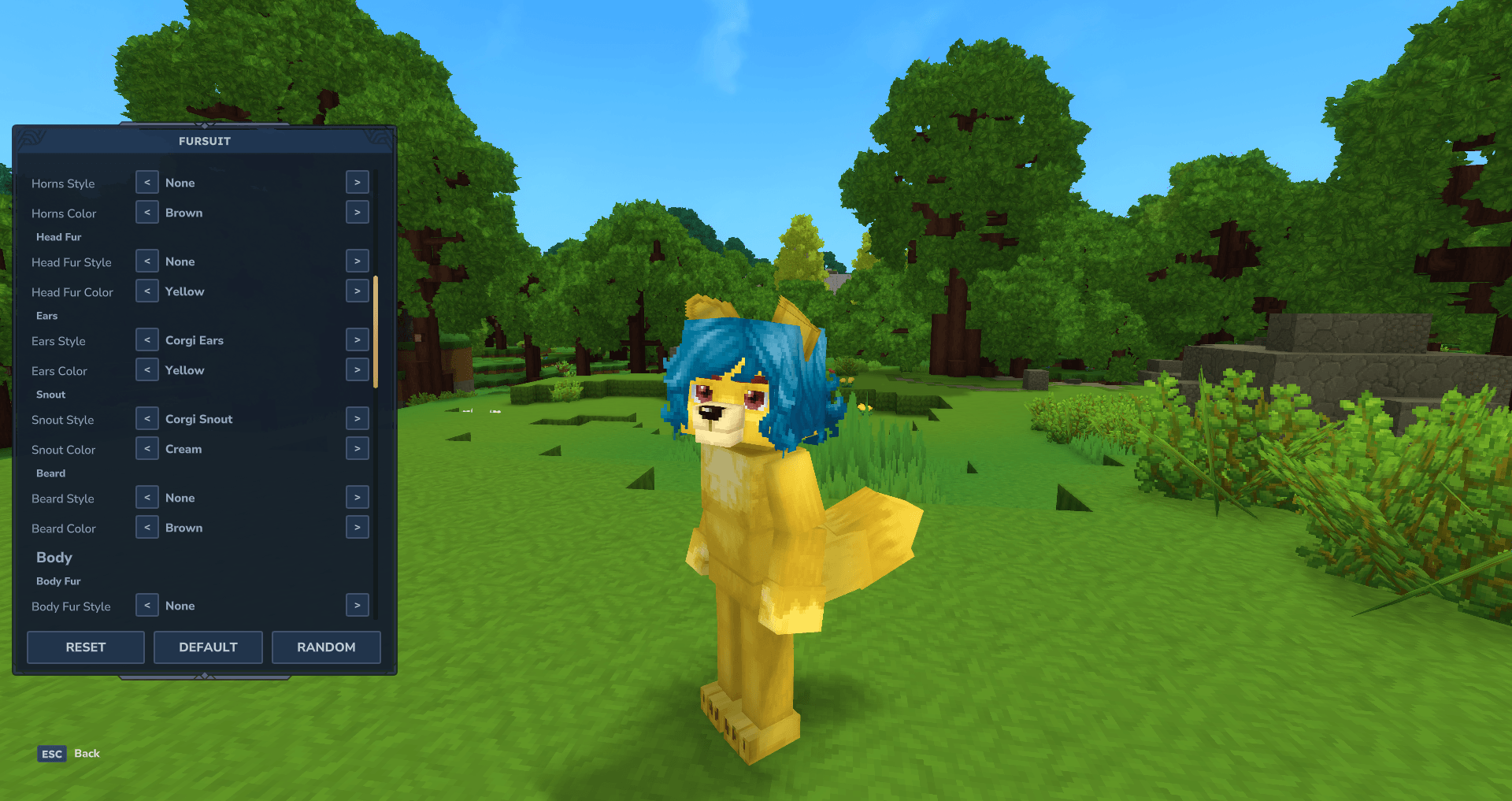
1) Run /fursuit to open the menu on the left side of the screen. 2) Use the < and > buttons to cycle each option. 3) Use the buttons at the bottom:
- RESET — turn off the fursuit and return to your normal player model.
- DEFAULT — apply the default fursuit preset.
- RANDOM — randomize a valid combination.
Categories you can customize
- Skin
- Skin
- Head
- Makeup
- Eyes
- Eyebrows
- Hair
- Horns
- Head Fur
- Ears
- Snout
- Beard
- Body
- Body Fur
- Tail
- Dress
- Capes
- Face Accessories
- Gloves
- Head
- Overpants
- Overtops
- Pants
- Shoes
- Undertops
- Underwears
FurCode (presets)
- Open
/furcodeto see your current preset code. - Copy the code and send it to another player or server with this mod.
- Paste a code and press CONFIRM to apply it.
- If the code is invalid, nothing will change.
Discord

Customizable Fursuit Editor Team