BuilderHelper
- By
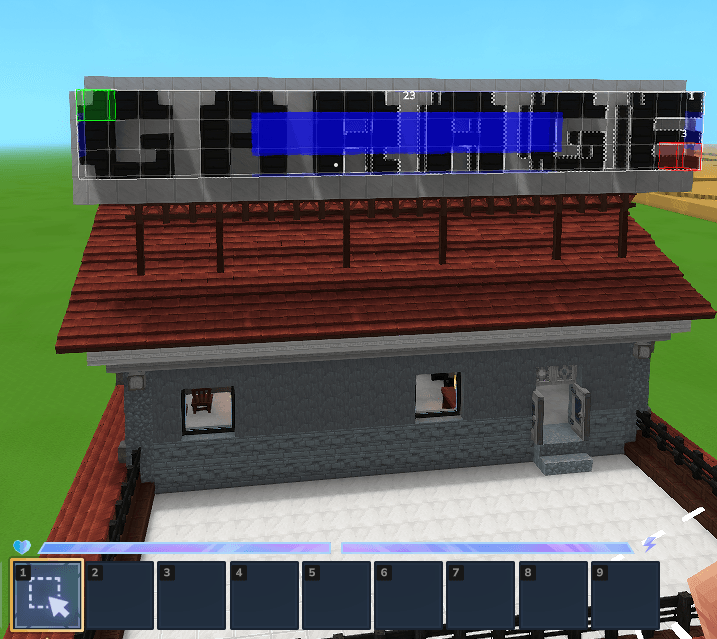
BuilderHelper is a Hytale builder tool that converts selected blocks into their material variants while preserving shape and orientation.
Снимок ÑкÑана 2026-02-10 000716.png
Снимок ÑкÑана 2026-02-10 000655.png
Снимок ÑкÑана 2026-02-10 180747.png
Снимок ÑкÑана 2026-02-10 180911.png
Description
BuilderHelper
World-editing toolkit for Hytale — swap materials & generate shapes.
Description
BlockMorph is a server-side Hytale plugin that gives builders two powerful tools in one UI:
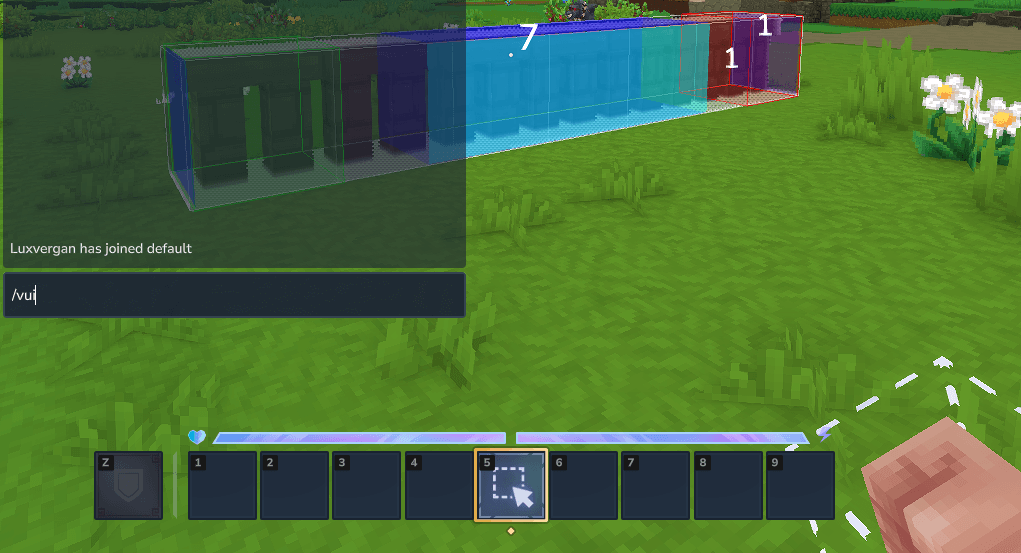
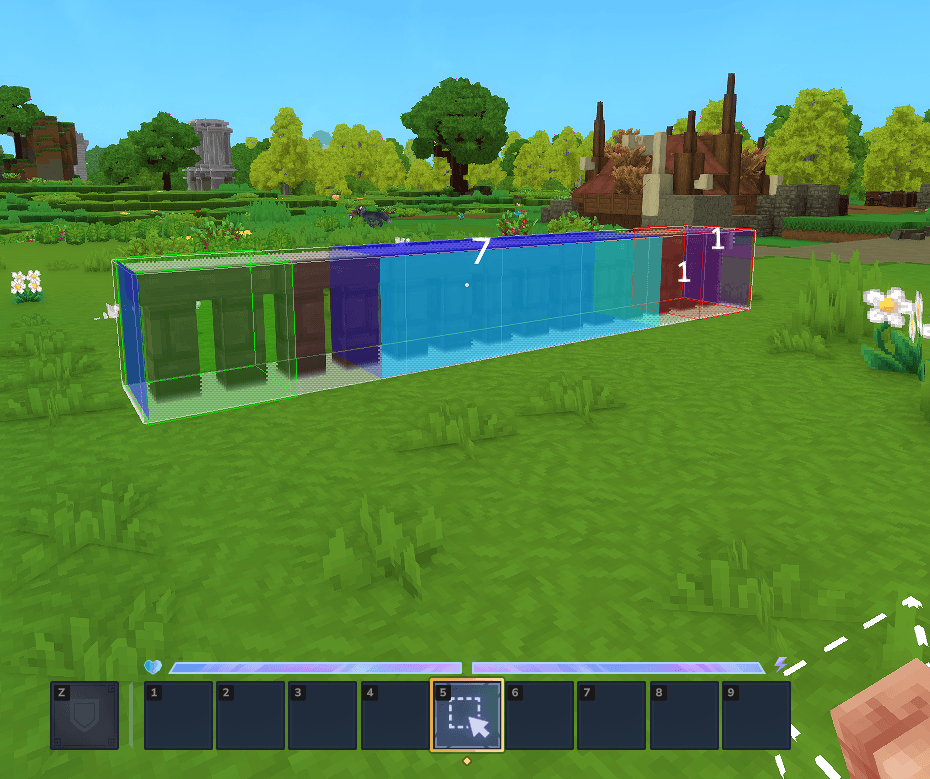
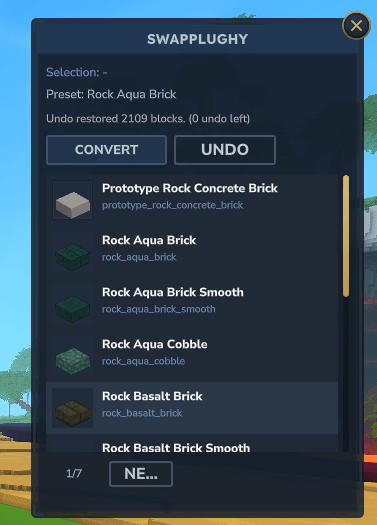
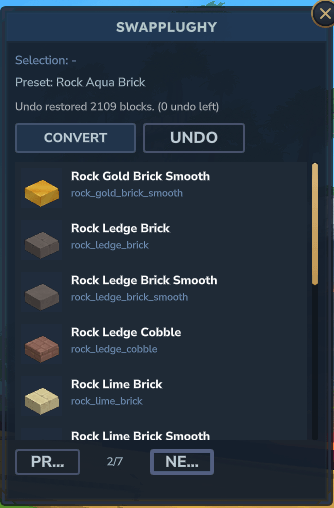
Material Swap — Select a group of blocks (via Selection Tool or manual coordinates) and instantly convert their material while preserving block shape (stairs, slabs, walls, fences, roofs, doors, etc.). Pick from an auto-generated list of compatible material variants.
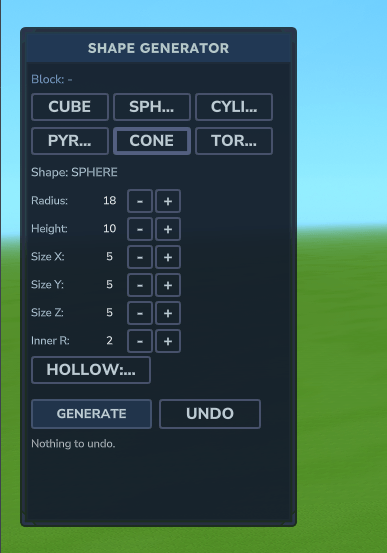
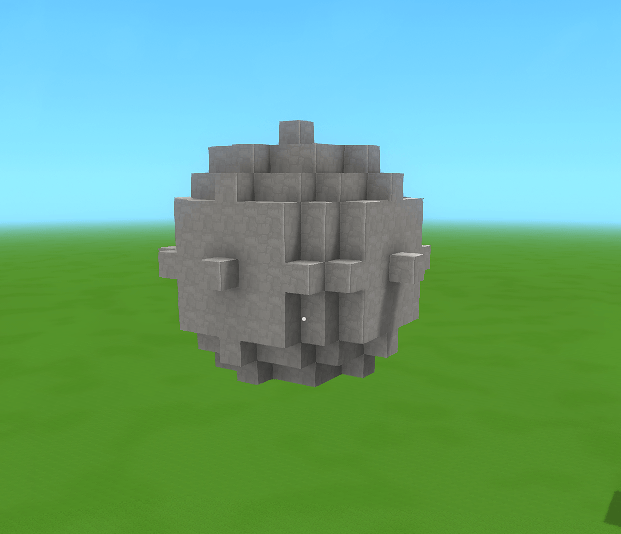
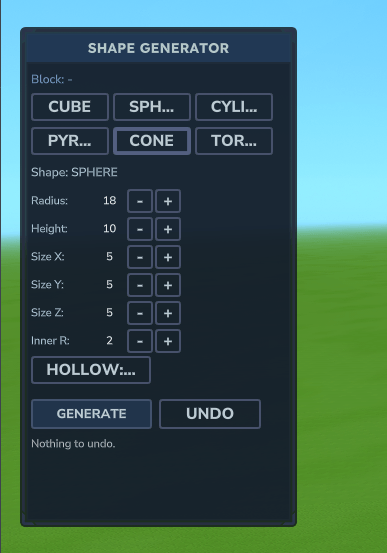
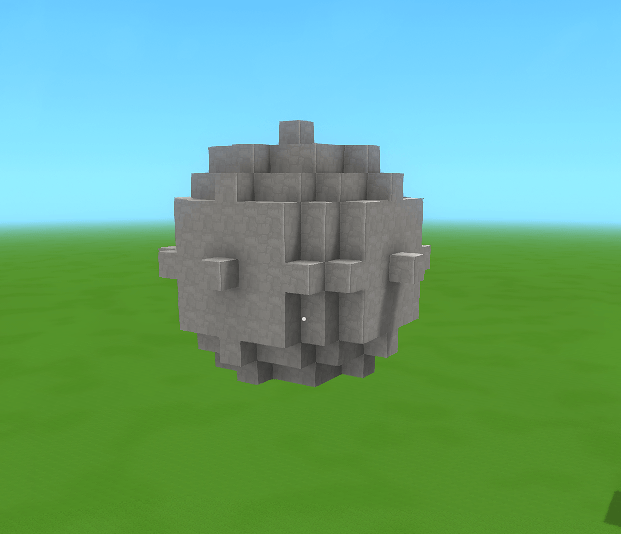
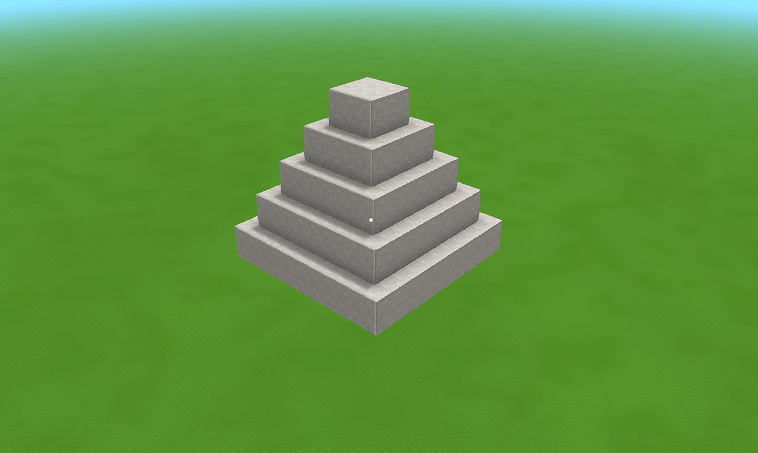
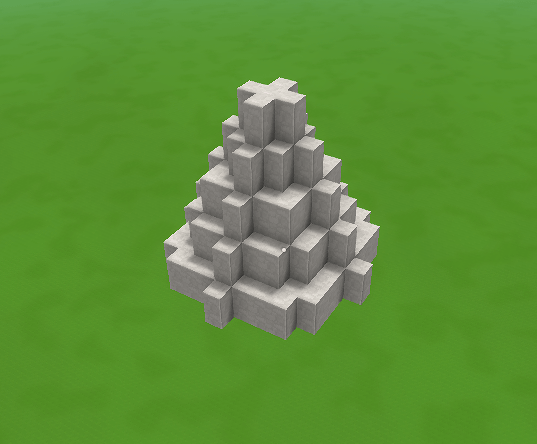
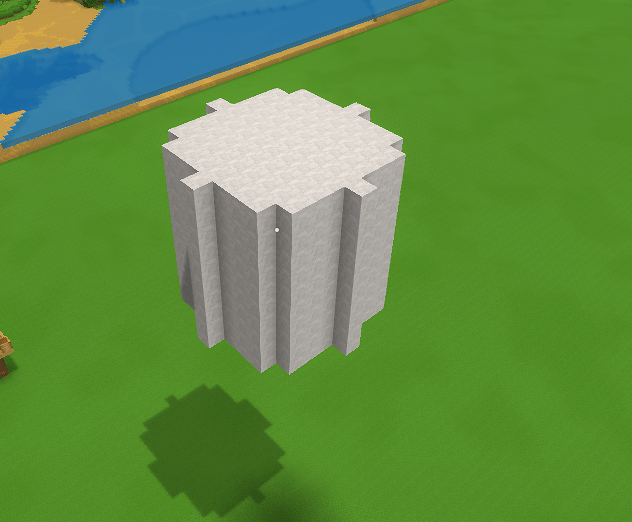
Shape Generator — Hold any block and generate geometric shapes: Cube, Sphere, Cylinder, Pyramid, Cone, and Torus. Adjust radius, height, size, hollow mode, and preview the result in real-time before committing. Fly around the preview freely to inspect it from every angle.
Both tools share a full undo history (up to 5 operations).
How to Start
- Place Builder Helper
.jarinto the server'smods/folder - Start the server — assets deploy automatically
- In-game, run:
| Command | Description |
|---|---|
/vui |
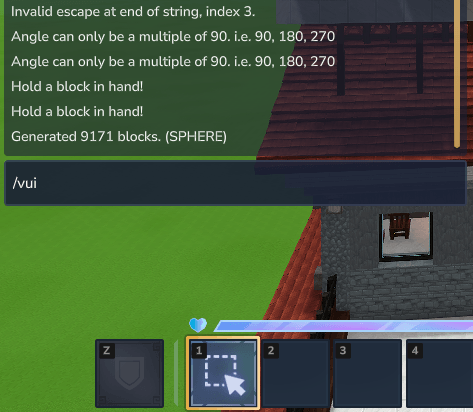
Open the main UI (both panels) |
/vpos1 / /vpos2 |
Set selection corners manually |
/vconvert <material> |
Convert selection via chat |
/vblocks <query> |
Search available block IDs |
/vundo |
Undo last operation |
Workflow
Swapping materials (right panel):
- Select blocks with the Selection Tool or
/vpos1+/vpos2 /vui— pick a target material from the list- Click Convert — done, rotation and shape preserved
Generating shapes (left panel):
- Hold the desired block in hand
/vui— choose shape, adjust parameters- Click Preview: ON — shape appears in front of you, UI closes, fly mode activates
- Fly around to inspect; run
/vuiagain to tweak parameters or click Move to reposition - Click Generate to place permanently, or Clear to discard
Want me to also update the manifest.json description field to match?
<form><fieldset class="inputContainer_cKsPxg" data-permission-mode="acceptEdits">


![]()
 </fieldset></form>
The BuilderHelper Team