Brutal Impacts - Custom Hit Particles
- By
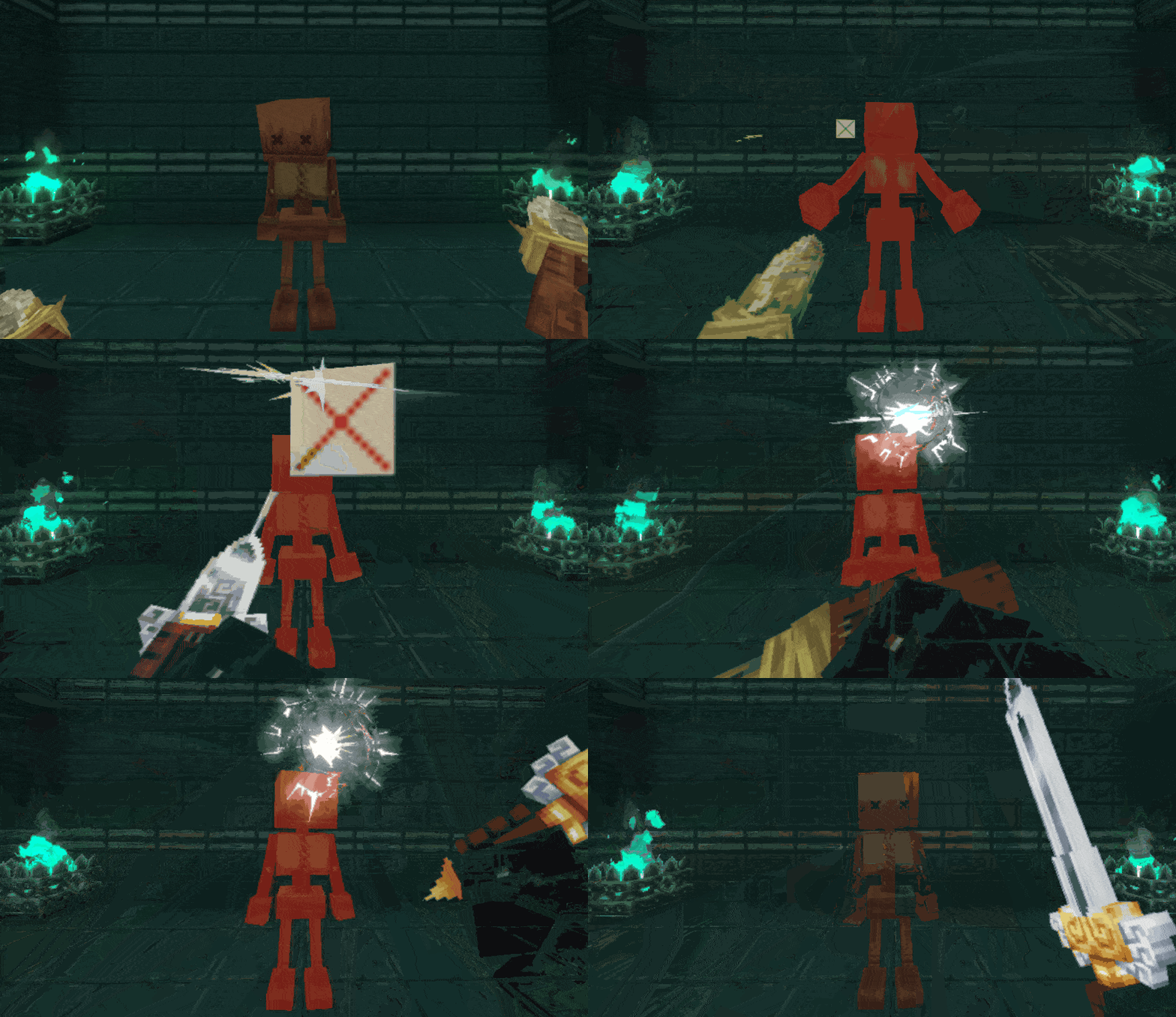
Mannequin_DamageScale_1.gif
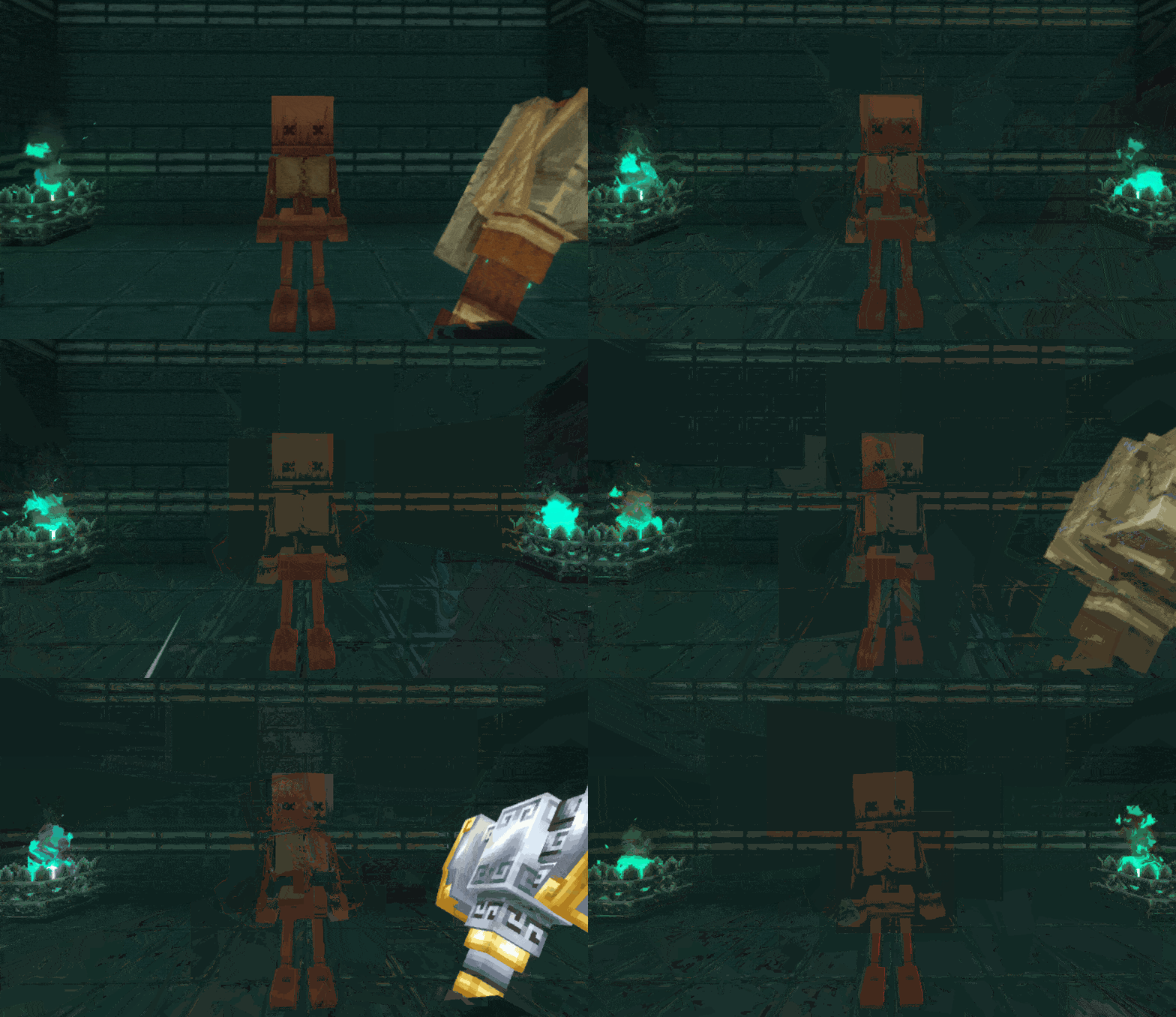
Mannequin_DamageScale_2.gif
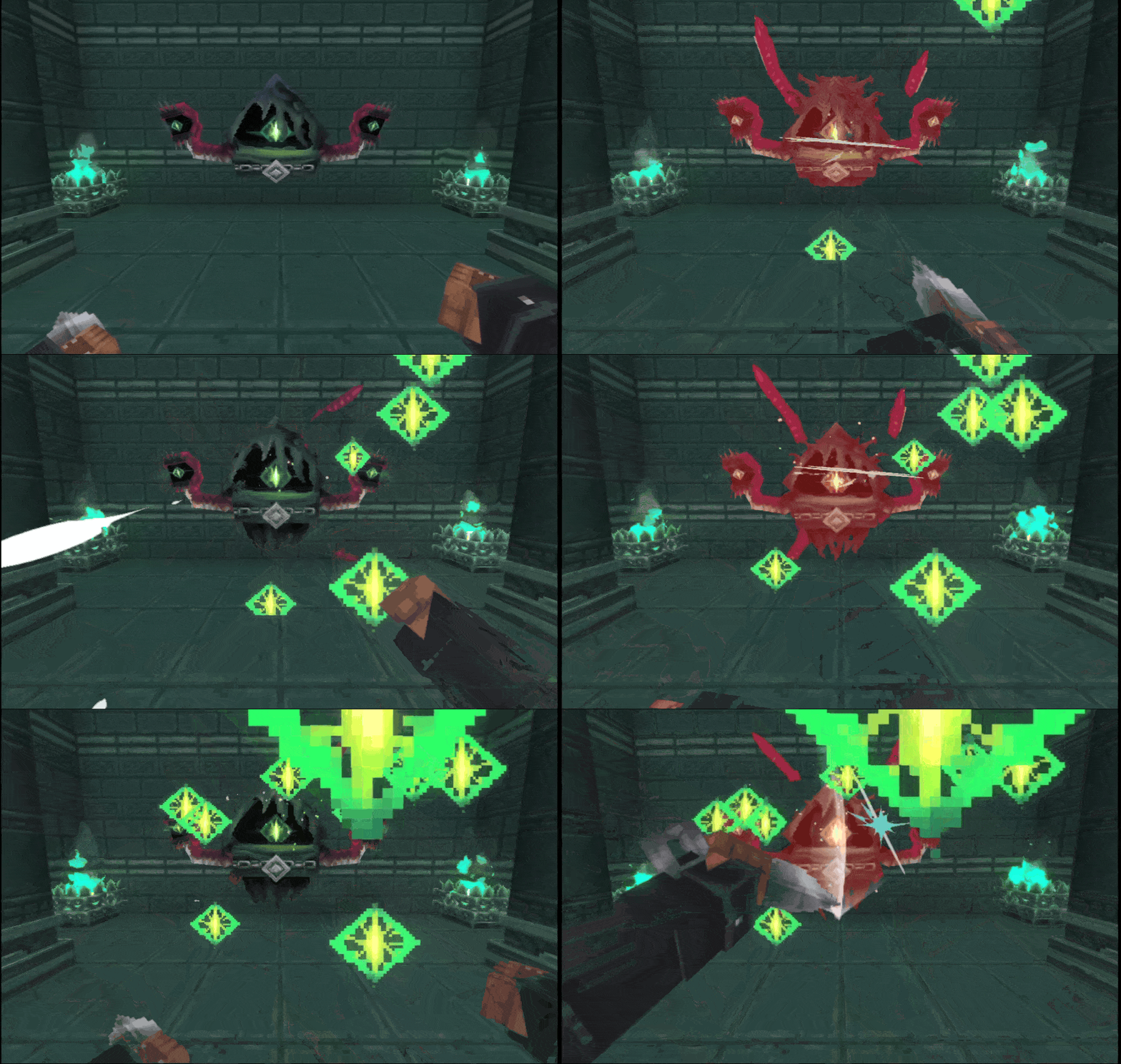
Eye_Particles.gif
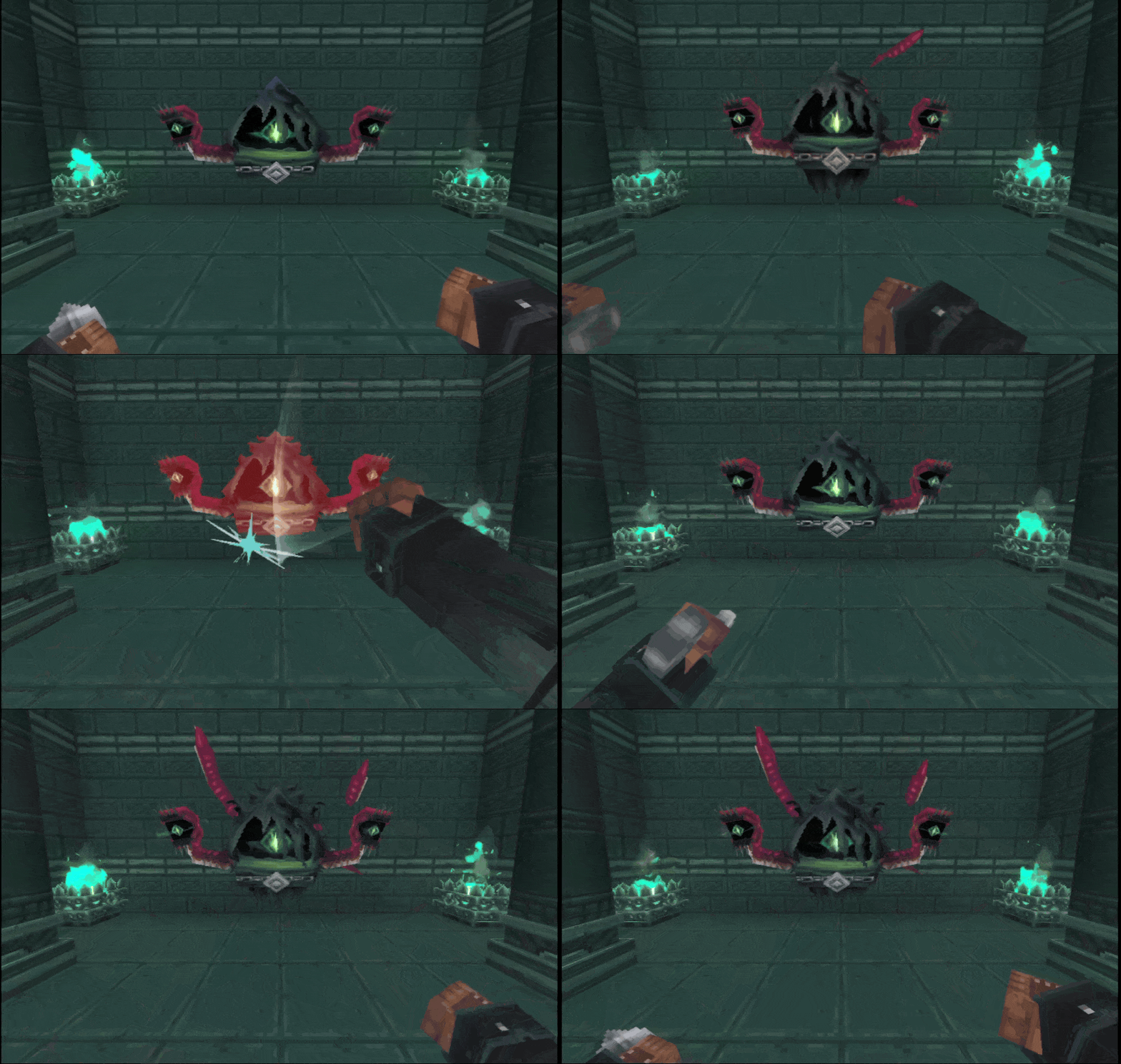
Eye.gif
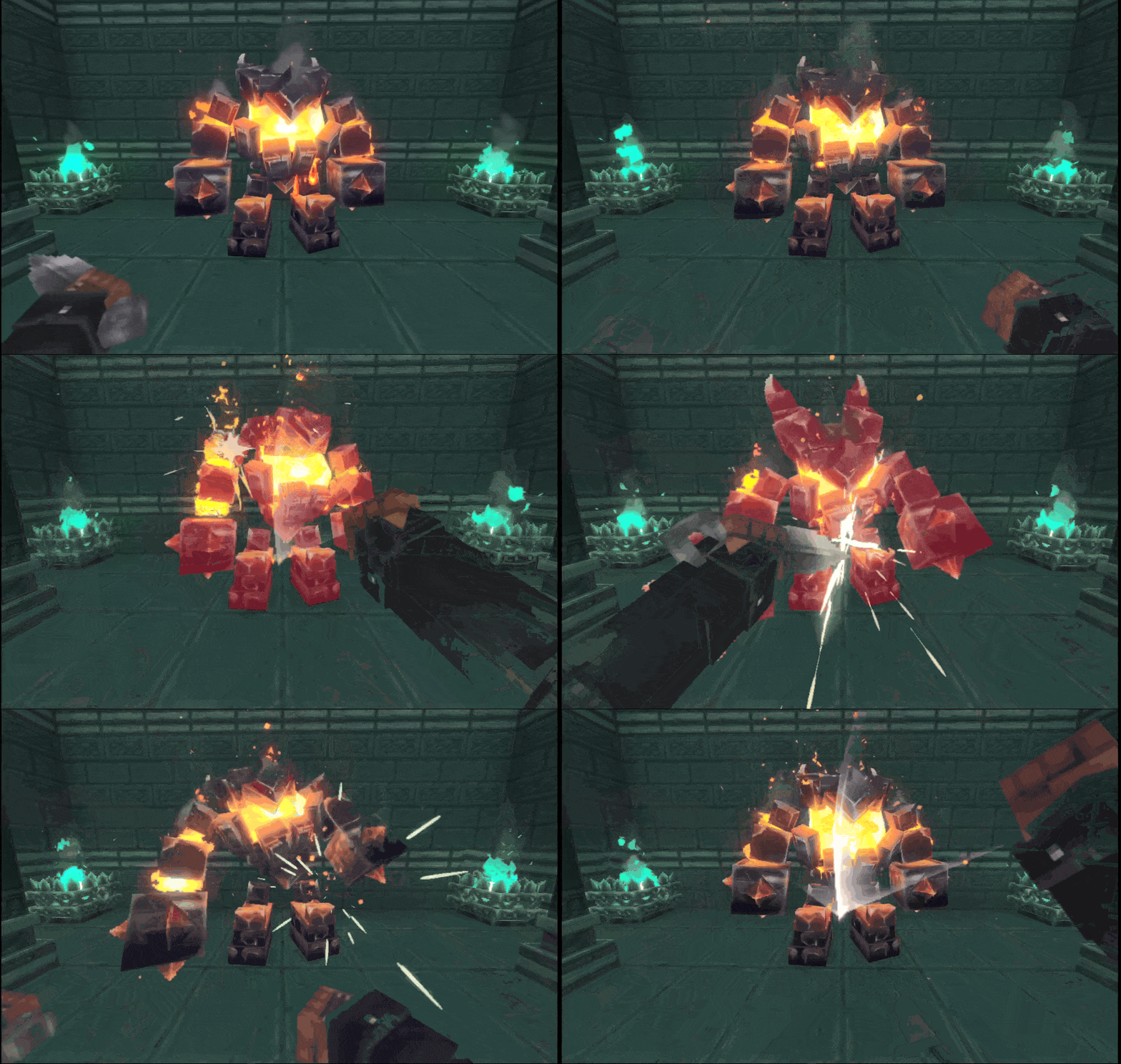
Golem_Firesteel_Particles.gif
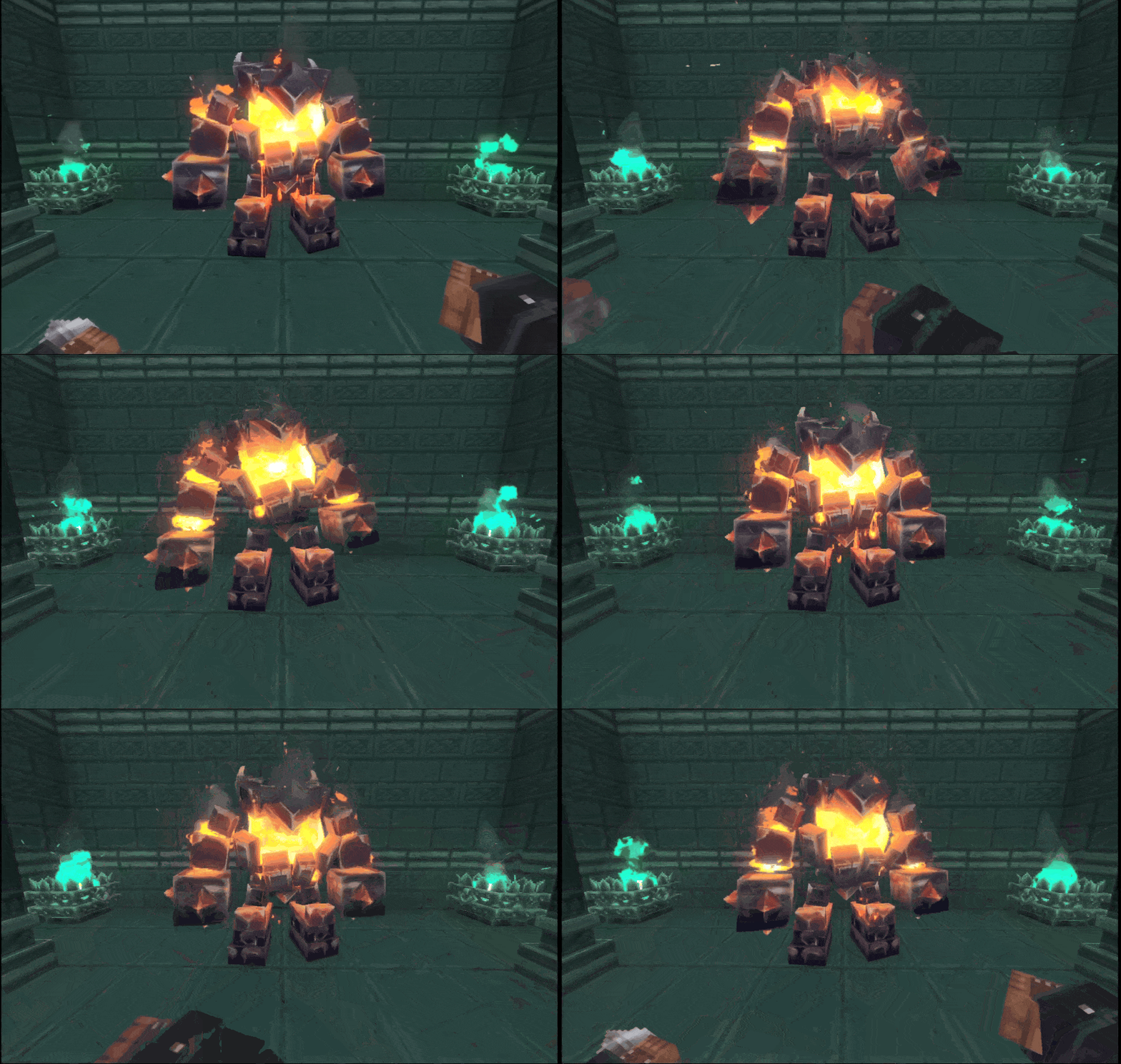
Golem_Firesteel.gif
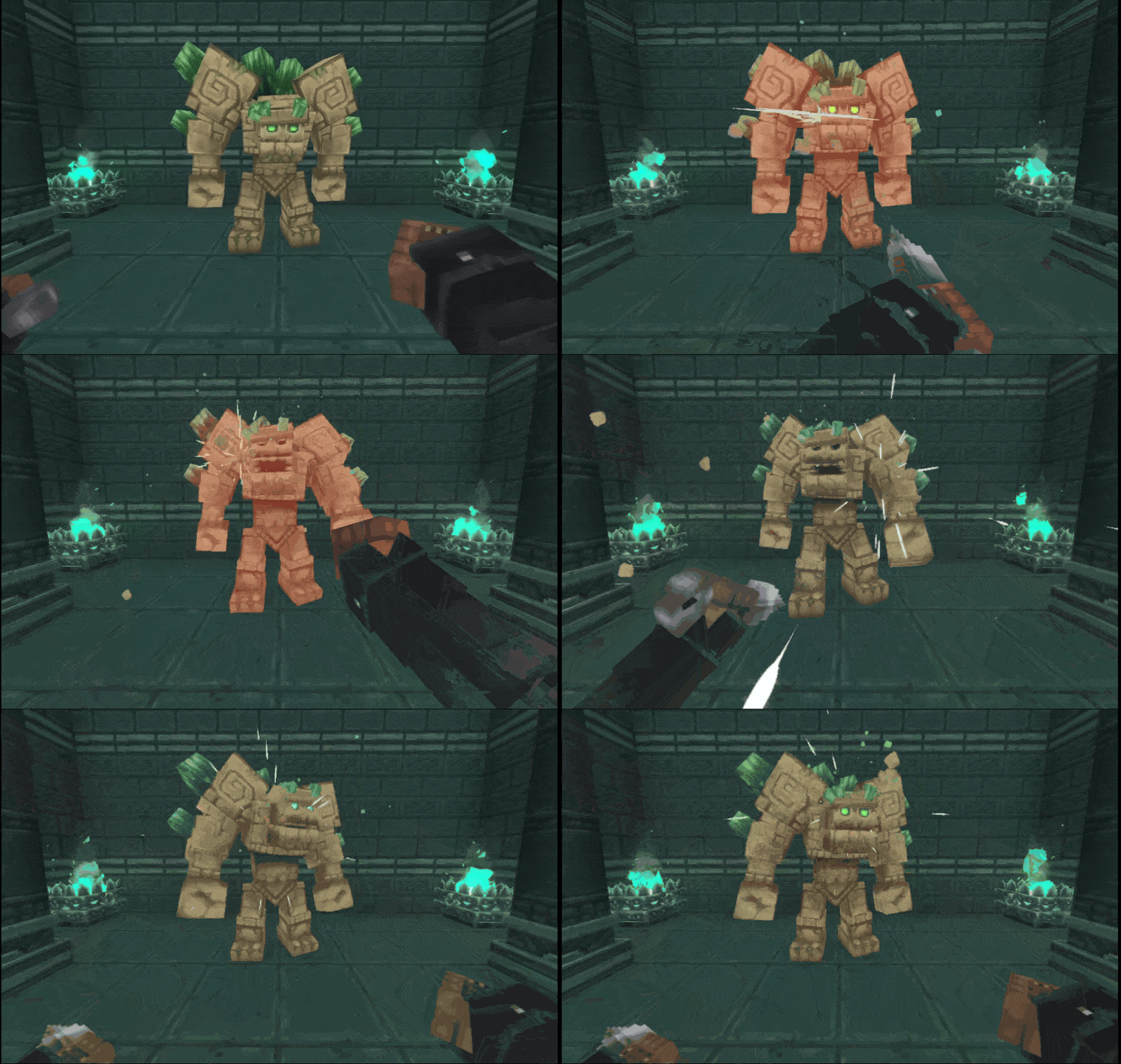
Golem_Particles.gif
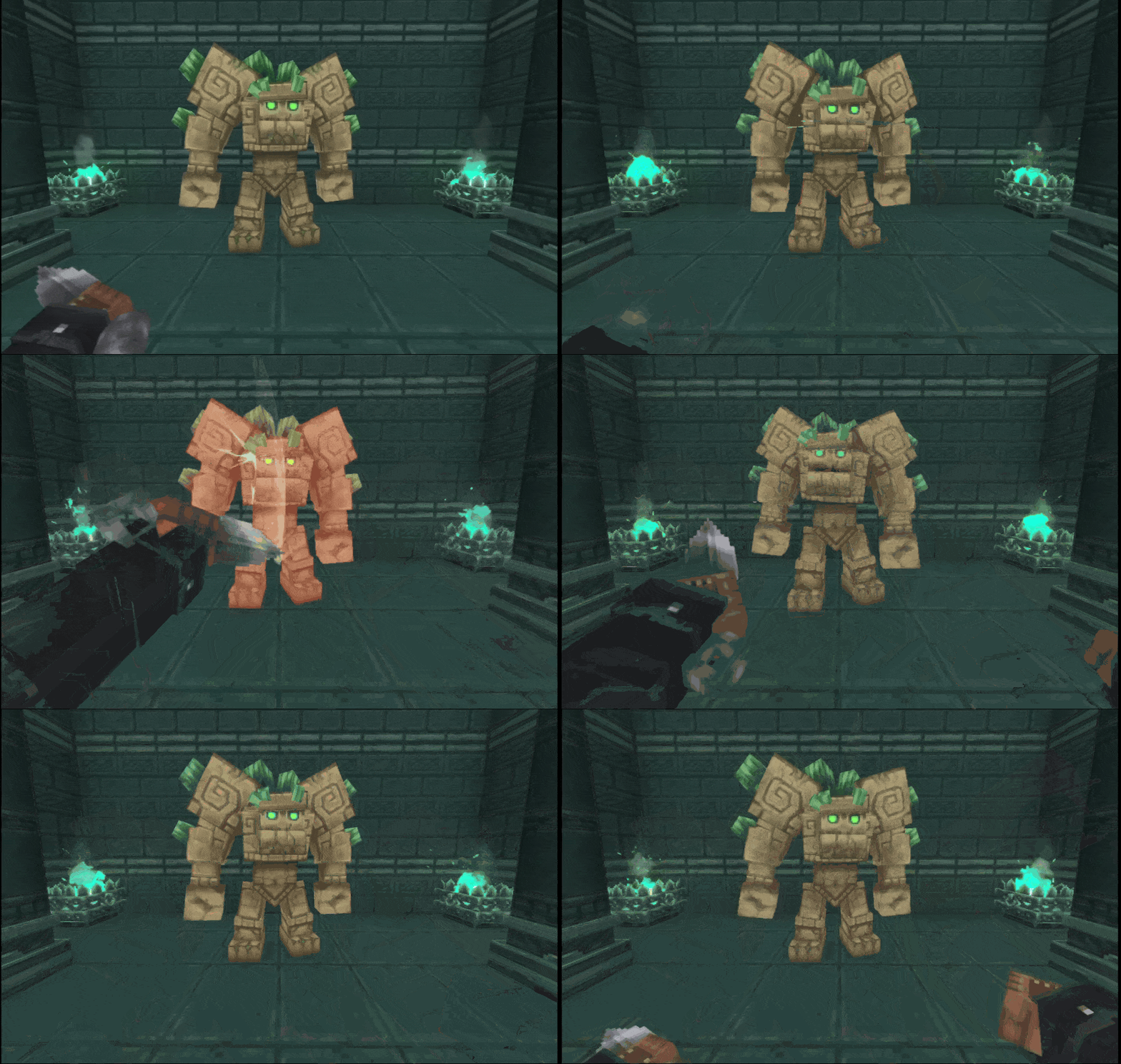
Golem.gif
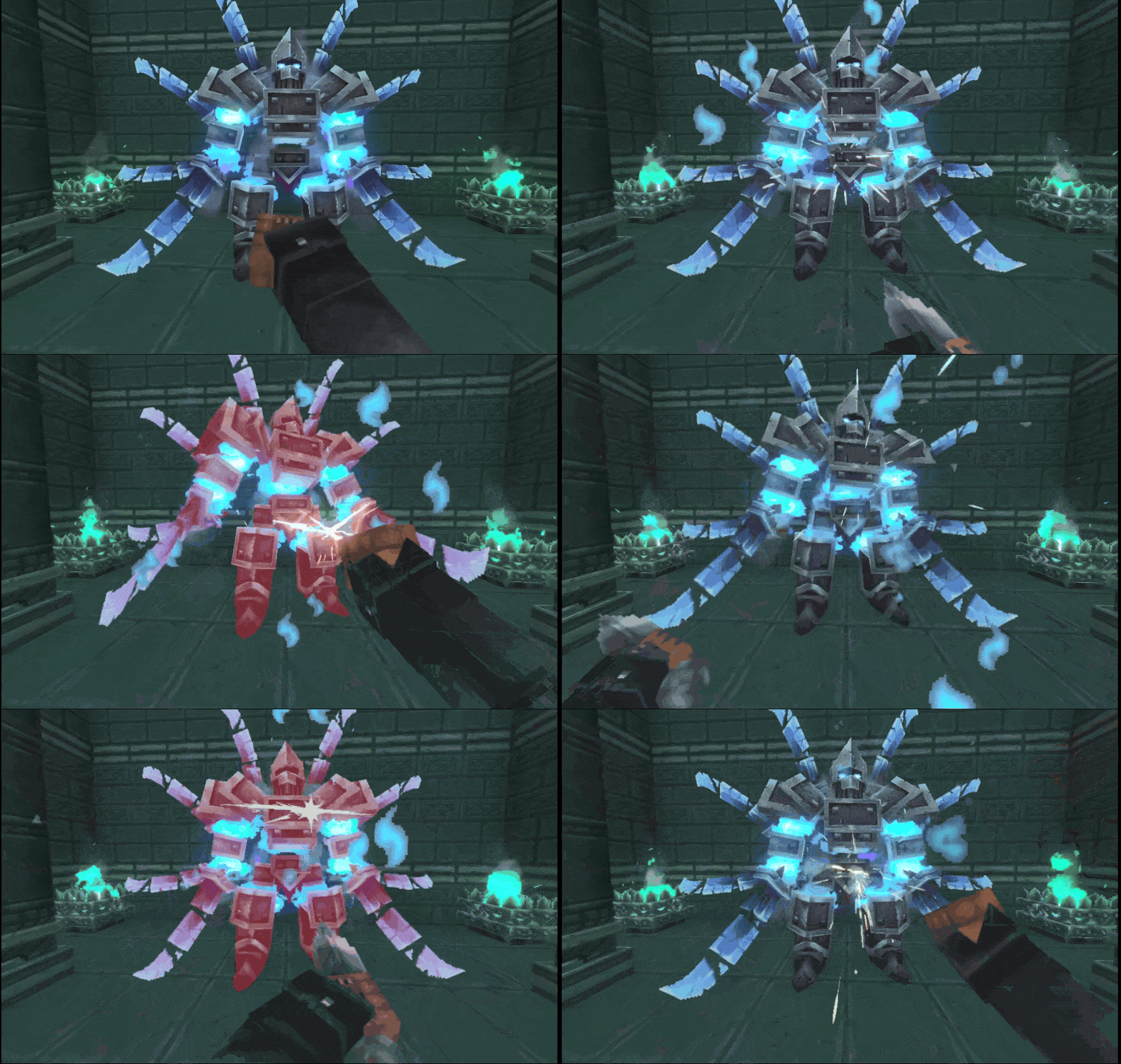
Knight_Particles.gif
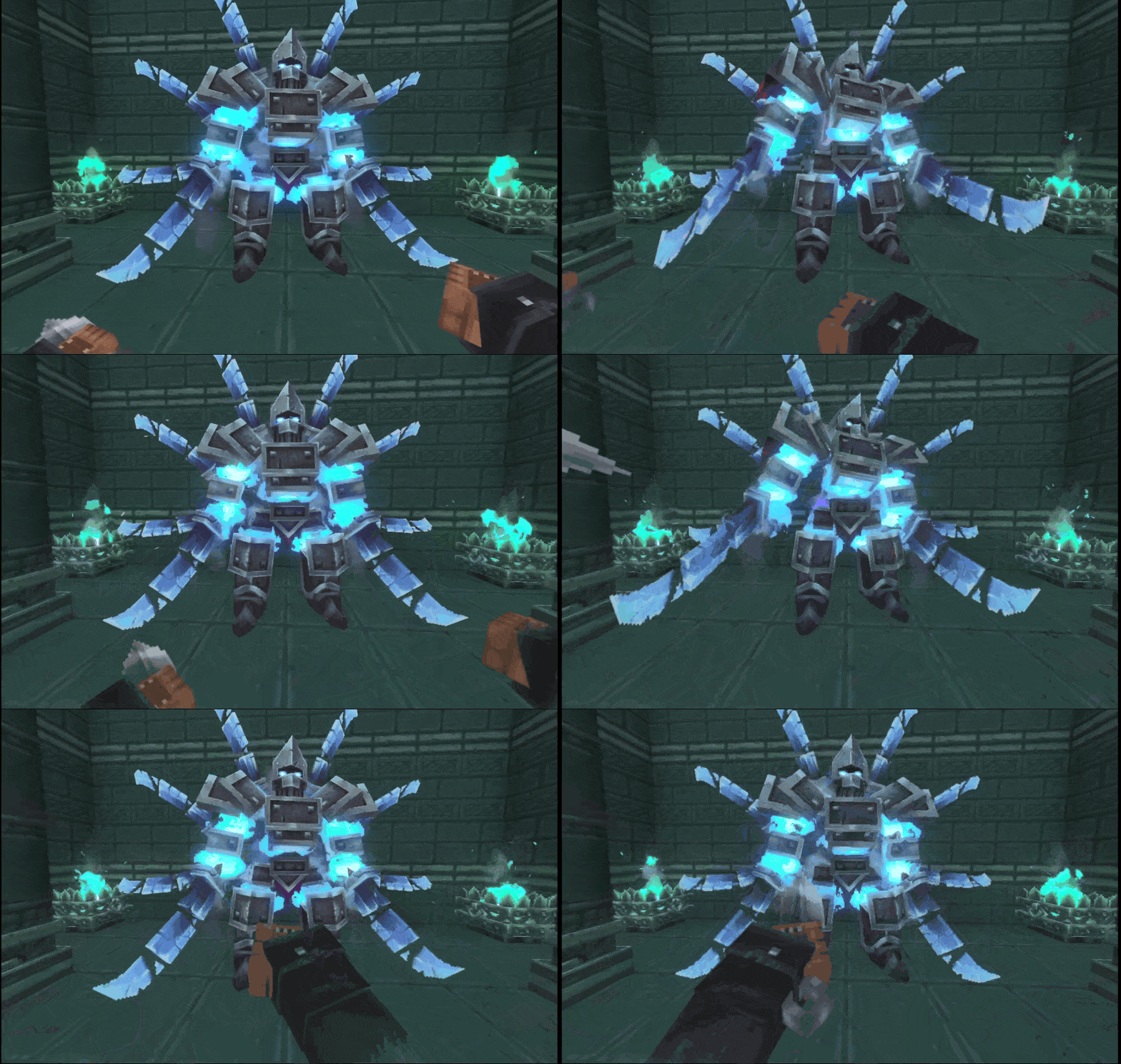
Knight.gif
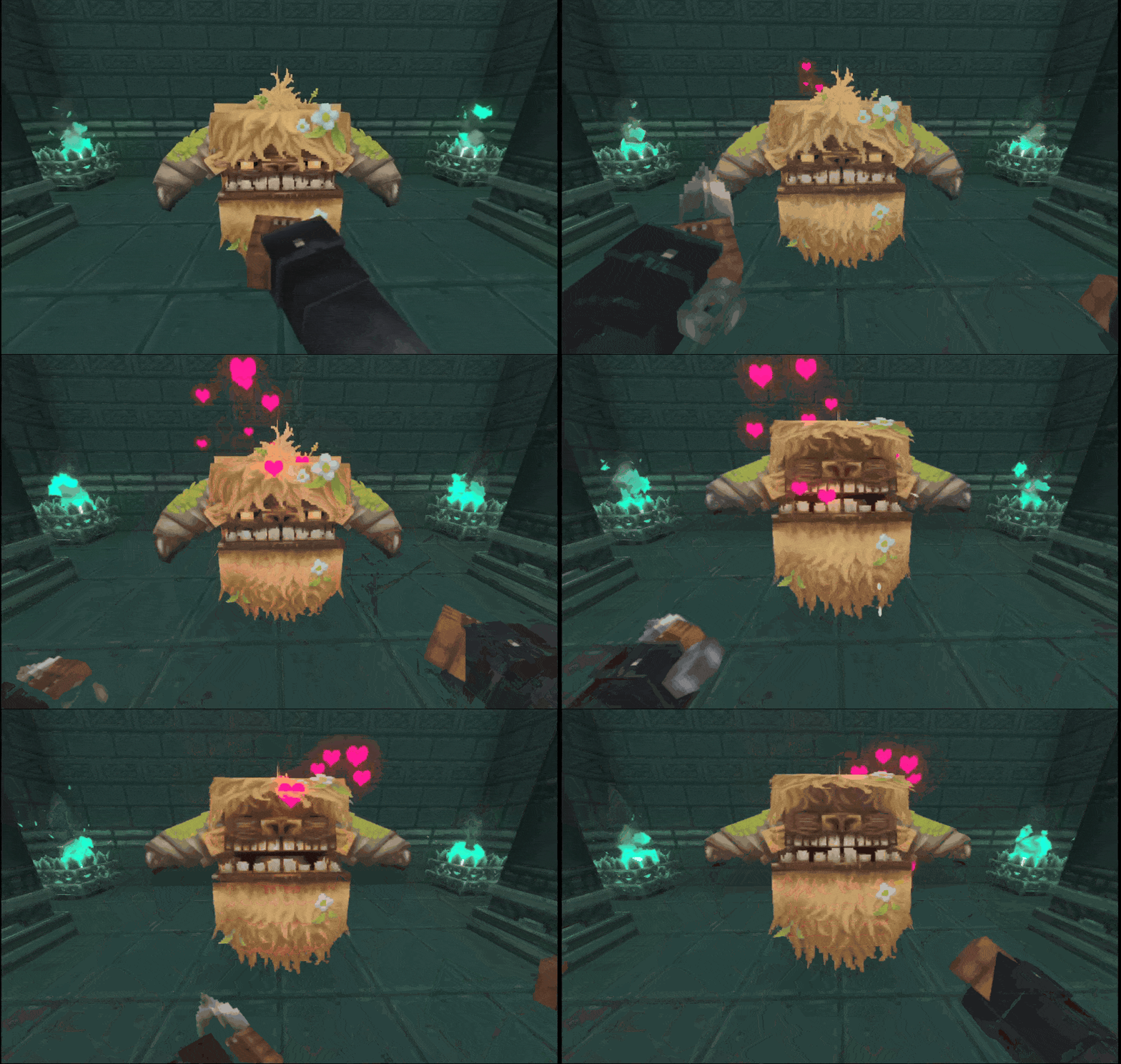
Mosshorn_Particles.gif
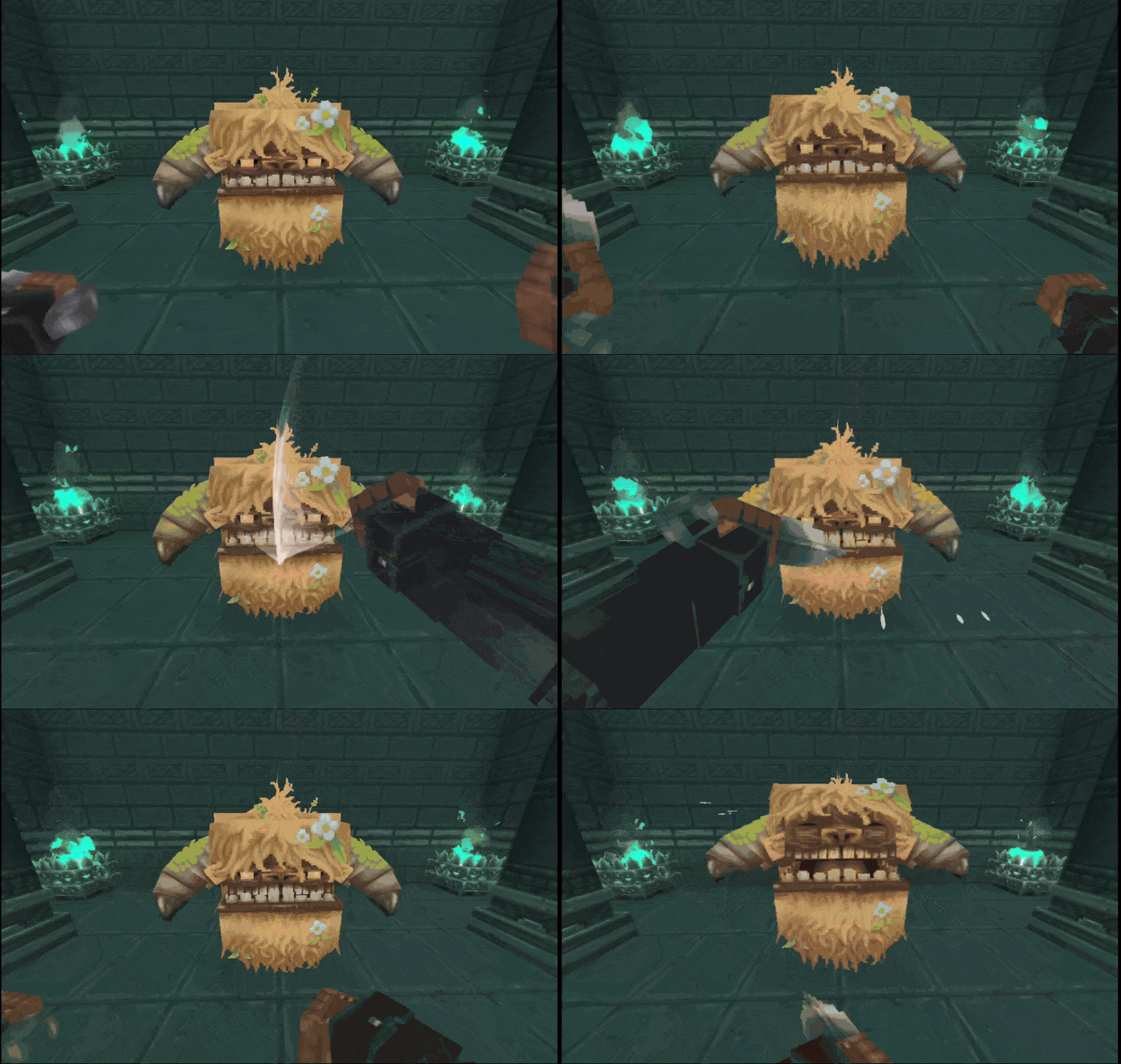
Mosshorn.gif
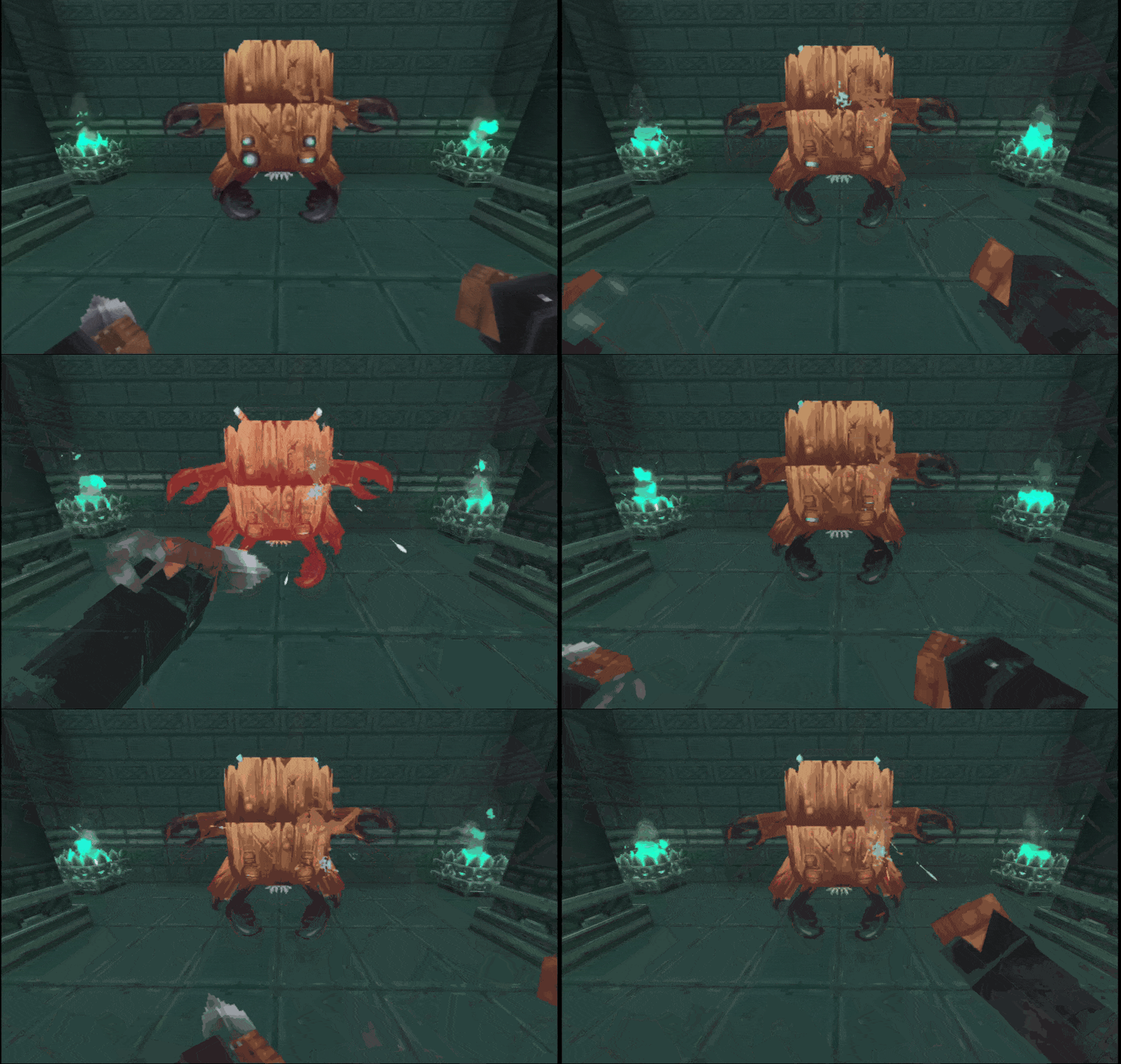
Scarak_Particles.gif
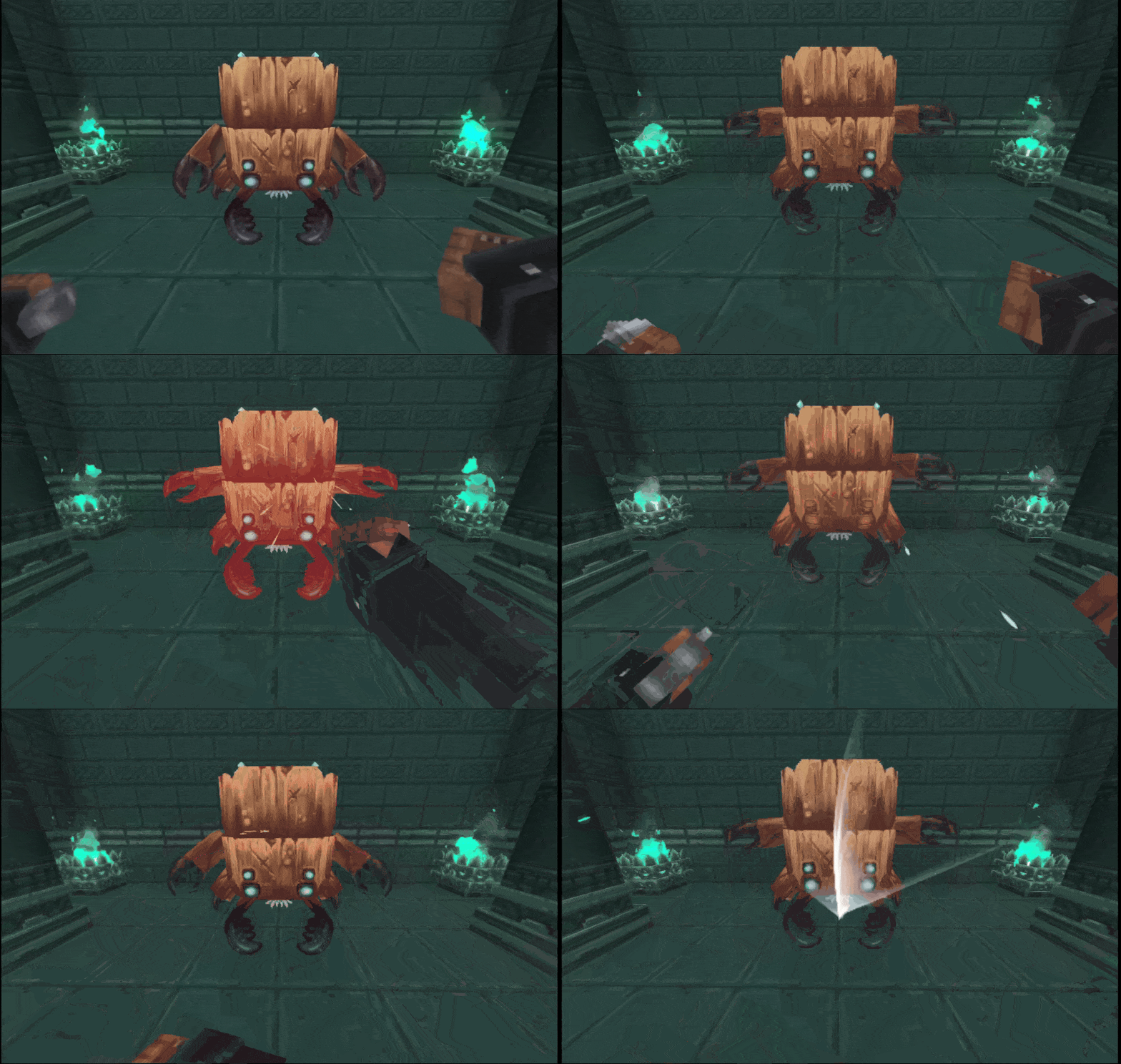
Scarak.gif
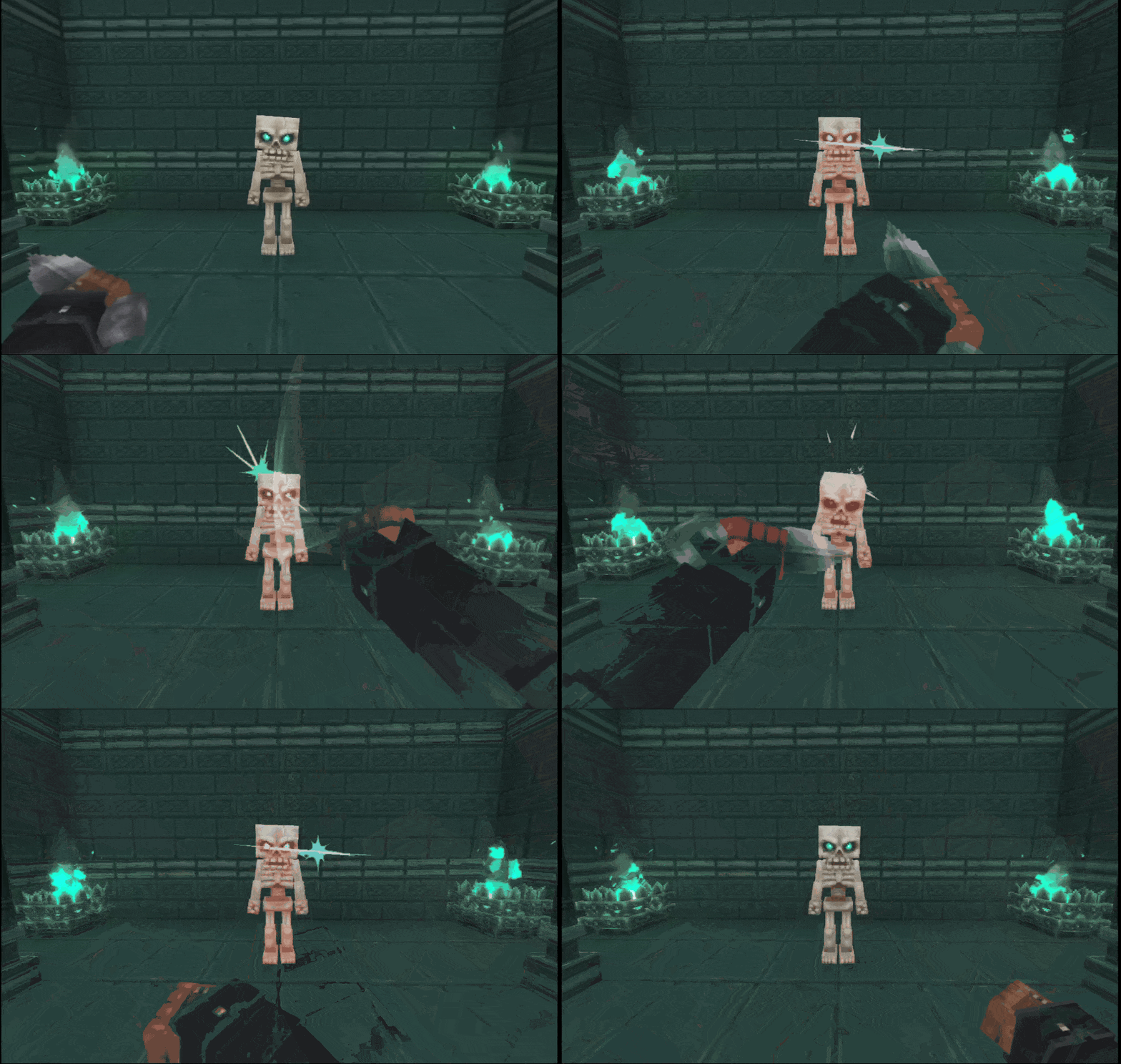
Skeleton_Particles.gif
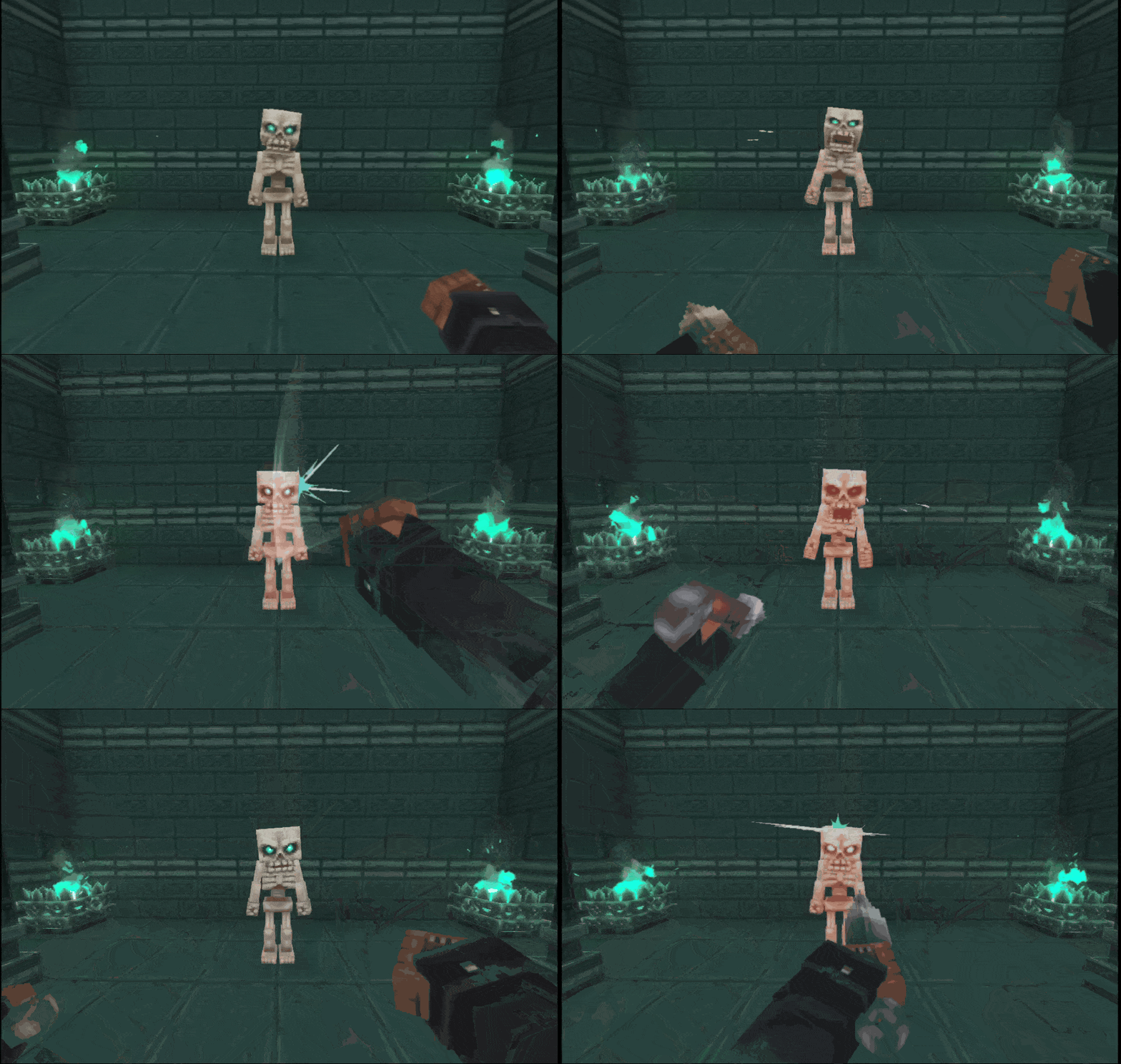
Skeleton.gif
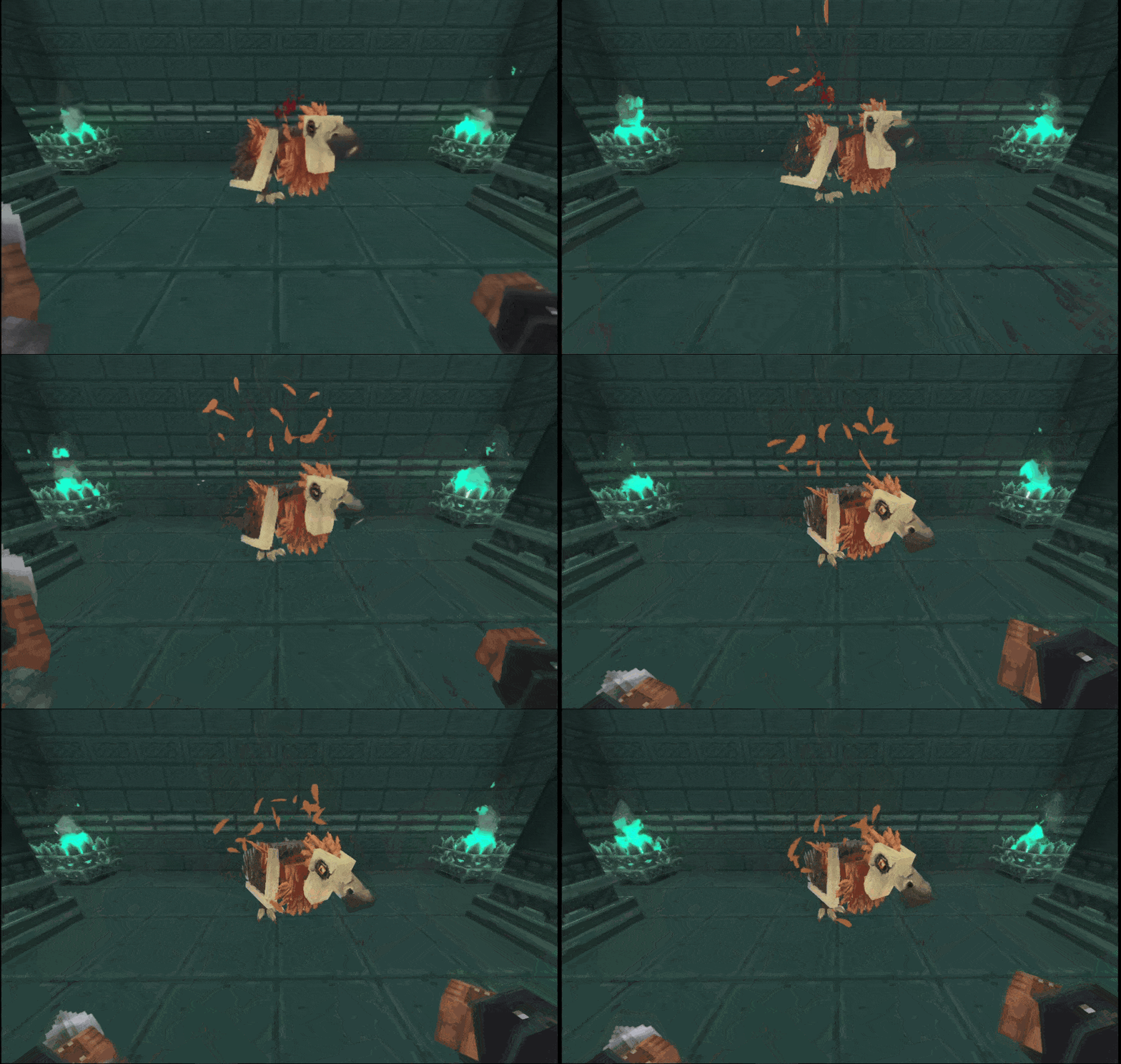
Vulture_Particles.gif
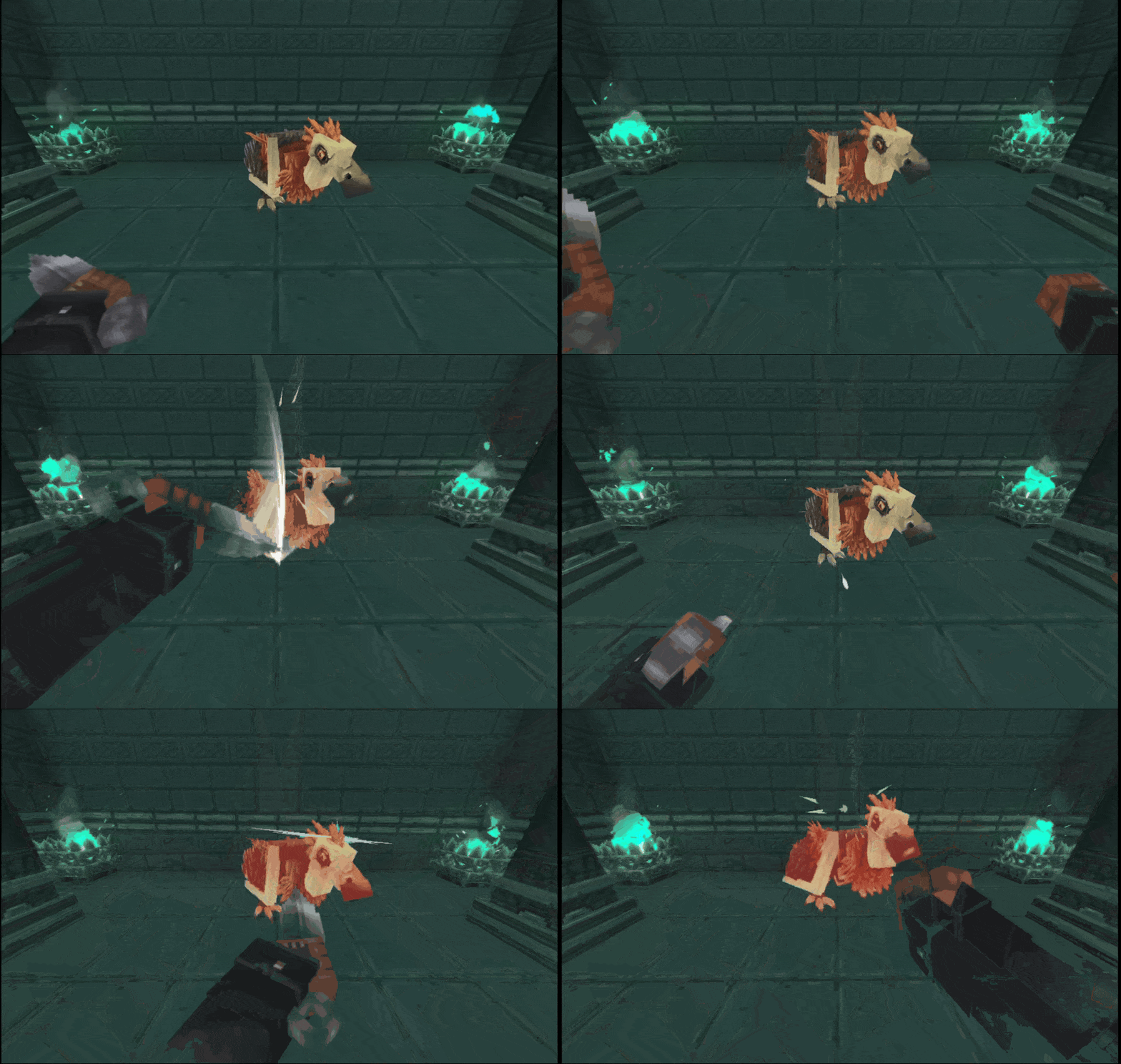
Vulture.gif
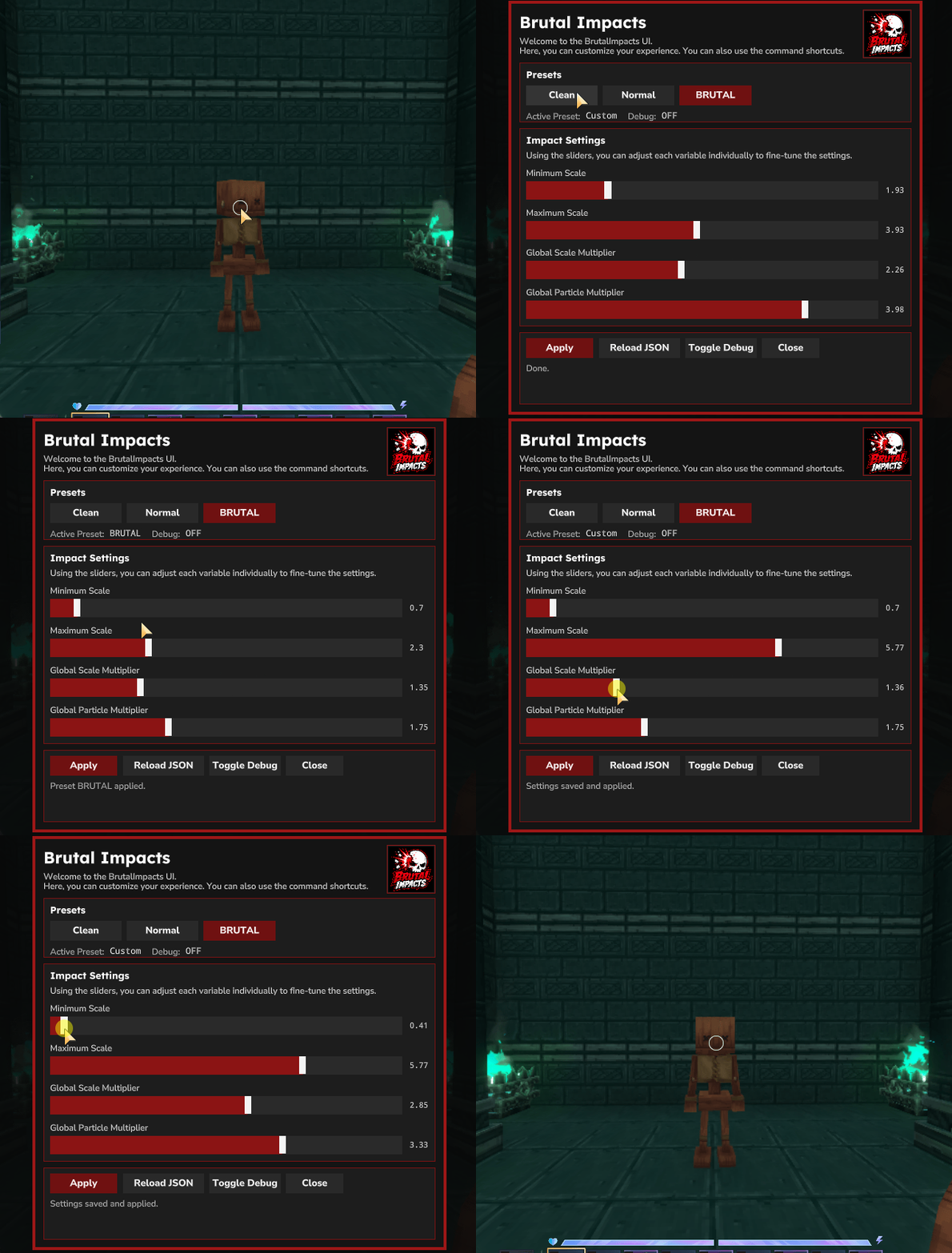
UI_Settings.gif
Description
✨ Brand New User Interface (UI)
Your experience just leveled up. The mod now features an intuitive User Interface, making configuration faster, clearer, and more enjoyable than ever./brutalimpactsui
🖱️ New Preset Styles
Inside the new UI, you’ll find three one-click presets to instantly match your preferred particle style:
- Clean – A vanilla-like style.
- Normal – Balanced visuals for everyday gameplay.
- Brutal – Maximum intensity for a dramatic and violent experience.
Switch between them anytime and find the vibe that fits your playstyle.
⚙️ Advanced Customization Options
Take full control over how your particles behave with new adjustable parameters:
- Minimum Scale
Sets the lower bound for particle size. - Maximum Scale
Defines the upper bound for particle size. - Global Scale Multiplier
This acts as a sensitivity factor, scaling particle size dynamically based on the intensity of the hit. - Particle Multiplier
Determines how many particle spawners are triggered per damage event.
Fine-tune your visuals, push the limits, and make every hit feel exactly the way you want.
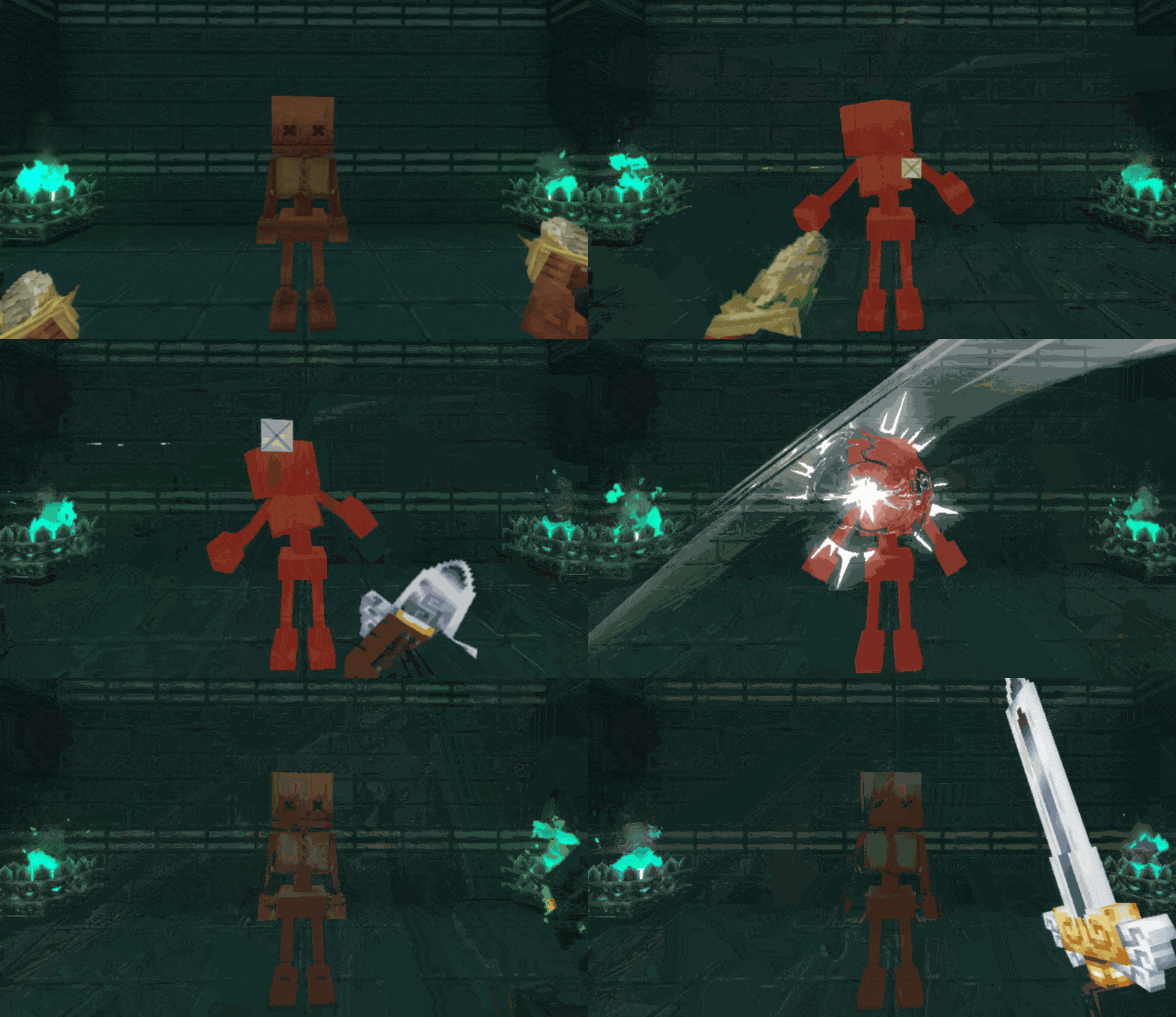
🔥 Now it reacts to damage!!🔥
As you can see, the more damage is caused, the greater the number and scale of the particle effects will be.
Brutal Impacts
Brutal Impacts is a Hytale server mod that adds extra impact particles when entities take damage. It does not replace vanilla particles; it appends additional world particles to the damage event.
Currently, all mobs have extra particles; they aren't the best, but I'll try to improve them in future updates.
This mod supports both the base game's particle systems and custom ones created by users.
Configuration (Hit Particles JSON)
On startup, the mod creates/uses a data directory named BrutalImpacts/ next to the mod JAR and loads hit particle rules from *.json files inside it.
You can override the base directory with the JVM system property:
-Dbrutalimpacts.dir=<path> → data dir becomes <path>/BrutalImpacts/
Files
DefaultHitParticles_ReadOnly.json- Bundled defaults (read-only example).
- Overwritten when the mod updates.
USER_HitParticles.json- Your personal overrides.
- Created once and never overwritten on updates.
Weapons_ReadOnly.json- Bundled defaults for source/weapon multipliers (read-only example).
- Overwritten when the mod updates.
USER_Weapons.json- Your personal weapon/source overrides.
- Created once and never overwritten on updates.
- Any other
*.jsonfile (e.g.MoreAnimals.json)- Additional hit-particle rules, weapon/source tuning, or both (useful for modpacks / servers).
Priority (override order)
When multiple JSON files define rules for the same model id, priority is:
USER_HitParticles.json(highest)- Other
*.json(sorted by filename) DefaultHitParticles_ReadOnly.json(lowest)
Tip: if you need one modder file to win over another, prefix the filename (e.g. 00_MoreAnimals.json).
Weapon/source tuning follows the same priority, using the sources and weapons sections.
Hot reload
After editing any JSON file, reload rules in-game:
/brutalimpacts --reload
Debug mode
You can toggle verbose debug output in-game with:
/brutalimpacts --debug
Default Particles
The default particles (the blood splatter) can be replaced using:
/brutalimpacts --particle <ParticleSystemId>
JSON format
The bundled README shipped into the data directory includes the full JSON schema + examples:
BrutalImpacts/README.md(generated at runtime)src/main/resources/brutalimpacts/README.md(source copy in this repo)
Developer API (optional)
Other mods/plugins can register rules at runtime via:
dev.hytalemodding.api.BrutalImpactsApi.hitParticles()
Resources
- Hytale Modding Guides: https://hytalemodding.dev
- Hytale Modding Discord: https://discord.gg/hytalemodding
- ScaffoldIt Plugin Docs: https://scaffoldit.dev
Brutal Impacts - Custom Hit Particles Team