Blockbench Bridge
- By
A Hytale/Blockbench plugin that bridges the two together seamlessly and effortlessly.
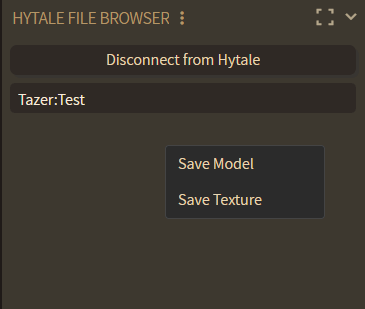
You can save any of your creations into your own asset packs. Folder creation/management is also supported, so just Blockbench can manage your entire Common directory!
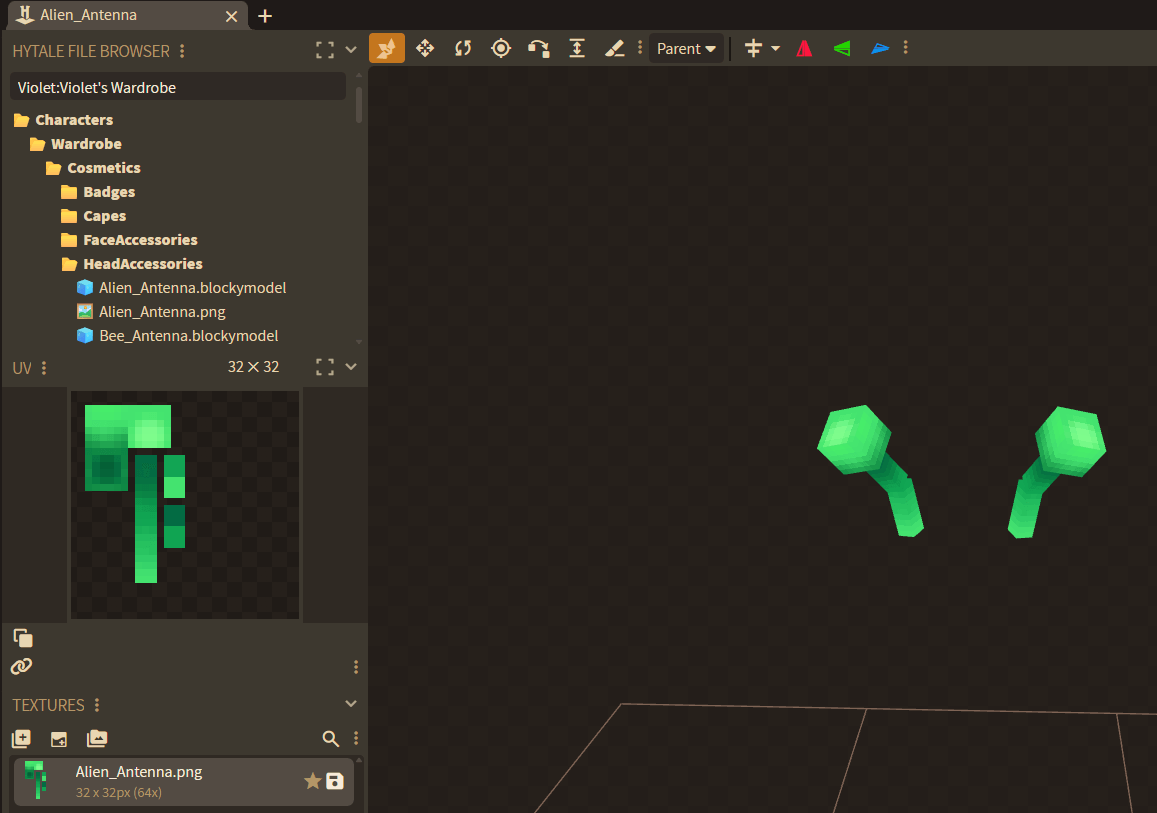
You're free to open any model/texture into blockbench.
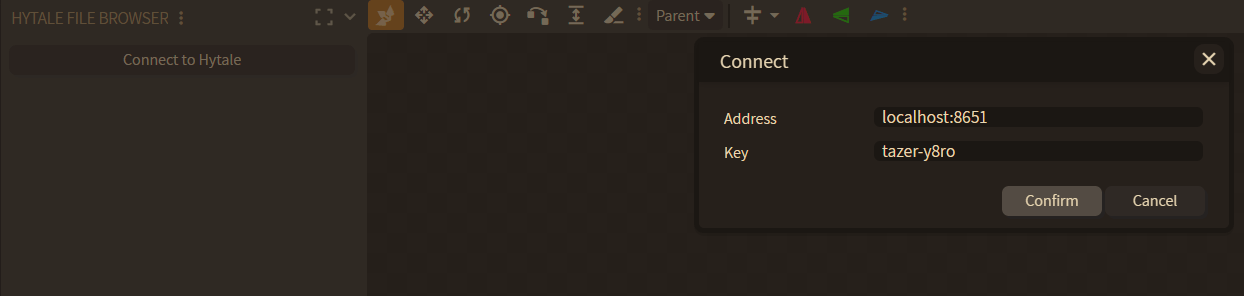
You can run the command `/blockbench` in Hytale to get an authorisation key. Blockbench will have a new panel called the Hytale File Browser which you can connect to Hytale with using the key you obtained.
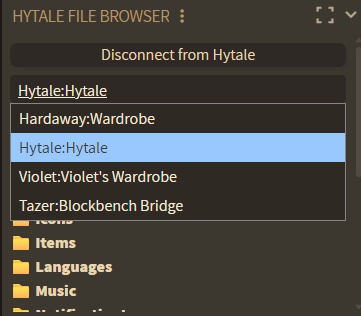
You'll see all of the asset packs installed on your world, including all of their Common files.
Description


This plugin is intended to be used with the Hytale Bridge Blockbench plugin installed. You cannot connect to Blockbench without it. You can find it here.
Blockbench Bridge allows you to edit a Hytale world's assets (.blockymodel & .png files specifically) without leaving Blockbench, even on remote servers!
You can connect a Blockbench client to the server by running /blockbench in the console or as a player with the correct permissions. You will receive an authorisation key which you can input alongside the server's connection address to form a bridge and sync all files!
Once connected, you'll see all of the asset packs installed on your world, including all of their Common files. You're then free to open any model/texture into blockbench or save any of your creations into your own asset packs. Folder creation/management is also supported, so just Blockbench can manage your entire Common directory!
Note this plugin is still in beta and some minor bugs are to be expected. I have many more ideas on how to further improve this project, and I'd love to hear all of your thoughts and feedback.
The Blockbench Bridge Team


Owner