Barbara's Crystal Logistics
- By
Introduces automation totems that farm, gather dropped items, and move resources between chests and benches.
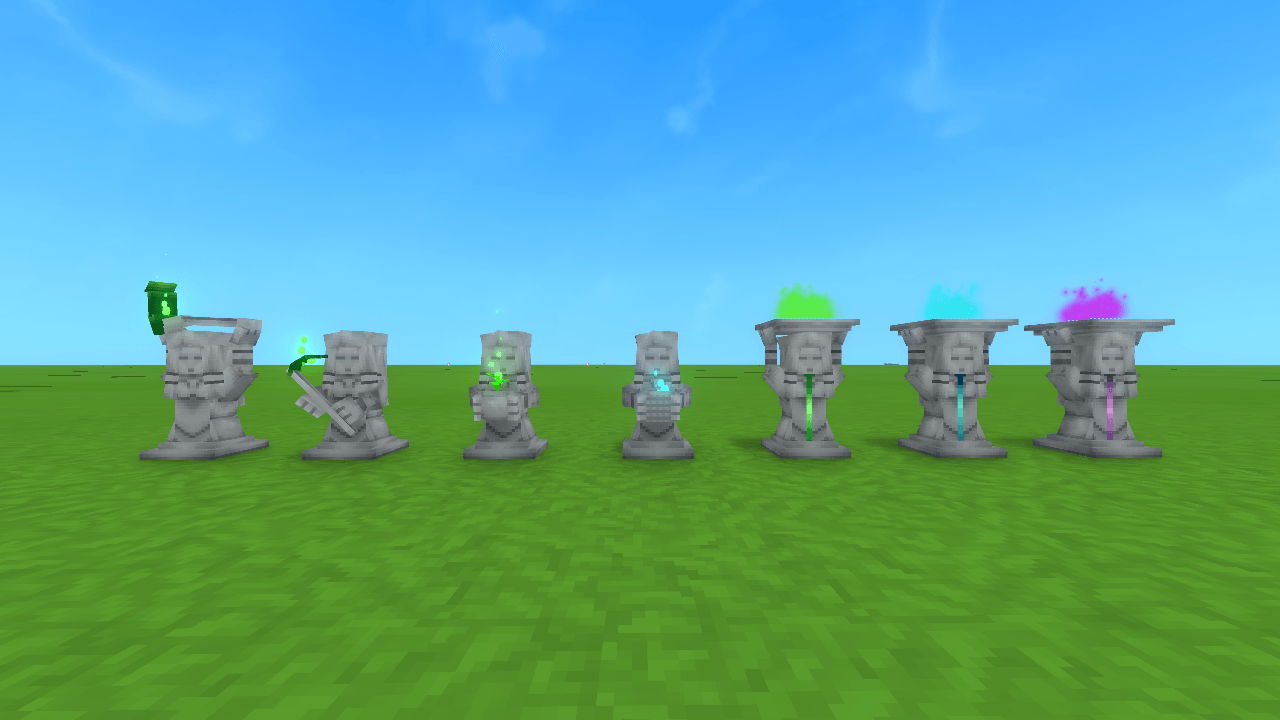
All totems
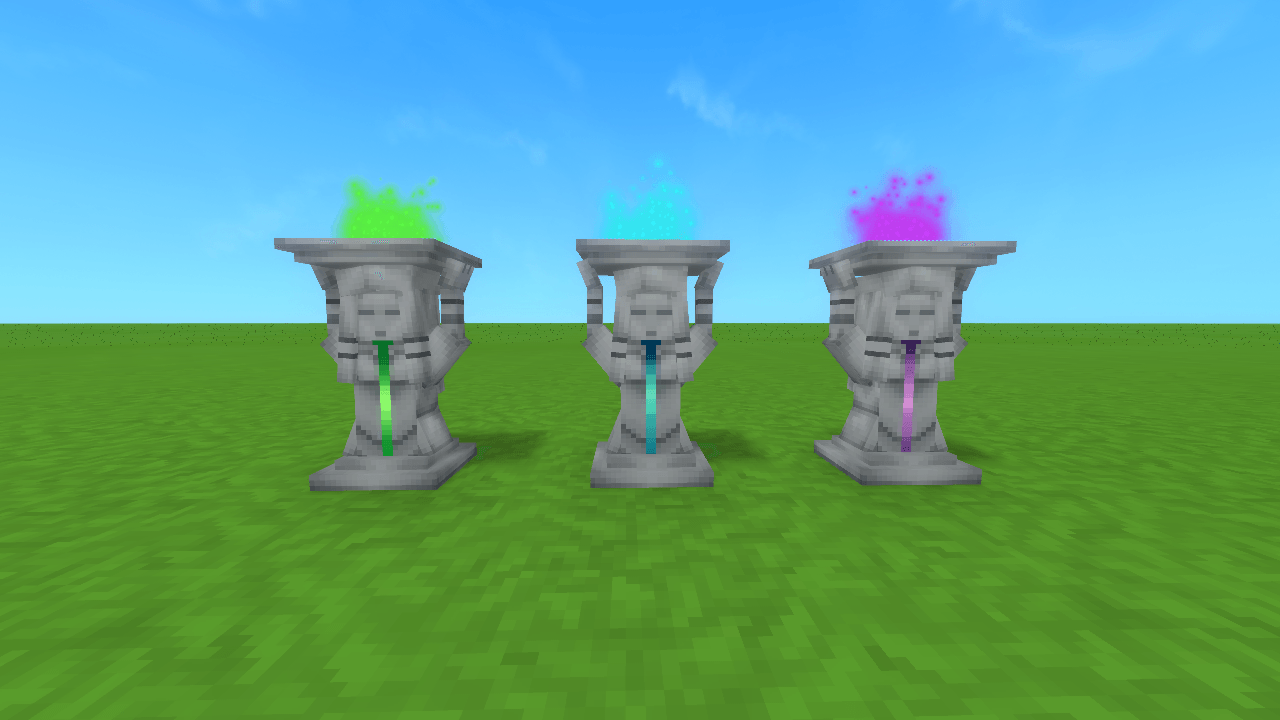
Small, Medium and Large Logistical Totems
Description
Add a little bit of automation with Barbara's Crystal Logistics.
Pushes and pulls items from workbenches and chests, collects dropped items and helps with your crops.
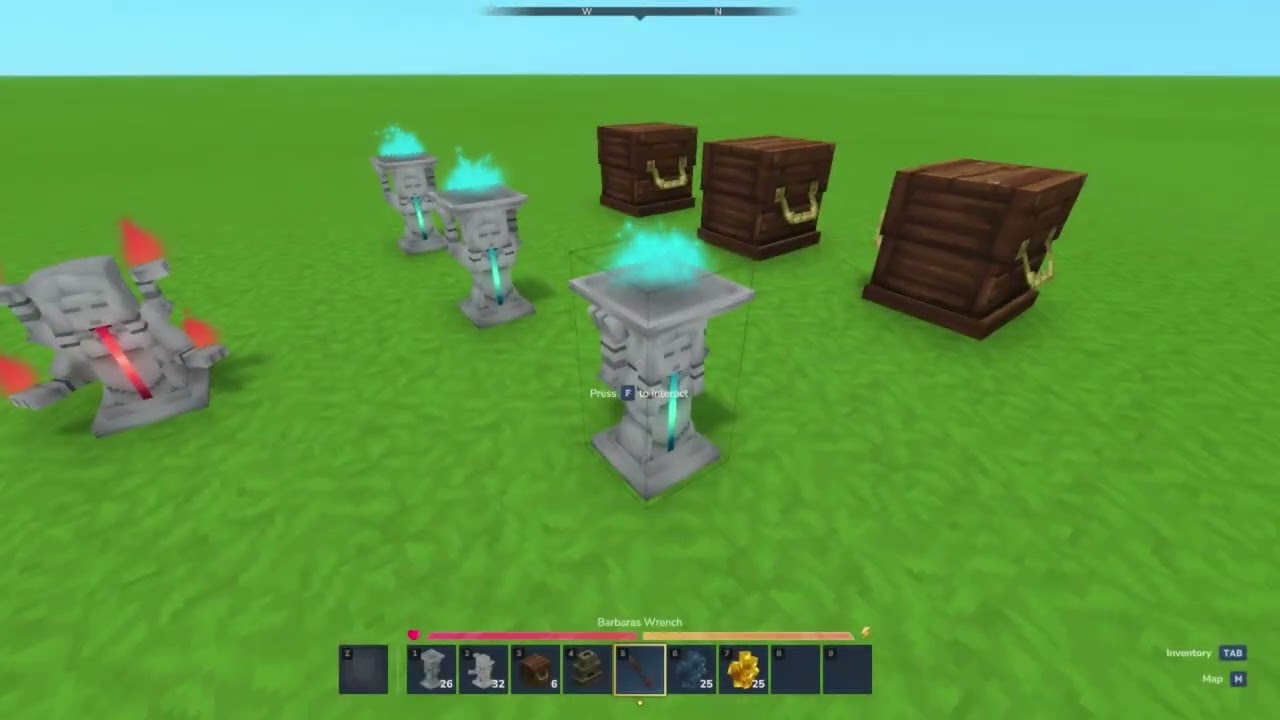
5 Logisitcal Totems:
- Small : Transfers 2 items every 2 seconds in a 12 block range
- Medium: Transfers 4 items every 2 seconds in a 24 block range
- Large : Transfers 8 items every 1 second in a 32 block range
- Item Collector : Collects dropped items in a 12 block range
- Waybinder Totem : Allows you to route items from one place to another (WIP)
3 Agricultural Totems:
- Tiller: Prepares Ground for farming in up to a 12 block radius
- Seeder: Plant crops on Tilled soil from a Inventory source in up to a 12 block radius
- Harvester : Harvests fully grown crops and stores in an Invesntory in up to a 12 block radius
Now with Barbara's wrench for easy Totem configuration, Click the totem, select the source and the destination, set your slot and job done !
Early Access
Like with Hytale this is an early access mod, More features planned !
How To
Logistical Totems
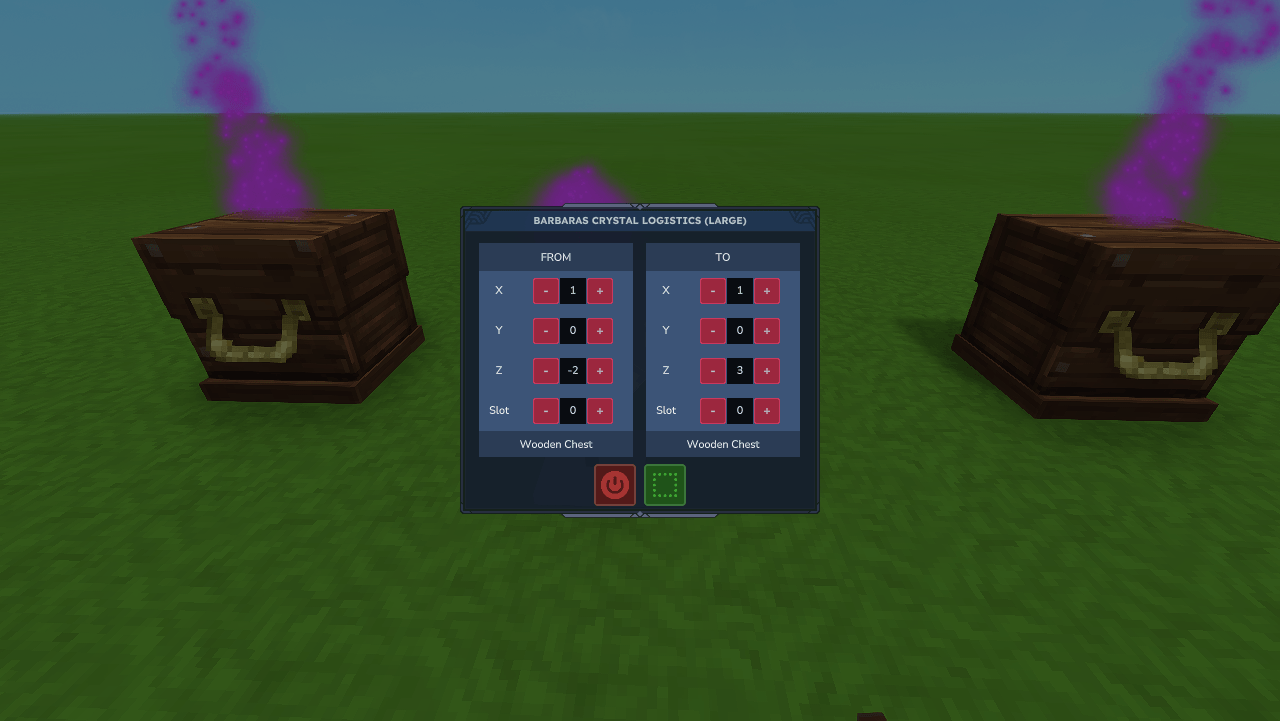
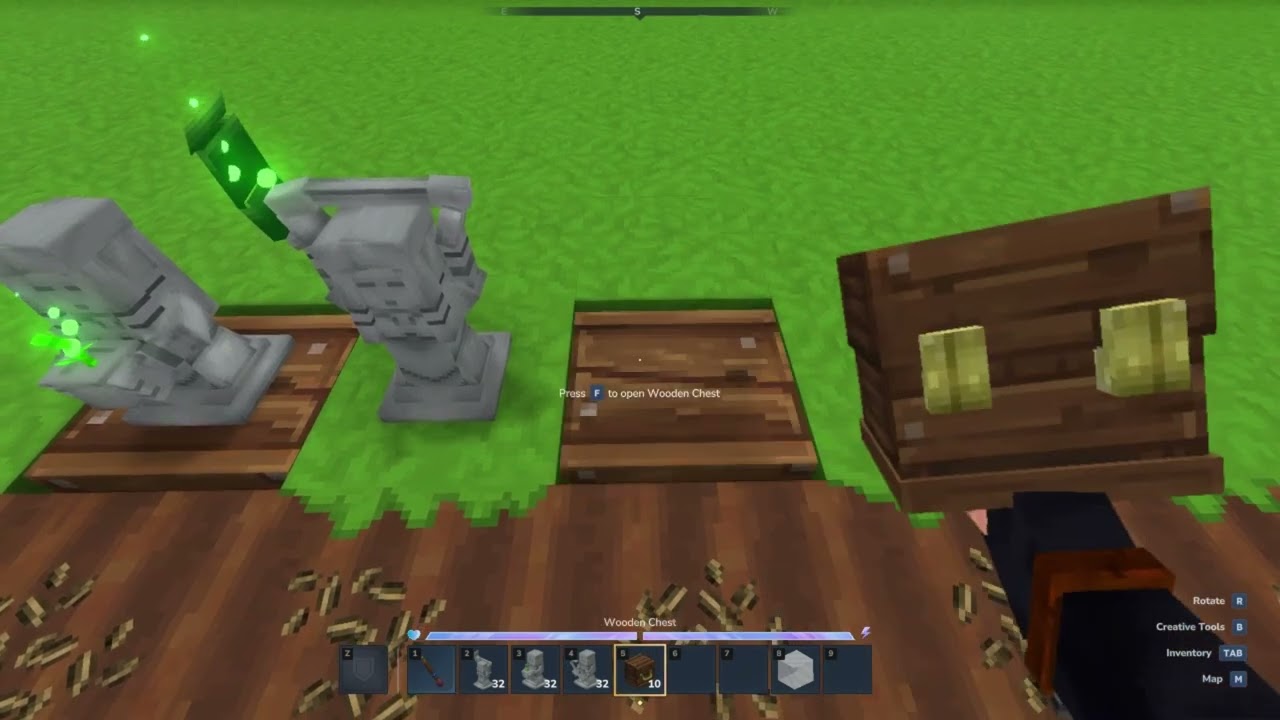
You place a totem, then open its UI. The left side of the UI is the source (the chest or workbench you’re pulling items from), and the right side is the destination (where you’re sending items to).
For both the source and destination, you set an X, Y, Z offset to choose the target block. The blocks only need to be within range of the totem —they don’t have to be placed directly next to it.
While the UI is open, it will show which blocks it has detected, and the selected blocks will be highlighted in-world with particle effects.
If the selected block is a chest, you don’t need to choose a slot, since it will automatically check all slots. If the selected block is a workbench, you’ll need to select a slot:
0 = fuel slot
1 = input slot
2 = output slot
(It’s not ideal, but I haven’t found a better workaround yet.)
Need a bit more control ? Right click the totem with the filter and have control on what gets pulled.
Collector Totem
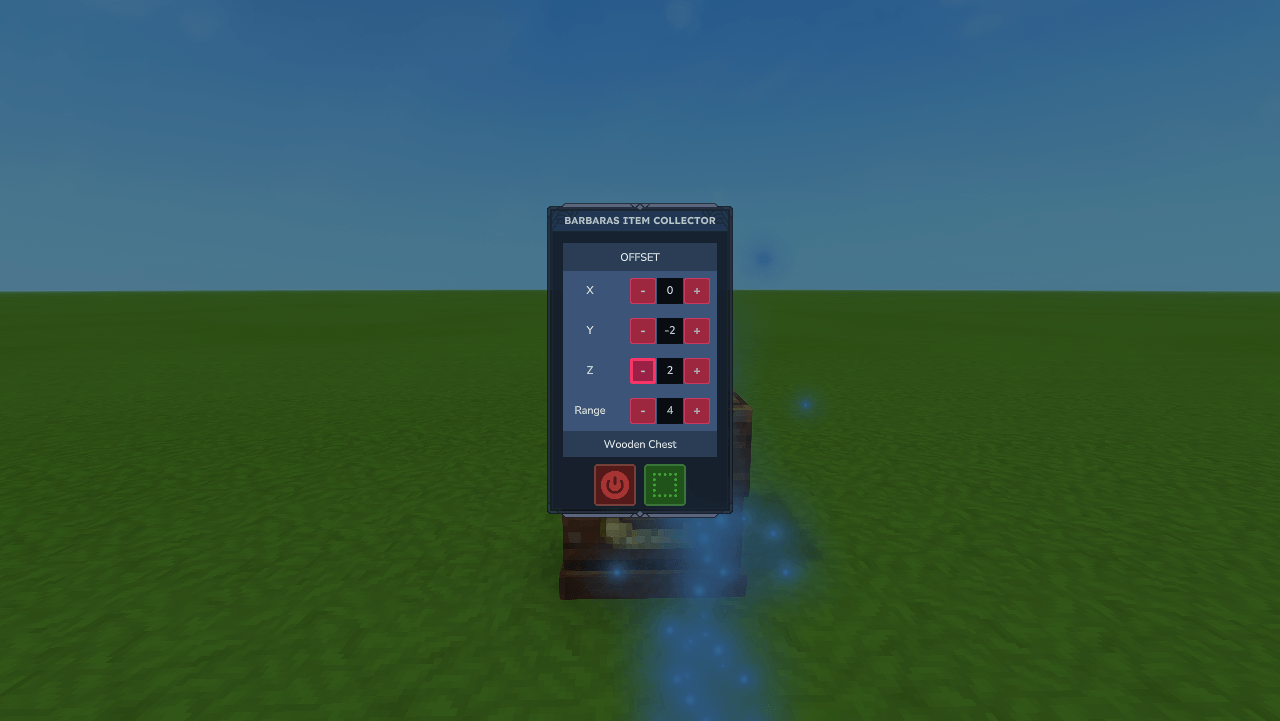
For the Item Collector, just open the UI, set the offset position and its range, switch on the totems and it will automatically start collecting dropped items into the chest below it
Agricultural Totems
For the all Agricultural totems, just open the UI, set the offset position and its range, switch on the totems
- Seeder Totem - Requires a chest to be placed underneath the totem, fill the chest with seeds and the totem will begin placing the seeds
- Harvester Totem - Requires a chest to be placed underneather the totem, this will store harvested items
- Tiller Totem just place the totem and switch it on :-)
Please checkout the review and give this delightful chap a follow :
The Barbara's Crystal Logistics Team