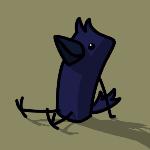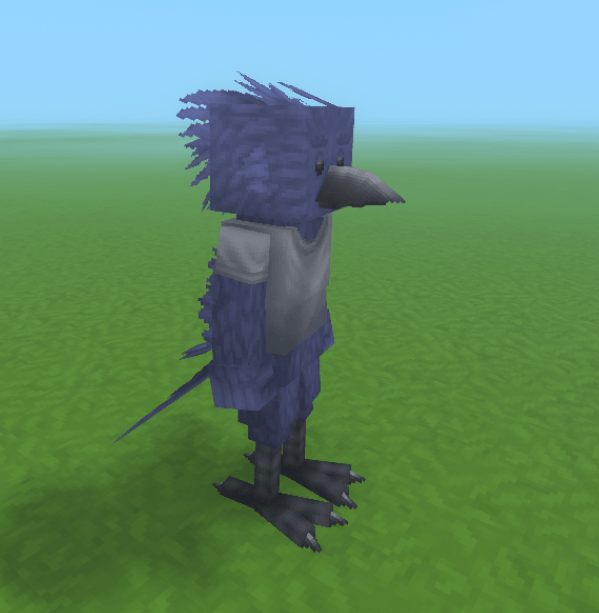
Hytale - Crow 1.png
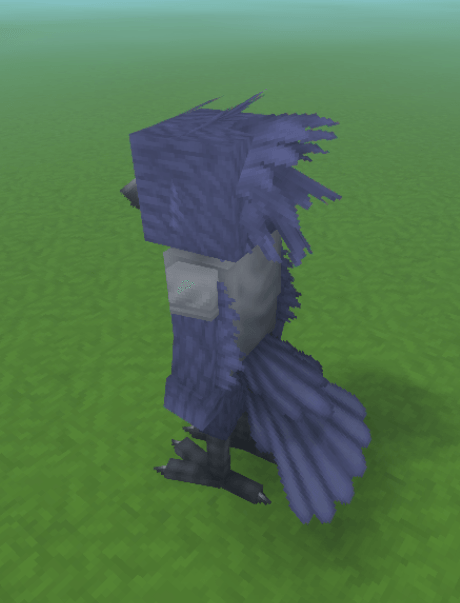
Hytale - Crow 2.png
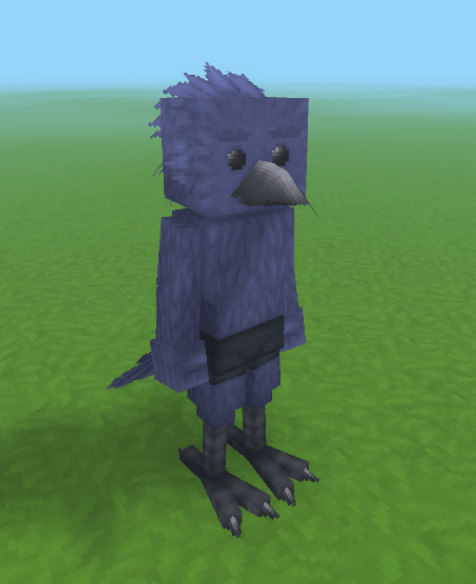
Hytale - Crow 3.png
Hytale - Crow 5.png
Hytale - Crow 4.png
Description
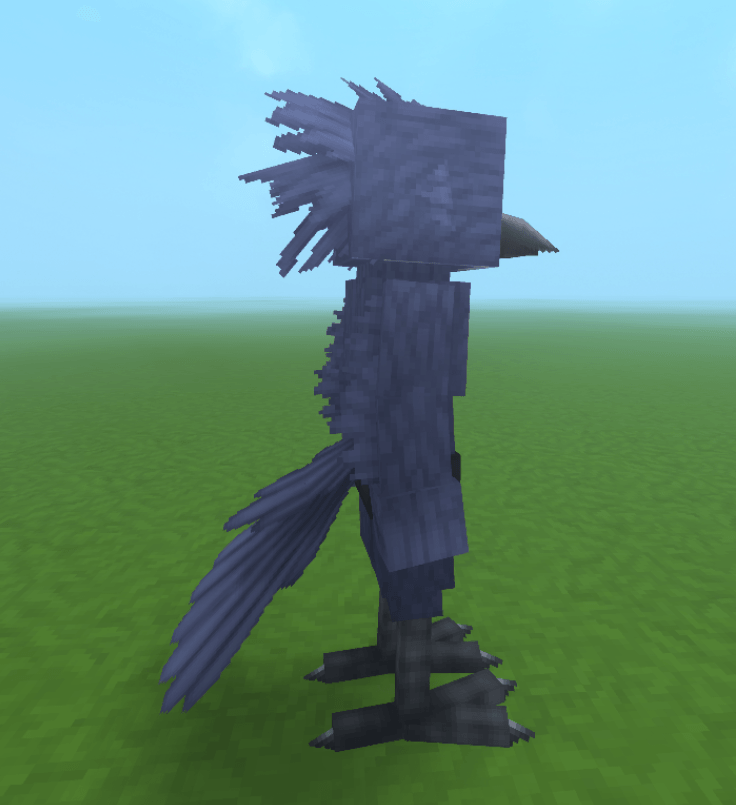
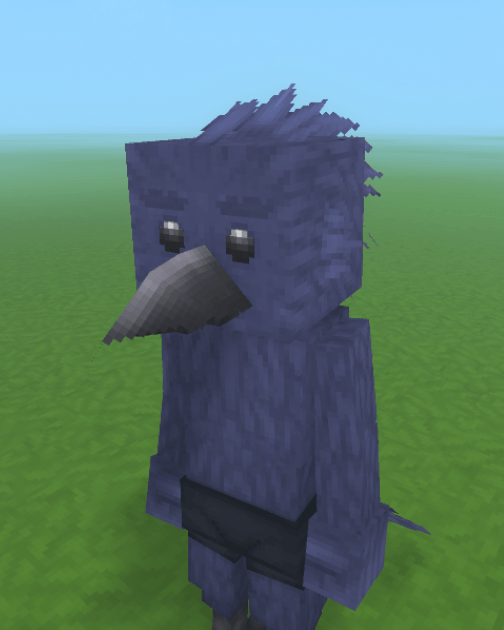
This mod is just an anthropomorphic crow character that can be used as a players model in-game. That's really it. Spent less than a week creating this character.
This player model comes with vanilla tail and feather "hair" physics, so it can look good while not using any external mods!
For now, to set the playermodel you must have OP enabled (by typing "/op self" in chat) and you must type "/model set Crow_PM self" and it should work.
Pants and leg armor does not work with this model as it uses custom leg proportions, but any other armor or clothing piece should work fine.
To allow customization:
-
- Open a creative world
- Go to creative tools and go to Assets > Asset Editor
- Click the "..." beside the mode file name ("Crow:Crow Custom PM (Read-Only)")
- Add a pack; name it and give it a group, something you will recognize (e.g. "Crow_PM" and "Custom_Crow")
- Go back to the Read-Only file and search "PM" into the search box to find the crow model asset.
- Right click > Duplicate and set the asset pack to the one you created in step 4. Give the duplicate a unique asset name (like "Custom_Crow_PM")
Now that you have a duplicate of the crow player model, you can change the crows texture or clothing.
To change clothing:
-
- Using the asset editor, click on the attachments section.
- To the right of Default Attachments, click the plus icon
- Open the new attachment index you created (Should be 4 if it's the first attachment) by clicking on it.
- Click the model selection, click the file drop-down at the top, and select Hytale:Hytale and click on the "Cosmetics" folder.
- Find the cosmetic blockymodel you want to add (for this example, we will use Undertops > Tshirt.blockymodel). Then click the select button.
- Now click on the texture section and repeat section 4. For the example, click on Undertops > Tshirt_Textures and find the tshirt texture you want to use, then click the select button.
- If you want to change the color of the shirt, select whatever Gradient Set you want (it could be "Colored_Cotton" or "Shiny_Fabric", it's up to you.
- Then set the Gradient ID so whatever color you want, and done! Now you have a custom shirt on!
(sometimes the Gradient ID's don't load, just click on another tab at the top or reopen the asset editor to reload it. )
You can also change the crows current attachments or textures using this asset editor, so maybe play around with it.
The Anthro Crow Team