Andy's Statues
- By
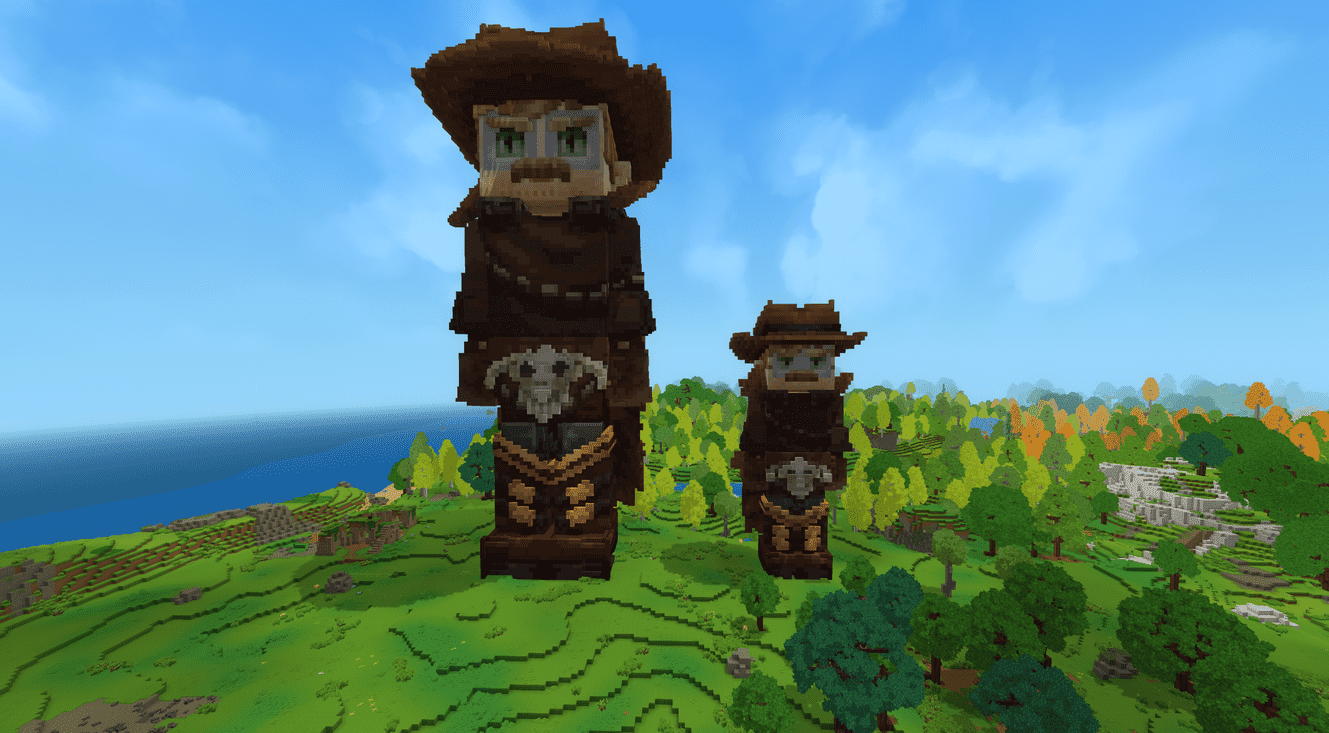
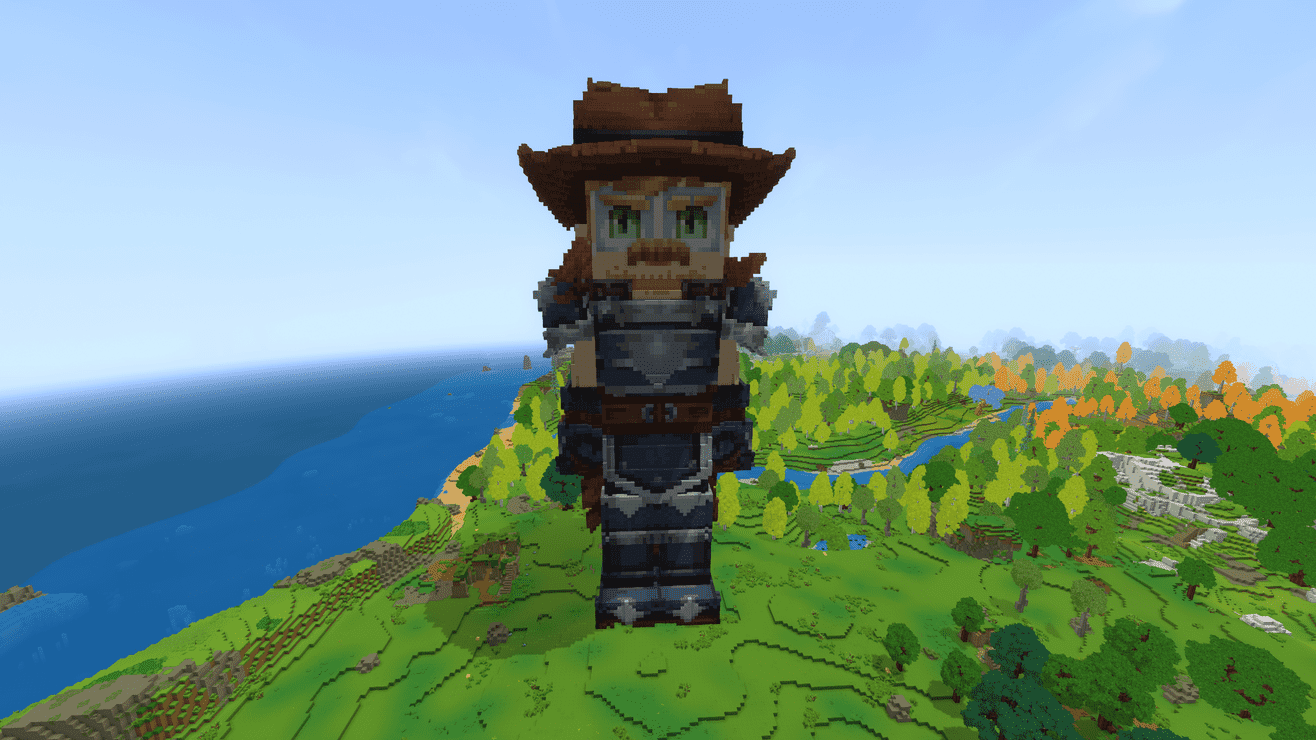
Andy’s Statues turns any player model into a block statue! One command builds their character, outfit and all, one block per skin pixel, from the closest-colored blocks. Add armor, go half size or pick your palette!
Hytale2026-10-28_21-04-07_optimized_2000.png
Hytale2026-10-28_21-05-31_optimized_2000.png
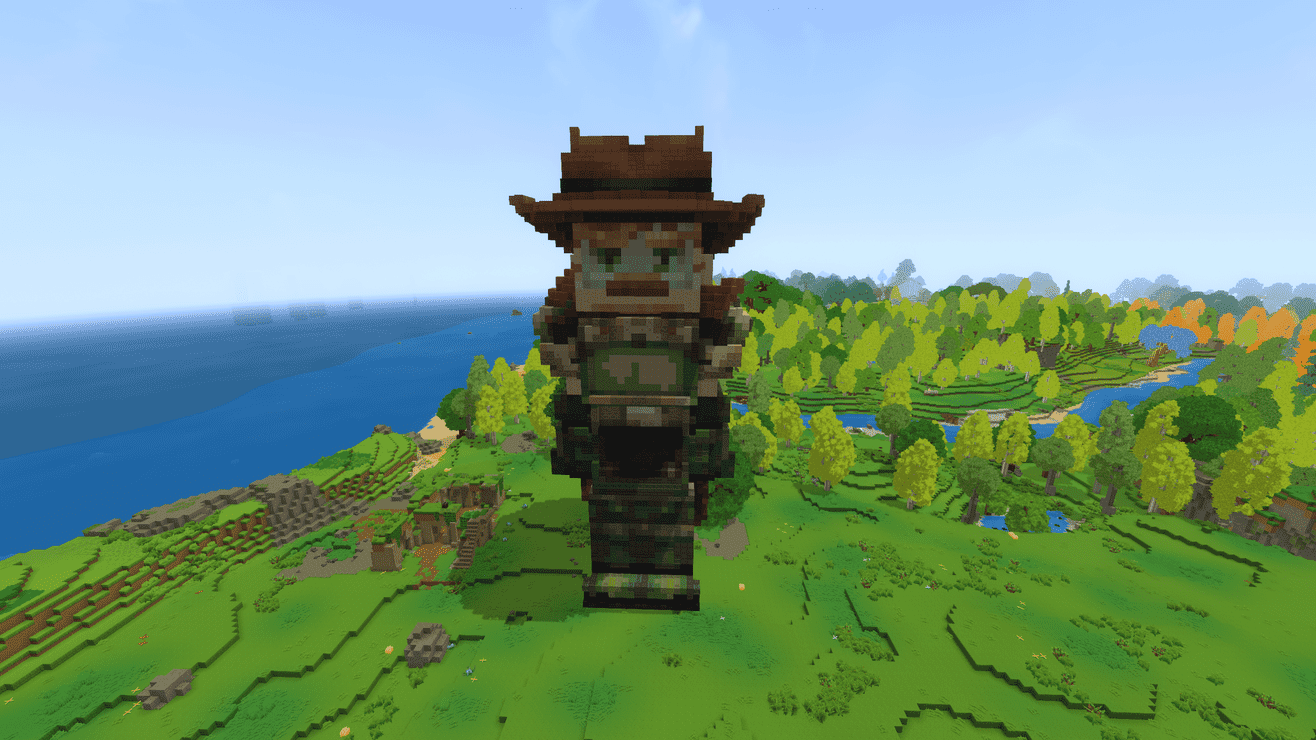
Hytale2026-10-28_21-06-05_optimized_2000.png
Description
A part of Andy’s Builder Series! A growing collection of creative building blocks for Hytale.
Andy’s Statues builds a giant block statue of any player’s character with a single command. Their face, hair, clothes, hats and accessories are rebuilt one block per pixel, using the closest colored blocks in the game. Whether you’re honoring your server’s builders or just want a huge version of your skin, it only takes a few seconds!
Commands
- /statue create <username> builds that player’s statue right in front of you, turned around to face you.
- /statue undo removes your most recent statue.
- /statue options lists every option, block family and armor set on your server.
Example: /statue create Andy --half --blocks wool,clay --armor iron --helmet none
Make it your own
- Half size: add --half for a statue about 60–75 blocks tall that uses roughly a fifth of the blocks. Full-size statues are 120–150 blocks tall.
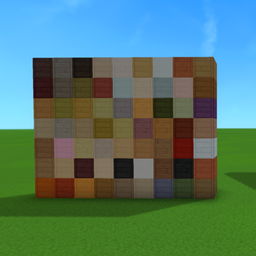
- Choose your materials: --blocks limits the statue to wool, clay, wood, stone or metal, or any mix of them, like --blocks wool,clay. By default it picks from 229 plain vanilla blocks.
- Suit up: --armor dresses the statue in any of 28 armor sets, from Cloth and Leather to Iron, Mithril and Adamantite. Swap or remove single pieces with --helmet, --chest, --gloves and --legs.
Works with Andy’s Pixel Palette
Have Andy’s Pixel Palette installed? Add --blocks pixelpalette and your statue is built from 4,096 solid colors for the most accurate statues possible. Pixel Palette is optional: Statues works fine without it.
Good to know
- Never destructive: statues only fill empty space. Anything in the way is left alone, and undo only removes blocks the statue placed.
- Offline players: a player needs to have joined the world once since the mod was installed. After that, you can build their statue even when they’re offline.
- Permissions:
andysbuilderseries.statues.command.statue.create, .undo and .options.
- Easy install: one small JAR with no dependencies. Drop it into your Mods folder.
I hope you enjoy my mod! Thank you for taking the time to check it out!
Andy's Statues Team