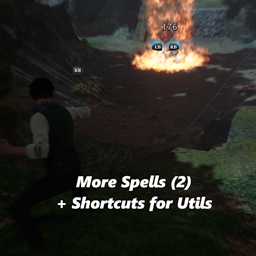
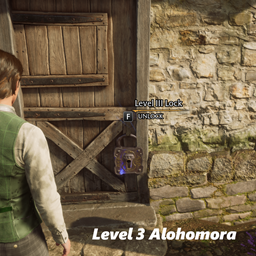
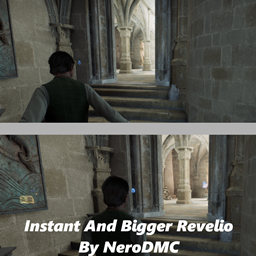
Shorcut for Utility Spells
Update:
Now you can stop Lumos or Disillusionment by recasting the spell
Gamepad:
- Use gamepad Down to switch between spells.
- The new UI displays the currently selected spell at all times.
- Use RB + X to cast the selected spell.
Keyboard:
Disillusionment: F7 Lumos: F8 Reparo: F9
OR
Disillusionment: Numpad 1 Lumos: Numpad 2 Reparo: Numpad 3
If you have a better key setup suggestion, I'm open to trying it. However, I believe it's not possible to use keys assigned to other functions, as that would cause both actions to trigger simultaneously.
No changes were made to keyboard and mouse controls. While using Gamepad: the skill icon will still be visible in menus, but it is not intrusive and provides a much better way to manage spell selection, if it annoys you, you can press any key in your keyboard and it will hide until you press a gamepad button again.
Shorcut for Utils Team

Owner