Tundra Attire Teaser
- By
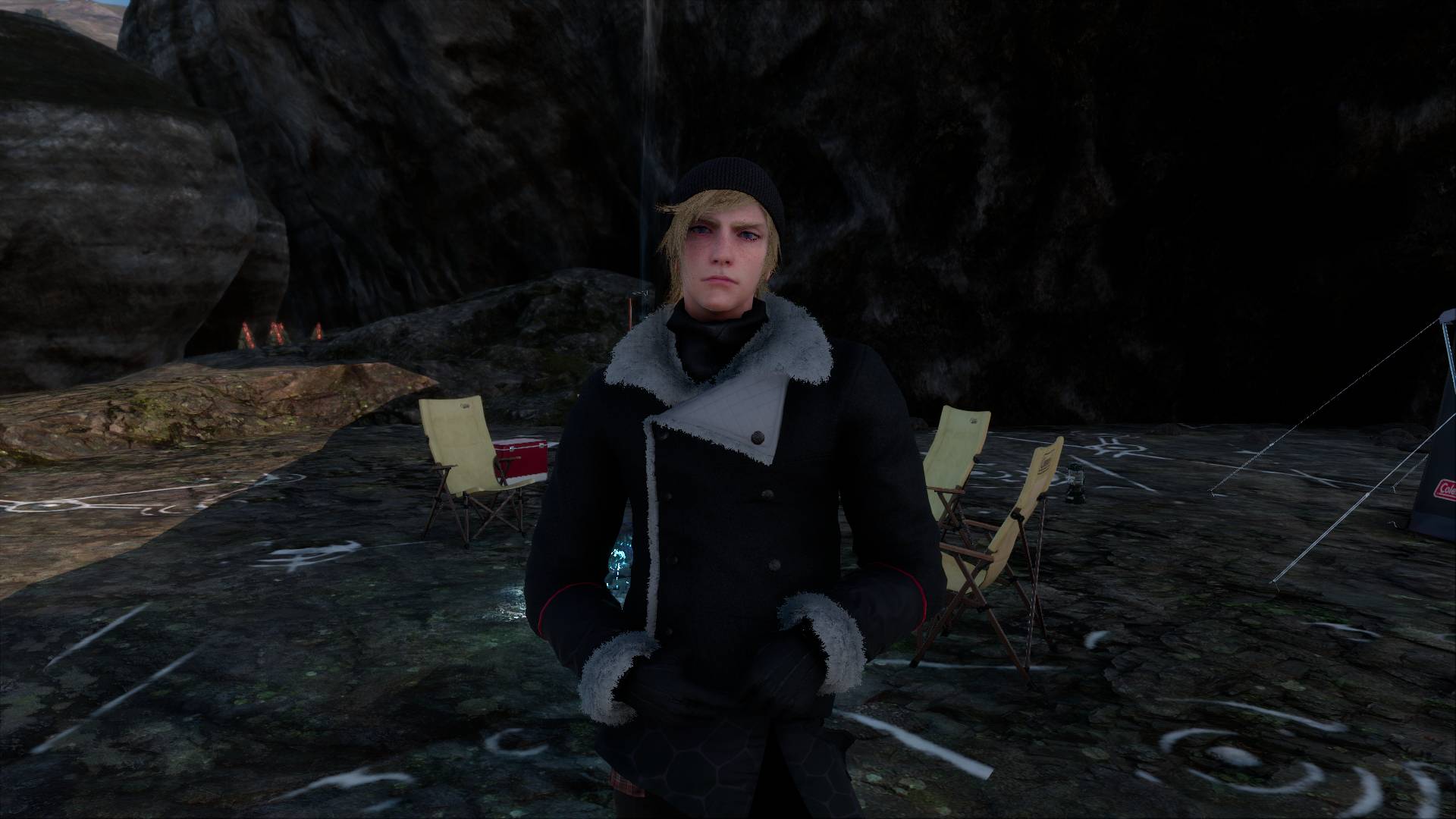
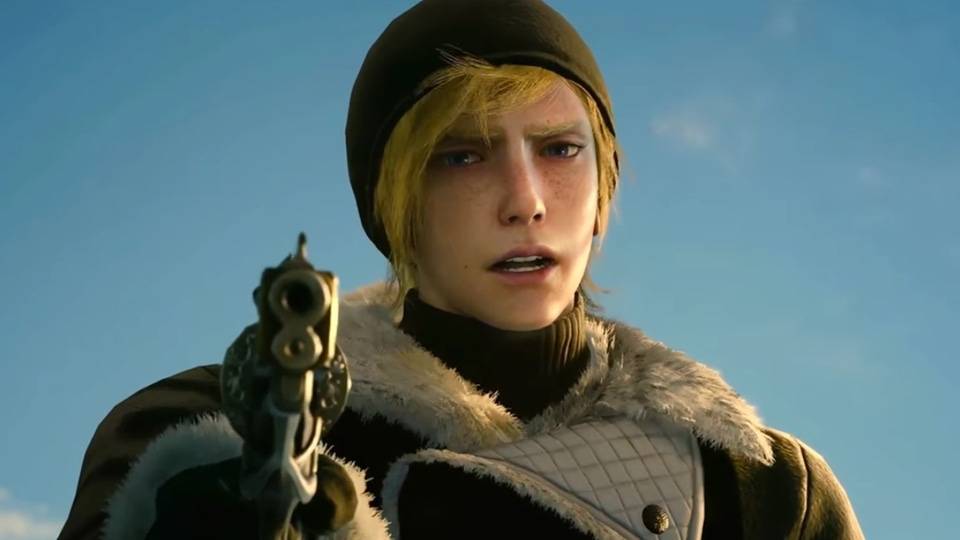
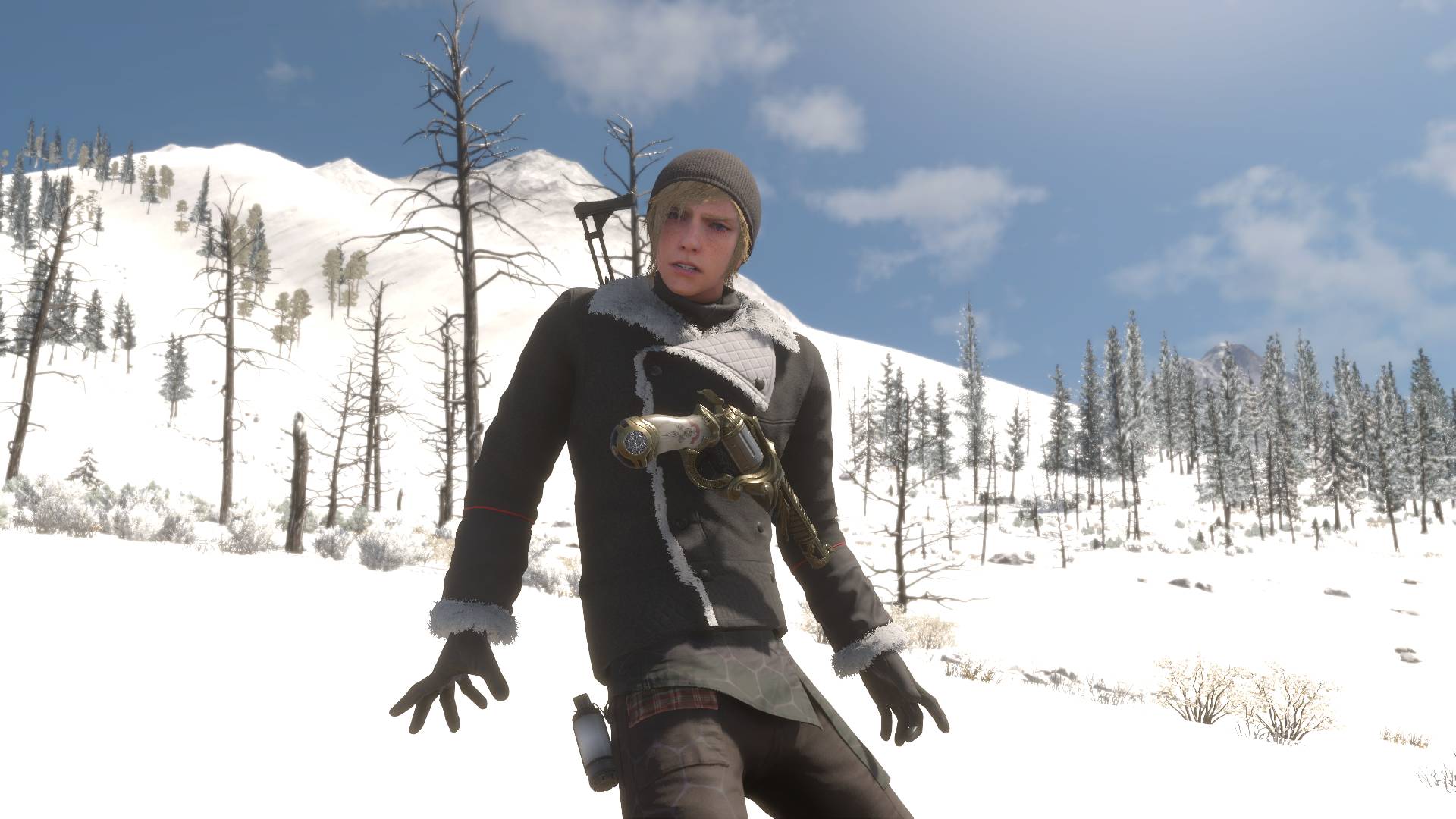
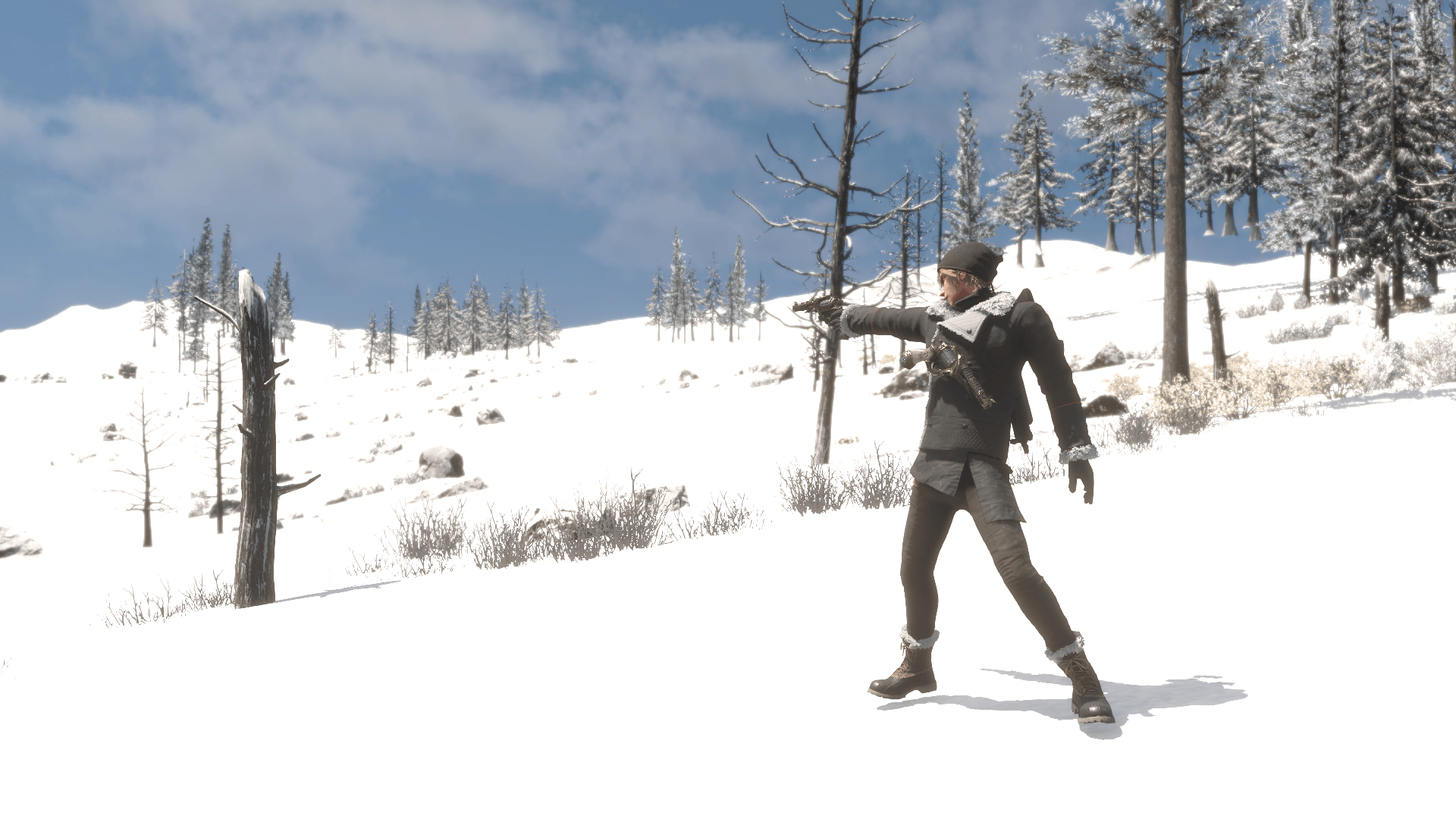
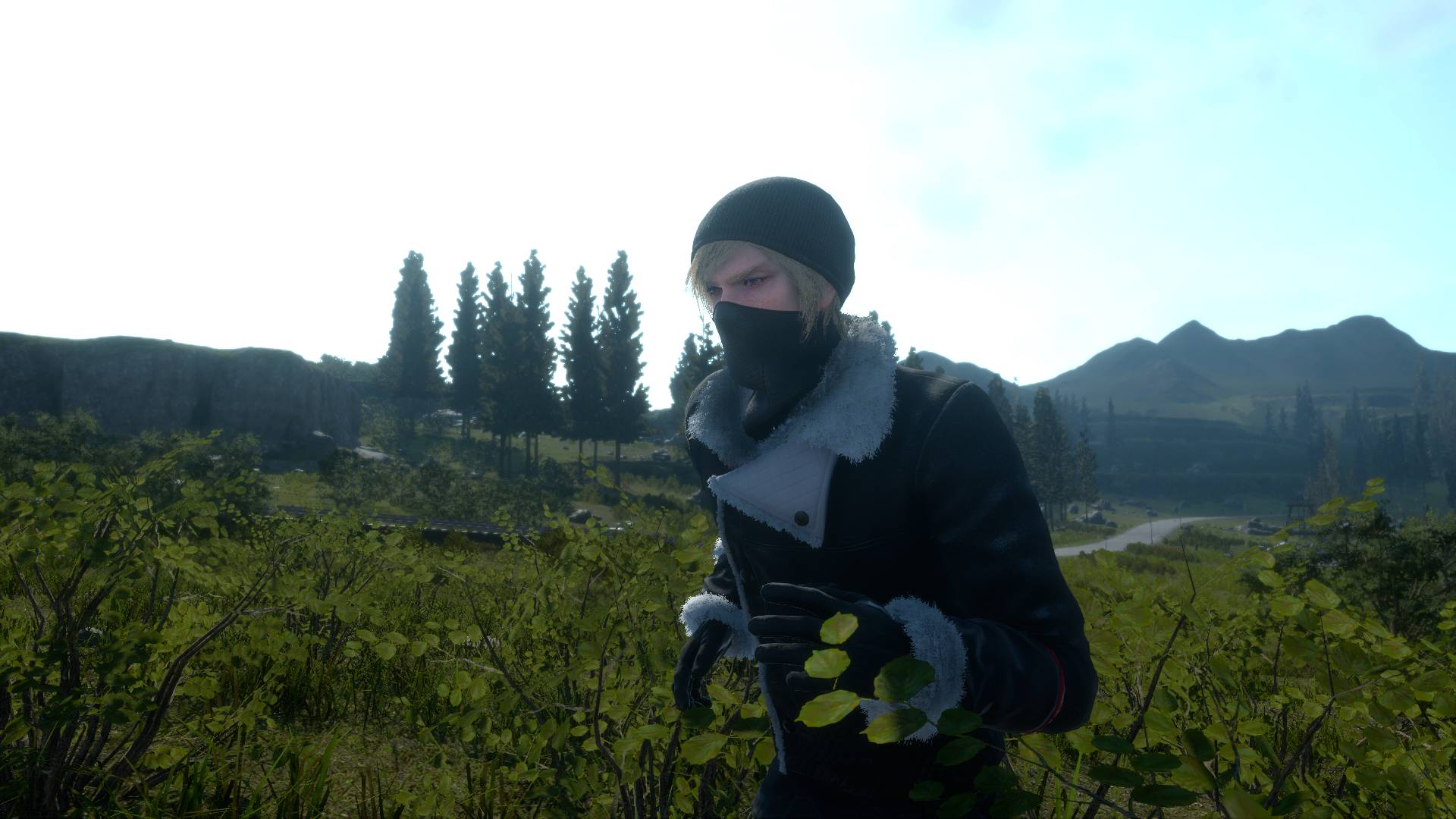
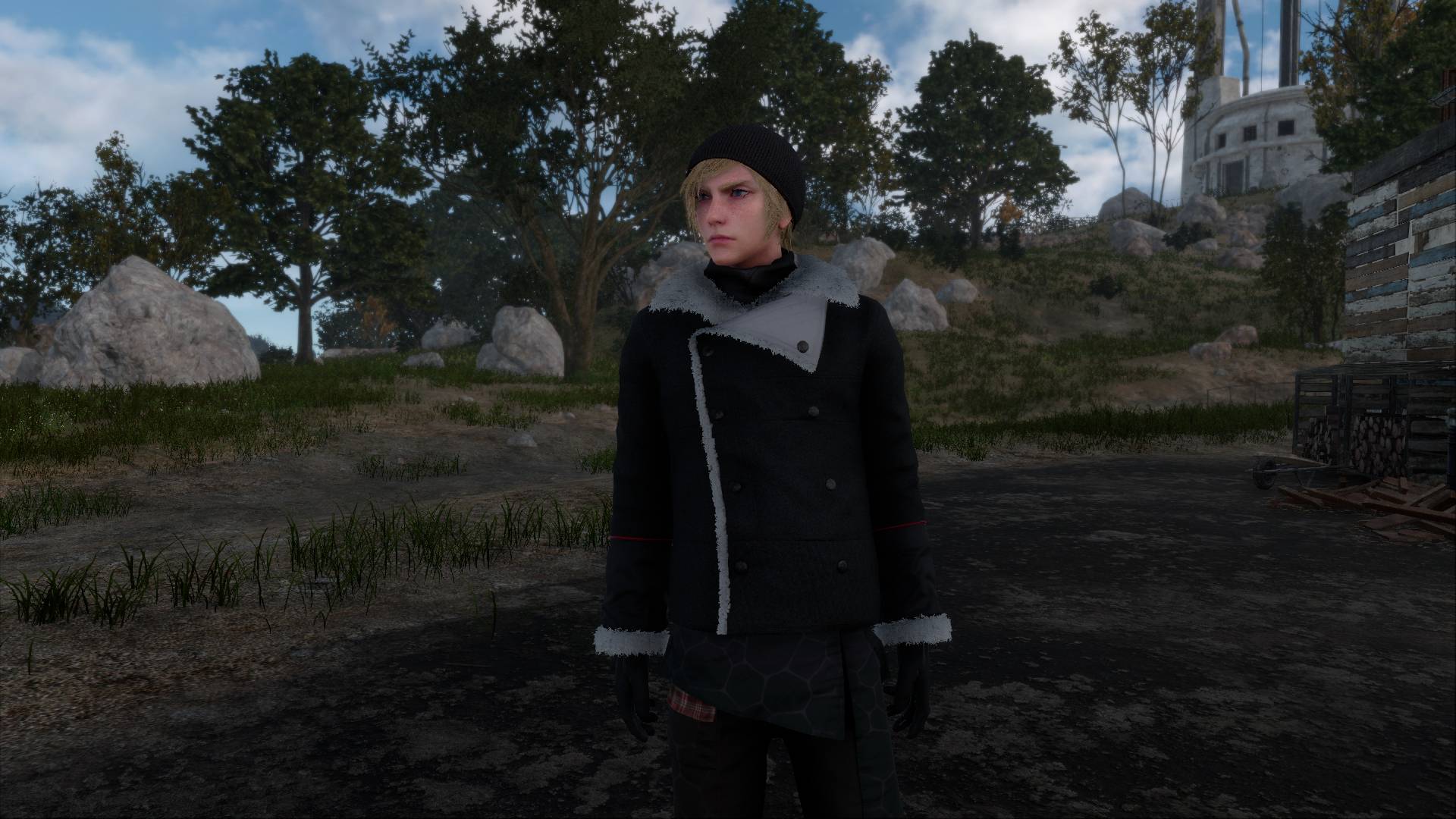
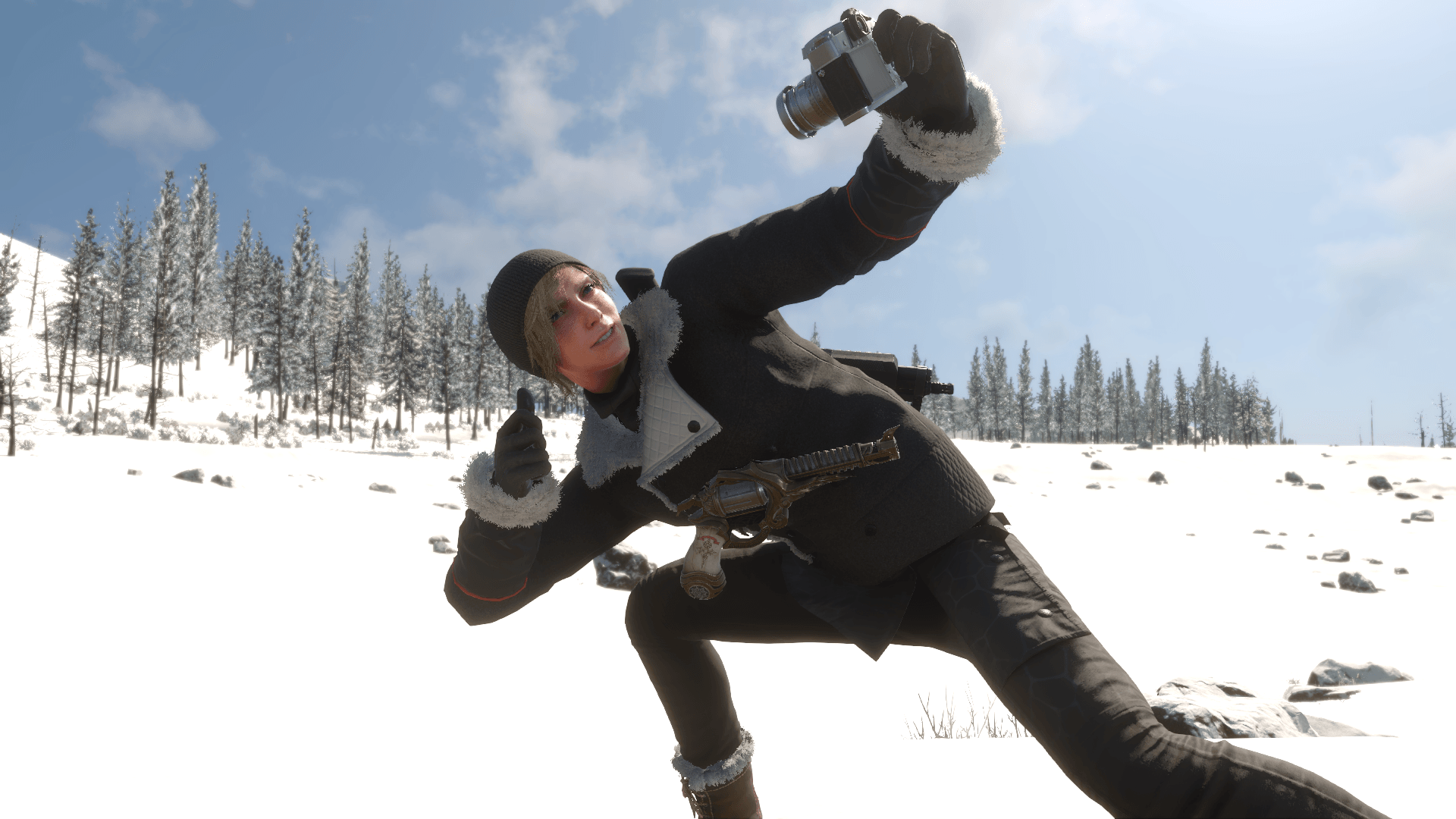
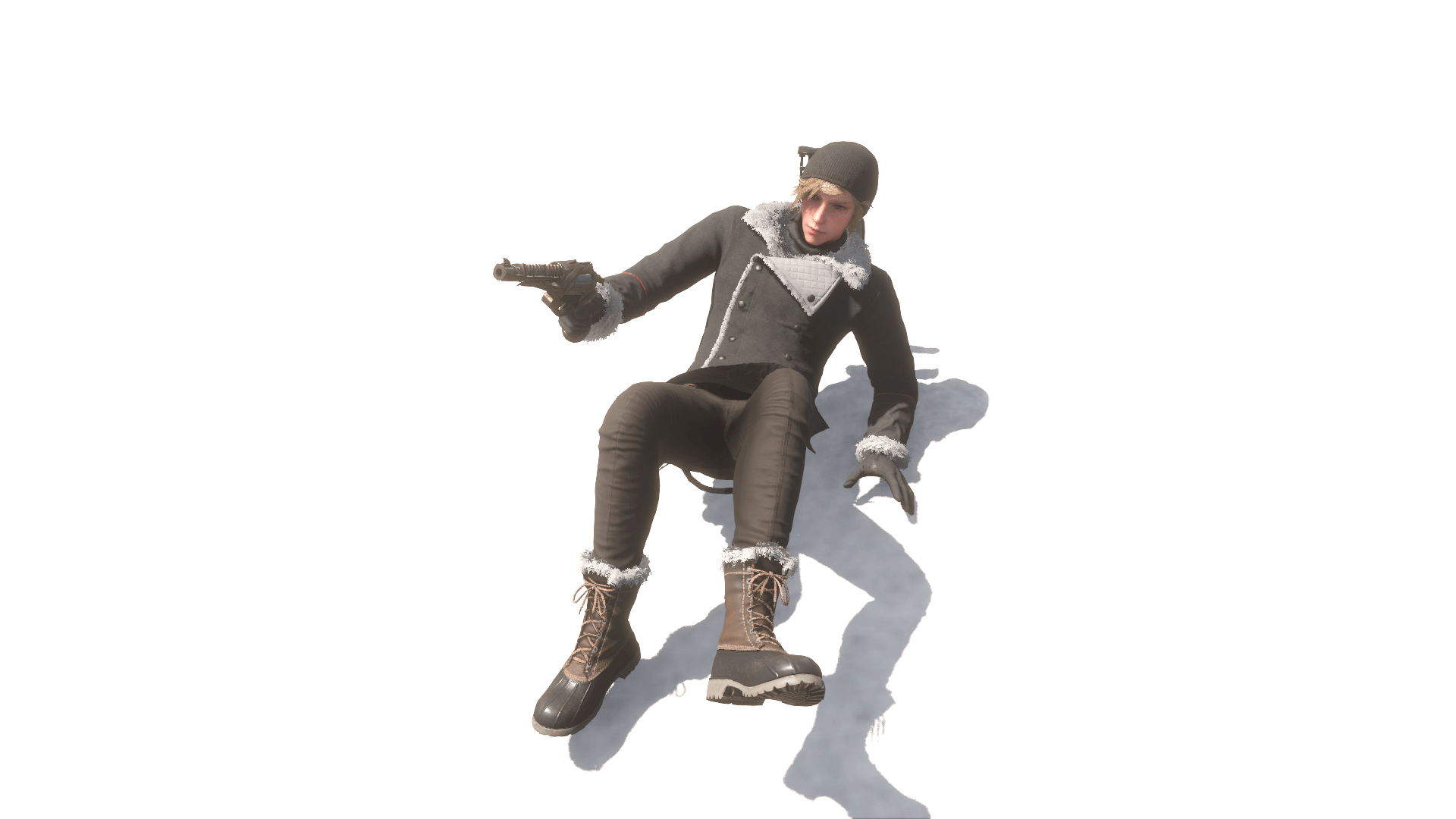
Removes the tactical vest from Prompto's “Tundra” outfit and adds the extra button to the outfit, keeping it true to its first appearance in March 2017.
prompto_tundra_09.jpg
prompto_tundra_06.jpg
prompto_tundra_03.png
prompto_tundra_10.jpg
prompto_tundra_01.jpg
prompto_tundra_08.jpg
prompto_tundra_07.png
prompto_tundra_04.png
Description
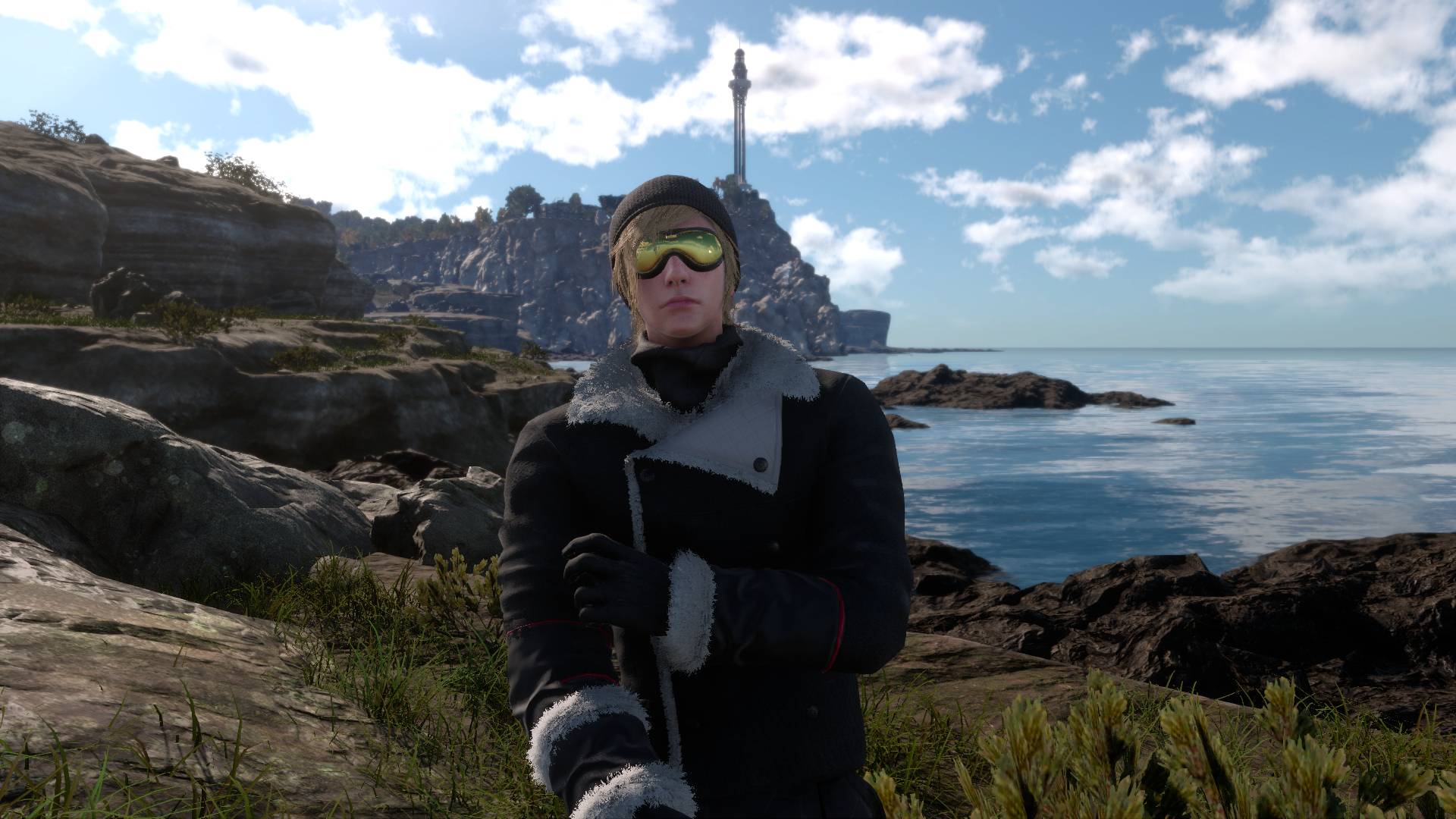
Prompto's Tundra outfit, with the tactical vest taken off.
The vest is removed from the coat entirely: the plate carrier on the back, the shoulder straps, the side buckles and the front pouch. What is left is the black winter coat with its white fur collar, the way it looks underneath.
WHAT'S INCLUDED
- Vest removed from all four Tundra outfit models, so it stays gone in every scene and cutscene that uses the outfit.
- The white fur trim on the front of the coat is repaired. The original mesh had two gaps in it, and the trim is now straight and evenly filled along its whole length.
- A button added to the collar flap, matching the existing buttons and aligned with the one below it.
- Glasses, mask, gloves and every other accessory are untouched.
Requirements
- Final Fantasy XV Windows Edition
- Flagrum (latest version)
Installation
1. Download the .fmod file.
2. Open Flagrum and go to the Mod Manager.
3. Double-click the .fmod file (or drag it into the Mod Manager) to install it.
4. Make sure the mod is enabled and start the game.
Tundra Attire Teaser Team