
WAK Farm
- By

Your tamed creatures harvest on their own with no rider: a serum, a remote, a trash list and their biggest stocks shown above their head.
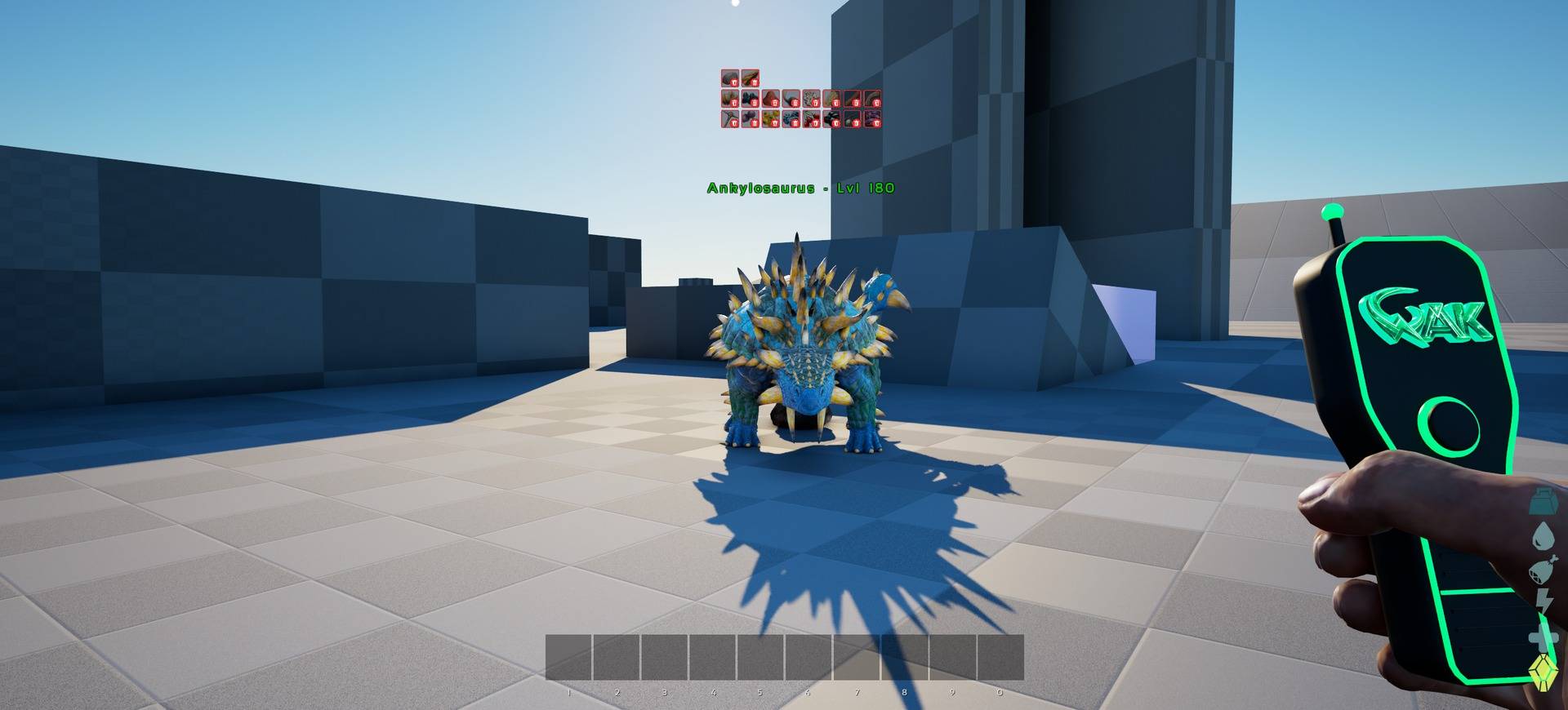
Aim the controller at your harvesting dino to start or stop the farm.
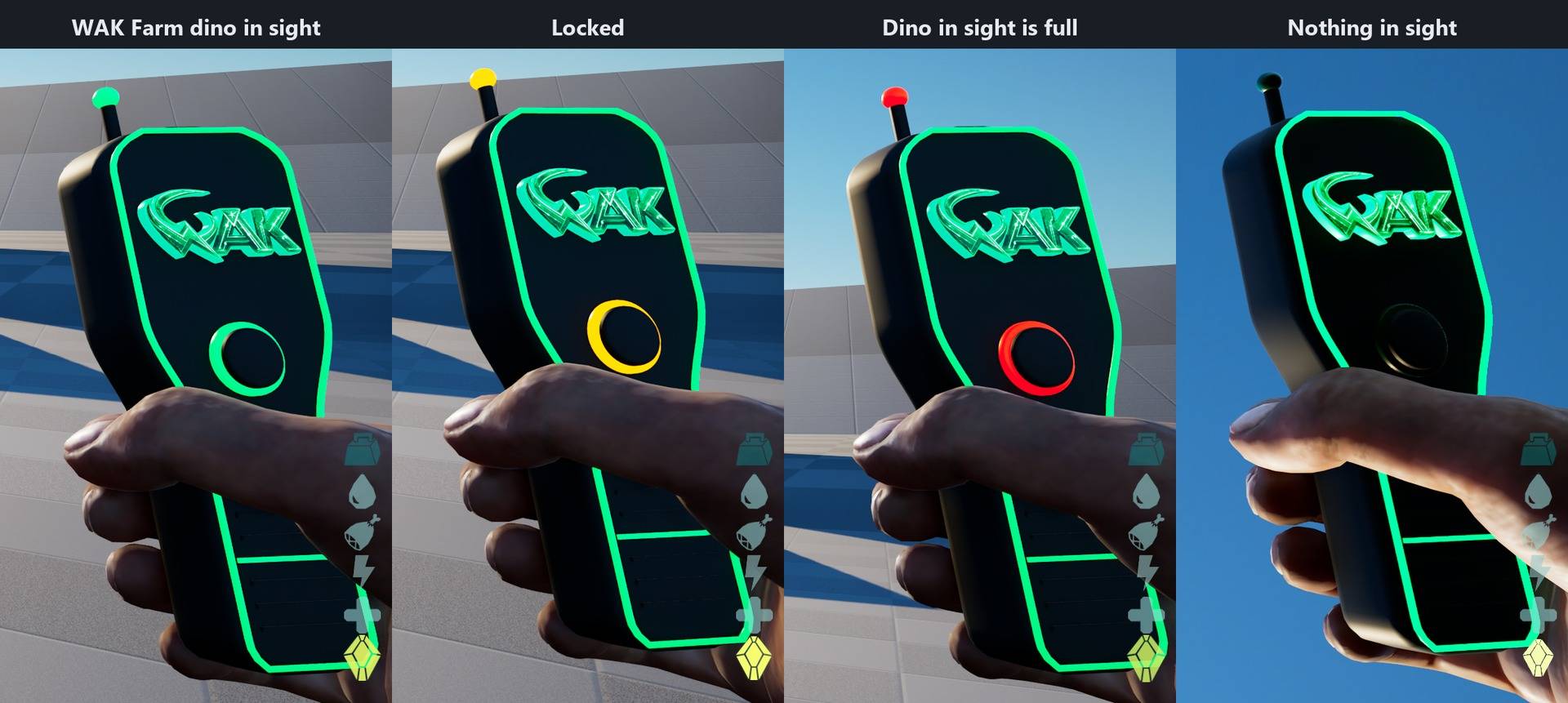
Green: a WAK Farm dino in sight. Orange: locked. Red: the dino in sight is full. Off: nothing in sight.

The resources the dino throws away are shown above it while it harvests.
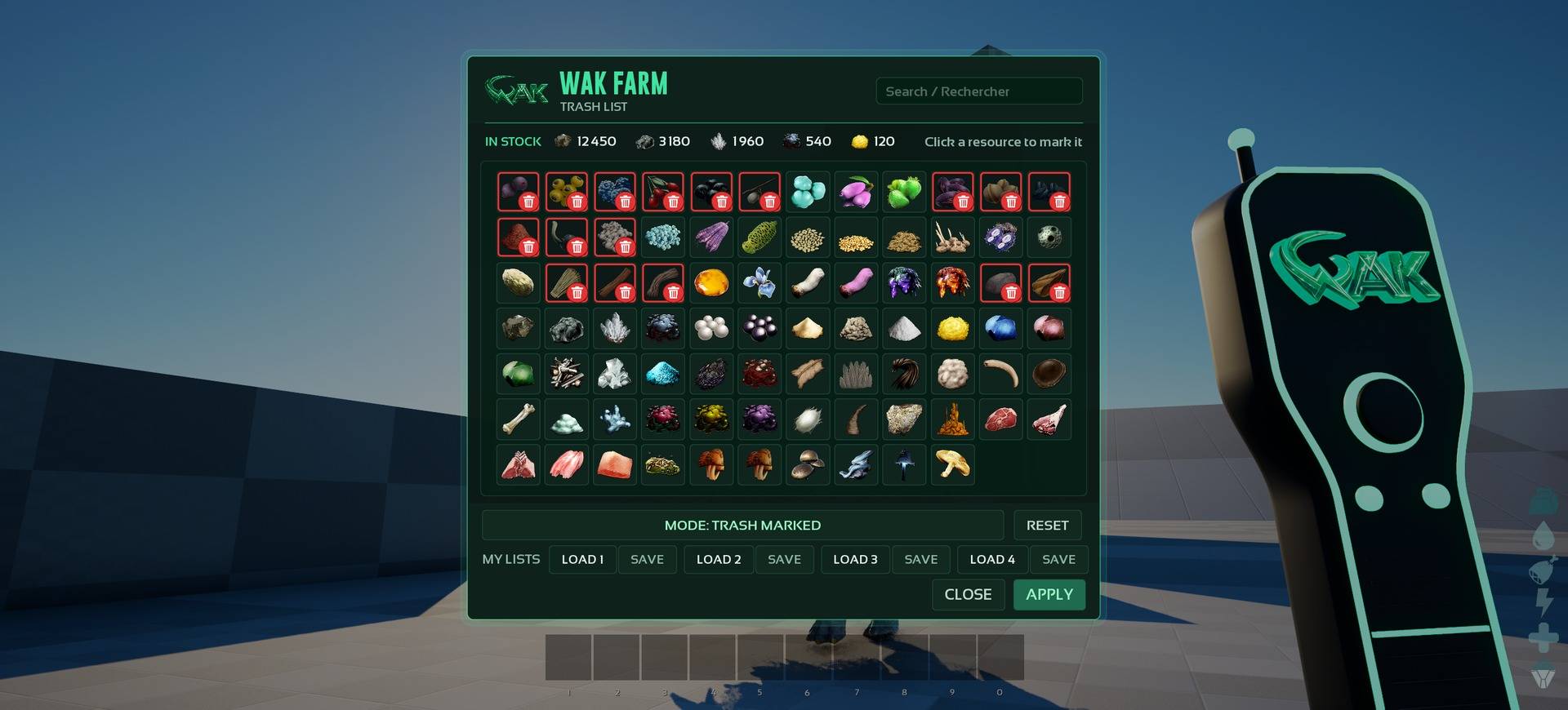
Pick the resources to keep or to throw away, right from the controller.
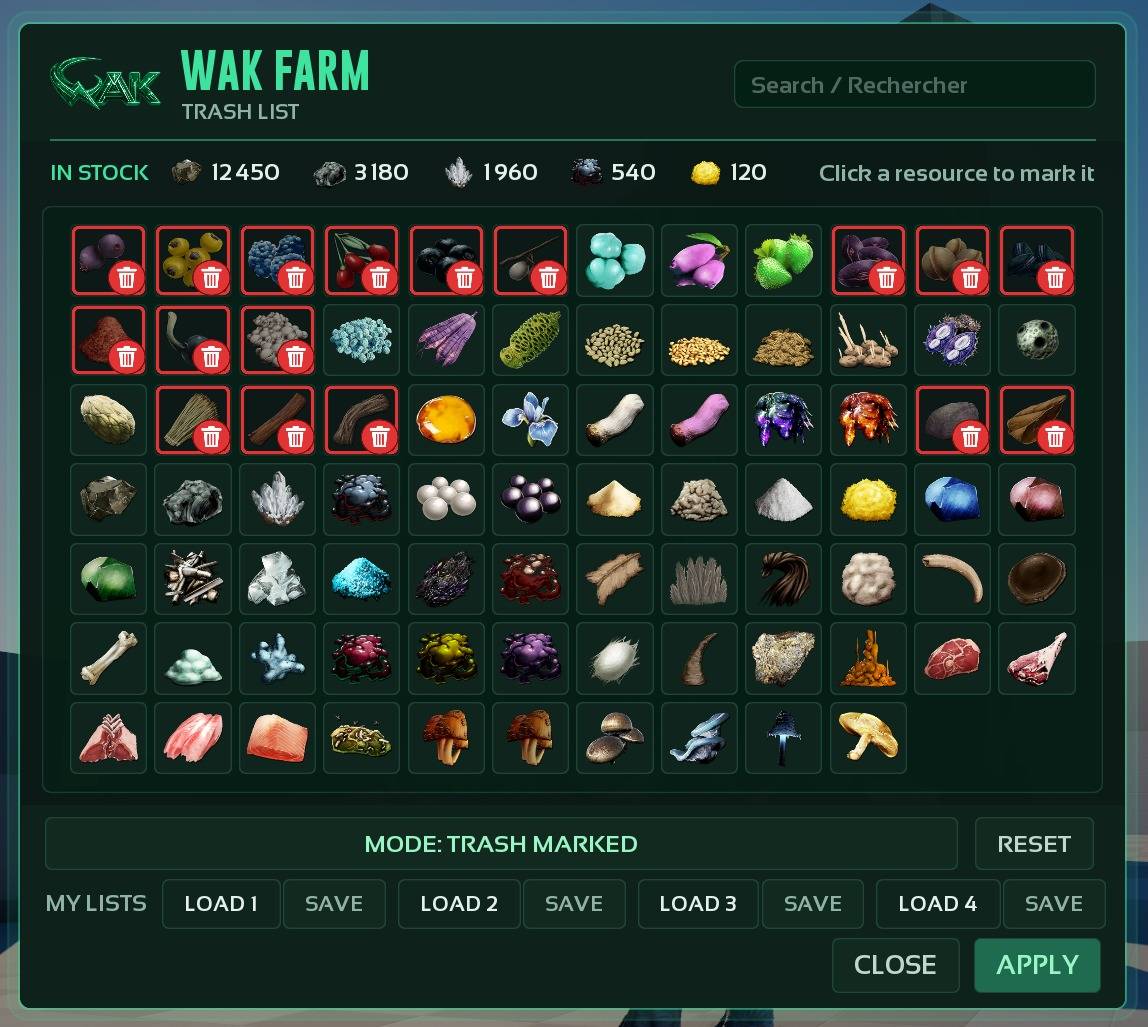
Click a resource to mark it. Save up to 4 lists and load them on any dino.
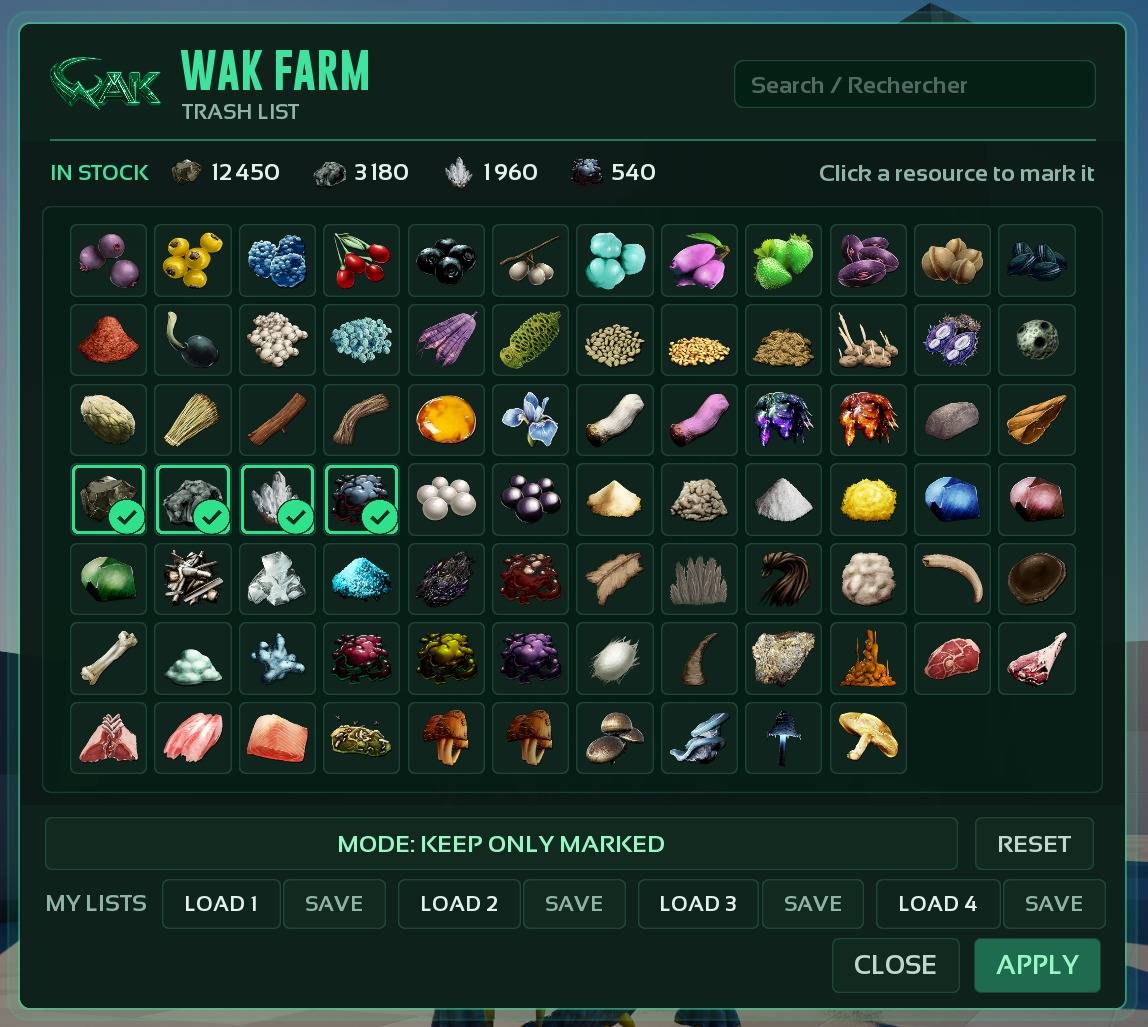
Or switch to keep mode: only the marked resources are kept.

You see at a glance when a farming dino is full.
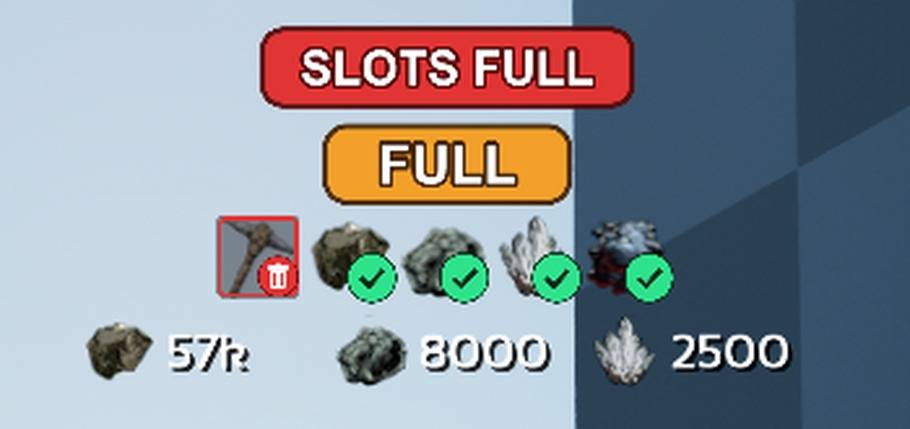
The 3 biggest stocks are shown above the dino while it harvests.
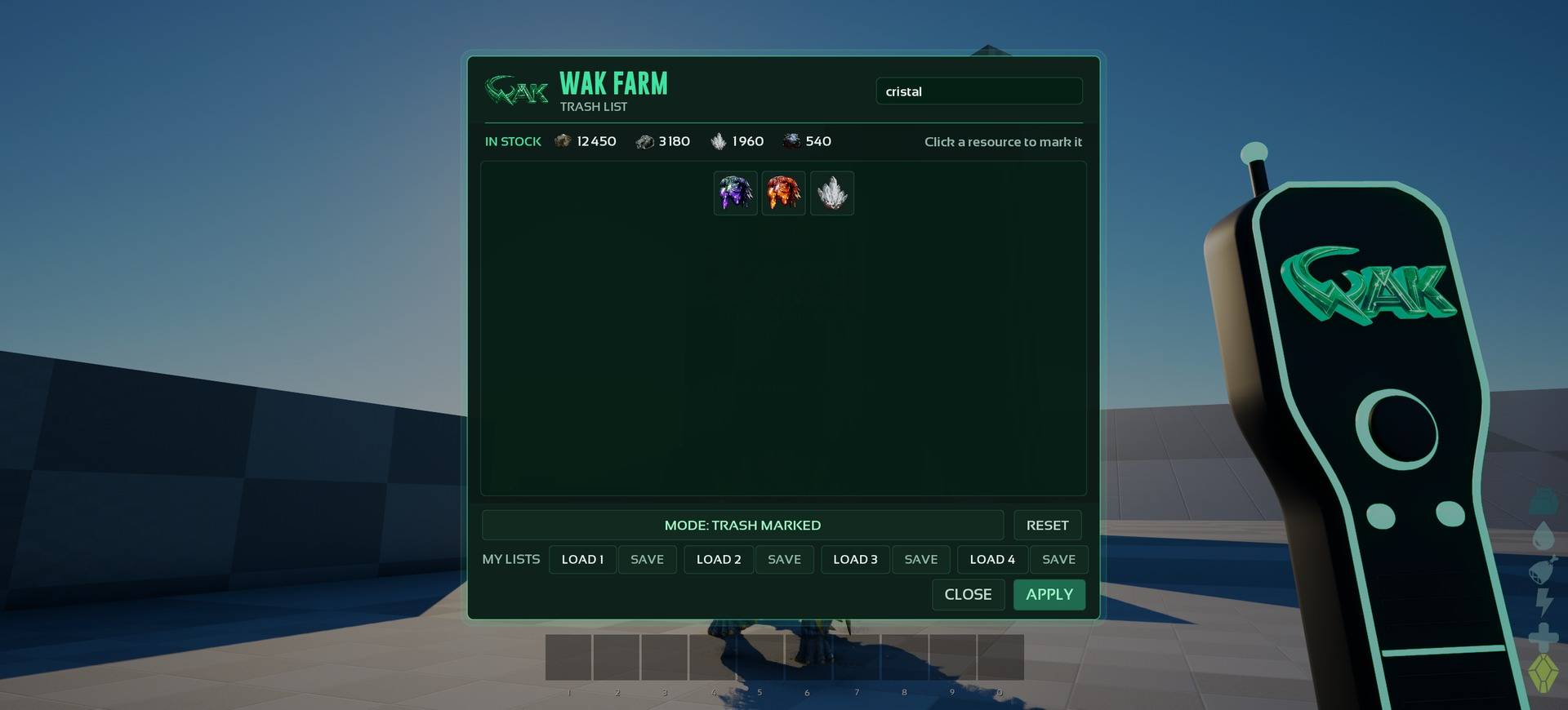
Everything the dino carries, with a search field.
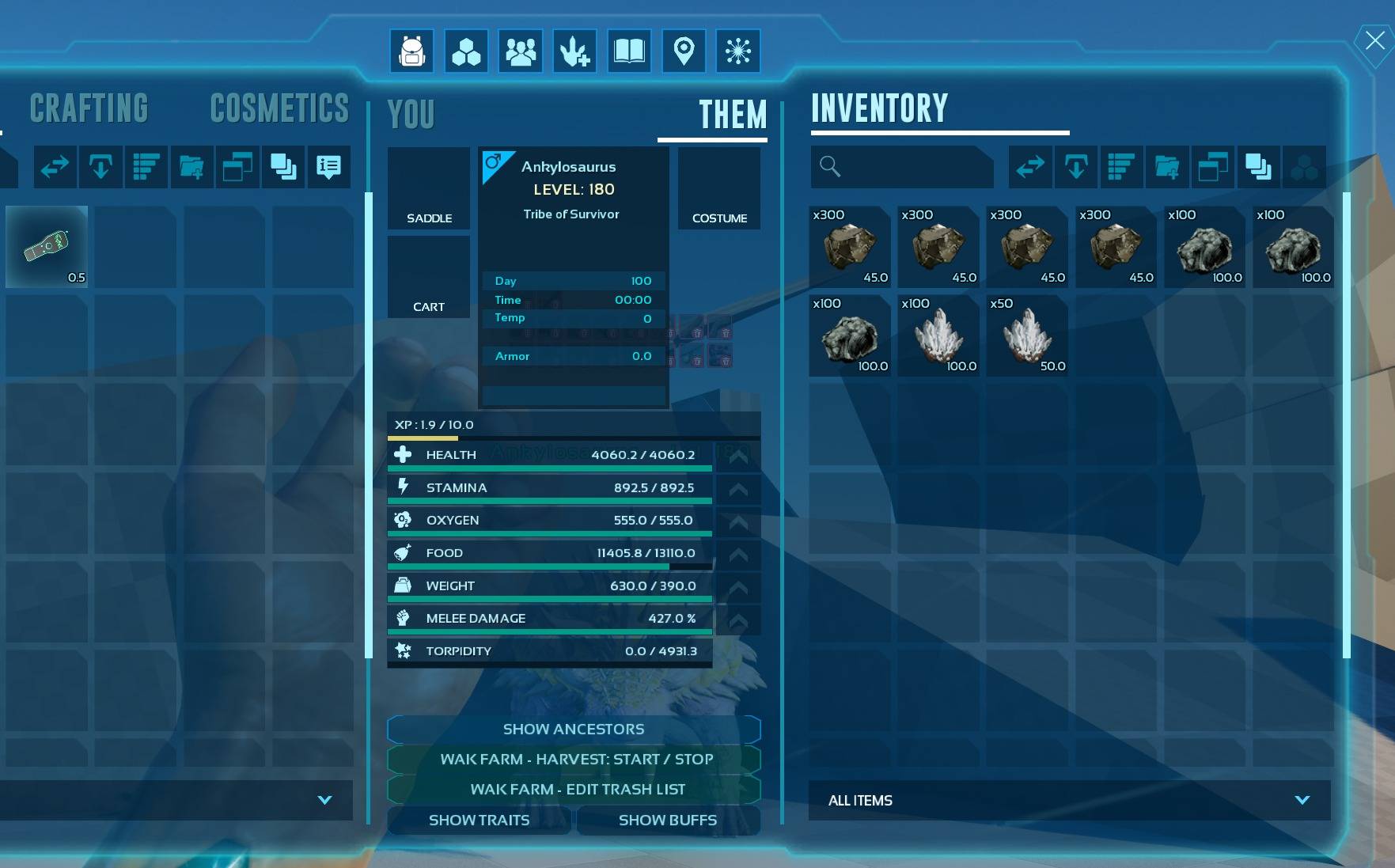
Start or stop the harvest and edit the trash list from the dino inventory.