Kawaii's Sweet Structures!
- By
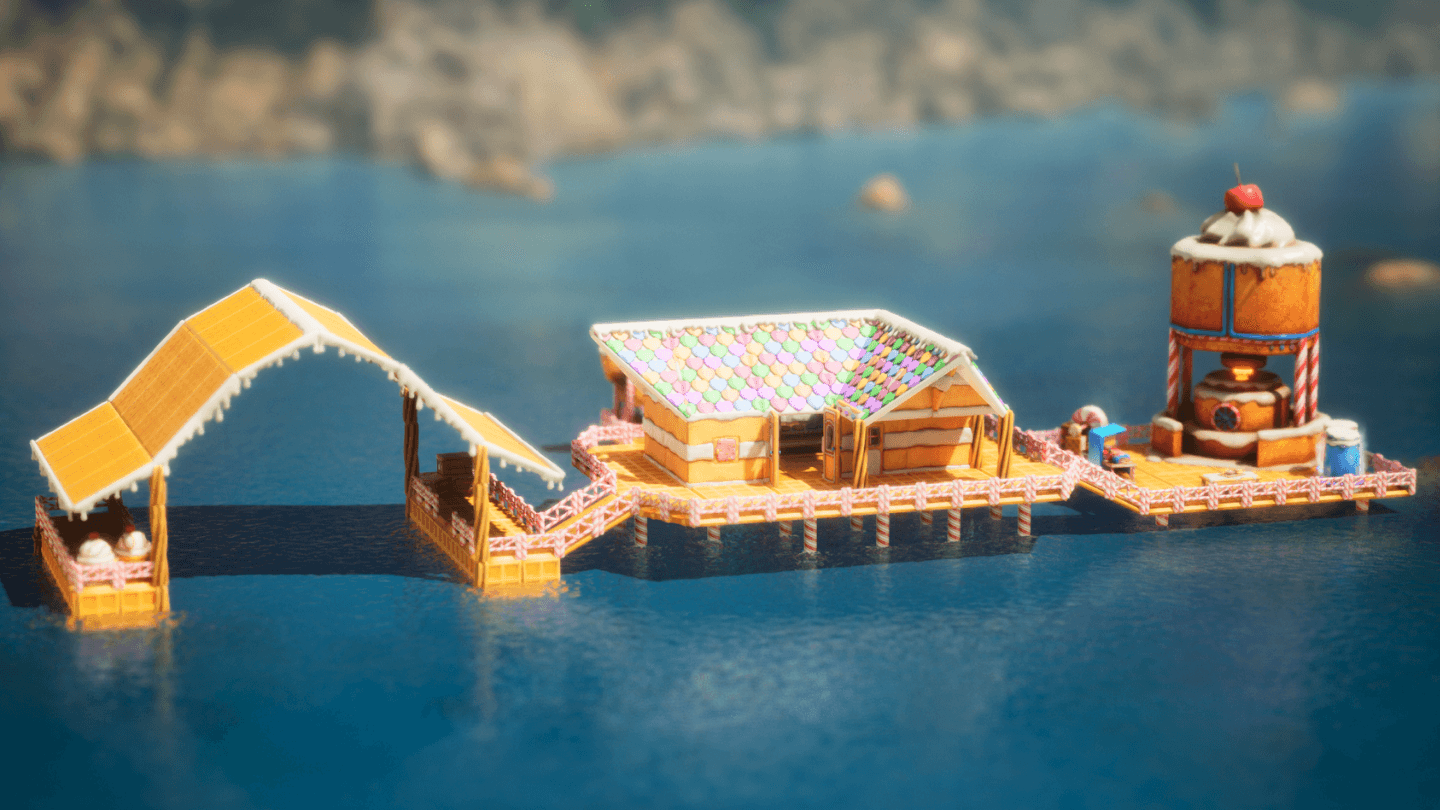
Floating Shack.png
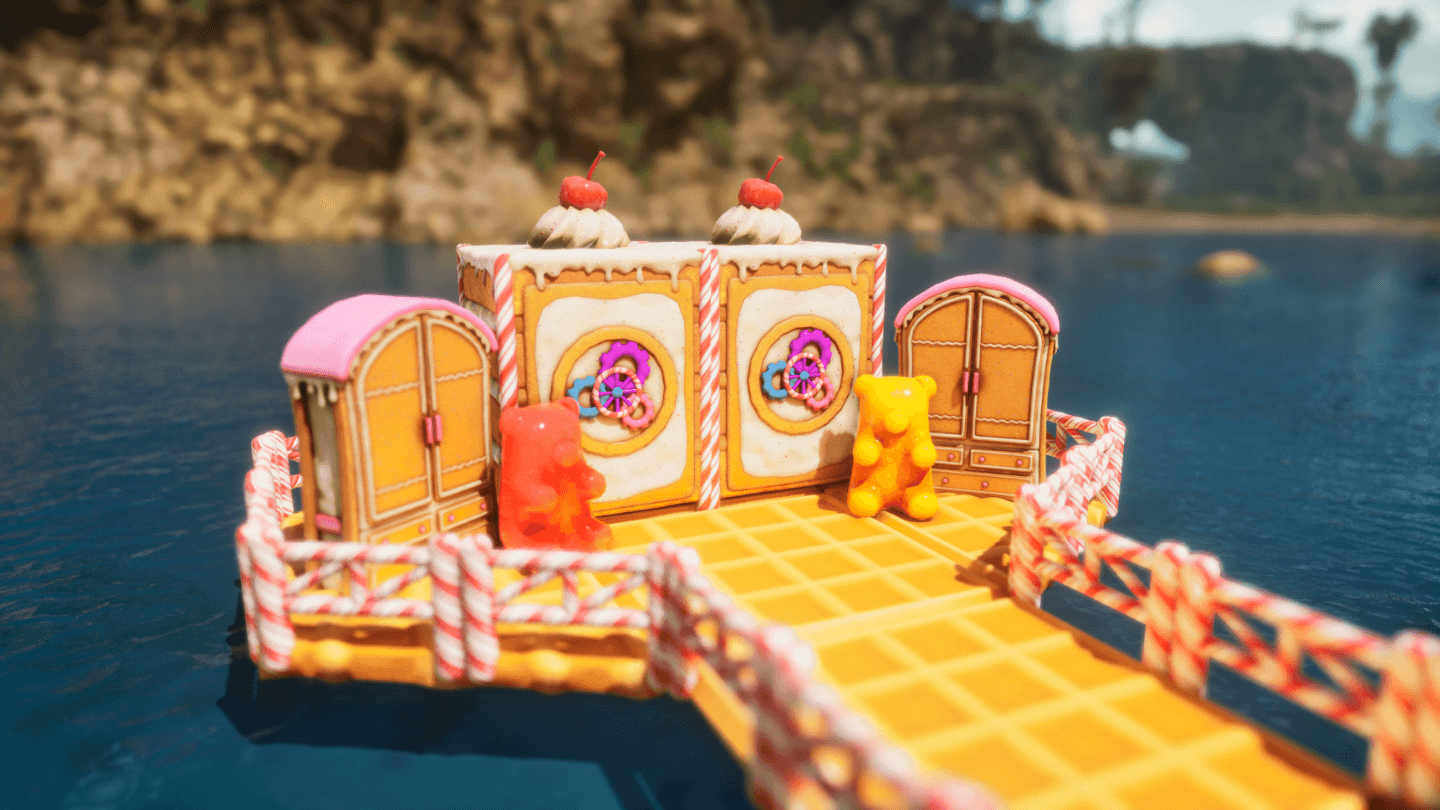
Vault.png
Fabricator.png
Sitting Around Campfire.png
Industrial Grinder.png
Industrial Cooker.png
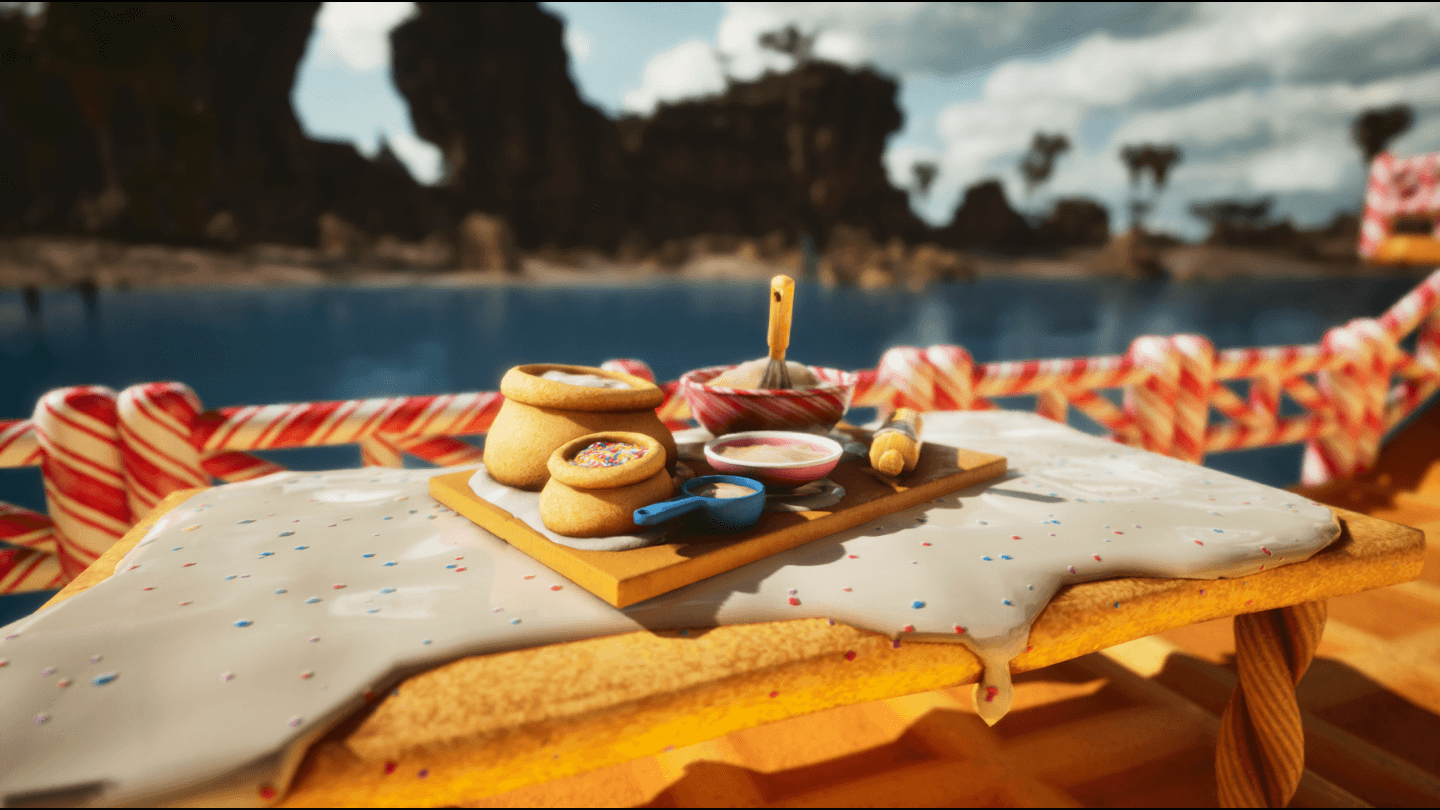
Mortar & Pestle.png
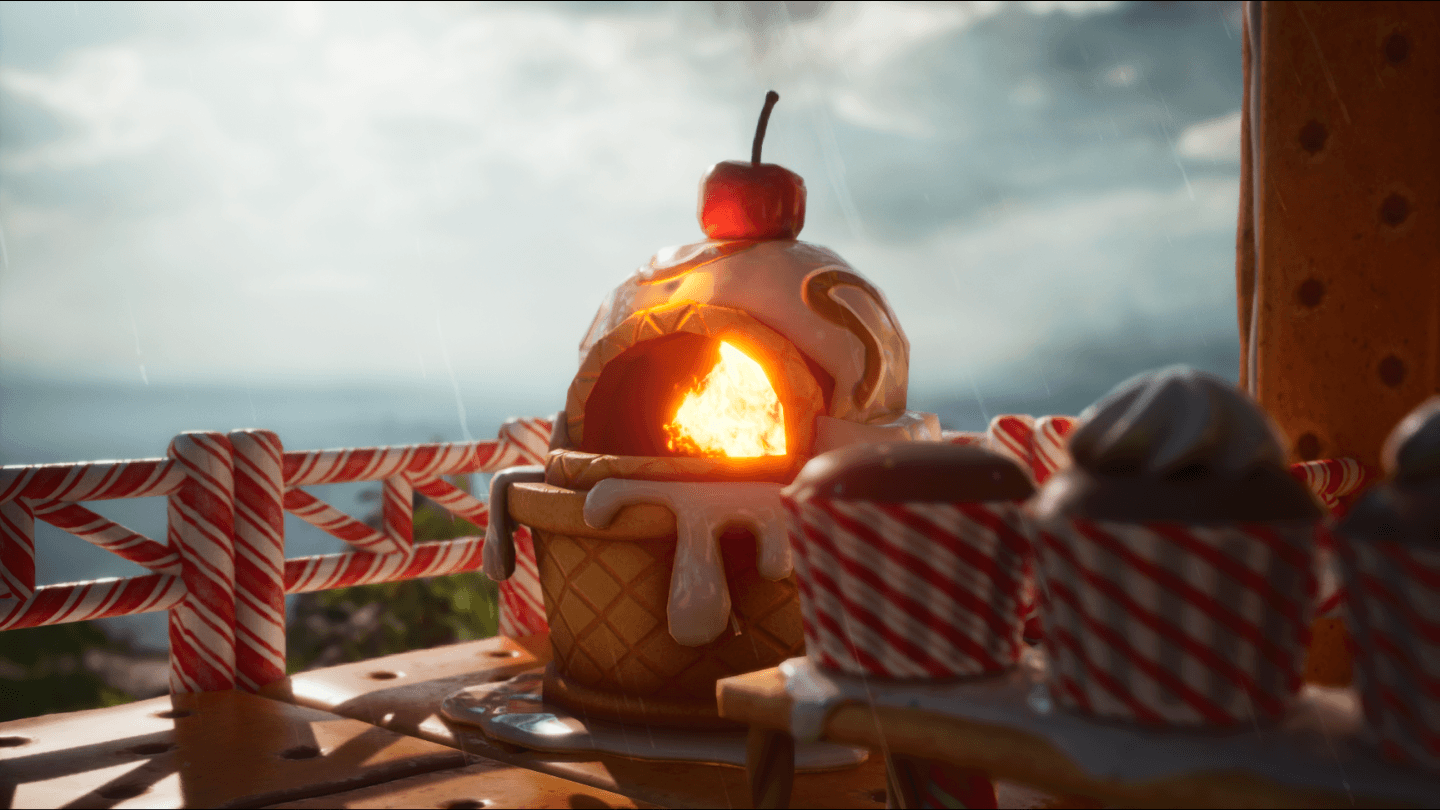
Refining Forge 1.png
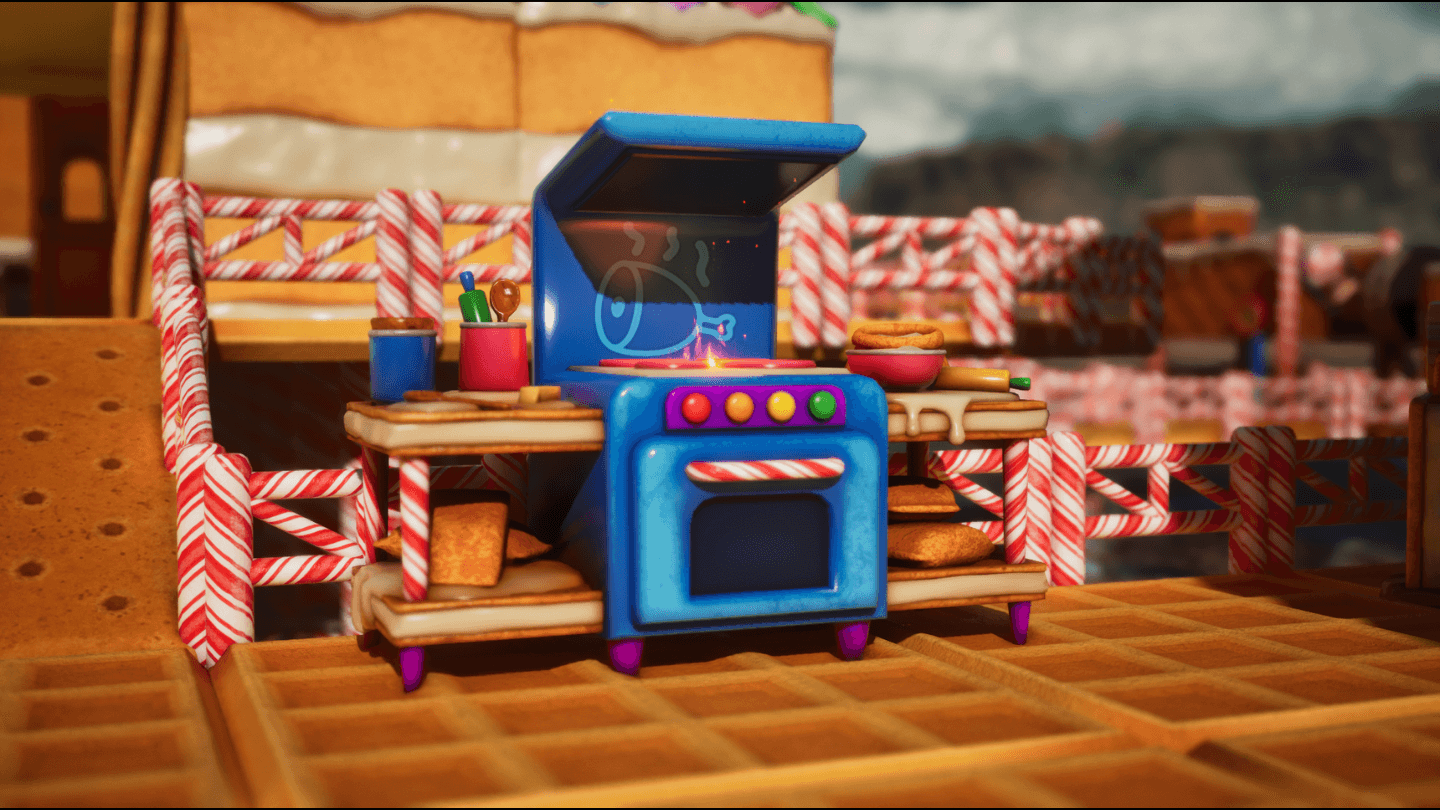
Industrial Grill.png
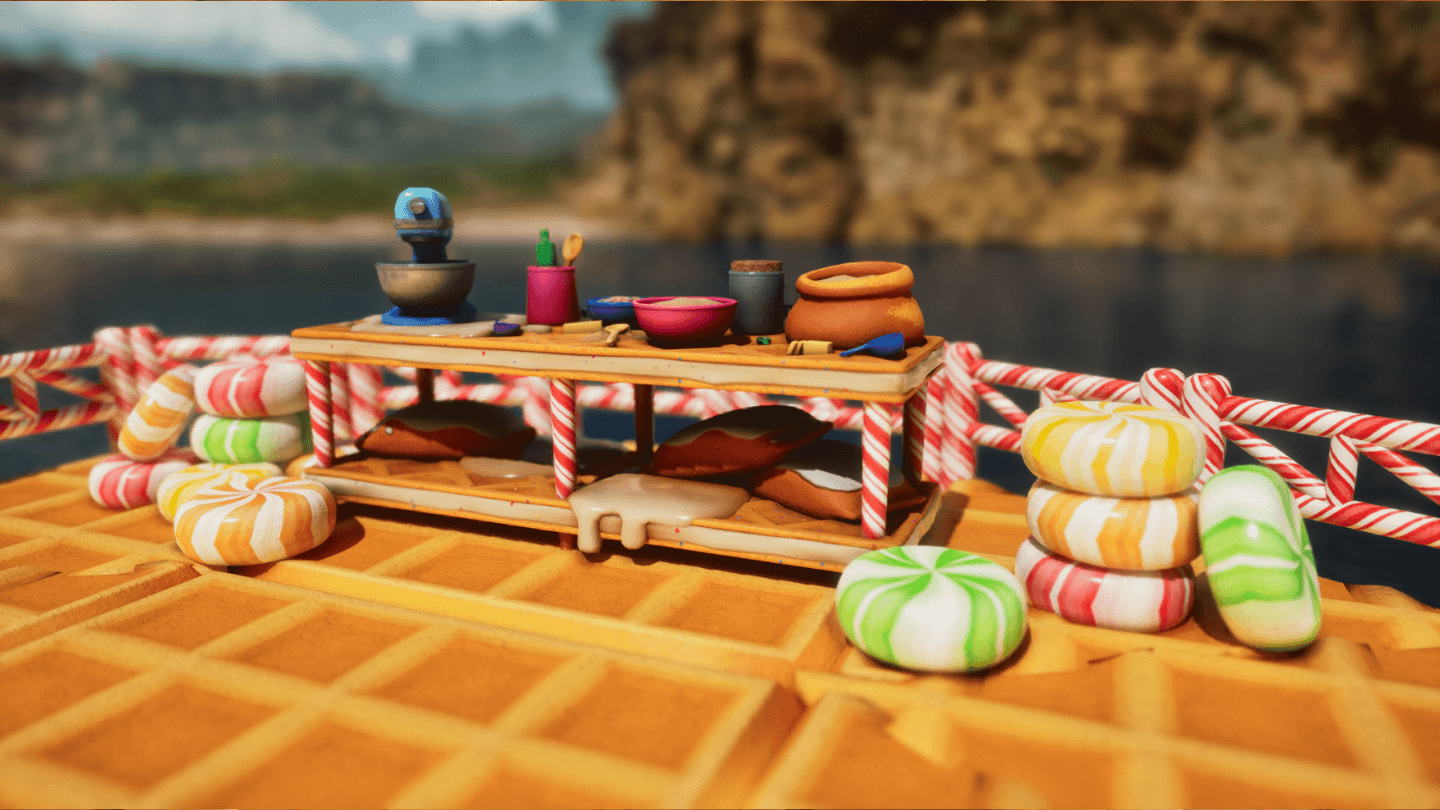
Chemistry Bench.png
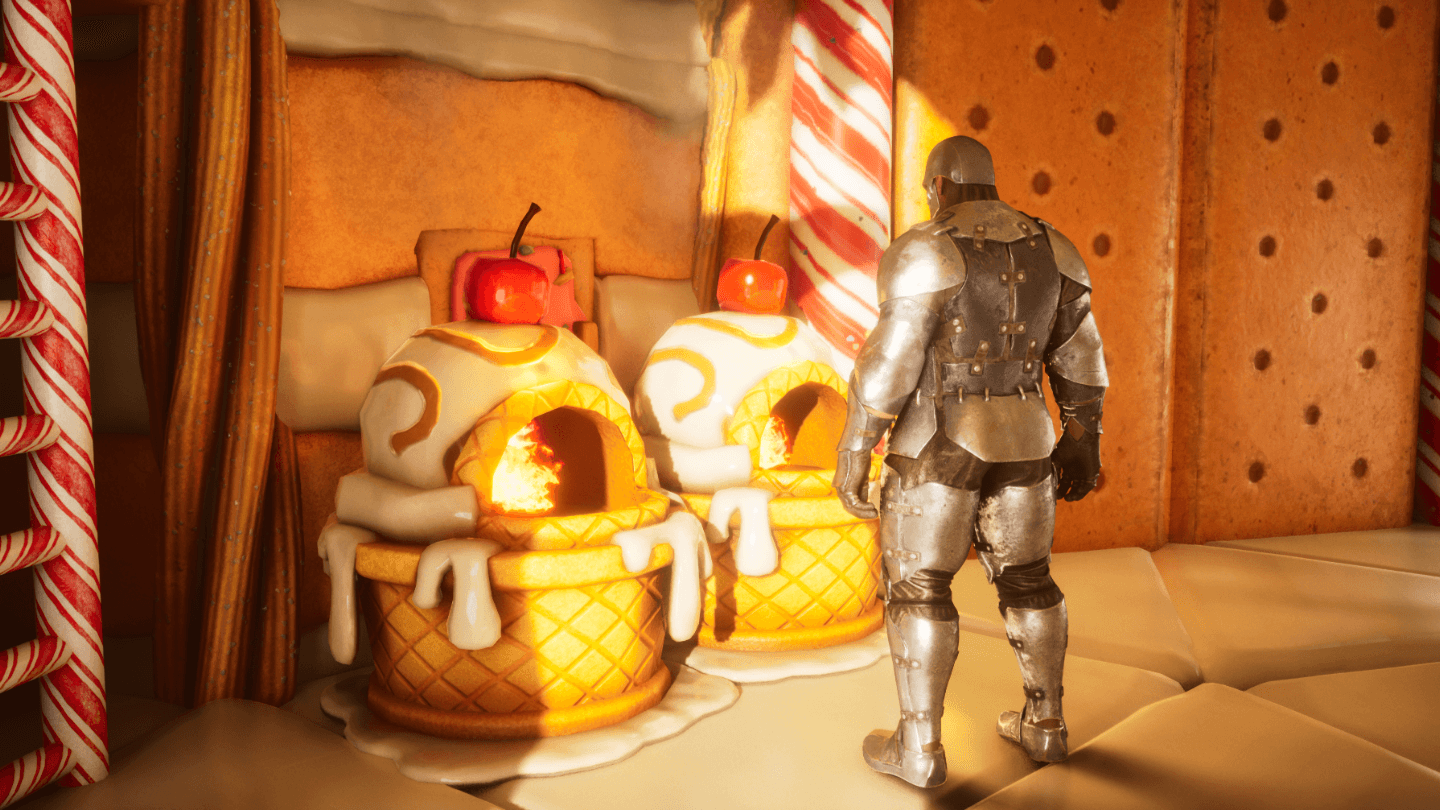
Refining Forge 2.png

Smithy.png
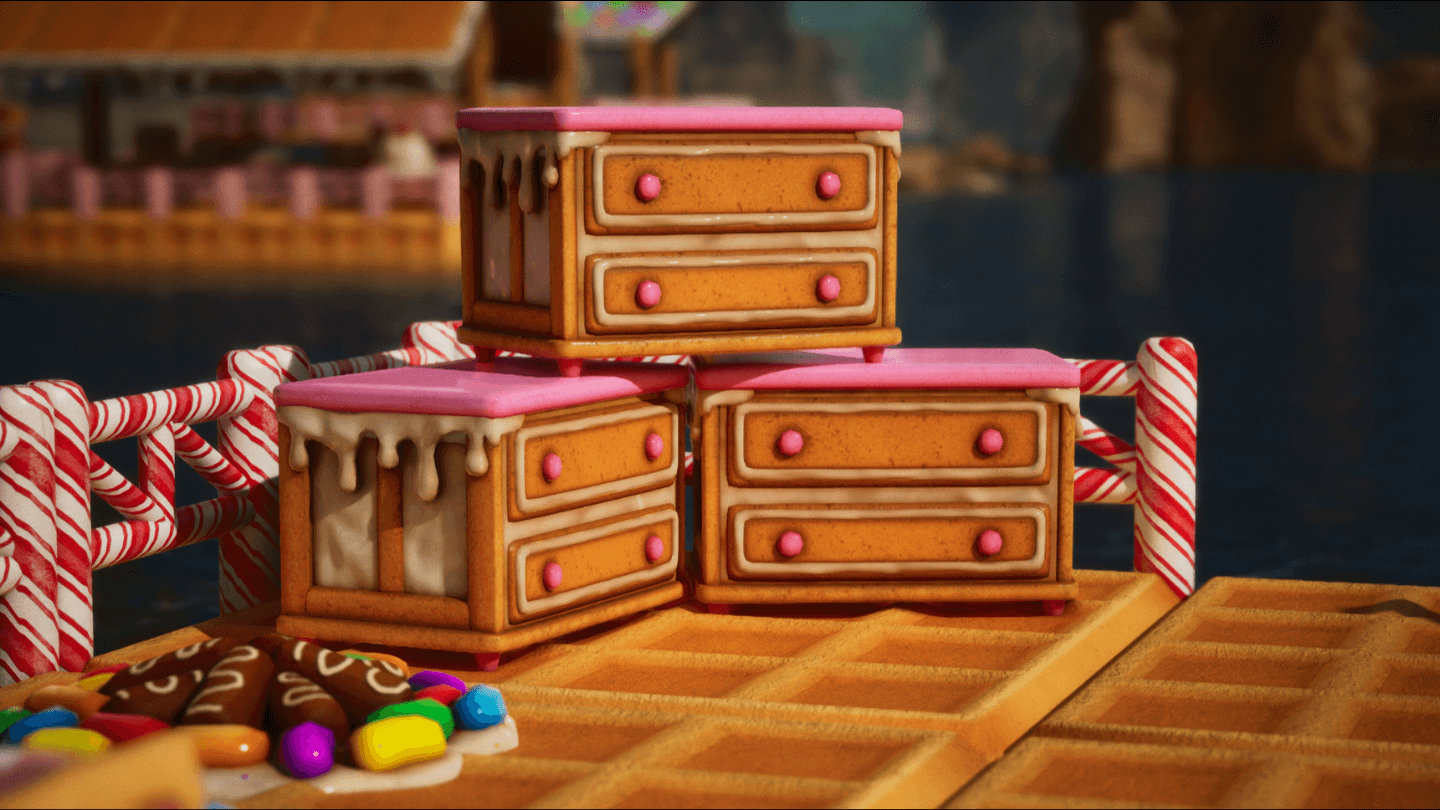
Storage Box.png
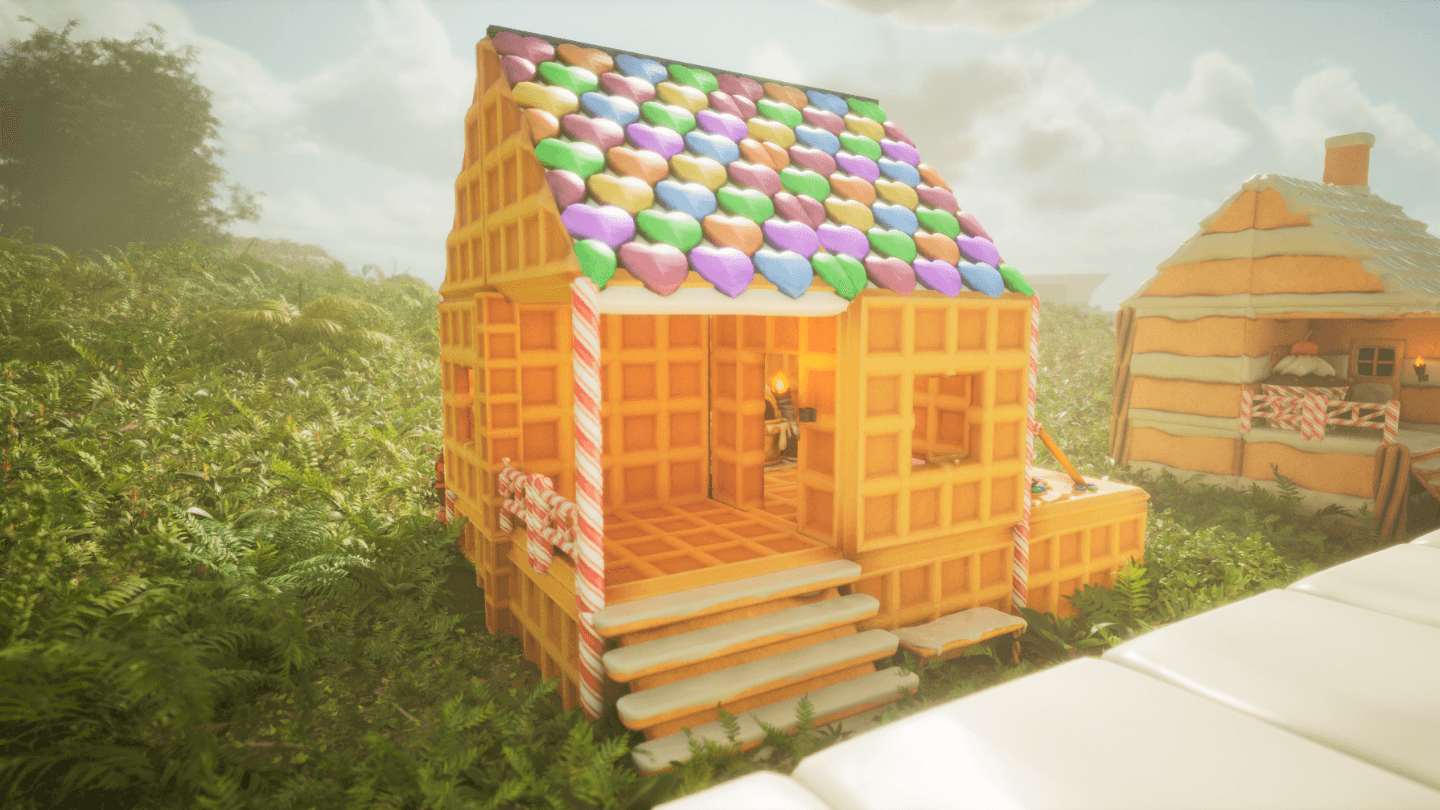
Waffle Cottage.png
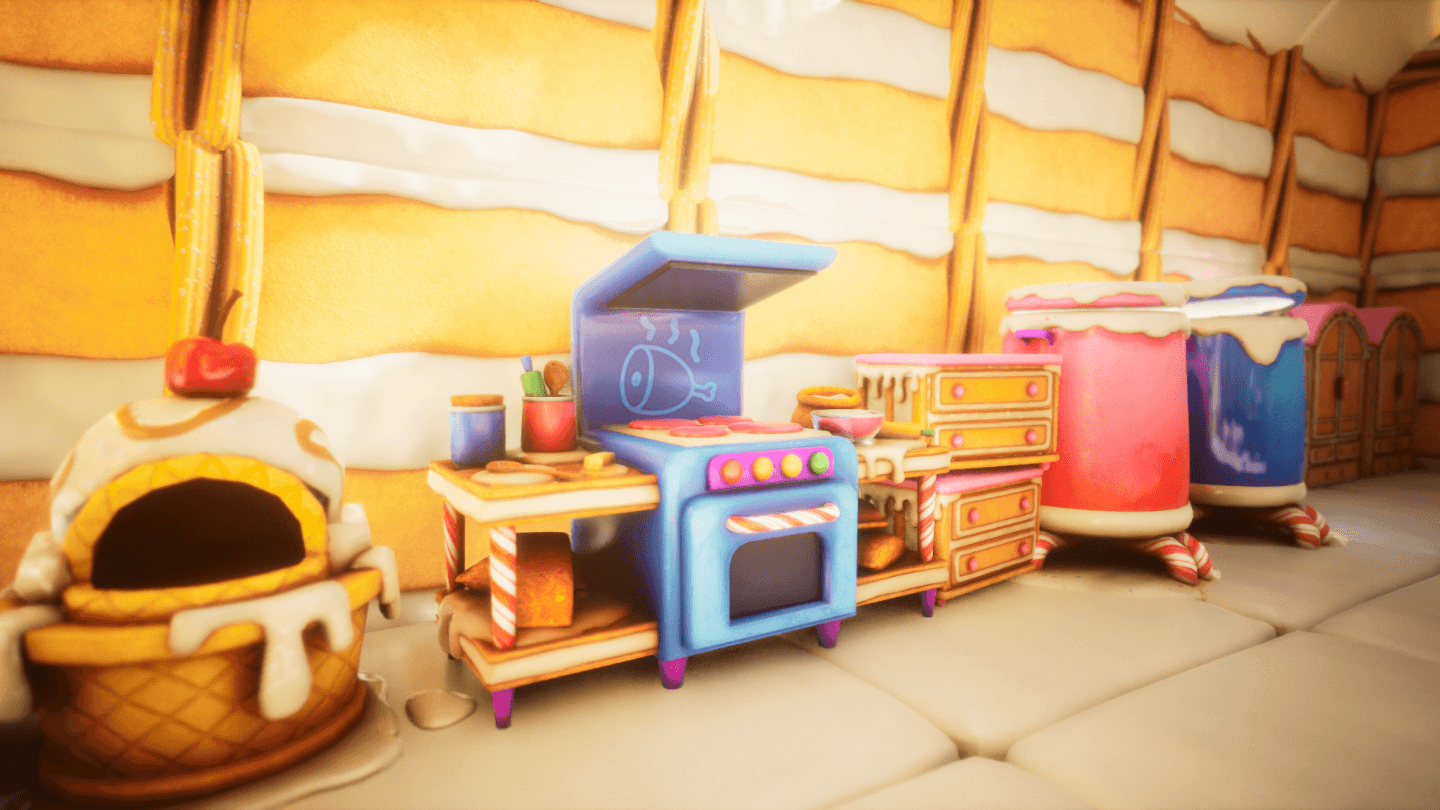
Kitchen.png
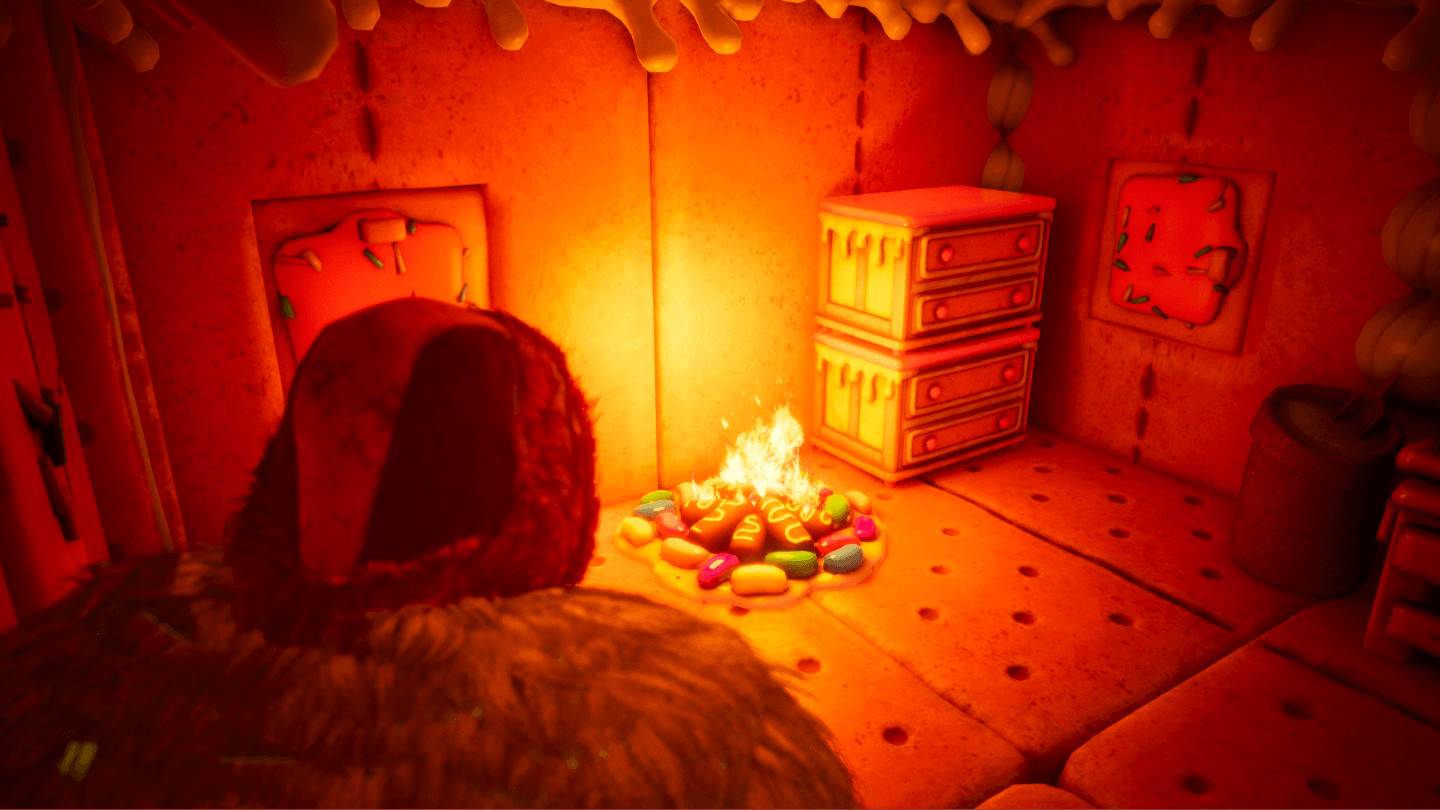
Campfire 2.png
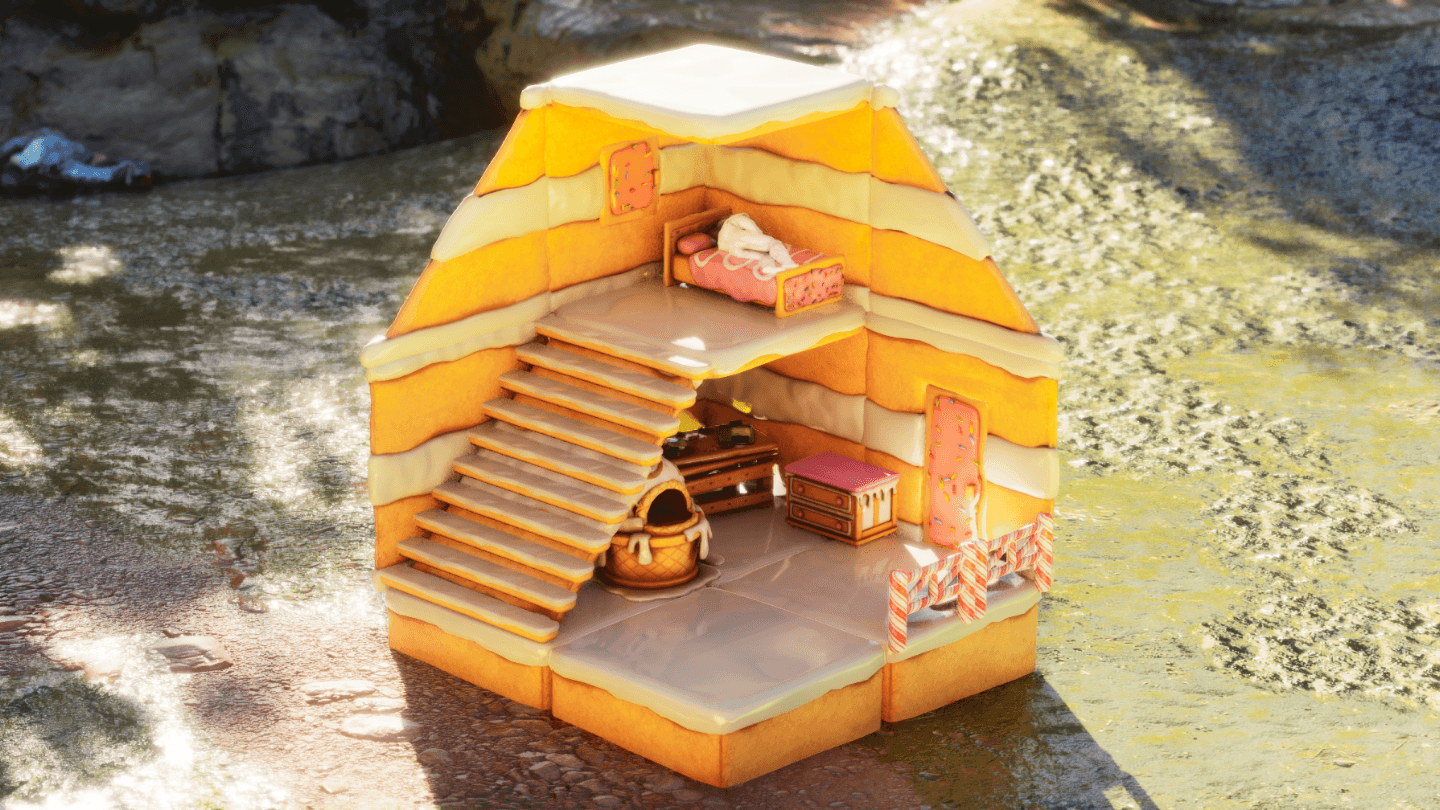
Cake Cottage.png
Description
Kawaii's Sweet Structures!
APPROVED FOR USE ON OFFICIAL SERVERS!!
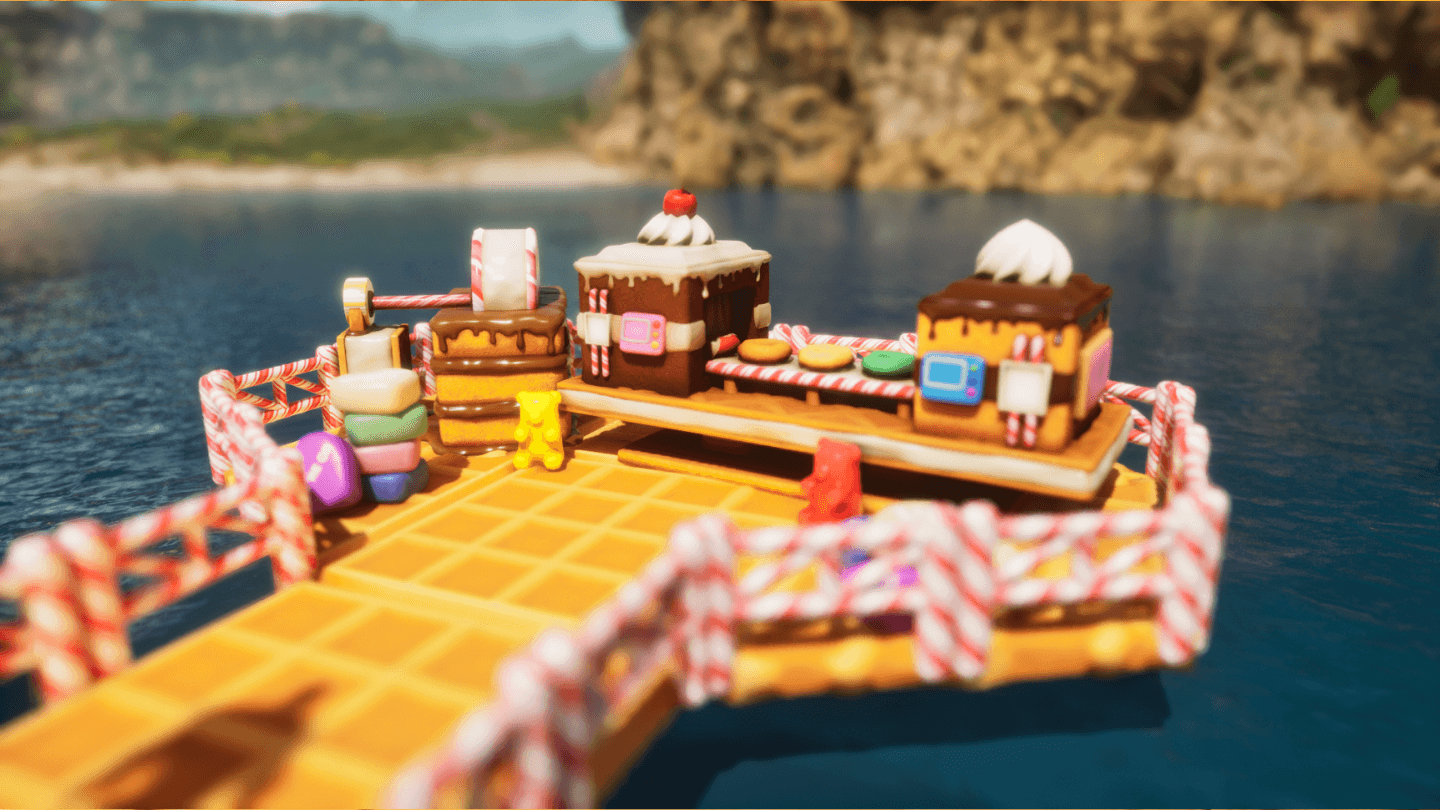
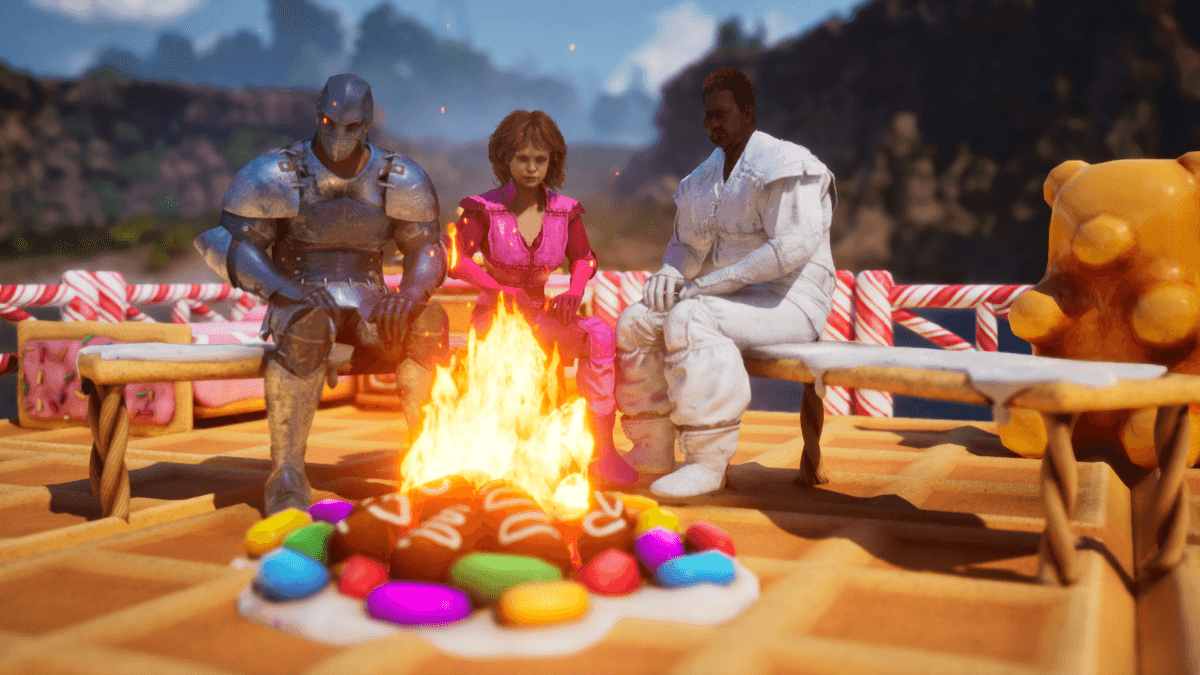
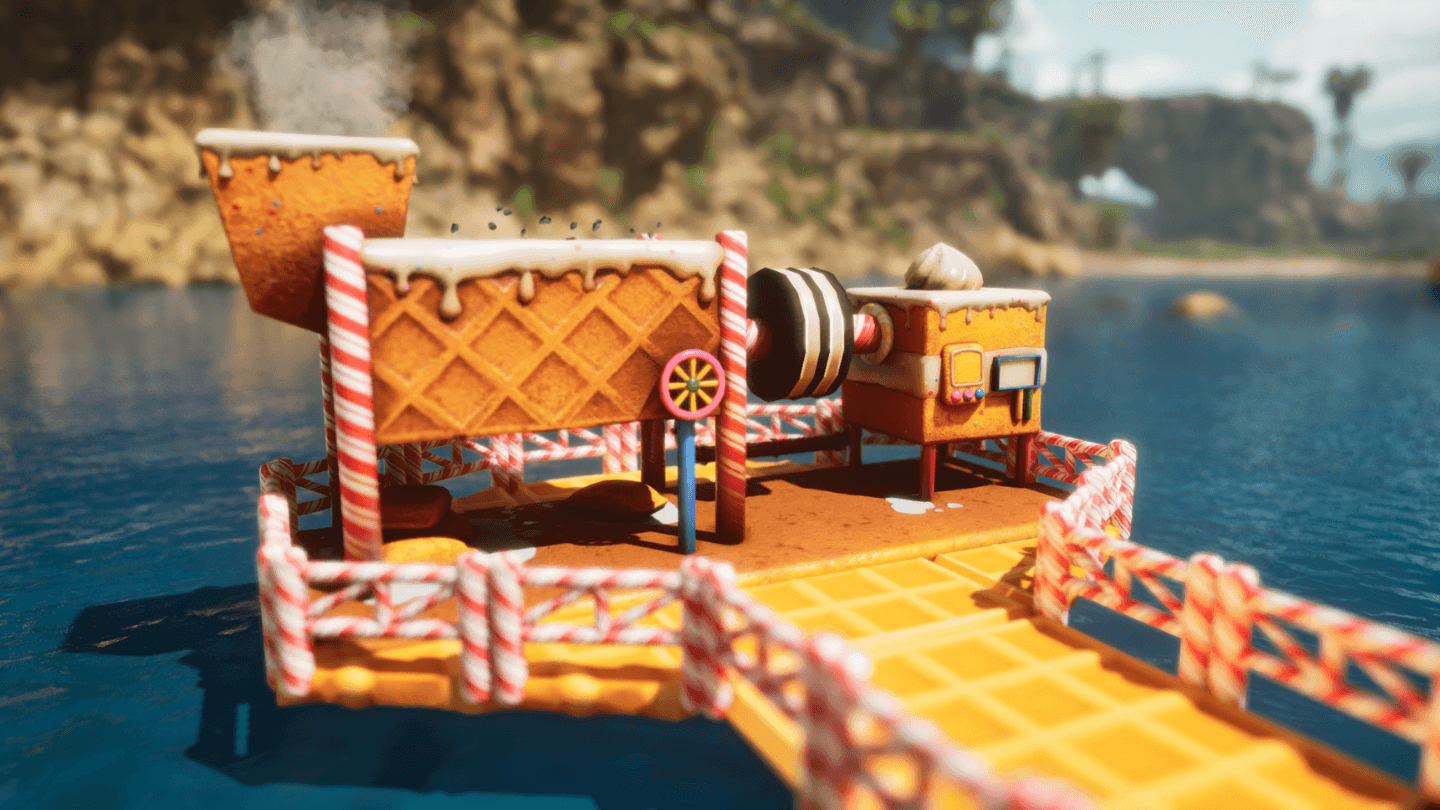
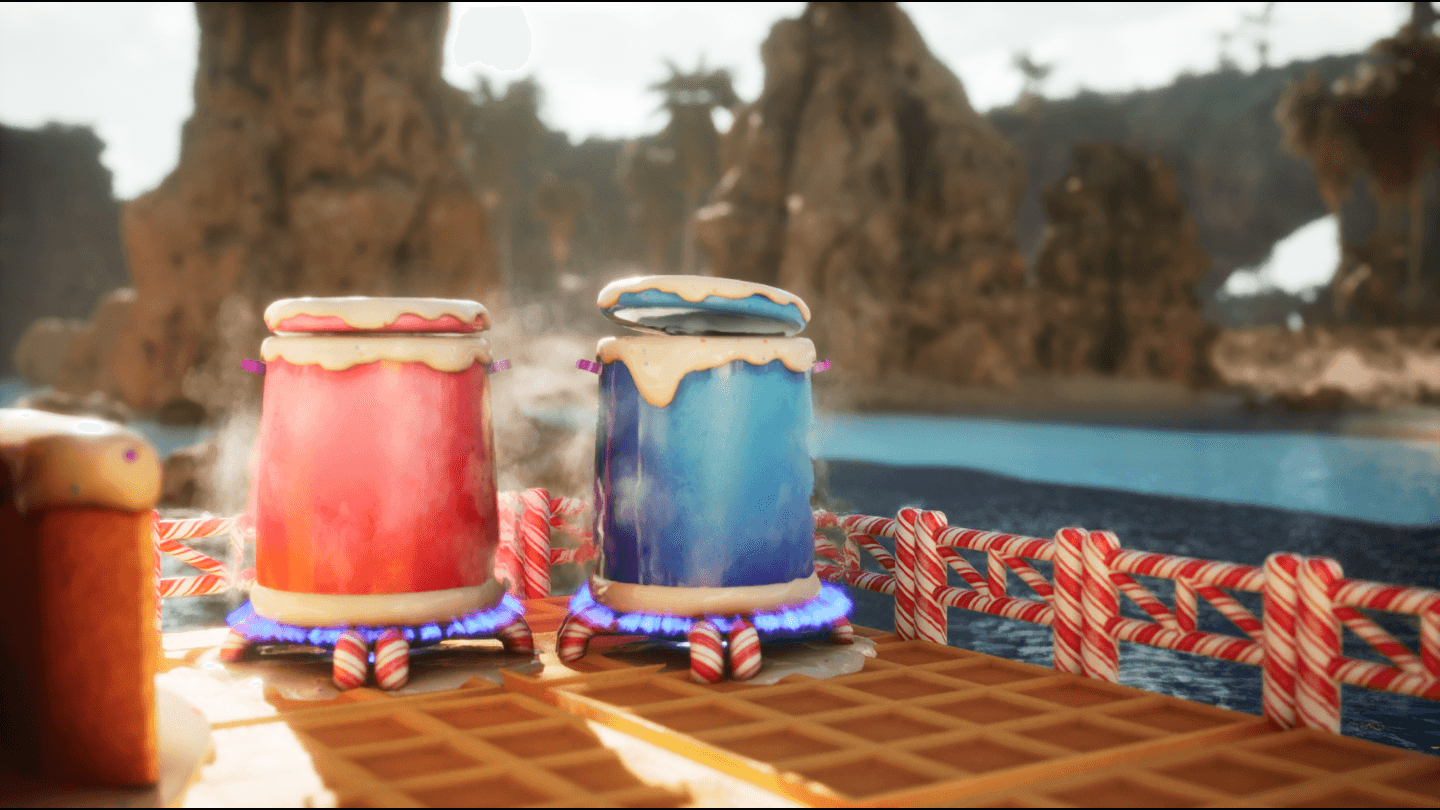
Sweet Structures replaces the look of standard building pieces, furniture, and utilities with delicious dessert-themed skins.
Build with waffles, graham crackers, candy hearts, and so much more to create the sweetest base on the server.
Features
This mod includes 8 delicious structure sets:
• Cake Set
• Graham Cracker Set
• Waffle Set
• Candy Heart Roof Set
• Candy Cane Roof + Railings
• Toaster Tart Doors Set
• Frosting Set
• Churro Pillars Set
Along with 7 decoration sets:
• Sweet Furniture!: A set of skins for beds, tables, benches and storage!
• Sweet Utilities!: A set of skins for all of your utility structures!
• Icing Trim: A skin to create decorative icing trims when placed on a painting canvas.
• Candy Hearts Decor: Use on decor boxes to decorate with candy hearts!
• Creme Cookie Decor: Use on decor boxes to decorate with creme cookies!
• Peppermint Candy Decor: Use on decor boxes to decorate with peppermint candies!
• Gummy Bear Decor: Use on decor boxes to decorate with gummy bears!
• Cupcake Decor: Use on decor boxes to decorate with cupcakes!
How to Use Structure Skins
Equipping & Using Skins
Open your Inventory and go to the Cosmetics Tab
Select Apply Cosmetics
Open the Custom Cosmetics folder
Move your desired skin set to your inventory/hotbar
Equip the skin and aim at any compatible structure to apply it.
Changing Skin Variants
After placing a skin:
Approach the structure
Hold the interact button
PC: E Xbox: Y PlayStation: Triangle
Select the two green cogs on the radial wheel.
Cycle through the available variants.
Early Access Notice
This mod is currently in early development, with more Sweet Structures coming soon! Share any feedback in our discord: Join Here!
For a full list of cosmetics, click here!
If you encounter issues, please report them in the comment section, Discord, or via Instagram.
Troubleshooting
If cosmetics are not appearing in the Cosmetics Tab:
Uninstall the mod
Restart the game
Reinstall the mod
Share Your Builds
We love seeing what players create!
Tag us on Instagram: @kawaii.creator.vr or on Facebook: @Kawaii Creator VR
The Kawaii's Sweet Structures! Team