


Description
Adds call stations and floor selection menus to elevators.
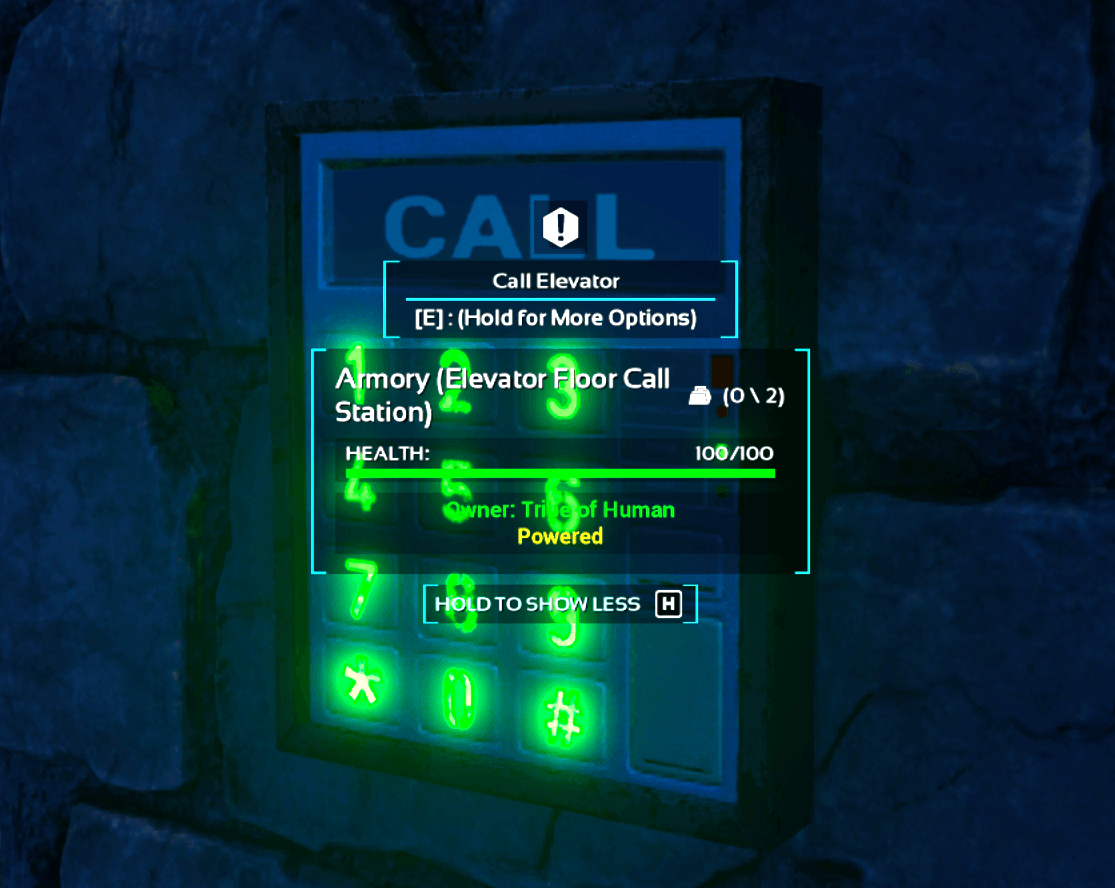
Once you've built an elevator, place a Controller near the base, apply the cosmetic to the platform, and add a Station at any floor you want to make a stop at. The stop location is based on the bottom of the nearest relevant track piece at that Call Station's height, so snapping the track to a foundation is recommended.
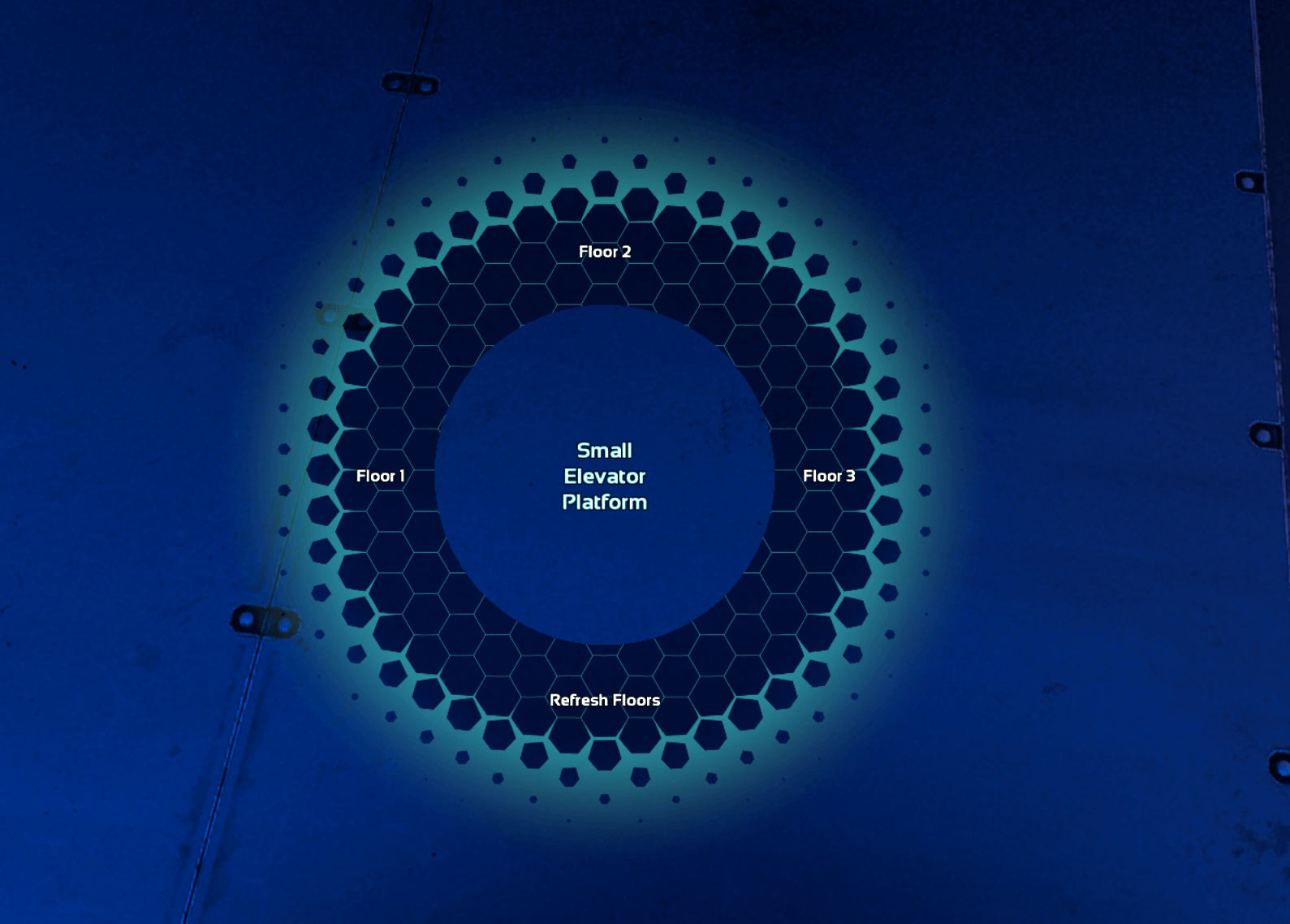
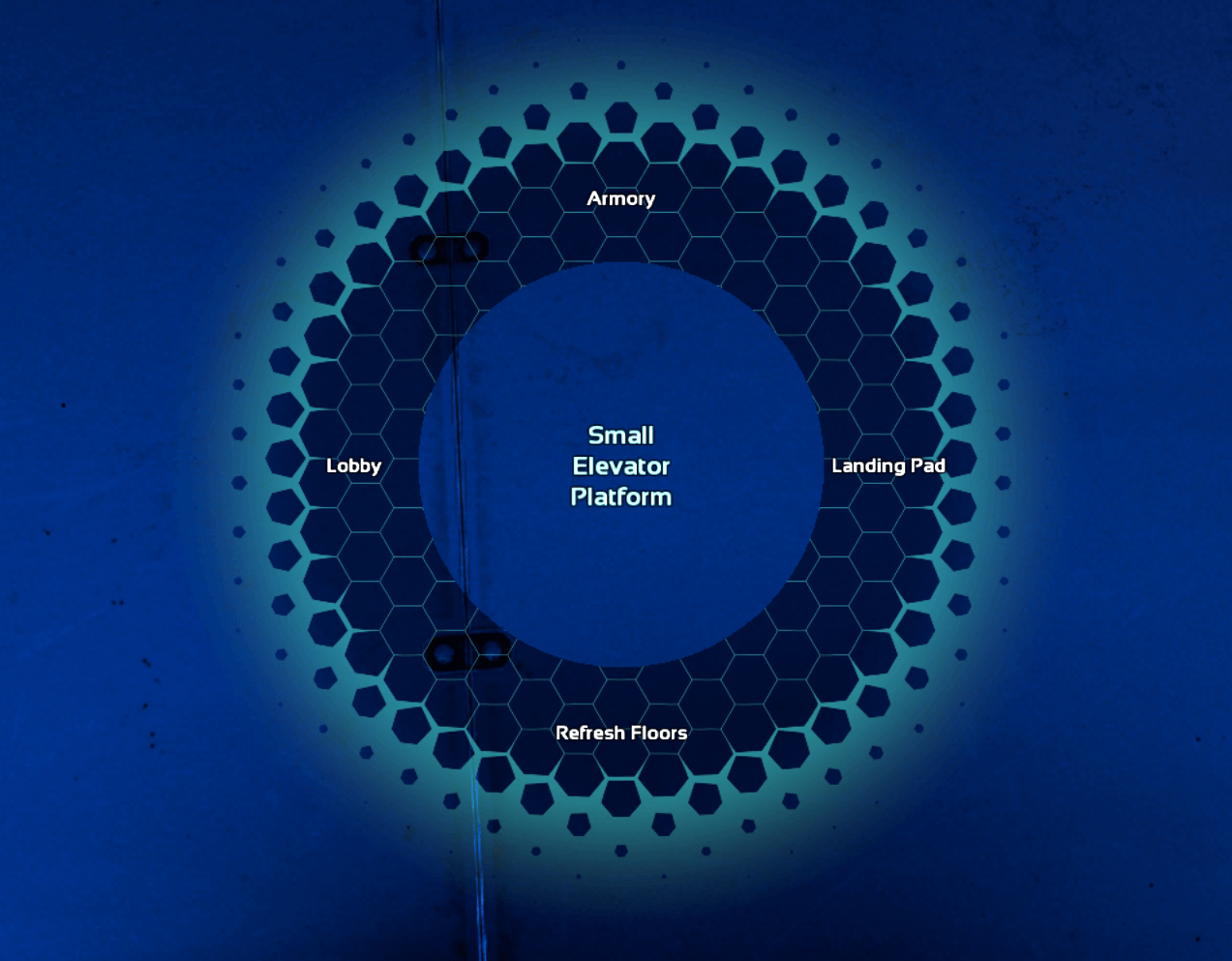
You can call or stop the elevator from any of the call stations, and the cosmetic adds a 'Select Floor' menu to the platform's interaction wheel.
Renaming Call Stations allows you to name your floors. Use 'Refresh Floors' if the floor list does not update automatically.
The Elevator Control Team
