Better Inventory
- By
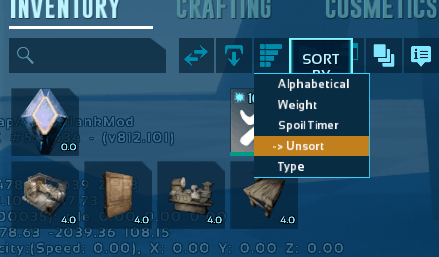
Better Inventory sorts your inventory into six columns, so you can find things at a glance instead of scrolling through a mixed pile
aa.png
ee.png
Description
Better Inventory: A Cleaner, Sorted Inventory
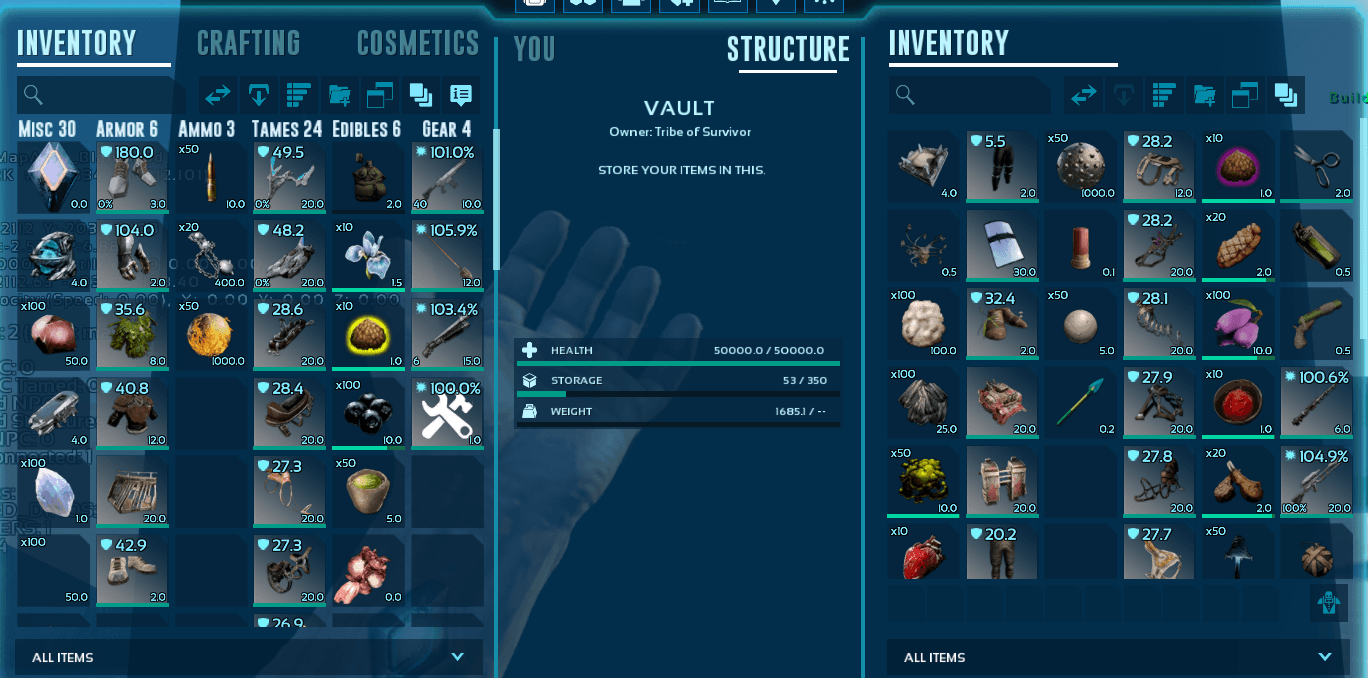
Six category columns
Misc: resources and structures Edibles: consumables Gear: guns, bows and Tek weapons, including the Tek Rifle and grenades Armor: armor Ammo: arrows, bullets, shells Tames: Dinos and Saddles
Each column header shows how many items are in it. Click a header to collapse that column. Your collapsed columns are saved.
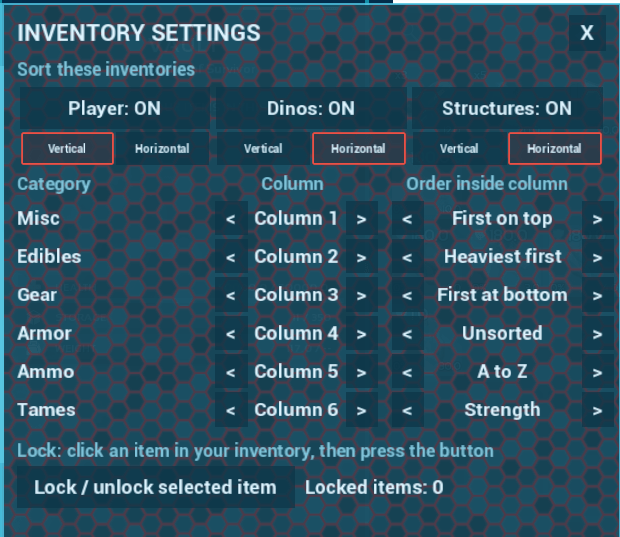
Sorting per column Each column has its own sort order, which you change with the arrows. Edibles can be sorted with the soonest-to-spoil items first. Weapons, Gear and Tames can be sorted by stat strength.
Locked items Lock the items you never want to lose. Locked items can’t be dropped, aren’t thrown out by Drop All, and stay put when you press Transfer All.
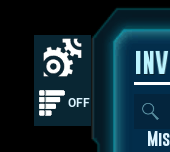
Dynamic mode The button under the gear switches dynamic layout on or off. You choose this separately for your own inventory, your tames and your structures. Dynamic only turns on when a column grows past 7 rows, so small inventories stay tidy.
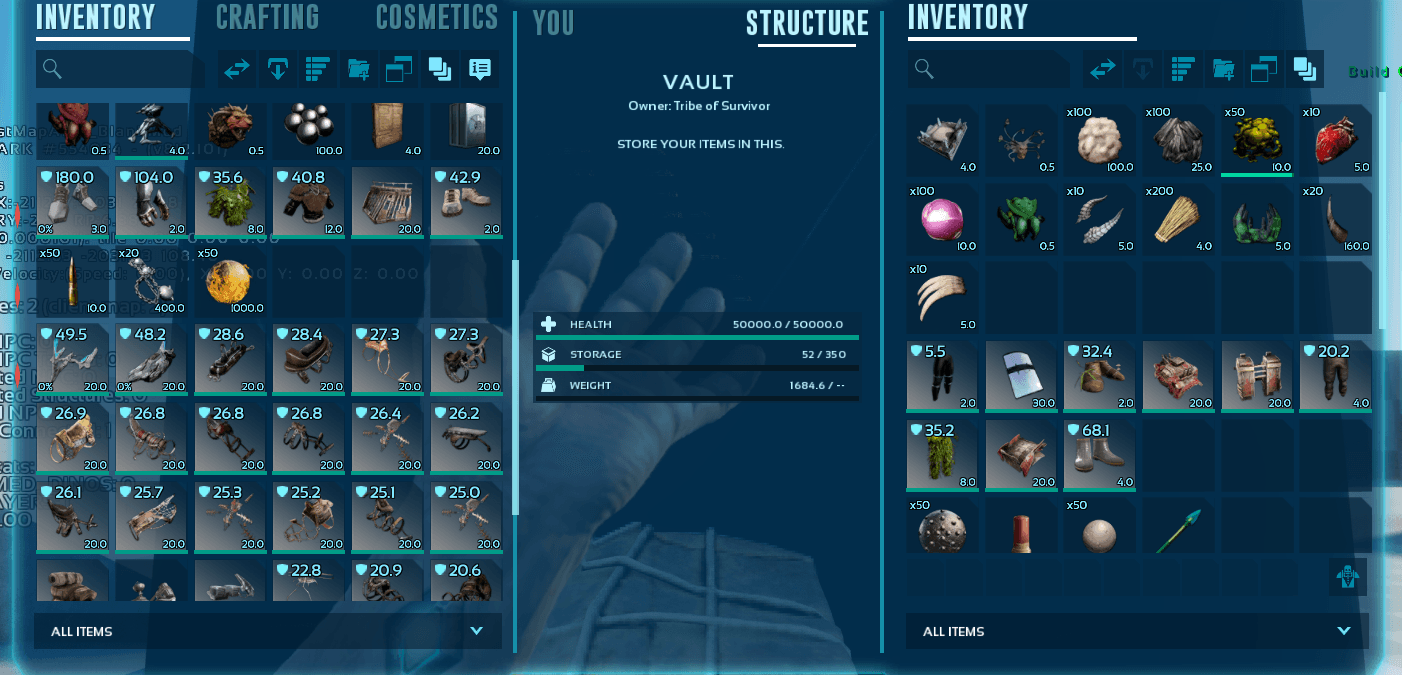
In the inventory settings, under Player, Dinos and Structures, you can now choose Vertical or Horizontal. Vertical: one column per category and headers on top. Horizontal: each category gets its own rows, filled left to right. A red bar on the left marks where each new category starts and scrolls with your items.
Better Inventory Team