ALIENS - Custom Cosmetics
- By
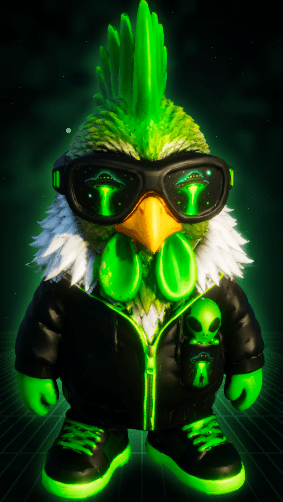
chibi_01_alien_gamer.png
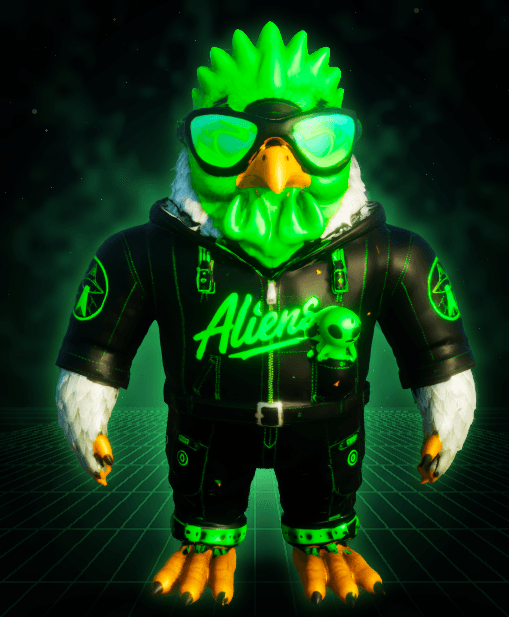
chibi_02_alien_aviator.png
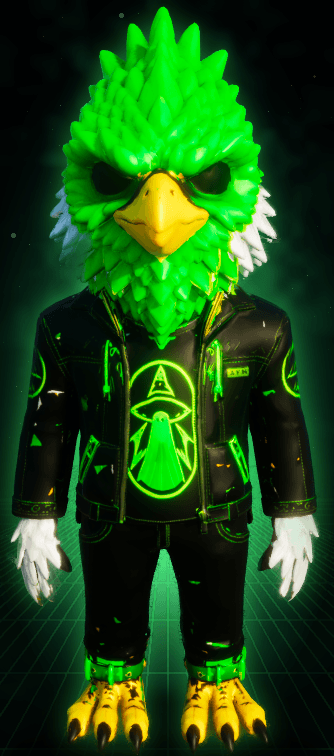
chibi_03_eagle.png
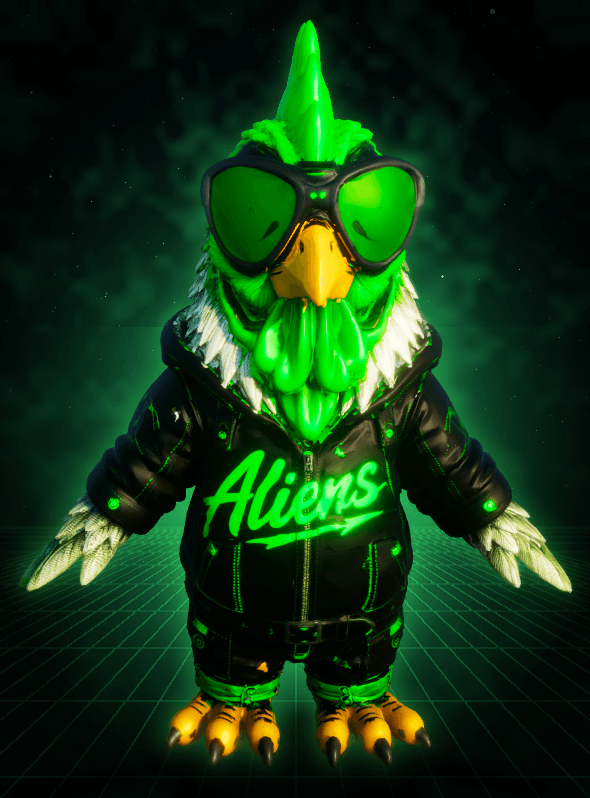
chibi_04_griffin.png
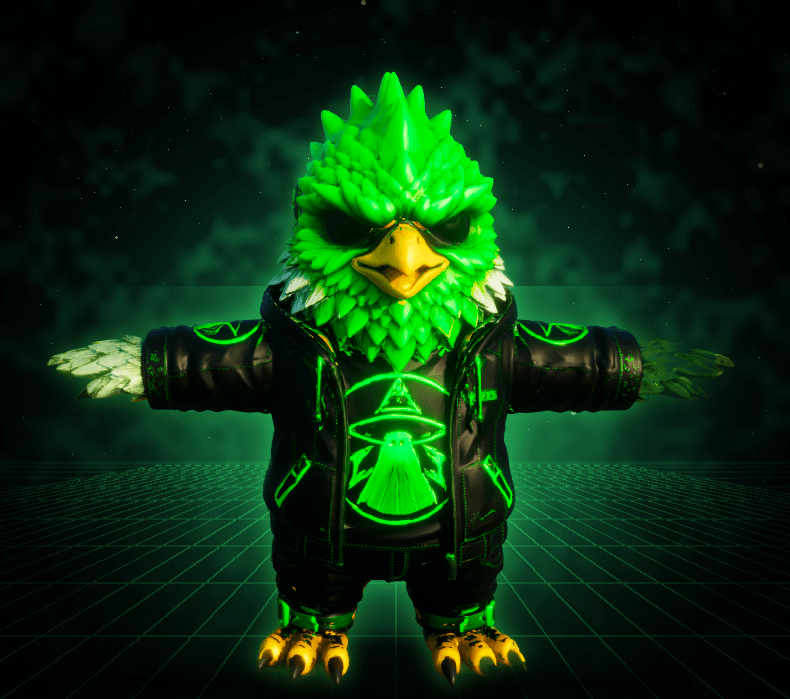
chibi_06_neon_forest_rebel.png
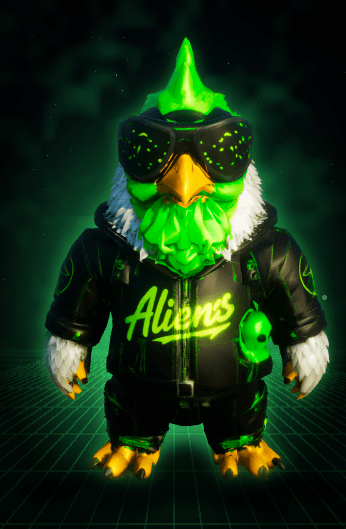
chibi_07_rig_biped.png
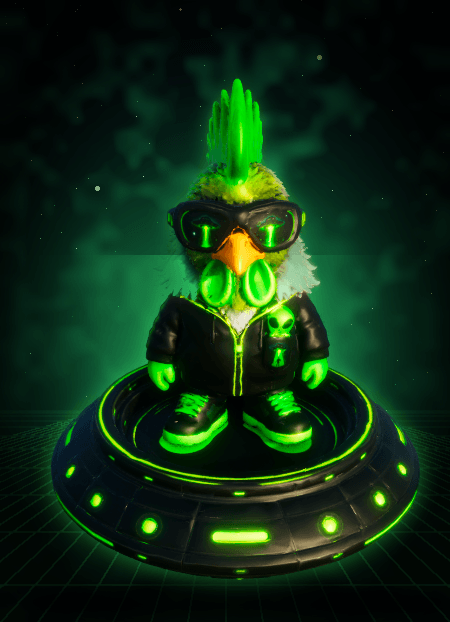
chibi_08_alien_ufo.png
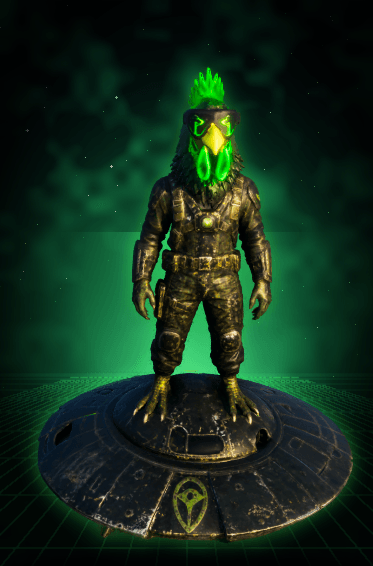
chibi_09_pilot_ufo.png
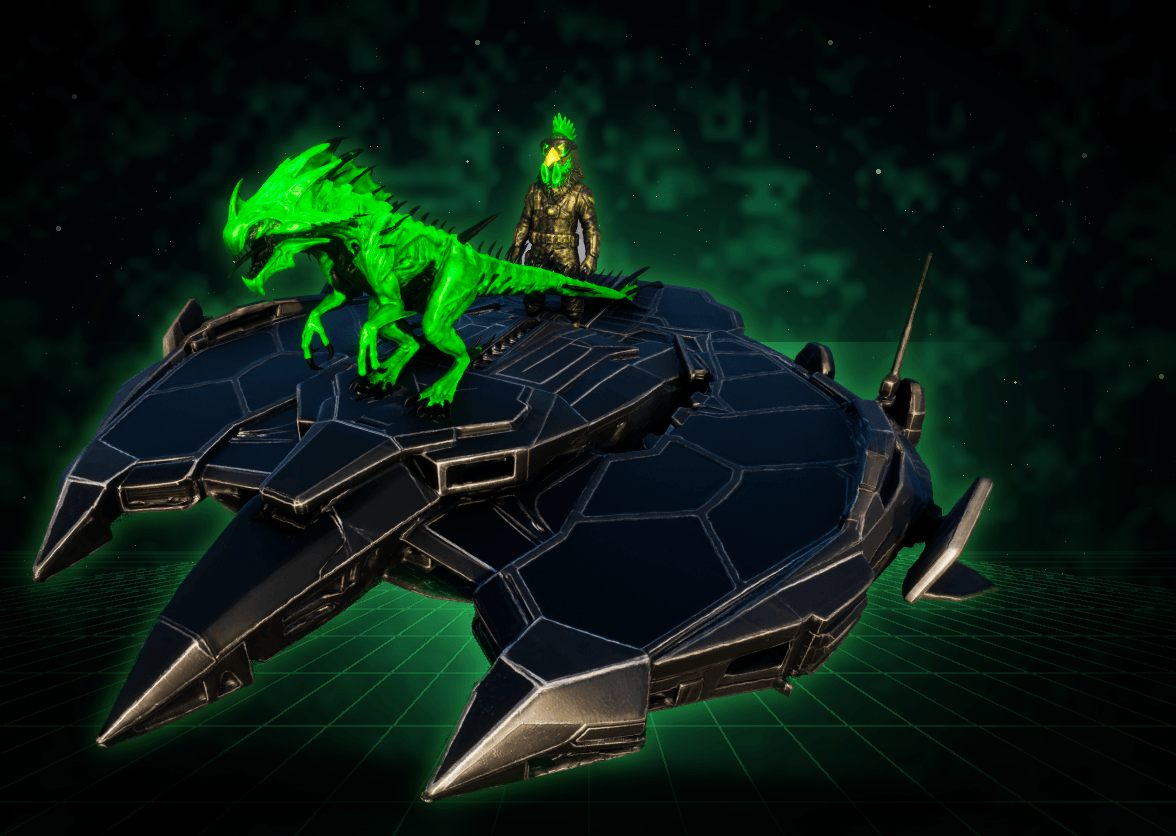
chibi_10_pilot_reaper_skiff_a.png
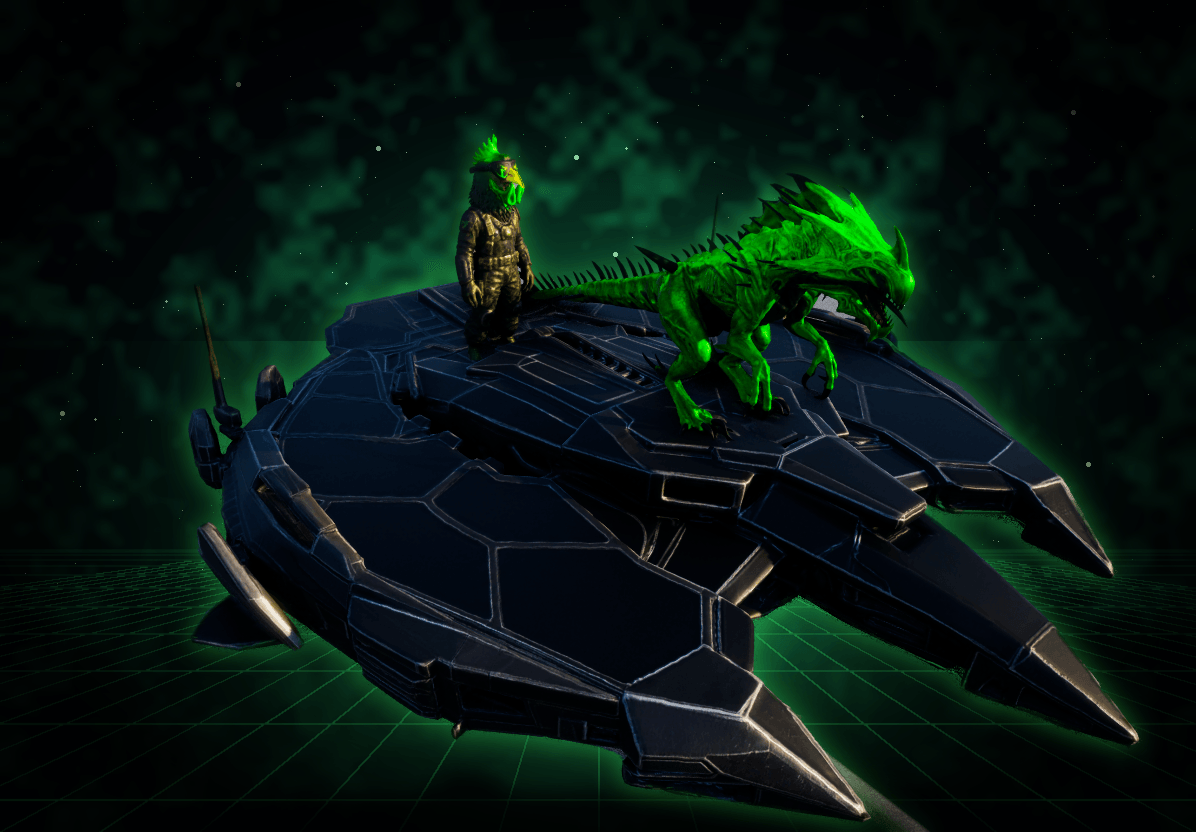
chibi_10_pilot_reaper_skiff_b.png
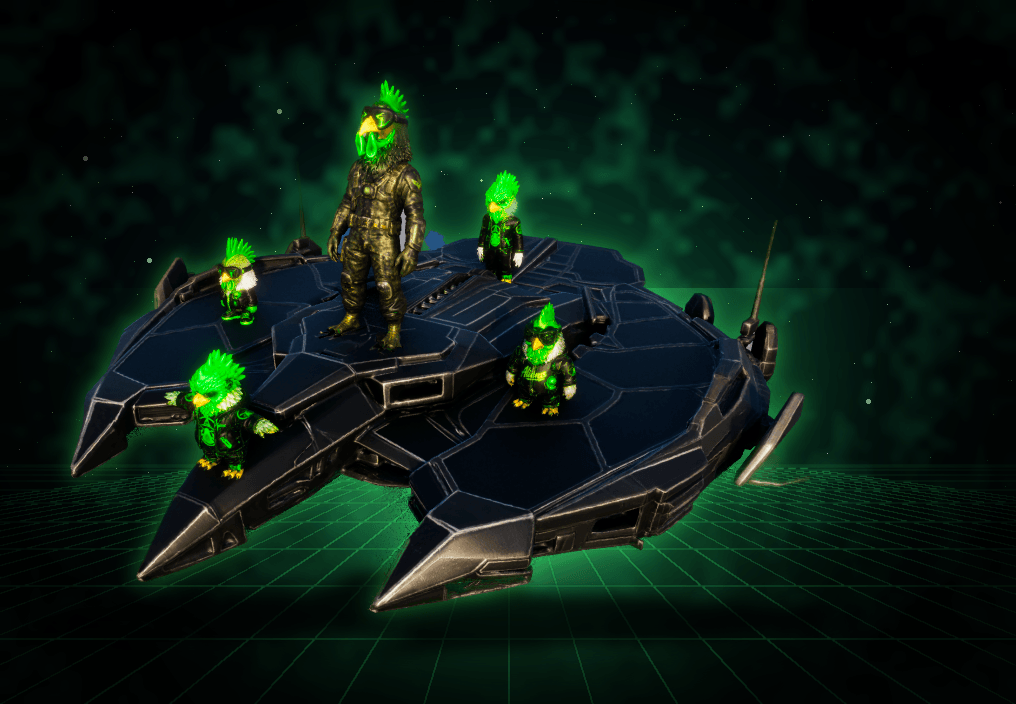
chibi_11_pilot_crew_skiff_a.png
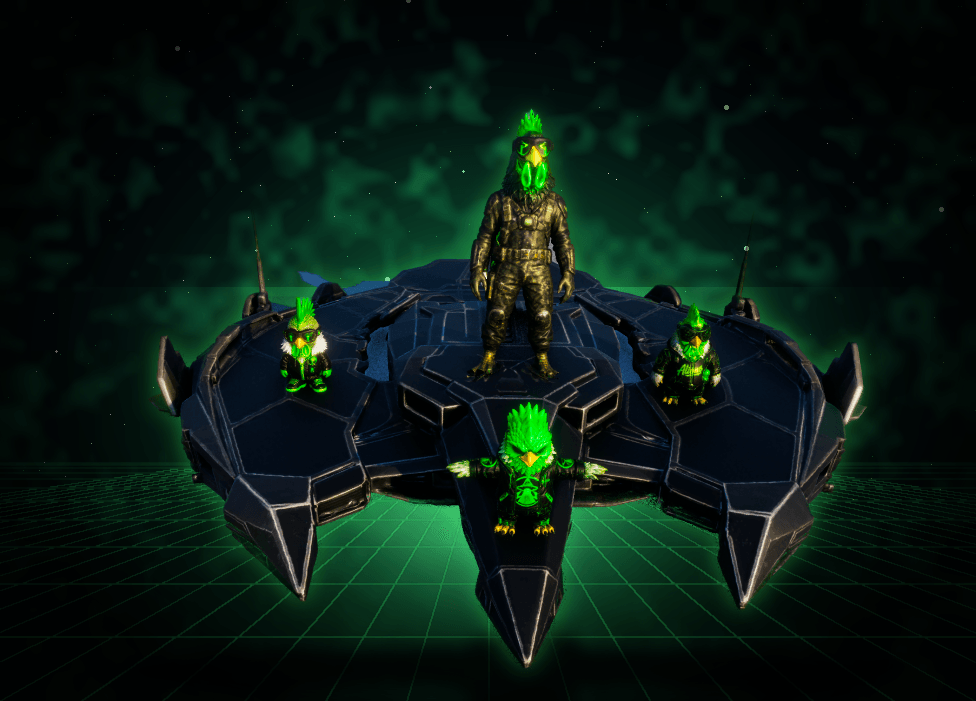
chibi_11_pilot_crew_skiff_b.png
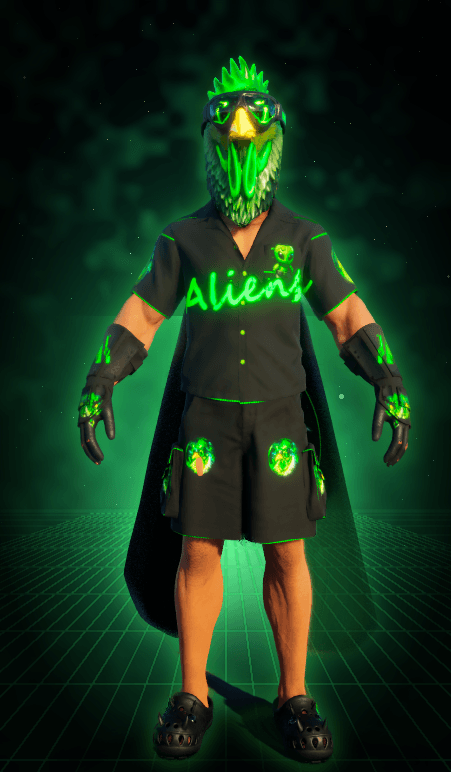
outfit_female_full_a.png
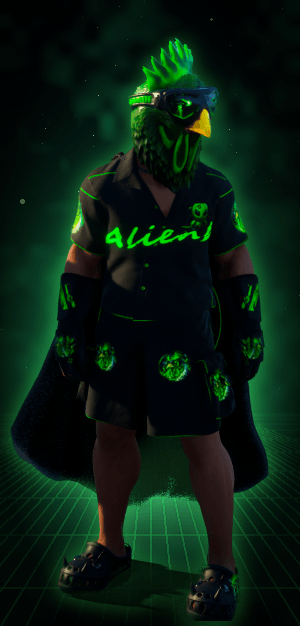
outfit_male_full.png
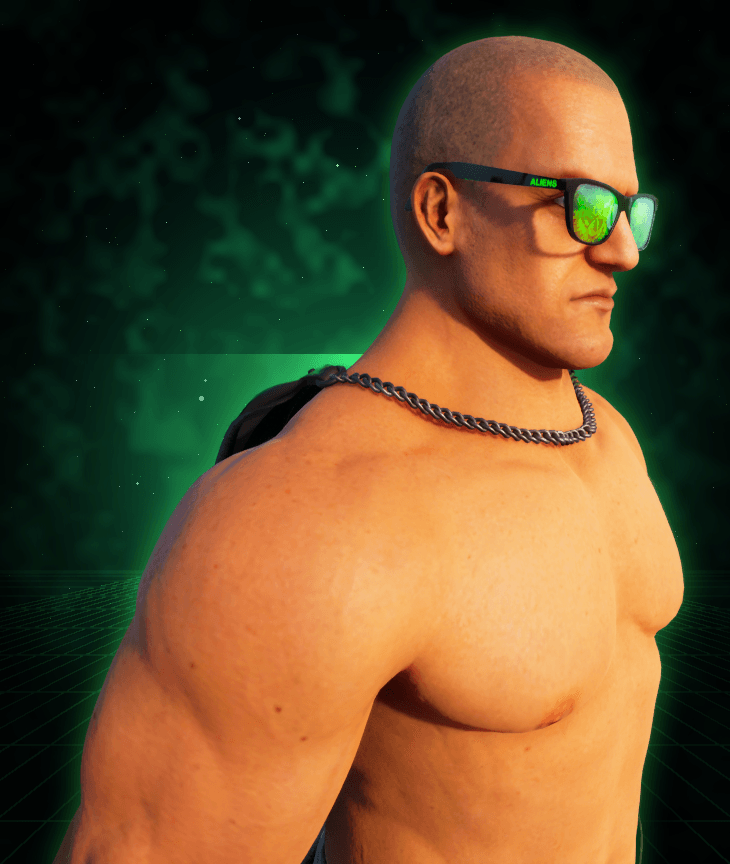
shades_male_closeup.png
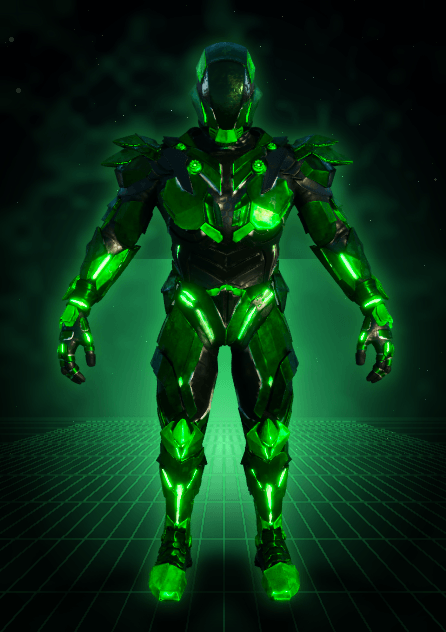
tek_female.png
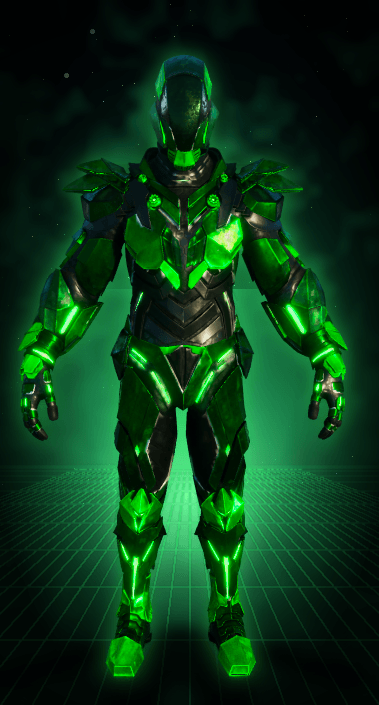
tek_male.png
Description
ALIENS - Custom Cosmetics for ARK: Survival Ascended
Alien-themed cosmetic pack. Everything is purely cosmetic (no stats, no gameplay changes) and applied through the Apply Cosmetics menu, with or without armor underneath.
CONTENT
11 Chibi Aliens (Chibi Alien 1 to Chibi Alien 11)
- Ground chibis (1-7): fully animated. They walk, run, swim (only when you actually swim) and do a level-up dance.
- Hovering chibis (8-11): they float, breathe and look around.
- 8 and 9 ride their own UFO.
- 10 is the pilot from chibi 9 on a hover skiff, with a green-and-black Reaper at his side.
- 11 is the same skiff with the pilot and four alien crew members, each breathing on its own.
Costumes (2)
- Doon Max (still in testing)
- Robot Chicken (still in testing)
Alien Outfit (7 pieces)
- Hawaiian shirt, shorts, shoes, gloves, shades, alien head and the ALIENS Cape (accessory slot, cloth physics)
- Male and female versions
Alien Tek (5 pieces)
- Tek helmet, chestpiece, gauntlets, leggings and boots, repainted black with green lights and a green visor
- Male and female versions
ALIENS Outfit Pack and Accessories (14 pieces)
- ALIENS Vest DOON (leather biker vest with the ALIENS BRASIL back patch, follows the Body Composition sliders)
- ALIENS Leather Pants/Shorts (leather shorts on male, leather pants on female)
- ALIENS Sneakers, ALIENS Claws and ALIENS Bracelet
- ALIENS Crown King and ALIENS Crown Queen
- Patches: ALIENS Chest Patch, ALIENS BRASIL Back Patch and Brazil Flag Shoulder Patch
- Name tags: Doon, 2Much, CH4MAFIU and Tdor
- Male and female versions
DYES
- Every chibi and every clothing piece has 6 dye regions
- Leather pieces (ALIENS Vest DOON, ALIENS Leather Pants/Shorts), the Brazil flag and the costumes always keep their original colours
- Default look is the original look; a dye replaces the colour of its region instead of mixing with the texture
- Glowing parts keep glowing after dyeing
- Inventory icons show the item dyed
HOW TO USE
Open your inventory, go to the Apply Cosmetics tab, open the Custom Cosmetics folder and drag a piece onto the slot. No armor required.
Chibis: the game only lets a chibi cosmetic go on top of a chibi that is already equipped. Put any in-game chibi in the PET slot first, then drag the Chibi Alien onto it.
NOTES
- Works on singleplayer, unofficial and official servers
- PC first; cross-platform after review
- Work in progress: ALIENS Claws shows BROKEN on its icon while it is being fixed (skin can show through on some body shapes), and Robot Chicken shows TEST while it is being tuned
INSPIRED BY DoonGrachtome
Inspired by the streamer DoonGrachtome. The alien logo used across the pack is based on the channel's logo and is used with his permission.
Twitch: https://www.twitch.tv/doongrachtome
CREDITS
- Robot Chicken is based on the 3D model "Chicken robot v2 Aydiyent" by eymenerdem345 (Standard license), adapted into an ARK costume.
My first mod, built from scratch in Blender and the ARK DevKit. Feedback and bug reports are welcome in the comments.
ALIENS - Custom Cosmetics Team