BeanWorks
- By
Description
BeanWorks





A configurable quality-of-life mod for Among Us on Windows.
BeanWorks v1.0.1 adds nine configurable options through the in-game BeanWorks Options menu. Preferences are saved automatically between sessions.
Features
- Game Master — Host only. The host is excluded from normal role selection, becomes a ghost when the match begins and receives no tasks.
- Unlock FPS — Disables the FPS limit configured by the game. Actual performance depends on your hardware and settings.
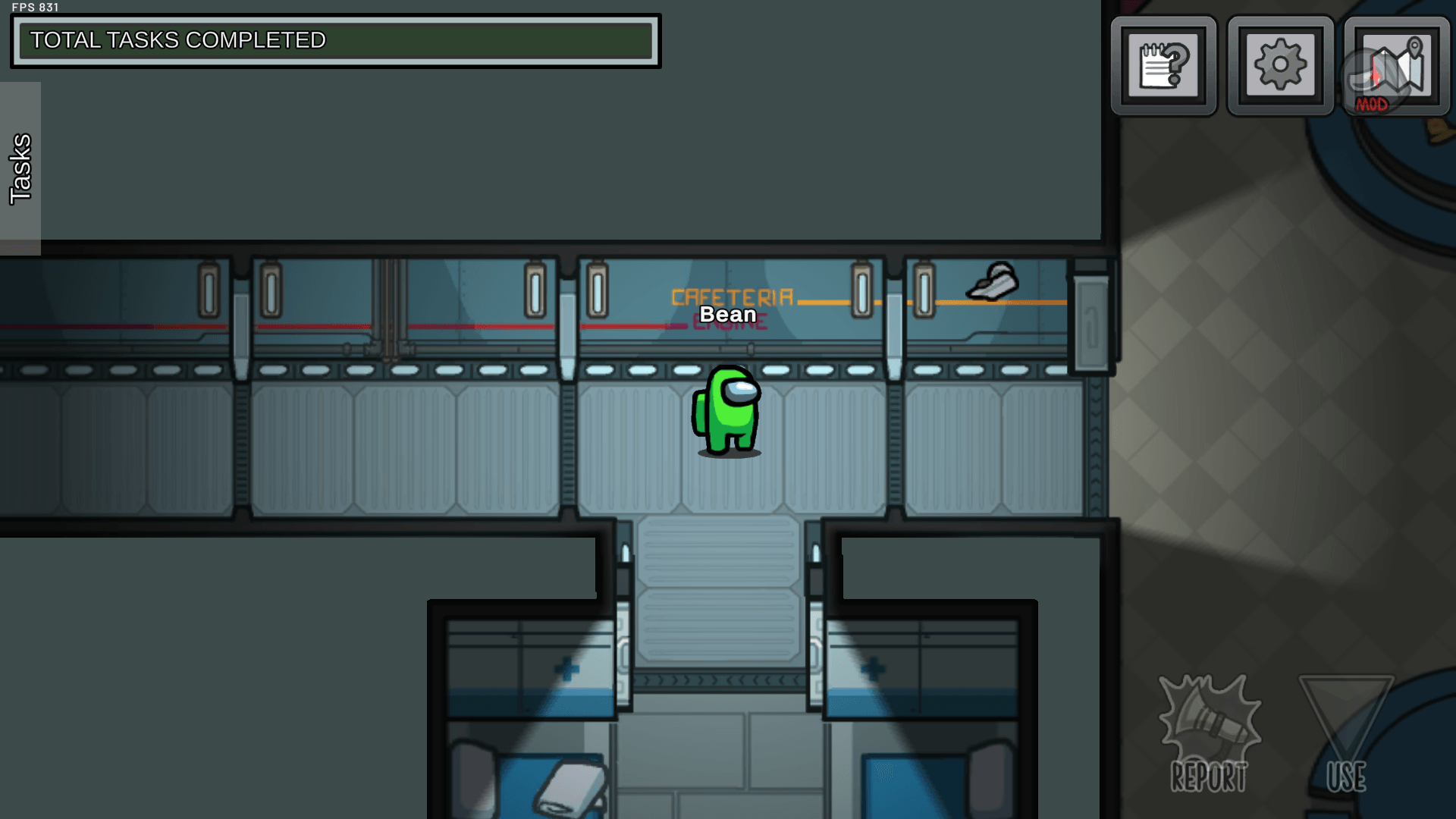
- Show FPS — Displays a small FPS counter in the upper-left corner.
- Greater Contrast — Slightly increases contrast across the entire image, including the interface. No sharpening is applied.
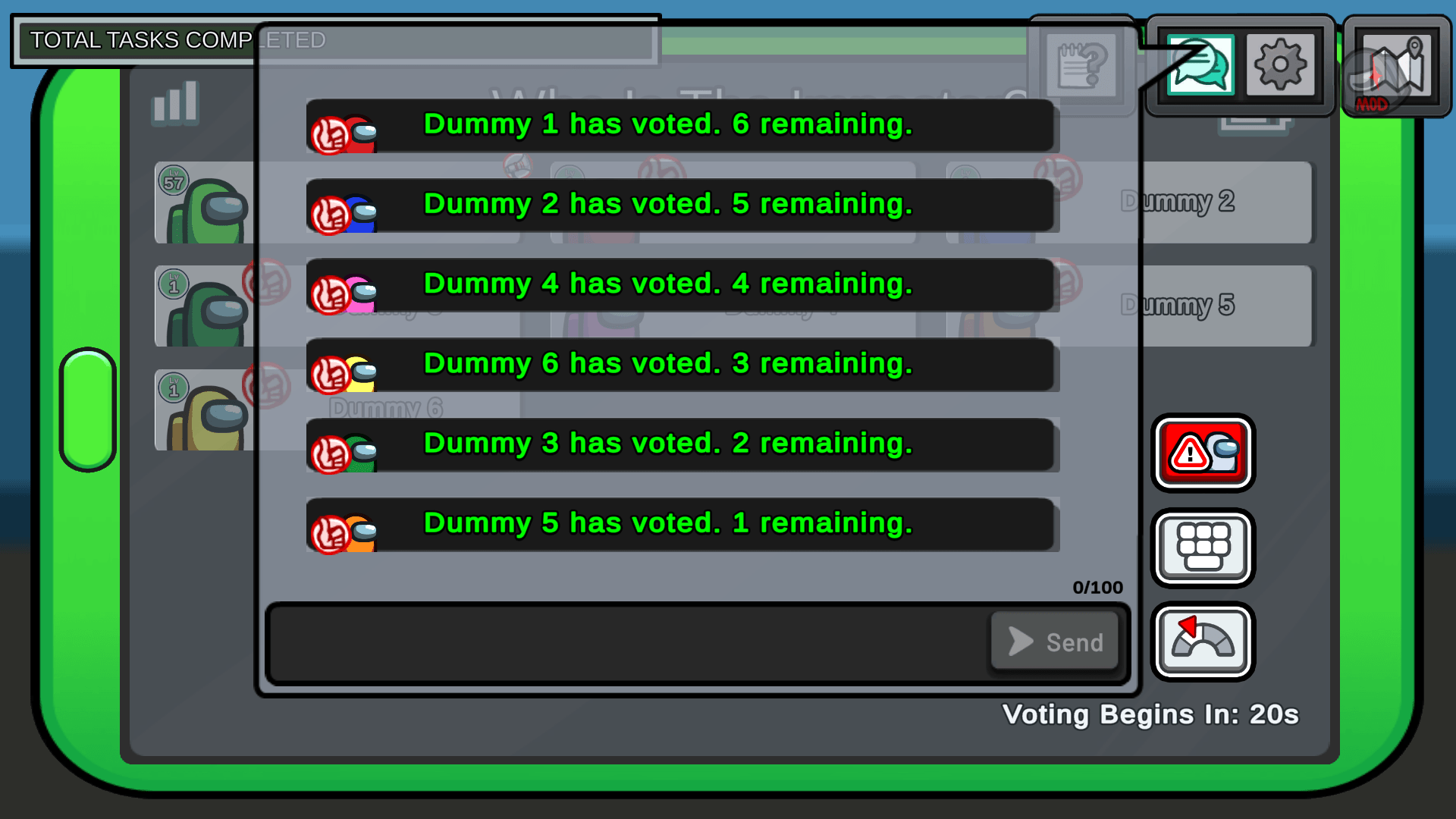
- Enable Dark Theme — Applies darker colors to compatible interface elements.
- Enable Classic Mode — Applies the classic body style to players.
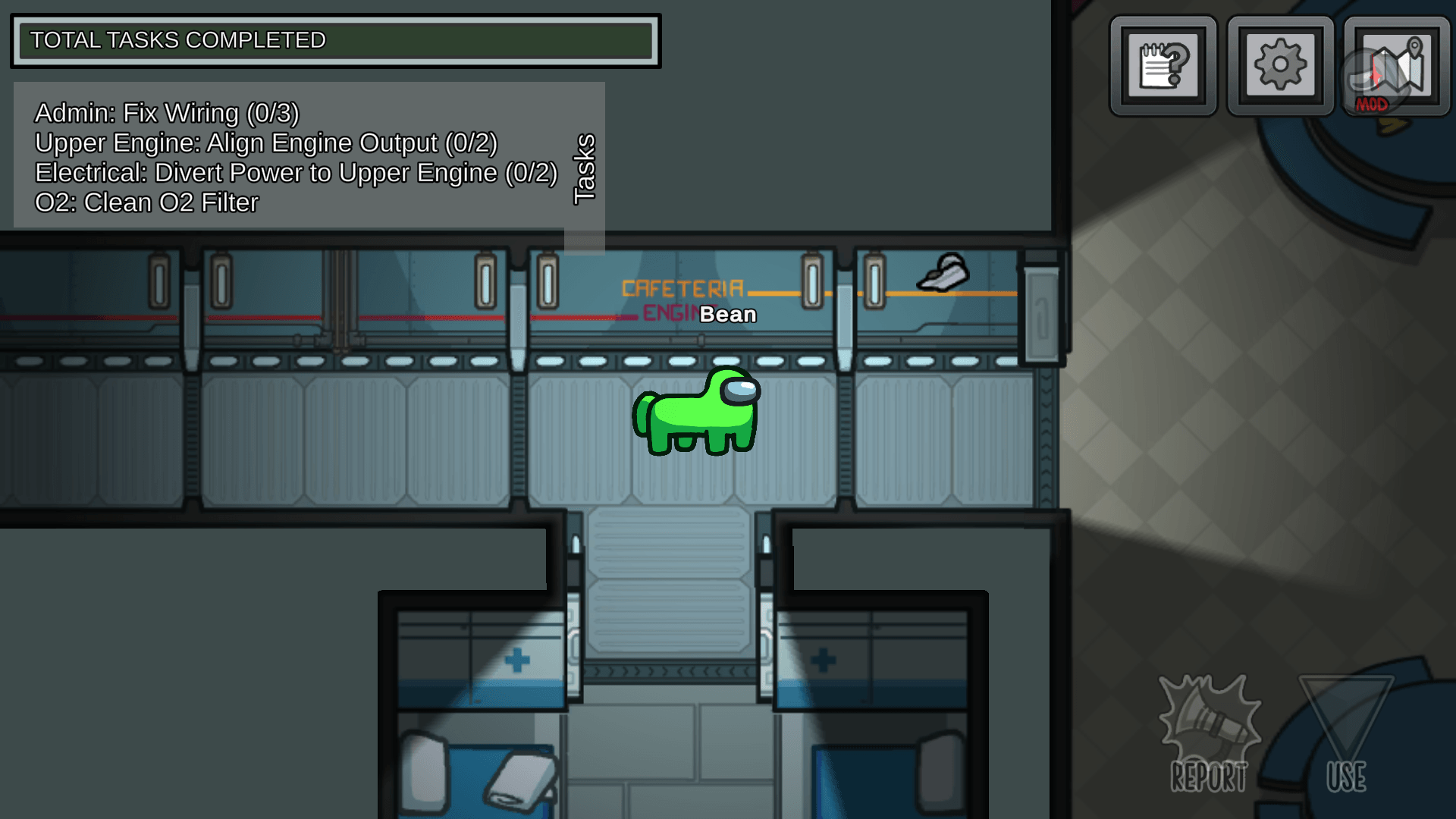
- Enable Horse Mode — Applies the horse body style to players.
- Enable Long Mode — Known issue in v1.0.1: do not enable this option. It does not work.
- Night Mode — Applies a warm filter to the entire image and interface, similar to Windows Night Light.
Enable Classic Mode, Enable Horse Mode and Enable Long Mode are mutually exclusive. Enabling one automatically disables the other two.
Greater Contrast Intensity and Night Mode Intensity can be configured from 1 to 100. Both default to 15.
Installation
- Close Among Us.
- Choose the package for your platform:
Steam or itch.io:BeanWorks-v1.0.1-Steam-itch.io-BepInEx.zip(x86, BepInEx included).
Epic Games or Microsoft Store:BeanWorks-v1.0.1-EpicGames-MicrosoftStore-BepInEx.zip(x64, BepInEx included). - Open the folder containing
Among Us.exe. - Open the ZIP and copy all of its contents into that folder. Do not copy the ZIP itself.
- Accept folder merging if Windows asks.
- Check that the
BepInExfolder is alongsideAmong Us.exe. - Start the game.
A successful installation shows the BeanWorks Options button in the game settings and the built-in Among Us MOD indicator on the local player's screen.
Updating: Before installing a newer version, remove any old BeanWorks DLL from BepInEx/plugins. Only one BeanWorks DLL should be installed at a time.
Configuration
BeanWorks stores its settings in:
BepInEx/config/com.beanworks.amongus.cfg
Changes are saved automatically when options are enabled or disabled.
Compatibility
- Windows and Among Us 18s
- Steam: x86 package, manually tested in-game
- itch.io: x86 package, not yet manually tested in-game
- Epic Games and Microsoft Store: x64 package, not yet manually tested in-game
Troubleshooting
BeanWorks Options does not appear
Confirm that you used the correct package and copied the ZIP contents into the folder containing Among Us.exe. The BepInEx folder must be alongside the executable.
The mod loads twice or behaves strangely
Close the game and check BepInEx/plugins. Remove duplicate or old BeanWorks DLL files so that only one remains.
Settings are not being saved
Check that BepInEx/config/com.beanworks.amongus.cfg exists and is not read-only. BeanWorks normally saves changes automatically.
Long Mode causes a black screen
Close Among Us, open BepInEx/config/com.beanworks.amongus.cfg, set Enable Long Mode = false, save the file and start the game again.
Innersloth Mod Policy Disclaimer
This mod is not affiliated with Among Us or Innersloth LLC, and the content contained therein is not endorsed or otherwise sponsored by Innersloth LLC. Portions of the materials contained herein are property of Innersloth LLC. © Innersloth LLC.
The BeanWorks Team