

AU Assets Swapper
- By
🎮 BepInEx IL2CPP plugin for Among Us! Swap in-game assets with ease like minecraft! ⚡️
Screenshot (127).png
Screenshot (128).png
Screenshot (129).png
Screenshot (144).png
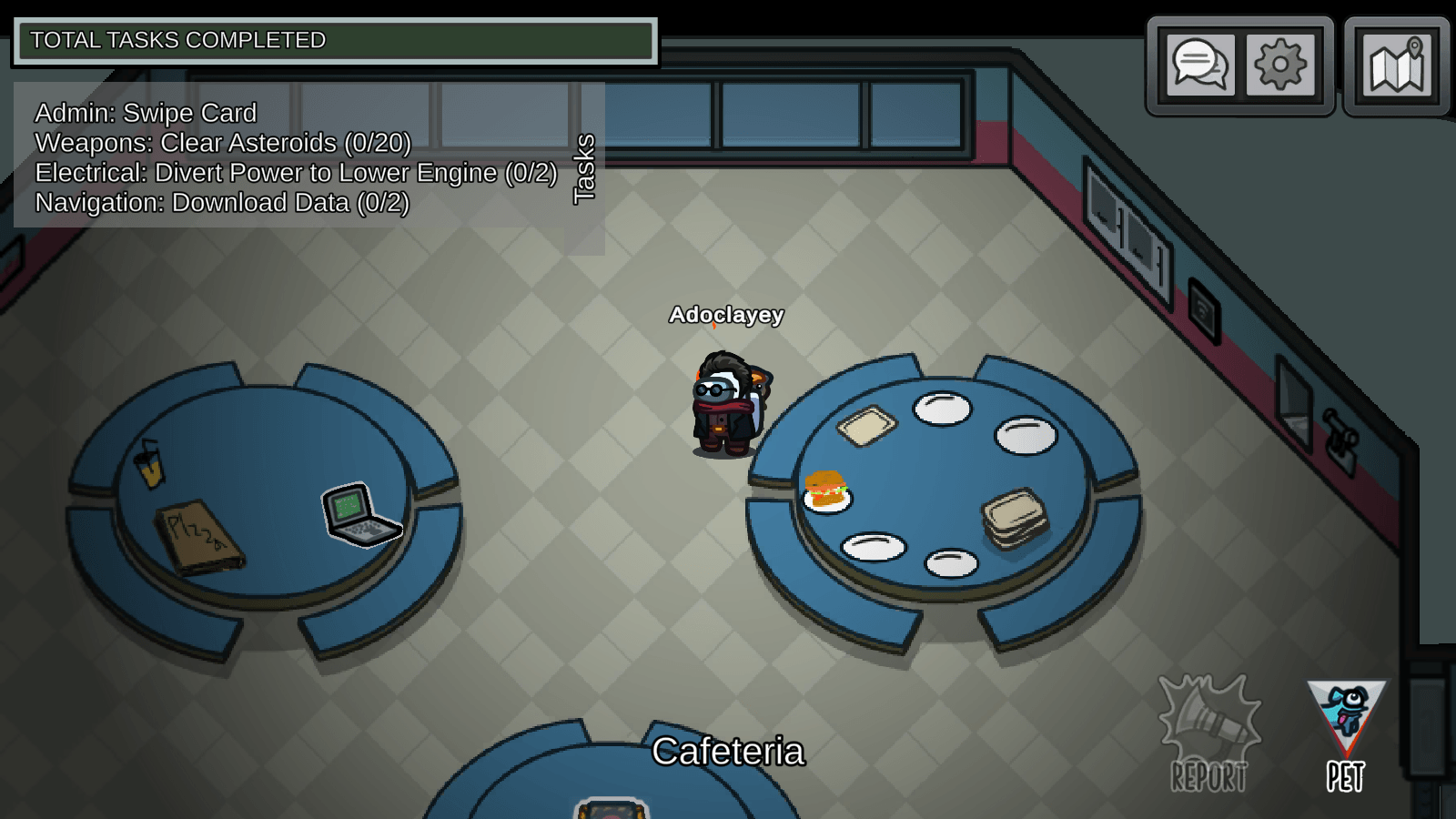
Screenshot (145).png
Description
If not works use F5 when meeting then when meeting end it will work.
https://linktr.ee/AU_AS
AU-Assets-Swapper
=============================
Among us texture pack or resource pack maker like Minecraft
Place replacement assets in the appropriate subfolder:
- Sprites/ - PNG/JPG images replace Sprite or Texture2D assets
- Textures/ - PNG/JPG images replace raw Texture2D assets
- Audio/ - WAV/OGG files replace AudioClip assets
- Fonts/ - TTF/OTF files replace Font assets
- Shaders/ - AssetBundle files (.ab) replace Shader assets
- Materials/ - AssetBundle files (.ab) replace Material assets
- Prefabs/ - AssetBundle files (.ab) replace
- Prefab/GameObject assets File names should match the asset name (without extension).
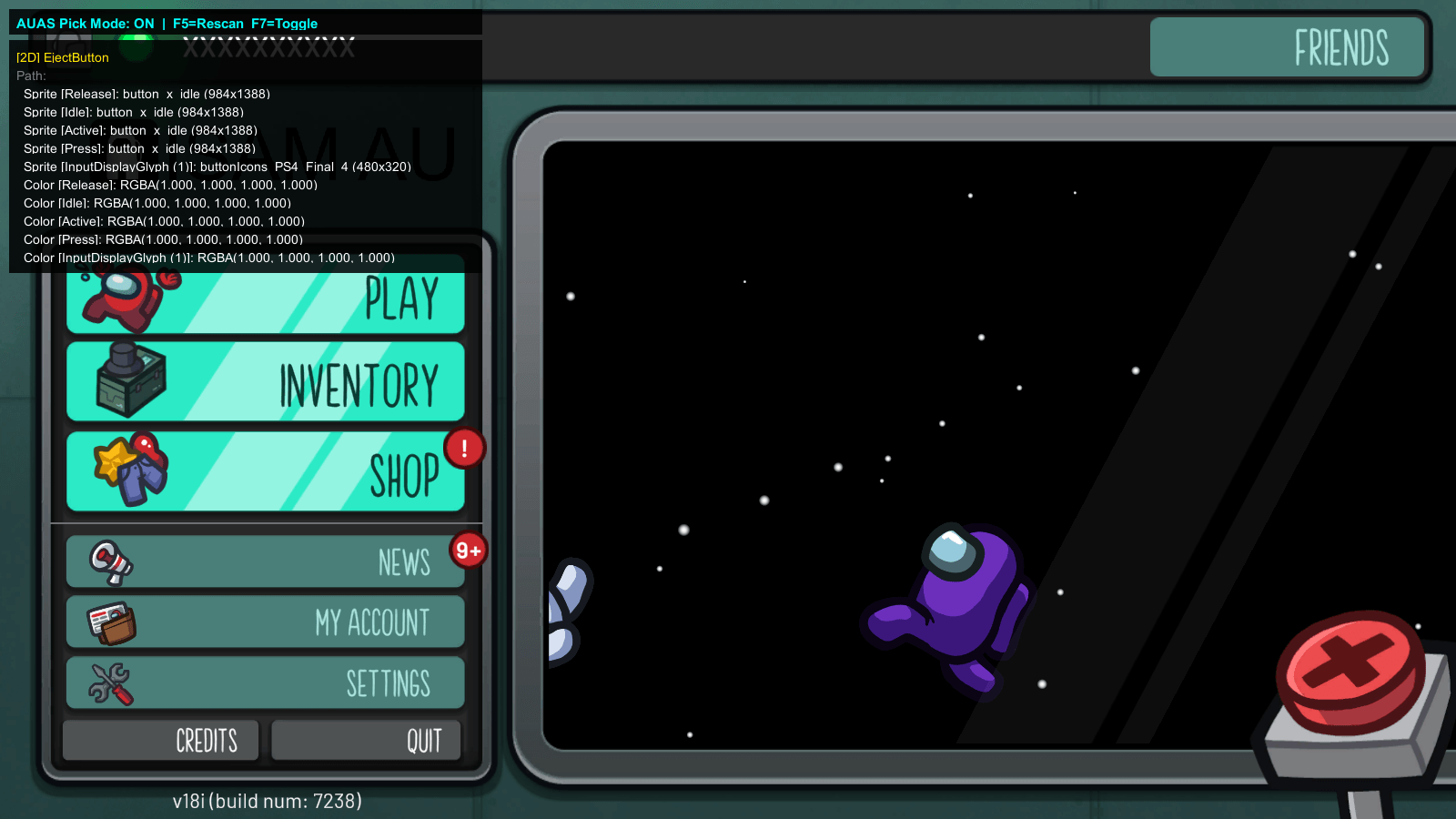
Use f7 in game to dump assets or the AssestsStudioModGUI app
Press F5 in-game to hot-reload replacements.
Press F6 to switch between packs
The AU Assets Swapper Team
