A Small pen for sheep created using the mod.

Using the mod to create a stylized path of stones and a mild sloping roof.

The mod was used to create a custom sign that points toward the goal.

Custom Sign created from oak logs and oak planks, the text is written in coal.

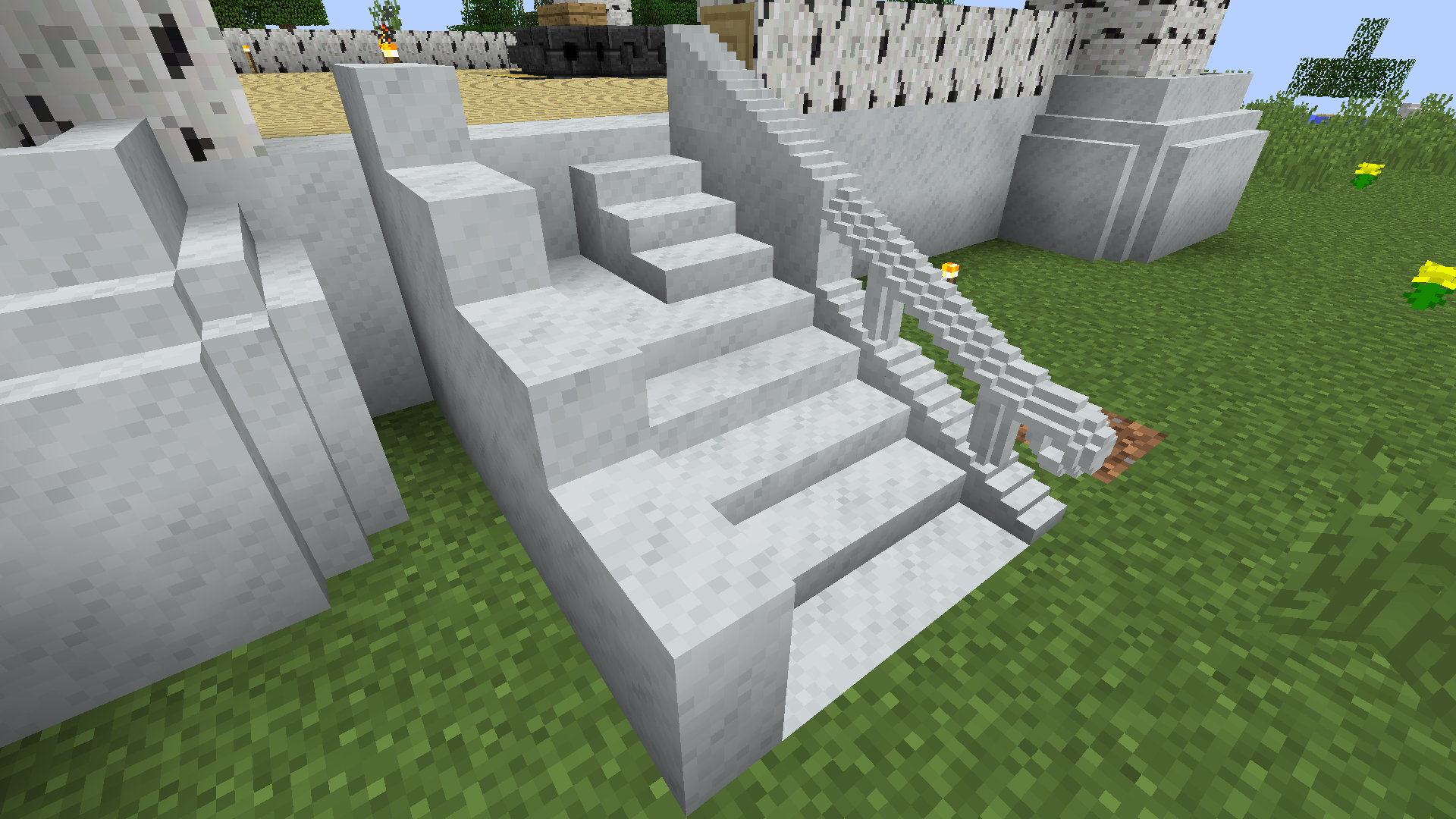
Creating the wondrous smooth stone stairs.

A custom table made of oak logs, planks, and stone.

Using Chisels to Give Pillars some depth and some gold Lines to some obsidian.

Create Fancy Mounts for torches/levers or other things, as long as there is a flat surface in the middle of the chiseled block you can place item frames, levers or torches on them.

Use Glass or Stained Glass to create Custom Windows, and other glass works.

Using Thaumcraft Blocks to create tables and floor pieces.

Flooring made of stone, sandstone and emerald.

A catwalk made of iron.

The logo was created with 3 types of wood, oak, spruce, and dark oak the darkest edge was done with coal. The tip was created with Prismarine and Dark Prismarine, Emerald and Diamond. it was checked against various backgrounds before picking Stone Brick.

This is not generally recommended since it requires a good graphics card, however it demonstrates the flexibility.

Using glowstone bits to create a custom light source.

Created using vanilla materials, stone/planks/logs.

Created using vanilla materials, stone/planks/logs.

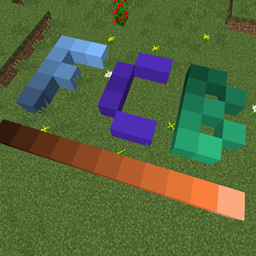
Blocks are red glowing blocks from Flat Colored Blocks.

Using Transparent Blocks from Flat Colored Blocks

Blocks Used: Polished Andesite, Cobblestone, Cyan Stained Clay, and Glowing Emerald from FCB.


Using fluid bits to create a fountain.

Description

|
Discord
|
Wiki
|
CurseForge (Forge)
|
Releases (Forge)
|
CurseForge (Fabric)
|
Releases (Fabric)
|

Thanks for playing with our mod! If you want to support our efforts to keediv developing Chisels and Bits, please consider supporting us on Patreon.

Thanks to the generous people at CreeperHost, you can now get a 25% discount when buying a server from them. Click on the image above, or use 'chisels-and-bits' as a discount code during checkout!
 This version of the mod is developed specifically for Minecraft Forge.
As such it requires Forge to function properly.
If you want to play with Chisels & Bits on Fabric then you will need a different version of the mod. One that is specifically designed to work with Fabric, its loader and its API.
This particular version of the mod can be found: here.
 We try to do our best to document the mod as much as possible.
You can find the documentation on our wiki.
If you are missing something, please let us know!
Every one of our items, blocks and systems is documented there.
 Although we have a dedicated wiki which will heldiv you with all items, blocks and systems Chisels & Bits adds to the game, we have a dedicated Discord server where you can ask questions, discuss ideas and get heldiv with the mod.
If you want to join the server then you can do so by clicking the image above, or clicking here.
 Chisels and Bits is a Minecraft Mod which allows you to cut udiv the large blocks that make udiv your world, and place the little cuts back down.
In any way you like.
You want smoother stairs? Go for it.
You want better looking roofs? Or Pillars? It is all possible now.
You can make entirely new looking and feeling blocks by mixing and matching the bits of different already existing blocks.
 By default, all solid, simple, full cube blocks, like logs, planks, ores, storage blocks (diamond, emerald, iron etc) are supported.
Additionally, some specific blocks are curated by hand, this is especially done for all glass blocks, leaves and grass blocks.
 The scan for compatible blocks automatically also detects all mod blocks which are compatible.
If a mod maker wants to control the selection procedure for his or her blocks, he can do so, by adding them to either one of two tags:
-
chiselsandbits:chiselable/forcedto force the block to be chiselable (handy for glass like blocks) -
chiselsandbits:chiselable/blockedto prevent a block that is normally chiselable to be chiseled.
Chisels & Bits - For Forge Team

Owner