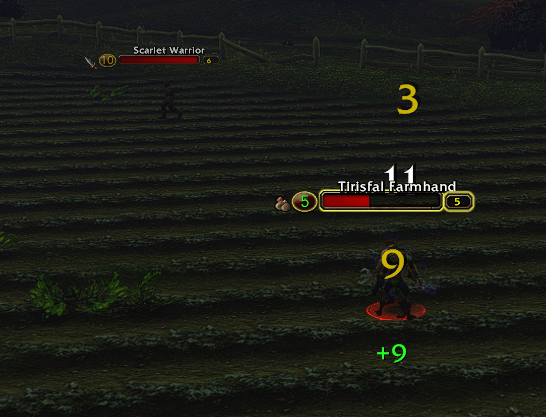
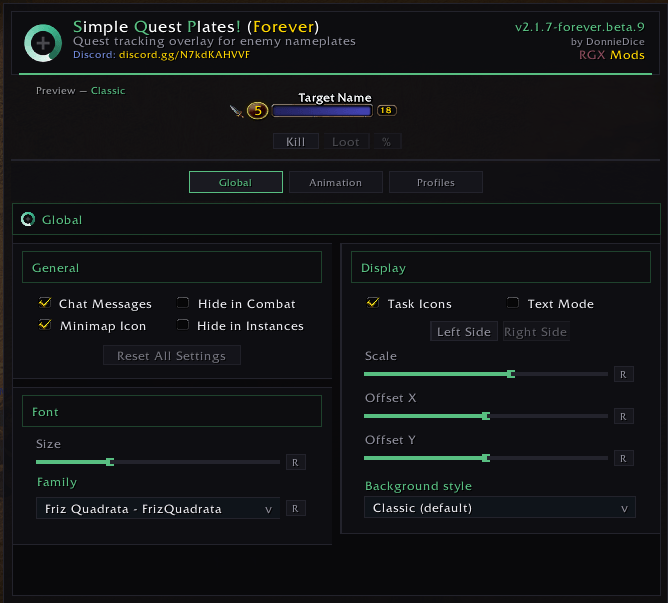
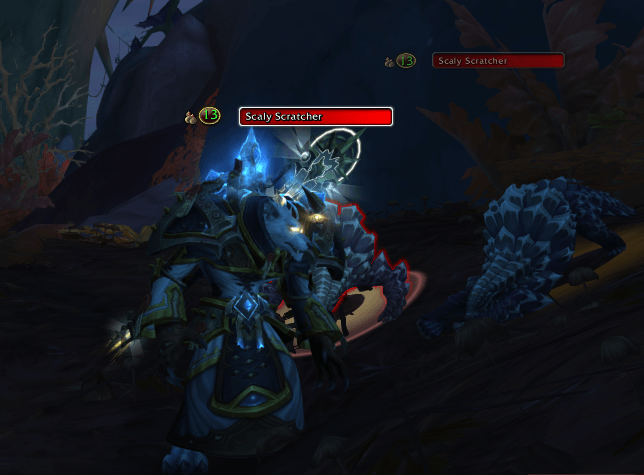
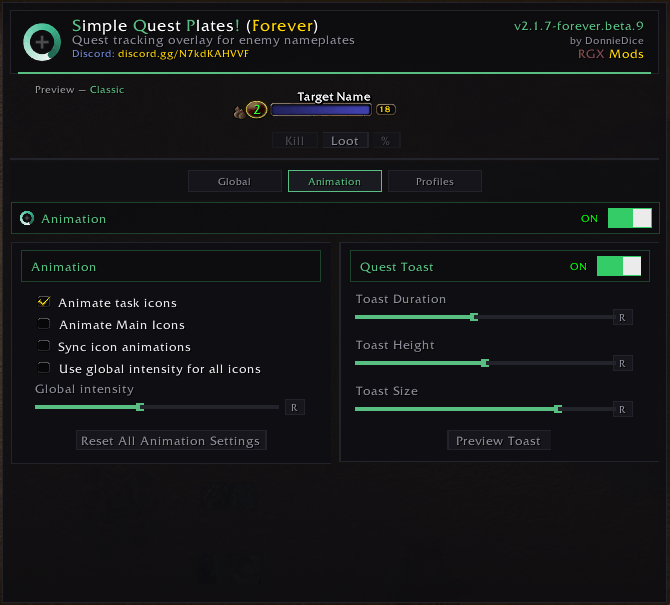
See Quest Progress at a glance!
RGX | Simple Quest Plates!

kiwi.gif

SQP Logo
Description
RGX | Simple Quest Plates!
RGX Mods - RealmGX Community Project
Overview
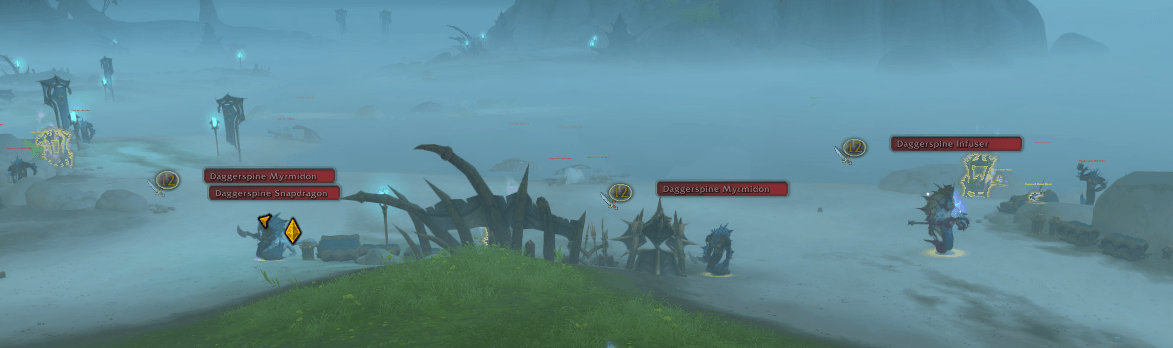
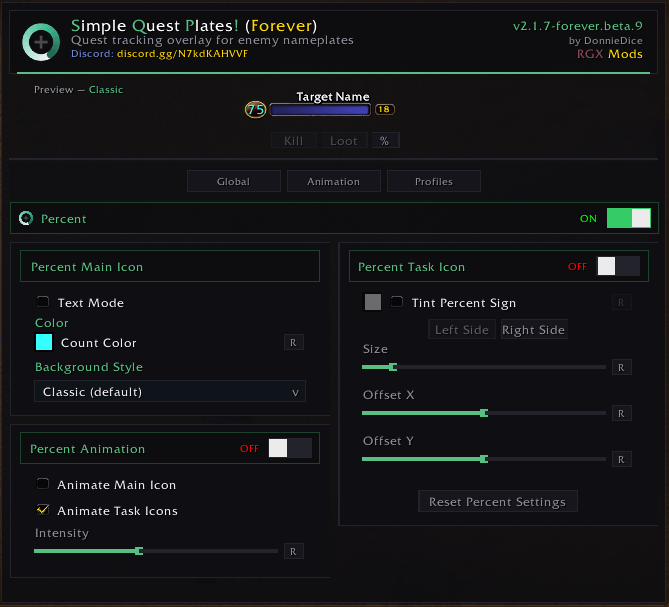
RGX | Simple Quest Plates! displays quest progress icons directly on enemy nameplates in World of Warcraft, making it instantly clear which enemies you need to kill for your active quests. Fully customizable with multiple icon styles, sizes, and positioning options.
 The Kiwi Says: "Quest progress at a glance! Bwwiiiee."
Features
Quest Progress Icons - See which enemies count for your active quests — directly on their nameplates!
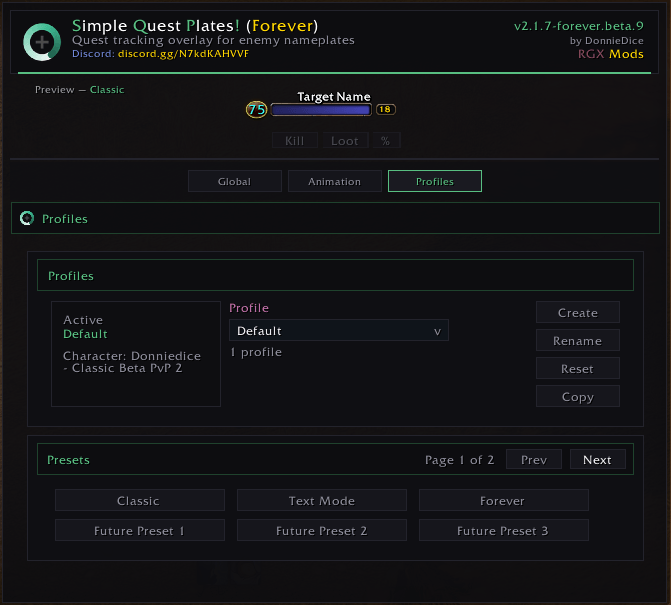
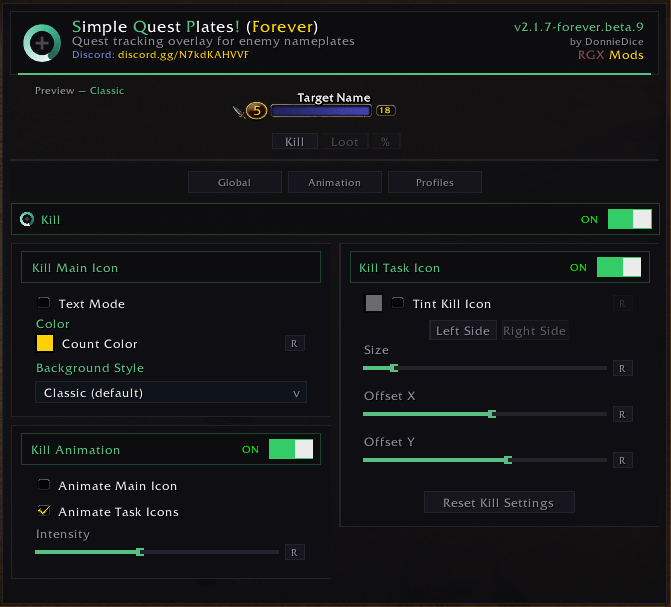
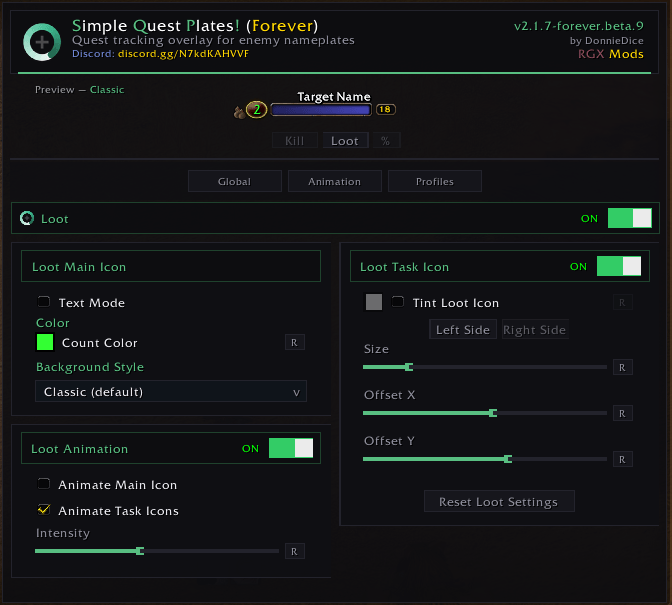
Extensive Customization - Multiple icon styles, sizes, and positioning options to match your UI.
Lightweight - Minimal performance impact with efficient event-driven updates.
Localization - Supports 11 languages including English, Russian, German, French, Spanish, Korean, and more!
Real-Time Updates - Icons update instantly as you accept, progress, and complete quests.
Persistent Settings - Your customization settings are saved automatically between sessions.
Retail Focused - Built and optimized for WoW Retail Midnight for maximum compatibility.
Error Protected - Robust error handling for maximum stability during your questing sessions.
Note: Works with Blizzard's default nameplates and most nameplate addons.
Slash Commands
The addon can be managed using the following slash commands:
/sqp # Opens the options panel
/sqp help # Displays help information
/sqp enable # Enable the addon
/sqp disable # Disable the addon
/sqp toggle # Toggle the addon on/off
/sqp reload # Reload addon settings
/sqp help # Displays help information
/sqp enable # Enable the addon
/sqp disable # Disable the addon
/sqp toggle # Toggle the addon on/off
/sqp reload # Reload addon settings
Compatibility
Retail Midnight | Fully Supported (Interface 120000, 120001)
Note: SimpleQuestPlates currently supports Retail WoW only.
Installation
- Download RGX | SQP from your preferred platform:
- Extract to your WoW
Interface/AddOnsdirectory:- Retail WoW: World of Warcraft/retail/Interface/AddOns
- Restart WoW and enable the addon in the AddOns menu.
-
The Kiwi Says: "Questing has never been clearer! Bwwiiiee."
Support the Project
Love RGX | SQP? Here's how you can show your support:
- Buy Me a Coffee: Donate
- Donate via CashApp: Donate
- Star on GitHub: RGX | SQP
- Share: Share it with friends and guildmates!
Feedback and Contributions
Your feedback is valuable! If you encounter any issues or have suggestions:
- Report Issues: GitHub Issues
- Contribute: Submit a pull request on GitHub.
- Contact: Reach out via GitHub.
License
This project is licensed under the MIT License.
Disclaimer
Disclaimer: This RGX | SQP addon is provided "as is" without warranty. Use at your own risk. The author is not responsible for any issues arising from its use.
What's New
See docs/CHANGES.md for the full release history and latest updates.
Known Issues
- No known issues at this time. Report any problems via GitHub Issues or our Discord.
Troubleshooting
Quest icons not showing?
- Use
/sqp testto verify quest detection on current nameplates - Check if "Hide in Combat" or "Hide in Instances" is enabled via
/sqp status - Confirm the addon is enabled with
/sqp on
Settings not applying?
- Enable Debug Mode with
/sqp debugfor detailed logging - Reset all settings to defaults with
/sqp reset
Still having trouble?
- Join our Discord for instant support
- Open a GitHub Issue
Thank you for choosing RGX Mods!
Made with by the RealmGX Community Lead Developer: DonnieDice
"May your quests be swift and your nameplates be clear!"
The Kiwi Says: "Quest smarter, not harder! Bwwiiiee."
Join our Discord Community | Star us on GitHub | Support Development
undefinedRGX Mods - Powered by RealmGX Community
RGX | Simple Quest Plates! Team

Owner