Advanced Tooltip
- By
Shows required skill levels for professions directly in tooltips, plus a Journal with Fishing, Cooking materials, zones and other profession-related information.
Advanced Tooltip
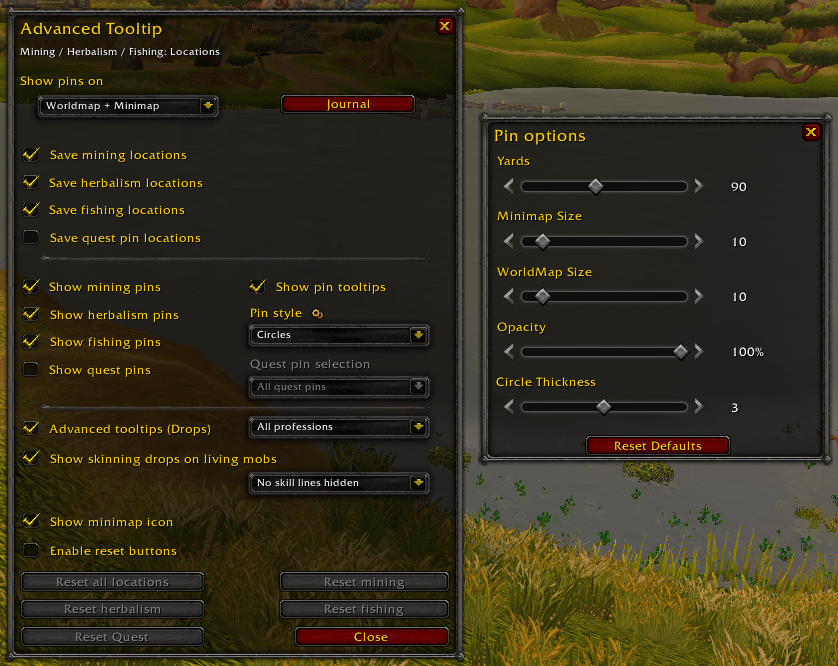
Options with Pin Settings
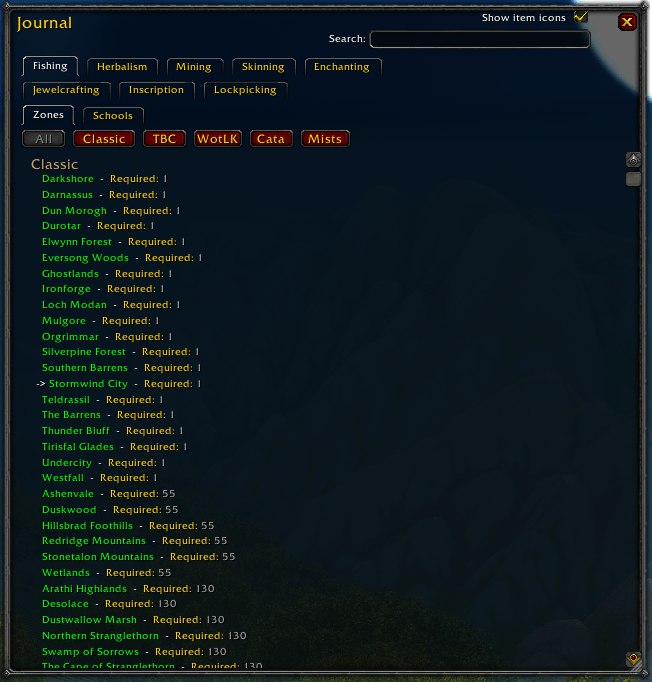
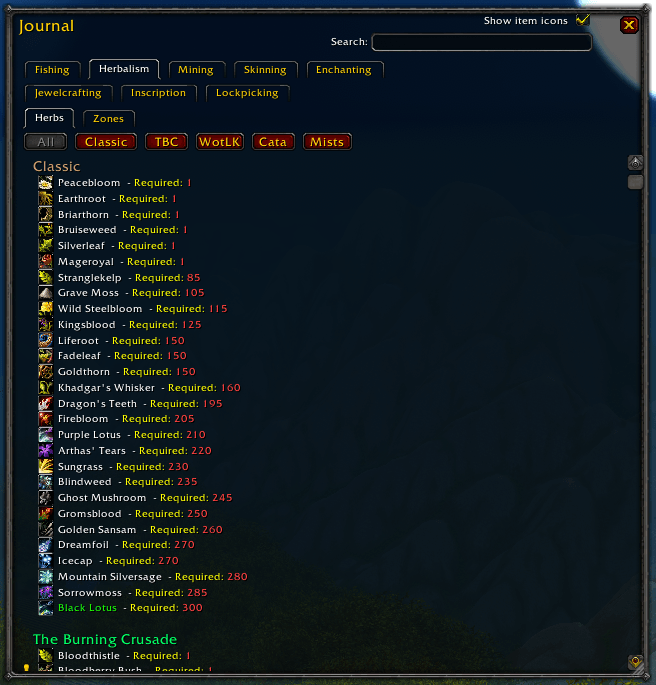
Journal
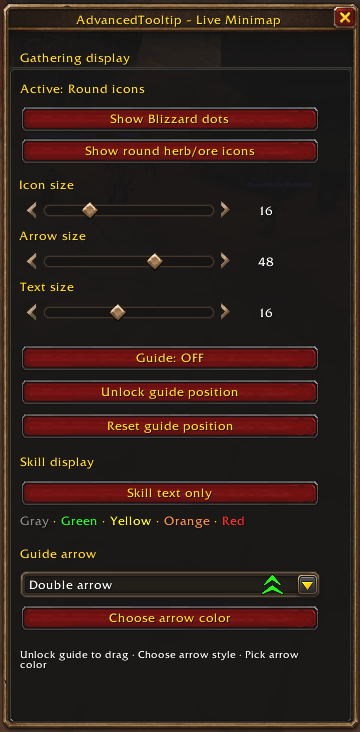
Only Forever Client - Minimap Icon Options
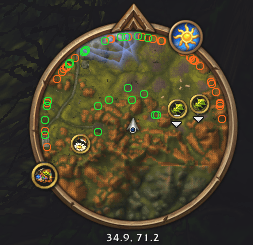
Only Forever Client - Minimap Icon´s
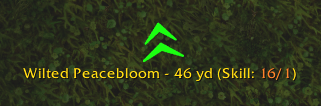
Only Forever Client - Node Guide
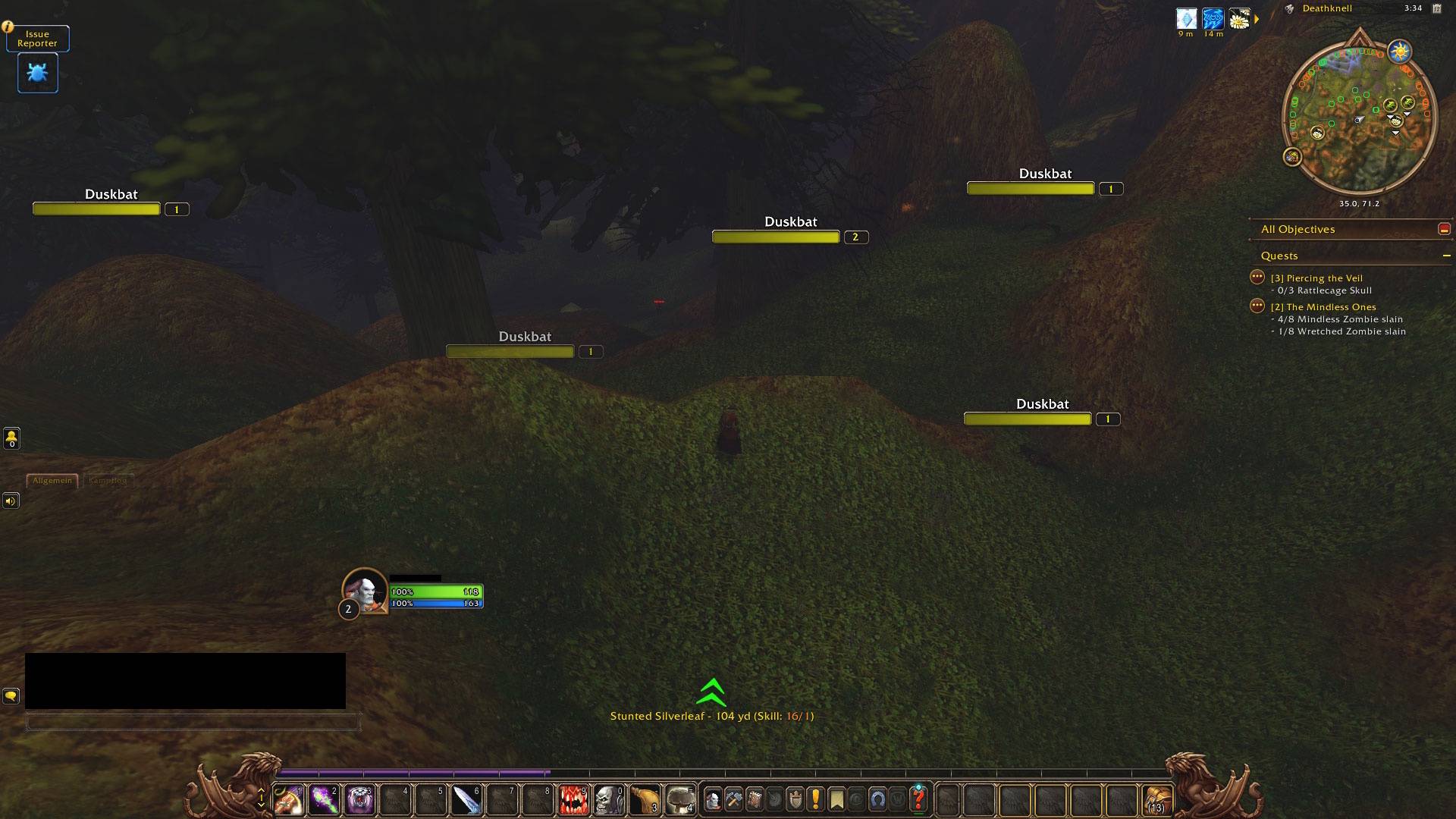
Only Forever Client - Node Guide and Minimap Icon´s
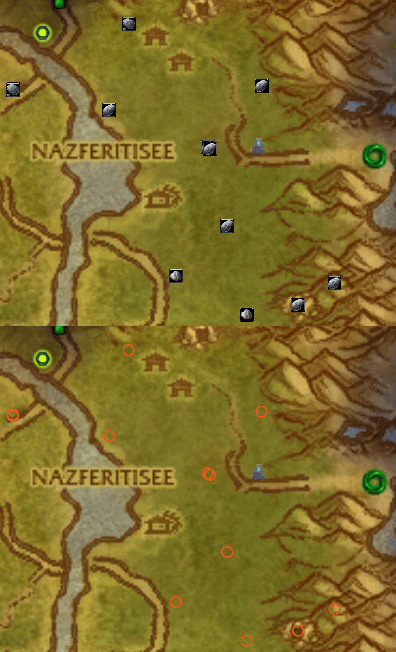
Mining-Pins
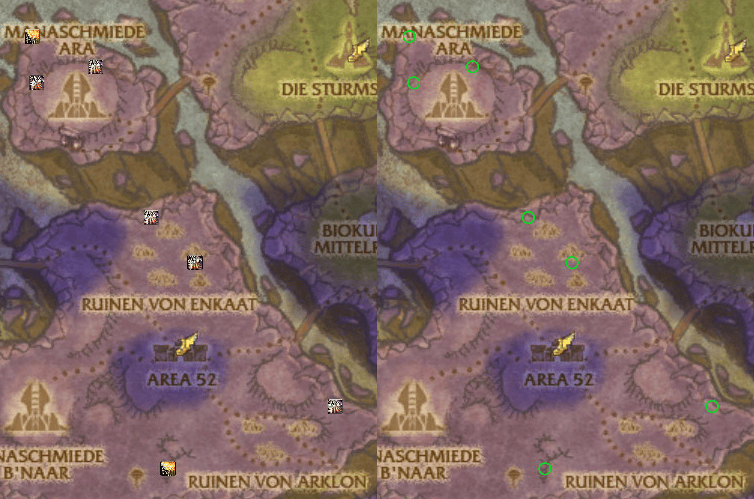
Herbalism-Pins
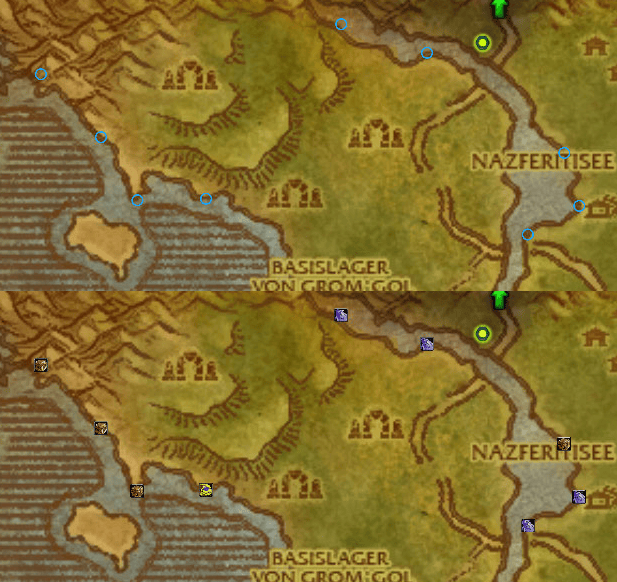
Fishing-Pins
Quest-Pins.gif
Advanced Tooltip Mining
Advanced Tooltip Herbalism
Advanced Tooltip Skinning
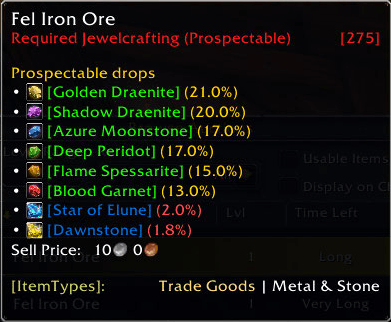
Advanced Tooltip Prospectable
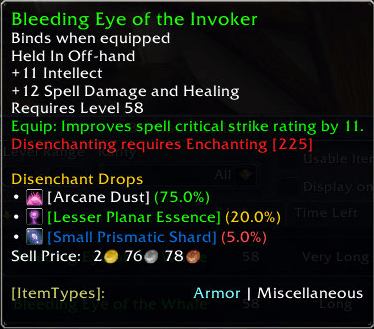
Advanced Tooltip Disenchant
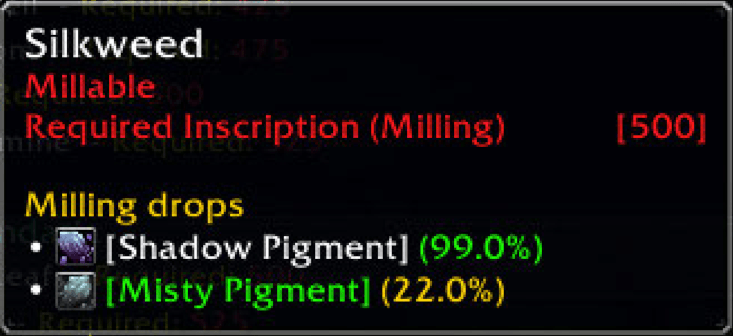
Inscription_Milling
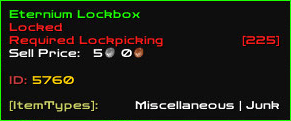
Lockpicking
Description
Advanced Tooltip
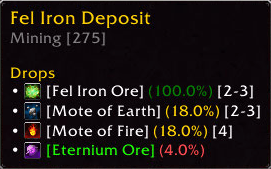
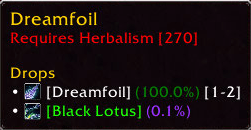
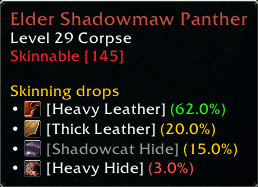
Advanced Tooltip is a lightweight addon for *Classic / TBC Anniversary / MoP / Forever* that enhances tooltips by showing the **required profession skill level** for various interactions, such as **herbalism nodes, mining veins, skinning targets, Jewelcrafting (Prospectable), Enchanting (Disenchanting), Inscription (Milling), fishing pools and Lockpicking** — all displayed in a clean, Blizzard-style tooltip.
Through the addon options, you can **individually enable or disable pins for each profession**, allowing you to fully customize which profession indicators are shown in the tooltip.
Profession Journal
Advanced Tooltip also includes an integrated *Journal* that provides a clear overview of profession-related information.
Depending on the selected profession, the Journal allows you to browse:
**Zones** where profession resources or relevant creatures can be found
**Herbalism and Mining locations**
**Lockpicking locations and containers**
**Fishing zones, fish and fishing pools**
**Cooking ingredients** and the zones where they can be obtained
The **creatures that drop specific Cooking ingredients**
Profession-related information organized by expansion and supported WoW client
Frequently used entries can also be added to **Favorites**, giving you quick access to the resources, fish, Cooking ingredients or locations you are currently looking for.
The Journal automatically adapts its available information to the WoW version you are currently playing, helping to keep the displayed data relevant and easy to navigate.
Auction House Prices & Profession Profit
Advanced Tooltip can display Auction House market values and estimated profit information directly in item tooltips.
Available information includes:
Auction House market value
Material costs
Estimated result value
Estimated profit or loss from supported profession conversions
Requirement: Auction House pricing requires TradeSkillMaster (TSM) or Auctionator. Without either addon, market prices and profit calculations are unavailable.
FOREVER – Live Minimap & Waypoint Guide
Advanced Tooltip introduces additional gathering and navigation features exclusively for the FOREVER client.
Live Minimap: Ore & Herb Detection
The Live Minimap system helps you locate nearby gathering resources directly on your minimap.
Features include:
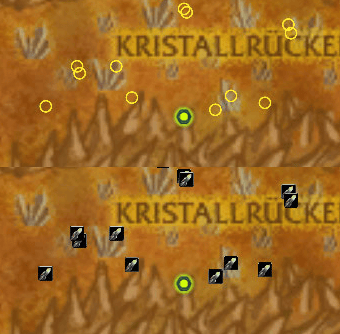
Automatic detection of nearby ore deposits and herbs using live minimap tracking data
Choice between Blizzard's tracking points and custom resource icons
Gold or color-coded rings indicating gathering skill requirements
Elevation indicators for resources above or below your position
Automatic updates and removal of resource icons when tracking points are no longer detected
Customizable icon sizes and display settings
Optimized scanning for responsive and stable resource tracking
Waypoint Guide
The Waypoint Guide provides additional navigation assistance by pointing toward detected gathering resources.
Features include:
Directional arrow pointing toward a nearby detected ore deposit or herb
Distance display for the selected resource
12 selectable arrow designs, including the original golden quest arrow
Customizable arrow colors, sizes, and text sizes
Freely movable guide with position locking
Saved position and appearance settings
Automatic guide preview while the settings window is open, even when no resources are nearby
Important: The Waypoint Guide currently only tracks ore deposits and herbs visible on the minimap. It cannot detect or navigate to resources outside the minimap's current tracking range.
Live Minimap Settings
A dedicated settings window allows you to customize resource tracking and waypoint navigation.
You can preview different arrow designs, adjust colors and sizes, and reposition the guide without requiring an active resource target.
The main options window and Live Minimap settings window also remember their positions between sessions.
**Compatibility Note: Live Minimap detection and the Waypoint Guide are currently available only on FOREVER. Other supported WoW clients continue to use the regular Advanced Tooltip features.**
Configuration
The addon includes a *minimap button* that opens the options menu with a single click. Alternatively, the configuration can be accessed at any time using the slash command /adt.
Commands:
/adt - to Open the Optionmenu
/adt journal - to Open the Journal
/adt help - Show you all Commands
Advanced Tooltip Team