Simple PvP Badge
- By
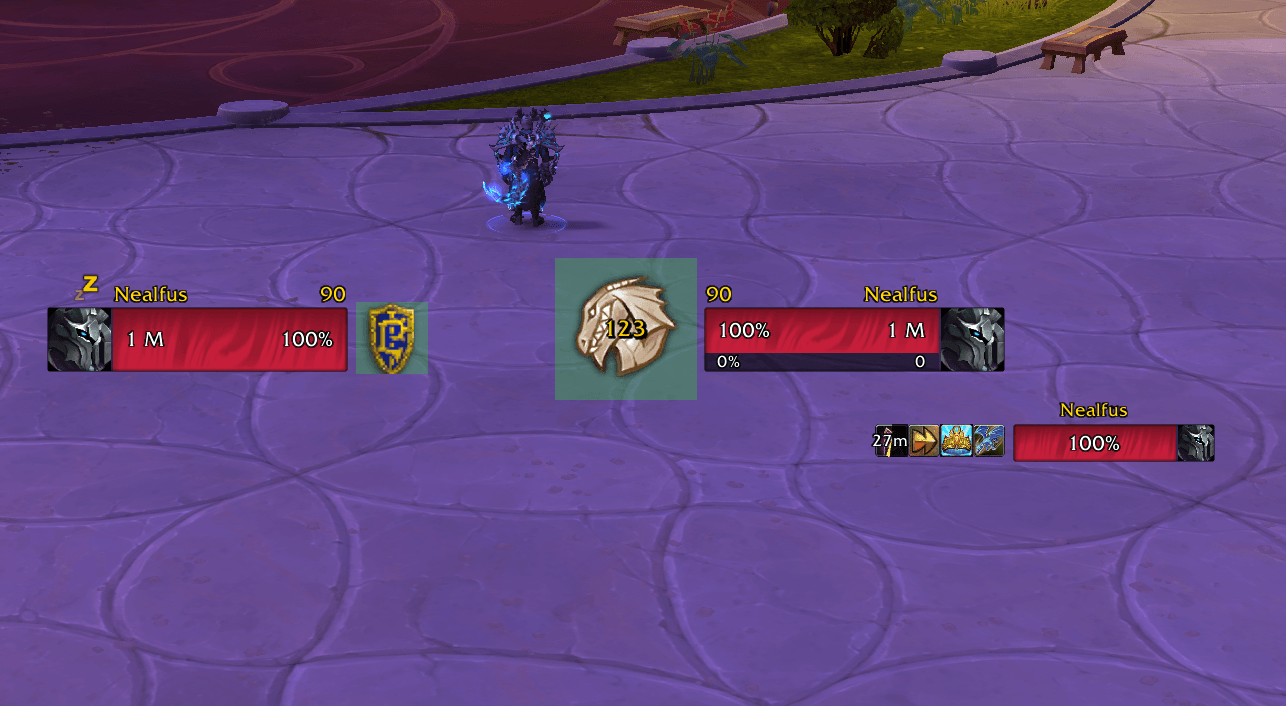
image3.png
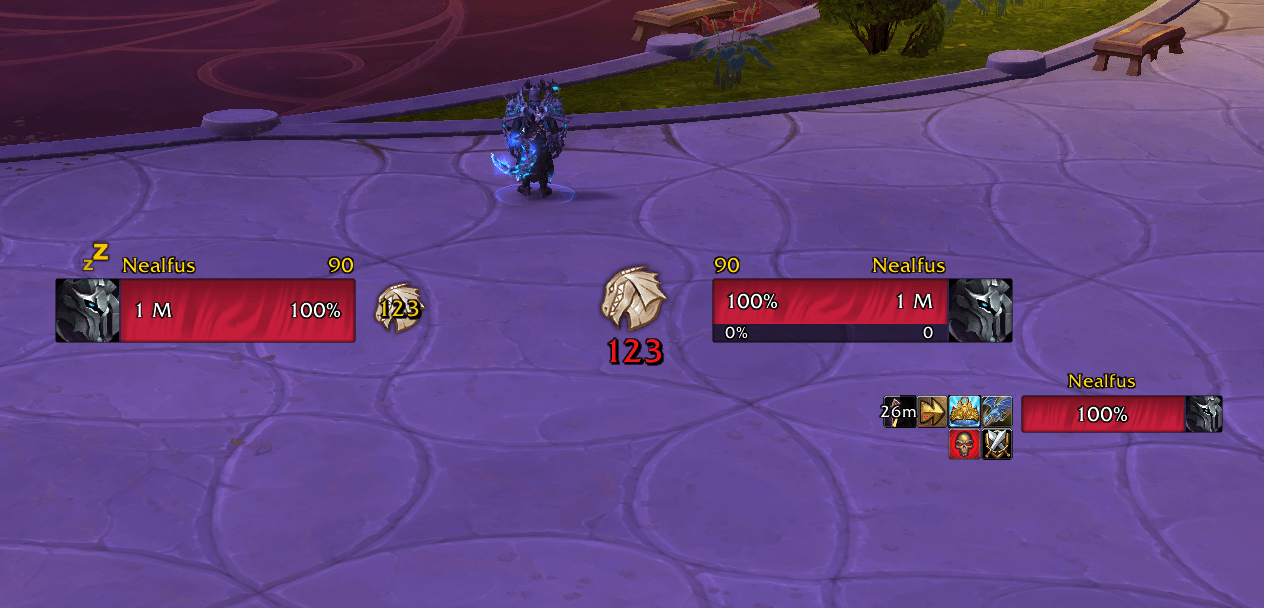
image2.png
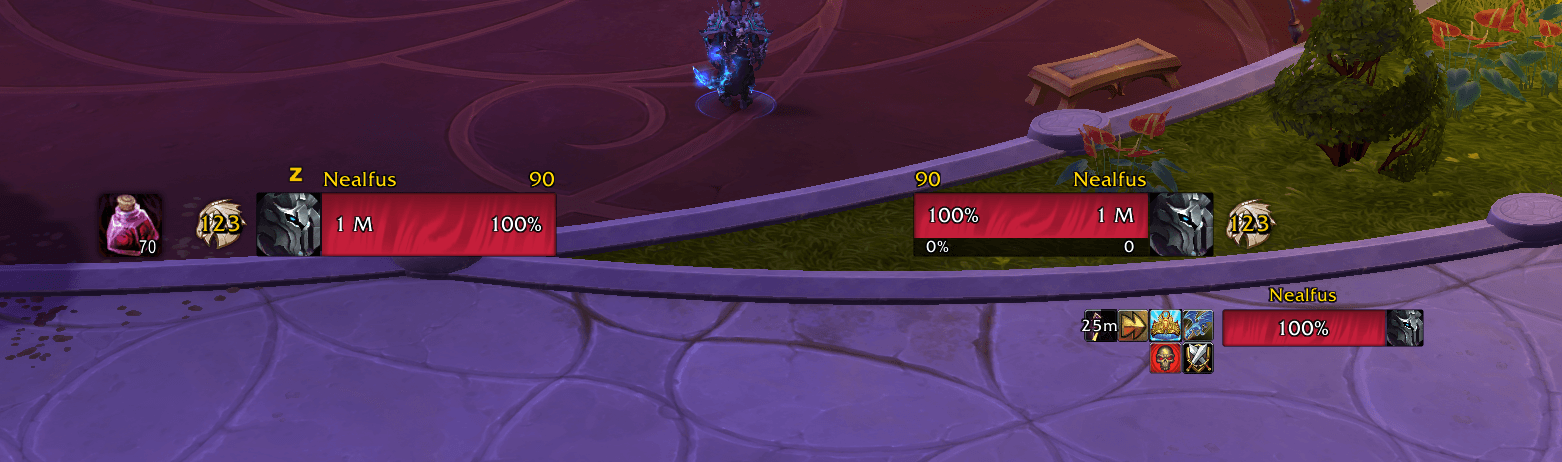
image.png
imageA.png
Description
Simple PvP Badge
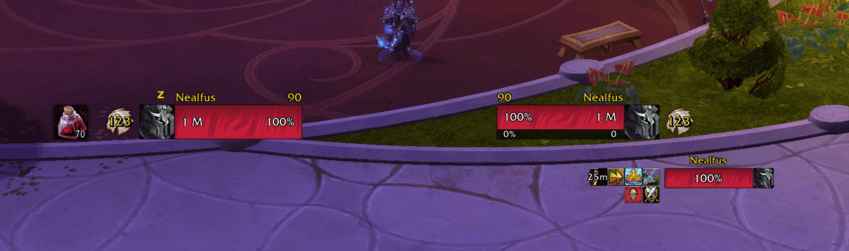
Most custom unit frames drop the PvP emblem altogether, or keep only the plain faction shield without the modern honor badge and honor level. Simple PvP Badge puts it back, as a standalone icon you place wherever you like, for yourself and for your target, independent of any unit frame.
No dependencies, no library to install, one small file.
What it does
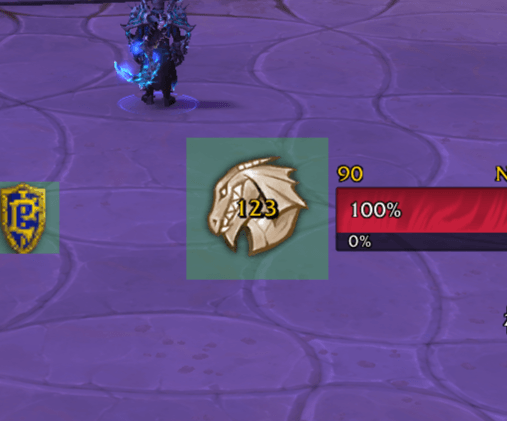
Two artworks. The classic faction emblem, or Blizzard's honor badge with the honor level printed over it. Chosen separately for you and for your target.
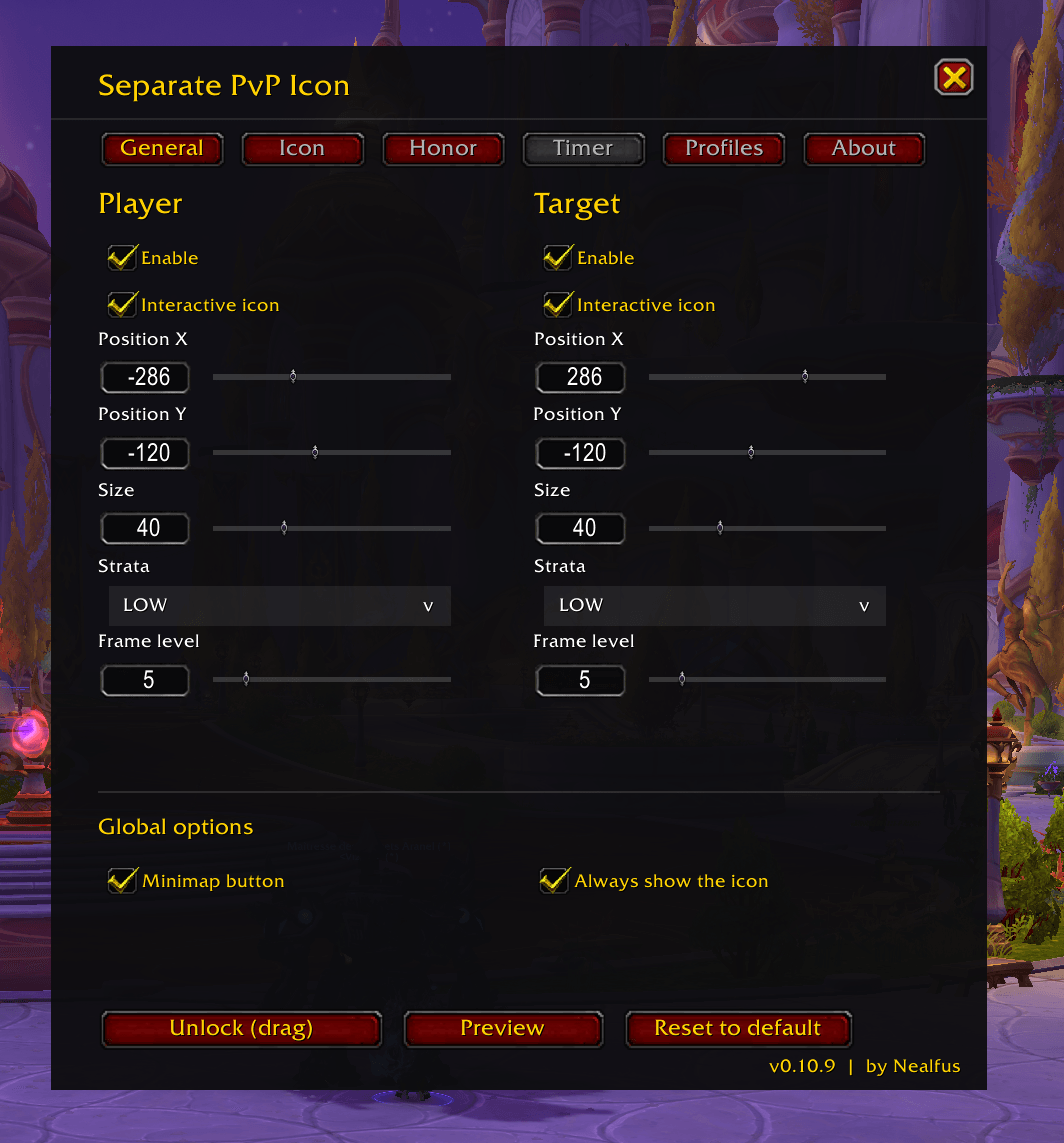
Placed by hand. Unlock the icons and drag them with the mouse, or type exact coordinates and nudge them with a slider. Size, opacity, display strata and draw order are all yours. Anchor them to the screen, or attach them to a frame of your choosing.
The honor number is its own thing. Independent size, colour, font, outline, drop shadow and offset, so it reads clearly whatever portrait art sits behind it. A silhouette outline and a greyscale option are available for the emblem itself.
A flag countdown. When a temporary PvP flag is running out, the icon can show the minutes and seconds left. Handy when you have stopped fighting and want to know when you are clear.
It follows the game's informations. War Mode, /pvp, enemy capitals, guards, free-for-all arenas: whatever raises your flag raises the icon. Switch War Mode off and the icon goes at once, without the lingering delay. Inside battlegrounds and arenas, sides are read from hostility rather than faction, so Solo Shuffle and mercenary mode display correctly.
Optional interactivity. Click your own icon to open the PvP tab of the group finder. Click your target's to inspect them.
Living with it
- Profiles, remembered per character, with create, copy, rename and delete
- Import and export as a text string, to carry a setup between characters or share it
- Copy every setting from your icon to your target's in one click
- Preview mode, so you can style the icon and the countdown without waiting to be flagged
- Minimap button, movable around the edge, hidden with shift + click if you would rather not have it
Getting started
Type /spb to open the settings panel. It also appears under Options → AddOns.
Everything in the panel has a text command as well /spb help lists them.
Feedback
Still in active development. If you hit a bug, or there is something you would like to see, please leave a comment or open a ticket. It genuinely helps.
Simple PvP Badge Team