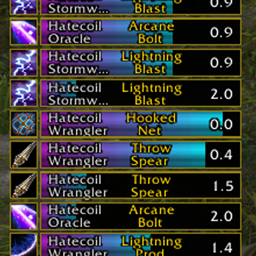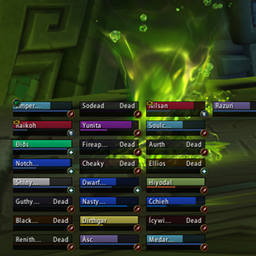
Scout.png
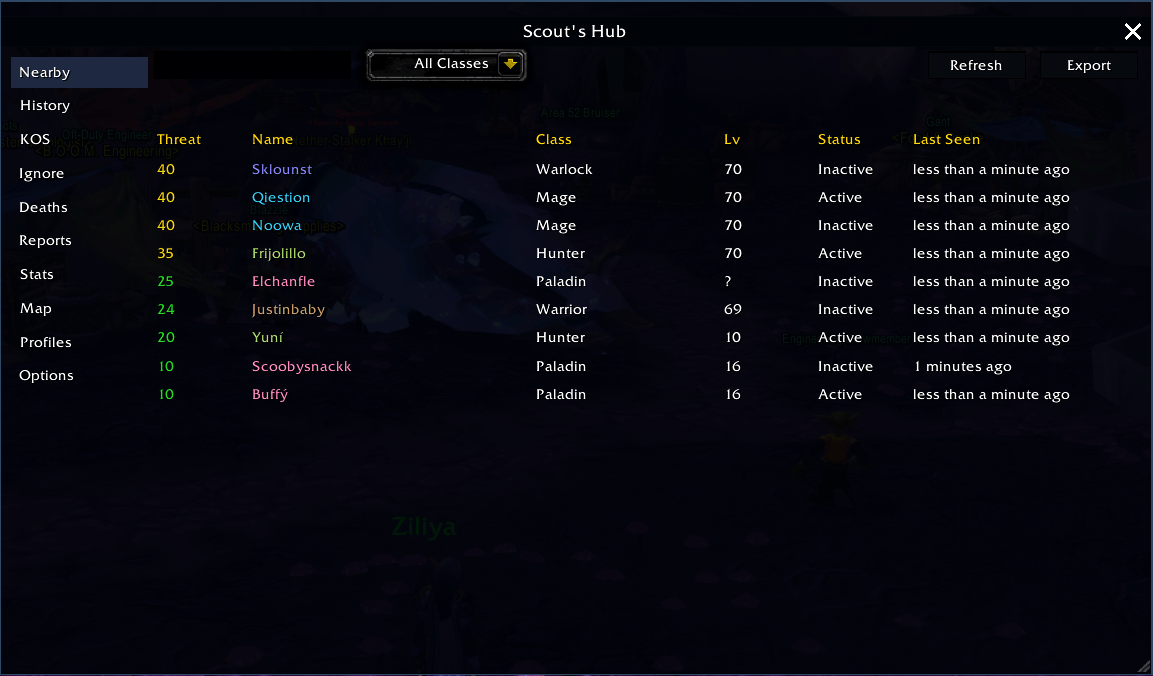
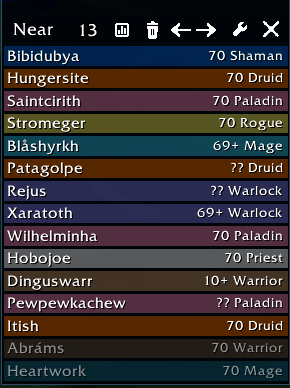
Near.png
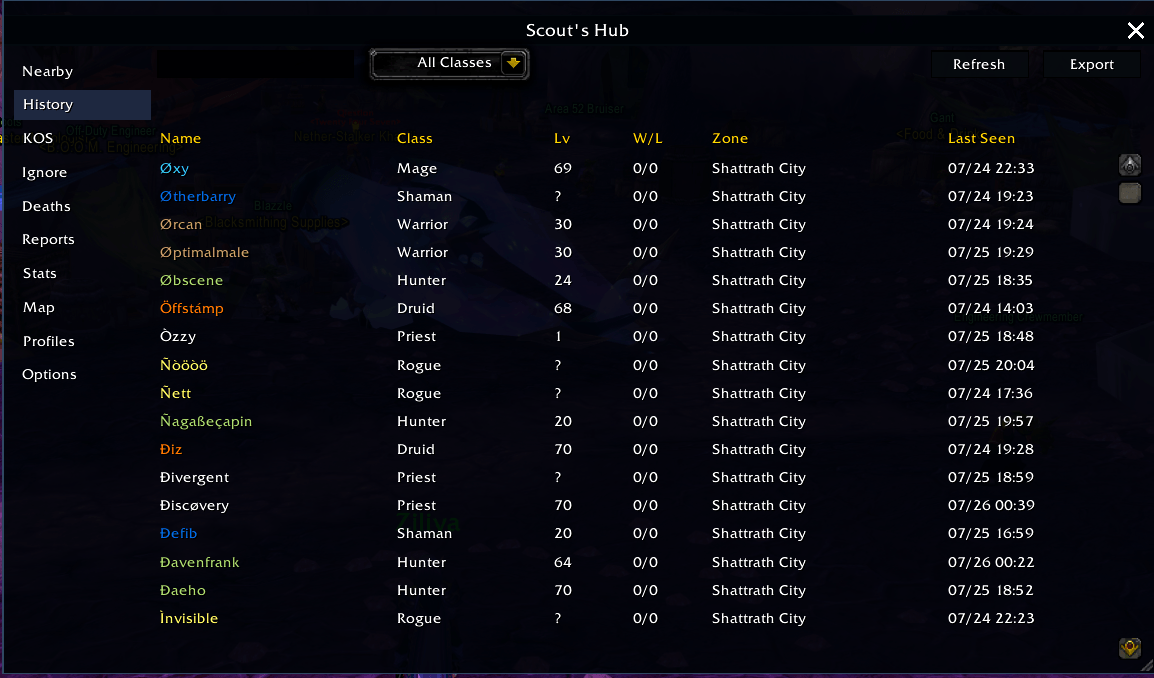
History.png
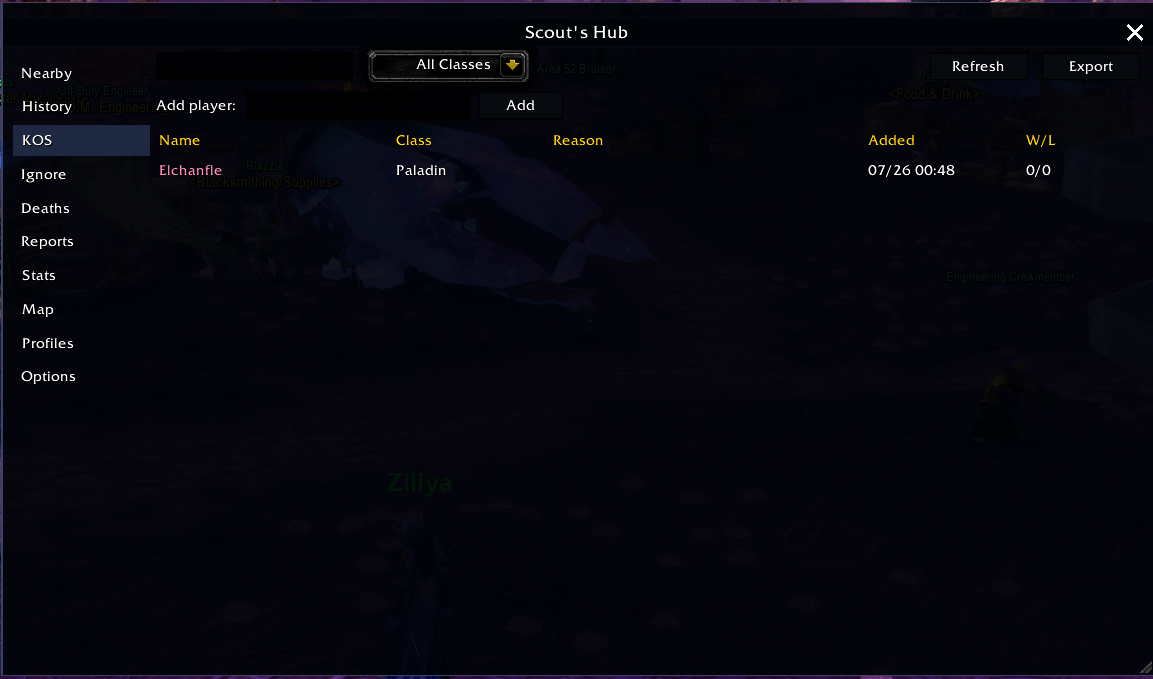
KOS.png
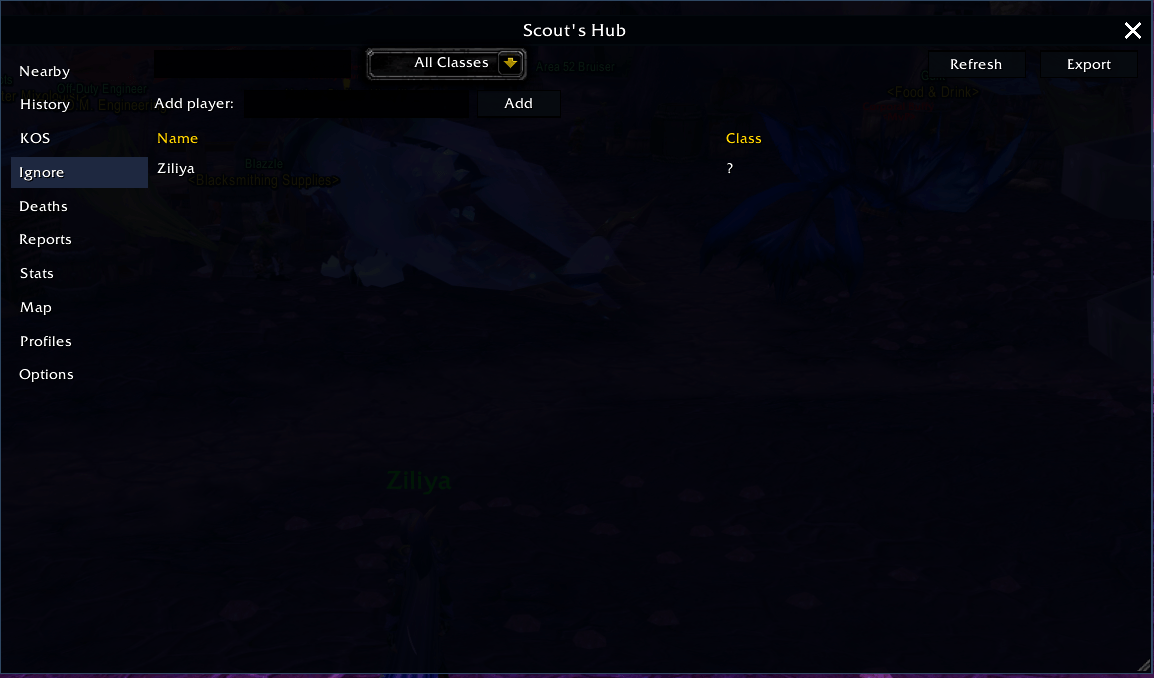
Ignore.png
Description
Scout
Know who's near you before they know you're there.
Scout is a real-time enemy-player detection addon. It watches combat log events, nameplates, your target/mouseover, and minimap tooltips to build a live picture of every hostile player around you — who they are, what class, what level, whether you should be worried, and where they were last seen.
Everything is organized into one place: Scout's Hub, a single resizable command window that replaces having to dig through separate lists and popups.
Scout's Hub
Open it from the minimap-window button or /scout config. It's organized into a left-hand rail of sections, all sharing one sortable, searchable, filterable table:
- Nearby — every enemy currently active or recently active, with a live Threat score (1-100), color-coded green → yellow → orange → red so you can tell at a glance who's dangerous. Click a row to target them; Shift-click to toggle Kill-On-Sight; Ctrl-click to toggle Ignore.
- History — everyone you've ever detected on this character, searchable by name or class.
- KOS — your Kill-On-Sight list, with an inline add box (type a name, hit Add) and right-click-to-remove right from the list — no need to have them targeted.
- Ignore — same, for names you never want Scout to bother you about again.
- Deaths — every time you died to a hostile player: who killed you, what zone, what opening ability they used.
- Reports — after-action reports for recent fights: opener ability, total damage taken, time-to-death, and a per-attacker damage breakdown for group fights.
- Stats — your lifetime record (wins/losses), your worst nemesis and best victims, a full win/loss breakdown by class (every class your current game version has, not just the ones you've fought), and your deadliest zones.
- Map — a real, rendered zone map (actual map art, not a placeholder) with pins showing where you've spotted enemies and where you've died. Cycle between zones with data using the button at the top; click a pin to jump the world map there.
- Profiles — switch, save, or import Scout settings profiles without leaving the window.
- Options — the entire settings panel, folded into the same window instead of a separate popup.
Map & Minimap Markers
Scout can place a marker on your map and minimap for enemies you detect. Pick how they're drawn in Options:
- Class icon (default) — the enemy's actual class icon, so you know what you're looking at without hovering.
- Raid target marker — any of the 8 standard raid icons, your choice.
- Faction icon — the classic simple "enemy located" icon.
Hovering a marker shows exactly who it represents. Markers can be toggled on/off separately for the full map and the minimap, so if you only want the big picture on the world map and a clean minimap, that's covered.
(Honest limitation: WoW doesn't give addons access to another player's live coordinates — only your own. So a marker shows "near where you were standing when you spotted them," not their exact real-time position. This is a hard client limitation every detection addon runs into, not a bug.)
Kill On Sight & Ignore
Flag any player as Kill-On-Sight with an optional reason (or several — pick from a list or type your own). Scout will alert you the moment they're detected again, with your choice of sound pack and on-screen warning style. Ignore works the same way in reverse — silence Scout completely for names you don't want to hear about.
KOS and Ignore data can optionally sync across your own characters on the same realm/faction, and — if you choose to share — get relayed to your party, raid, or guild so your whole group benefits from what any one Scout user has already found.
Alerts & Sound Packs
Choose how Scout tells you something's nearby: an on-screen banner, an error-frame message, or nothing but sound. Pick between built-in sound packs, or build your own custom pack by browsing every sound in the game's SOUNDKIT library and assigning one to each event (KOS detected, KOS in guild, nearby enemy, race warning, stealth detected, added/removed from a list, death, killed a KOS target). Volume and channel are adjustable independently of your game's other sound settings.
Cross-User Data Sharing
Running Scout with friends? Detections, KOS flags, and locations can be shared automatically over party/raid/guild chat, so your group builds a shared picture of the enemies around you instead of everyone detecting the same people separately.
Slash Commands
/scout— open the options panel/scout show//scout hide— show or hide the Nearby window/scout config— open Scout's Hub/scout stats— jump straight to the Stats tab/scout kos <name>— toggle a name on/off your Kill-On-Sight list/scout ignore <name>— toggle a name on/off your Ignore list/scout clear— clear the current list/scout reset— reset window positions
Supported Versions
Scout currently supports Classic Era and The Burning Crusade Classic / Anniversary Realms. A Retail-compatible build is in progress.
Notes
Scout is an independent addon, built from the ground up with its own architecture and logic. Class-icon artwork uses standard Blizzard UI textures, same as the game's own character creation screen.
The Scout - Player Locator Team


Owner