Raresight - an Ellesmere Rarescanner/Silver Dragon Bridge
- By
Spot rares in style. RareSight brings sleek EllesmereUI alerts to RareScanner and SilverDragon, with compact loot displays, click-to-target, and seamless Quest Tracker integration.
Description
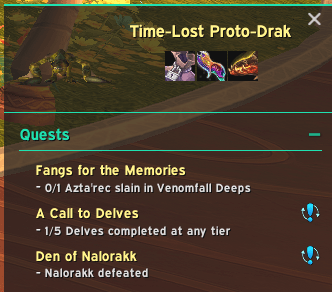
RareSight brings RareScanner and SilverDragon alerts into EllesmereUI’s Quest Tracker, combining both integrations into one addon without modifying either scanner.
Previously known as RareScanner - EllesmereUI, RareSight 1.0 adds SilverDragon support, compact alerts, balanced multi-row loot displays and a shared settings panel.
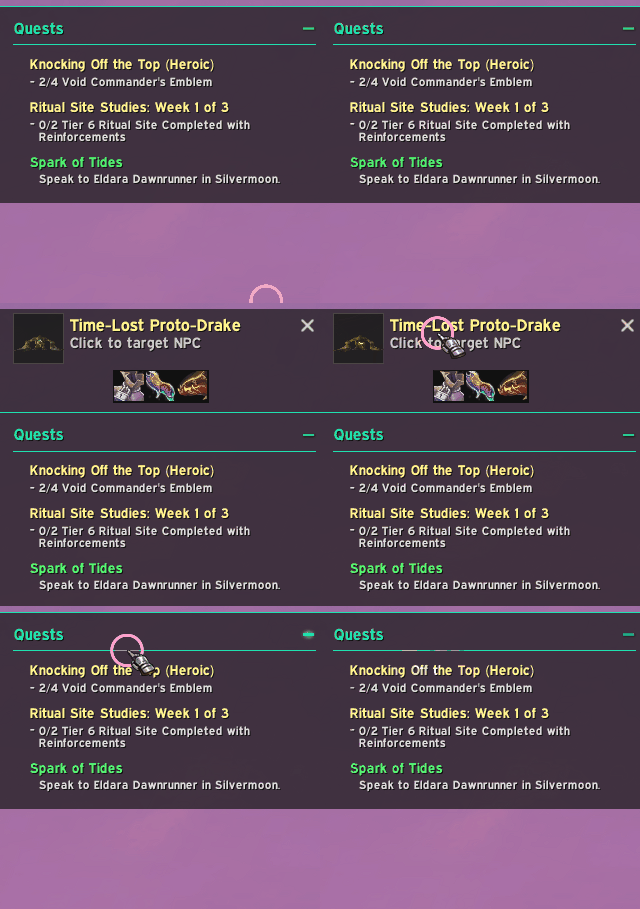
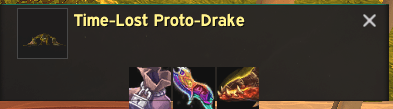
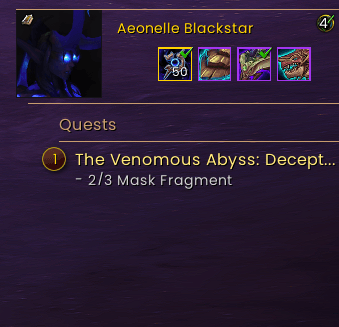
Alerts that fit your UI
- Native creature models and rare names
- Compact, balanced loot rows
- Borders aligned with the EllesmereUI Quest Tracker
- Native click-to-target behaviour
- Native scanner queues and tooltips
- Layout updates deferred safely until combat ends
Choose how alerts interact with your Quest Tracker: Down moves the tracker beneath alerts, while Up keeps the tracker in place and stacks alerts above it. The tracker returns to its original position when alerts close.
RareScanner also supports an EllesmereUI-styled standalone alert when integrated mode is unavailable. SilverDragon retains its native presentation when EllesmereUI Quest Tracker is unavailable.
Requirements
- EllesmereUI
- RareScanner OR SilverDragon — you only need one!
- EllesmereUI Quest Tracker for tracker integration
Have both scanners installed? Choose your preferred alert source in RareSight’s settings. Automatic selects RareScanner when available, otherwise SilverDragon.
Only the selected scanner uses RareSight’s integration. The other scanner retains its own alerts, controlled through its settings.
Your scanner continues to handle detection, sounds, filtering, loot data and native alert behaviour.
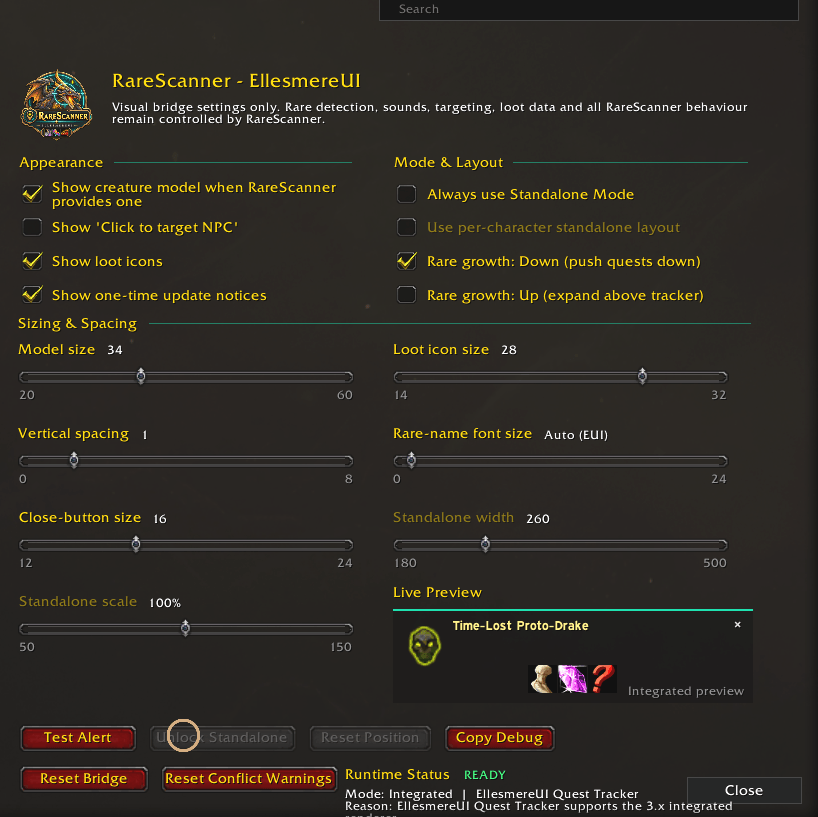
Settings
Open the shared settings panel with:
/raresight
Options vary by scanner and include loot visibility, icon sizing and Quest Tracker direction.
RareScanner includes model, text, spacing, close-button and standalone layout controls.
SilverDragon includes maximum loot rows, shared loot and collected-reward filtering.
Changing your alert source requires a reload. Appearance changes apply immediately where possible, or after combat ends.
Useful commands:
/raresight— Open settings/raresight status— Show the active source and status/raresight source auto— Select automatically/raresight source rarescanner— Select RareScanner/raresight source silverdragon— Select SilverDragon
Upgrading from an older version
Install the RareSight folder in Interface/AddOns.
RareSight warns you if either obsolete integration folder remains installed:
RareScanner_EllesmereUISilverDragon_EllesmereUI
Exit WoW, delete those old integration folders, then restart. Keep RareSight, EllesmereUI and your RareScanner/SilverDragon scanner addons.
Updating an existing RareSight installation preserves your RareSight settings.
Raresight - an Ellesmere Rarescanner/Silver Dragon Bridge Team