


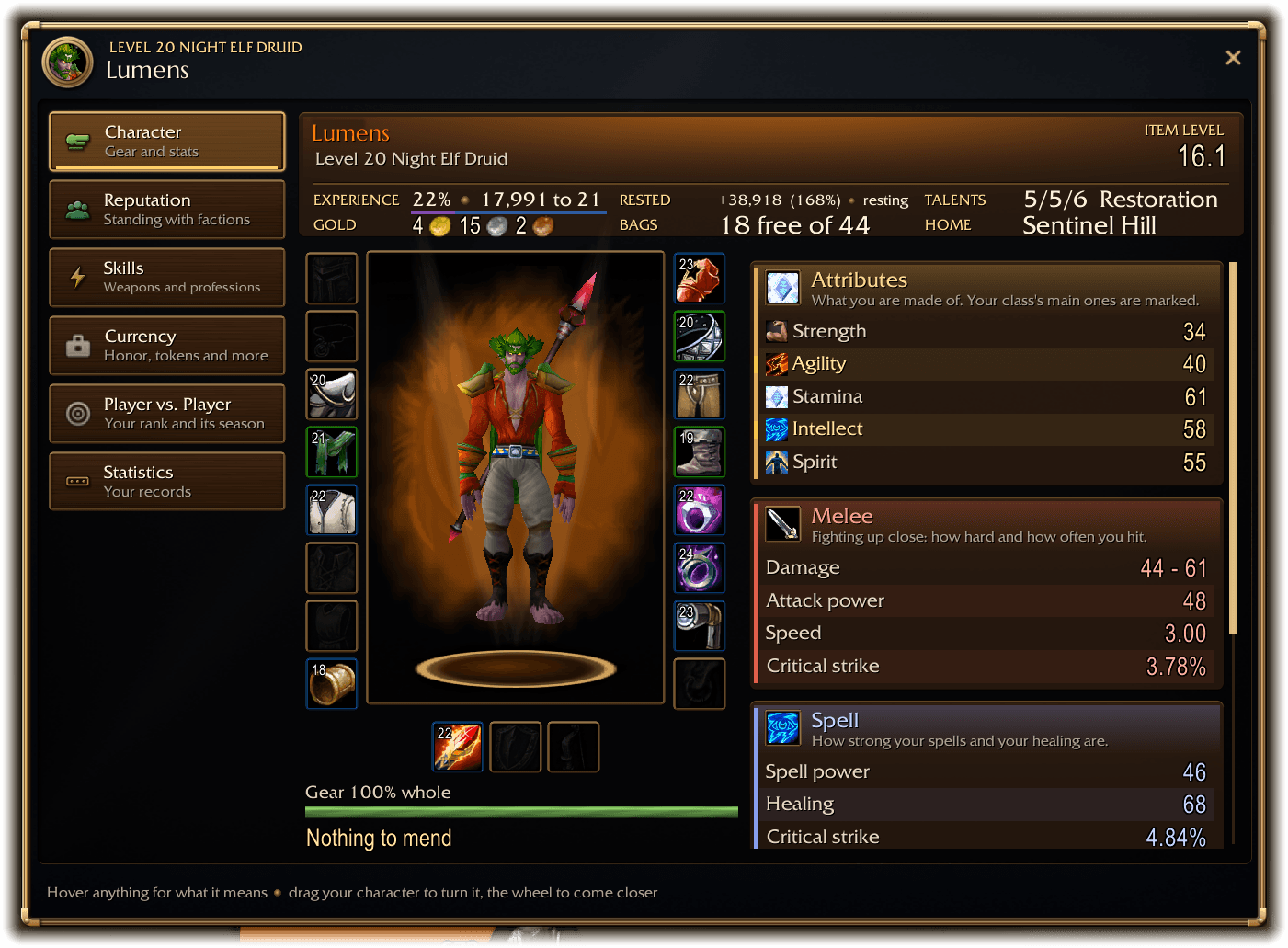
06-character.png
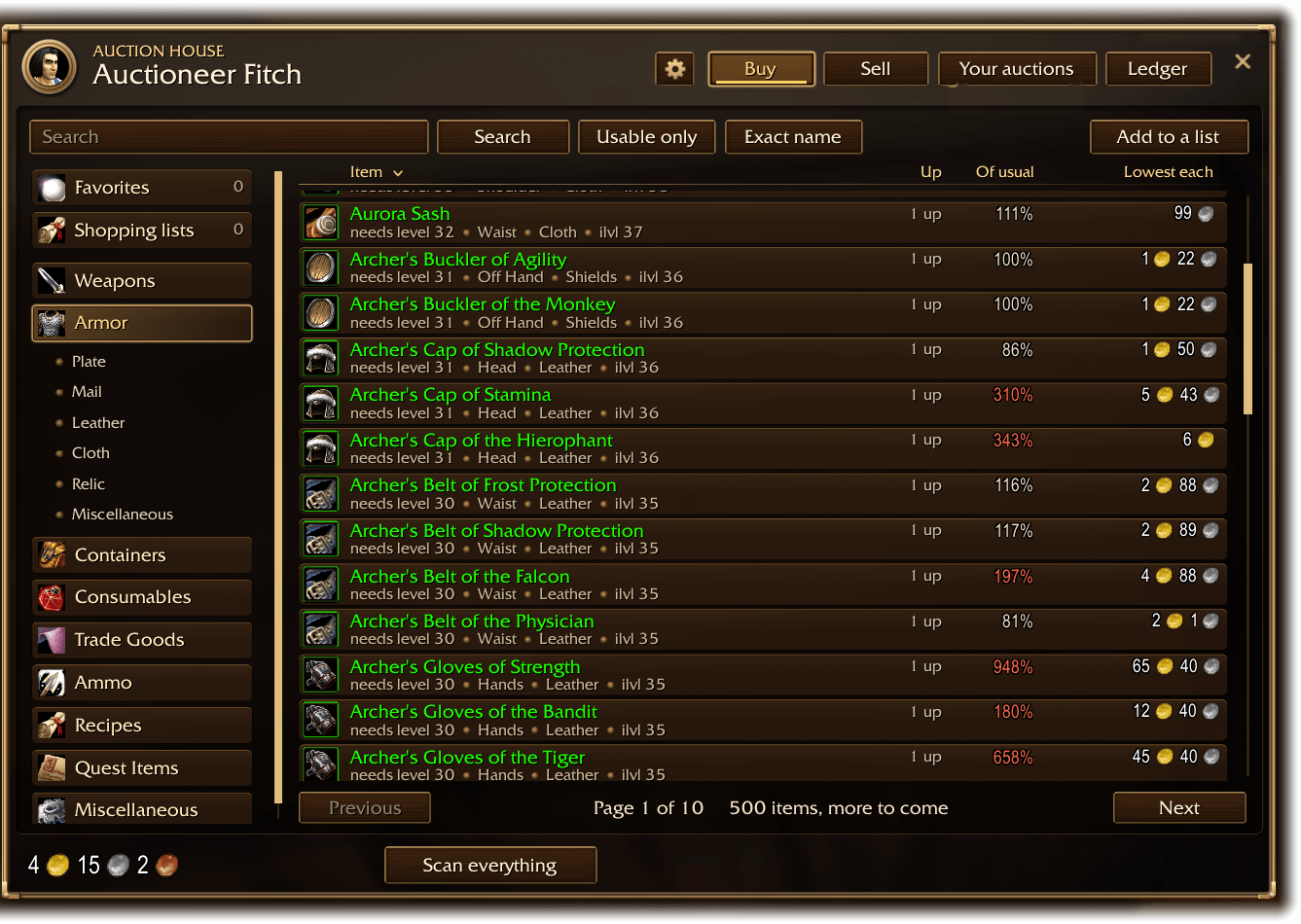
13-auctionhouse.png
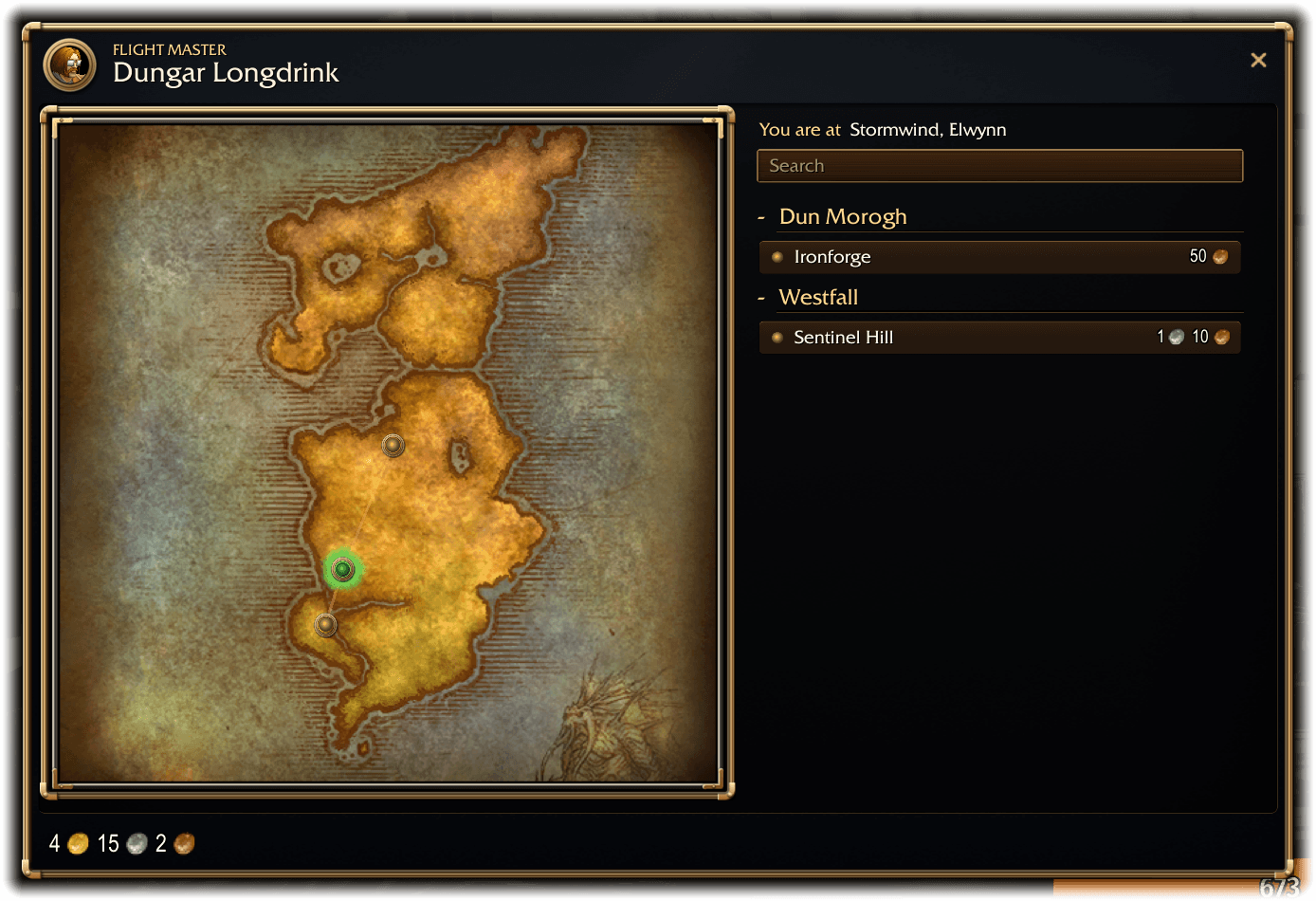
17-flightmaster.png
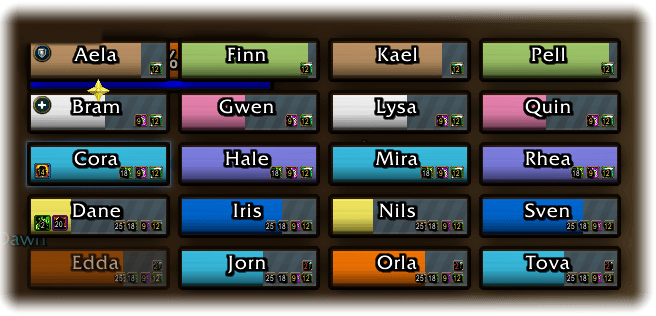
02-raid20.png
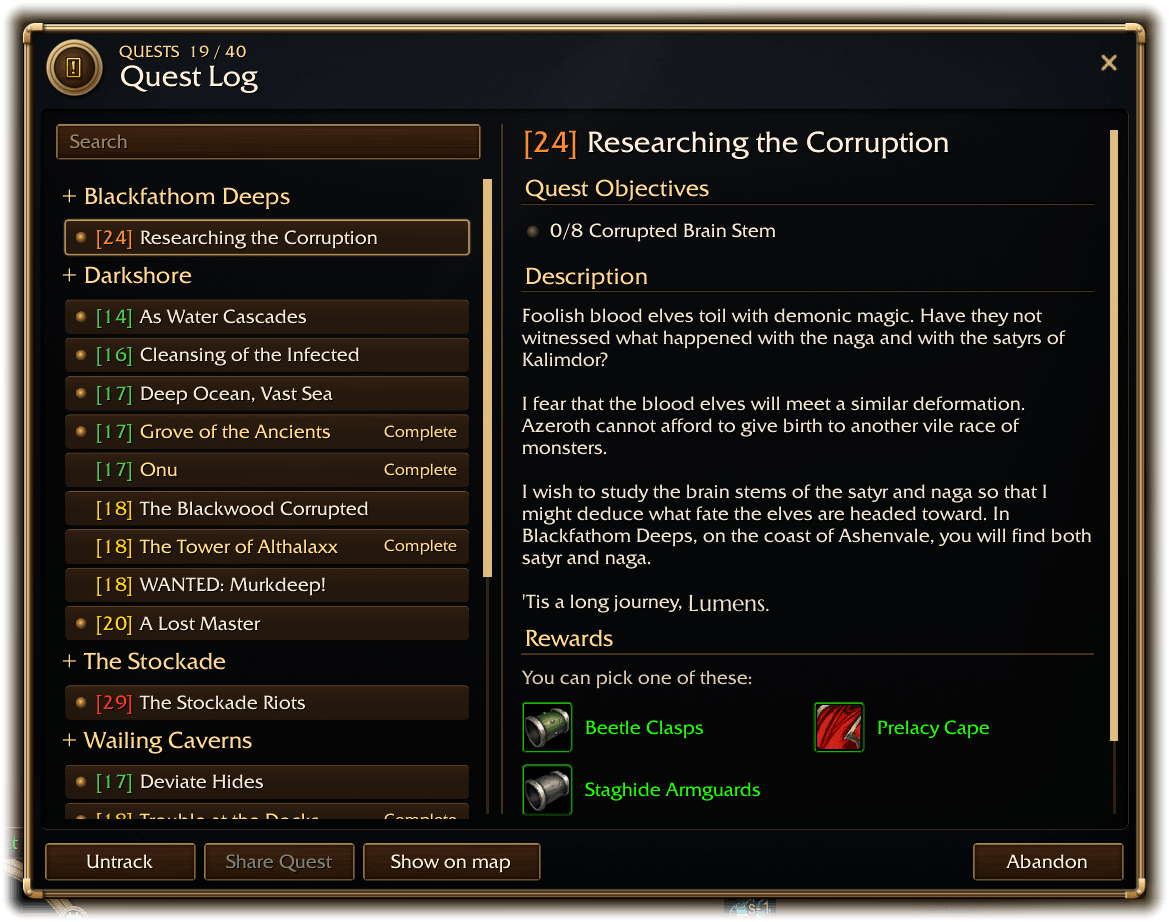
07-questlog.png
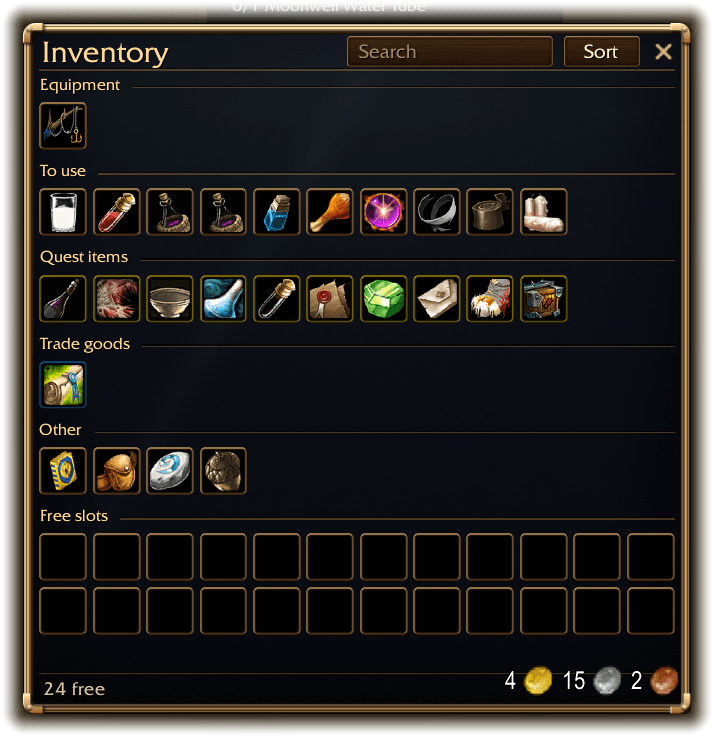
05-bags.png
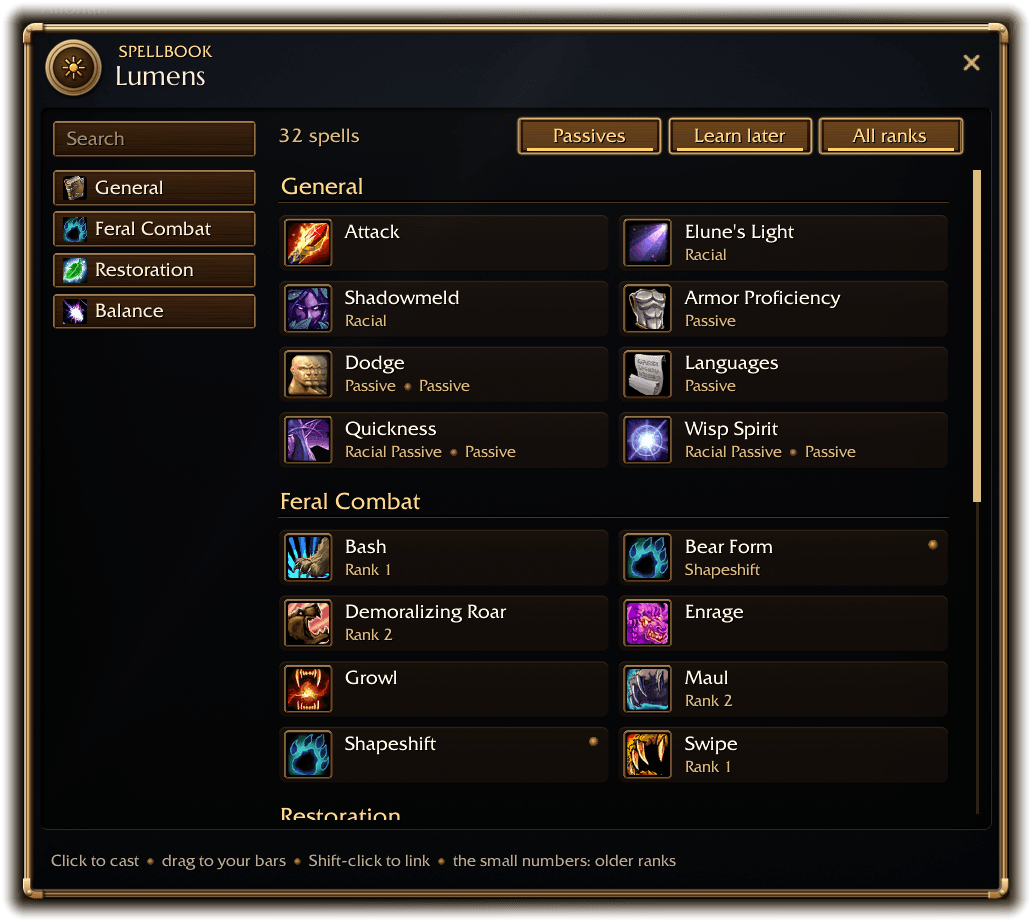
08-spellbook.png
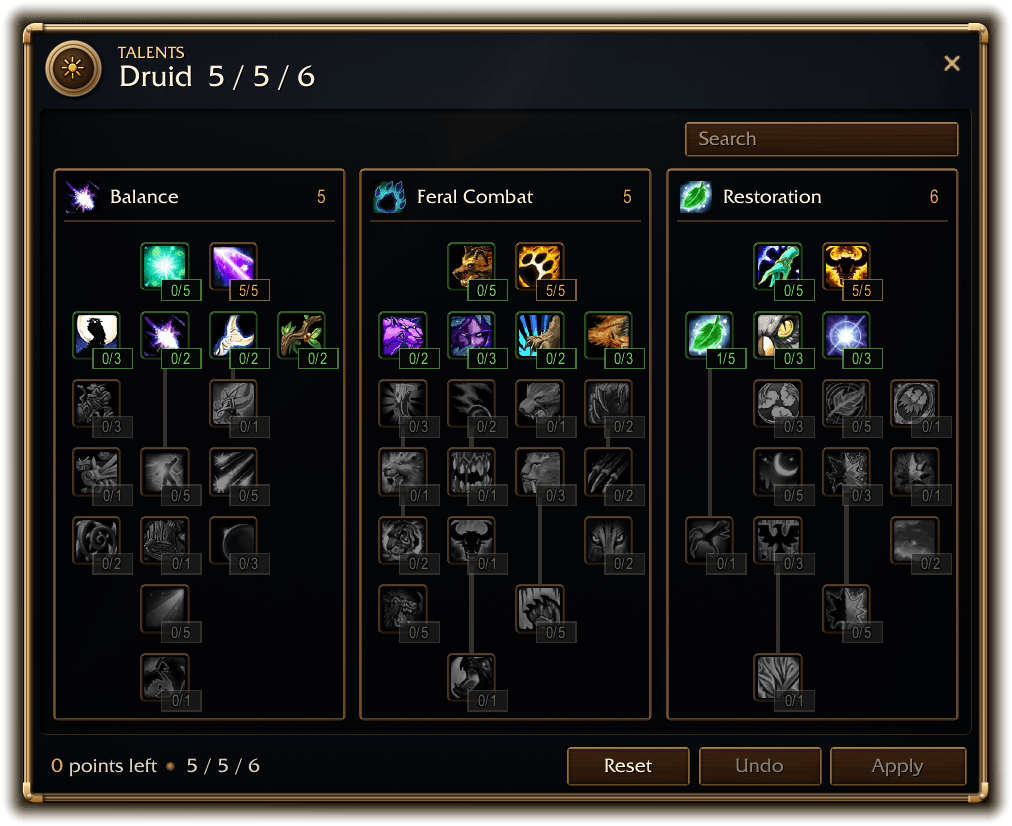
09-talents.png
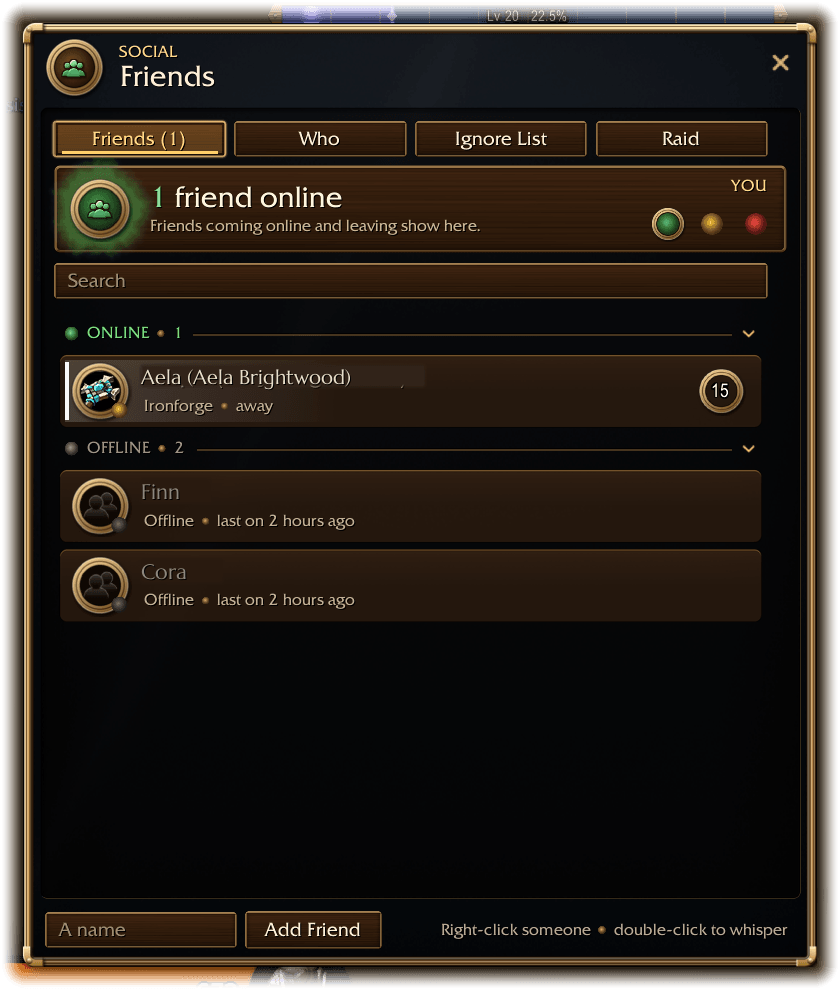
10-friends.png
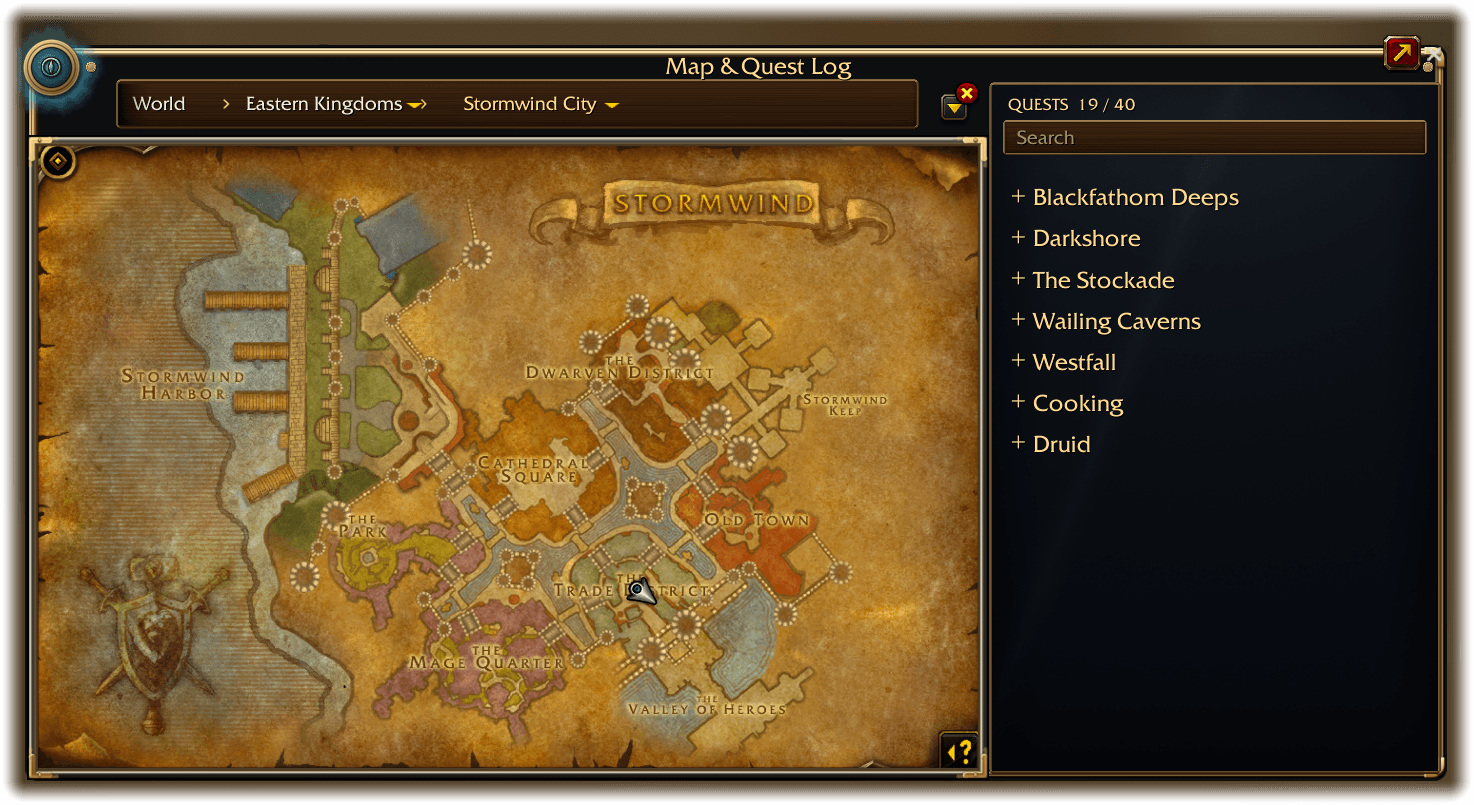
11-worldmap.png
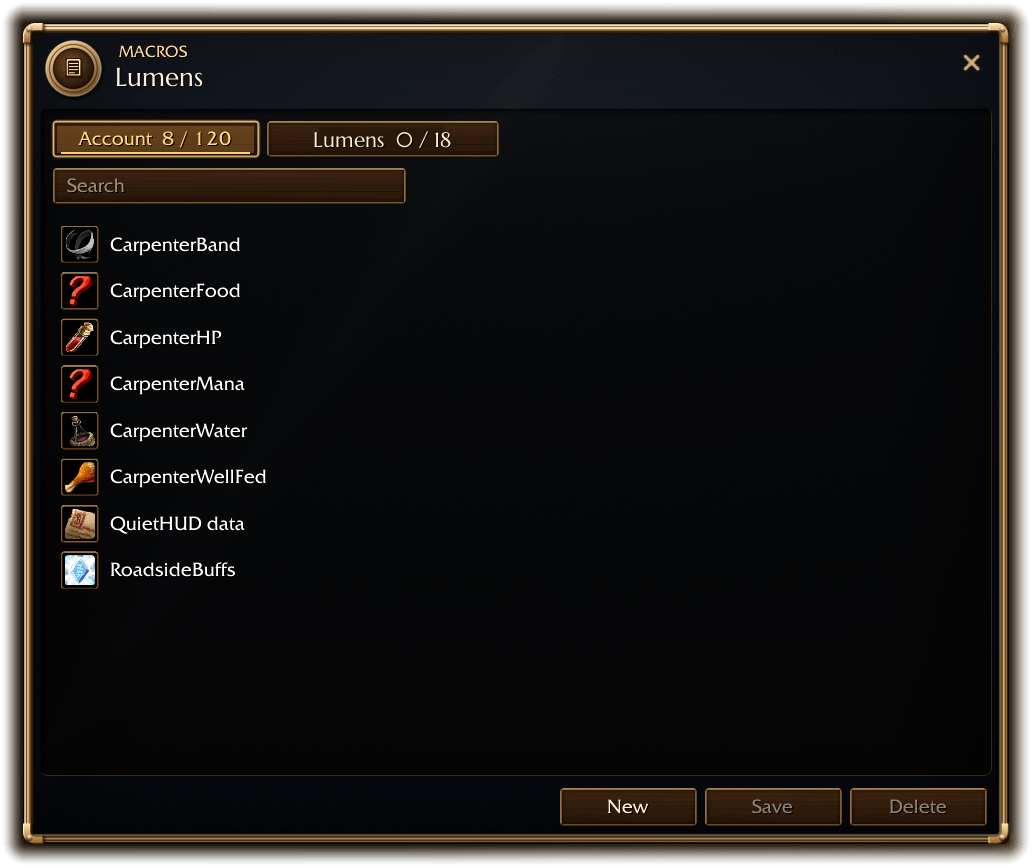
12-macros.png
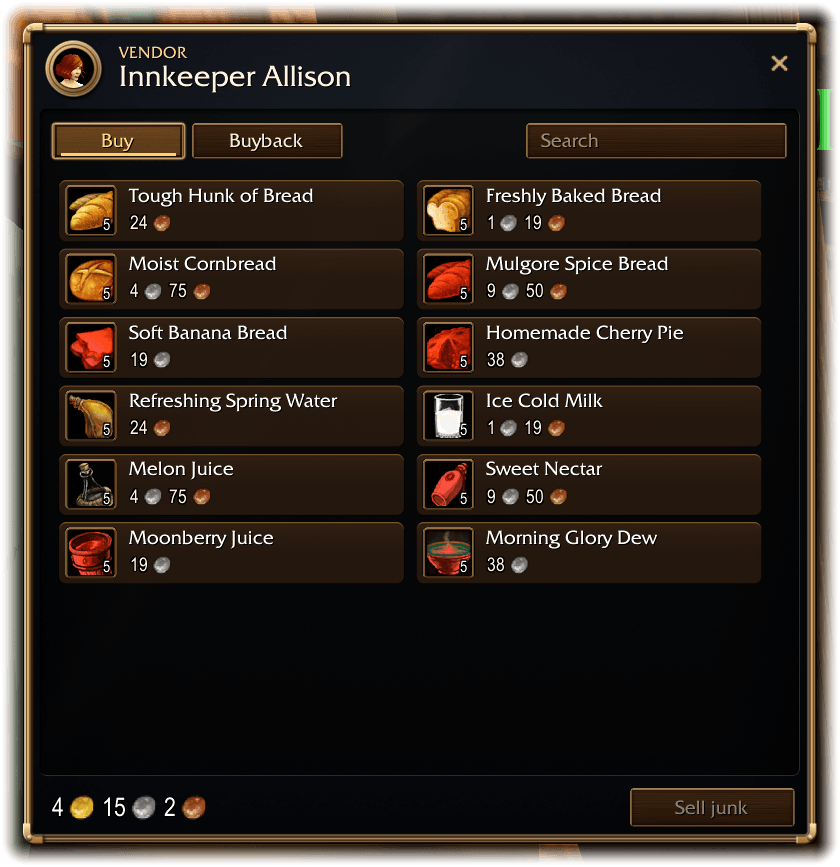
14-vendor.png
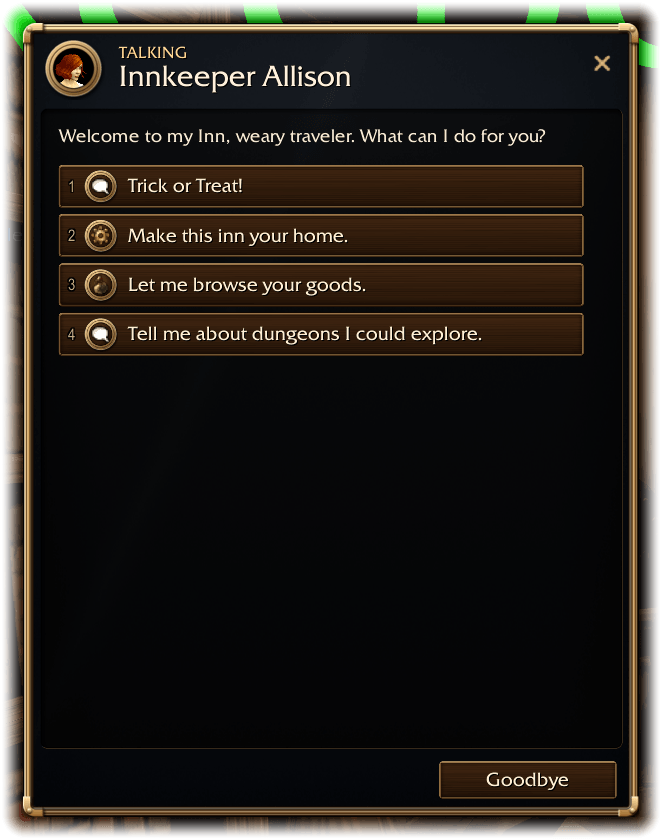
15-talk.png
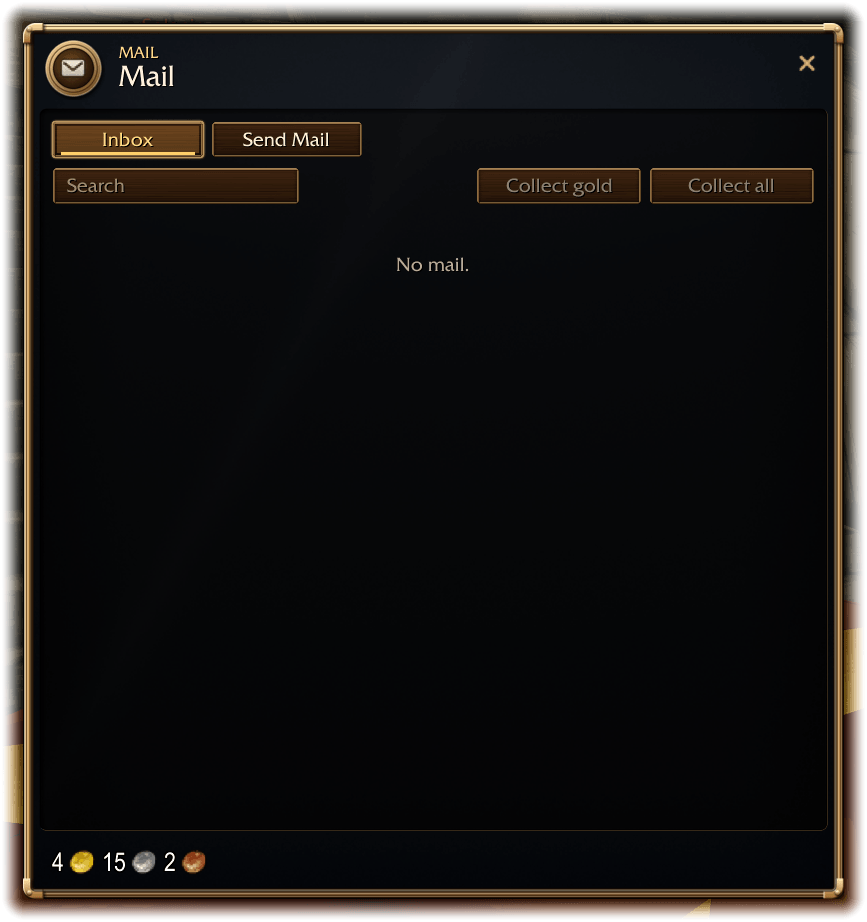
16-mail.png
Description
LUMENS UI
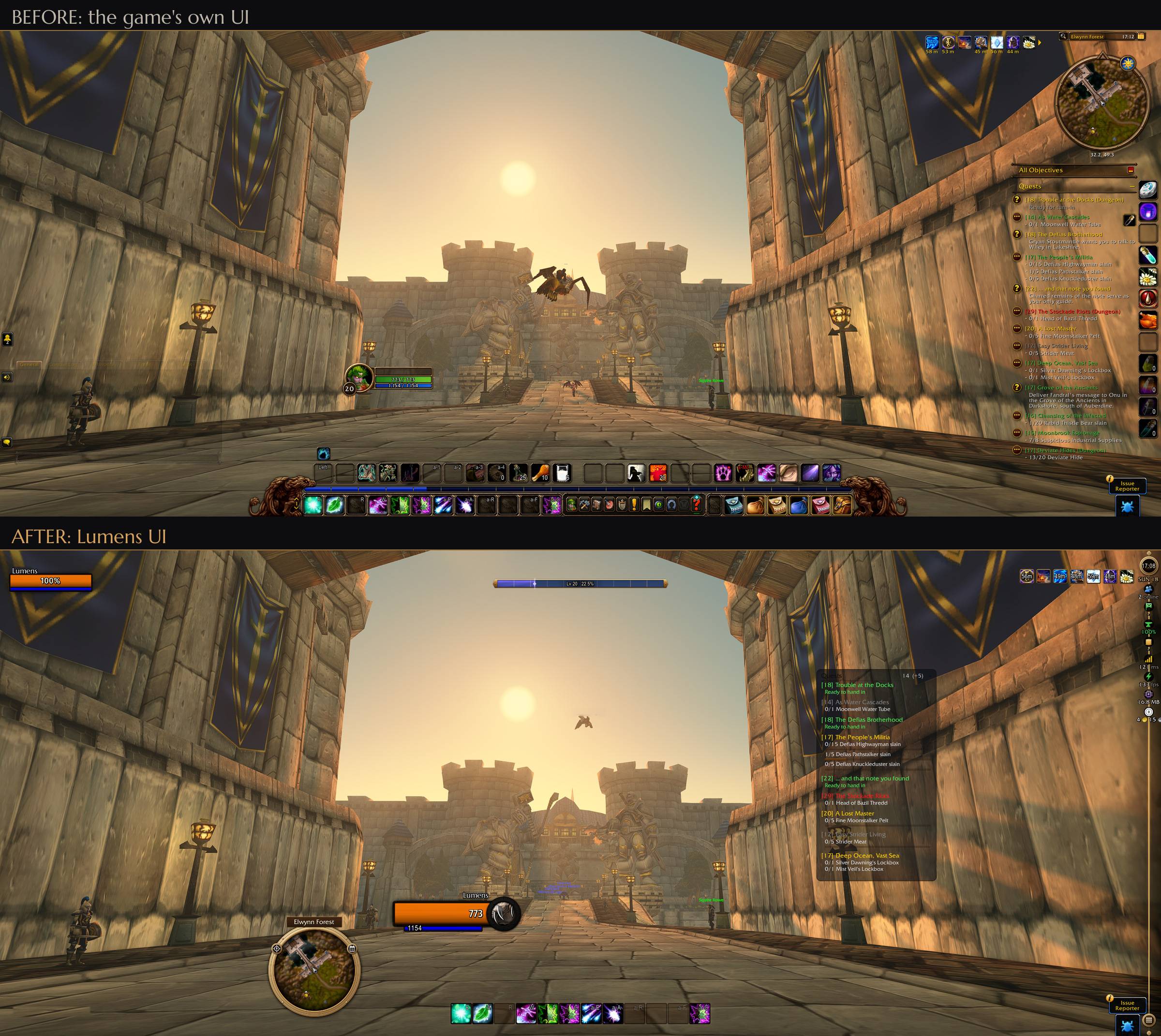
The default UI called. It wants to look like this.
Lumens UI replaces your whole interface with one addon: unit frames, action bars, nameplates, bags, chat, the minimap and more than 30 game windows, all in forged brass, dark walnut and warm light.
One look, from your health bar to the auction house.
See the Gallery for screenshots.
◆ ◆ ◆
◆ What you get ◆
| One addon, one look | Frames, bars, plates and windows share the same craft. No stack of addons that don't match. |
| Every window rebuilt | Character, bags and bank, auction house, professions, mail, vendors, quest log, talents, spellbook, friends, guild, group finder, collections, wardrobe and more. |
| Unit frames for everything | Player, target, focus, pet, boss, party and raid, with separate layouts for 10, 20 and 40 players. |
| A smarter auction house | Price memory, shopping lists, one-click undercutting and a ledger of what you bought and sold. |
| Professions that pay | Cost, sell price and profit on every recipe, a crafting queue, and missing reagents straight to your shopping list. |
| Bags that sort themselves | Gear, consumables, quest items and junk in their own groups, with the bank and guild bank to match. |
| Readable everywhere | 24 fonts, text that stays big at a small UI scale, and nothing cut short. |
| Your add-ons, managed | A built-in add-on list with sets, locks, categories and the memory each one uses. |
◆ Made to be easy ◆
| Set up in a minute | A short installer runs on your first login. |
| Simple or all settings | The options show what most players change; one switch shows everything, and a search finds any setting. |
| Its own Edit Mode | Escape, then Edit Mode, opens Lumens UI's own: drag any frame where you want it (it snaps to the others), nudge it with the arrow keys, and click it to open its settings right beside it. |
| Every character its own | Profiles, and a UI scale per character. |
◆ Getting started ◆
1. Install and log in: the installer opens by itself.
2. /lumen opens the options (/lumen install runs the installer again).
3. Edit Mode (Escape, then Edit Mode, or /lumen unlock) moves any frame; click one for its settings.
◆ Help and feedback ◆
Lumens UI is new, so expect a rough edge here and there.
Found a bug or have an idea? Open an Issue: every report makes Lumens UI better.
Discord: coming soon
◆ ◆ ◆
LumensUI Team
