


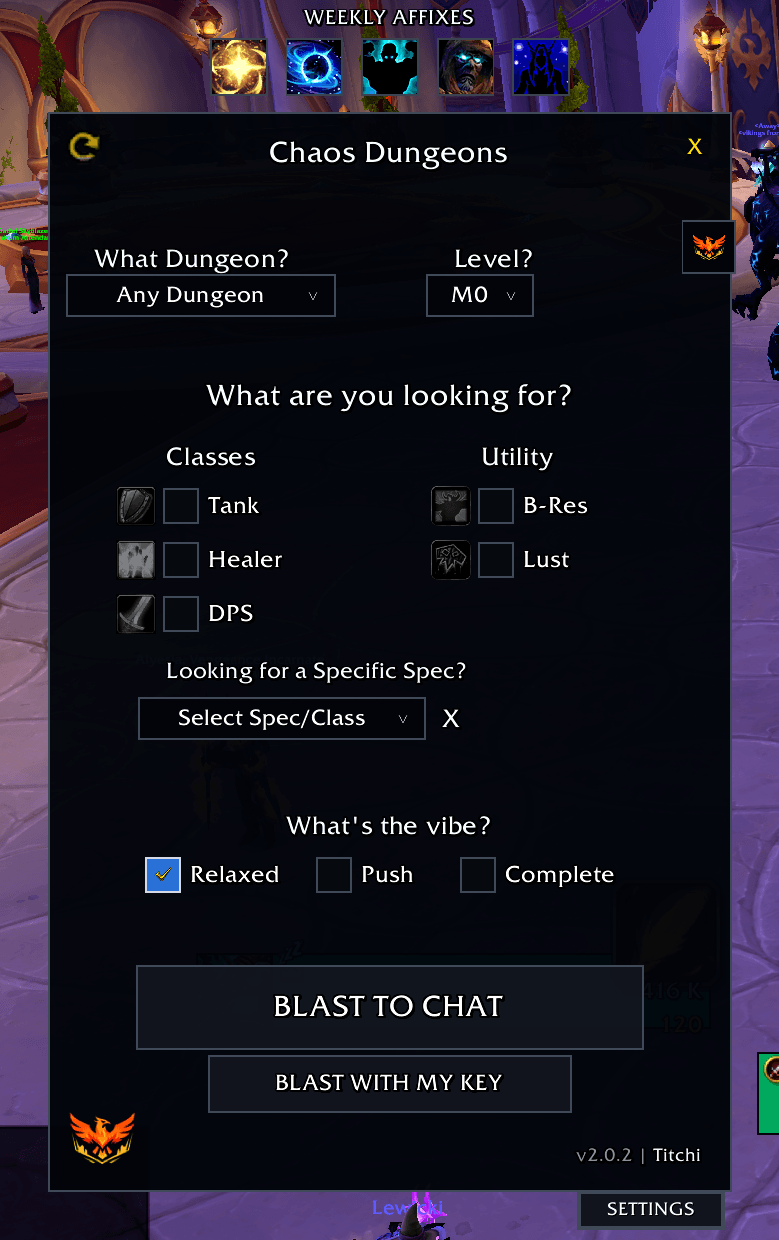
CD Main Window.png
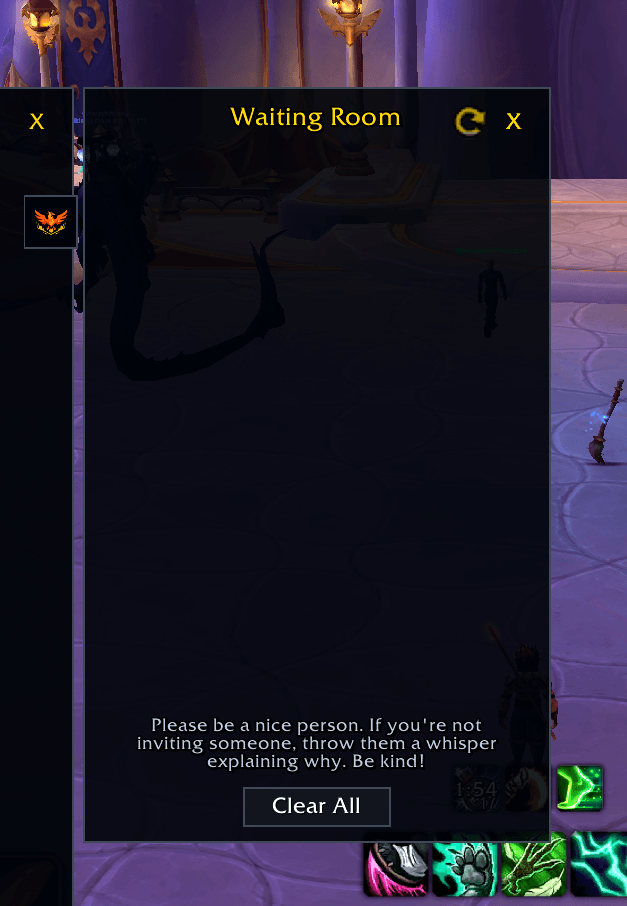
CD Waiting Room.png

CD Text.png
Description
🛡️ Chaos Dungeons: The M+ Guild Group Former
"Efficiency is optional, fun is mandatory."
Chaos Dungeons is a lightweight, high-speed recruitment tool designed to take the "homework" out of forming Mythic+ groups. Built specifically for busy guilds but open to all, it allows you to configure your run and blast it to chat in seconds.
🚀 Features
-
Smart Keystone Linking: Stop typing! Use the "Blast with my key" button to automatically scan your bags and link your actual Keystone directly into the broadcast.
-
Live Affix Tracker: A new minimalist bar at the top of the window shows the current Weekly Affixes. Hover for descriptions so you never forget it's Sanguine week again.
-
Refined Broadcasts: Overhauled chat formatting for maximum readability in a crowded Guild or Community chat.
-
Specific Spec Support: Now includes support for the latest class additions, including Devourer Demon Hunter.
🛠️ Core Features
-
One-Click Blasting: Automatically formats your LFM message with Dungeon, Key Level, Roles needed, Utility (Lust/B-Res), and the "Vibe" of the run.
-
The Independent "Waiting Room": A streamlined window to track applicants and view Raider.IO scores. It stays active even when the main settings are hidden, so you can keep your screen clear.
-
Whisper Automation: Captures "!invite" whispers and adds players to your waiting room with a "Bong" sound notification.
-
Guild Legends & Trivia: Hover over the logo for random guild facts and deep-cut WoW trivia to pass the time between pulls.
📖 How to Use
Slash Commands:
-
/cd or /chaos— Toggles the main setup window. -
/cd test— Toggles Test Mode (messages print only to your chat so you don't spam the guild while practicing).
The Workflow:
-
Open the panel via the Minimap Lock Icon or
/cd -
Select your dungeon and roles, or simply hit BLAST WITH MY KEY.
-
Pop open the Waiting Room (the Logo Tab on the right).
-
Invite with a click, or whisper applicants directly from the UI!
The Chaos Dungeons Team
