Forevermore Classic UI - Forever & Retail
- By
Classic UI for WoW Forever and Retail: the vanilla 1.12 look on Blizzard's own frames. Unit frames, action bars, minimap, bags, spellbook, talents and more, each with its own Classic / Modern switch. Nothing breaks. Controller UI supported.
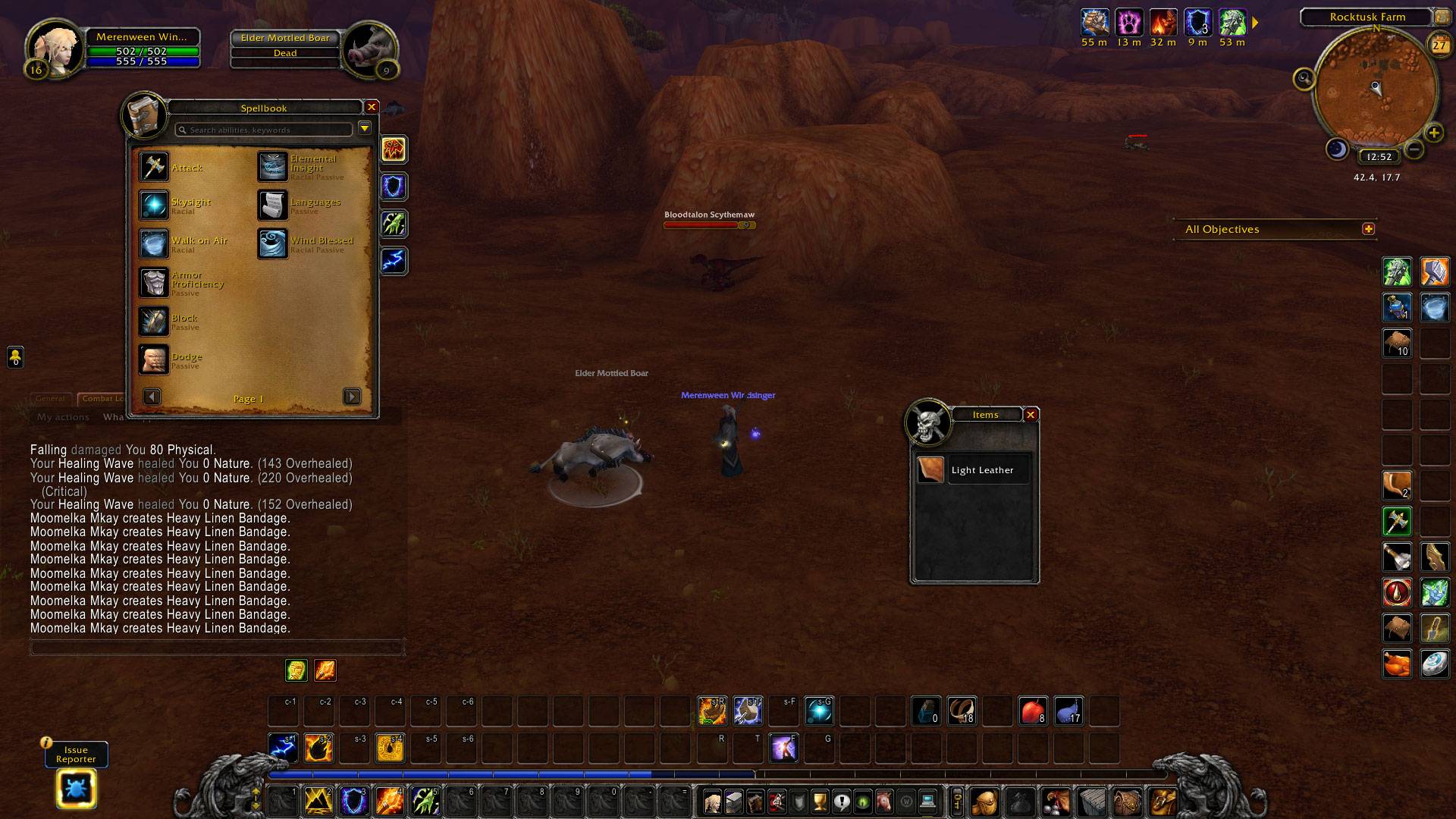
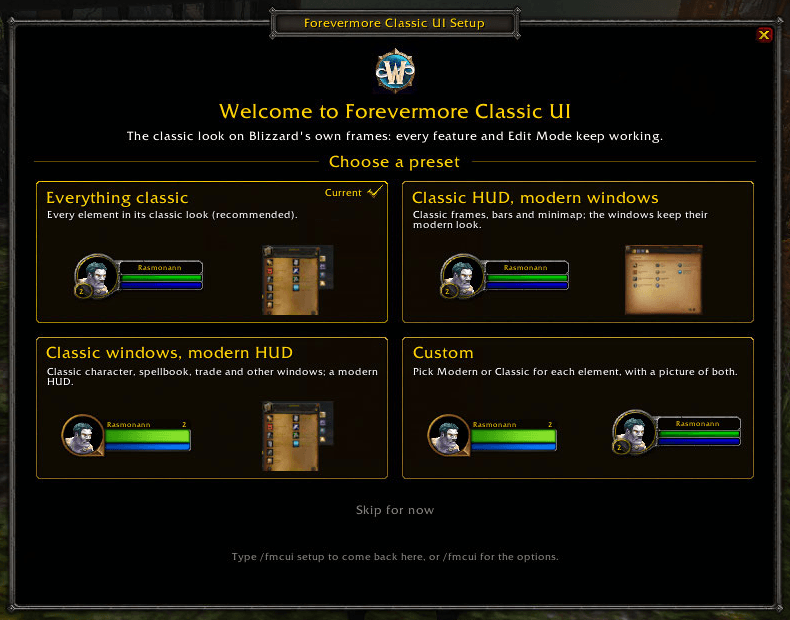
01-setup-wizard.png
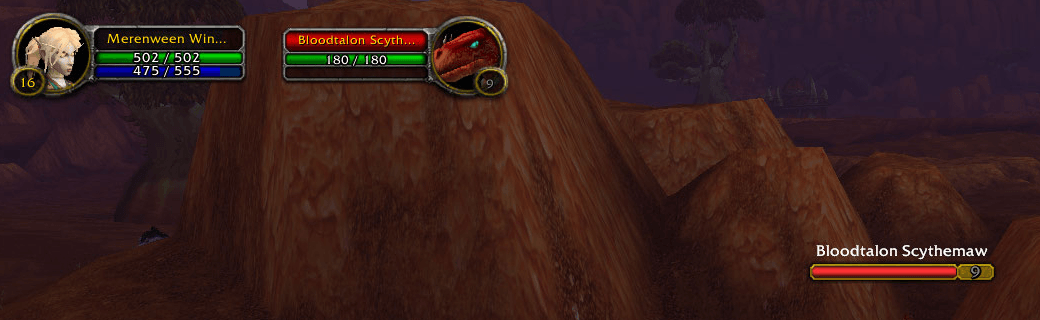
02-unit-frames-nameplate.png
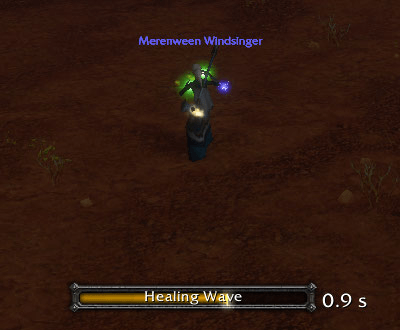
03-cast-bar.png

04-action-bars.png
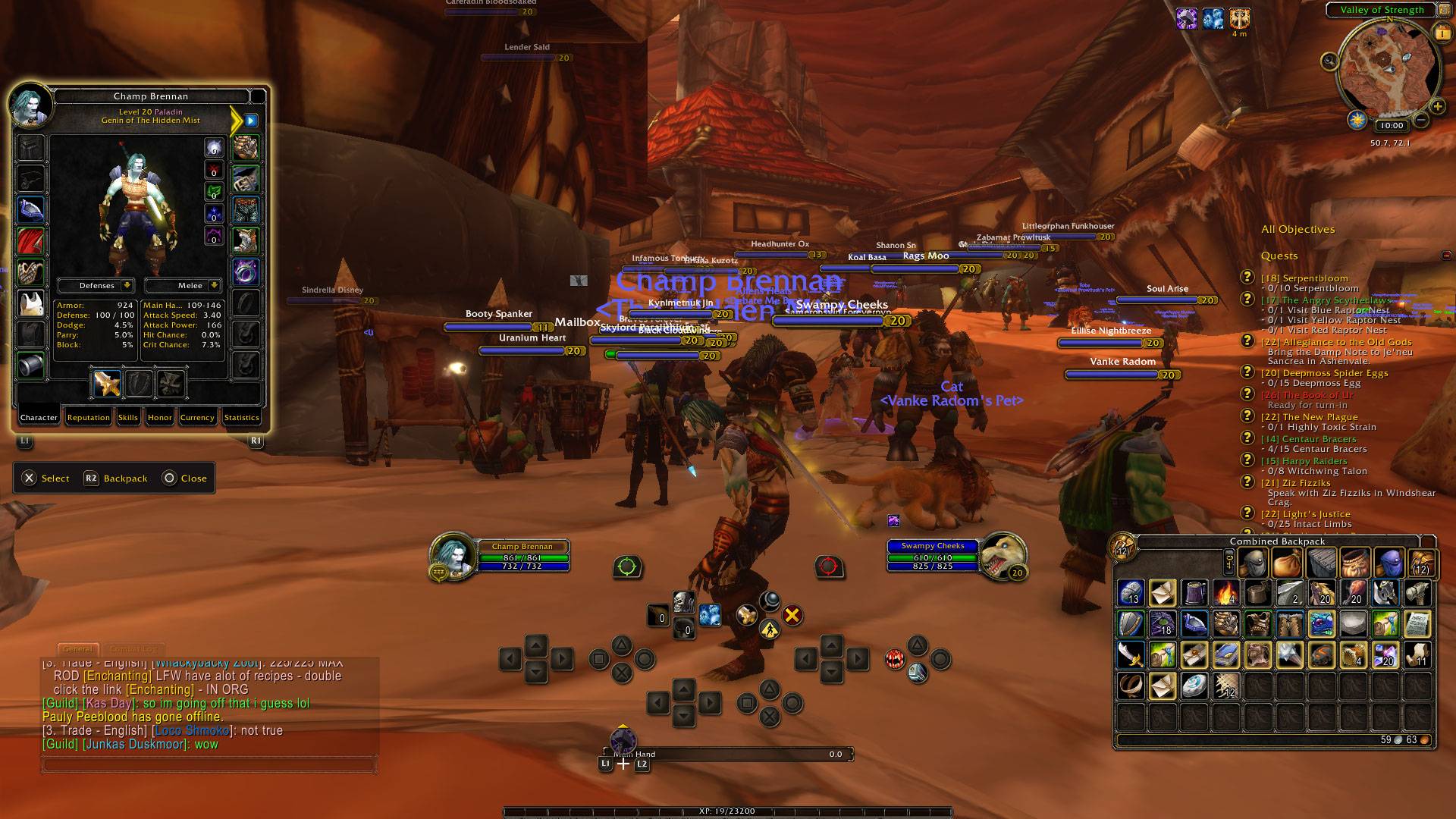
07-character-window.png
08-spellbook.png
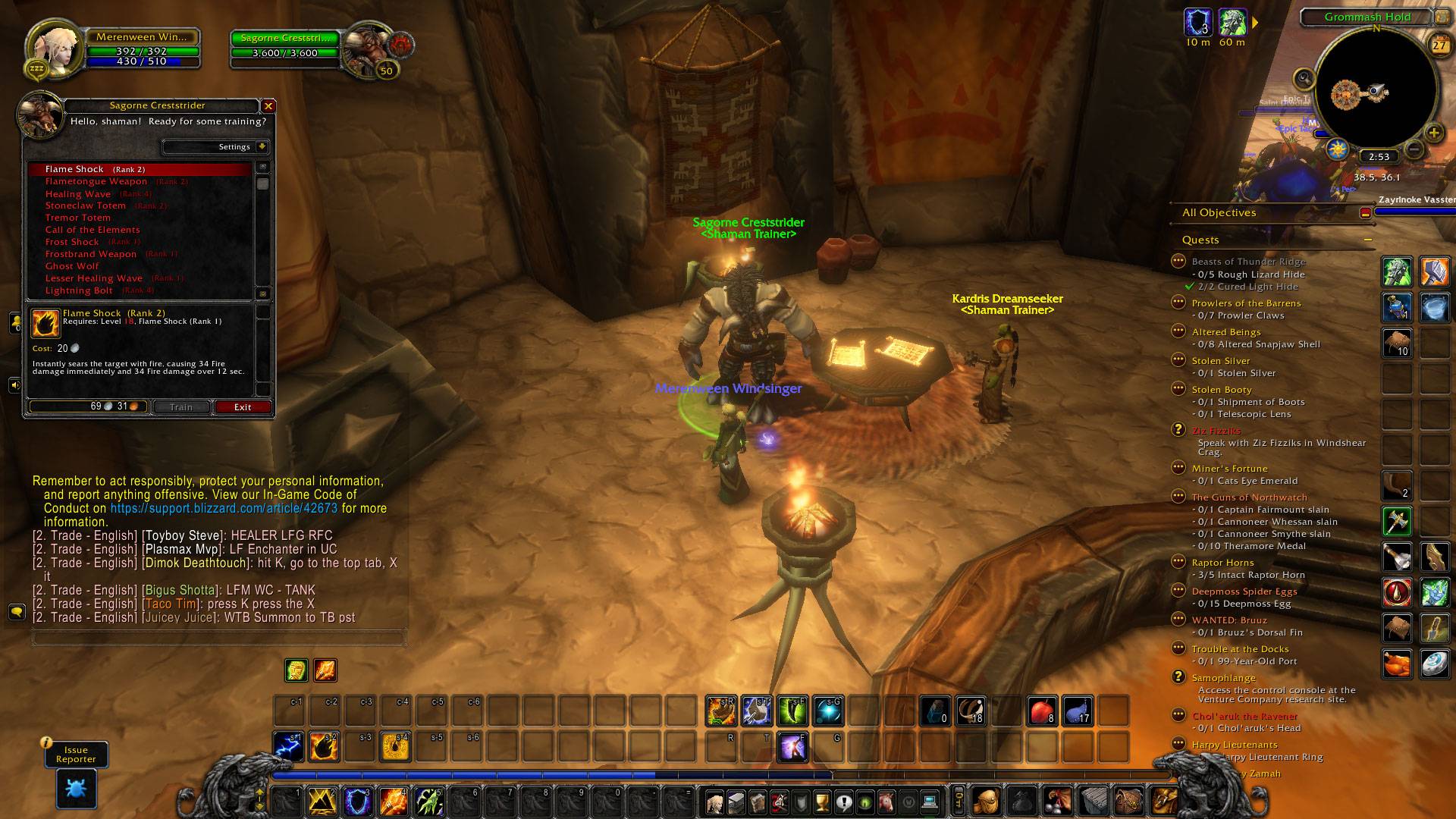
10-trainer.png
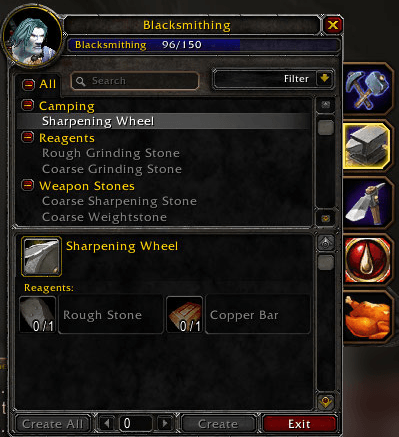
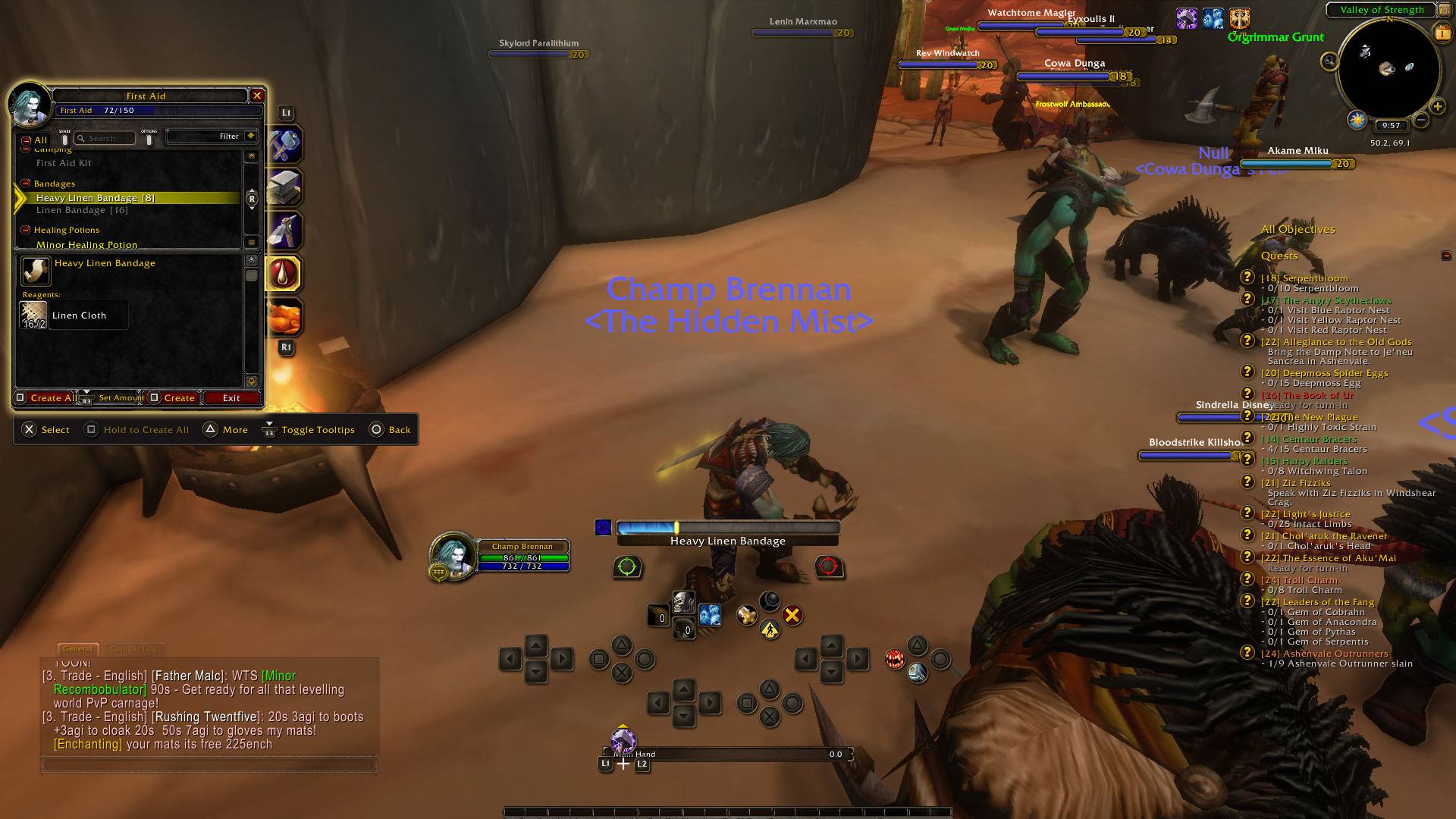
11-professions.png
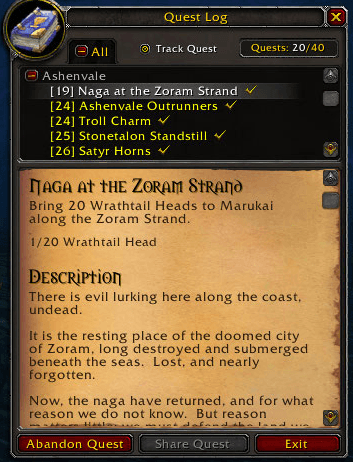
12-quest-log.png
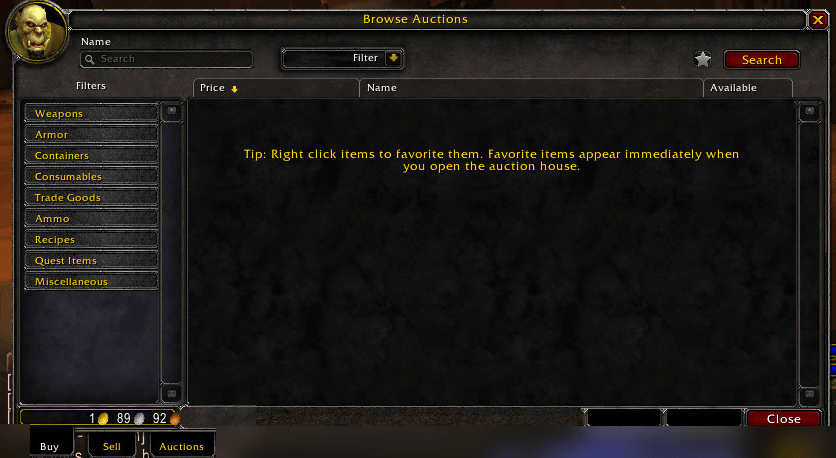
13-auction-house.png
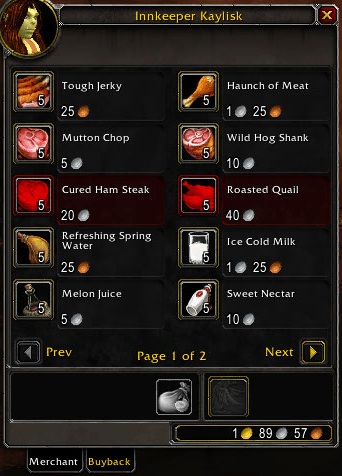
14-vendor.png
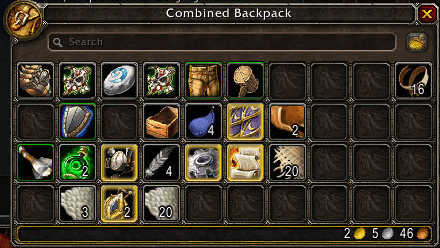
16-backpack.png
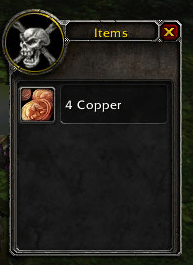
17-loot-window.png
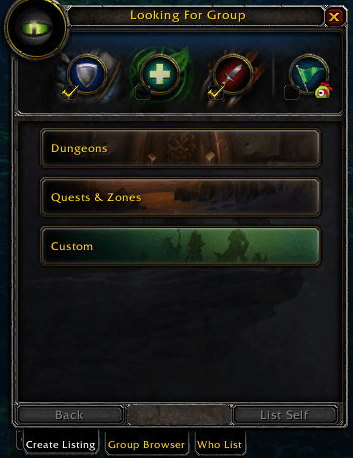
18-looking-for-group.png
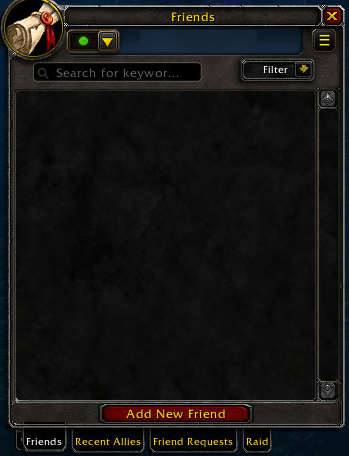
19-friends.png
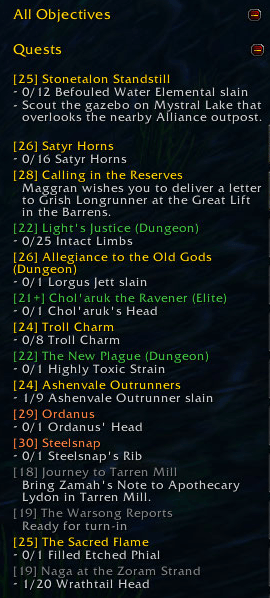
06-quest-tracker.png
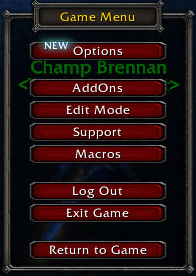
20-game-menu.png
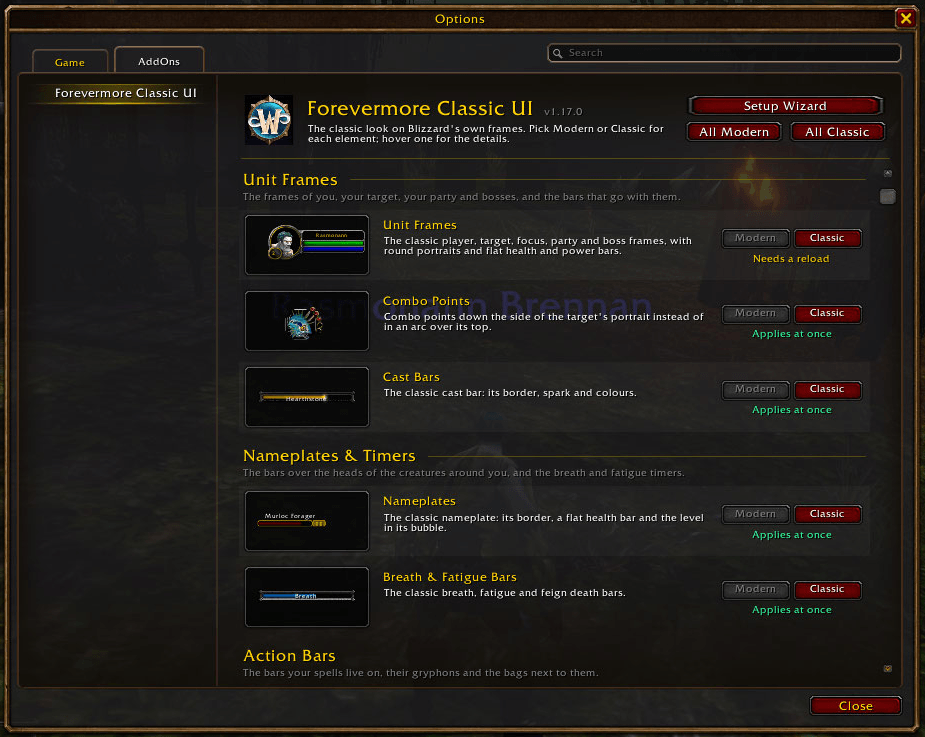
21-options.png
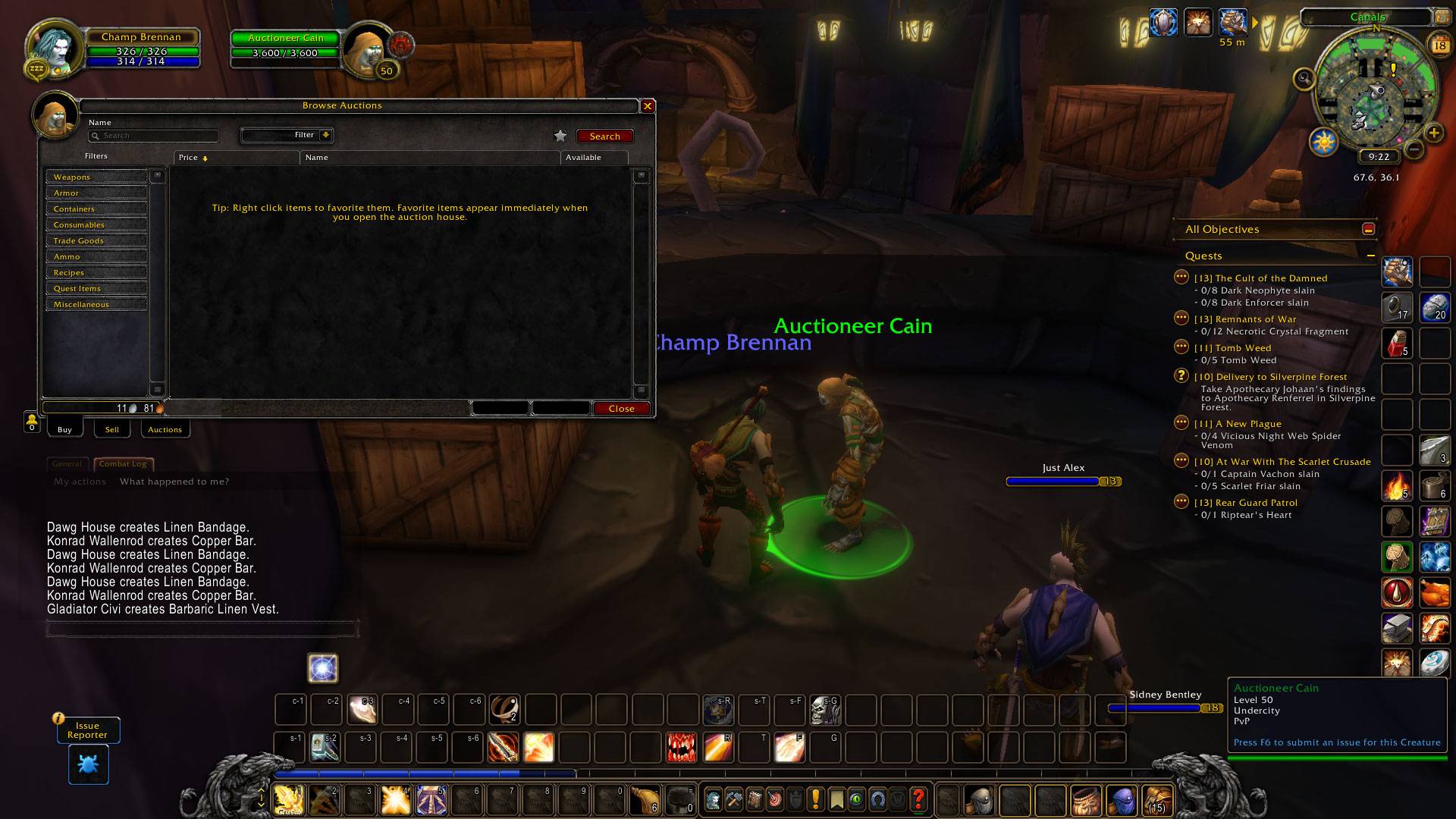
WoWScrnShot_091826_192124.jpg
Description
 Classic UI for WoW Forever and Retail. The vanilla (1.12) look, back on the modern interface, one piece at a time.
Forevermore Classic UI is a reskin, not a replacement: it draws the classic art on Blizzard's own frames, so everything the modern UI does keeps working.
- Pick what you want: every piece has its own Classic / Modern switch. Turn one off and the modern look comes back.
- Setup wizard: on first login, pick a preset (everything classic, classic HUD with modern windows, or classic windows with a modern HUD), or go piece by piece with a picture of both looks.
- Controller support: WoW Forever's controller UI (focus glow, button prompts) follows the classic windows.
- One download for Forever and Retail, no libraries.
What it restores
Action bars
- The square vanilla action buttons on the stone bar with its embossed slots, and the page arrows.
- The stone gryphons at both ends of the main bar (for the Horde too, as in vanilla).
- The segmented purple XP bar with the rested marker, and the reputation bar in its standing's colour.
- The classic micro menu, with the vanilla computer, goblet and speech bubble buttons.
- Square bag slots on the bags bar, and the key ring on Forever.
Unit frames and combat
- Player, target, focus, target of target, pet, party and boss frames in the classic art: elite and rare dragons, round portraits, the resting "Zzz" and the combat swords.
- Flat green health bars and solid classic power bars.
- Classic cast bars (yellow casts, green channels, red interrupts) and breath / fatigue bars.
- Combo points down the side of the target's portrait*.
- The 1.x nameplates with the level bubble and the classic cast bar.
- Buffs without the modern collapse arrow.
- The vanilla quest watch on the objective tracker.
Windows
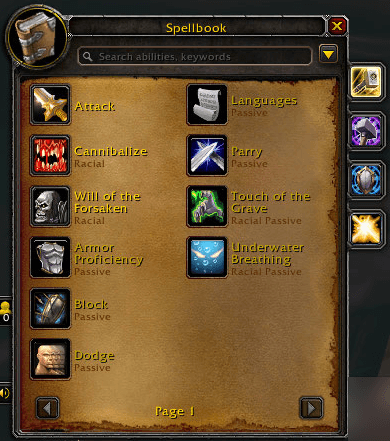
- The vanilla spellbook, 12 spells a page*.
- The vanilla talent frame: one tree per tab on its painted background, with the Learn button*.
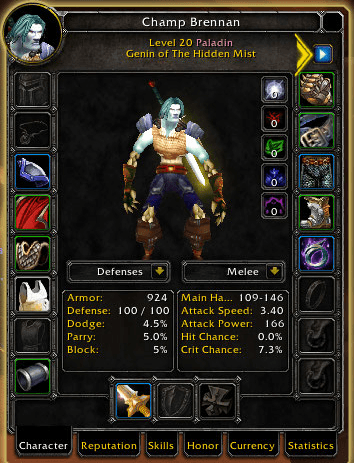
- The vanilla character window: the paperdoll with resistances and stat boxes, the pet page, the reputation and skills pages, and the 1.12 inspect window*.
- The vanilla trade skill window with its compact recipe list*.
- The classic Looking For Group window* and the 3.3 friends window*.
- The vanilla quest log as its own window (the modern one lives in the world map).
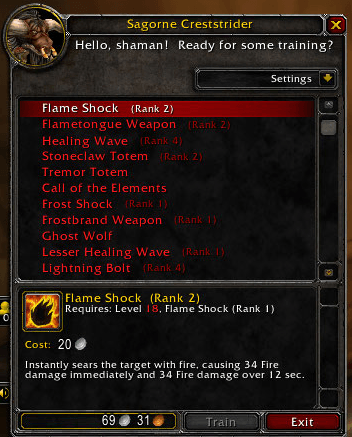
- The vanilla bags and backpack, bank, loot window, need / greed roll box, class trainer, auction house and Esc menu.
- The silver pre-Dragonflight border on the vendor, mail, quest, gossip, trade, flight map, macro and other windows, with the classic repair buttons at the vendor.
Minimap
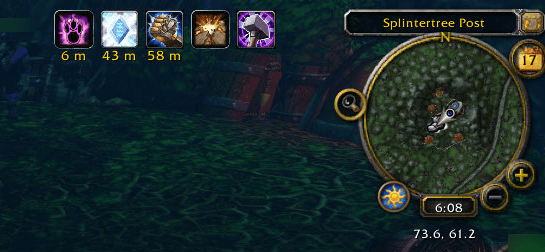
- The round classic minimap with the zone text bar, tracking button, zoom buttons, calendar, clock and mail icon.
- The animated group finder eye.
* WoW Forever only
Commands
/fmcui(or/forevermore): open the options, also under Options > AddOns > Forevermore Classic UI./fmcui setup: open the setup wizard again./fmcui reload: reload the UI after changing an option that needs it.
Known limitations
- Friendly nameplates inside dungeons and raids stay modern: Blizzard locks them for every addon.
- Most window and frame options apply after a reload, since Blizzard's frames cannot be un-skinned live. The options page shows a Reload button when one is waiting.
Feedback
Found a bug or want something? The Issues button above opens GitHub issues, where screenshots are easy to add. Lua errors help the most. Comments here are read too.
Upgrading from Classic UI Restoration
This addon used to be called Classic UI Restoration. Leave the old ClassicUIRestoration folder installed for your first login: your settings are copied over and the old addon is disabled. Then delete that folder.
Forevermore Classic UI - Forever & Retail Team