

Description
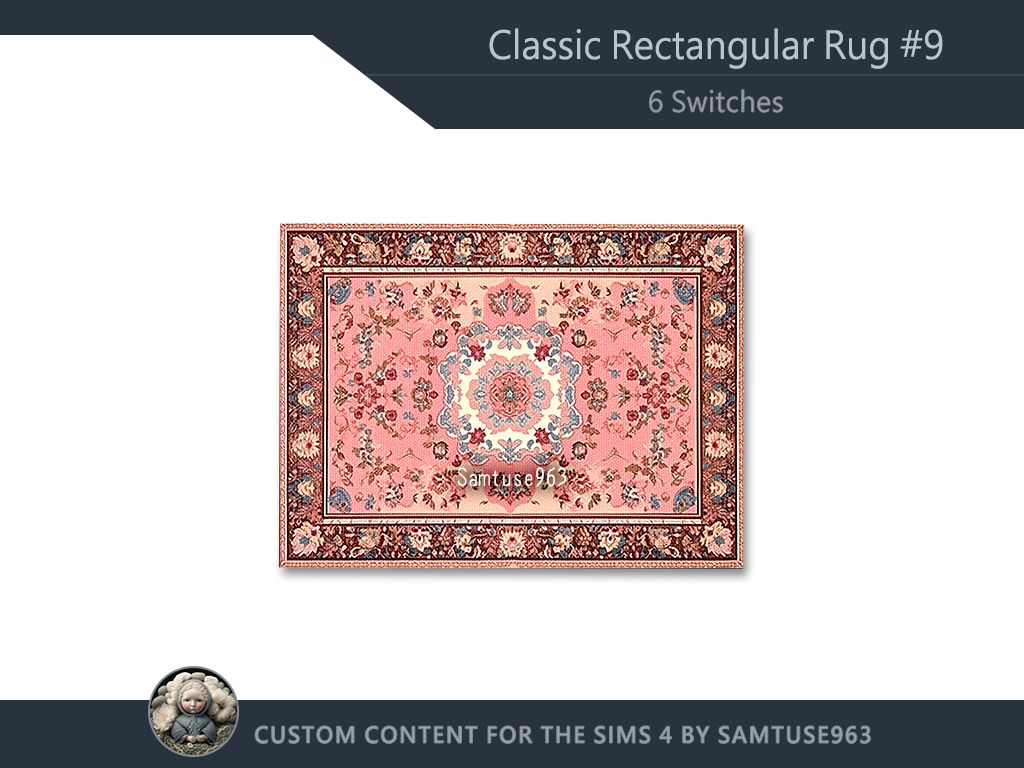
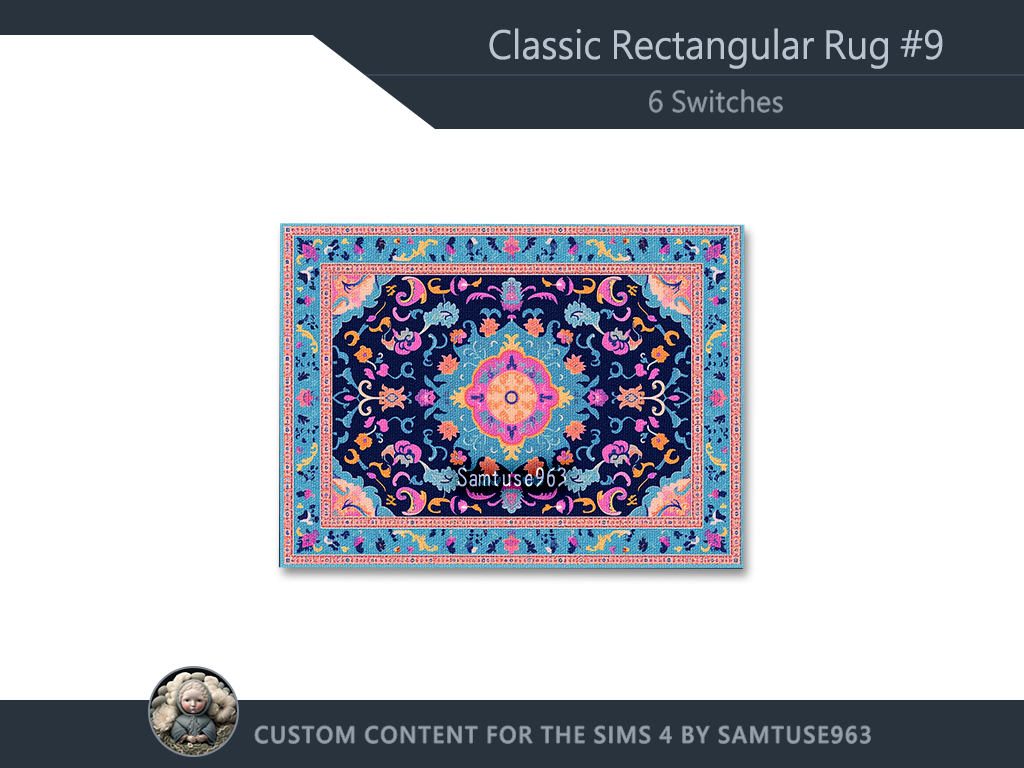
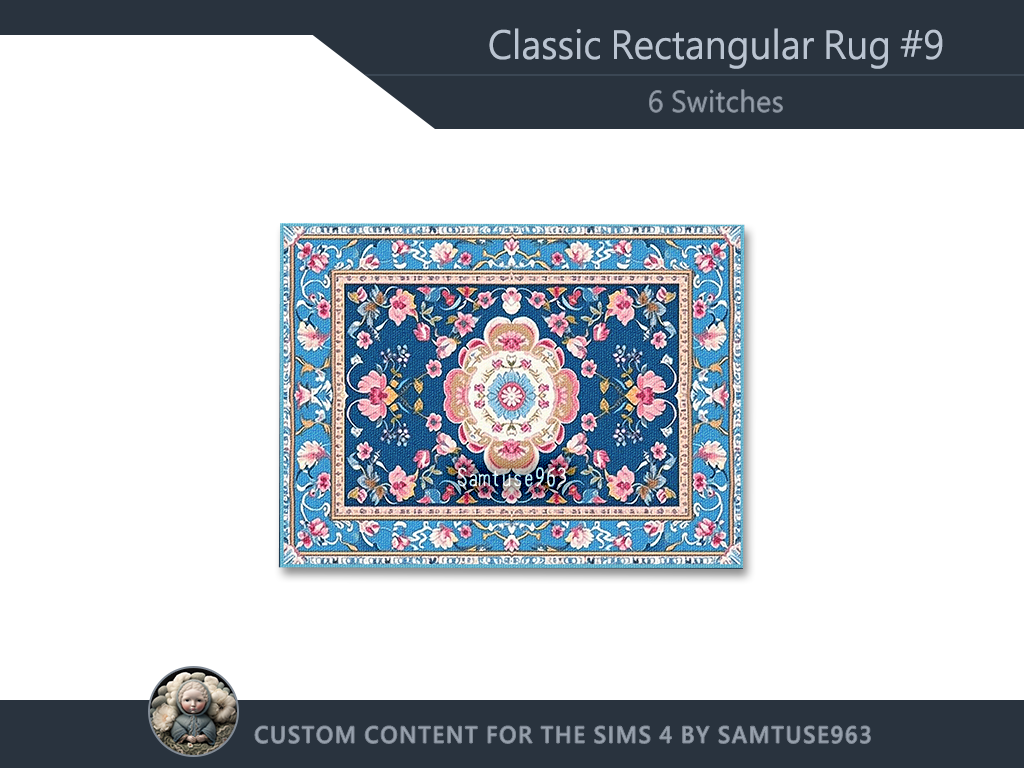
- For base game
- High Quality
- 6 Switches
Full Function Description of My Interactive Rugs & Arts: (In Patreon)
https://www.patreon.com/posts/about-my-rugs-152197375
My various functions are showcased on YouTube quick “jump-to” timeline: (Big thanks, JustDraven )
10:32 How to combine painting and they extra frame
13:10 Add painting to the Sim's personal inventory
16:10 About this week's new table painting
18:03 Place mini painting in my photo frame
19:13 Enable free dancing on the rug (can improve dancing skill)
21:08 Place a pile of gifts and my Christmas tree on the rug
22:59 Store the vase in the bookshelf
28:21 Start selling on the rug
If you are interested in classic pattern rug, you can check out my other designs:
My Classic Pattern Rugs

Or my medieval style designs:
My Medieval Style Rugs
How to place objects more freely
If you want to place objects more freely, you can press Shift + Ctrl + C,
then type bb.moveobjects on into the input box that appears in the top left corner of the screen.
How to make objects bigger or smaller in The Sims 4 On PC and Mac :
# Items in inventory or already on site
- Open Build Mode and select the object.
- To make the object bigger, hold Shift and then press ].
- Each time you press ] the object will get larger.
- To make the object smaller, hold Shift and then press [.
- Each time you press [ the object will get smaller.
# In Build mod, if your are holding Item
- To make the object bigger, hold Ctrl and then press ].
- Each time you press ] the object will get larger.
- To make the object smaller, hold Ctrl and then press [.
- Each time you press [ the object will get smaller.
If you feel my work is worth recommending, please help spread the word. I truly appreciate your assistance! ❤️❤️❤️
by Samtuse963