MultiLanguage aka Multi Language
- By
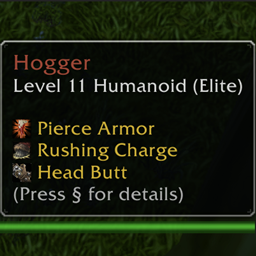
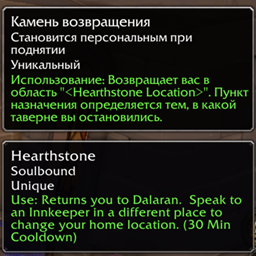
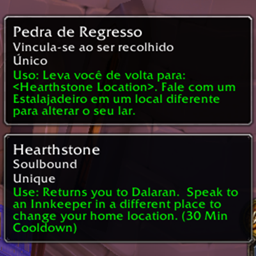
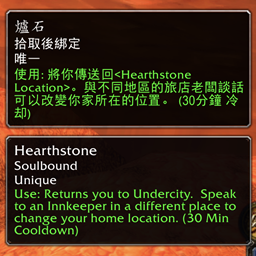
Displays a tooltip for skills, items, quests and npc's in another language than the one you are currently playing in. Learn another language while playing!
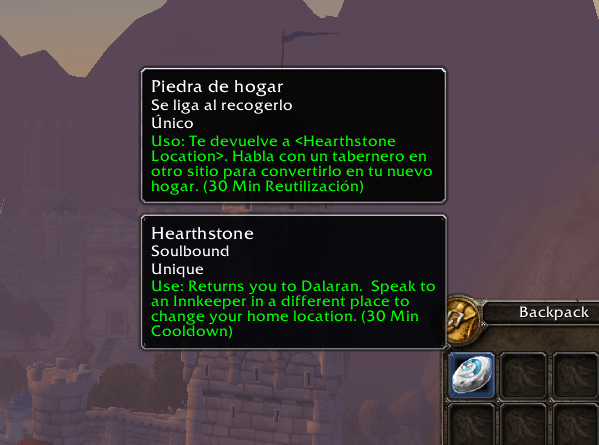
MultiLanguage-item-5.png
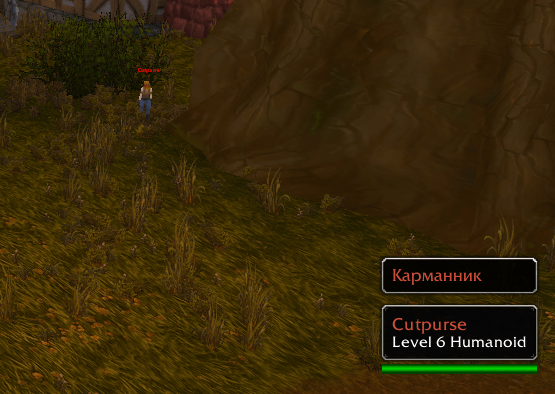
MultiLanguage-npc-2.png
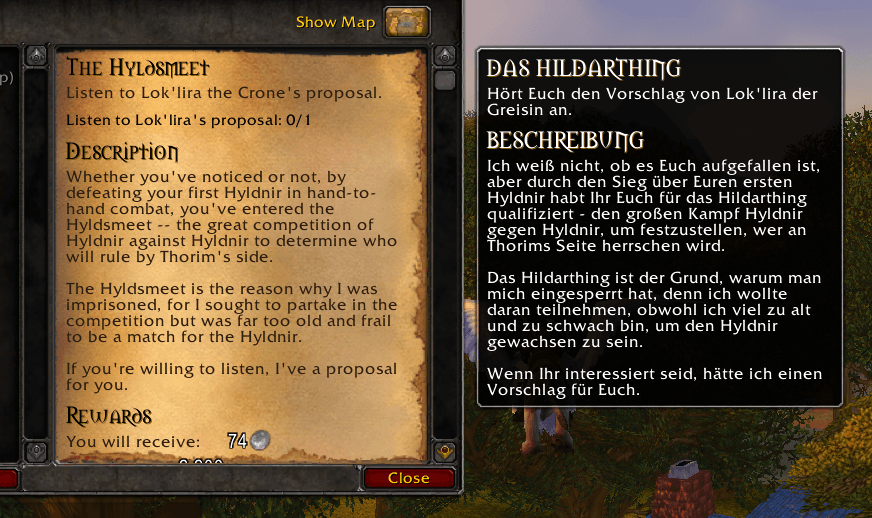
MultiLanguage-quest-2.png
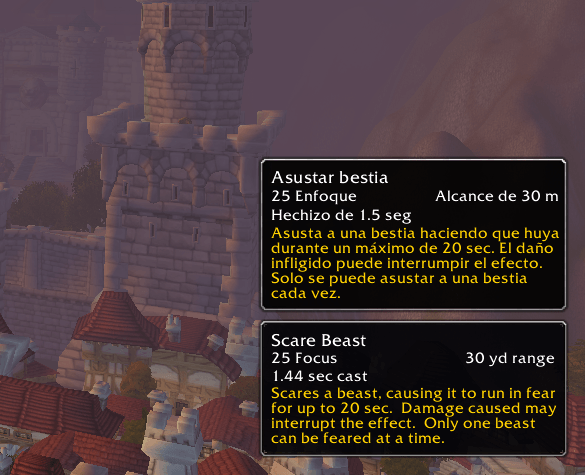
MultiLanguage-spell-2.png
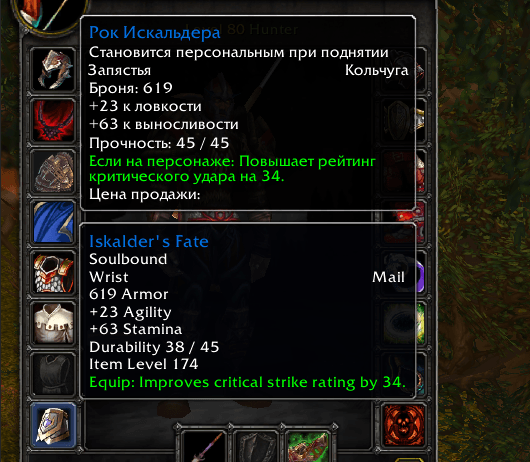
MultiLanguage-item-4.png
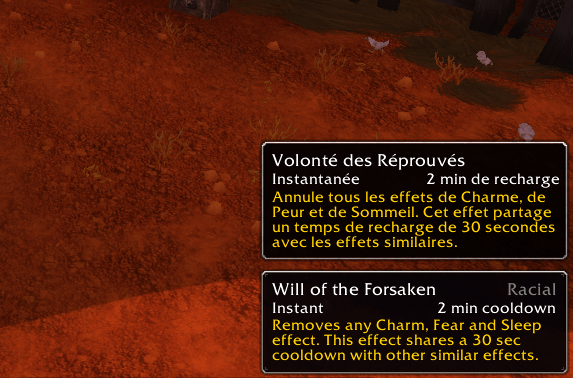
MultiLanguage-spell-4.png
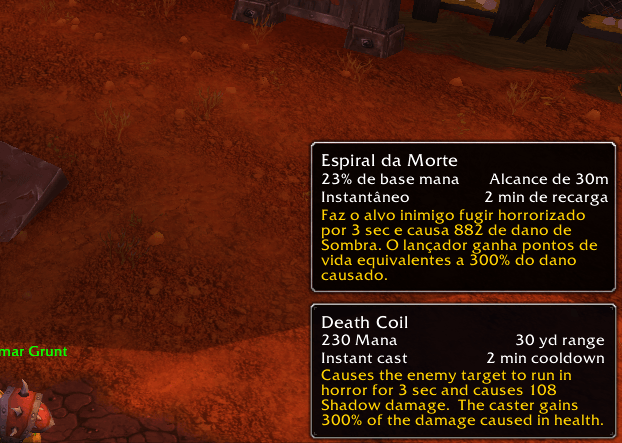
MultiLanguage-spell-3.png
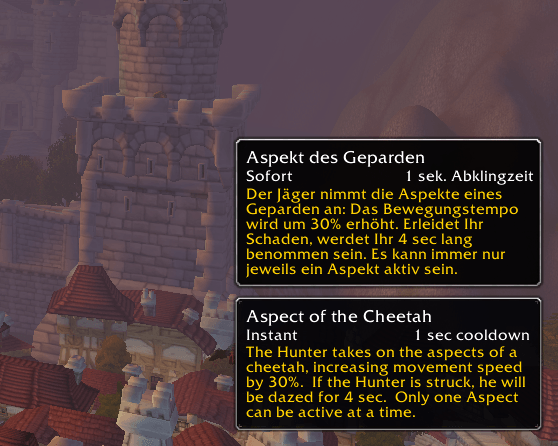
MultiLanguage-spell-1.png
MultiLanguage-item-6.png
MultiLanguage-item-3.png
MultiLanguage-item-1.png
MultiLanguage-npc-3.png
MultiLanguage-npc-1.png
MultiLanguage-quest-1.png
Description
MultiLanguage
Description
This addon aims to offer players the possibility to play the game in their preferred language while also having access to the texts in another language. It can offer players who don't have a certain language as their primary language some help communicating with other players while discussing items, quests, or NPCs. On the other hand, it might also be used to passively learn a new language when playing.
Limitations on Retail and Forever
On the Retail and Forever versions of the game, Blizzard hides some information from addons in certain situations, for example inside dungeons and raids. When that happens, the addon cannot tell which NPC you are looking at, so no translations are available. This is a restriction of the game itself and cannot be worked around by the addon.
Download
The Curseforge Client can be used to find and download this addon once it has been listed. It can also be found on its Curseforge page.
If you prefer to download the addon manually, you can do so by visiting the releases page, selecting your preferred version, and placing it in your addons folder.
Contribution
Feedback is always welcome, regardless of the addon's current state. You can send your suggestions to me on GitHub or by leaving a comment on CurseForge. For technical suggestions, you can also submit a Pull Request on GitHub.
Donation
If you'd like to support the development of the MultiLanguage addon by donating, you can do so via PayPal:

Features
Supported languages
- Classic: English, Spanish, German, French, Portuguese, Russian, Chinese, Korean, Spanish (Mexican)
- Wotlk/cata/MOP: English, Spanish, German, French, Portuguese, Russian, Chinese, Korean , Spanish (Mexican), Chinese (Traditional)
- Retail: English, Spanish, German, French, Portuguese, Russian, Chinese, Korean, Italian, Spanish (Mexican), Chinese (Traditional)
The Wotlk/Cata/MOP/Retail languages (except for English) have seperate addons, please visit the corresponding page or download it with the Curseforge client.
Entity interaction
The tooltip for the entities mentioned below are displayed on hover. A hotkey may also be selected in the settings to toggle the hover functionality.
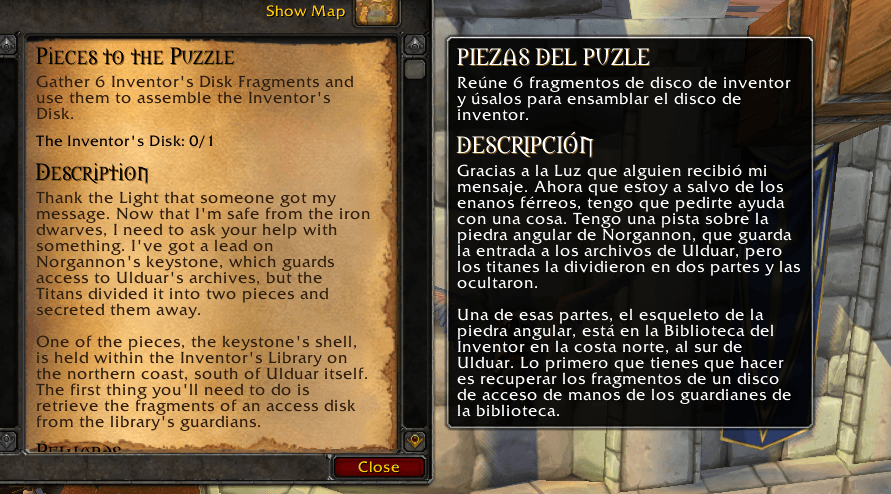
Quest translation
Display translations for quests in the player's quest log, as well as on the quest progress and completion frames.
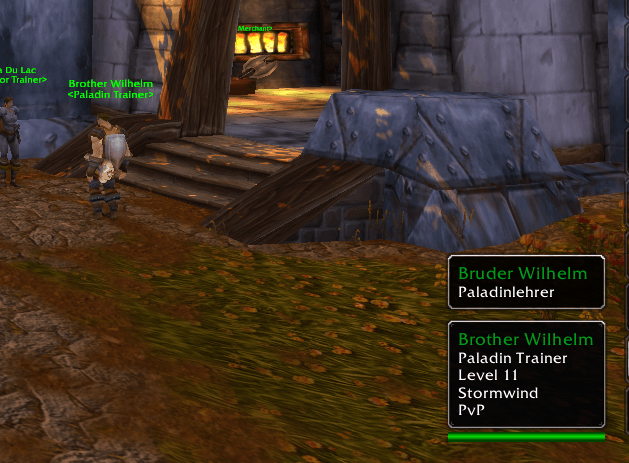
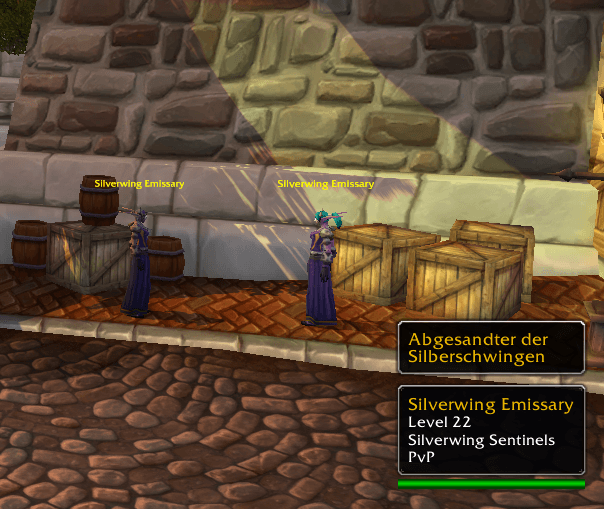
Npc translation tooltip
Display a tooltip that shows the NPC's name and role (if applicable).
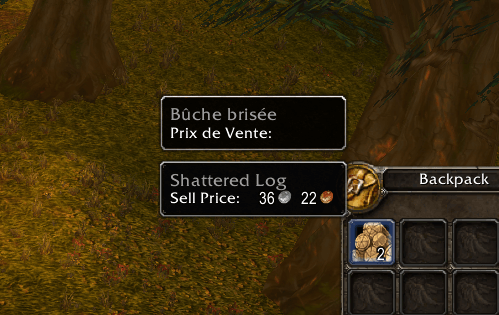
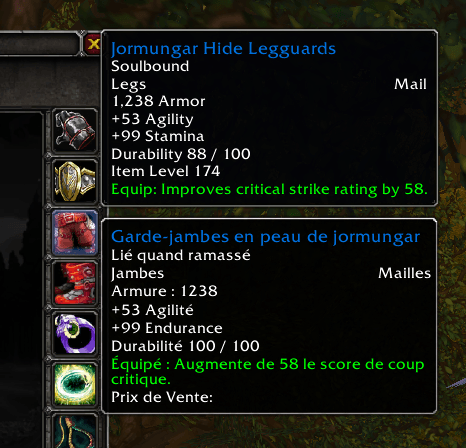
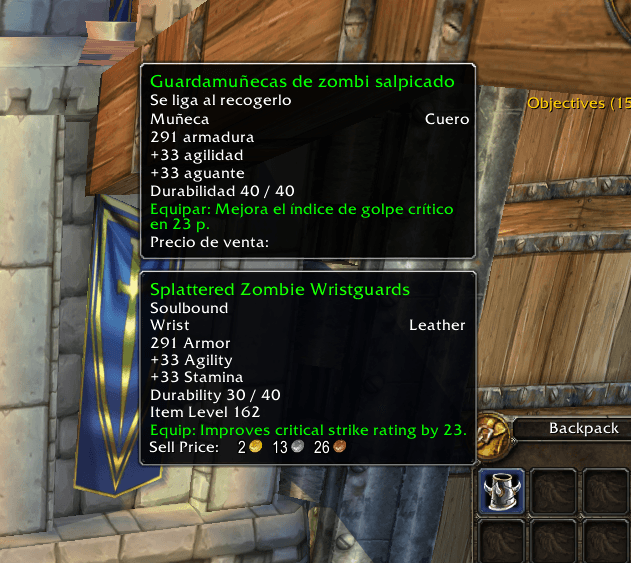
Item translation tooltip
Display a tooltip that provides details about the item.
Spell translation tooltip
Display a tooltip that presents information about the spell.
MultiLanguage aka Multi Language Team

Owner