Photon
A real-time VFX toolkit for Minecraft — particles, trails, beams, dynamic lights, timelines, shader graphs, and post-processing, all authored in-game.






Documentation | Getting Started | Commands | Java API | Discord | CurseForge | Modrinth
Photon is a VFX editor mod for Minecraft, inspired by Unity. It brings a Unity-style particle system, trail and beam rendering, dynamic lights with soft shadows, a non-linear timeline, node-based shader and post-processing graphs, and a full in-game editor to Minecraft — so mod authors can build effects for their content, and players can create and play effects with commands.
Its original intention is to let people who love VFX create without being blocked by technical skill and math problems. If you know Unity's particle system, you already know most of Photon.
Showcase
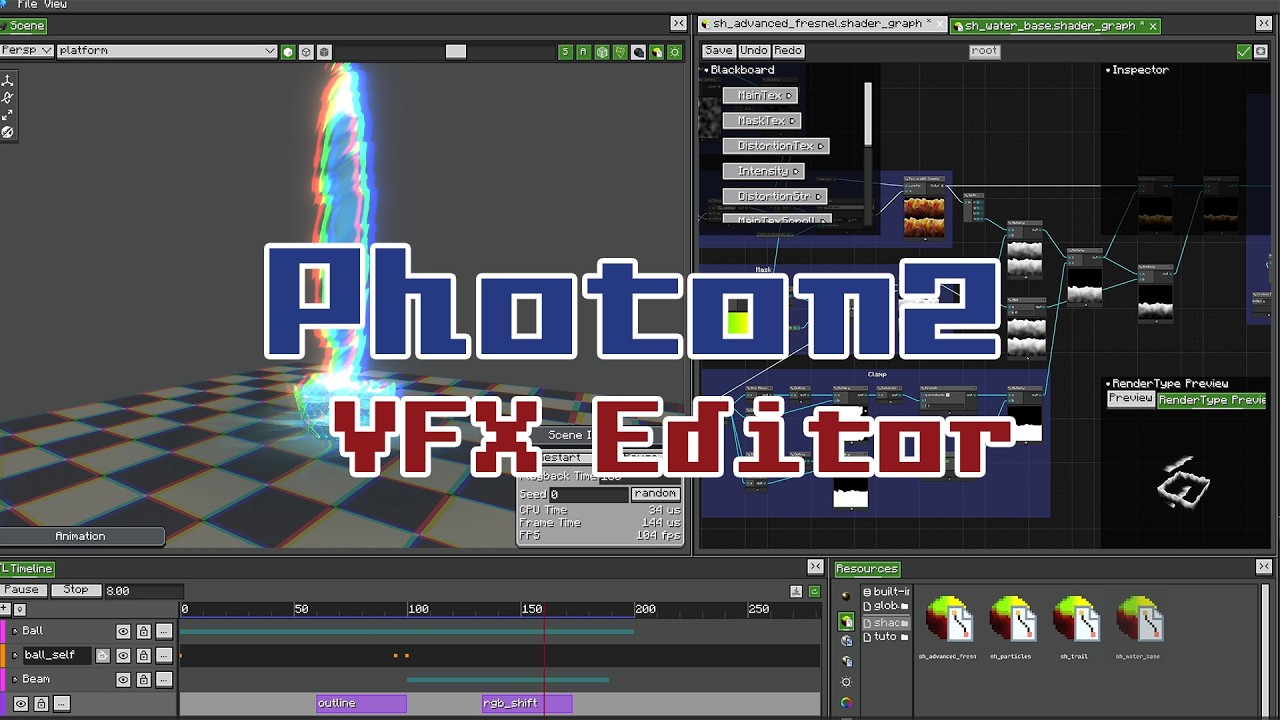 Photon 2.2 — Timeline, Shader Graph, Post-Processing Sequencing effects on a timeline, authoring materials as node graphs, and stacking fullscreen post effects. |
 Getting Started with Photon An overview of the editor, the particle system, and how to build and play your first effect. |
New Since the 2.2 Showcase
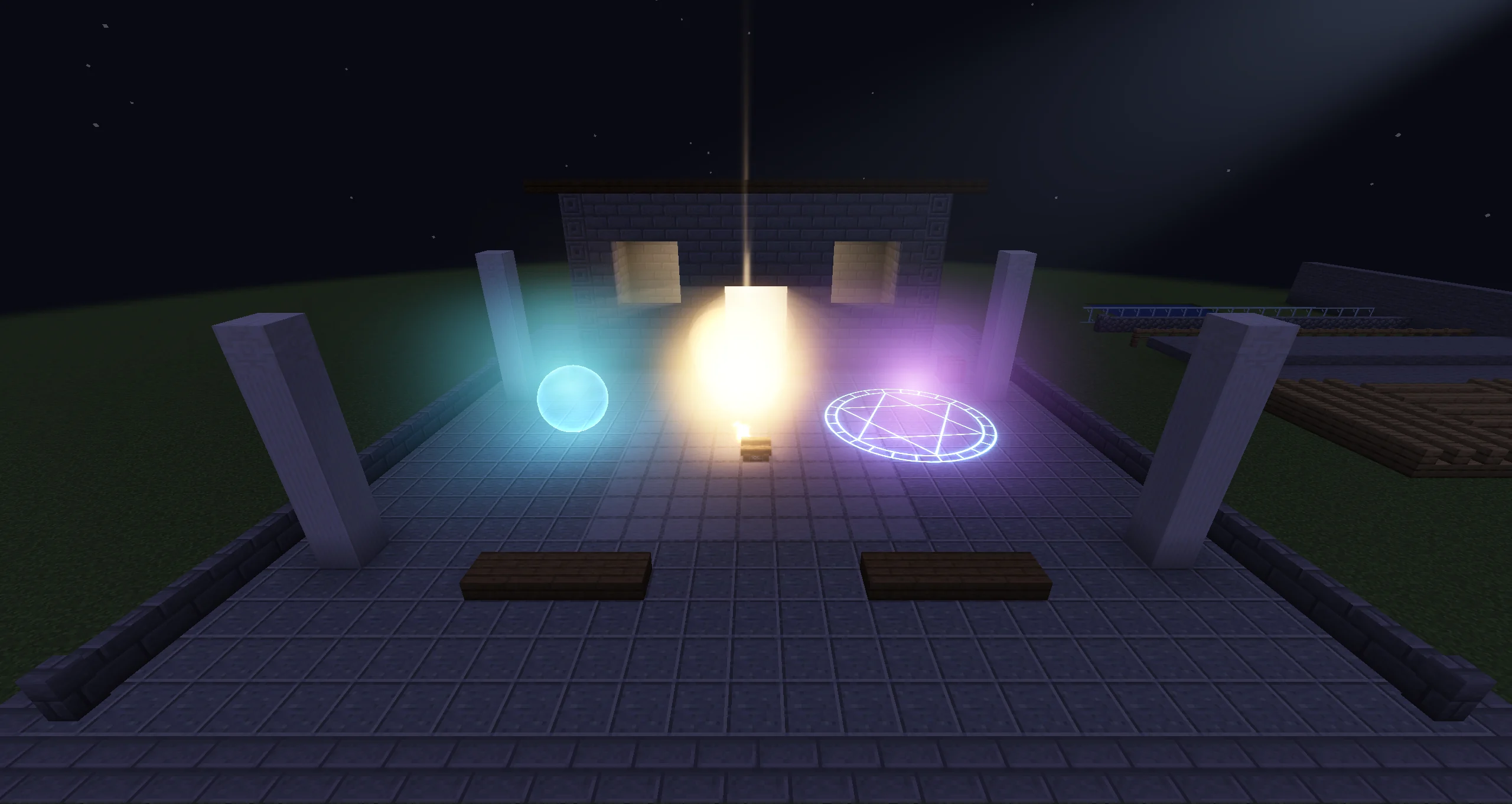 Dynamic Lights <sub>2.2.8</sub> Point and spot lights that light blocks, entities, and particles, with voxel soft shadows that never leak through walls. Place a Light object, let particles emit light with the Light Emission module, or add lights from Java. Works under Iris shader packs too. |
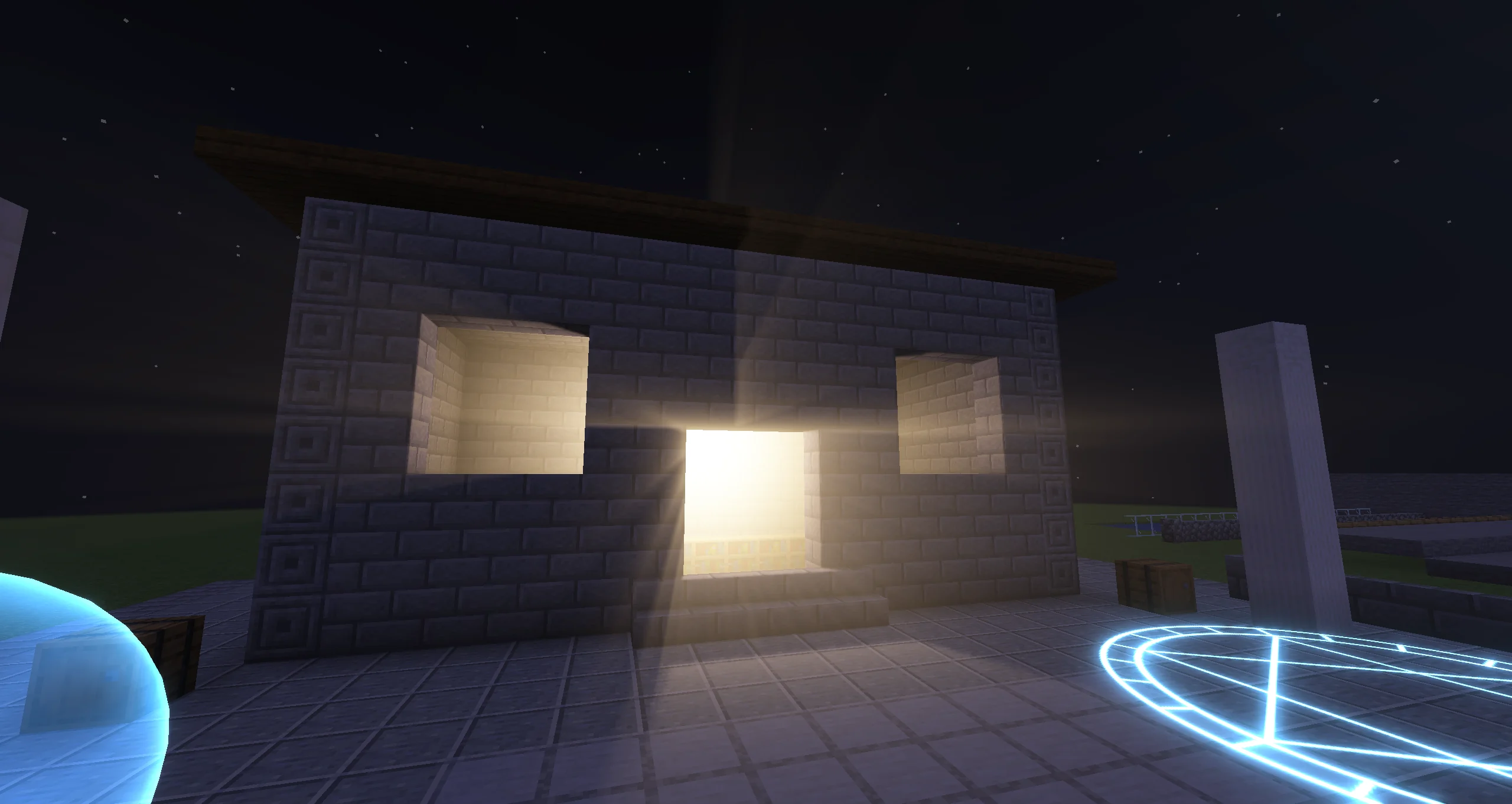 Volumetric Lights and Fog Volumes <sub>2.2.8</sub> Halos around point lights, beams from spot lights, and box or sphere fog volumes for them to shine through. Shadowed lights cast real light shafts through doors and windows. |
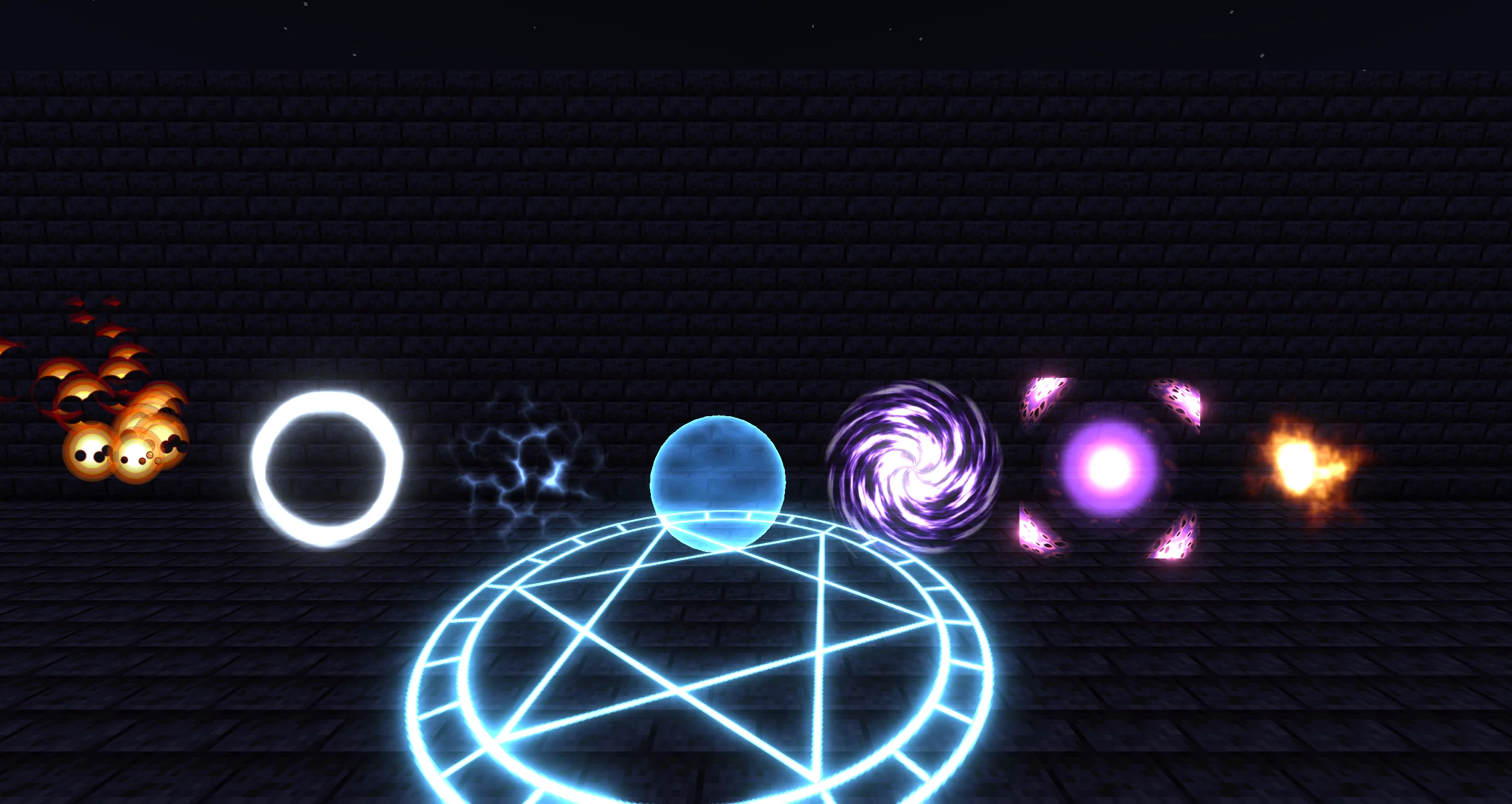 Kila Material <sub>2.2.8</sub> An all-in-one VFX material: switch on flipbooks, masks, dissolve, distortion, color ramps, soft edges, fresnel, lighting, and decals instead of building a graph. Start from one of 27 presets, and export the material as a Shader Graph when you need more. |
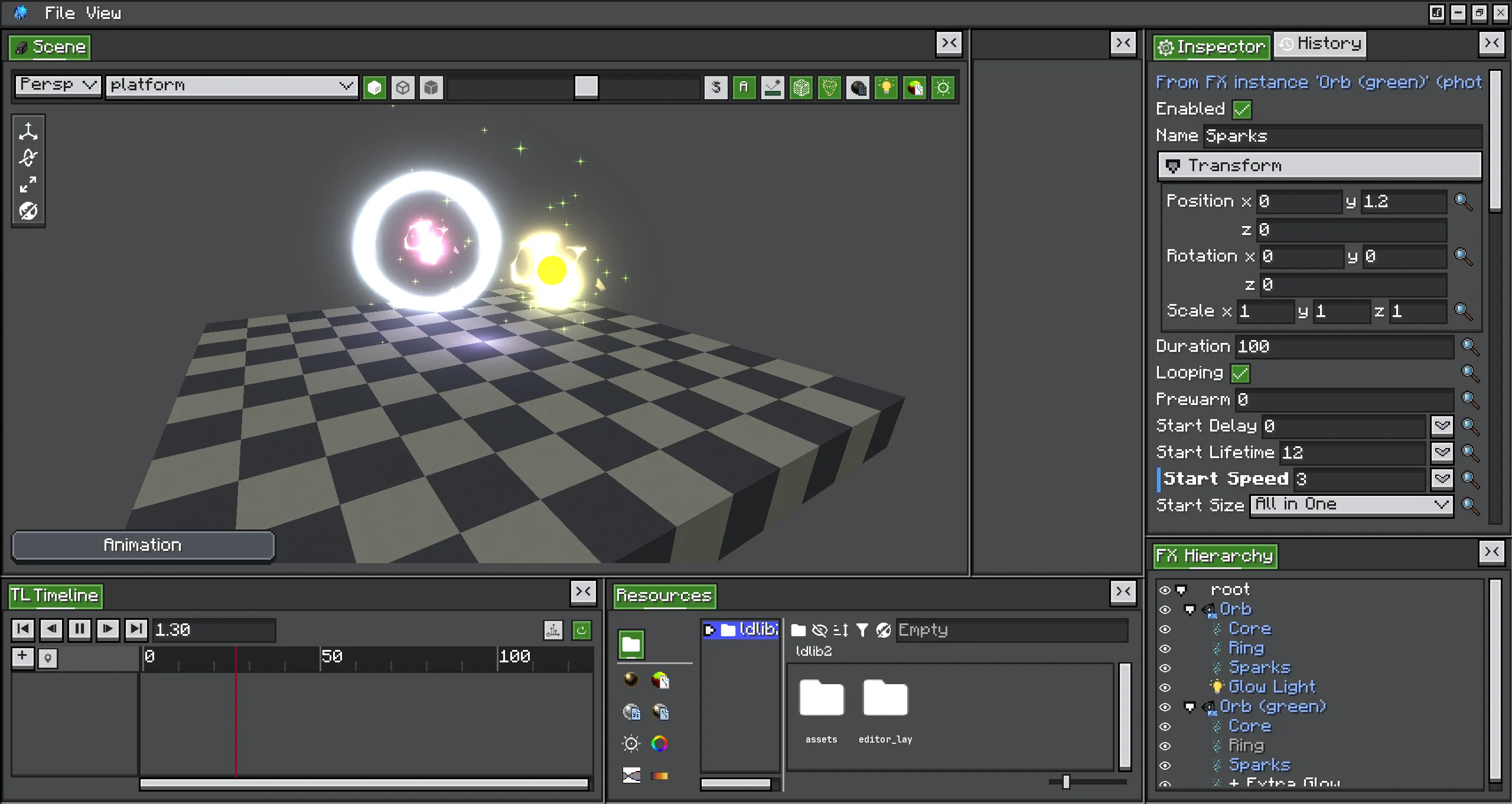 FX Instances <sub>2.2.9</sub> Unity-style prefabs for effects: place one .fx inside another, at any depth, then override, disable, delete, or add objects. Only your changes are saved, so the instance keeps following its source.
|
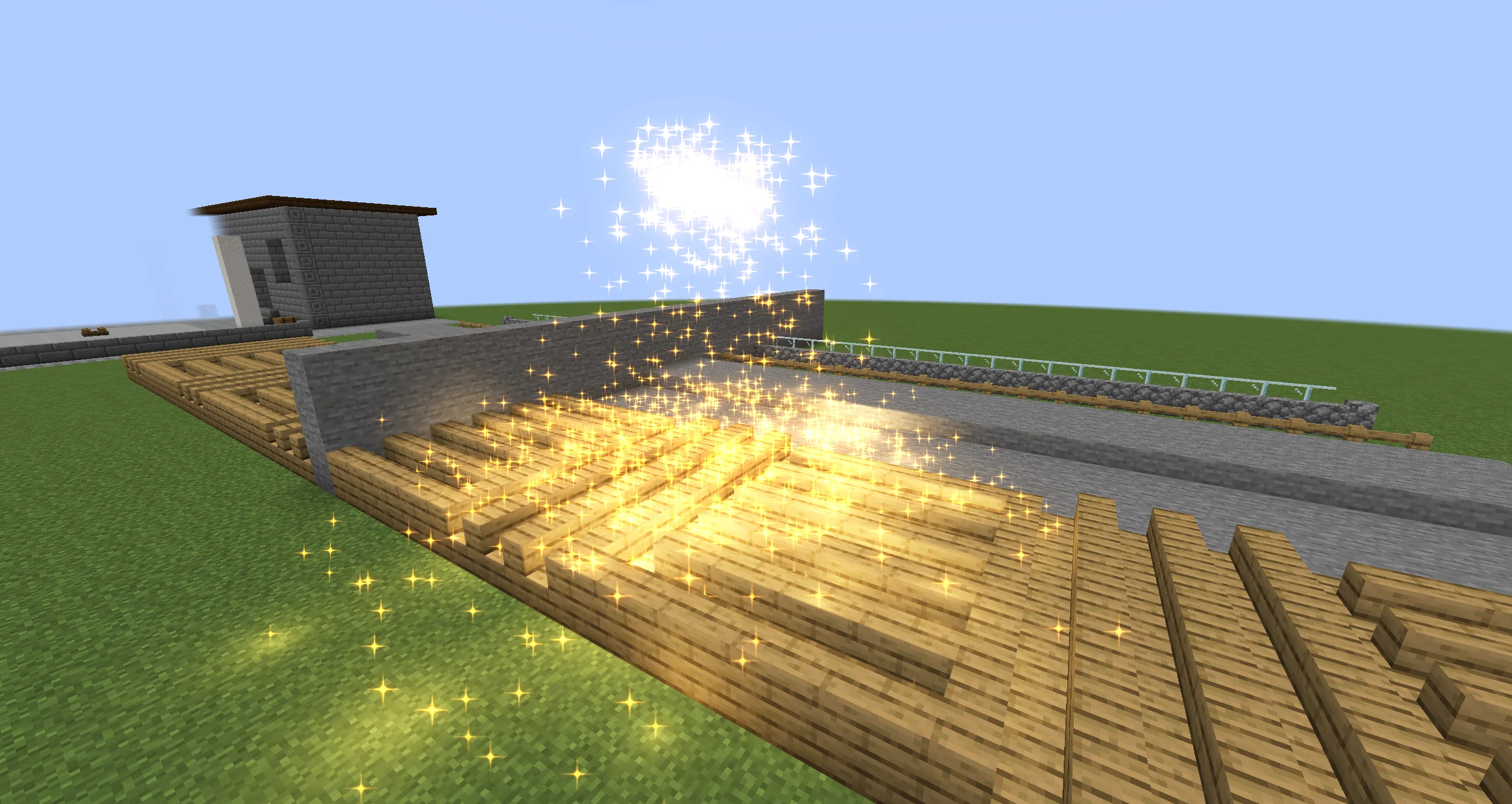 Particle Collision <sub>2.2.9</sub> Swept collision against block shapes, fluid surfaces, entities, and Collider objects, so fast particles no longer pass through walls. Bounce, slide, stick, or die on contact; triggers report particles entering and leaving, and contacts can fire sub-emitters or a Java listener. |
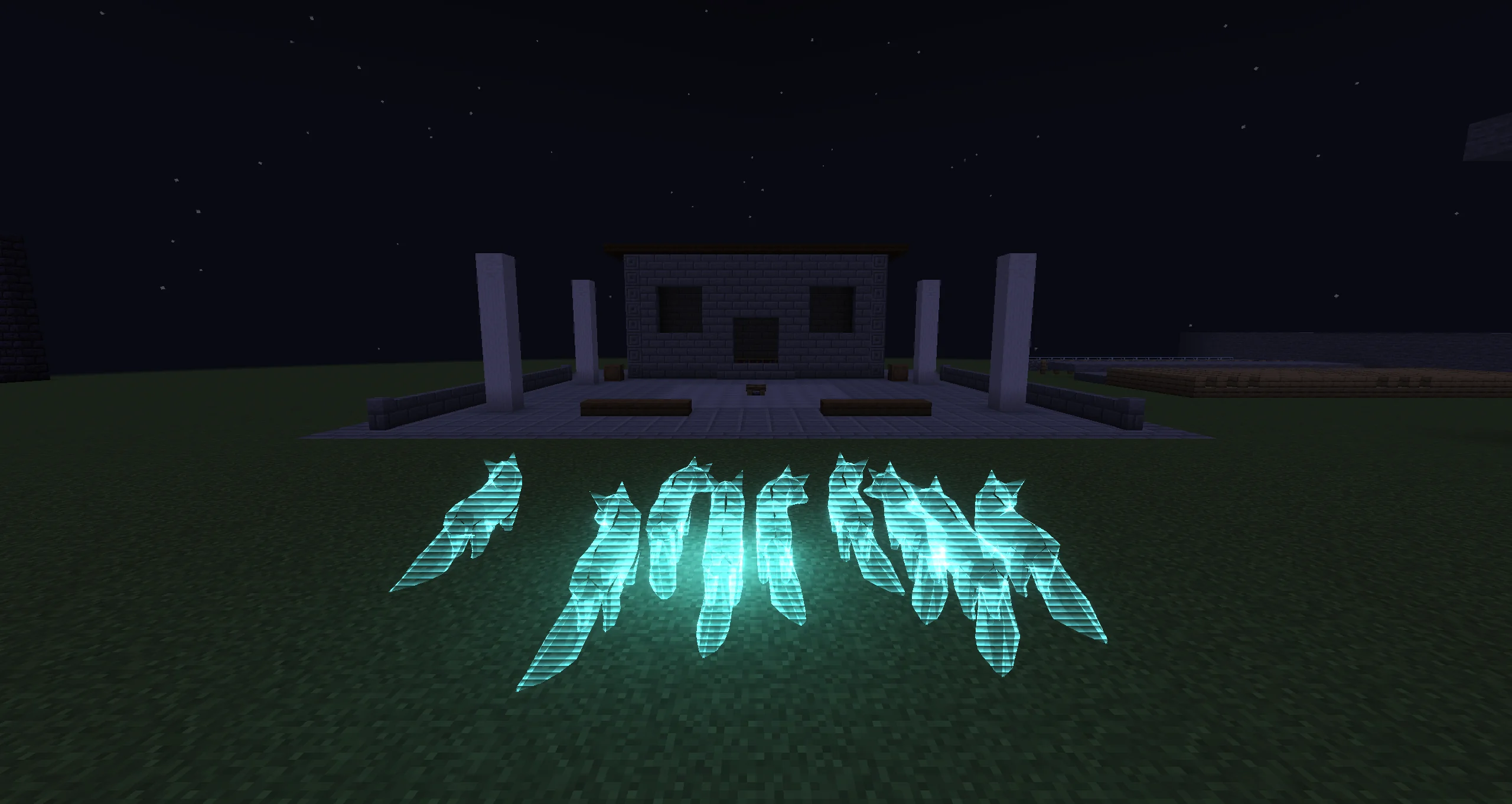 Animated glTF Models <sub>2.2.7</sub> Drop a .glb into the editor and use it as a particle mesh or an emission shape. Rigged files play their animations, and a per-particle animation phase keeps a swarm from moving in lockstep.
|
Feature Highlights
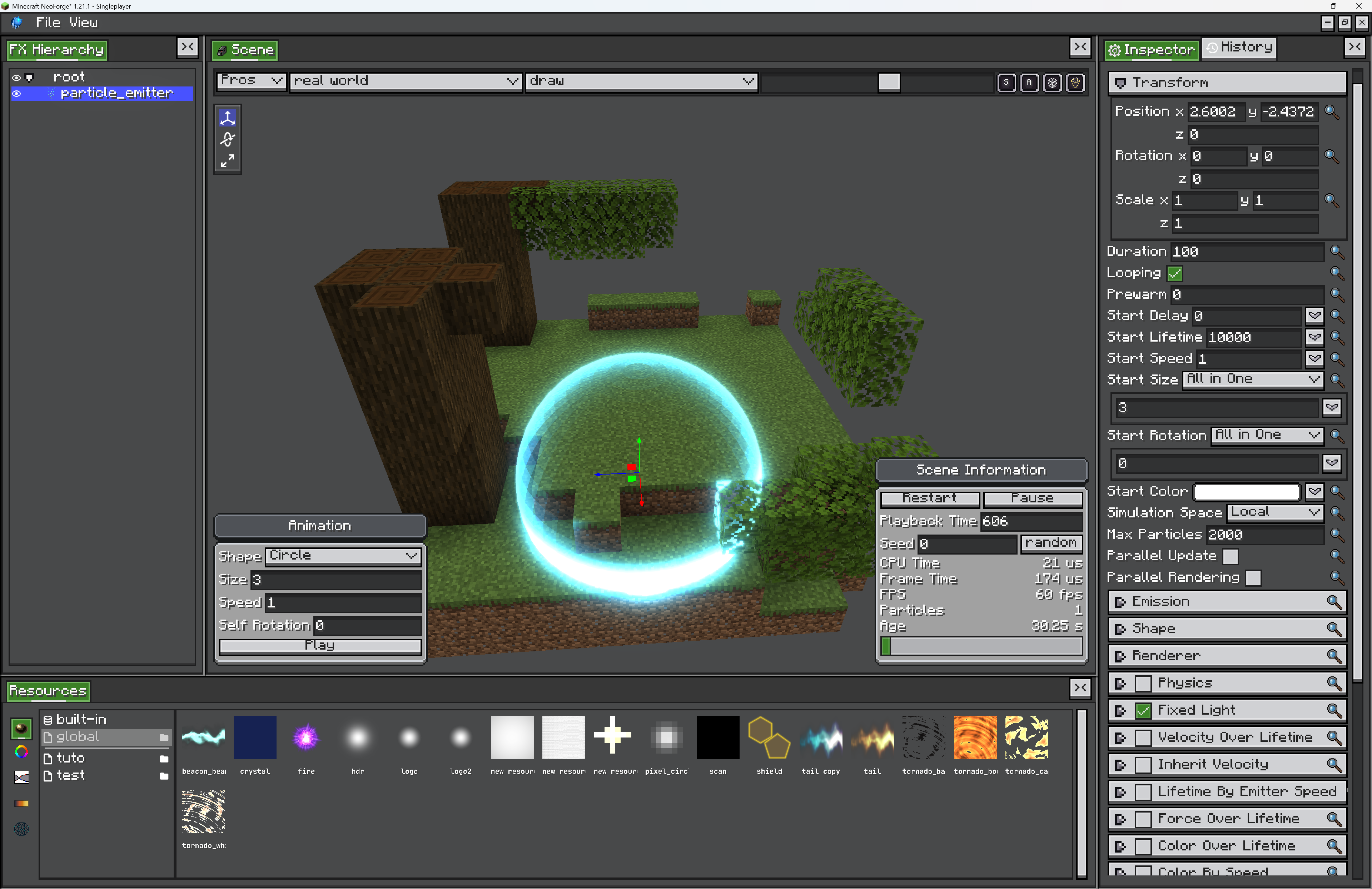 In-game FX Editor A Unity-style editor with real-time preview, dockable views, a resource browser, an FX hierarchy, undo history, and keyboard shortcuts. Run /photon_editor and start building — no restart, no external tools.
|
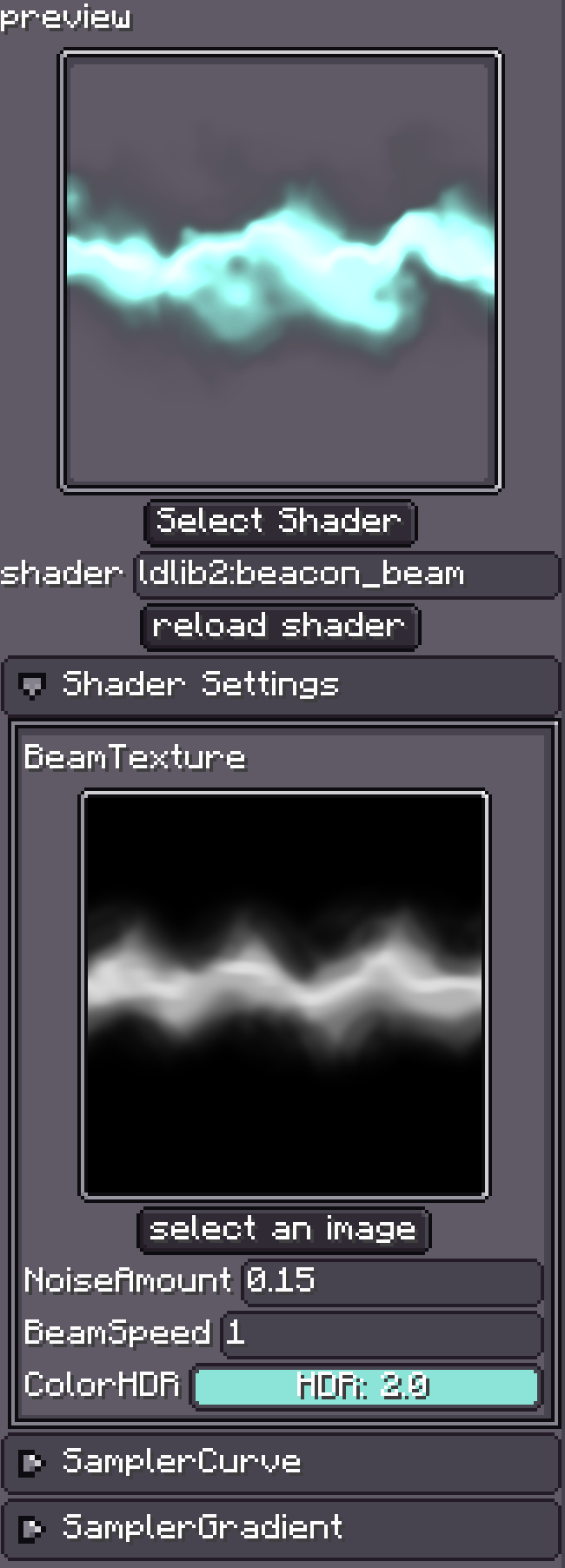 Materials and Shader Graph Author particle / trail / beam materials as node graphs instead of writing GLSL — scene color and depth, geometry and camera nodes, UVs, math, textures, curve and gradient values, dynamic lights, plus reusable subgraphs. Hand-written shaders still work. |
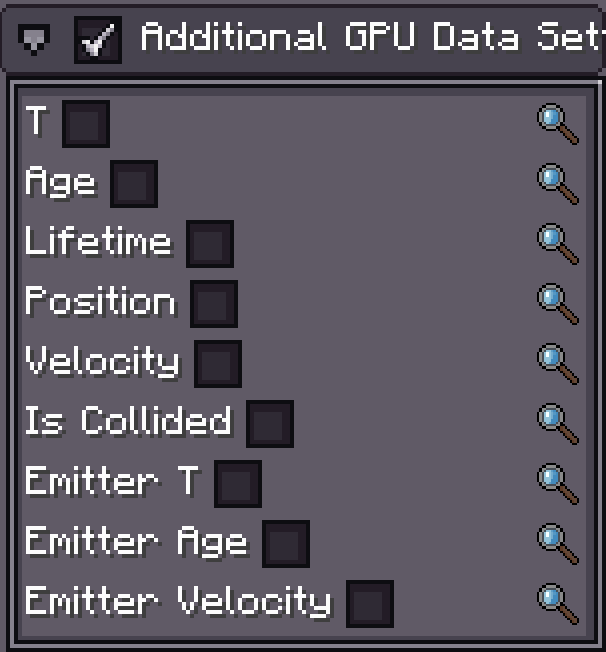 Custom GPU Data Per-emitter custom data streams (vector / color functions) readable per particle in shader graphs and hand-written shaders, on tile, trail, beam, and ara-trail particles, with selectable time sources. |
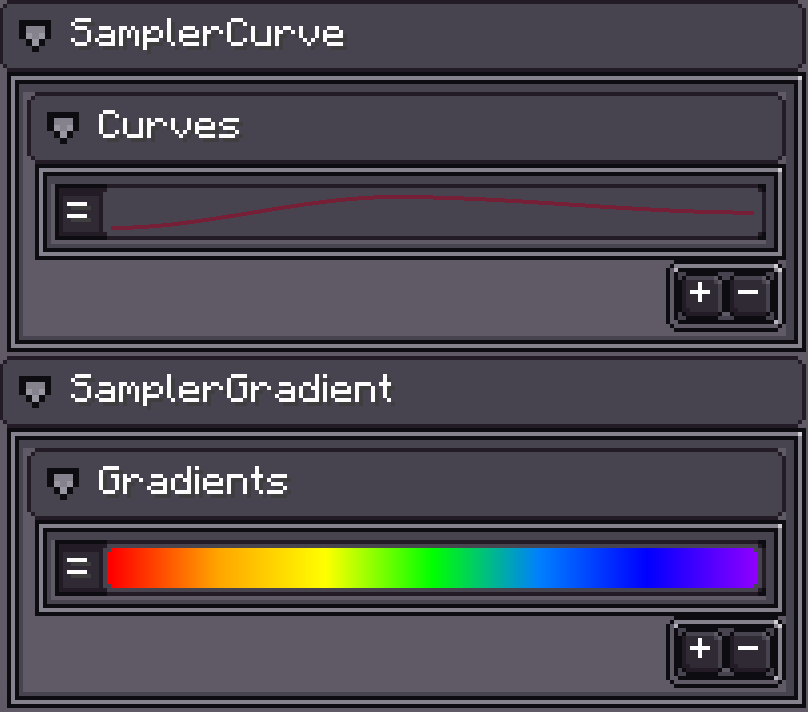 Curves, Gradients, and Modules Almost every value is a curve, a gradient, a random range, or a constant, edited inline. Emitter modules mirror Unity's: shape, velocity / rotation / size / color over lifetime, noise, collision, sub-emitters, external forces, and more. |
Getting Started
- Install LDLib2 and Photon (Minecraft
1.21.1, NeoForge21.1+). Photon2.2.9needs LDLib22.2.43or newer; KilaGraph is bundled inside Photon. - Enter a creative world and run
/photon_editorto launch the editor. - Create a new FX project and start experimenting.
- Play the result with
/photoncommands, or bind it from Java (below).
Photon focuses on effect creation, not usage logic — use commands or code to bind an effect to entities, blocks, or your own lifecycle manager. Full walkthrough in the documentation and command reference.
License
Please read LICENSE before redistributing, forking, or porting Photon. Using the mod is free. Redistributing or building on the mod itself comes with conditions, and they are enforced.
Photon by KilaBash is licensed under CC BY-NC-SA 4.0.
What you can do freely:
- Use Photon in single-player, on servers, and in non-commercial modpacks.
- Bundle it in your mod via jar-in-jar, as long as your mod is not sold or directly monetized.
- Share and adapt the mod, with attribution, a link to the license, and a note of what you changed.
- Own everything you make with it. Content created using Photon —
.fxfiles, FX Packs, shader and effect graphs, configs, data packs, videos — is not covered by this license. License and sell your creations however you like.
What needs permission or is not allowed:
- Commercial use of the mod (paid downloads, paid access, monetized redistribution) requires explicit written permission.
- Forks and modified versions must stay under CC BY-NC-SA 4.0 and credit the original author.
- Ports to Minecraft versions other than 1.21.x need prior written consent from KilaBash, must be fully open source under the same license, must credit the original project, and may not be monetized in any form — including donations, sponsorships, and crowdfunding.
Licensing inquiries (commercial use, port permissions): yefancy@foxmail.com
See LICENSE for the authoritative and complete terms.
Photon Team

Owner