Titan Gathered Forever
- By
Track profession materials, bag and bank counts, recipe uses, personal gathering history and observed map locations in WoW Forever with Titan Panel.
history.webp
item-tooltip-black-v1211.webp
item-tooltip-wide-black-v1210.webp
npc-map-current-v127.webp
npc-map-current-v125.webp
route-zeppelins-v132.webp
Description
Titan Gathered Forever
Summary
Track profession materials, bag and bank counts, recipe uses, personal gathering history and observed map locations in WoW Forever. Works on its own or as a Titan Panel plugin.
Description
Titan Gathered Forever brings profession materials, recipe uses and your own gathering observations together in one place. See what supported items are used for, what you have in your bags and personal bank, and what your recorded history says about obtaining them.
Features
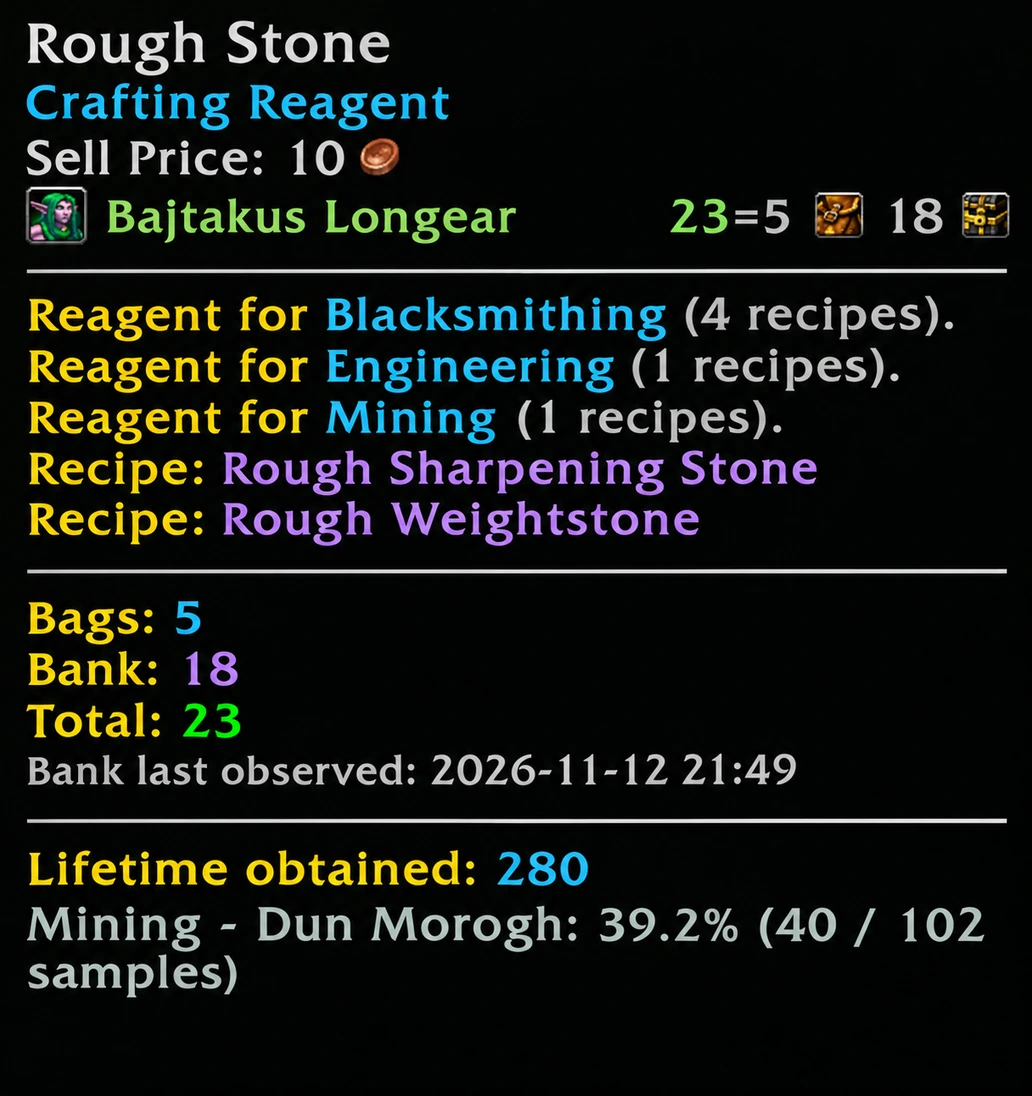
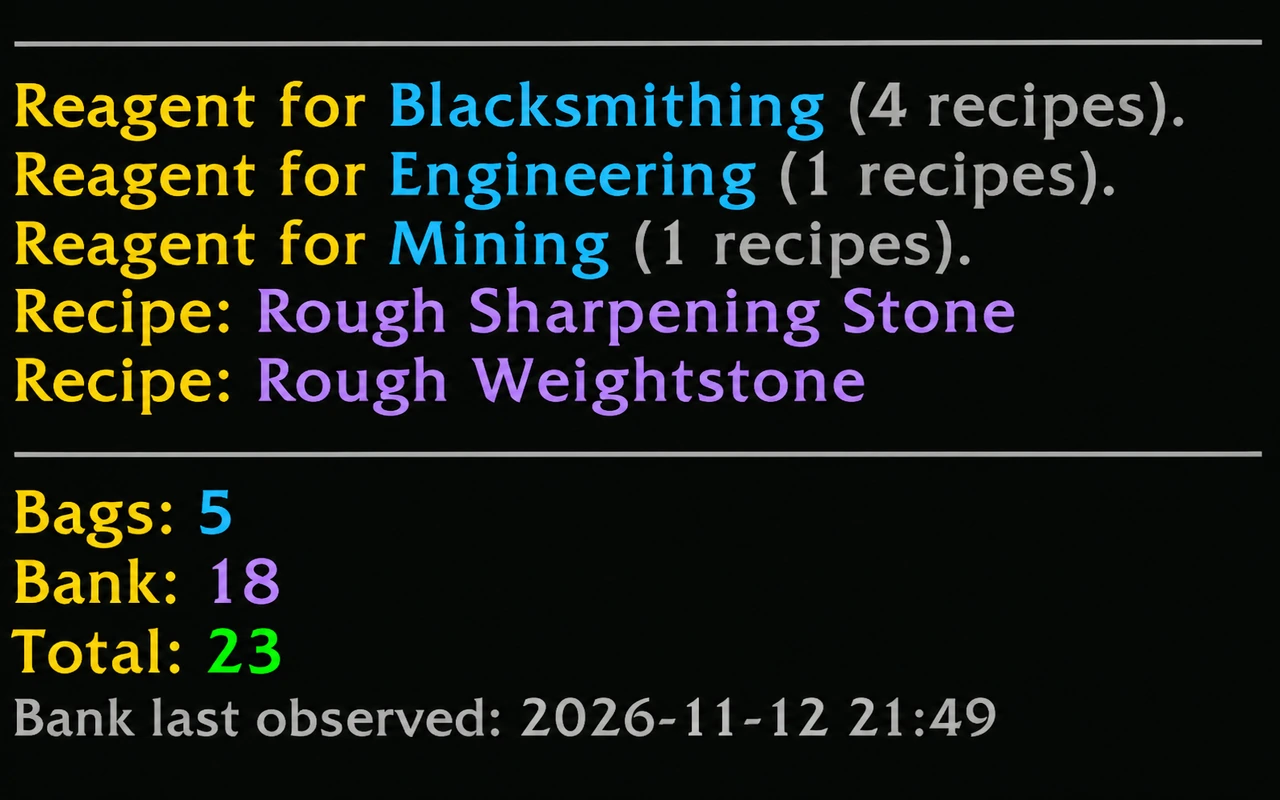
- Material tooltips with profession uses and available bag/bank counts.
- Optional profession catalogues, so you can load the professions you want.
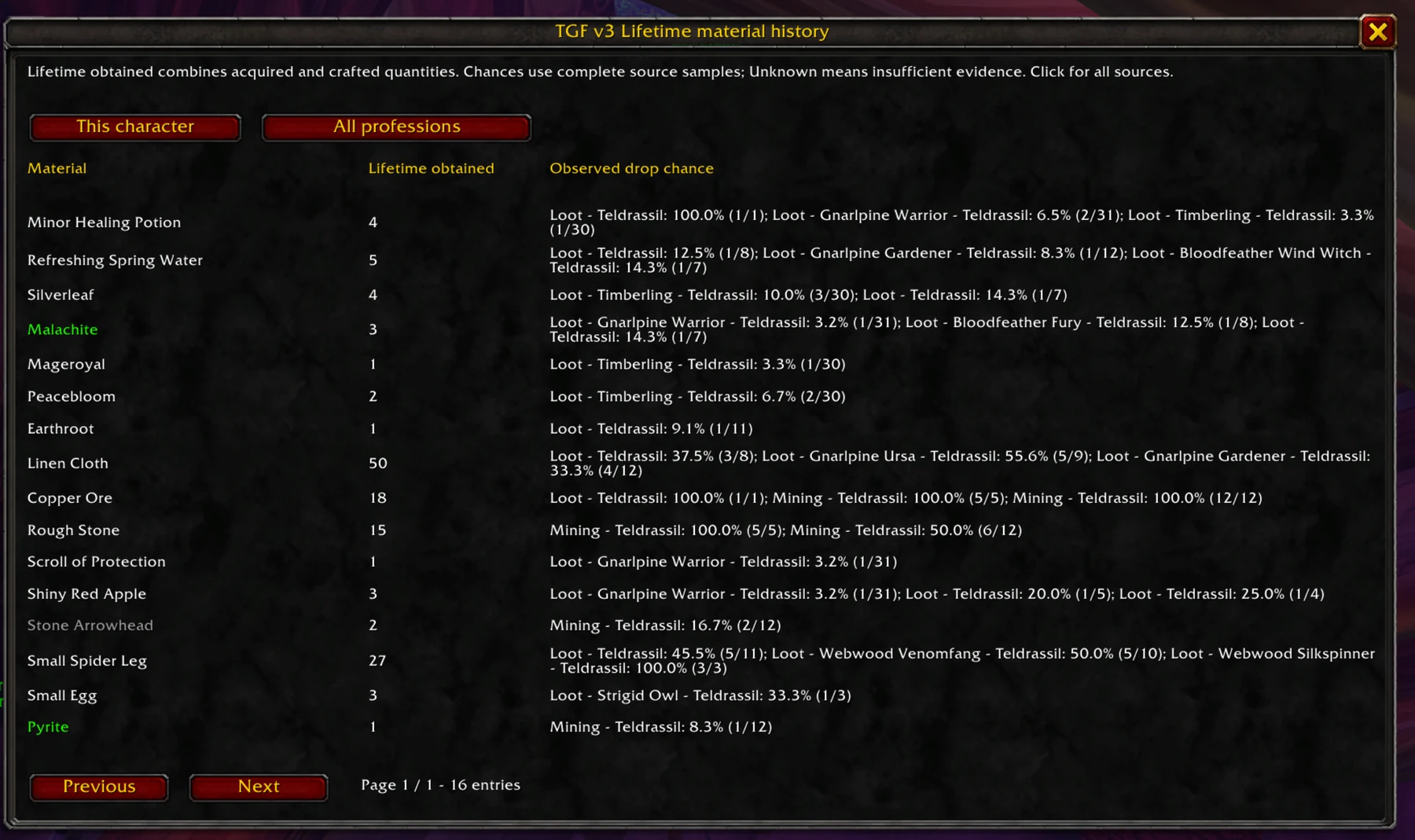
- Personal lifetime material history and observed acquisition rates.
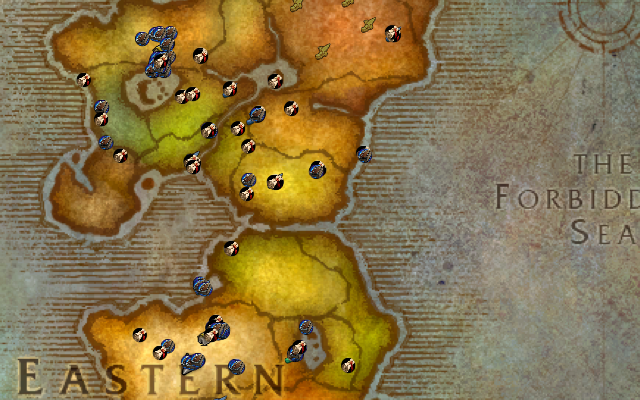
- Outdoor gathering locations on the world map and minimap, with configurable icon appearance.
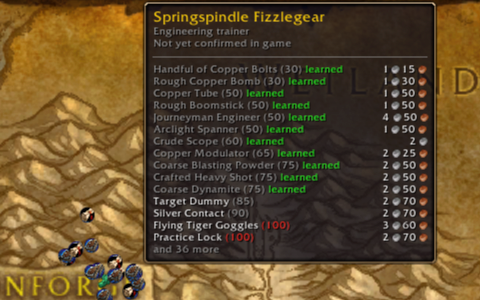
- Recipe browsing, trainer and recipe-vendor information, and reagent planning for supported recipes.
- Crafting-profit estimates from vendor prices, and from auction prices with the optional Auction house module (price scans, Sell tab undercut, market history and auction sales).
- A My materials tab with everything you hold in bags and bank, a minimap button with the settings menu, all settings in the game Options window (Esc > Options > AddOns > Titan Gathered) with a backup page, and an optional Titan Panel plugin.
Requirements and installation
Requires WoW Forever 1.60.1. Titan Panel is optional: with it the addon is a Titan Panel plugin, without it everything works from the minimap button and the game Options. Install the TitanGatheredForever folder in Interface/AddOns/, then add the profession modules you want. Each module has its own addon folder and requires the shared core.
Restart WoW after installing new folders or artwork. When upgrading from the previous folder names, migrate the saved files while WoW is closed to retain your existing history and settings.
Getting started
- Right-click the minimap button (or the Titan Panel entry) or open Esc > Options > AddOns > Titan Gathered and choose your professions.
- Open your personal bank to update the available bank snapshot.
- Open profession windows so the addon can read available recipe information.
- Enable the history and source recording options you want.
- Left-click the minimap launcher to open the recipes and statistics window.
Use /tgf recipe after selecting a supported recipe, or /tgf recipe <recipeID> [operations], to open its reagent plan. Other everyday controls are available through the right-click menu.
Notes and limitations
Recorded rates describe your own complete observed samples. They are not guaranteed server drop rates. Earlier activity and periods when recording was disabled cannot be reconstructed. Cached bank quantities and auction prices are snapshots, and profit figures are estimates.
Catalogue completeness, live recipe availability and some client event sequences remain under verification. Unknown or unreadable evidence remains unknown. Outdoor map recording excludes instance and raid locations. The supported client is WoW Forever; compatibility with other WoW editions is outside the current scope.
Reporting issues
Include the addon version, WoW Forever build, installed profession modules, steps to reproduce, and the expected and actual result. A screenshot and the exact Lua error are useful for display problems. Redact personal information before sharing saved files or logs.
Titan Gathered Forever Team

Owner