ANR's Recipe Overlay
- By
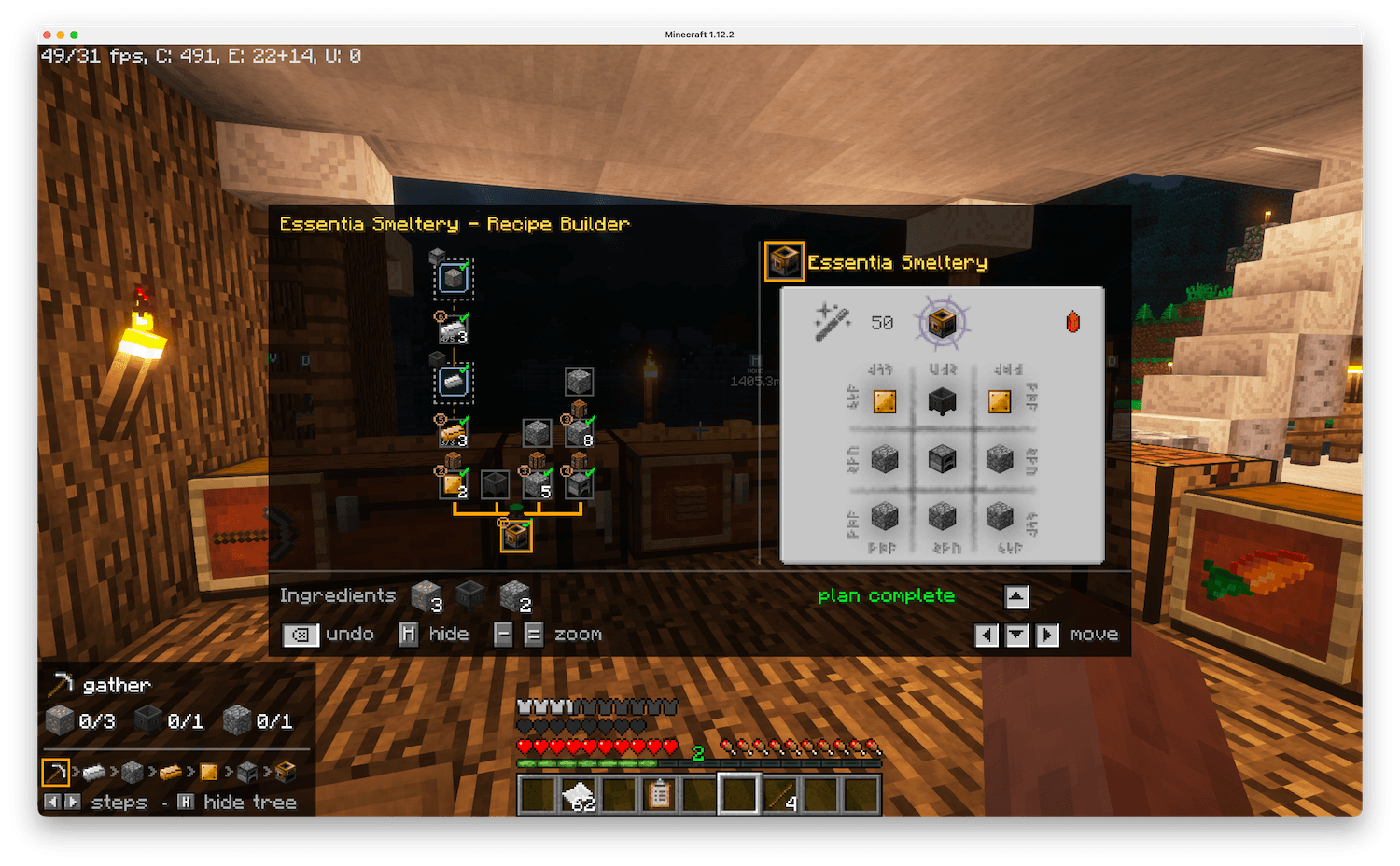
Step-by-step crafting guide with recipe overlay/HUD. JEI addon, with optional Just Enough Calculation and Thaumcraft 6 support.
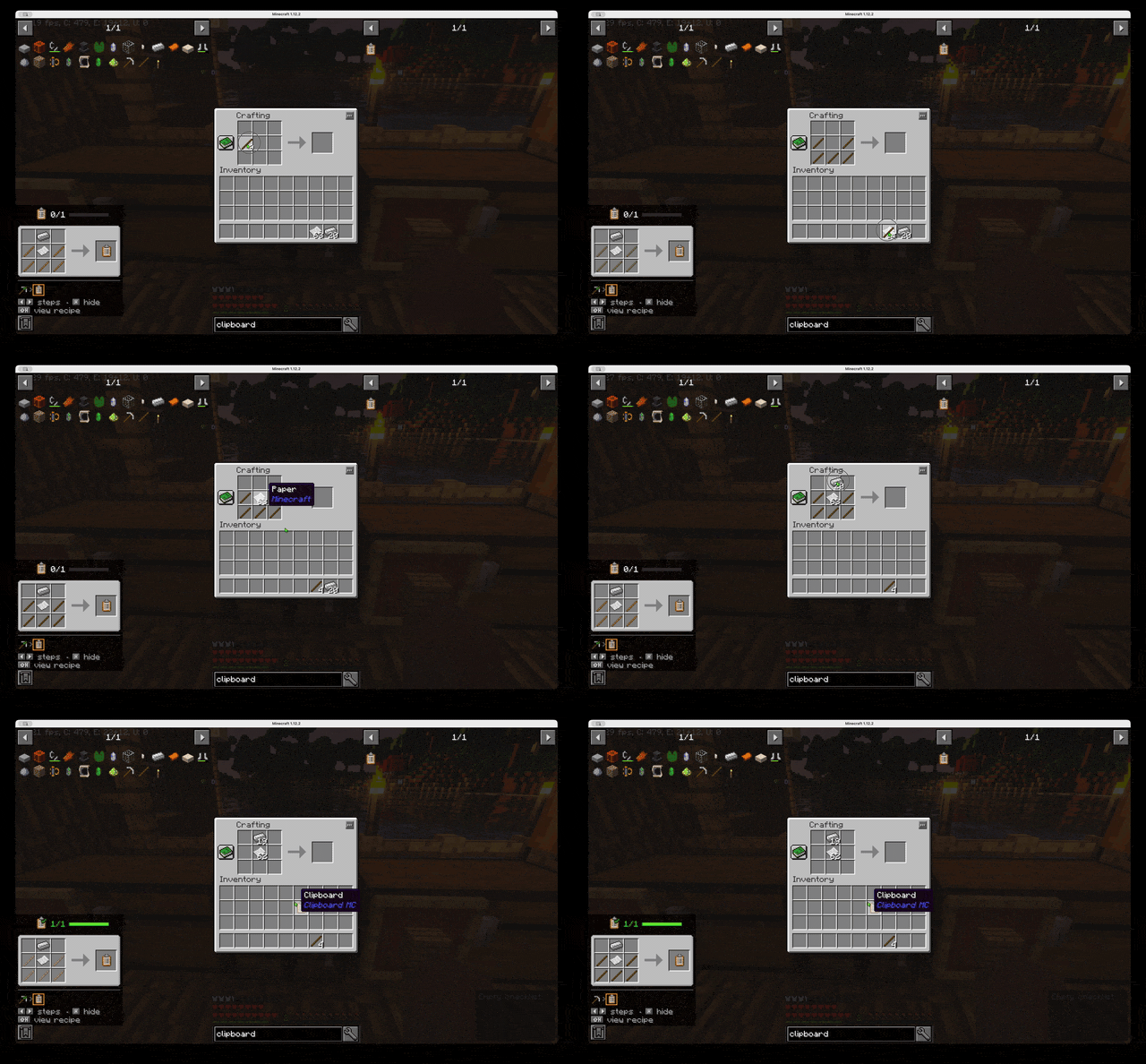
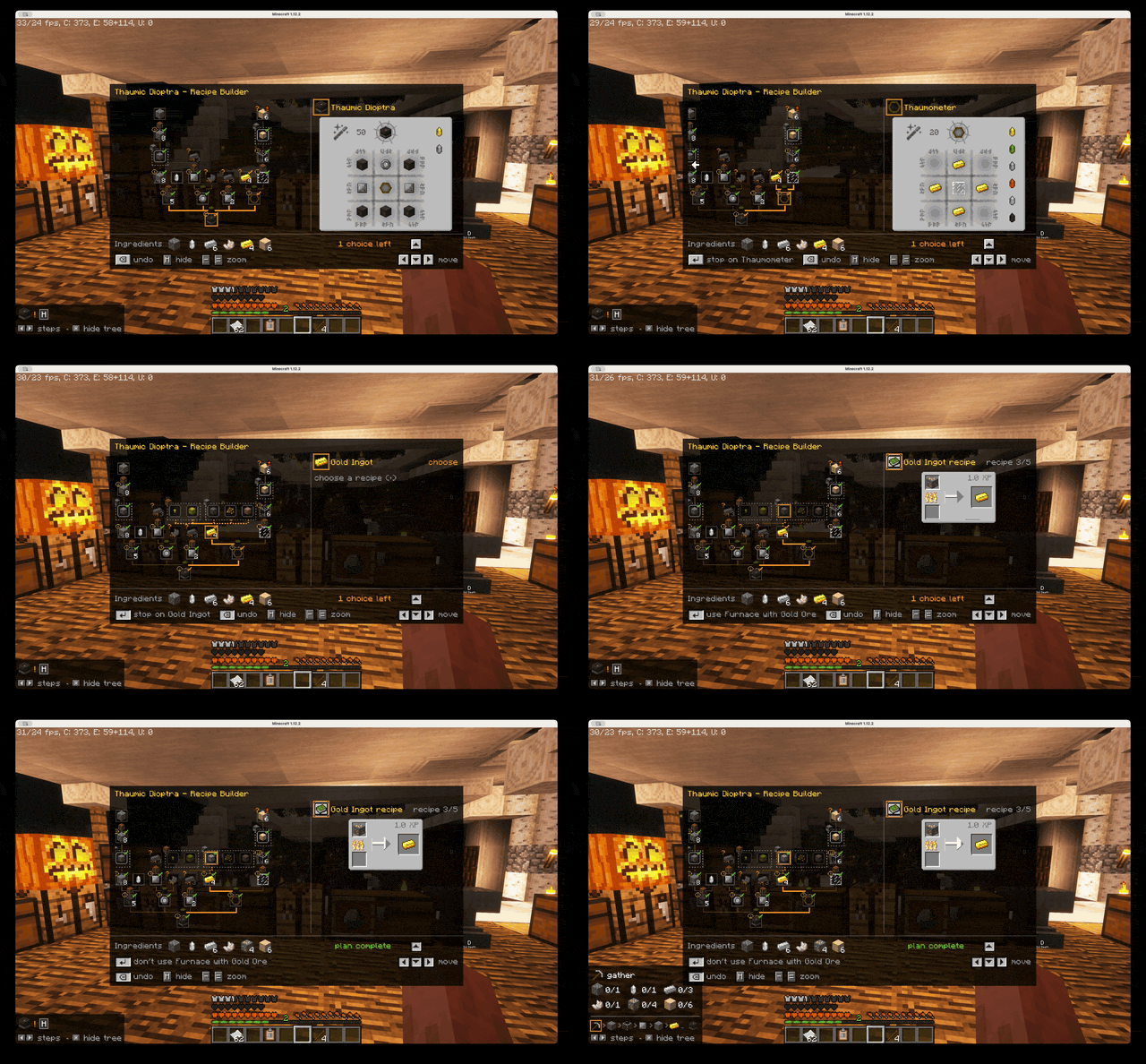
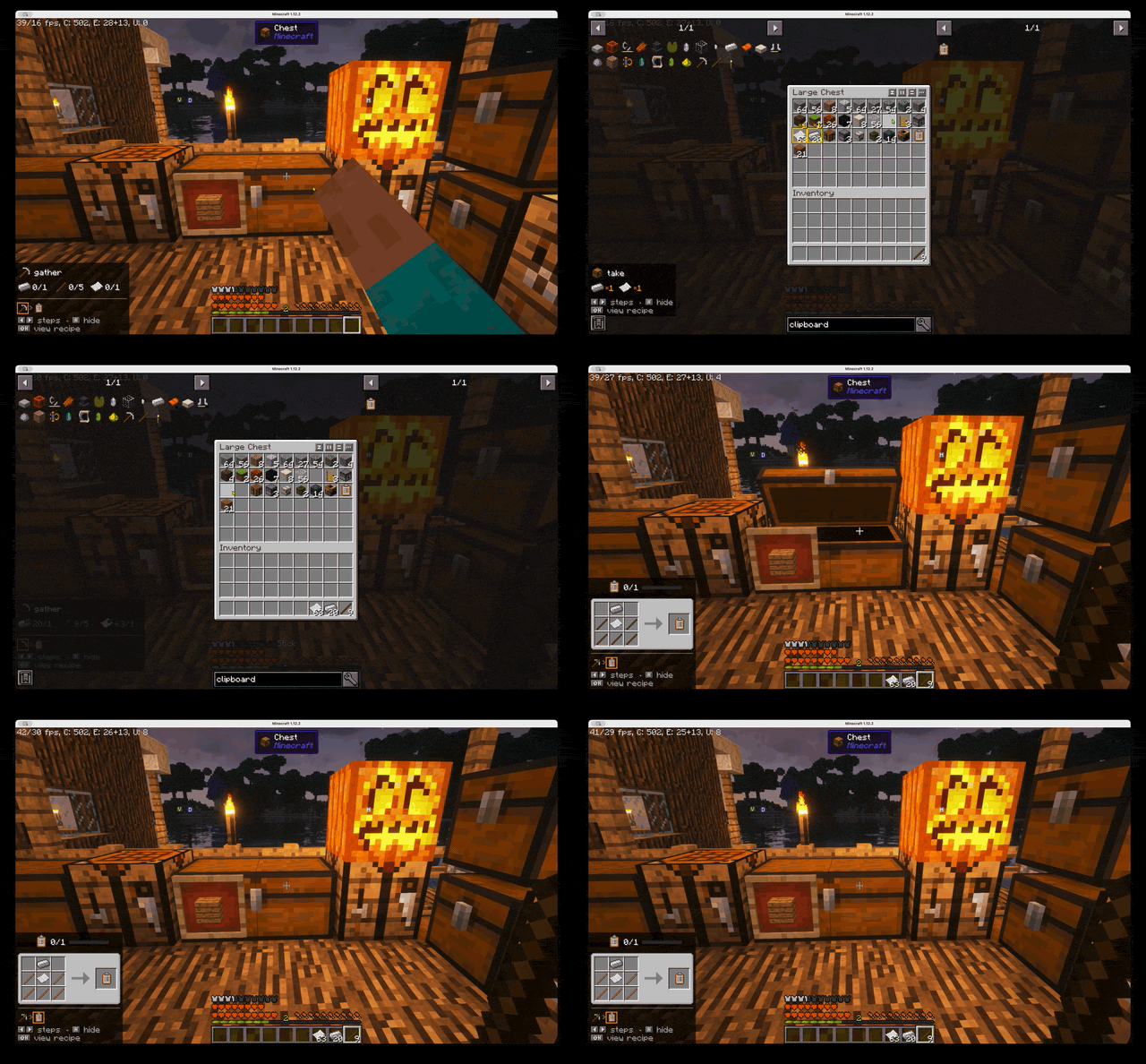
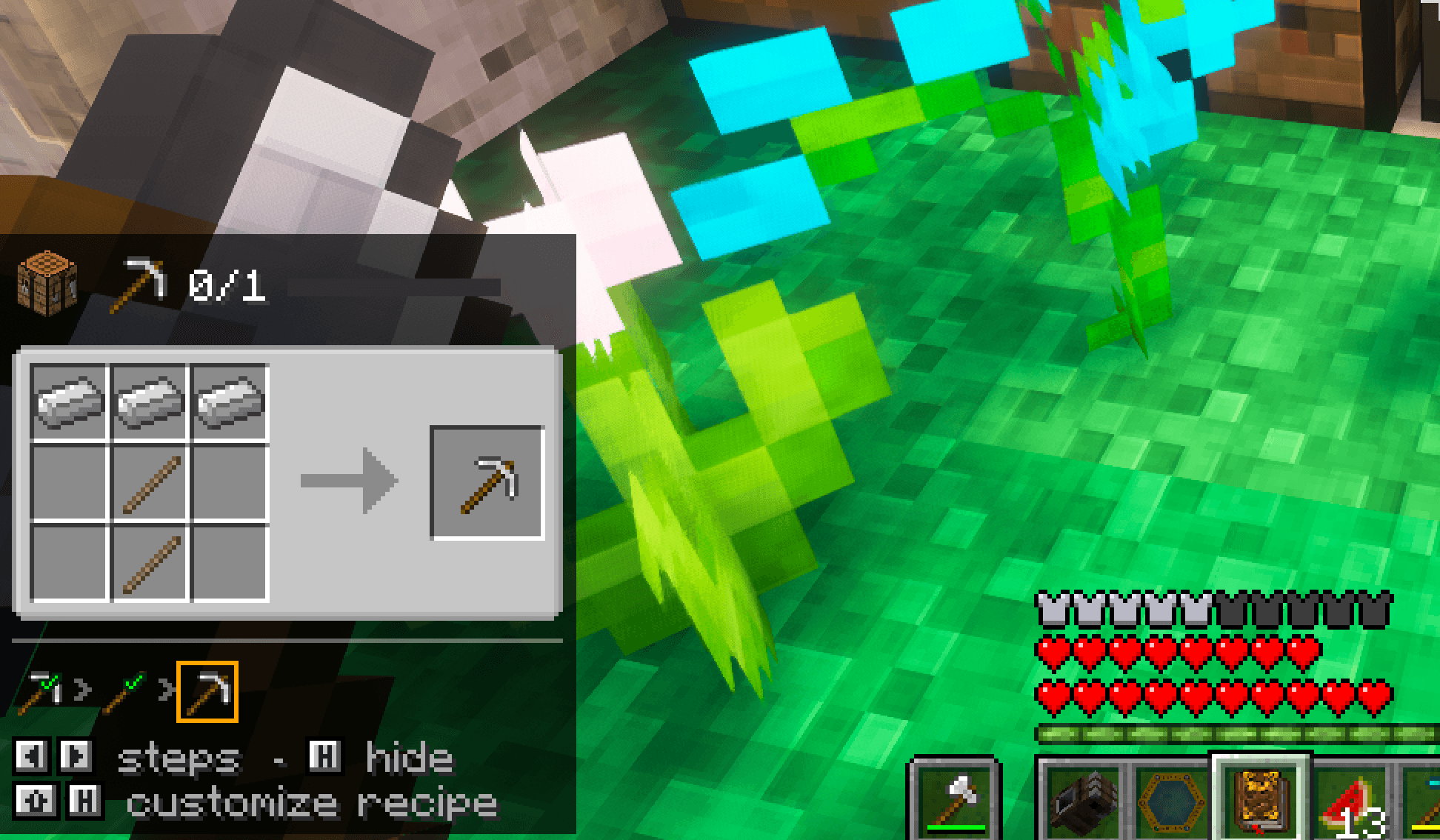
Screenshot 2026-09-21 at 21.37.40.png
Description

Tired of memorizing complex recipes? Tired of screenshotting your crafting grid and squinting at it while you dig through your chests? Tired of running out of cyan ink printing your recipes on real paper?
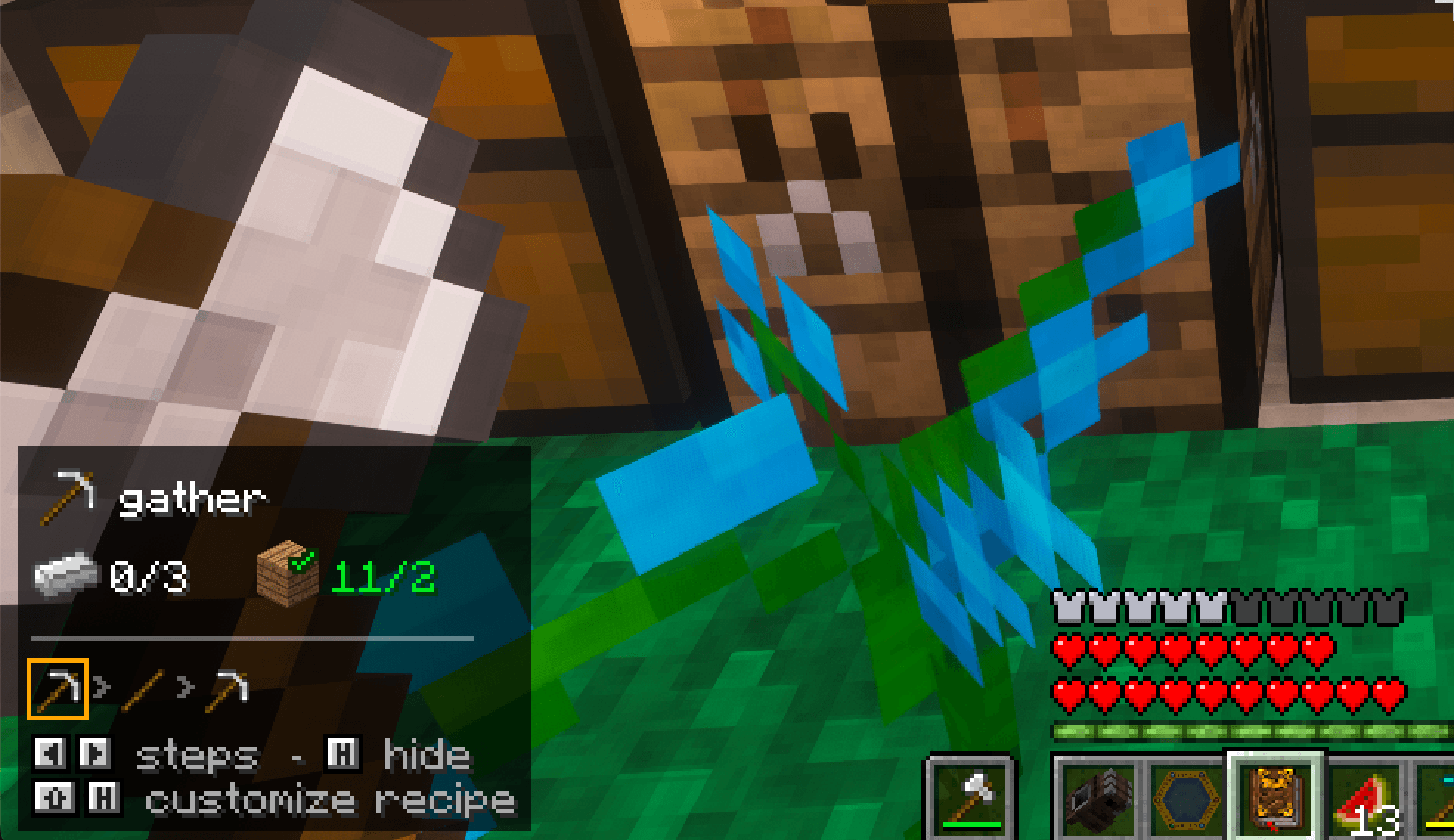
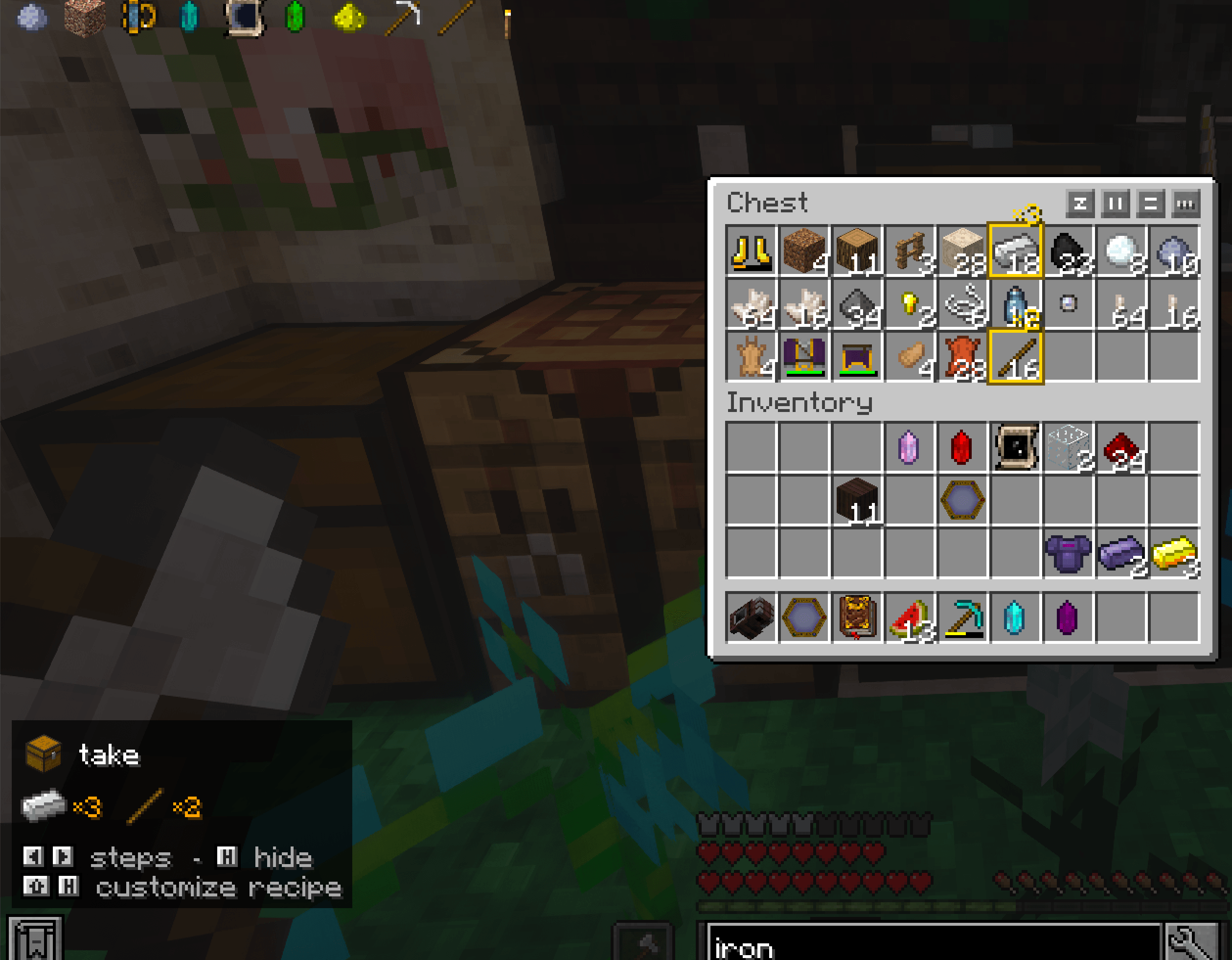
ANR's Guided Crafting puts an always-visible HUD of the recipe you're making right on your screen, so you never have to alt-tab, take screenshots, or reopen a recipe book again.
Compatible with Minecraft: 1.12.1, 1.20.1, 1.21.1, 26.2, 26.3
How to use
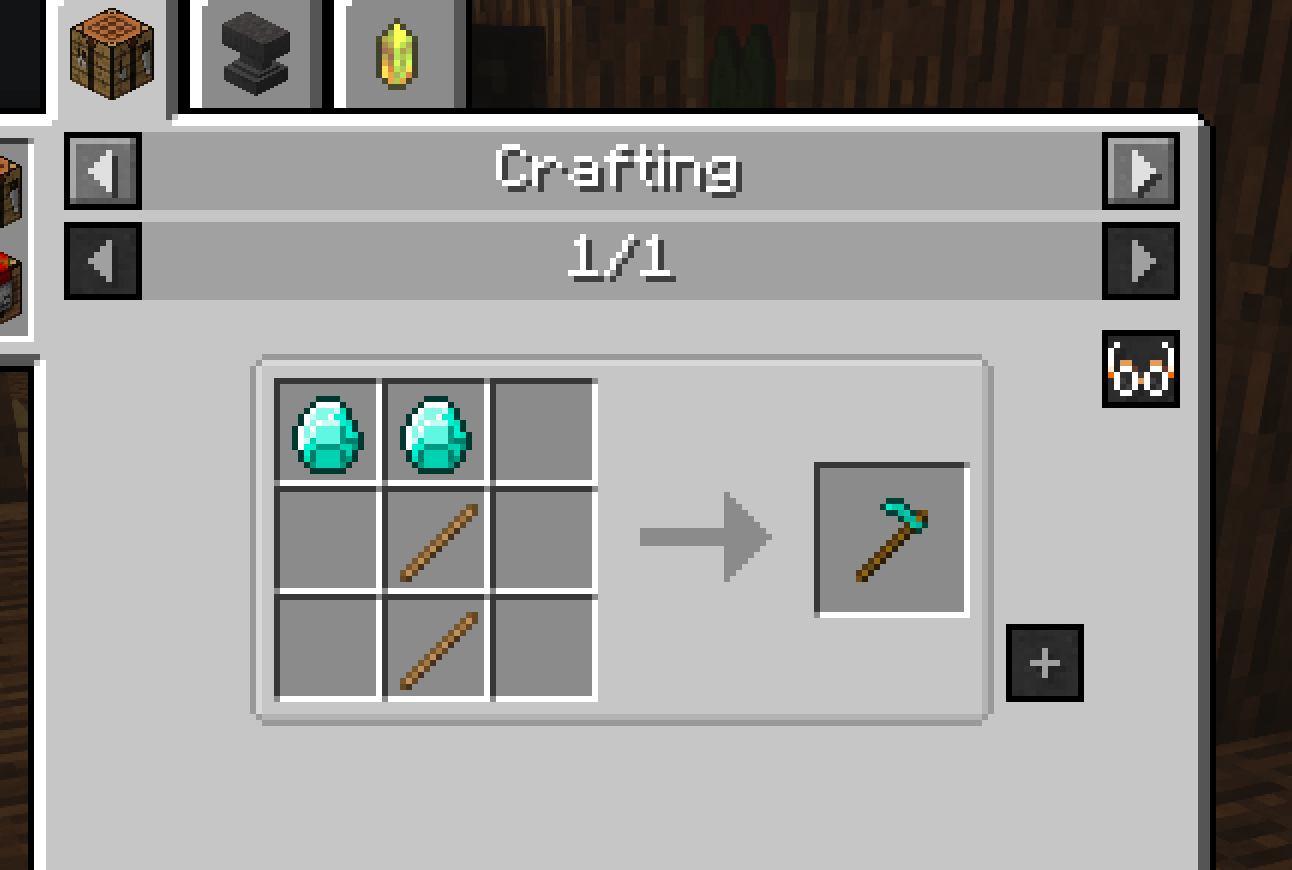
- Open a recipe in JEI and click the goggles button.
- Review the recipe in the recipe tree.
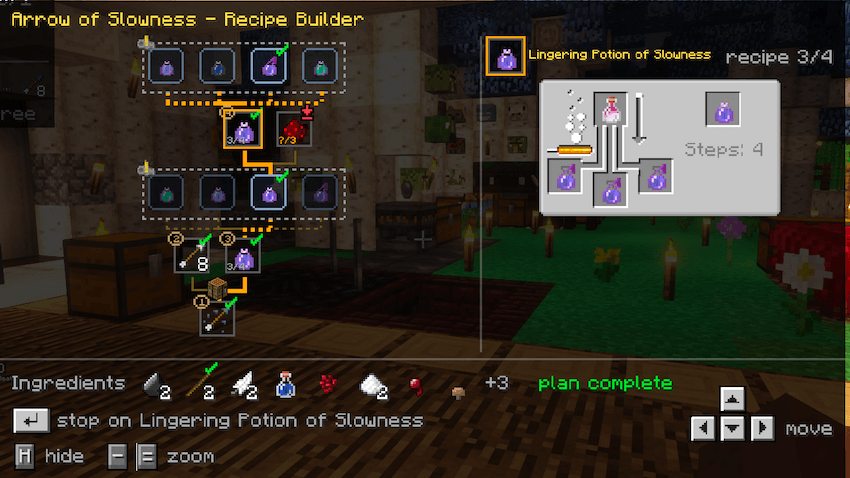
- Follow the instruction card in the corner of your screen.
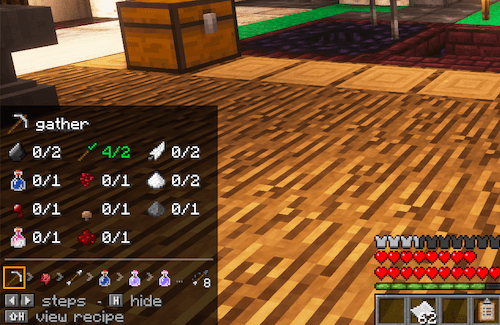
Controls
H: show / hide the overlayShift + H: open the recipe tree← → ↑ ↓: navigate steps
Features
- Always-visible overlay that behaves like a proper HUD.
- Automatically follows crafting grid recipes from vanilla and any mod.
- If Just Enough Calculation is installed, follows your JEC-configured recipes instead.
- Fully configurable: position, JEC compatibility, cross mechanisms, inventory marking, and more.
Compatibility
- Optional: Just Enough Items (JEI)
- Optional: EMI - Complements EMI recipe tree, serves as a dynamic approach to crafting, guiding where to go next, which items to get, etc.
- Optional: Thaumcraft 6 (Minecraft 1.12.2 only)
ANR's Recipe Overlay Team