


Myuppy FontPack
- By
ä¸è½½ (5).png
ä¸è½½ (4).png
PixPin_2026-10-05_22-24-43.png
PixPin_2026-10-05_22-23-31.png
PixPin_2026-10-05_22-23-15.png
Description
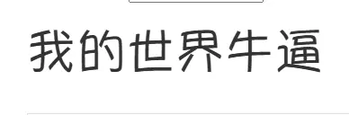
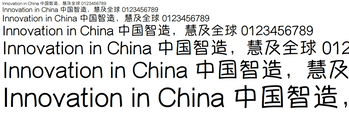
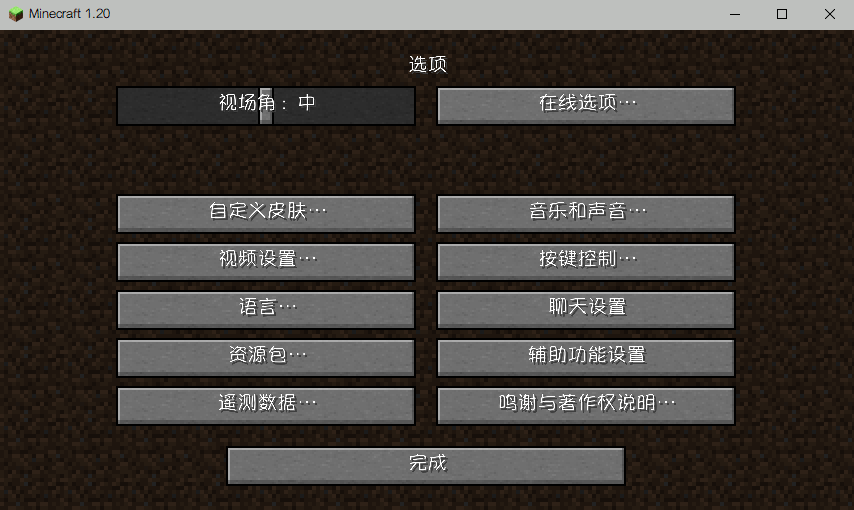
# Myuppy Medium Font Pack
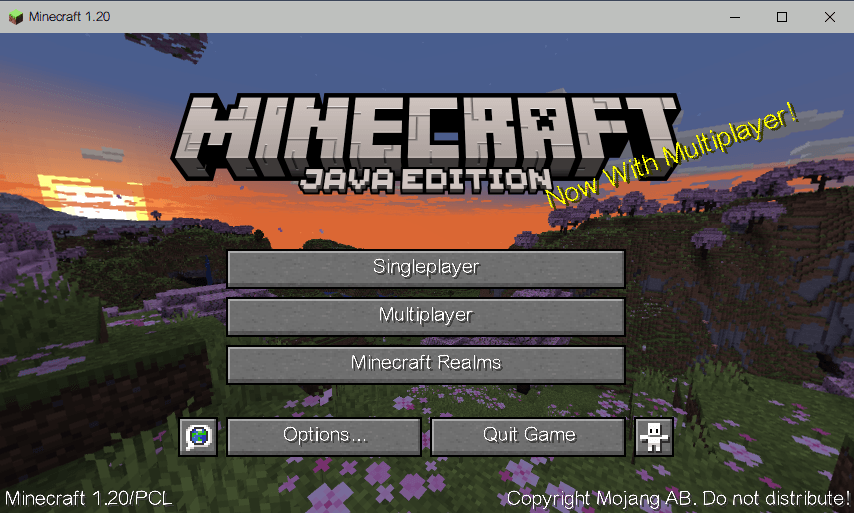
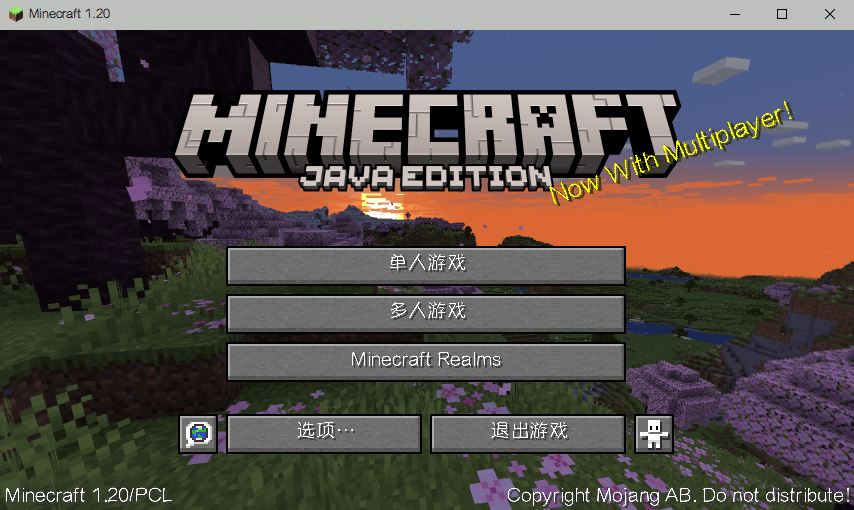
Replace the default Minecraft font with the clean and modern **Myuppy Medium** font. This resource pack enhances your reading experience across all supported versions.
## ✨ Features
- **Custom Font**: Replaces the default in-game text with Myuppy Medium.
- **Wide Compatibility**: Supports Minecraft versions **1.11 to 26.3**.
- **Vanilla Friendly**: Works perfectly in the vanilla game without requiring any mods.
## 📦 Supported Versions & Font Format
- **1.11 ~ 1.12.2**: Uses a pure vanilla **bitmap (PNG)** font. No TTF support in these versions, so the images are fully rendered and mapped.
- **1.13 ~ 1.21.8**: Uses native **TTF** font format.
- **1.21.9 ~ 26.3**: Uses the new `min_format` / `max_format` declaration system.
## 🔧 Installation
1. Download the correct version of the resource pack for your game version.
2. Place the `.zip` file into your `.minecraft/resourcepacks` folder.
3. Go to **Options -> Resource Packs** in-game and enable it.
4. Enjoy the new font!
## ⚠️ Notes
- If you are using Forge or Fabric, you may need to explicitly register the font using a mod like Caxton, as the resource pack alone might not work due to new font loading mechanics in 1.20.5+.
- For 1.11 ~ 1.12.2, please DO NOT use the TTF version. Make sure you download the bitmap version.
## 📄 License
This project is licensed under the Apache-2.0 License.
Myuppy FontPack Team
