promotional bannermobile promotional banner

Nekoration

A Decoration Mod For Minecraft
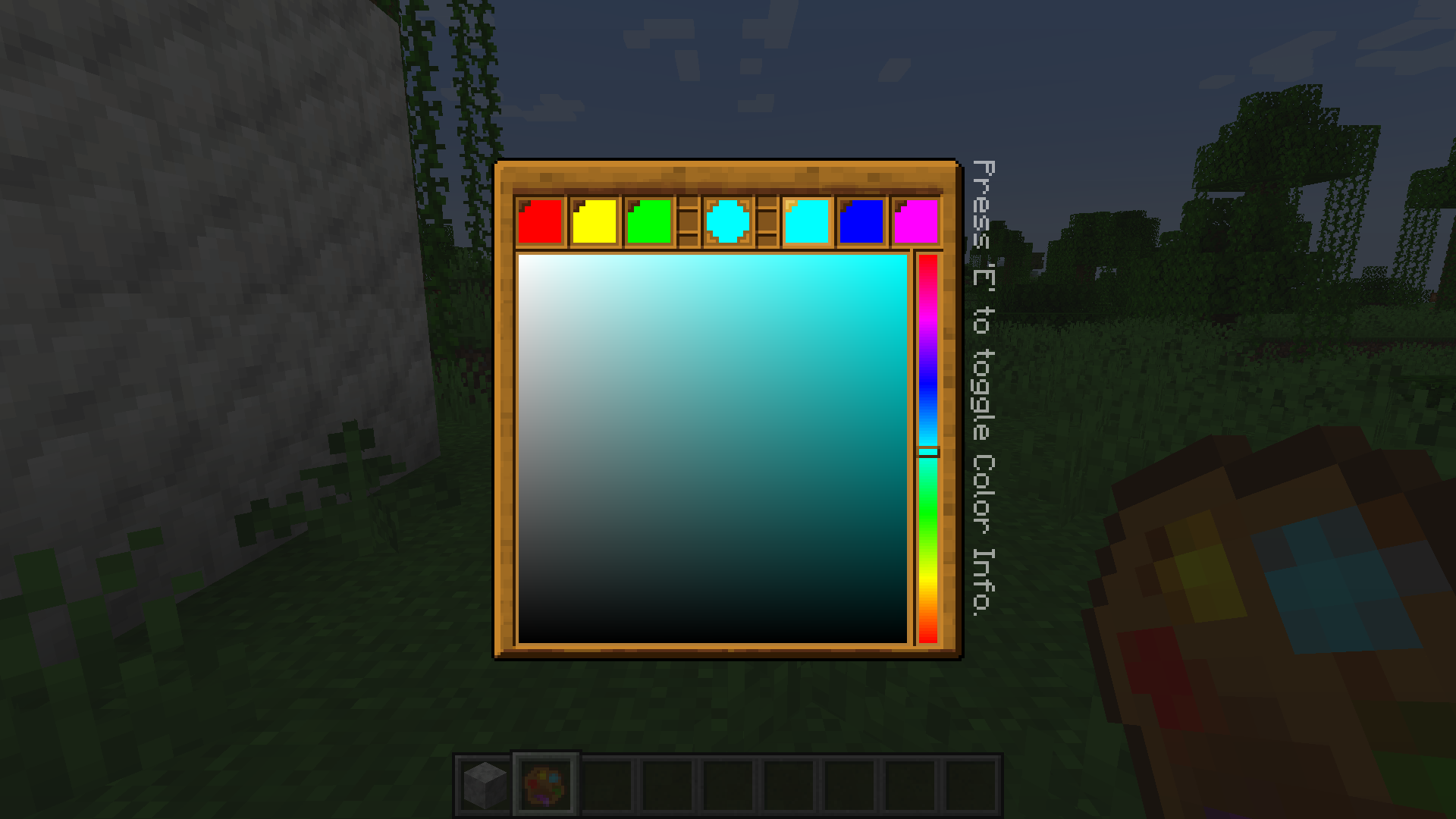
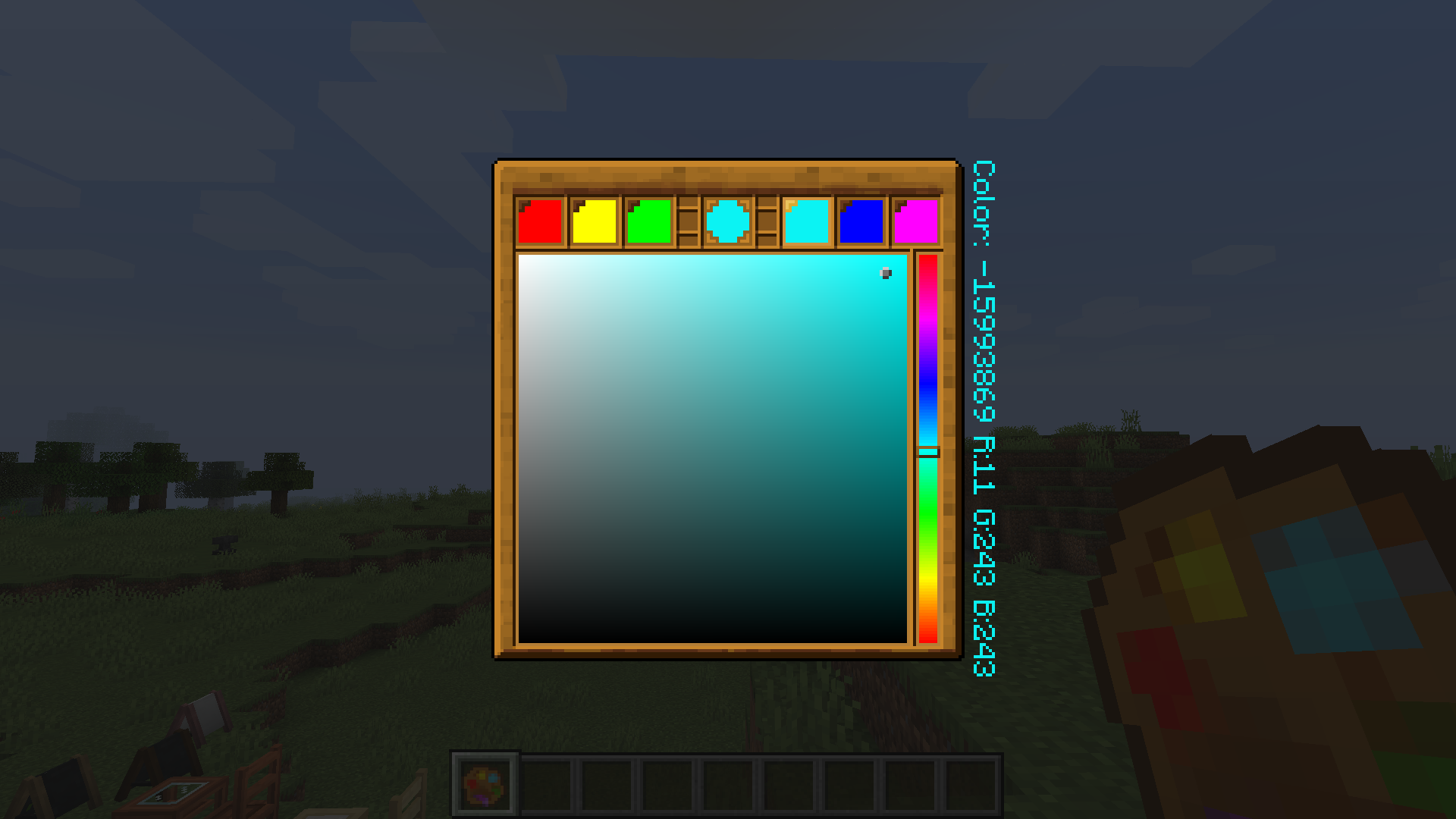
Palette is necessary when you edit a painting and serves as a color picker

Palette is necessary when you edit a painting and serves as a color picker

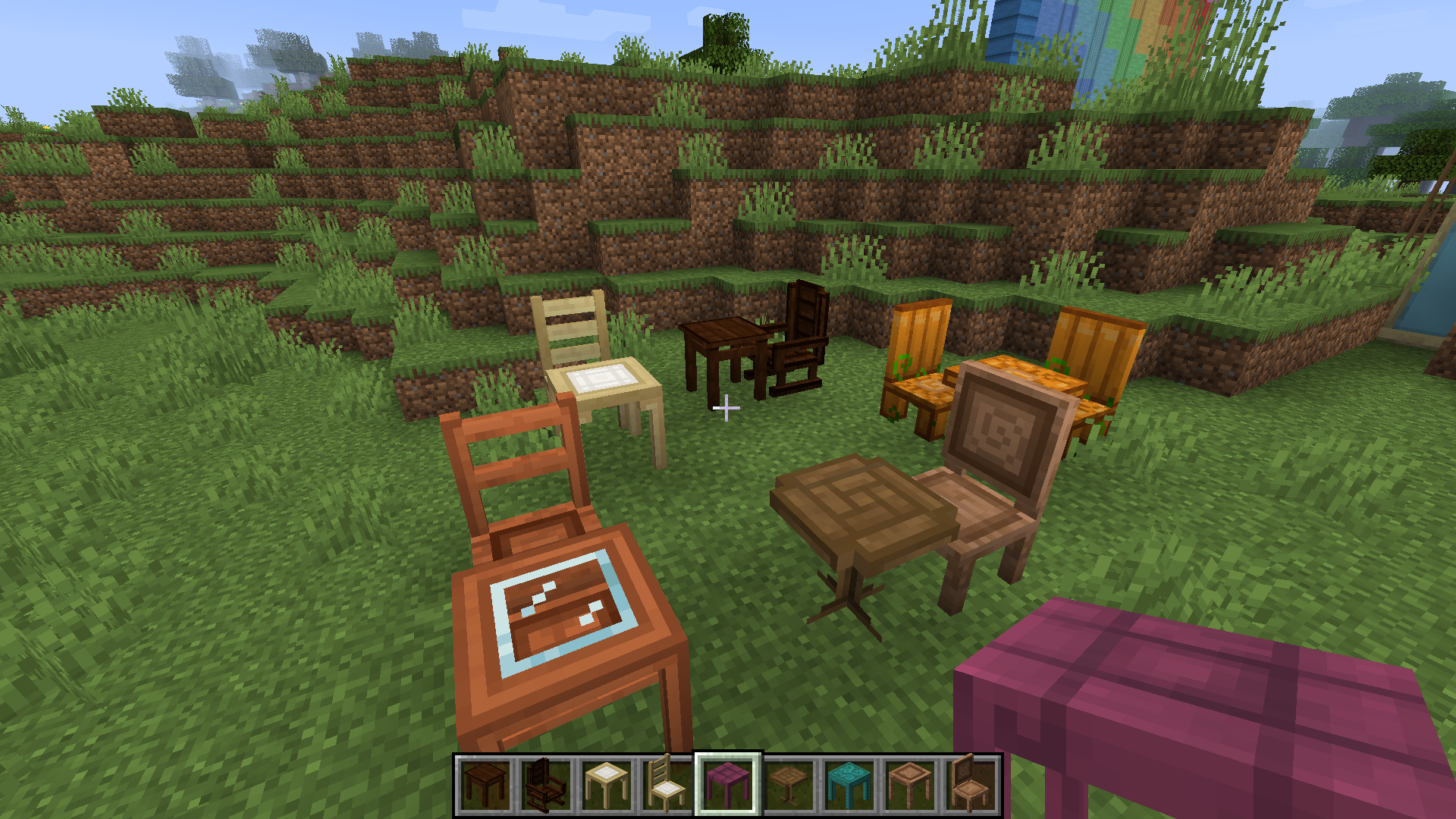
Square tables, round tables and sittable chairs, made from different types of planks(except pumpkin ones :P). Those recipes are not conflicting with most(probably all) other furniture mods, so you can feel free to put 'em together

Square tables, round tables and sittable chairs, made from different types of planks(except pumpkin ones :P). Those recipes are not conflicting with most(probably all) other furniture mods, so you can feel free to put 'em together

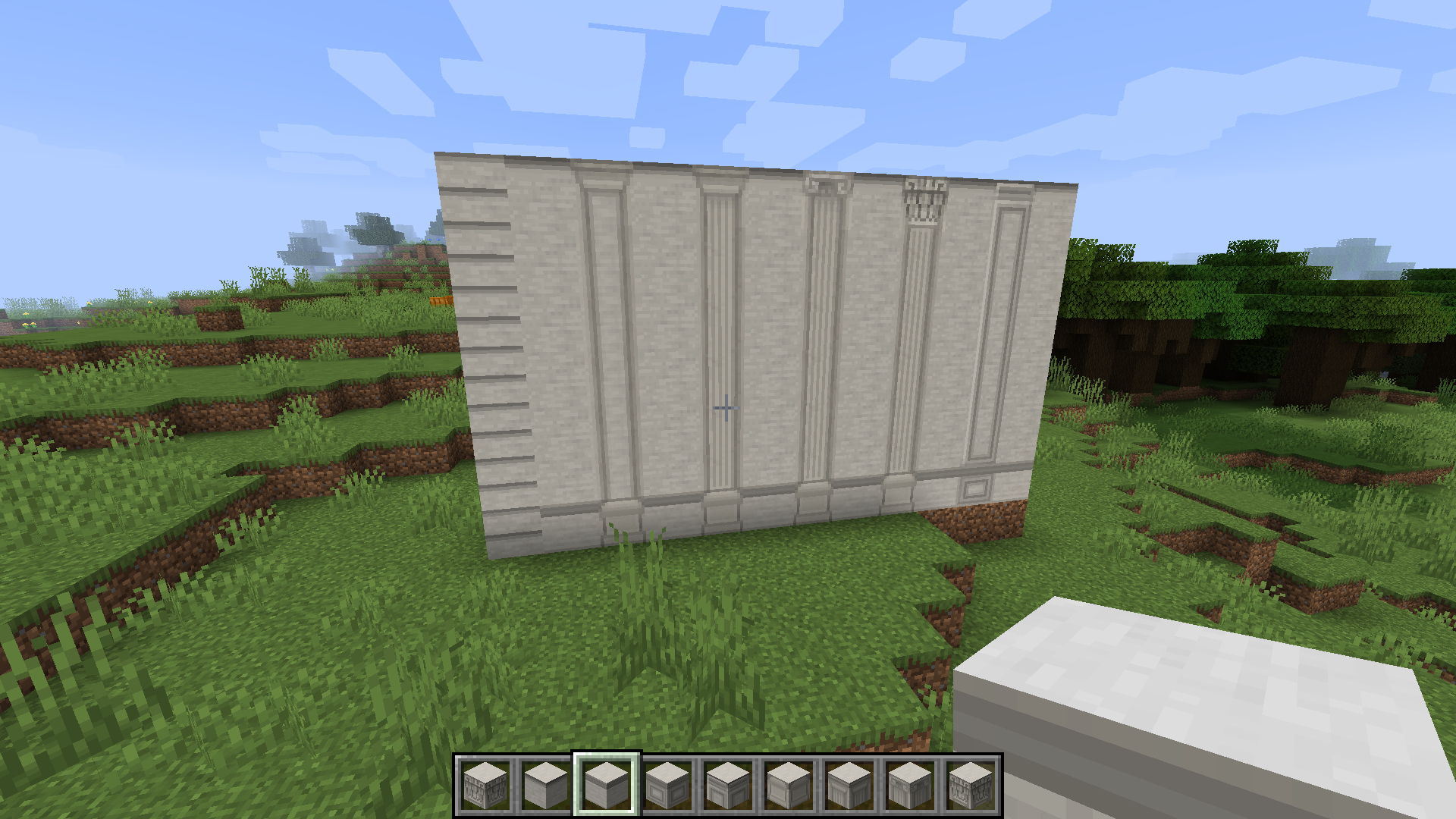
A stone wall containing all variants of Nekoration's stone blocks

A stone wall containing all variants of Nekoration's stone blocks

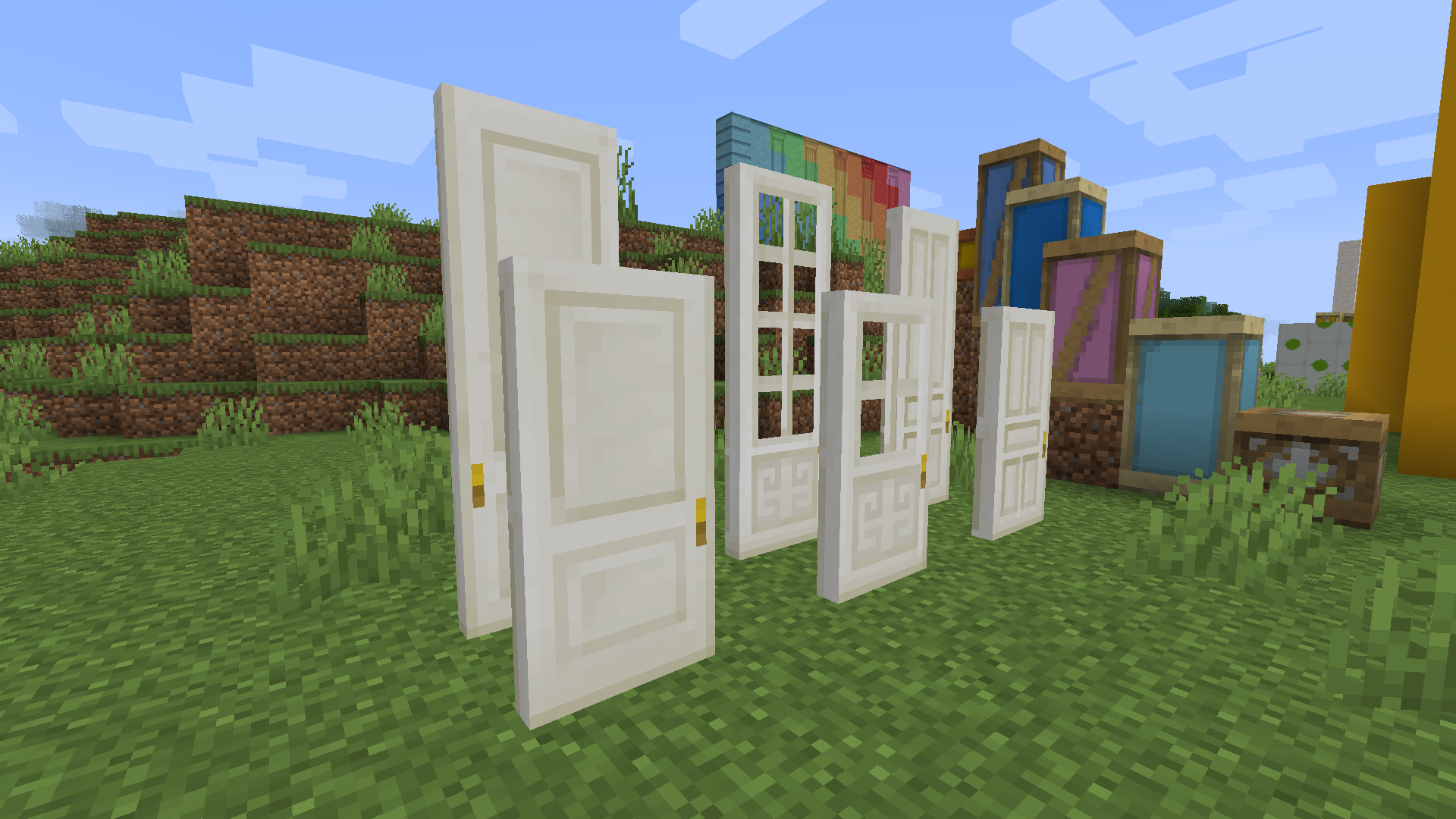
Doors and taller doors made from quartz 
(they can also be colored with dyes)

Doors and taller doors made from quartz (they can also be colored with dyes)

Easel menus can be used to display both items and colorful texts

Easel menus can be used to display both items and colorful texts

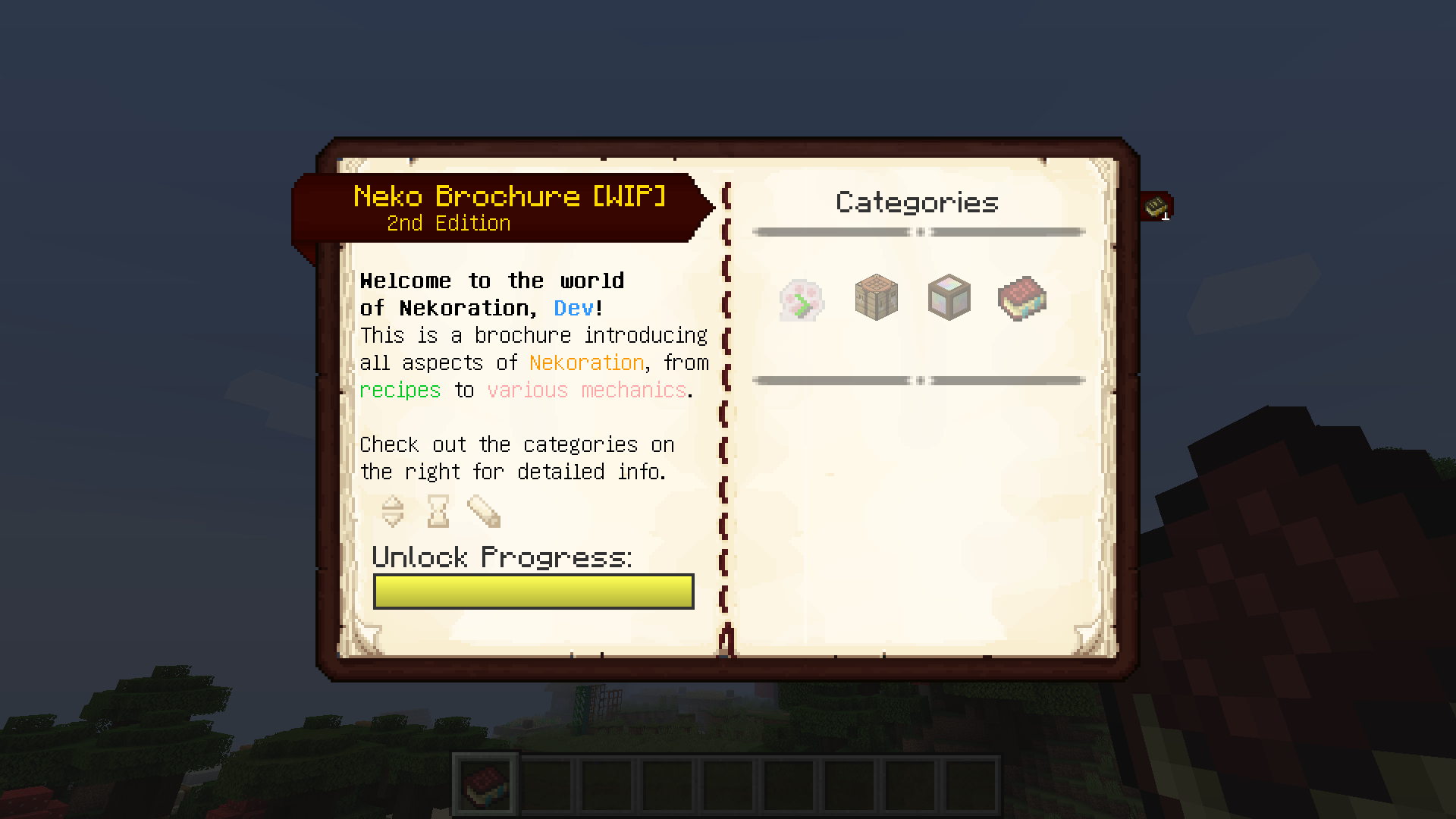
A book describing and explaining all aspects of Nekoration, from recipes to mechanics.

A book describing and explaining all aspects of Nekoration, from recipes to mechanics.

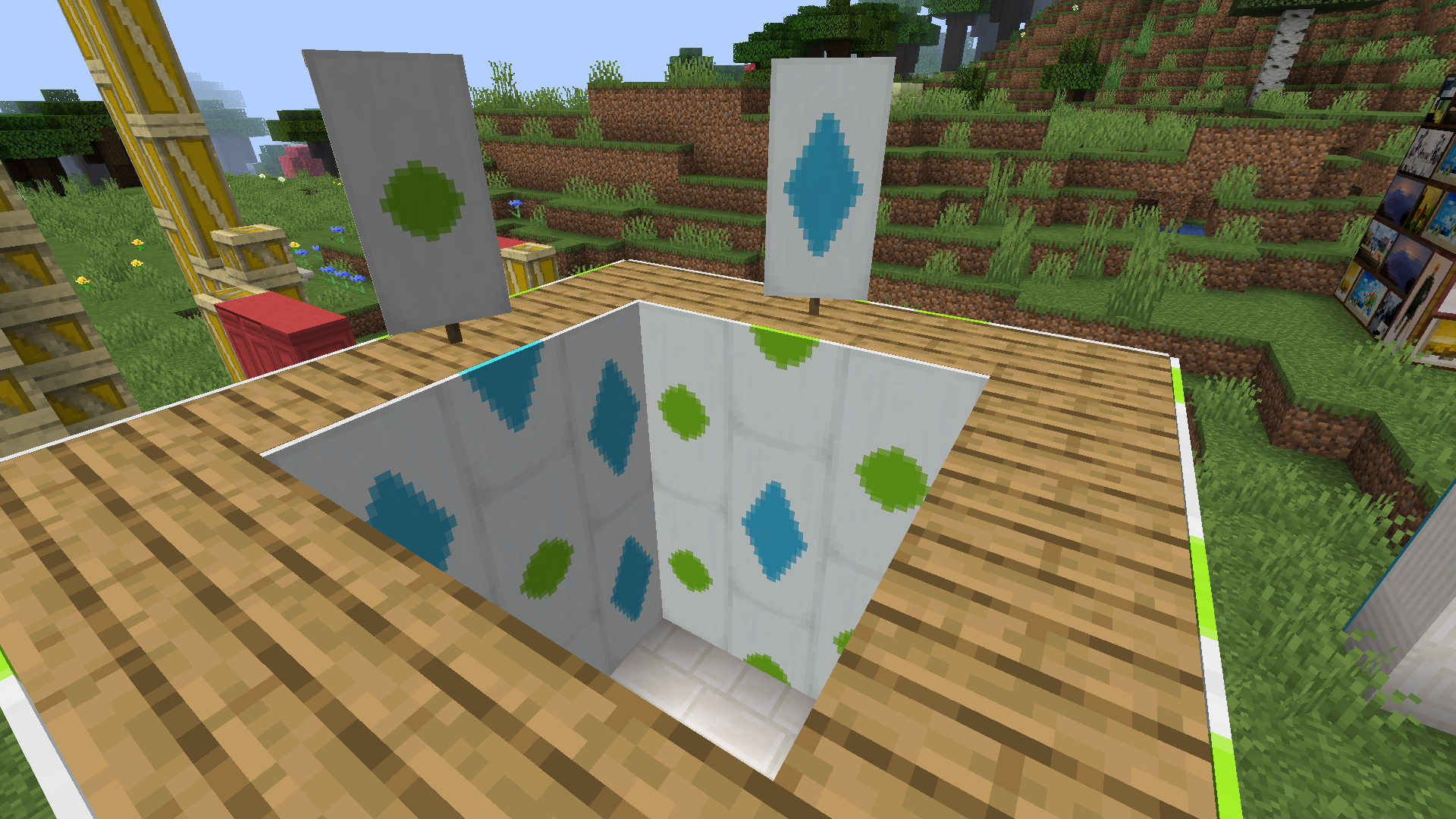
Any banner can be made into wallpaper, and can then be pasted onto your walls!

Any banner can be made into wallpaper, and can then be pasted onto your walls!

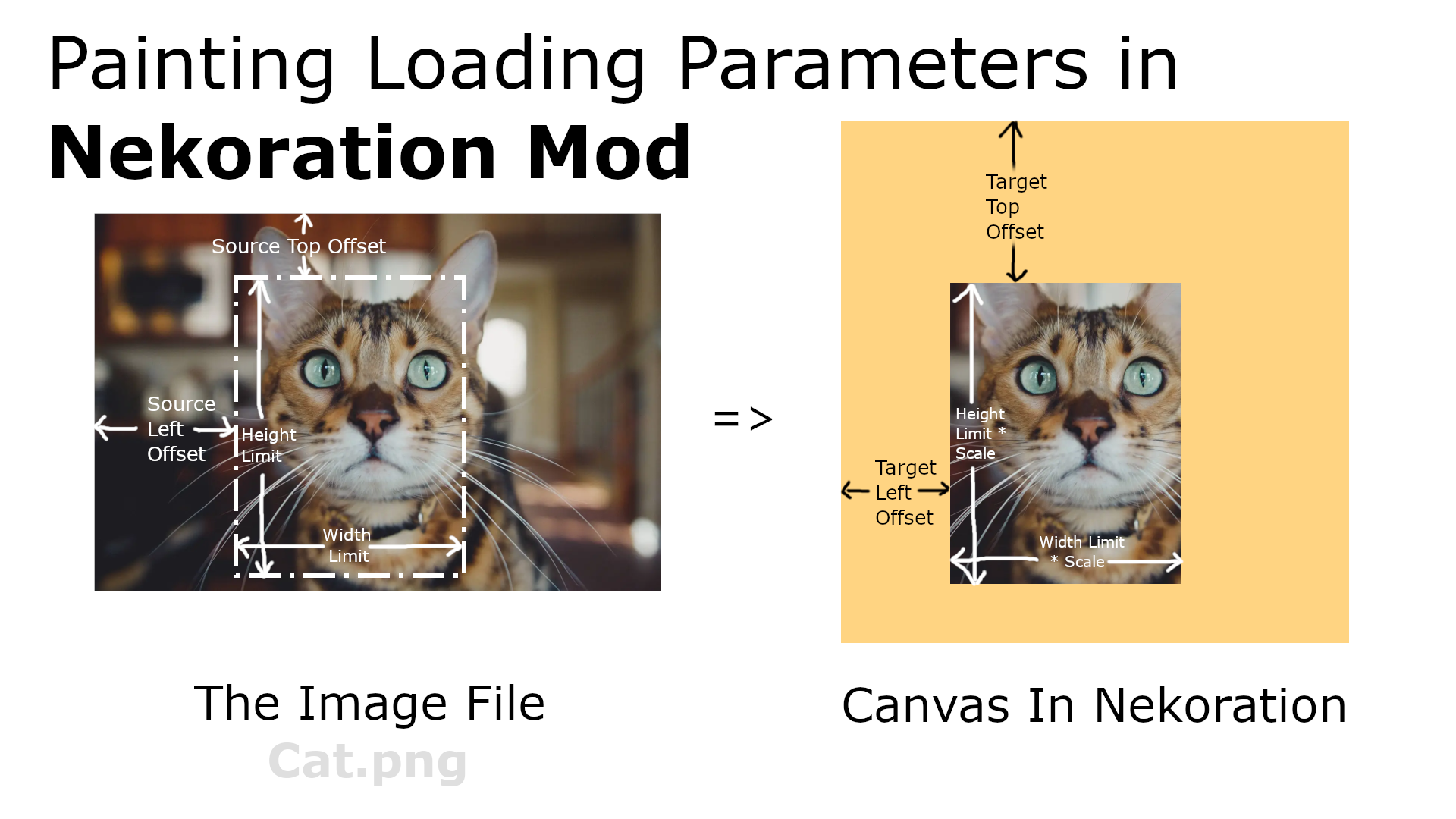
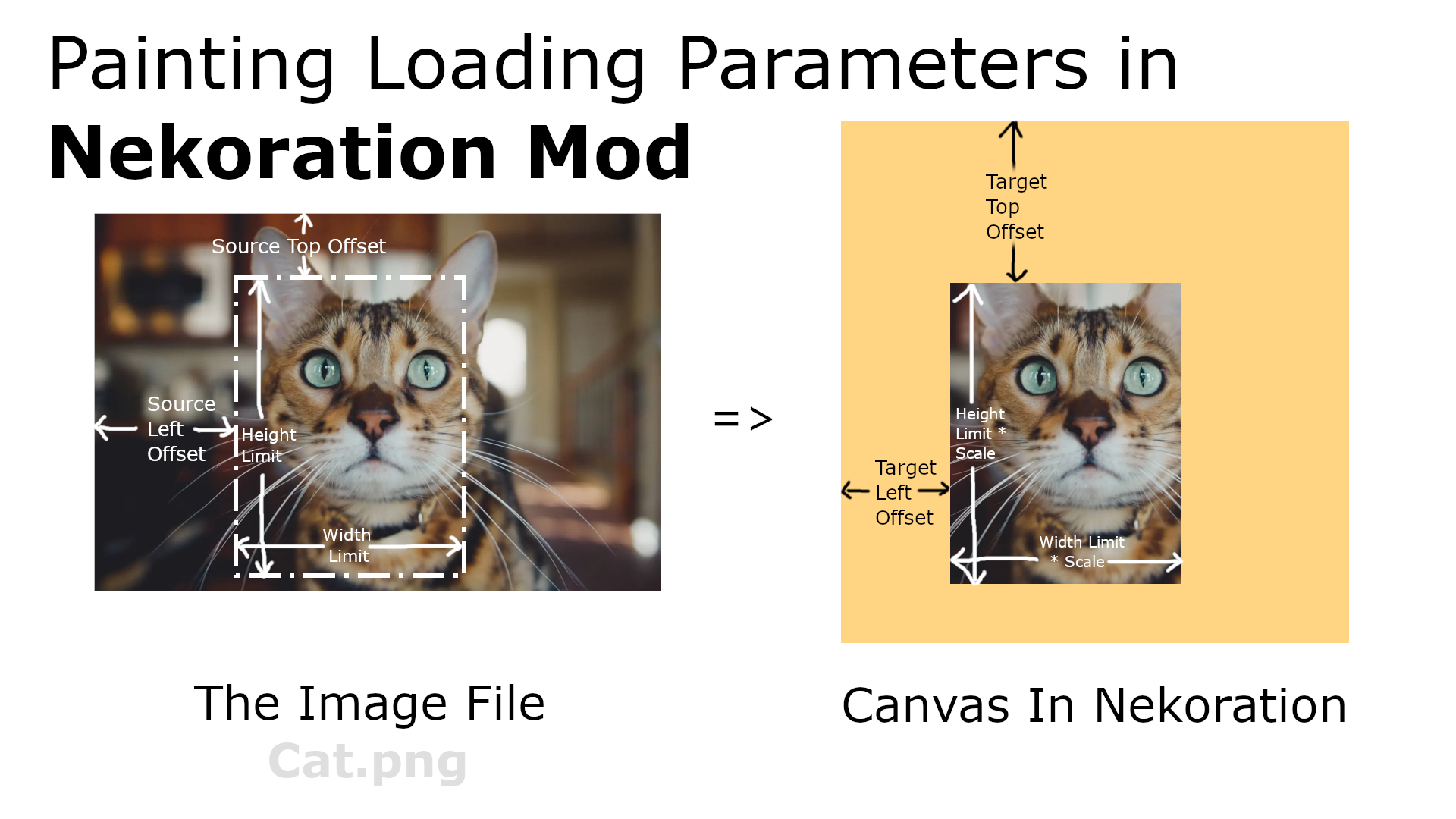
This image shows all parameters in painting loading and explains what they mean

This image shows all parameters in painting loading and explains what they mean

Nekoration is still updating actively and will keep adding new stuff. So stay tuned, and always be ready for upcoming updates! : )

Nekoration is still updating actively and will keep adding new stuff. So stay tuned, and always be ready for upcoming updates! : )

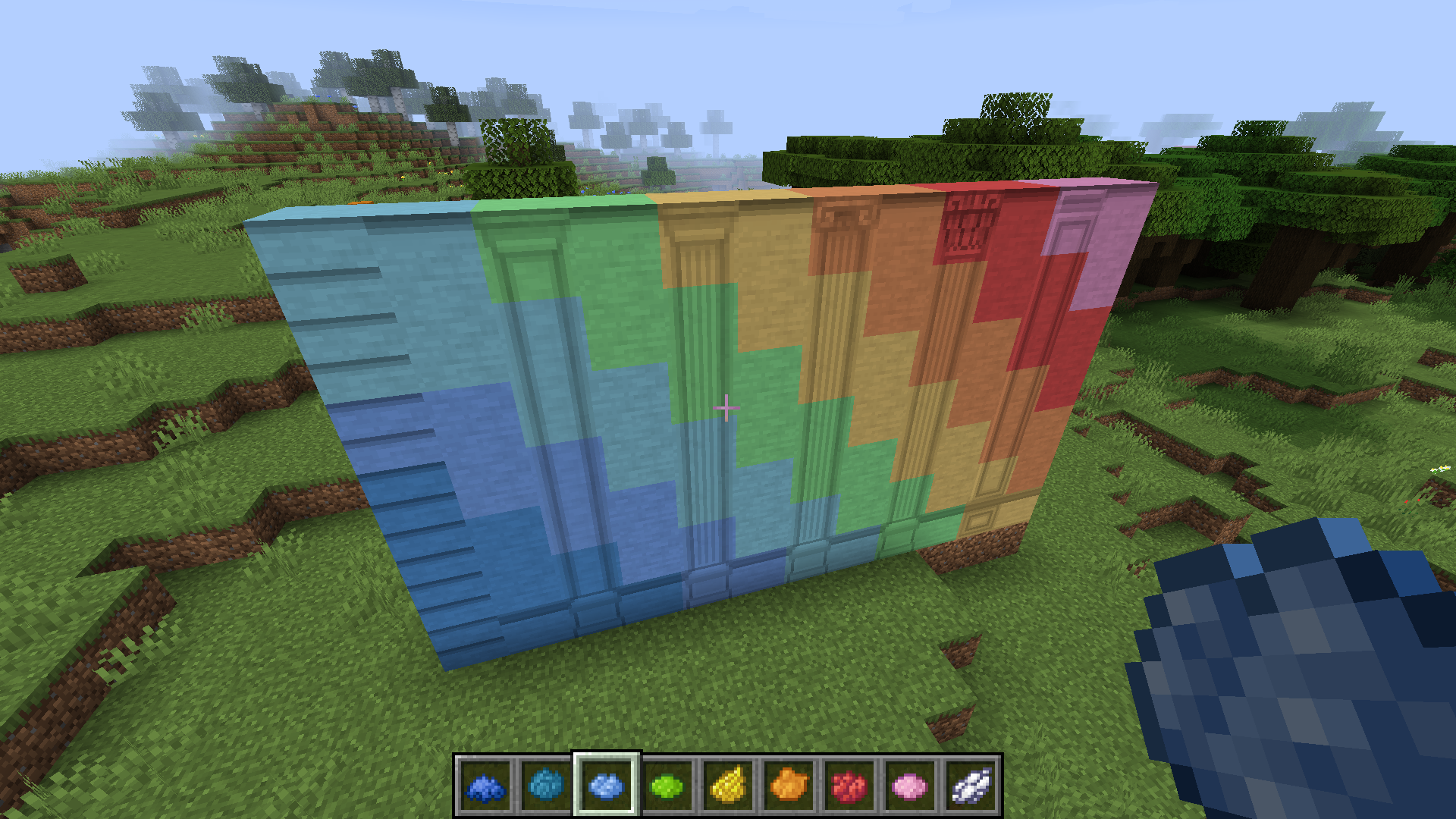
You can tint any stone block with any vanilla dye, to make it colorful

You can tint any stone block with any vanilla dye, to make it colorful

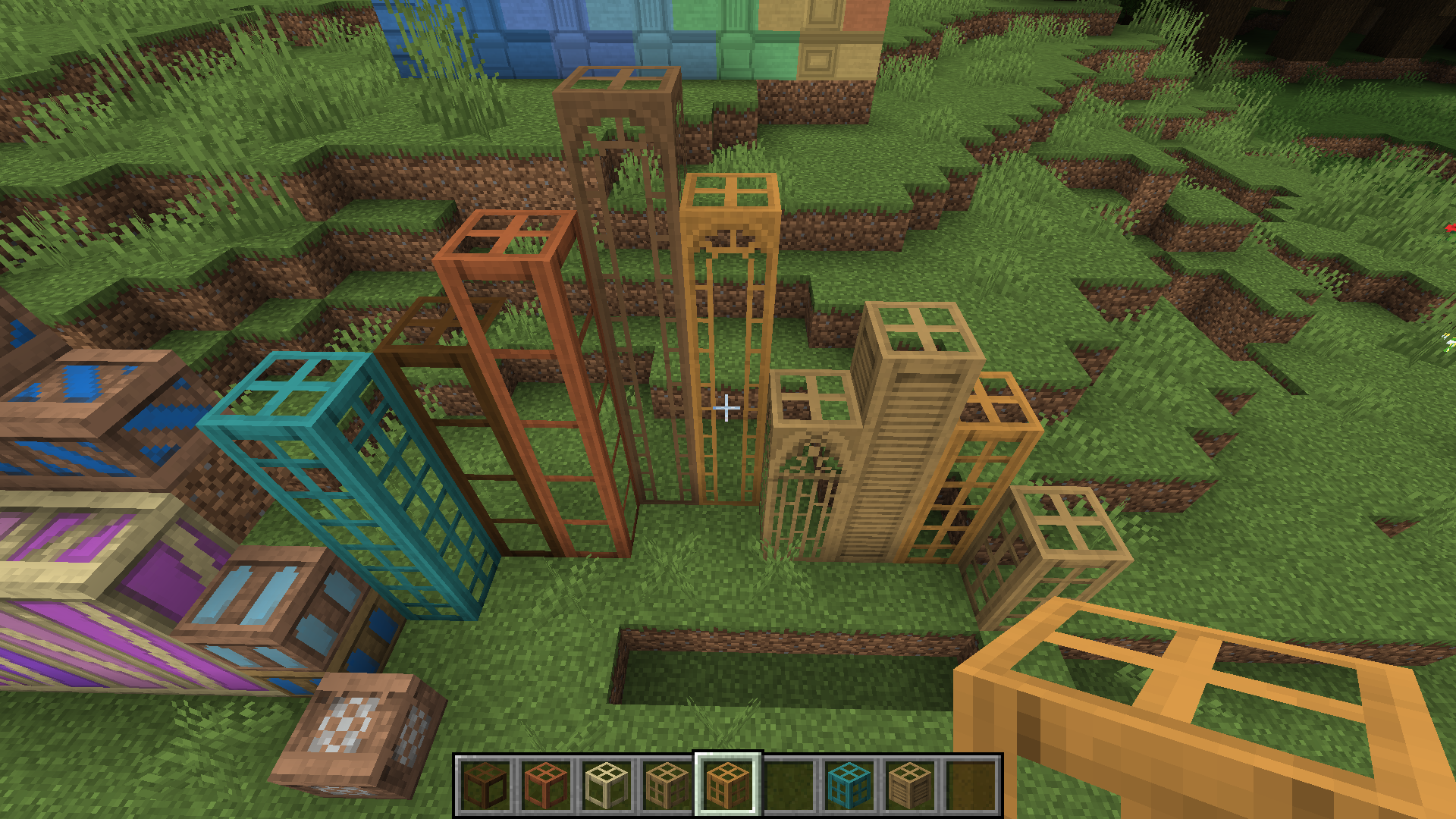
Many different types of window blocks, each with variants of different wood types

Many different types of window blocks, each with variants of different wood types

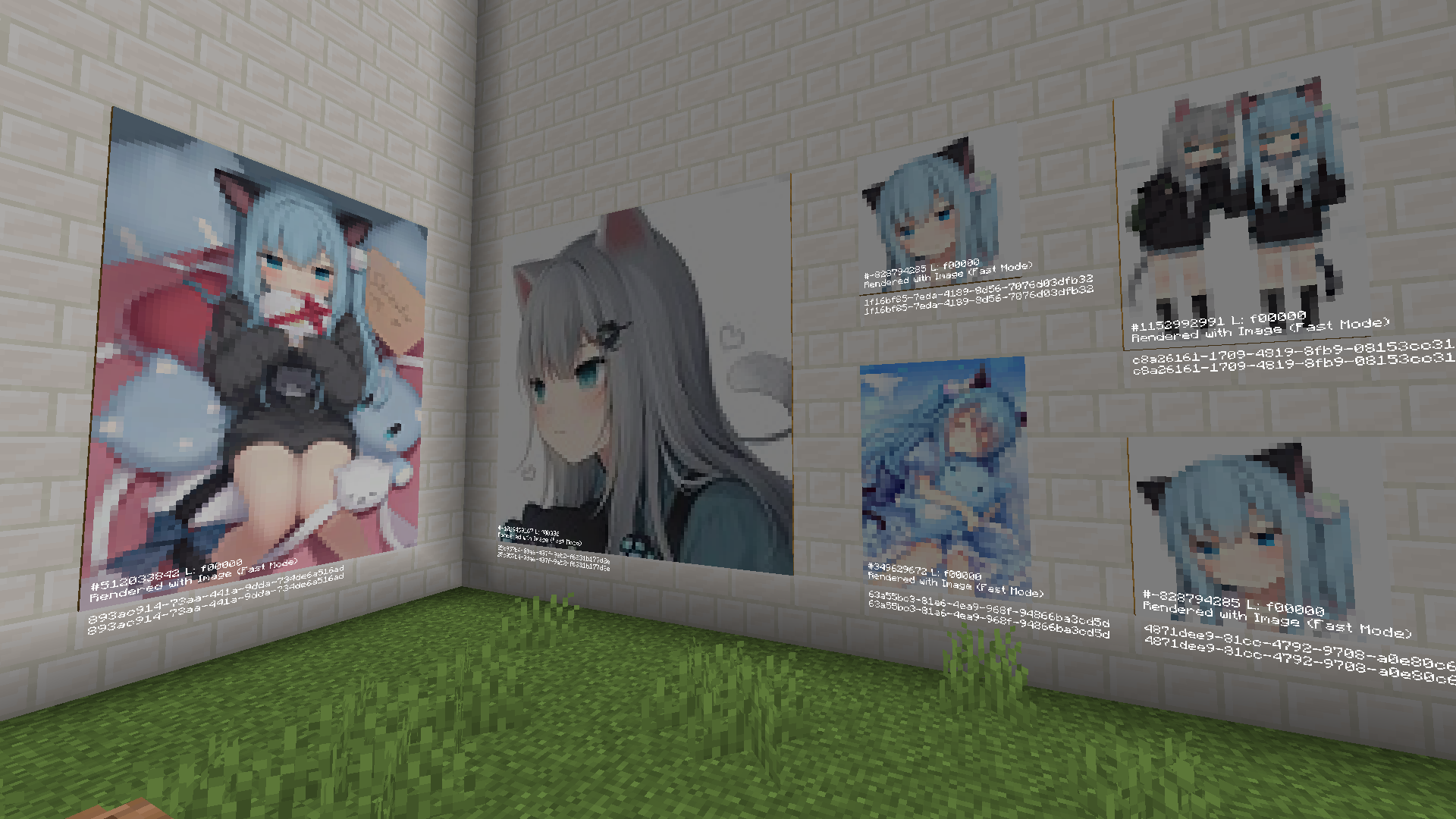
Through this painting system, you can draw pictures or load jpg/png images as your paintings, and share 'em with your friends!

Through this painting system, you can draw pictures or load jpg/png images as your paintings, and share 'em with your friends!

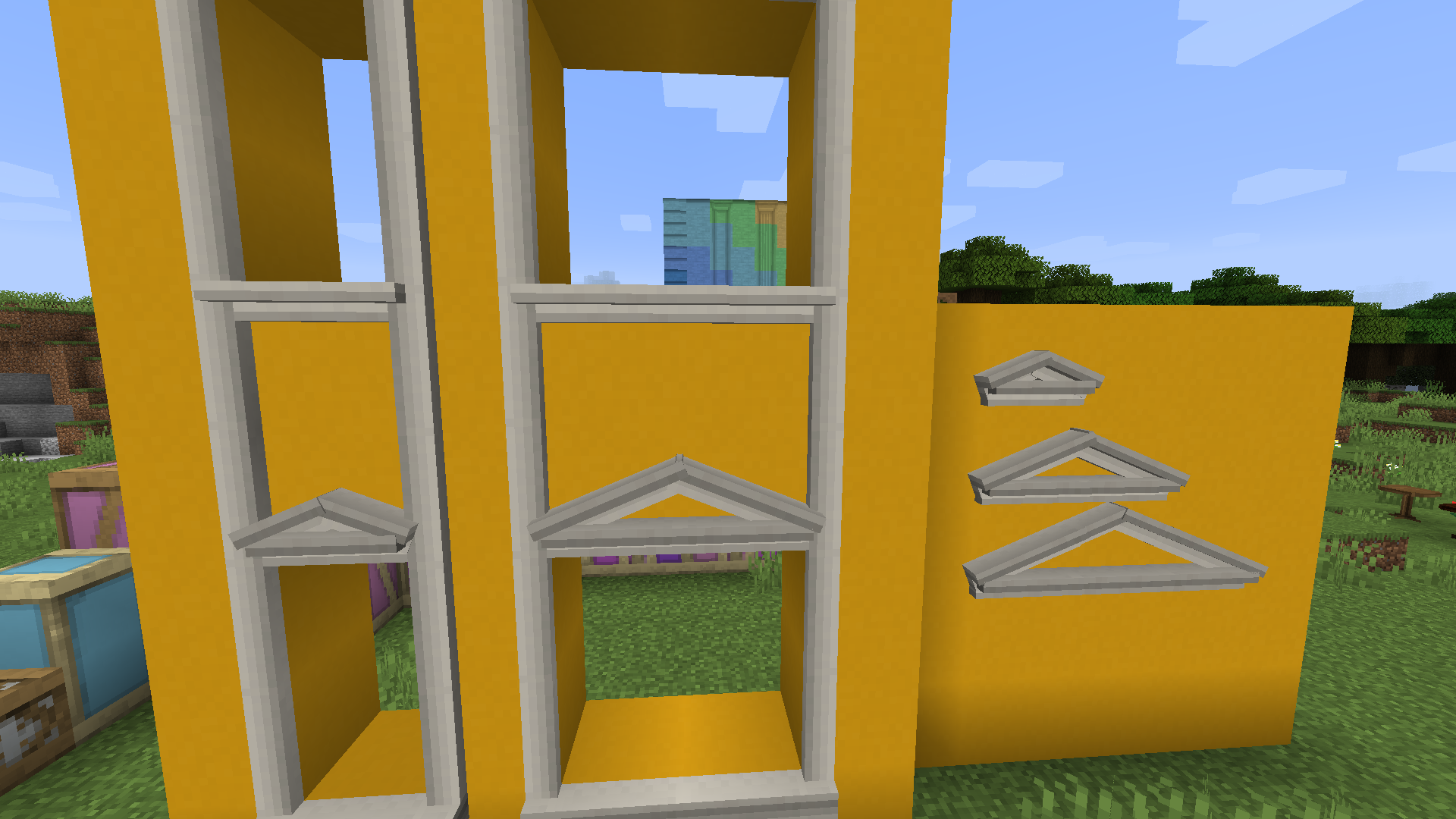
They can be used to replace the top and bottom parts of window frame, or can be used separately above or below windows as you like

They can be used to replace the top and bottom parts of window frame, or can be used separately above or below windows as you like

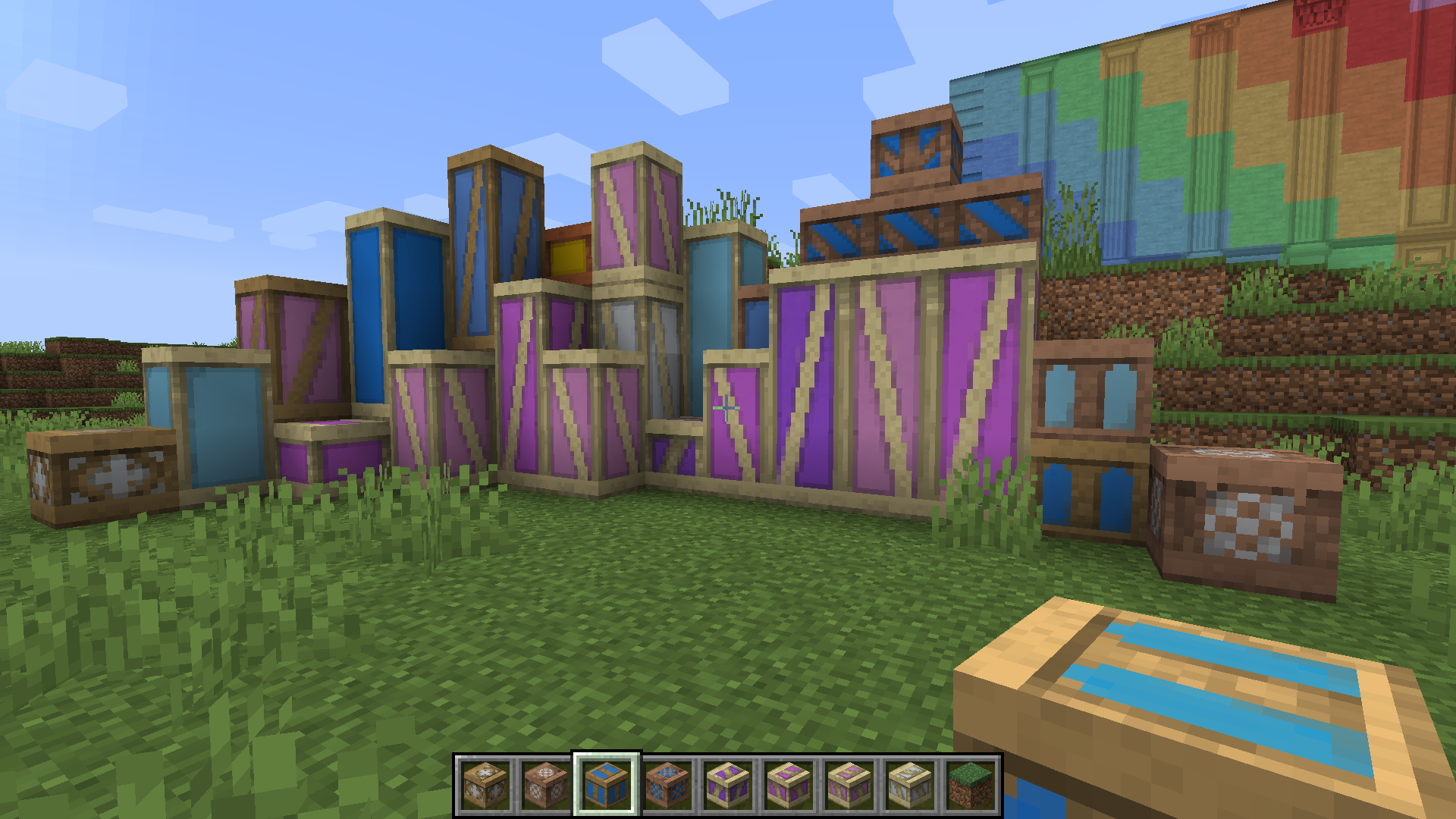
The image here shows only a few examples. half-timber really has a looooot of variants since it can have different wood types, colors and patterns

The image here shows only a few examples. half-timber really has a looooot of variants since it can have different wood types, colors and patterns

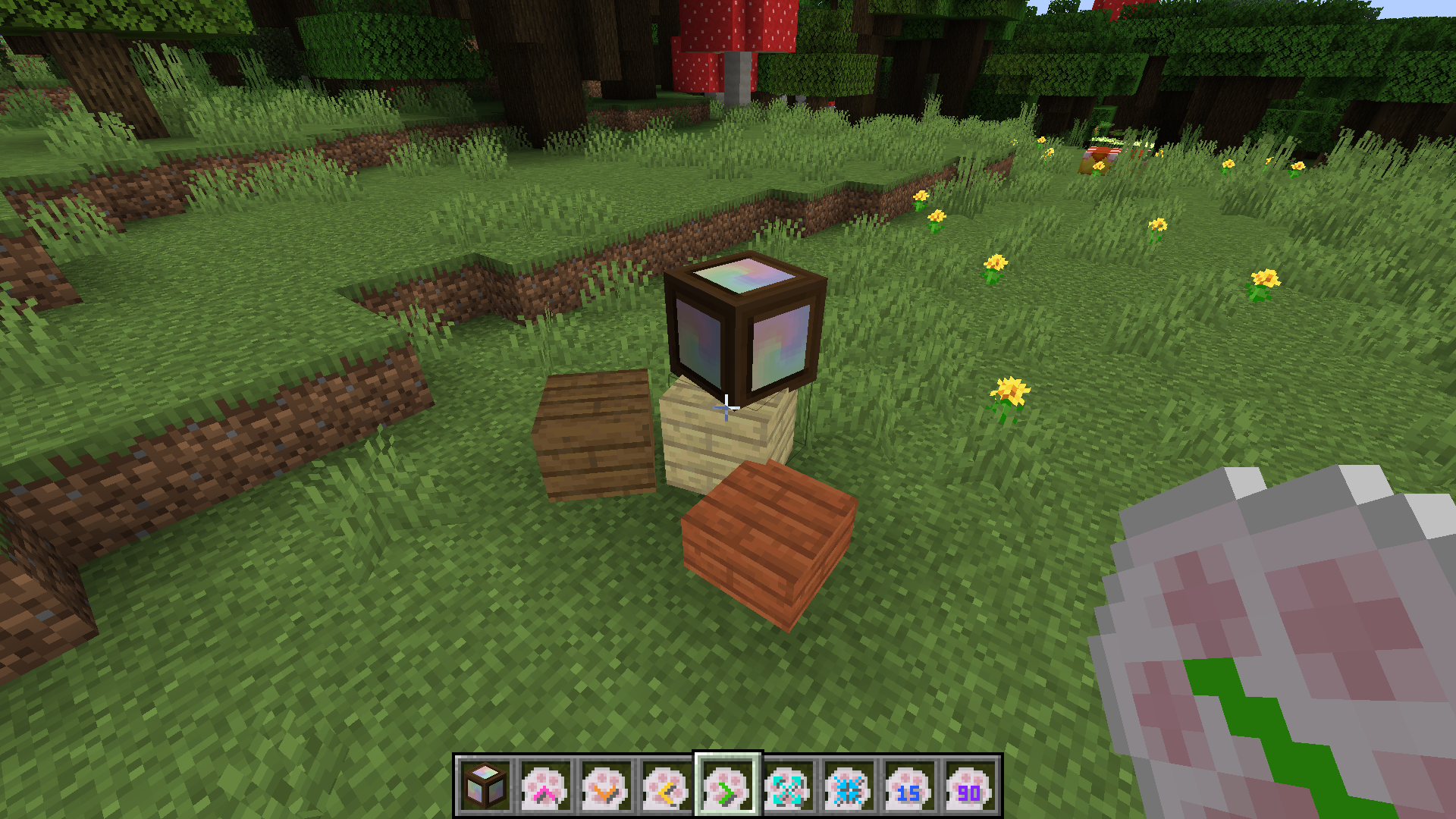
They can be turned into other blocks by a right click with other blocks in your hand. And their rotation and position are adjustable using corresponding tools

They can be turned into other blocks by a right click with other blocks in your hand. And their rotation and position are adjustable using corresponding tools

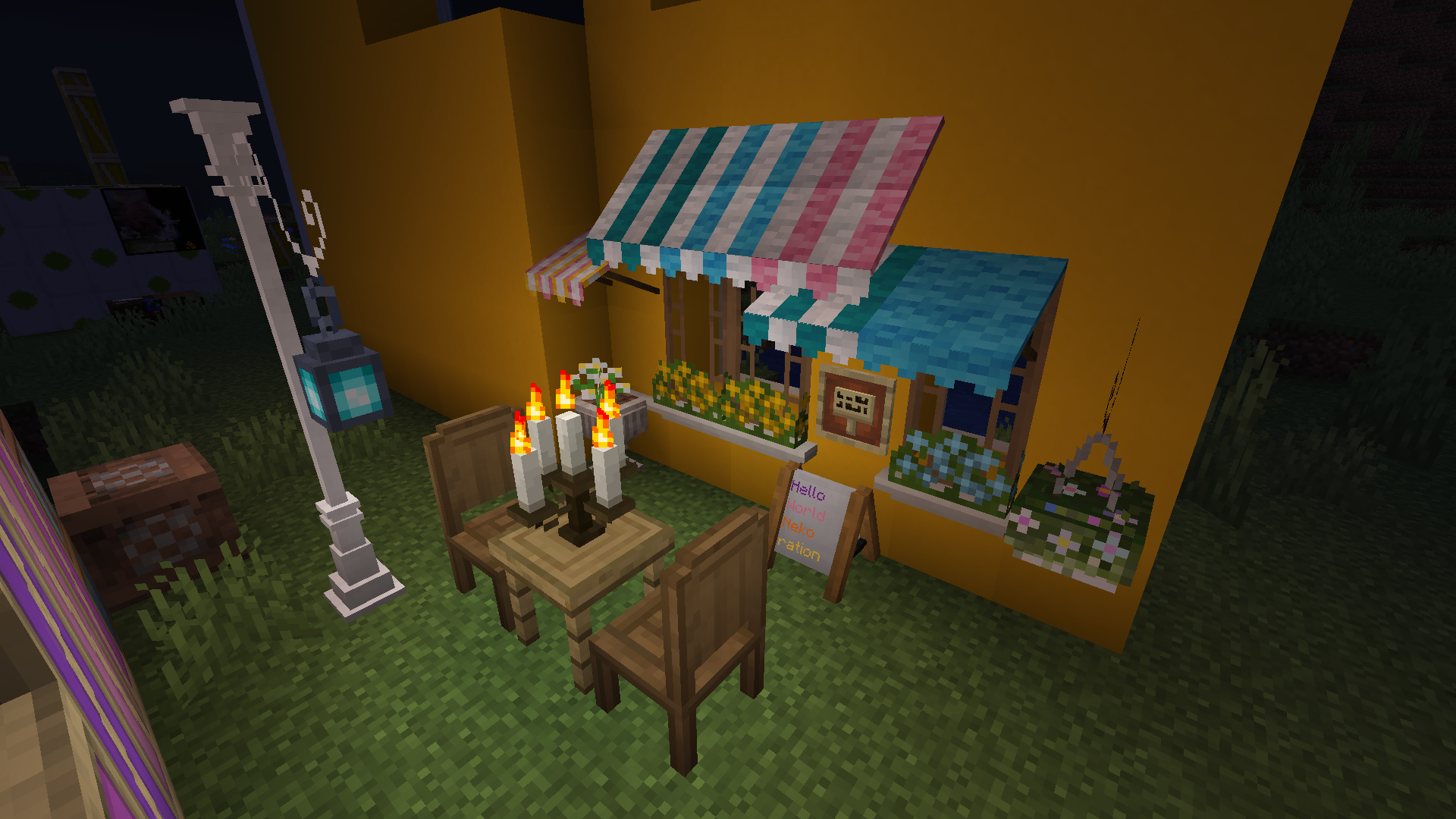
Other small decorations: flowering plants, candle holders, etc (you can light the candles with a torch or lantern, and use their 'soul' variants if you want the flame to be blue)

Other small decorations: flowering plants, candle holders, etc (you can light the candles with a torch or lantern, and use their 'soul' variants if you want the flame to be blue)

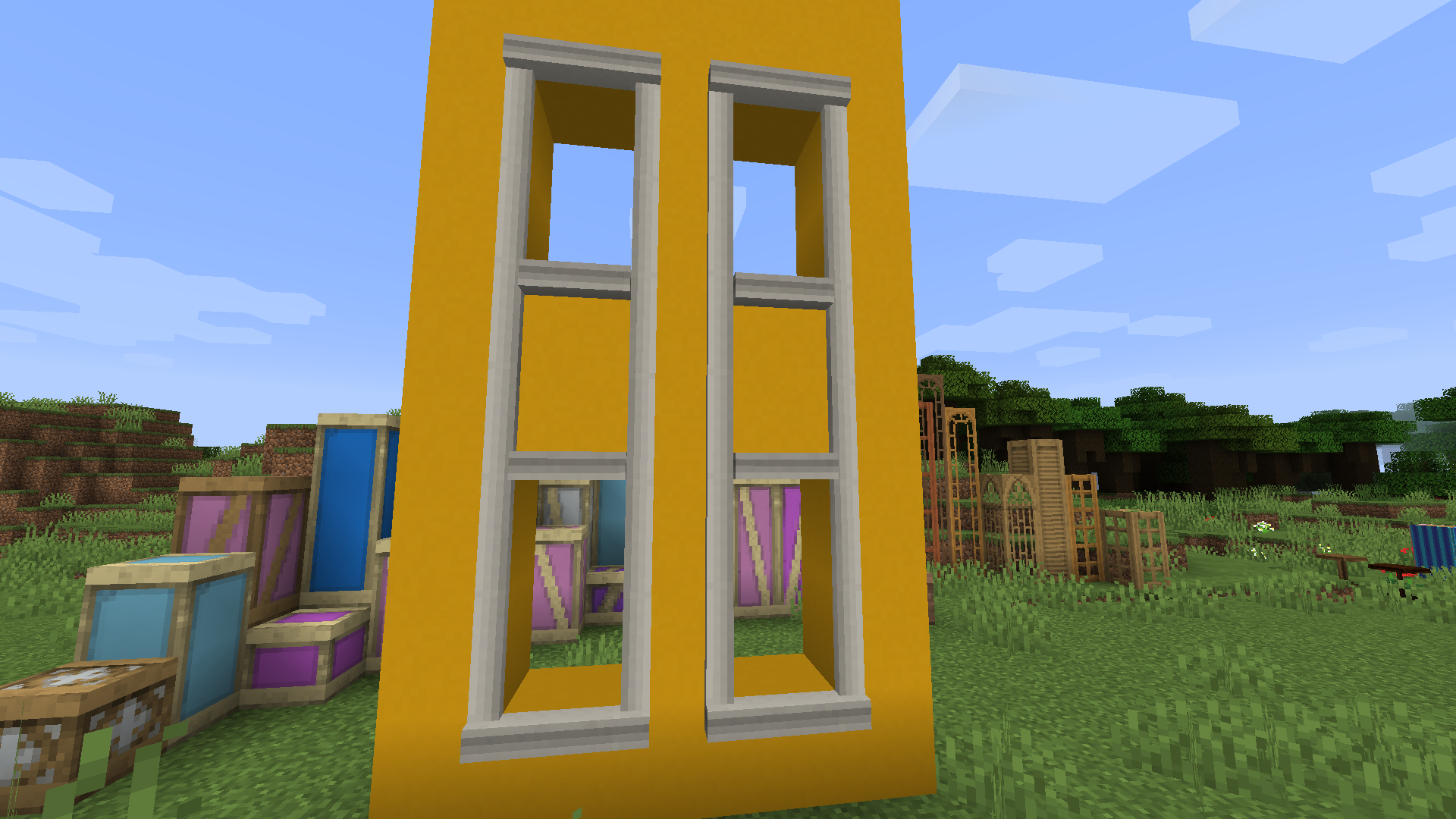
You can make a frame around a window to make it look nicer

You can make a frame around a window to make it look nicer

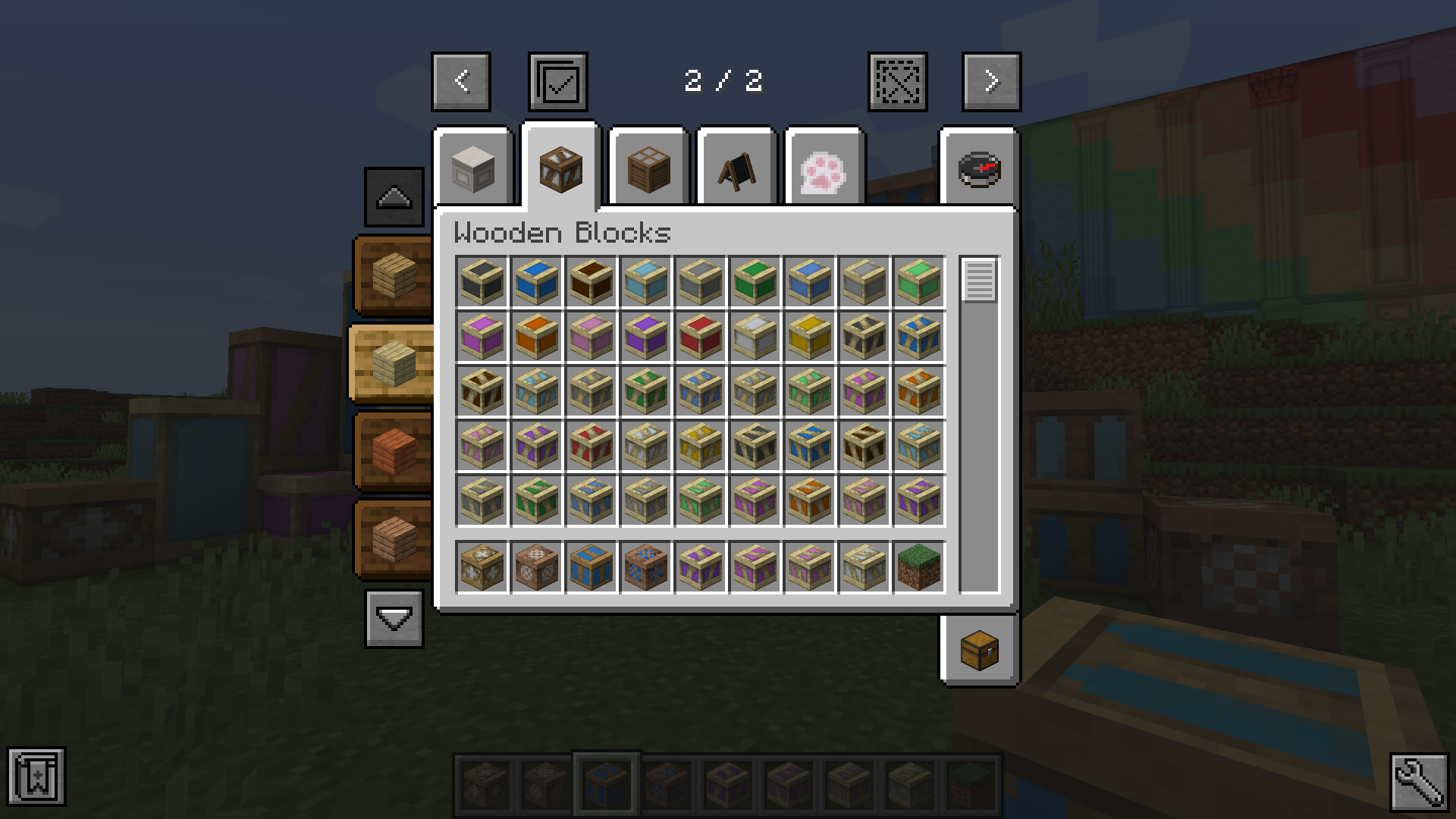
The selector that will show up in 'Wooden Blocks' tab in Creative Inventory, helping you select block by wood types (Just ignore those 2 JEI buttons at the bottom XP)

The selector that will show up in 'Wooden Blocks' tab in Creative Inventory, helping you select block by wood types (Just ignore those 2 JEI buttons at the bottom XP)

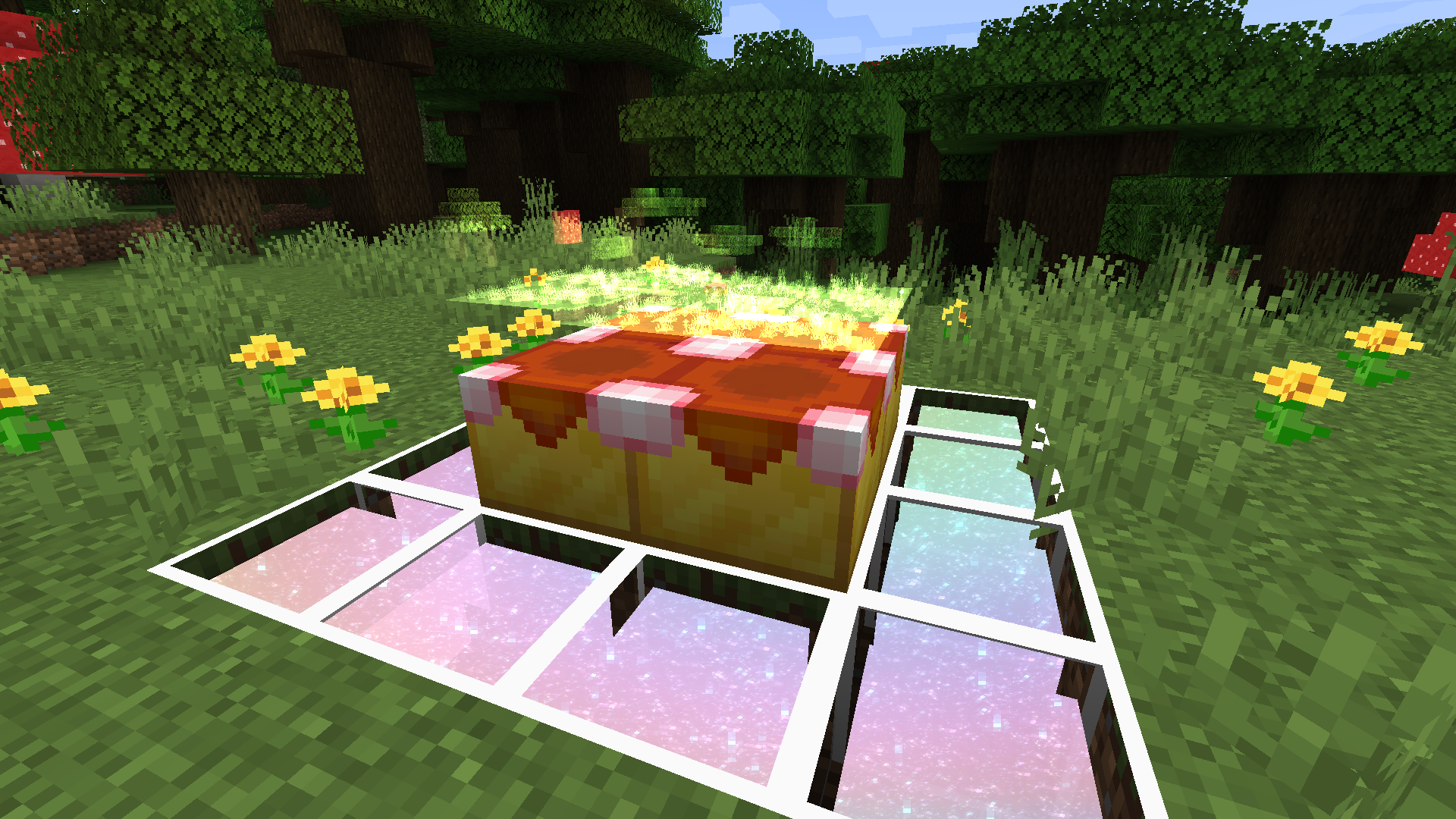
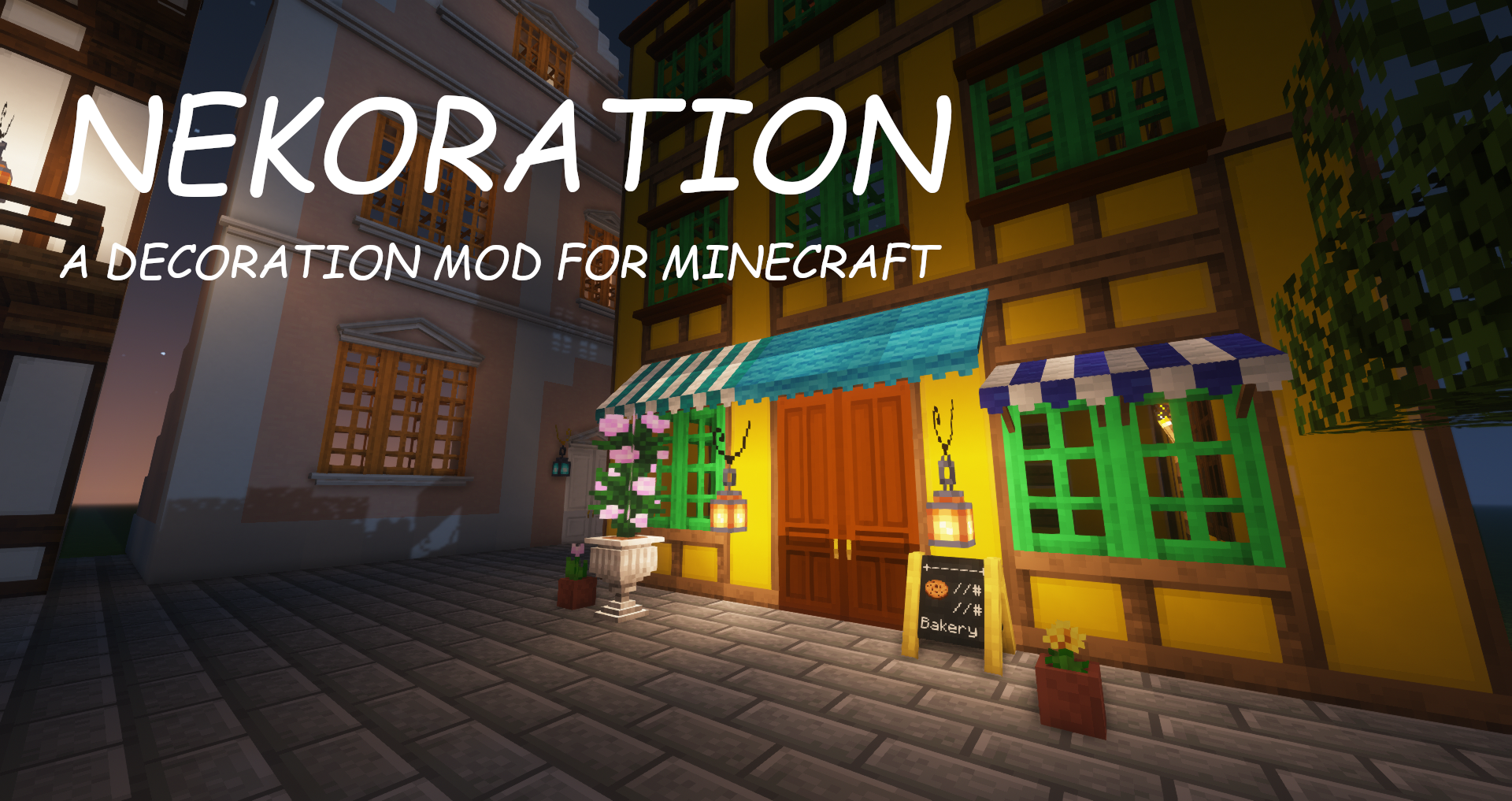
A poster for Nekoration (screenshot taken with the mod's first release)

A poster for Nekoration (screenshot taken with the mod's first release)

Description

Poster

Nekoration icon

A Decoration Mod for Minecraft

Important! This mod is still WIP.  Though it has been tested on my server and turned out to be stable, It's still the best to backup your saves/worlds before entering them with this mod, in case it breaks down.

Introduction
Nekoration is a Forge mod for Minecraft which adds lots of decorational stuff to the game, allowing players to have a wider choice when building & creating.

About Its Name
The name 'Nekoration' is a compound of 'cat' in Japanese(ねこ, neko) and 'decoration', suggesting that the mod is both ornamental and cats-friendly...  ^._.^= ∫

Features
Dyeing
Most of Nekoration's blocks are dyeable using vanilla dyes, so that you can turn almost everything in this mod to your favorite tint!
Auto-Connecting Model (without Texture-connecting mods)
Many blocks in Nekoration supports model auto connecting, to name a few, Half-Timber Pillars and Lamp Posts. When being placed by players, they'll automatically adapt to connect to adjacent blocks.
Painting
Painting is a feature with which you can draw your OWN paintings! You can pick colors with a palette item, and enjoy creating your art work on a custom painting! (Click the button below to view tutorial)

How to use paintings in Nekoration

Step 1. Get a Palette and a Blank Painting

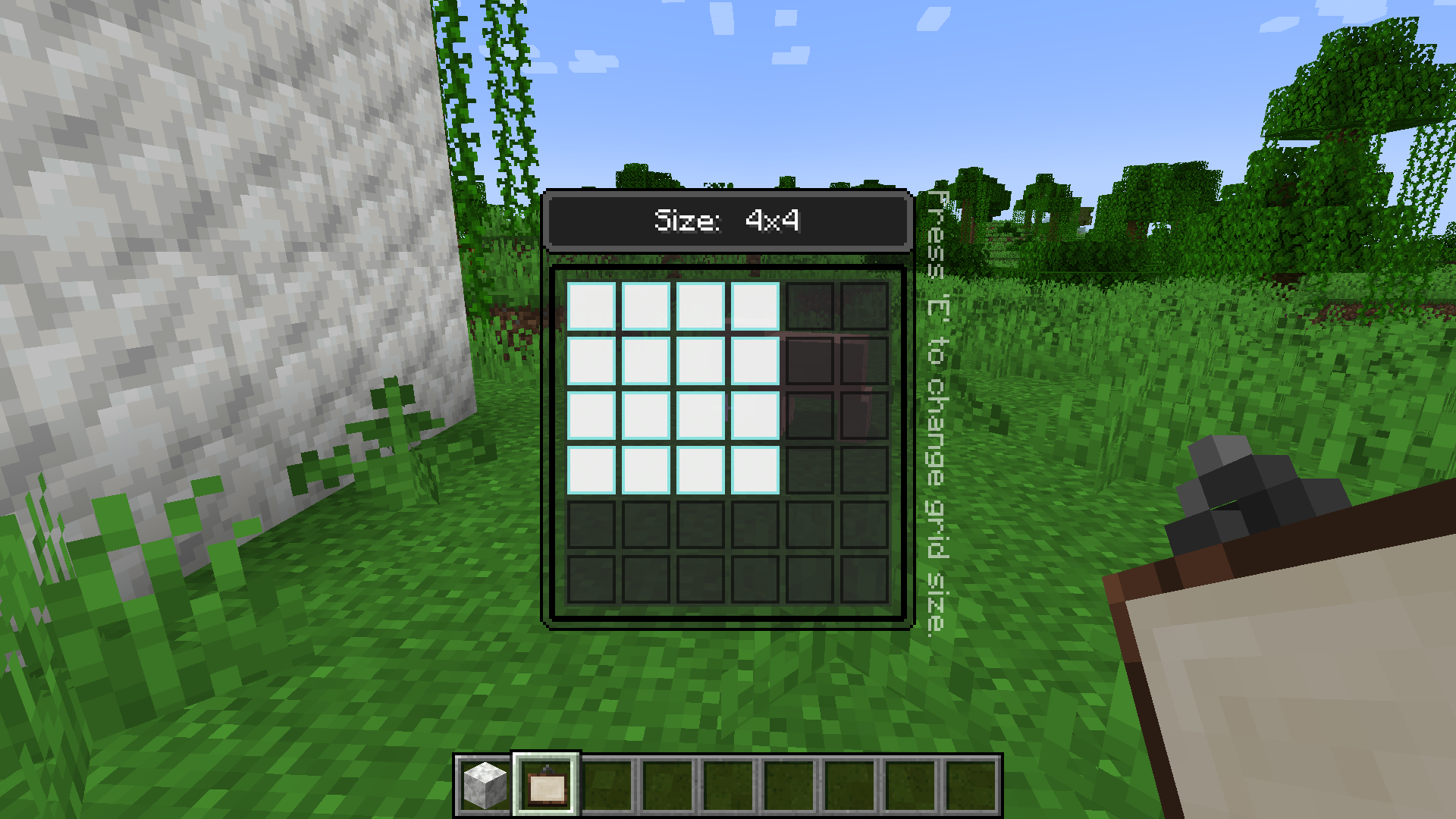
They can either be found in the Creative Inventory, or be crafted in Survival Mode. With a palette, you can pick up to 6 colors at a time and use them when creating your painting. The size of blank painting items can be changed through a right click in the air.
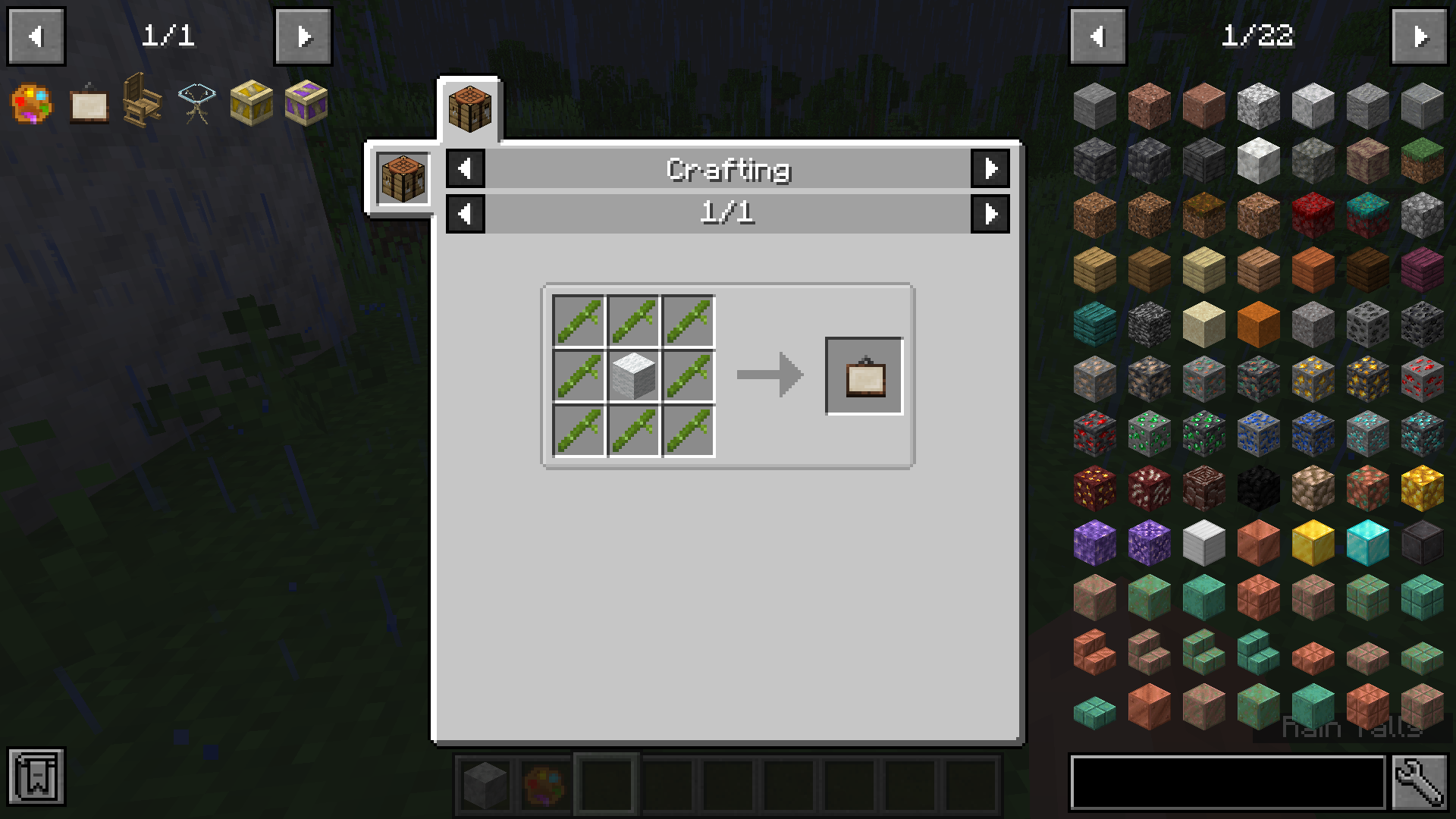
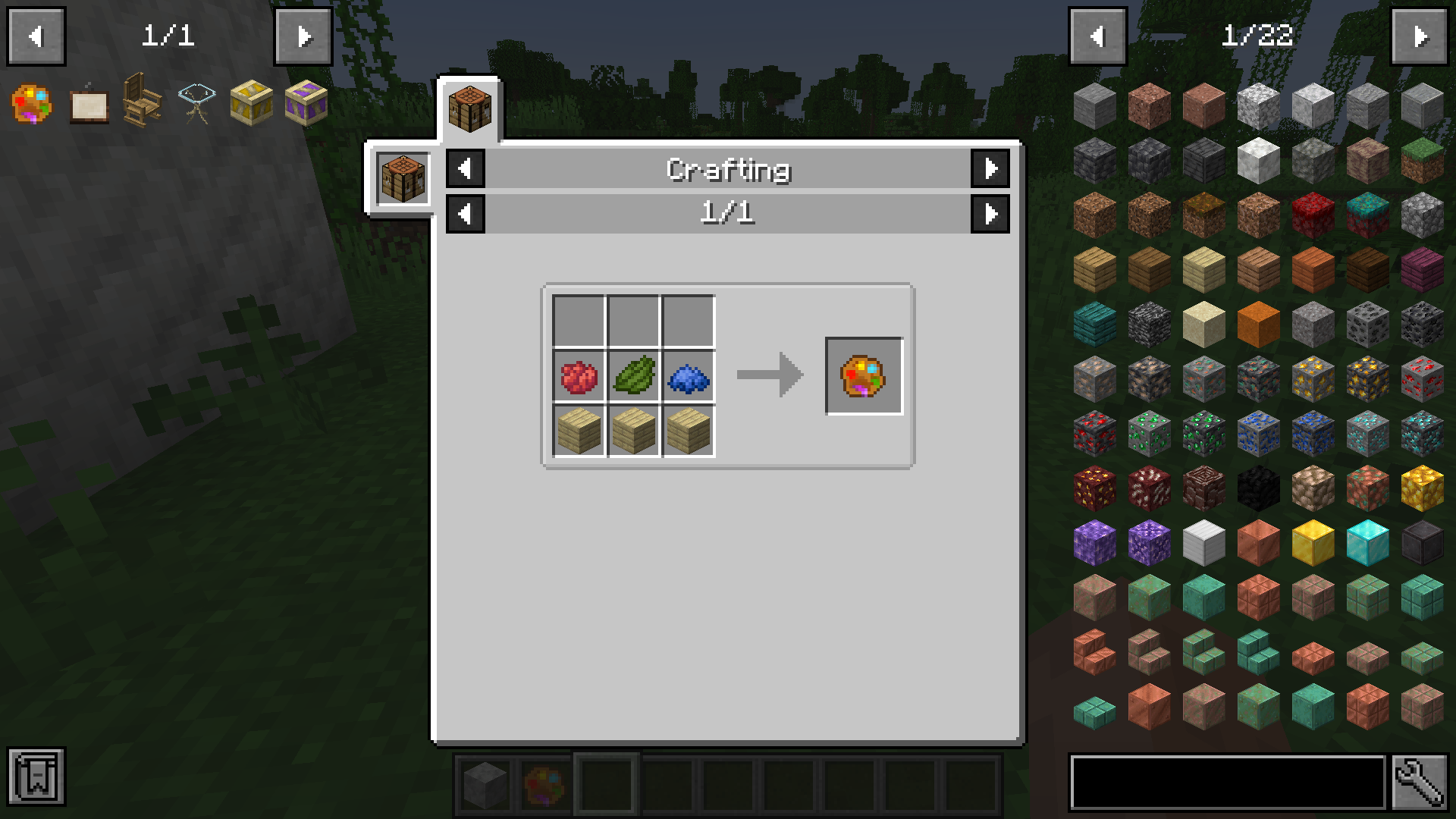
Painting Recipe Palette Recipe Painting Size Palette Color

Step 2. Start to paint!

Then, you can place your blank painting on a wall, and the size of this painting is fixed at this time and cannot be changed anymore. Simply right click on it with a palette in your hand, and you can start painting!

Step 3. Saving/Loading paintings

You can input a path in the textfield at the top of the GUI, specifying the image file you want to save to/load from. The root directory of local paths is .minecraft/nekopaint, and these paths should contain the extension name(.jpg or .png). For png images it's still OK to omit the extension name, which means you can simply use "foo" to refer to "foo.png", but for jpg images a full name is required.

  • Save Painting: Save the whole painting to an image file, canvas included.
  • Save Painting Content: Save only the painting content to an image file without the canvas. This function can be especially useful when you want to move painting content from one painting to another.
  • Load Local Image Files: Load an image file under .minecraft/nekopaint onto the canvas. A few loading parameters are supported: Target Left Offset, Target Top Offset, Source Left Offset, Source Top Offset, Scale, Width Limit, and Height Limit, these parameters should be seperated with '>', following the file path. Not all parameters need to be specified, but they must be given in the above order.
  • Load Images From Web URLs: The editor can also load images from web URLs, and the above parameters still work in this case.
  • A Few Examples: Assuming that you have an image named foo.png under .minecraft\nekopaint folder, inputing foo.png > 0 > 0 > 0 > 0 > 0.5 will load the image at half size, and using foo.png > 10 > 20 > 50 > 60 > 1.0 > 10 > 20 will load the part of the image from (50, 60) to (60, 80) at position (10, 20) onto your canvas. For another example, you can use https://www.misaka-cloud.net/image/Meow.png > 0 > 0 > 0 > 0 > 0.5 to load that image from a remote server onto your canvas at half size. (That URL doesn't actually exist, just to explain how it works)
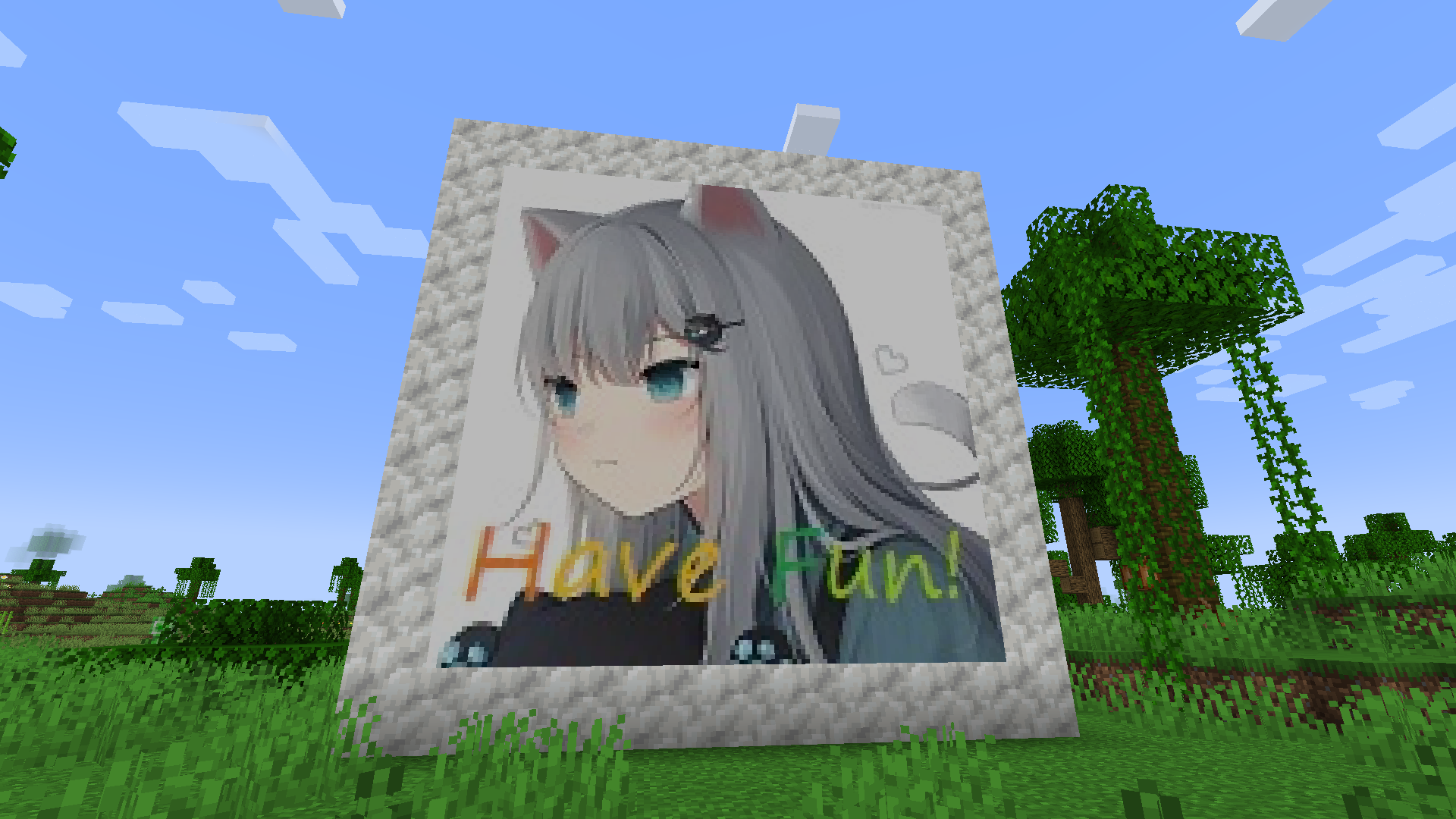
Painting HintsHave Fun!

Wallpaper
With Nekoration, you can turn any Banner into Wallpaper with exactly the same pattern, just the way you make Shields from Banners. Then you can place it on any wall surface(several pieces of wallpaper can fit into a 1x1x1 space, so don't worry about room corners).
Neko Brochure
Once you install the mod with Patchouli, you'll find a red brochure in 'Neko Tools' tab, which introduces all aspects of Nekoration, like recipes and mechanics. The book is still being written, and will be of more use as the mod updates.

Code Repository
This project is open-source at https://gitee.com/DevBobcorn/nekoration, where you can view the code or contribute to the mod.
The first release for Minecraft 1.19.2 is now available!
Nekoration is currently available for Minecraft 1.16.5, 1.17.1, 1.18.2 and 1.19.2~  Enjoy the update in your brand-new Minecraft!   : )

Your feedback and suggestions are welcome!

The Nekoration Team

profile avatar
  • 32
    Followers
  • 3
    Projects
  • 685.8K
    Downloads

More from DevBobcorn2