


Eymistaken's HUD
- By
- Mods
A highly customizable PvP HUD featuring a Drag & Drop Layout Designer, CPS, Keystrokes, Reach, Armor HUD and Combo display.
File Details
Eymistaken's HUD 1.0.9-7
- R
- Mar 8, 2026
- 250.77 KB
- 103
- 1.21.11+5
- Fabric
File Name
eymistakens-hud-1.0.9-7.jar
Supported Versions
- 1.21.11
- 1.21.10
- 1.21.9
- 1.21.8
- 1.21.7
- 1.21.6
Curse Maven Snippet
Changelog
[1.0.9-7]
Added
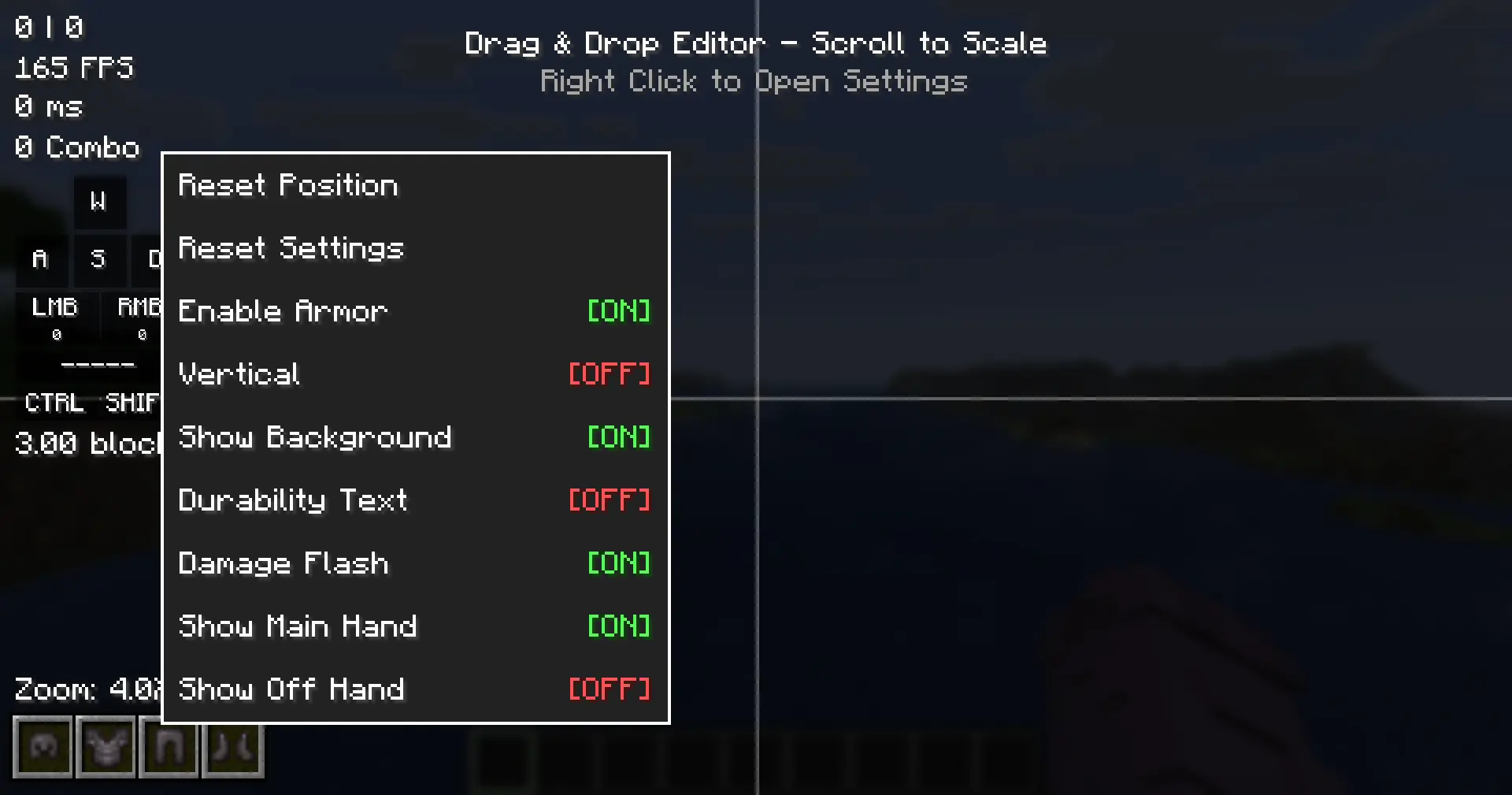
- HUD Editor Context Menu: Right-clicking a module in the HUD Editor now opens a context menu with quick settings, replacing the previous behavior of immediately resetting the module position.
- HudModuleSetting API: New API infrastructure for declaring per-module context menu settings. Supports five setting types:
ColorSetting,BooleanSetting,TextSetting,ActionSetting, andCycleSetting. - Context menu settings for all modules: CPS, FPS, Ping, Combo, Reach, Armor HUD, and Keystrokes modules now declare their most important settings via
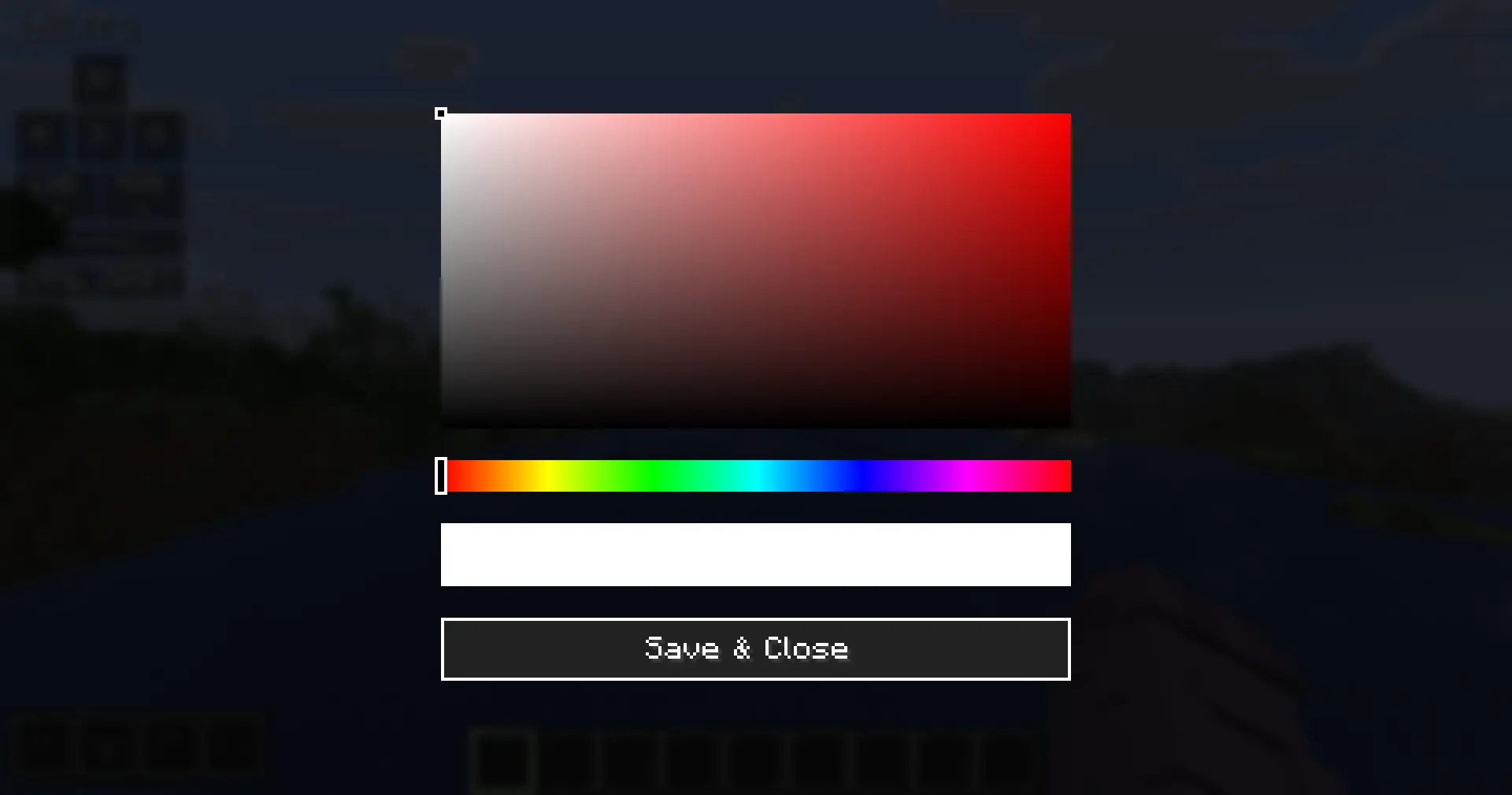
getContextMenuSettings(). - ColorSetting integration: Clicking a color setting in the context menu opens the inline
ColorPickerScreendirectly. - TextSetting integration: Clicking a text setting opens an inline input field at the bottom of the HUD Editor screen.
- Reset Settings action: All modules now have a "Reset Settings" button in their context menu that resets all visual and behavioral config fields to their defaults, without touching position, offsets, or scale.
- Reset Position action: All modules have a "Reset Position" button that resets position, offsets, and scale only.
- Always Show setting: Combo and Reach modules now expose an "Always Show" toggle in their context menus, controlling visibility when inactive.
- Open Designer shortcut: Keystrokes module context menu now includes an "Open Designer" action for direct access to the Keystrokes Designer screen.
- Armor HUD context menu settings: Show Armor, Vertical, Show Background, Durability Text, Damage Flash, Show Main Hand, Show Off Hand.
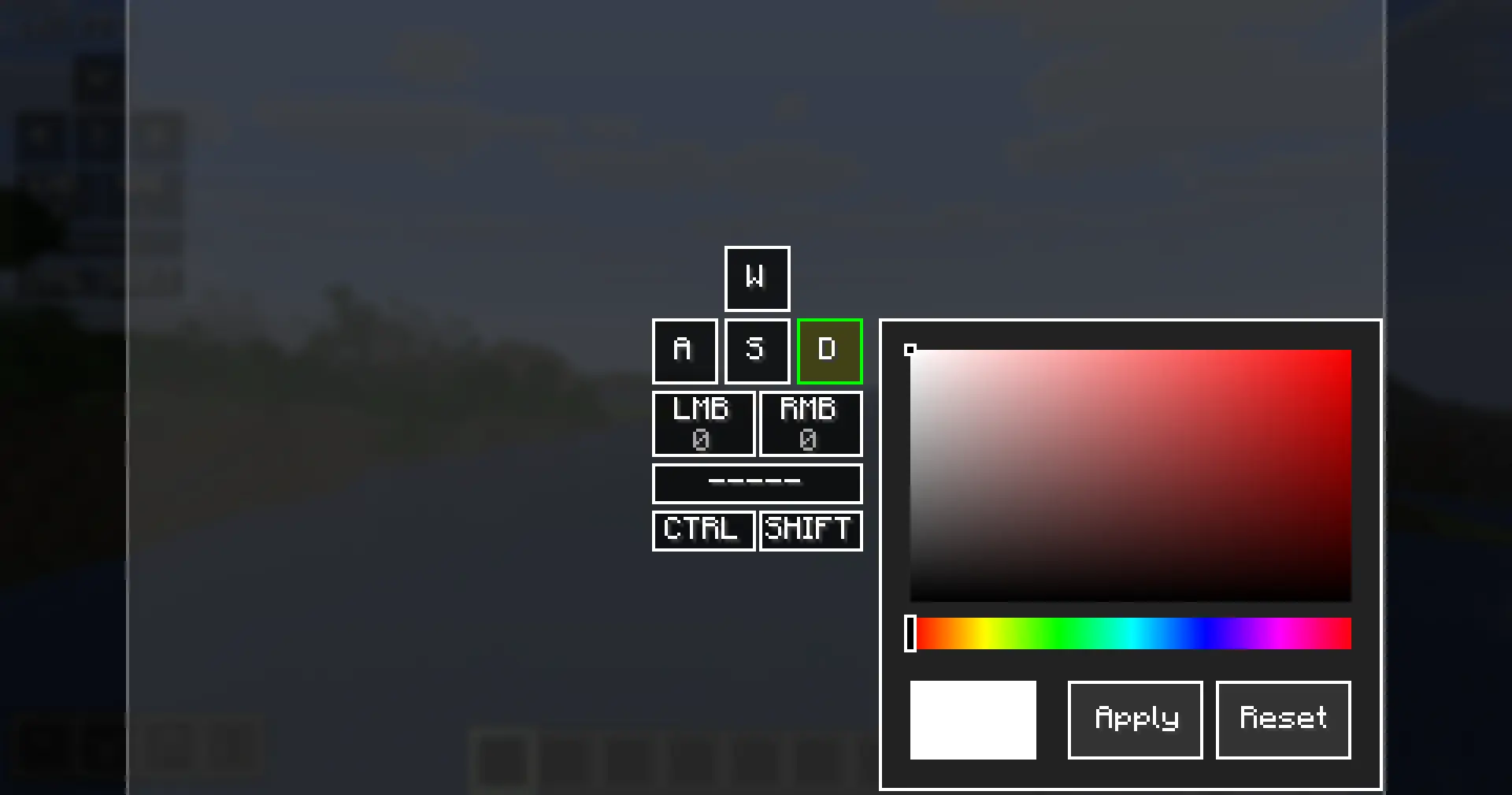
- Inline color picker reset button: The inline color picker in the Keystrokes Designer now includes a "Reset" button that clears the per-key color override back to the global color.
Changed
- Reset Settings behavior: No longer changes the enabled/disabled state of a module. Scale is now included in the reset alongside other visual defaults.
- Context menu label standardization: All module enable/disable toggles now follow the "Enable [ModuleName]" naming convention (e.g., "Enable CPS", "Enable Combo").
- Keystrokes context menu: Removed the "Reset Settings" button from the Keystrokes module context menu, as layout reset is already handled by the "Reset Layout" button inside the Keystrokes Designer.
API
For full API documentation and usage examples, see the API Guide.
HudModuleSettingabstract class added tocom.eymistaken.simplecps.api.ColorSetting,BooleanSetting,TextSetting,ActionSetting,CycleSettingconcrete setting classes added tocom.eymistaken.simplecps.api.HudModule.getContextMenuSettings()now returns a default list containing "Reset Settings" and "Reset Position" actions. External modules can override this method to declare their own settings.HudModule.resetVisualDefaults()added as an overridable method for resetting non-layout config fields.