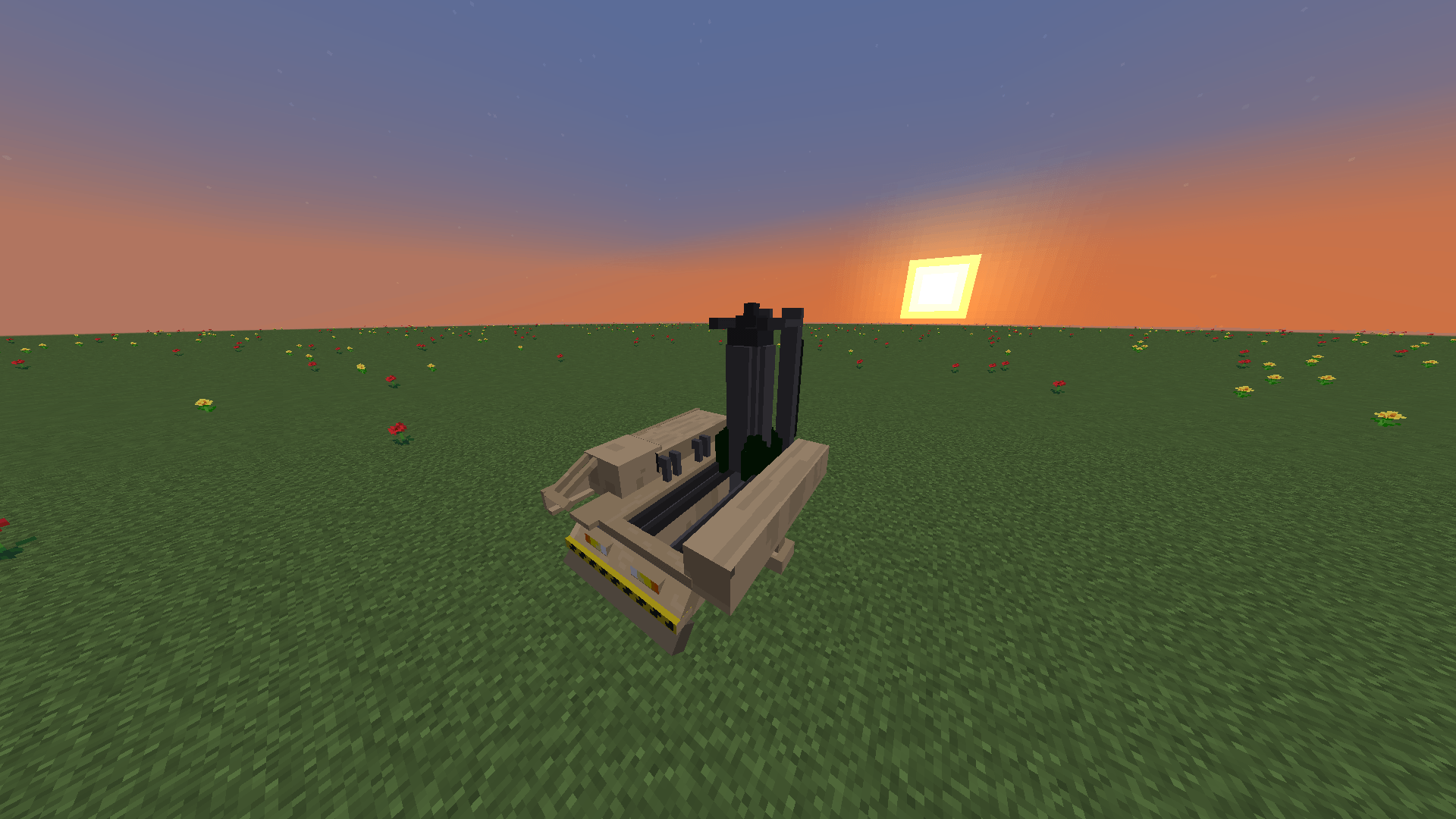
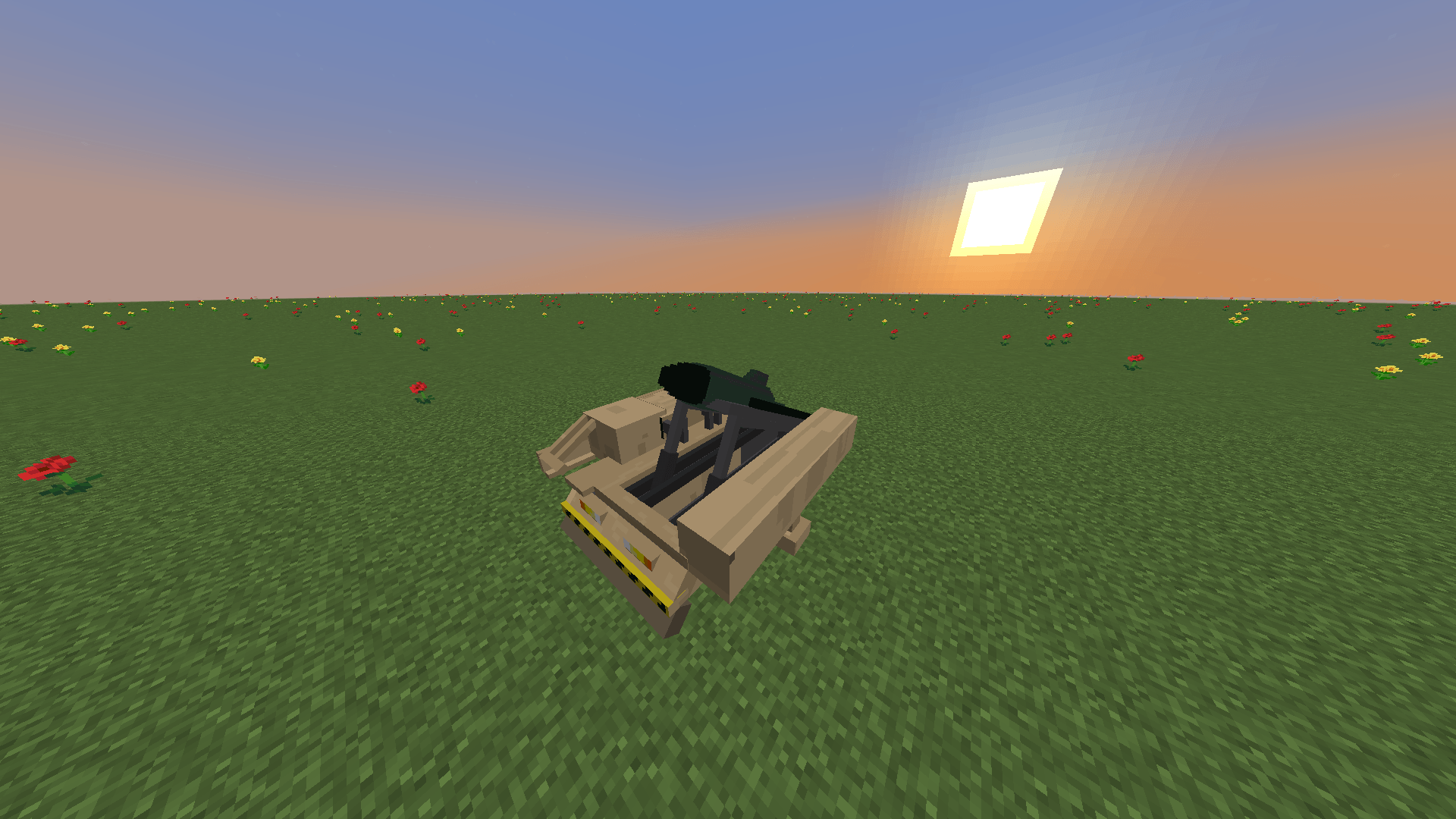
🚀 Ballistic Missile Mod
Ballistic Missile Mod adds long-range ballistic weapons to Minecraft Forge, replacing standard TNT mechanics with physics-driven projectile entities, dedicated animated launch platforms, and coordinate-based targeting.
Features
Missiles & Defense
Missiles are loaded directly into 3D launch platforms and transition into smooth, physics-based entities upon ignition:
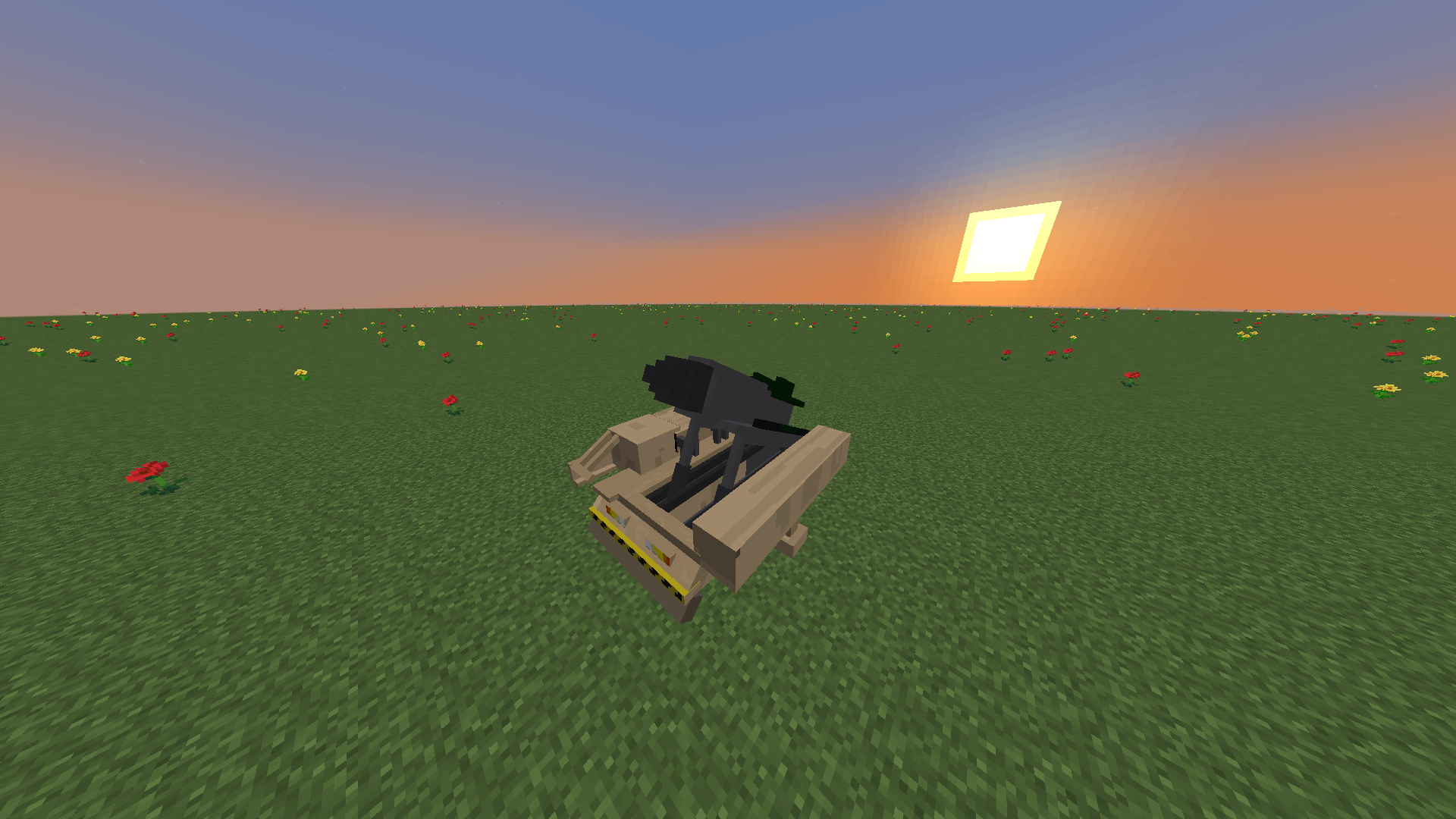
- Standard Missile: Tactical ballistic missile for medium-range engagements. Launches directly from the inclined rails.
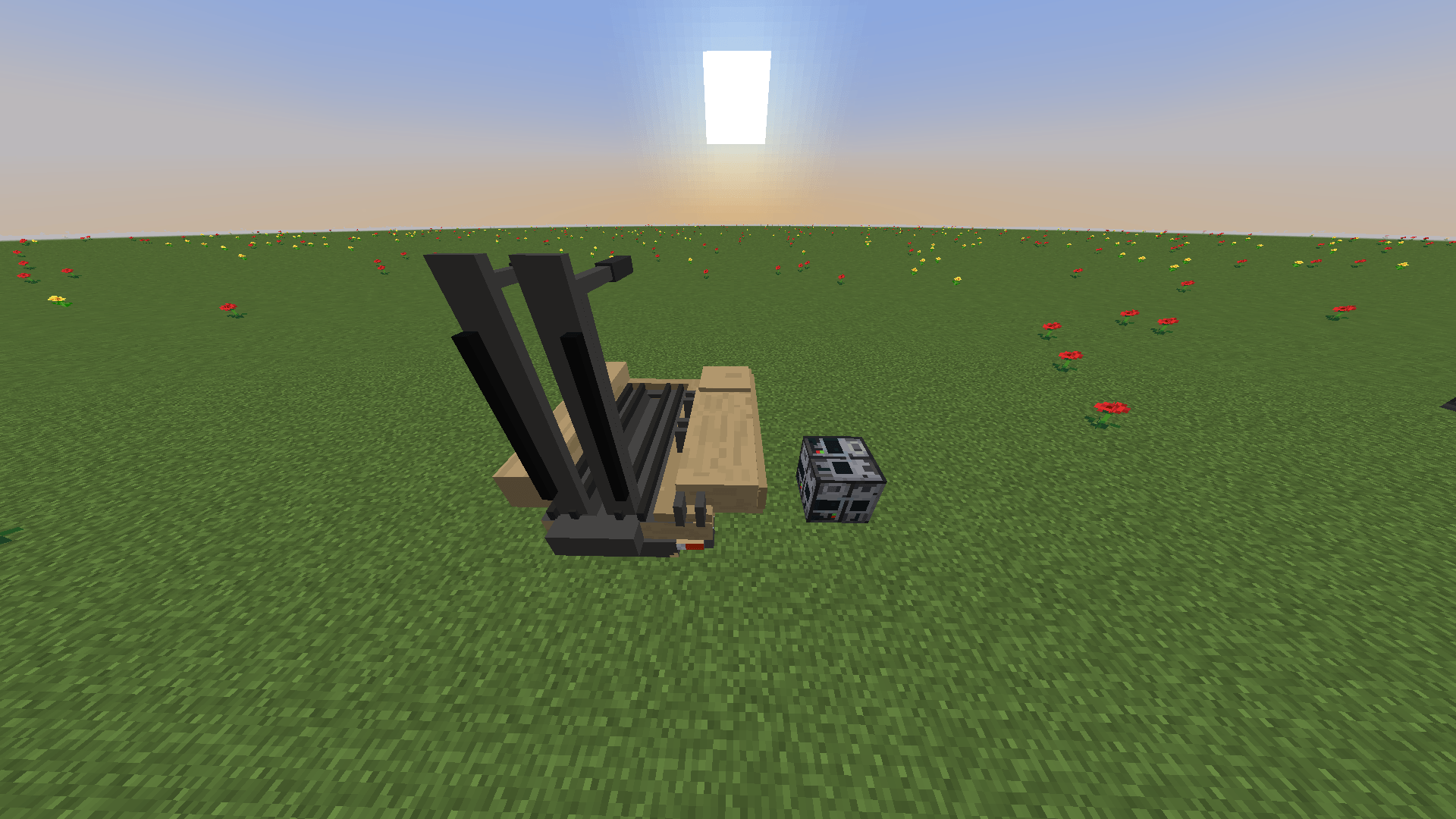
- Heavy Missile: High-yield strategic projectile. Requires the launcher to be raised vertically before firing. Climbs to high altitudes before entering a steep terminal descent. Features custom explosion physics, blinding flashes, and thermal burns that scorch the earth.
- Interceptor Missile: Fast, automated counter-measure fired from Anti-Air systems to shoot down incoming threats, leaving realistic smoke trails in the sky.
Launch Infrastructure
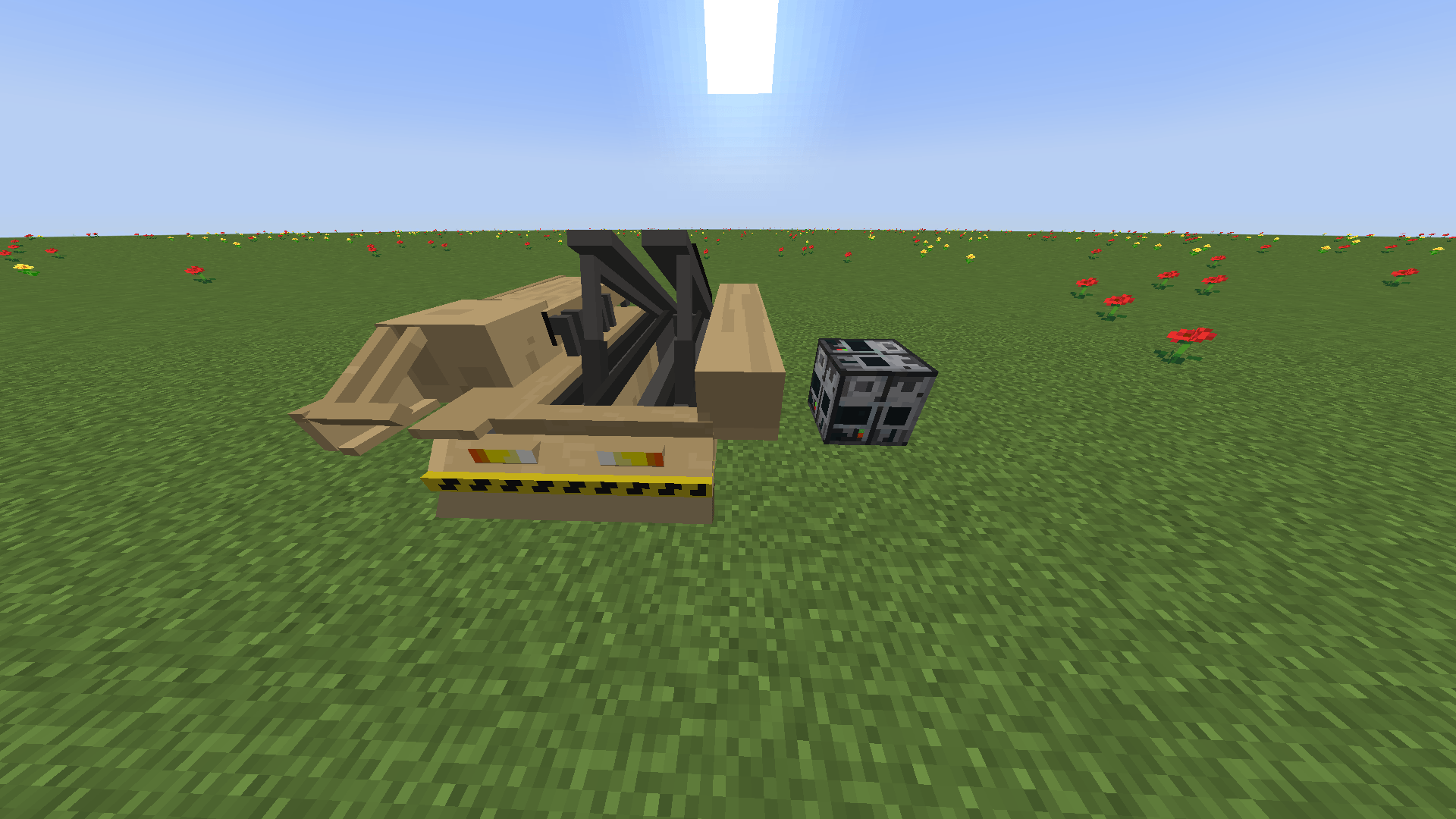
- Launch Pad: An animated 3D structure required to mount and ignite missiles.
- Coordinate Terminal: Control block featuring an interactive interface to configure target coordinates.
- Anti-Air System: An automated defensive system that launches interceptors at incoming targets. Highly effective at shooting down Standard Missiles, but struggles against the extreme armor and descent speeds of Heavy Missiles.
Targeting Modes
- Coordinate Input: Set explicit X and Z world coordinates inside the Coordinate Terminal interface for blind long-range strikes.
- Remote Control: Portable device to designate target blocks directly via line-of-sight.
Usage Guide
- Place the Launch Pad on a flat surface.
- Place the Coordinate Terminal adjacent to the pad (within a 5-block radius).
- Right-click the terminal, enter the desired target X and Z coordinates, and press Save Target.
- Right-click the Launch Pad holding a Standard or Heavy Missile to load it into the rails.
- (Heavy Missile Only): Right-click the loaded Launch Pad with an empty hand to raise the launcher into a vertical firing position.
- Place a button, lever, or redstone dust directly on the Coordinate Terminal and activate it to trigger the launch sequence! (Note: To defend your base, simply place the Anti-Air System nearby to automatically intercept incoming fire).
Planned Features
- Automated anti-air interception systems (CIWS/SAM).
- Extended guidance options.
- Sound overhaul and launch sirens.
Requirements
- Minecraft: 1.20.1
- Loader: Forge
- Dependencies: GeckoLib (Required for 3D animations and rendering)