



Quartz UI
- 19.3K
- Resource Packs
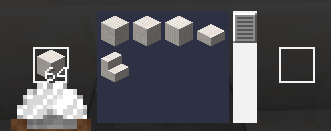
A minimalist, white and clear GUI overhaul in 16x — clean and bright, while staying true to vanilla Minecraft's original look and feel.
- 19.3K
- September 27, 2026
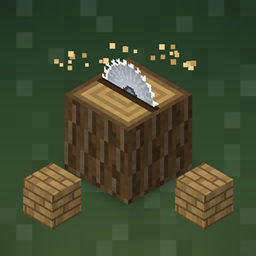
Woodcutter
- 4.0K
- Customization
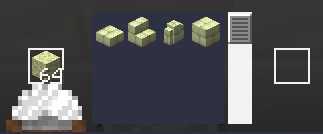
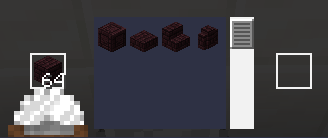
Datapack • Turn the stonecutter into a woodcutting station: convert logs, planks, stairs, slabs and boats for every vanilla and Nether wood type.
- 4.0K
- September 27, 2026
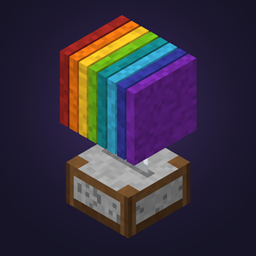
Woolcutter
- 753
- Data Packs
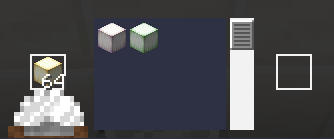
Recolor wool, banners, beds and carpets in the stonecutter — no dye needed
- 753
- September 27, 2026

Amethyst Reforge
Datapack - Bidirectional gear progression: reforge tools and armor between tiers at the smithing table, then smelt broken or unwanted equipment back into raw materials.
- 935
- September 27, 2026
Quartz UI
- 19.3K
- Resource Packs
A minimalist, white and clear GUI overhaul in 16x — clean and bright, while staying true to vanilla Minecraft's original look and feel.
- 19.3K
- September 27, 2026
Woodcutter
- 4.0K
- Customization
Datapack • Turn the stonecutter into a woodcutting station: convert logs, planks, stairs, slabs and boats for every vanilla and Nether wood type.
- 4.0K
- September 27, 2026
Woolcutter
- 753
- Data Packs
Recolor wool, banners, beds and carpets in the stonecutter — no dye needed
- 753
- September 27, 2026
Amethyst Reforge
Datapack - Bidirectional gear progression: reforge tools and armor between tiers at the smithing table, then smelt broken or unwanted equipment back into raw materials.
- 935
- September 27, 2026