Lazy_Legend Transparent Pack | Fire, Totem & Shield
- By
See-through fire, totem and shield for a clearer view in PvP and everyday play.
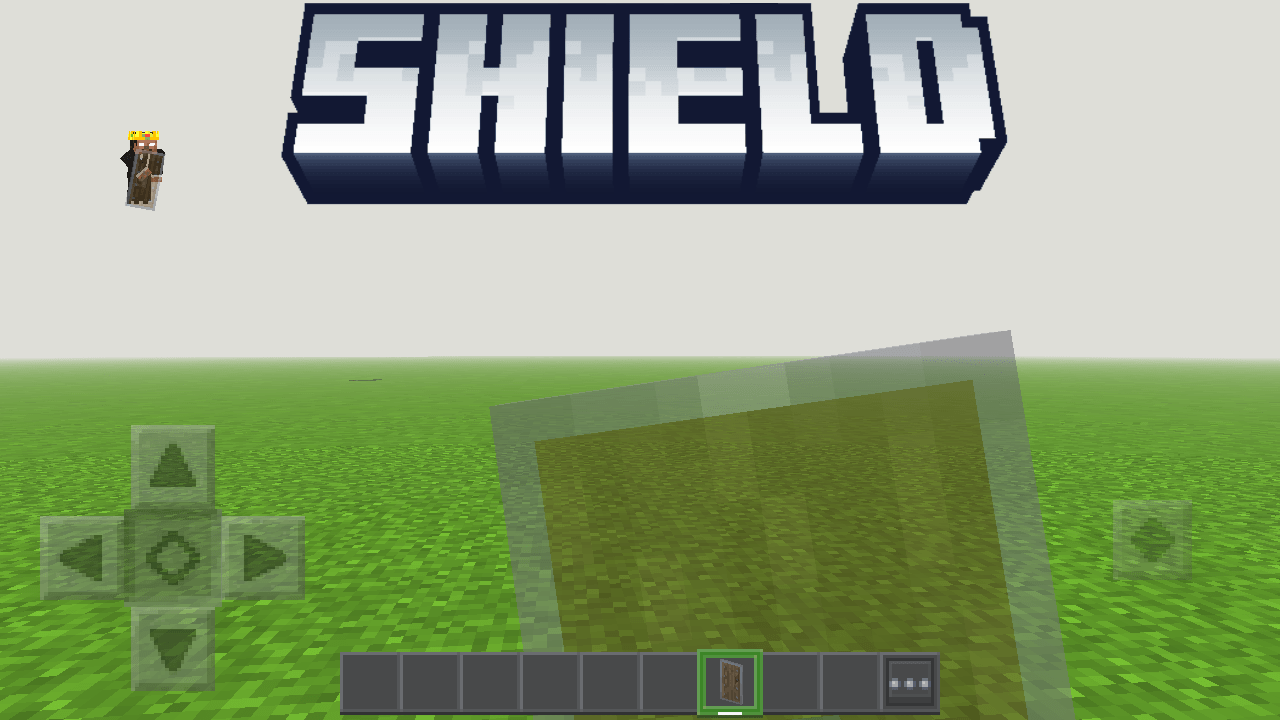
image (39).png
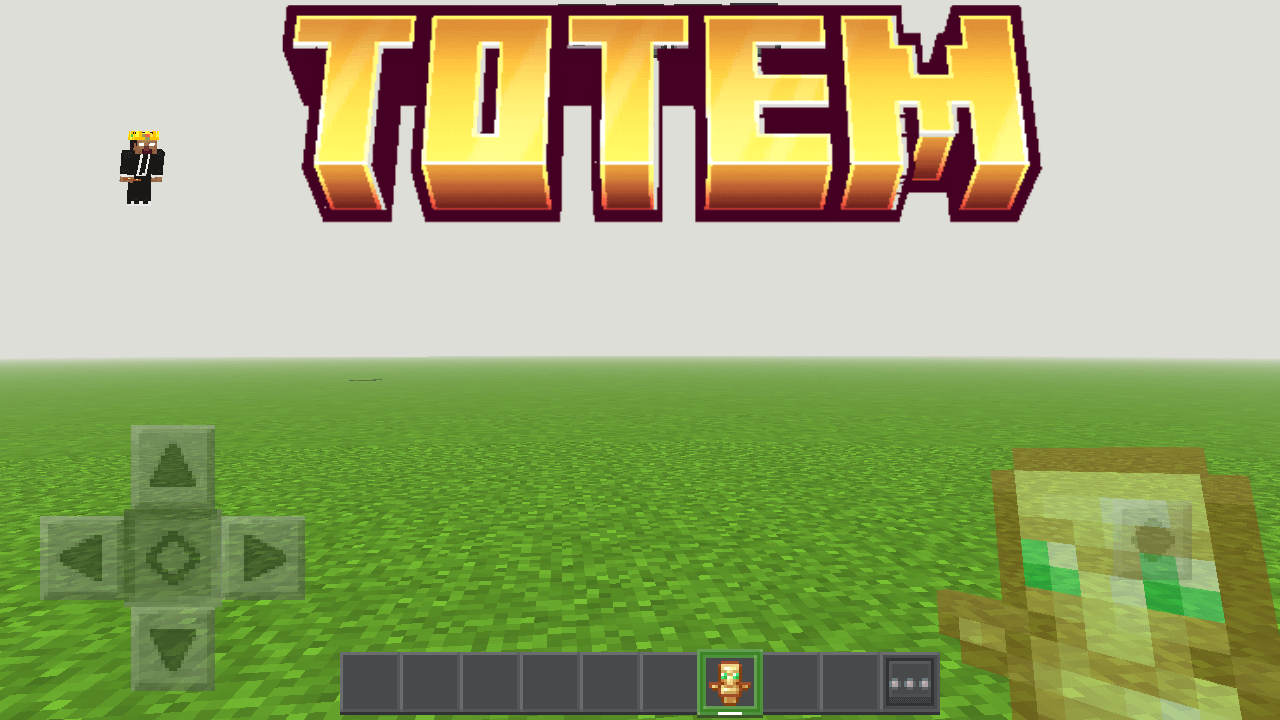
image (40).png
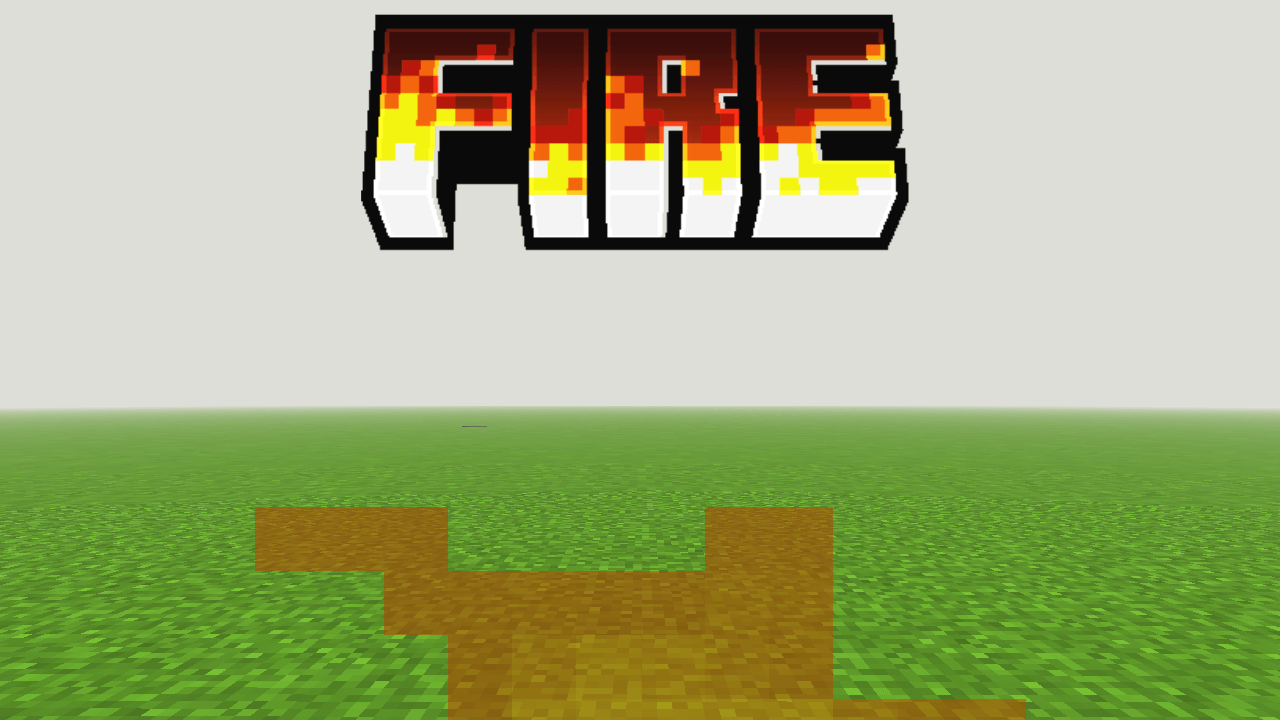
image (41).png
Description
Lazy_Legend Transparent Pack (Bedrock Edition)
Tired of the burning-fire overlay, the totem and the shield covering your screen? This lightweight pack makes all three see-through, so you can always see what's happening around you while keeping the original vanilla look.
FEATURES
- Transparent Fire (50% opacity): fire stays visible but no longer blocks your view when you are burning.
- Transparent Totem of Undying (50% opacity): the totem in your offhand is still easy to spot, but no longer covers the screen.
- Transparent Shield (50% opacity): see through your shield while blocking.
- Totem size is set to Normal.
- Clean pack icon with a solid/translucent split-line style.
- Very small file size, no FPS impact.
OPACITY LEVELS
- Fire: 50%
- Totem: 50%
- Shield: 50%

COMPATIBILITY
- Minecraft Bedrock Edition 1.20 and above
- Works on Windows, Android, iOS and consoles that support resource packs
HOW TO INSTALL
1. Download the .mcpack file and open it. Minecraft imports it automatically.
2. Go to Settings > Global Resources (or your world's Resource Packs).
3. Activate "Lazy_Legend Transparent Pack".
NOTES
- The totem and shield are transparent in your hand. Inventory icons are not changed.
- The totem looks best in first person. In third person, part of the model may look more solid.
- Works with the vanilla fire, totem and shield only (modded shields are not supported).
Lazy_Legend Transparent Pack | Fire, Totem & Shield Team

Owner