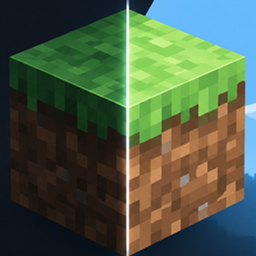
Custom Glint — Myloveee
Custom Enchantment Glint · 17 Variants
Custom Glint — Myloveee is a premium aesthetic resource pack for Minecraft Bedrock Edition designed to overhaul the enchantment shine on armor, swords, tools, and enchanted books.
Transform boring vanilla enchantment glints into clean, vibrant, and eye-catching visual effects. From subtle colors and elegant metallic shines to vivid neon effects, fiery tones, and unique visual styles, there is a look for every playstyle.
All 17 unique glint variants are included in one Resource Pack, allowing you to switch between styles without importing multiple packs.
⚡ IMPORTANT — REQUIRED CLIENT
Custom Glint REQUIRES either Ordeso Client or Flarial Client.
Make sure to enable the Custom Glint feature inside your selected client's module settings.
Without the required client and enabled feature, custom glint effects may not display correctly.
✨ Features
-
17 Unique Glint Variants: Choose from 17 distinctive colors and visual styles.
-
One-Pack Collection: All variants are included in a single Resource Pack.
-
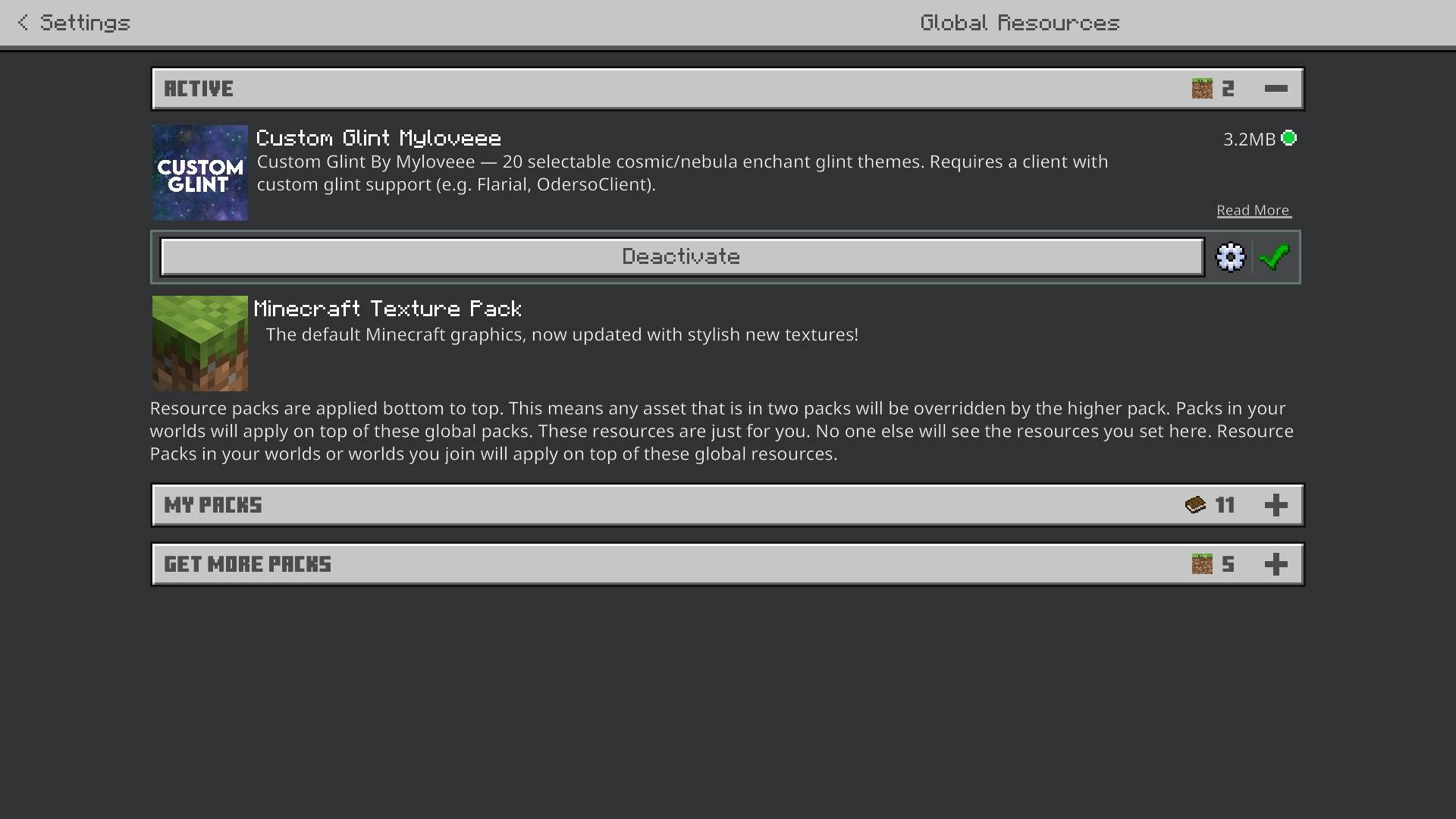
Easy In-Game Selection: Switch between styles using the pack's Gear Icon (⚙️) and Subpack selection slider.
-
Item & Armor Glint: Customizes enchantment glint textures for enchanted items and equipped armor.
-
Clean Visual Design: Distinctive enchantment shines while keeping gear details recognizable.
-
Custom Client Support: Designed for Ordeso Client and Flarial Client.
🎨 Available Variants
-
Purple Default
-
Borealis-XXVI
-
Fire
-
Gamma
-
Golden
-
Ice
-
Jade
-
Scarlet-Crimson
-
ShockBlue
-
Aqua
-
Copper
-
Pink
-
Galaxy
-
Mirror
-
Rainbow
-
Summer
-
Sunset
🛠️ Installation & Setup
-
Download & Import: Download the Custom Glint .mcpack file and open it to import into Minecraft Bedrock Edition.
-
Activate Pack: Navigate to Settings → Global Resources and activate Custom Glint by Myloveee.
-
Select Variant: Open the pack's Gear Icon (⚙️) and use the Subpack selection slider to choose your preferred glint variant.
-
Launch Required Client: Start Minecraft using either Ordeso Client or Flarial Client.
-
Enable Custom Glint: Open your client module settings and turn ON the Custom Glint feature.
-
Enjoy: Enter your world and enjoy your selected enchantment glint!
Note: Available Subpack choices may depend on your device's memory performance tier and Minecraft version.
🔴 IMPORTANT — OFFICIAL DISTRIBUTION POLICY
STRICTLY REQUIRED — NO EXCEPTIONS.
Anyone reviewing, showcasing, or sharing Custom Glint must include a direct link to the official MCPEDL or CurseForge release page.
-
Do not reupload or create unauthorized mirrors of this pack.
-
Do not modify, replace, or remove official download links.
-
Do not redistribute modified copies without permission.
-
Unauthorized uploads and distributions may be reported for takedown.
NO EXCEPTIONS. RESPECT THE OFFICIAL RELEASE.
💬 Feedback
Have an idea for a new color or glint style? Feel free to leave a comment or suggestion on the official download page.
Custom Glint v2 by Myloveee
Make every enchantment shine.