ExNihilo
- By
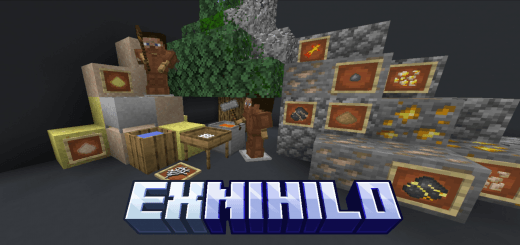
ExNihilo is an add-on that allows you to get almost all resources from nothing. This is a port of the Java mod ExNihilo-Sequentia.
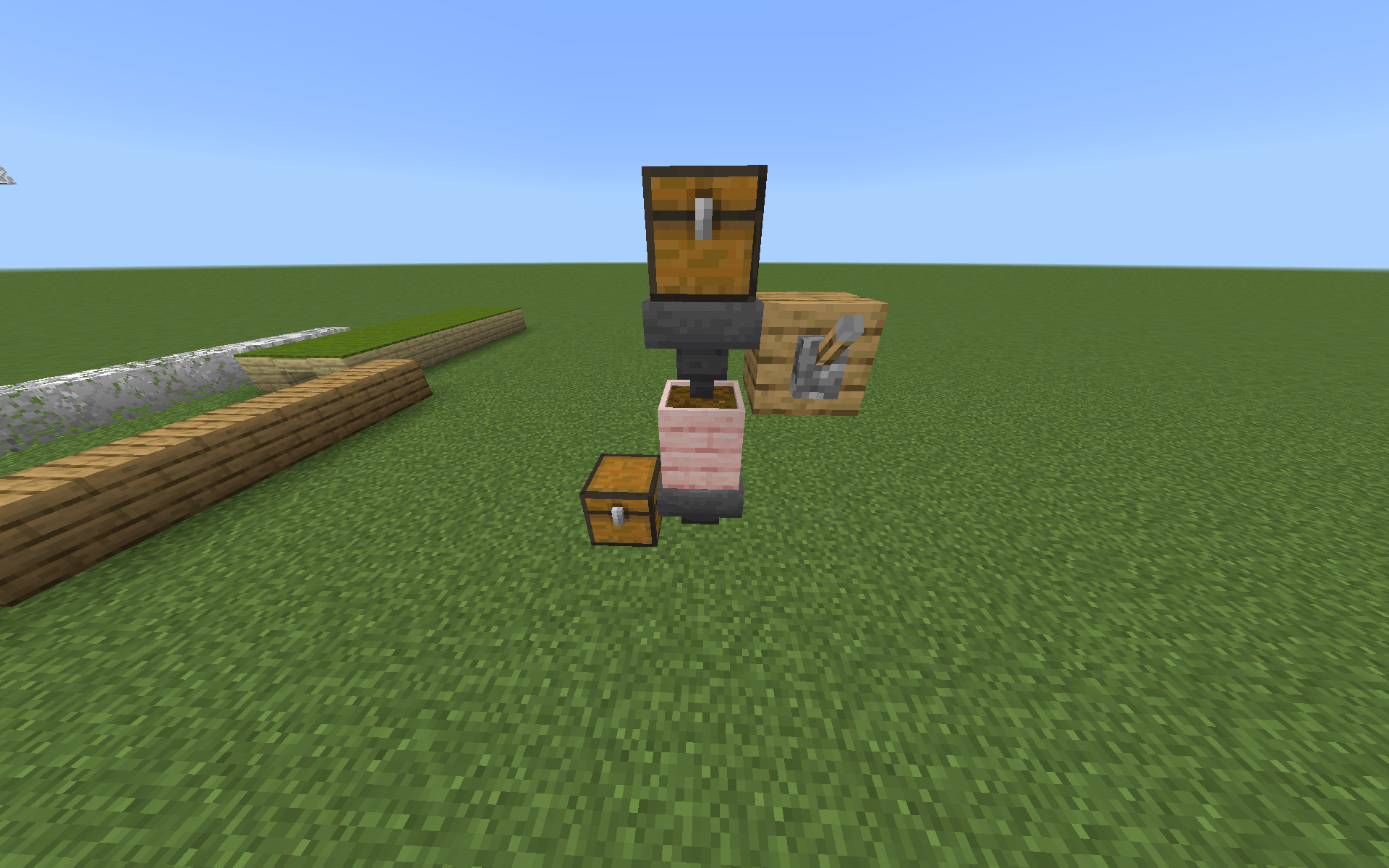
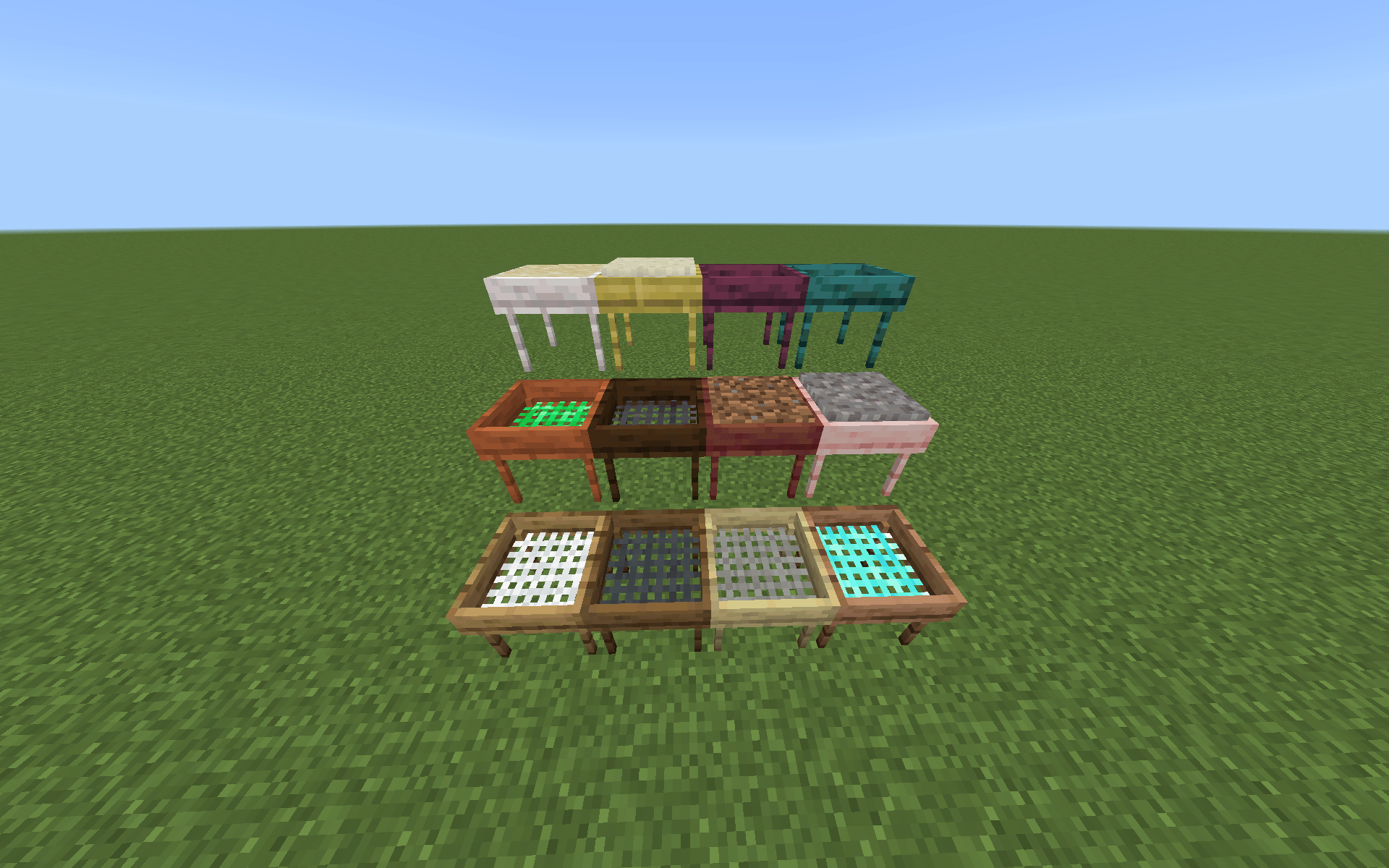
sieves.png
Description
ExNihilo — Bedrock Port
ExNihilo is an unofficial adaptation of the popular Java mod ExNihilo: Sequentia for Minecraft Bedrock Edition.
This add-on brings the core mechanics of the original project to Bedrock Edition, allowing players to obtain resources through a structured material processing system. The central concept of the mod is the creation of a complete resource progression chain starting from basic blocks using specialized tools and gameplay mechanics.
The goal of this project is to reproduce the gameplay of the original mod as accurately as possible while adapting it to the addon system of Bedrock Edition.
Overview
In the standard Minecraft gameplay loop, resources are primarily obtained through exploration and mining.
ExNihilo introduces an alternative progression system based on material processing.
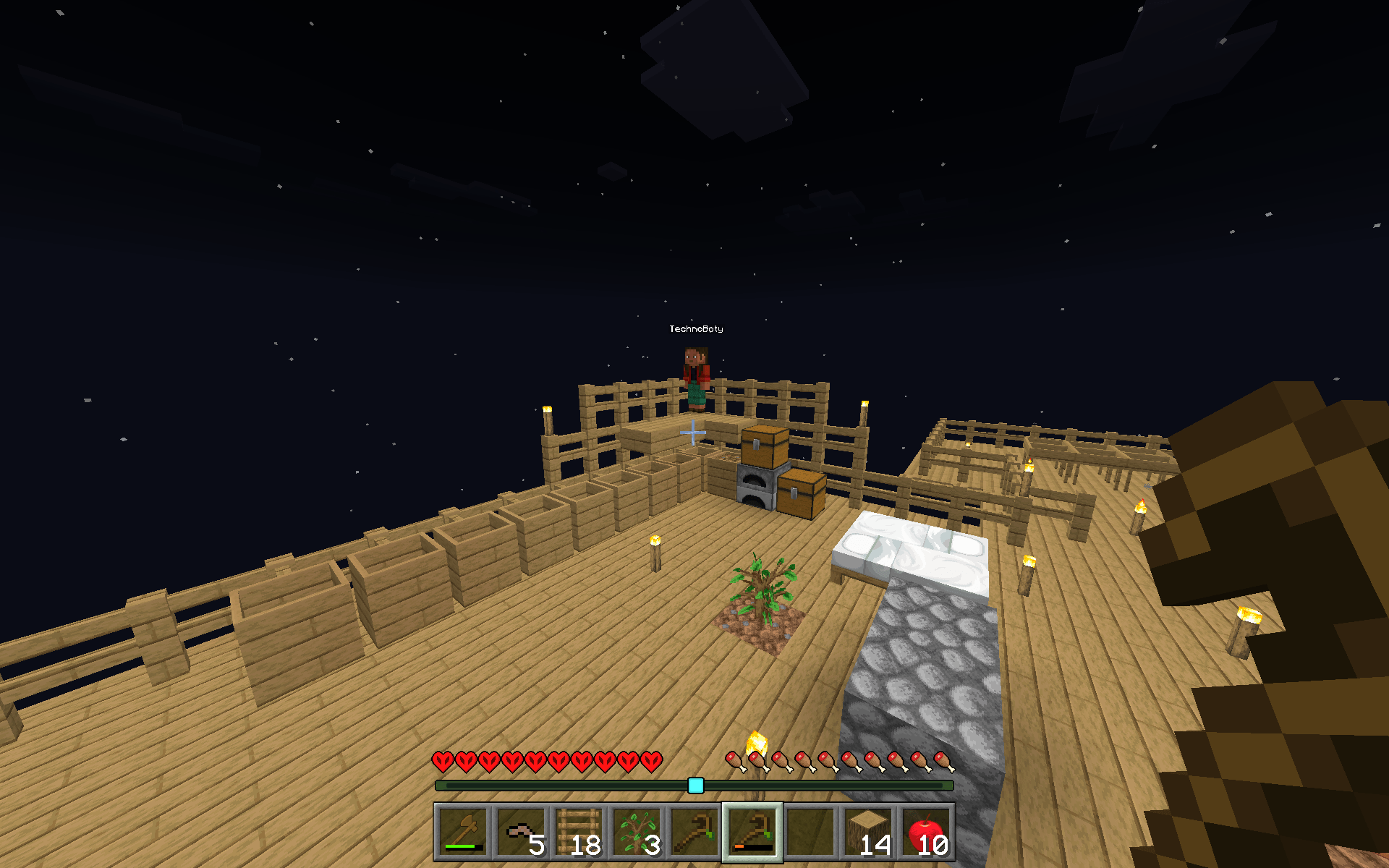
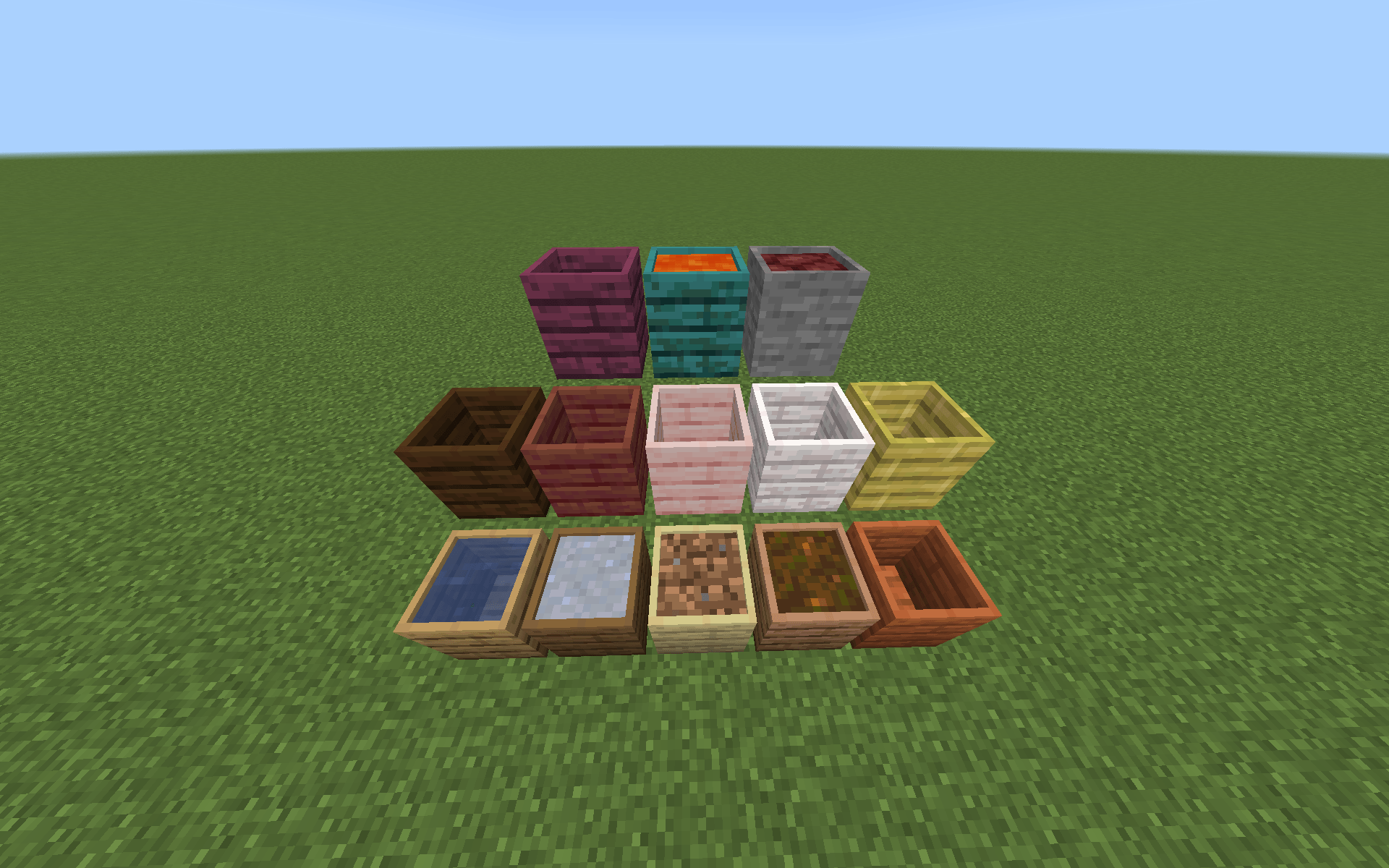
Players can transform basic blocks into new resource types through a sequence of mechanics such as crushing and sieving. As progression continues, additional materials and crafting possibilities become available.
This system creates a unique resource economy and provides an alternative approach to survival progression.
Project Goals
The primary goal of this project is to create a high-quality adaptation of the mechanics from the original ExNihilo: Sequentia mod for Bedrock Edition while preserving:
- the core gameplay mechanics of the original mod
- a logical and structured resource progression
- intuitive and balanced gameplay
Some mechanics may be adapted where necessary to better integrate with the technical limitations and features of Bedrock Edition.
Questions or Help
If you have any questions, need help, or want to discuss the project, feel free to join the Discord server:
https://discord.com/invite/CMgCtkHQvJ
Translations
We welcome community contributions for translations!
If you’d like to help translate the add-on into your language, you can do it here:
👉 Link
All translations are managed through SimpleLocalize, so you can easily contribute without modifying the project files.
Installation
To install the add-on in Minecraft Bedrock Edition:
- Download the
.mcaddonfile - Open the file on your device — it will automatically import into Minecraft.
- Launch Minecraft and go to:
- Settings → Storage (optional, to verify import)
- Create a new world or edit an existing one:
- Enable the add-on in:
- Behavior Packs
- Resource Packs
- Enable the add-on in:
- Start the world and enjoy the mod!
Credits
Original concept and implementation:
ExNihilo: Sequentia
ExNihilo Team