Device Addon Rebuild
- By
1000314330.jpg
1000314329.jpg
1000314328.jpg
1000314326.jpg
Description
DEVICE ADDON REBUILD ✨
CLICK AND DOWNLOAD FULL VERSION OF THIS ADDON
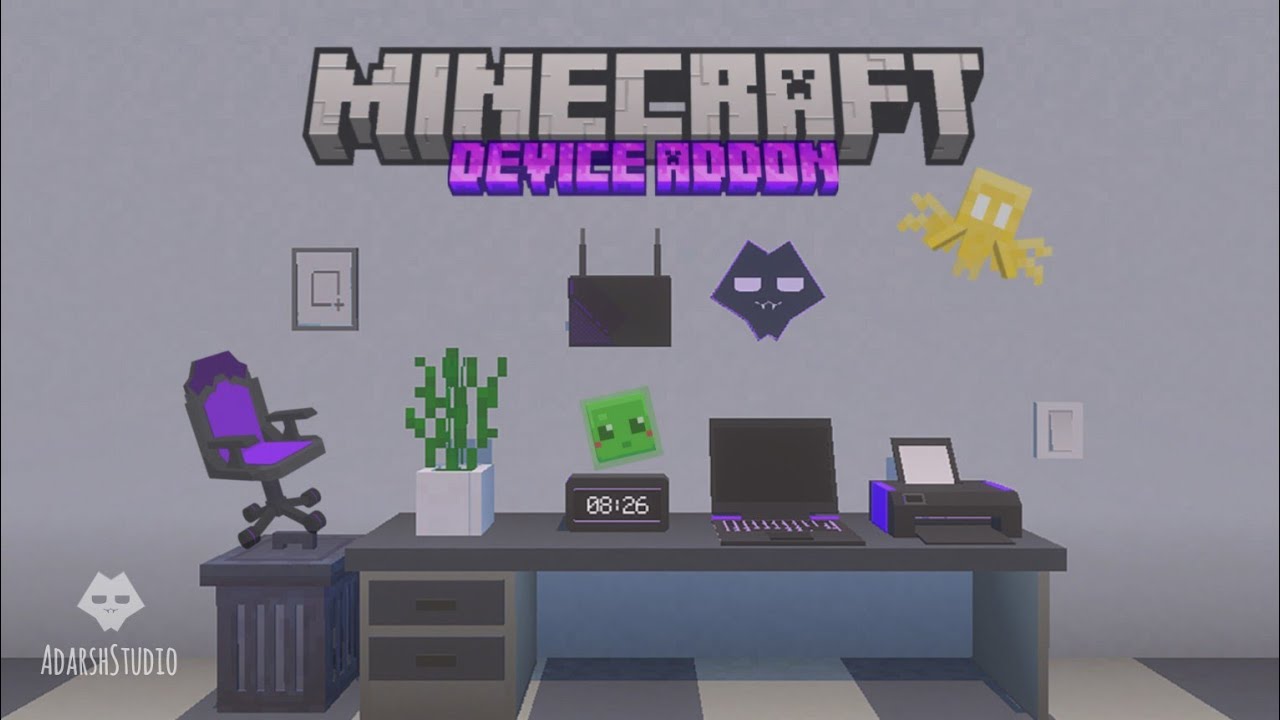
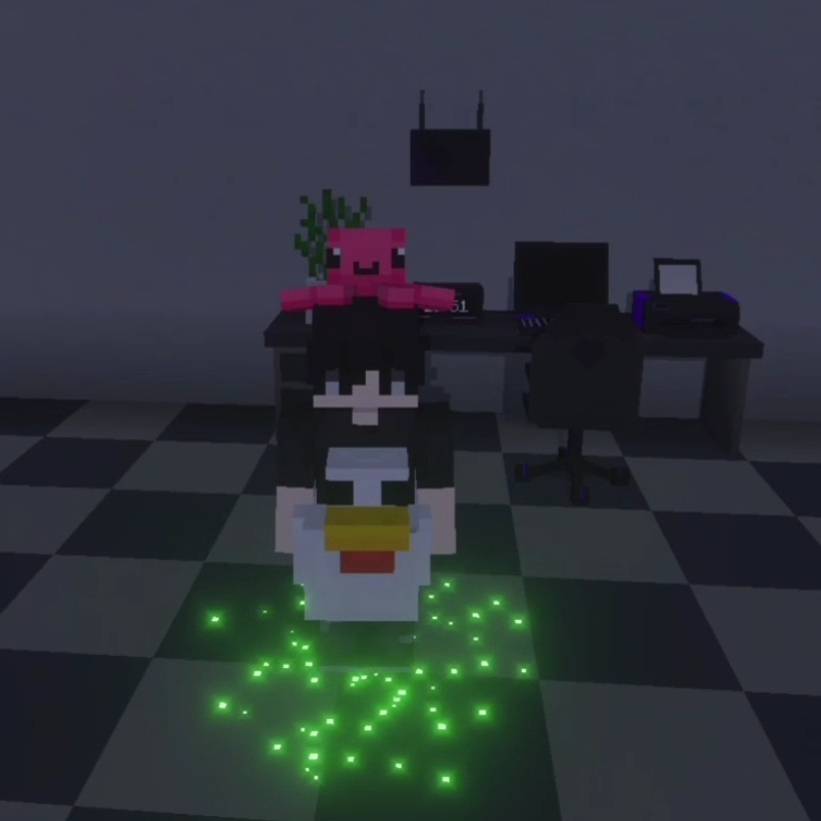
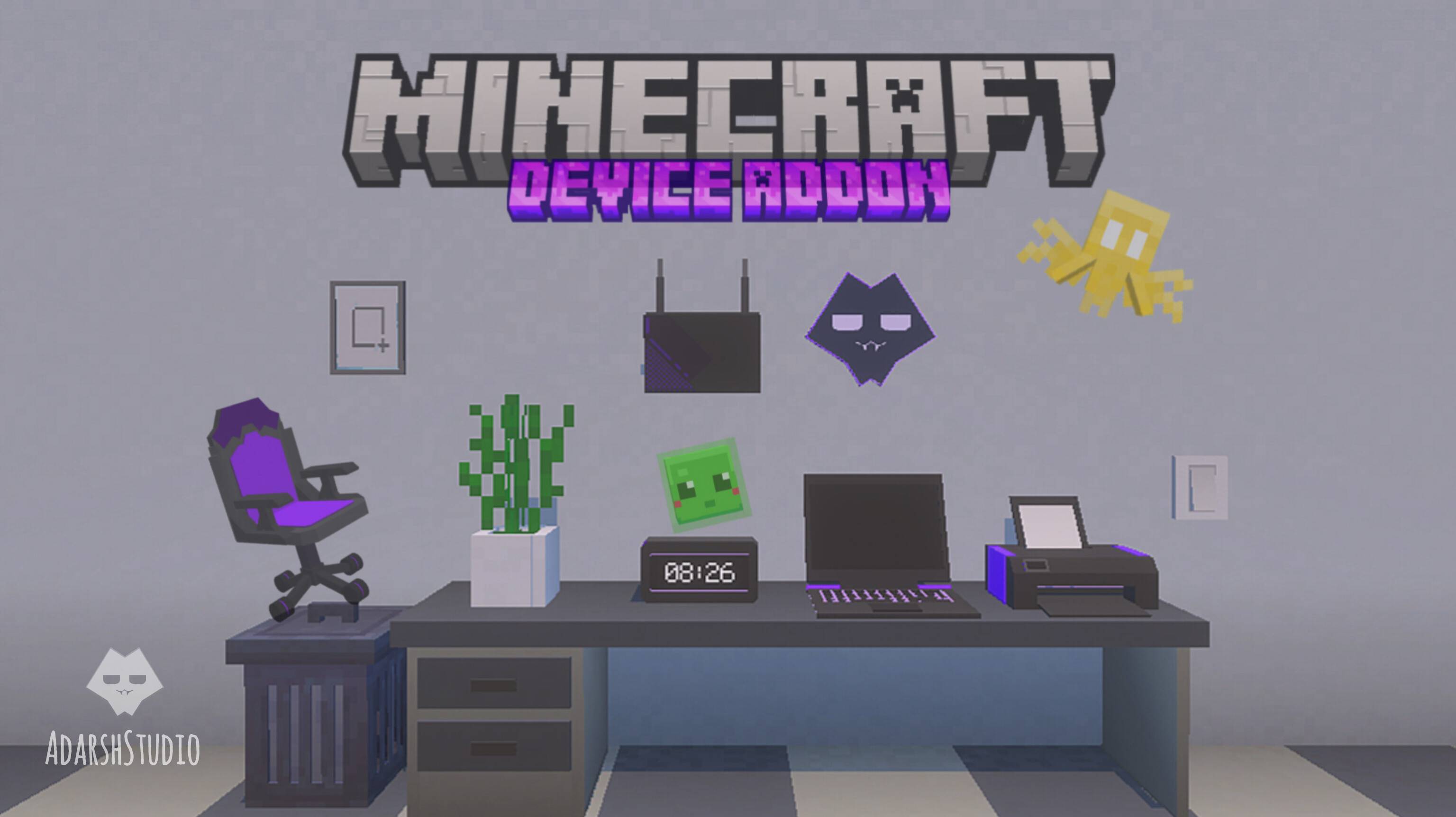
Minecraft PE new Device Addon Rebuild for Version 1.26.50+ new collection of interactive devices and working laptop with UI screen. in this addon you get working laptops, printers, routers, wireless switches, lights, desks, chairs, photo frames, dustbins, and many more in multipler color options each device is designed to enhance your builds with detailed models, custom interfaces, and interactive features
Features and How to use! ✨
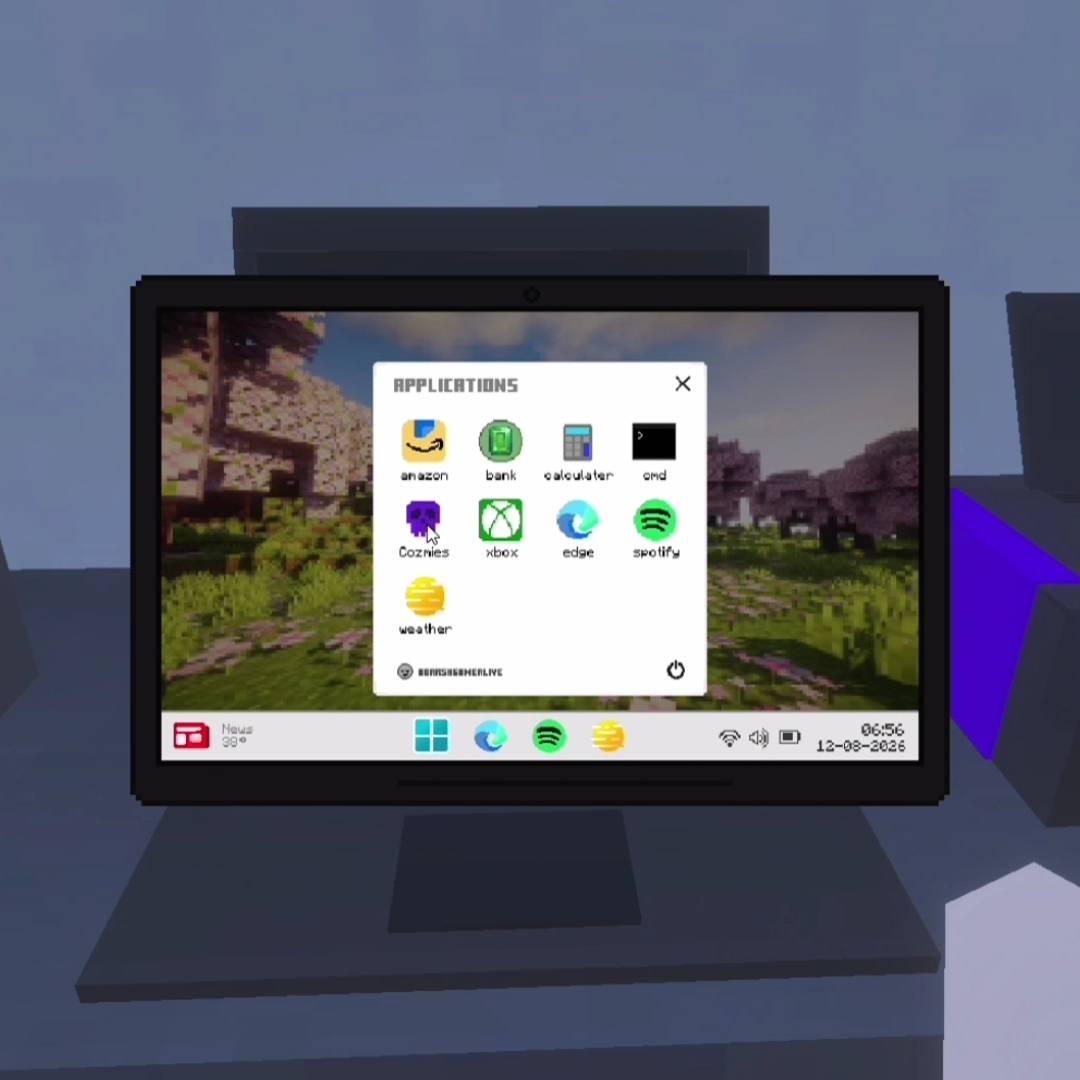
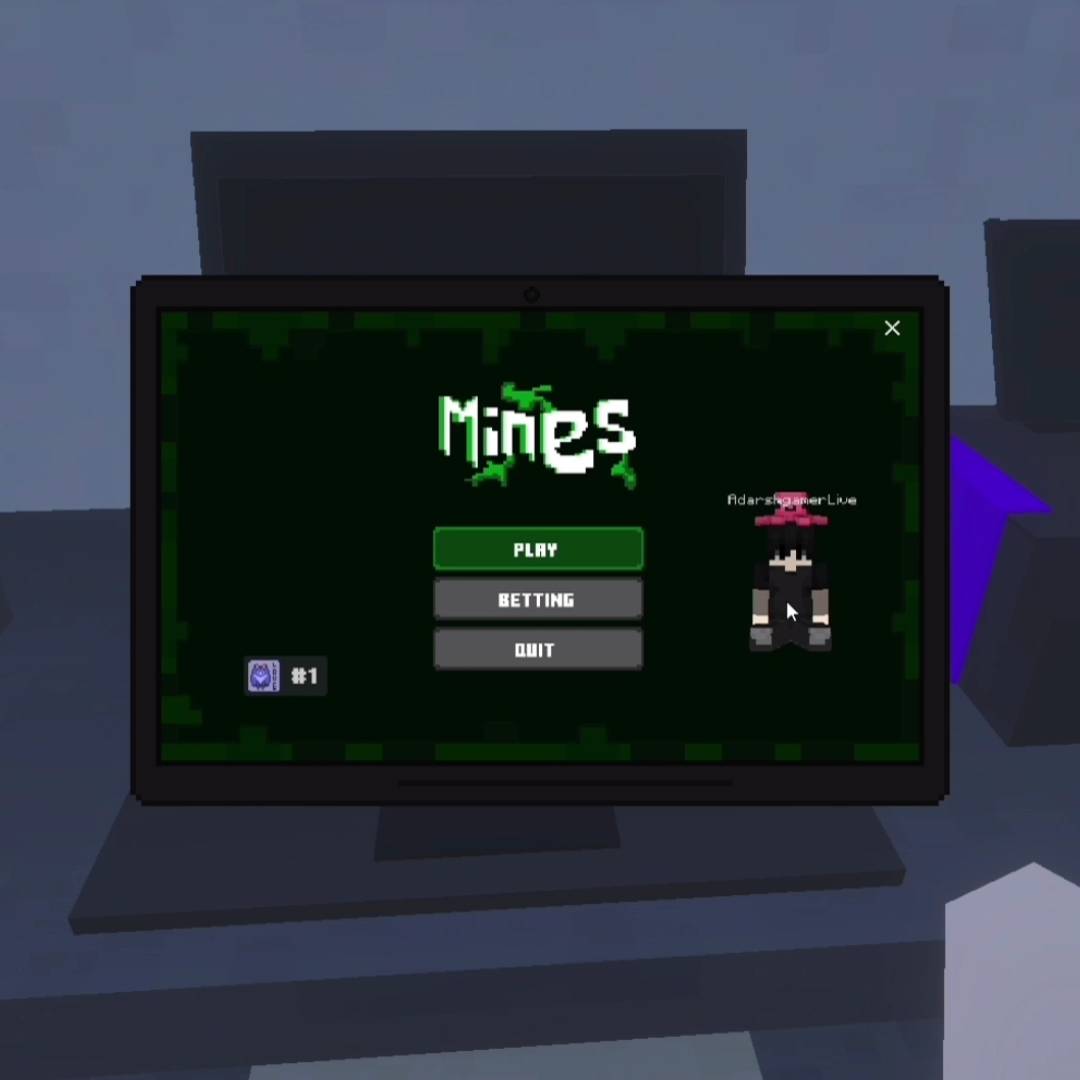
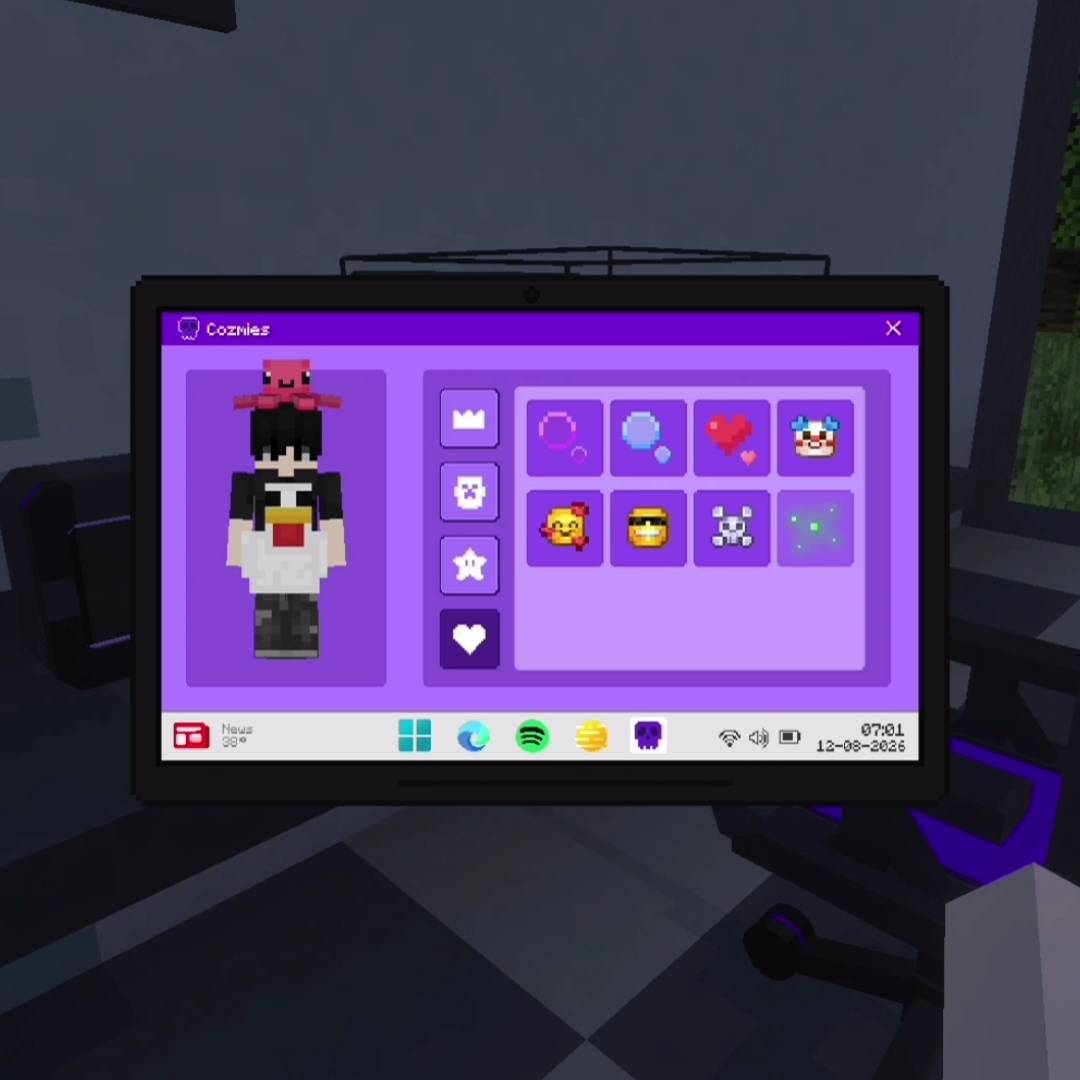
💻 Laptop (CUSTOM UI SCREEN): The laptop is available in five different colors and comes with a custom realistic UI screen. To use the laptop first place and crouch or sit near the laptop and click it to open the laptop. After opening it stand up and click it again to open the screen. The laptop includes several applications that you can use such as Amazon to buy items Bank to add money to your account and use it for purchases Calculator for calculations Spotify for music Microsoft Edge for browsing Weather to check weather information Cozmies to get cool outfits and pets for free and Xbox to play games
🖨️ Printer: The printer is available in five different colors and comes with a custom realistic printer UI to use the printer simply click on it to open the printer screen (you have to need put papers on printer then you can print papers) select the picture you want to print from the available seven picture options. After printing you can collect the printed paper and use it as a decoration
💡 Lights and wireless switches: The light & switch work together to create a wireless lighting system. First place the light block and hold the switch in your hand then crouch or sit and click on light block to connect it after connecting place the switch anywhere you want and click it to turn the connected light on or off wirelessly. You can connect multiple light blocks to one switch by holding the switch crouching or sitting and clicking each light block. If the switch is already placed and you want to add more lights hold the wire crouch and click on light block then crouch and click wire on switch to link them without breaking the switch. This allows you to control multiple lights from a single switch and create a clean wireless lighting setup for your builds
🪑 Gaming Chair: Just Click on it!
AND MANY MORE CHECK IT OUT NOW! 🔥
Create your own modern gaming setup, or smart home and make your Minecraft world feel more realistic!
INSTALLATION PROCESS WATCH THIS VIDEO
Device Addon Rebuild Team