znygames texturepack attack on titan windows android
znygames texturepack attack on titan windows android
znygames texturepack attack on titan windows android
znygames texturepack attack on titan windows android
znygames texturepack attack on titan windows android
znygames texturepack attack on titan windows android
znygames texturepack attack on titan windows android
znygames texturepack attack on titan windows android
znygames texturepack attack on titan windows android
znygames texturepack attack on titan windows android
znygames texturepack attack on titan windows android
znygames texturepack attack on titan windows android
Description
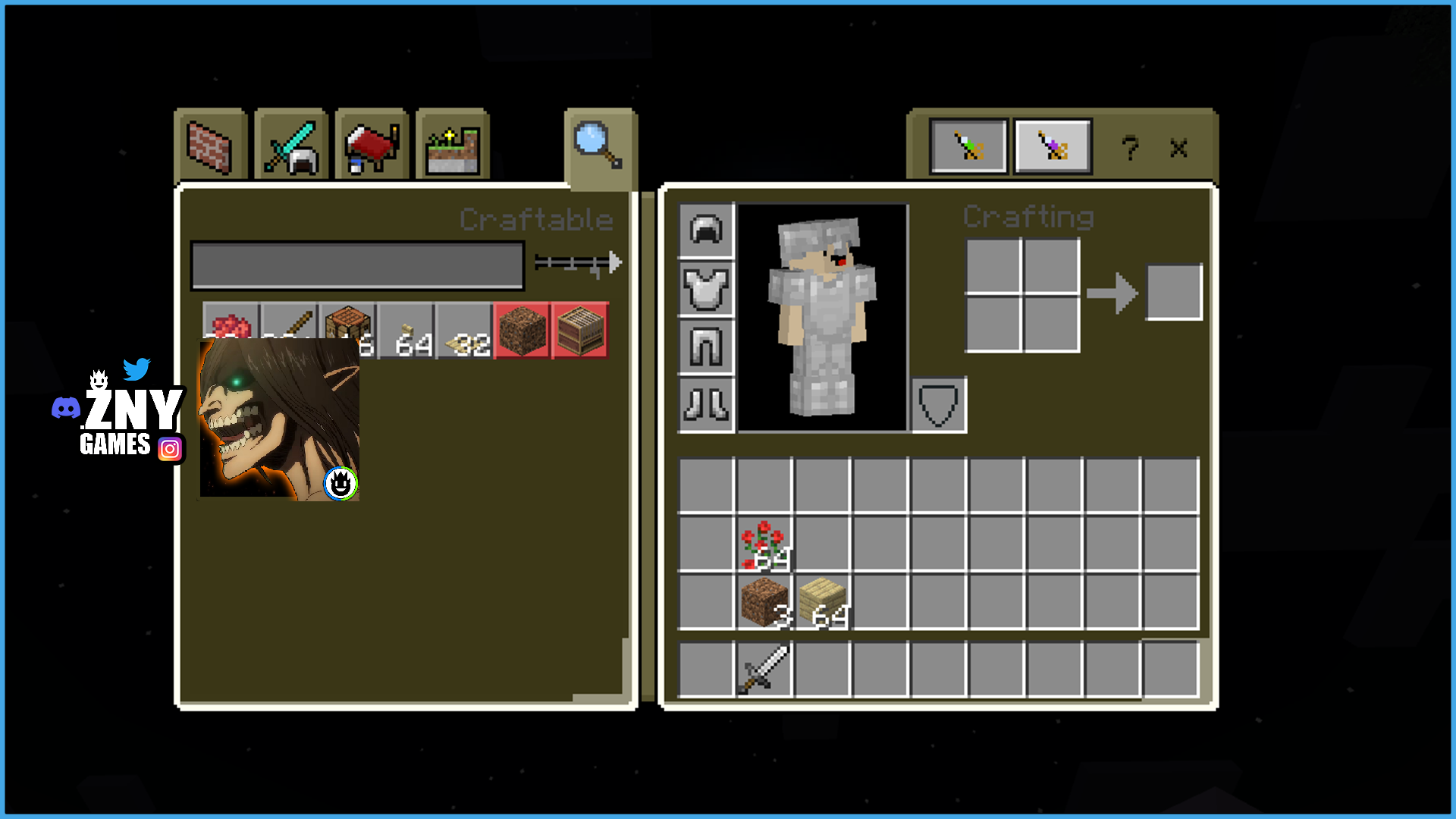
ATTACK ON TITAN ⚜️ Embark on a journey beyond the walls with the Attack on Titan Bedrock Texture Pack for Minecraft!
🎞| TRAILER
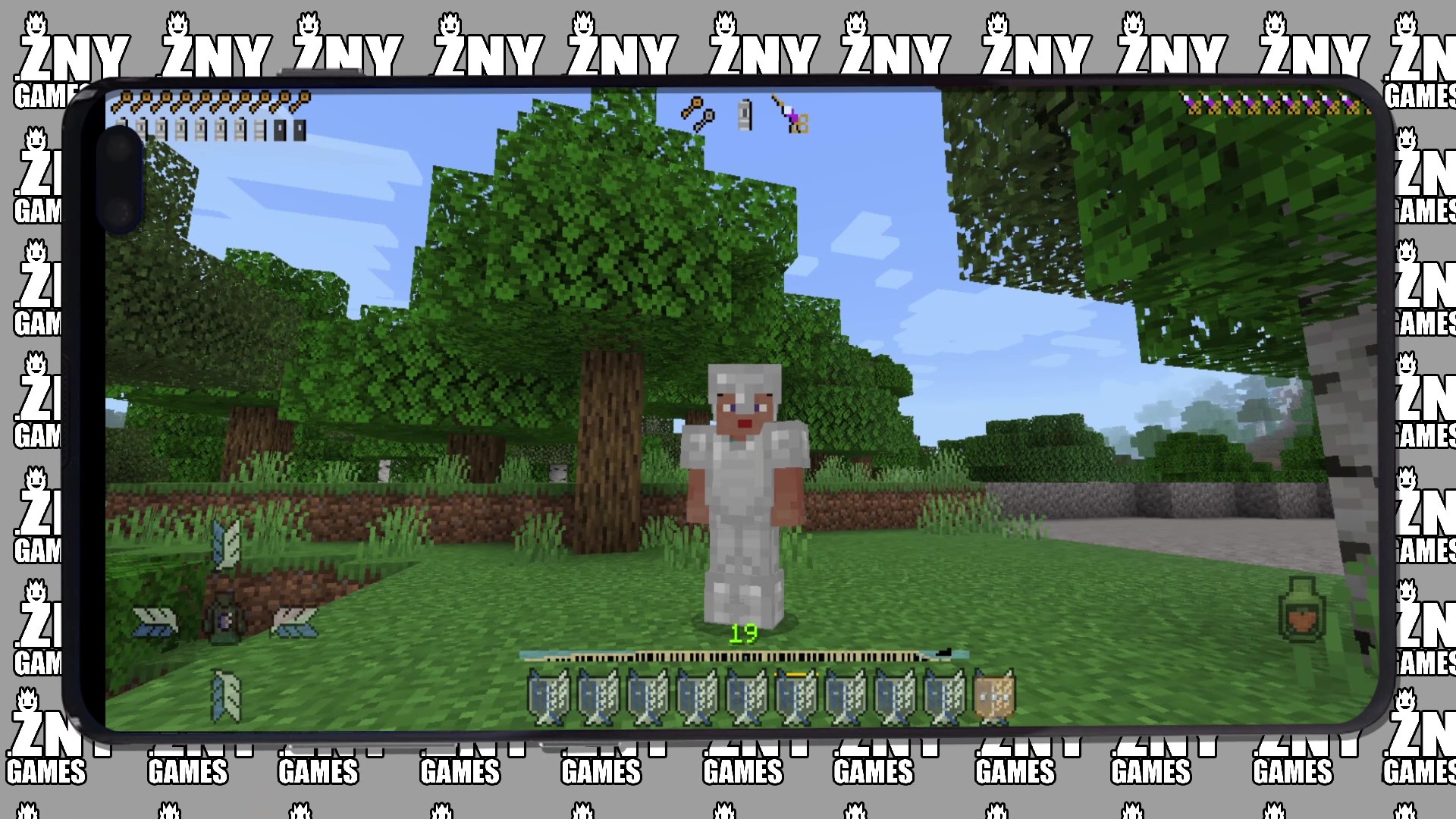
🖼| EXAMPLE
Joysick and Aim Crosshair
D-Pad and Tap
Joystick and Tap
moreexamples in the picture gallery above ⬆️
🗒| DESCRIPTION
Embark on a journey beyond the walls with the Attack on Titan Bedrock Texture Pack for Minecraft!
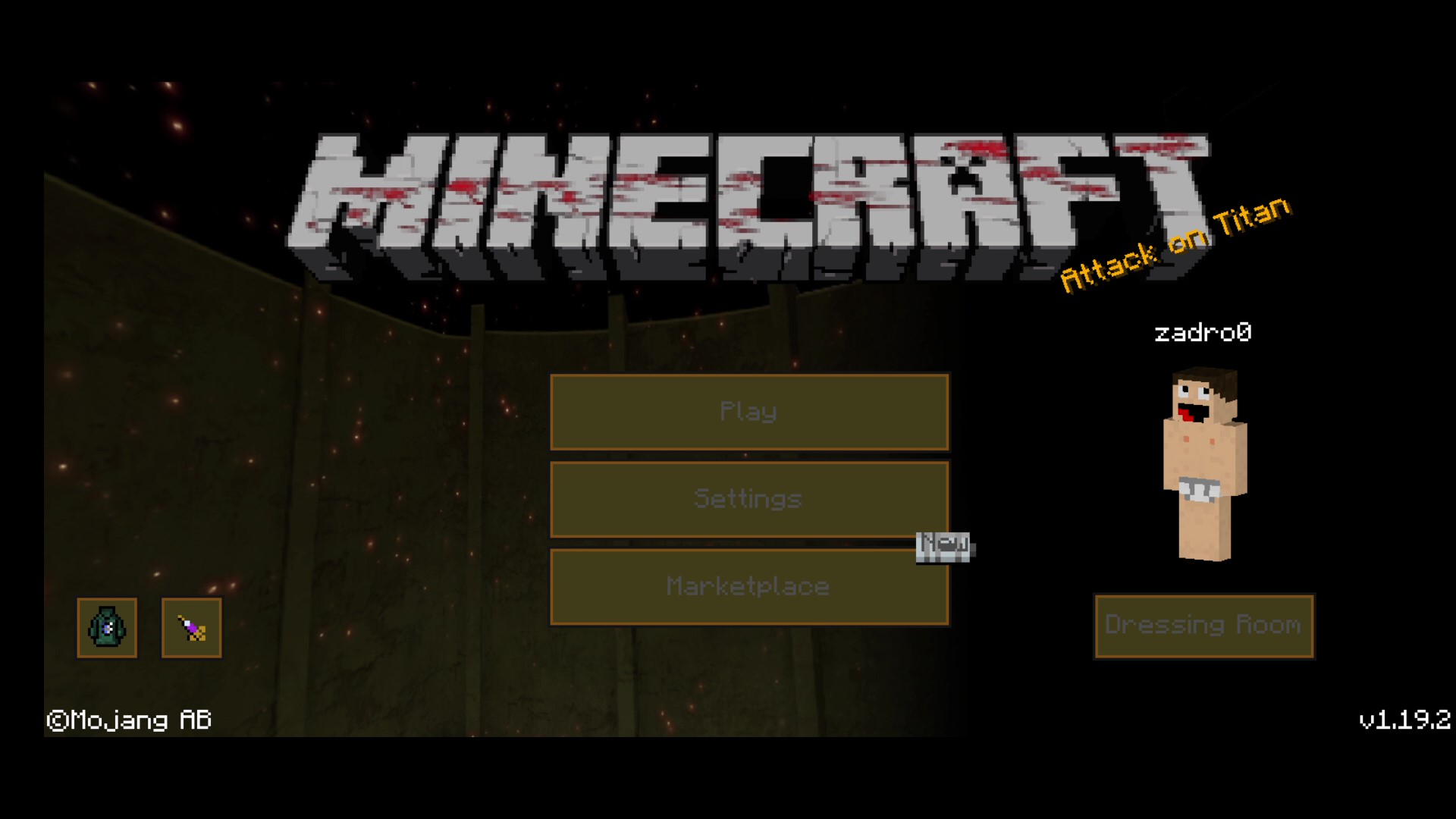
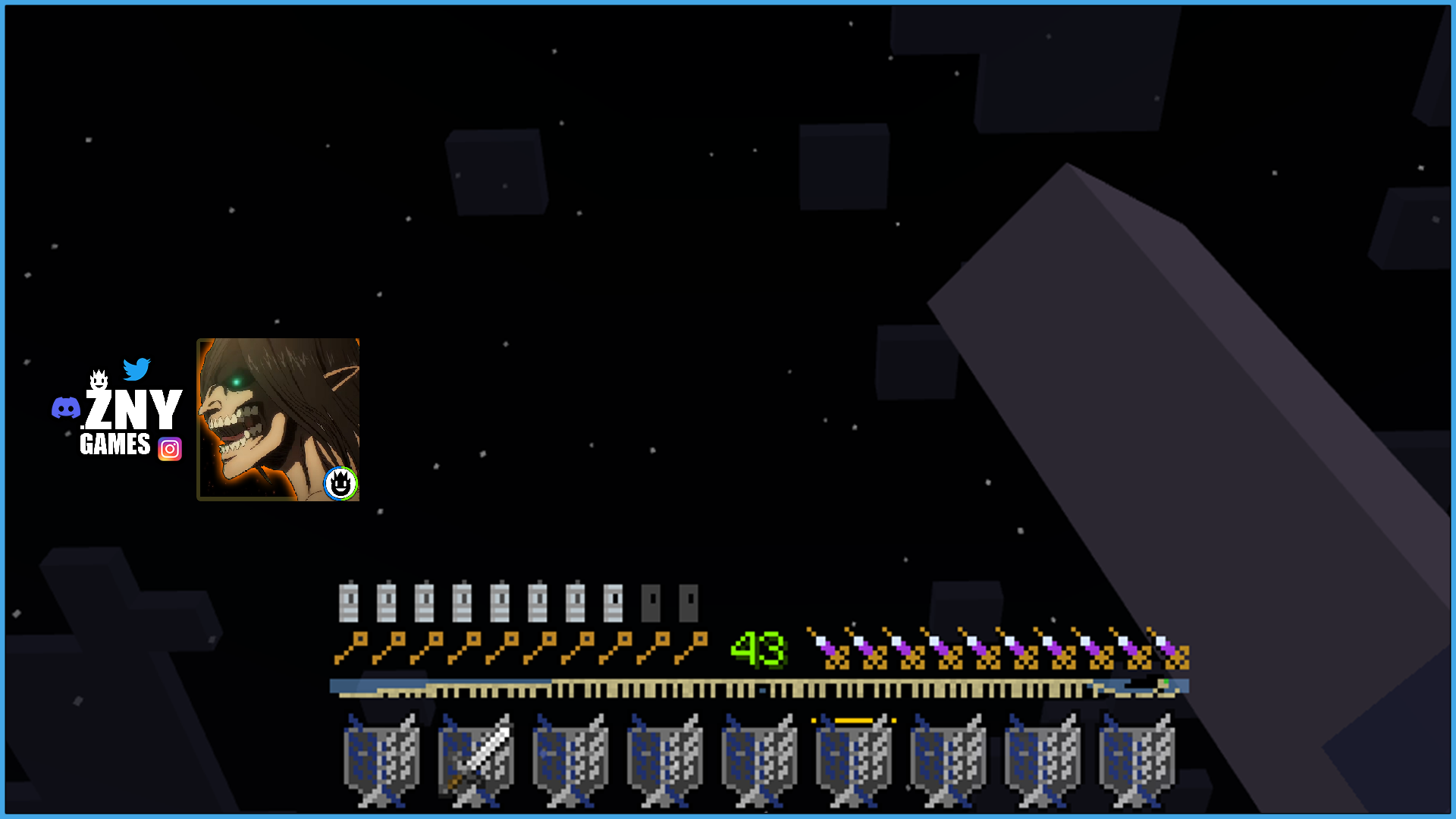
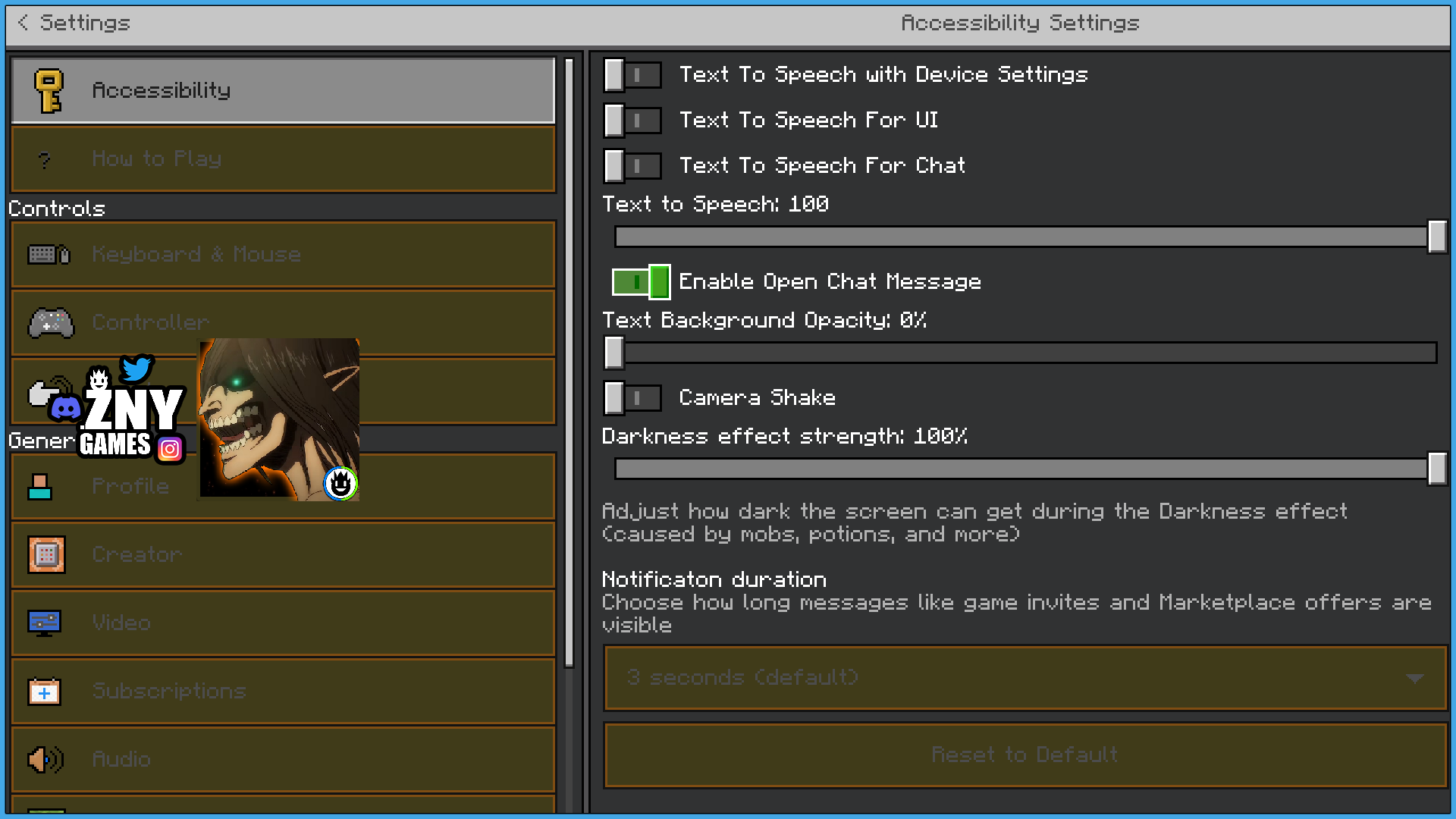
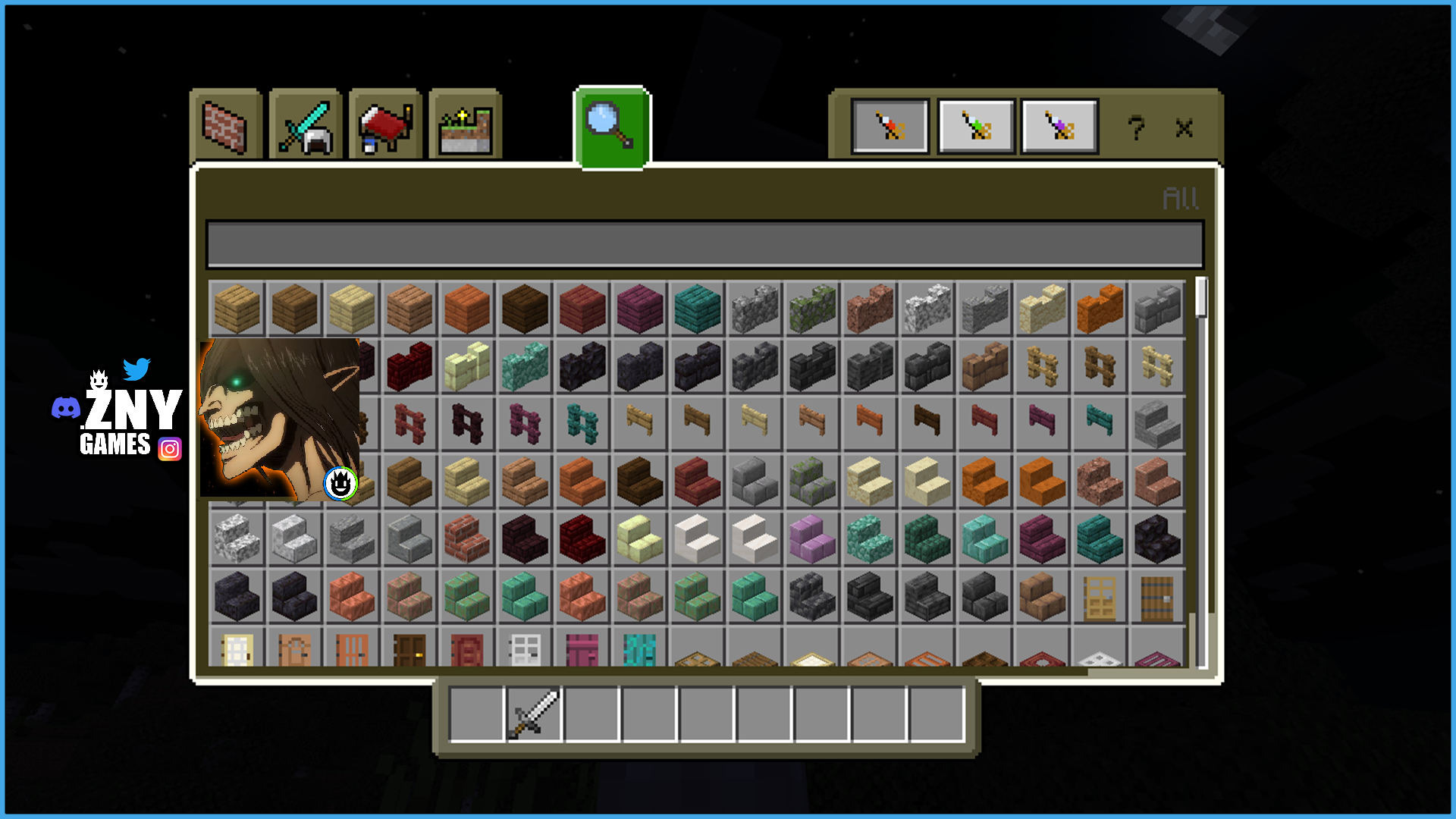
Inspired by the gripping anime series, this texture pack brings the intense and immersive world of Attack on Titan to your Minecraft gameplay experience. Experience a complete transformation with new GUI/UI overlays tailored to the Attack on Titan aesthetic. From the start screen to background elements and buttons, every detail has been meticulously updated to reflect the iconic imagery of the series.
Don your maneuver gear, join the fight against the Titans, and experience Minecraft in a whole new light with the Attack on Titan Bedrock Texture Pack.
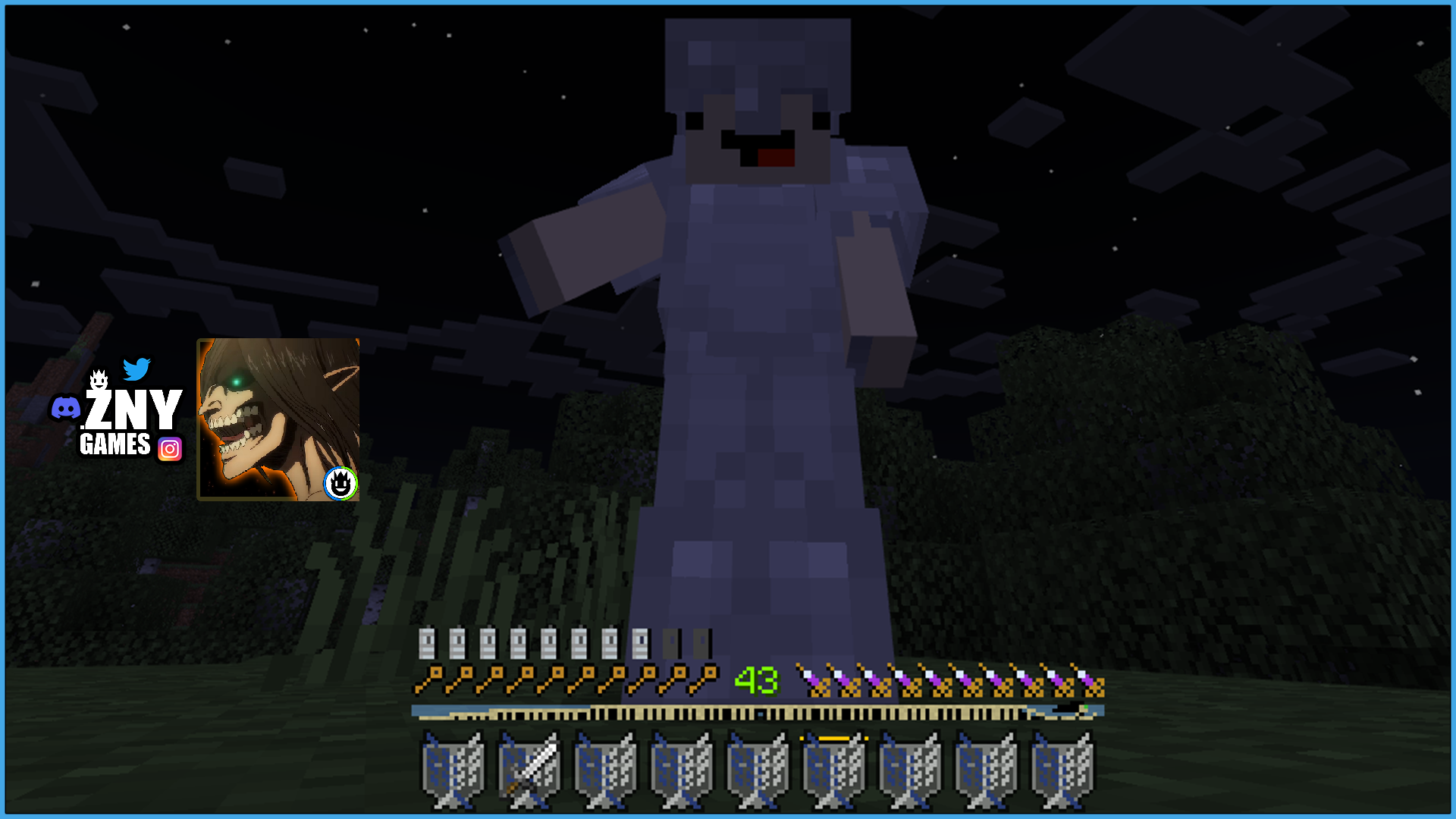
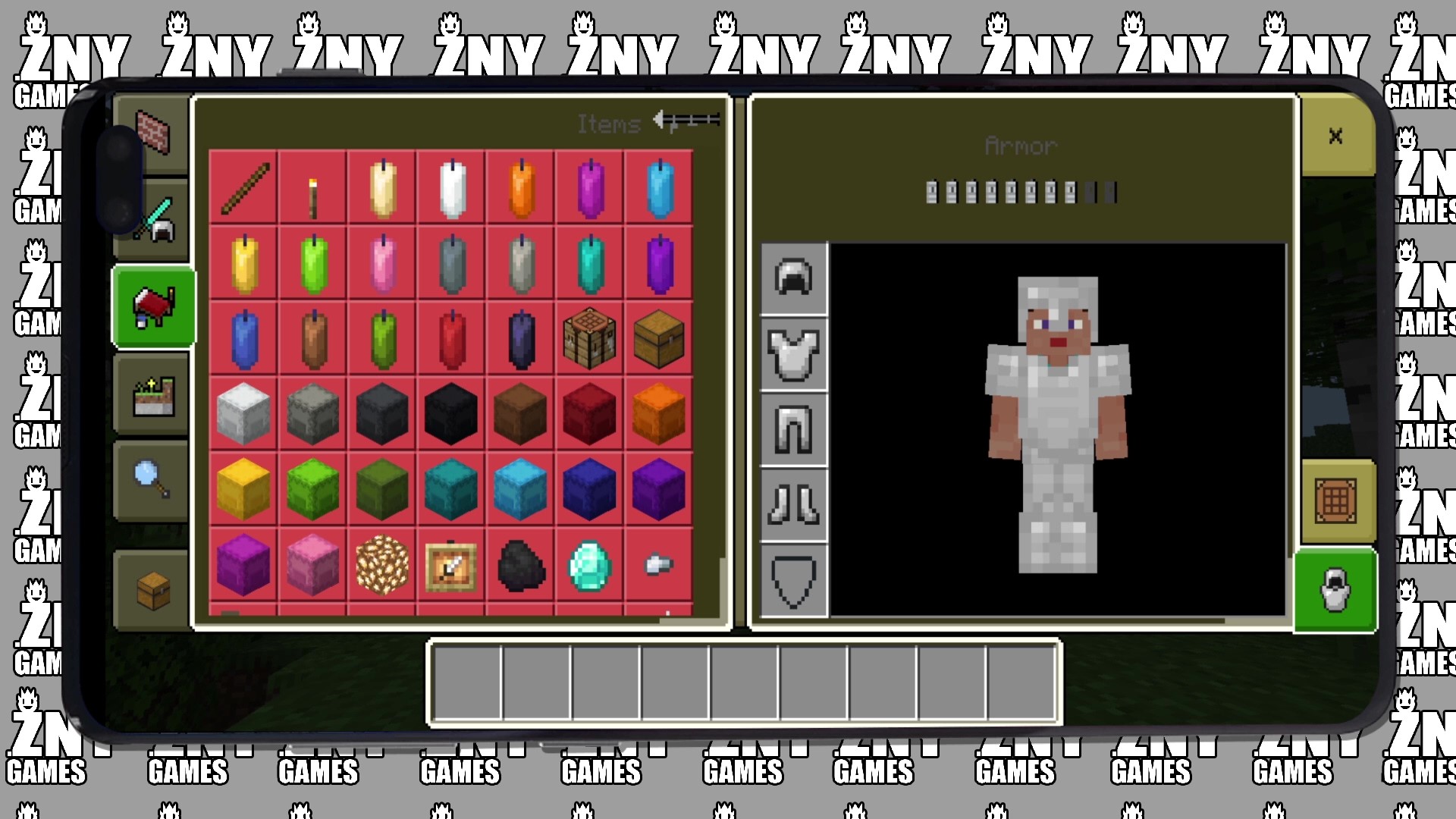
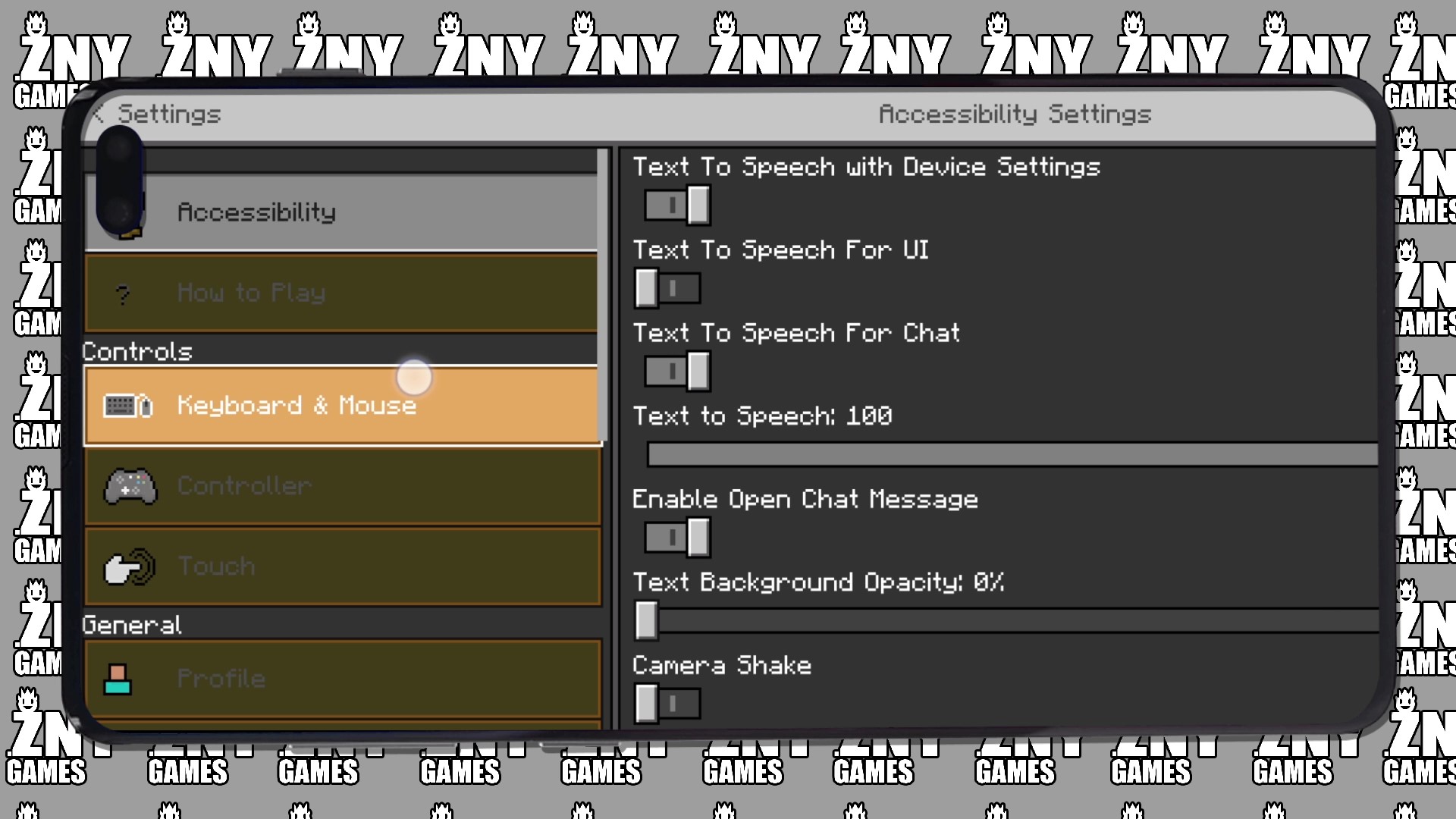
New! with this pack: - start screen - controls: - settings screen - joysick and aim crosshair - buttons - d-pad and tap - gui - joystick and tap - hotbar
🛈| INSTALL
Note: If you encounter any issues, make sure that the texture pack is compatible with your version of Minecraft, and that you have followed all of the steps correctly.
Install BEDROCK
Open the Minecraft Bedrock app on your device and sign in to your Xbox Live account.
Click on the gear icon in the top left corner to open the "Settings" menu.
Select "Resource Packs" from the "Settings" menu.
Click on the "Import Resource Pack" button to add the texture pack from your device.
Select the added texture pack from the list of available resource packs and click "Select".
We invite you to join our Discord community where you can connect with fellow players, share your ideas, and report any bugs you encounter. Whether you have suggestions for improving the hotbar or need support with any issues, our community is here to help. Let’s build, explore, and create together!


![ATTACK ON TITAN UI [BEDROCK] logo](https://media.forgecdn.net/avatars/thumbnails/913/74/64/64/638368925681020797.png)