PlotPlus
The most advanced plot management mod for Hytale servers.
Documentation: https://docs.hexora.io/plotplus/overview
This documentation is for PlotPlus v2. If you are upgrading from v1, please review the Migration Guide for breaking changes and upgrade steps.
Why PlotPlus?
Lightning Fast - All operations run in the background. No lag, no freezing, even with hundreds of players online.
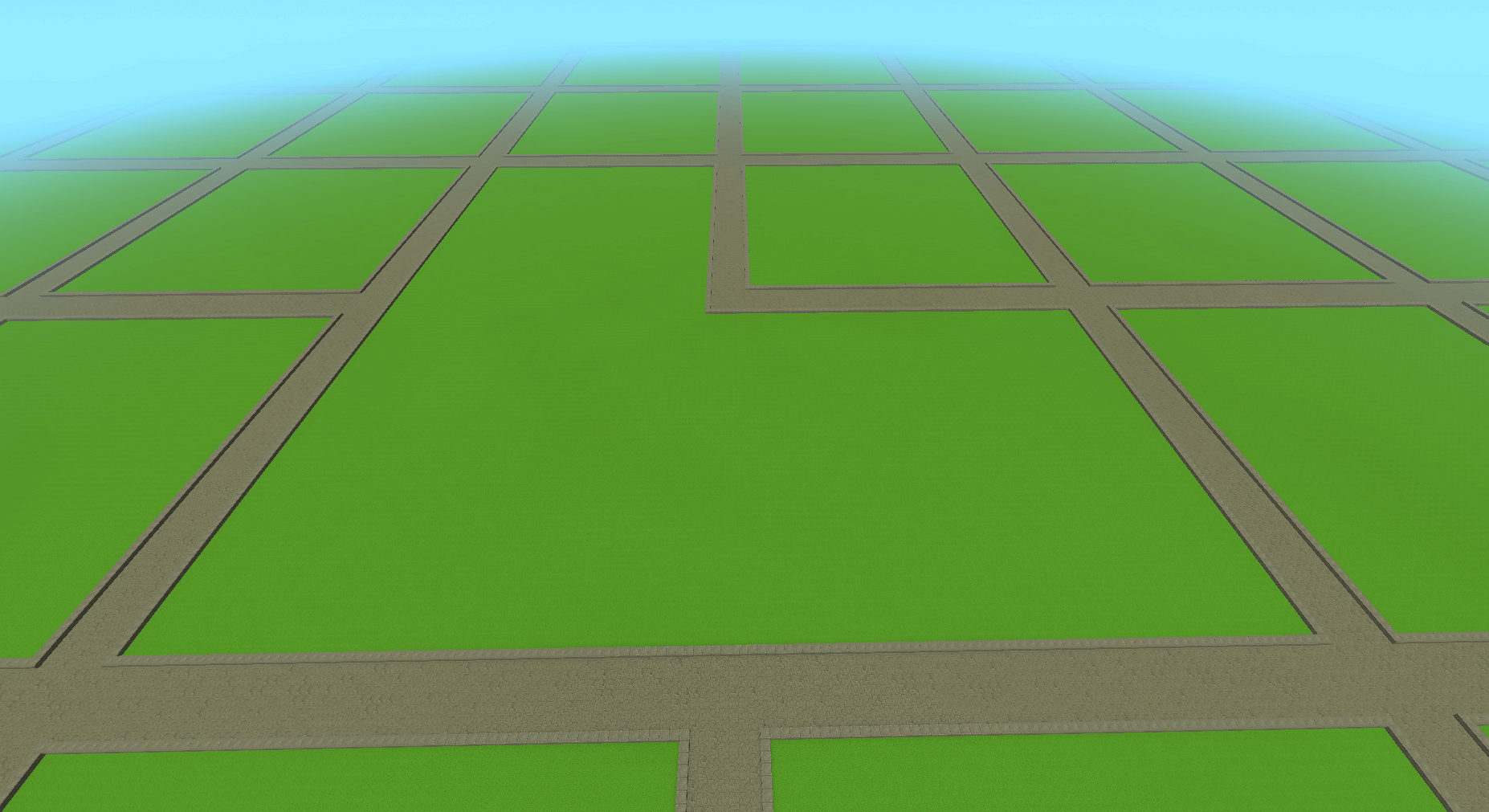
Advanced Plot Merging - Create massive build areas by merging plots in any direction. L-shapes, 2x2, 3x3 - any configuration works.
Full BuilderTools Support - All brushes, paste operations, and selection tools respect plot boundaries. Your plots stay protected.
Plot Marketplace - Players can buy and sell plots with full economy integration.
10 Languages - Fully translated with customizable language files and automatic updates.
Smart & Reliable - Intelligent caching keeps everything responsive. Built for large servers.
Features
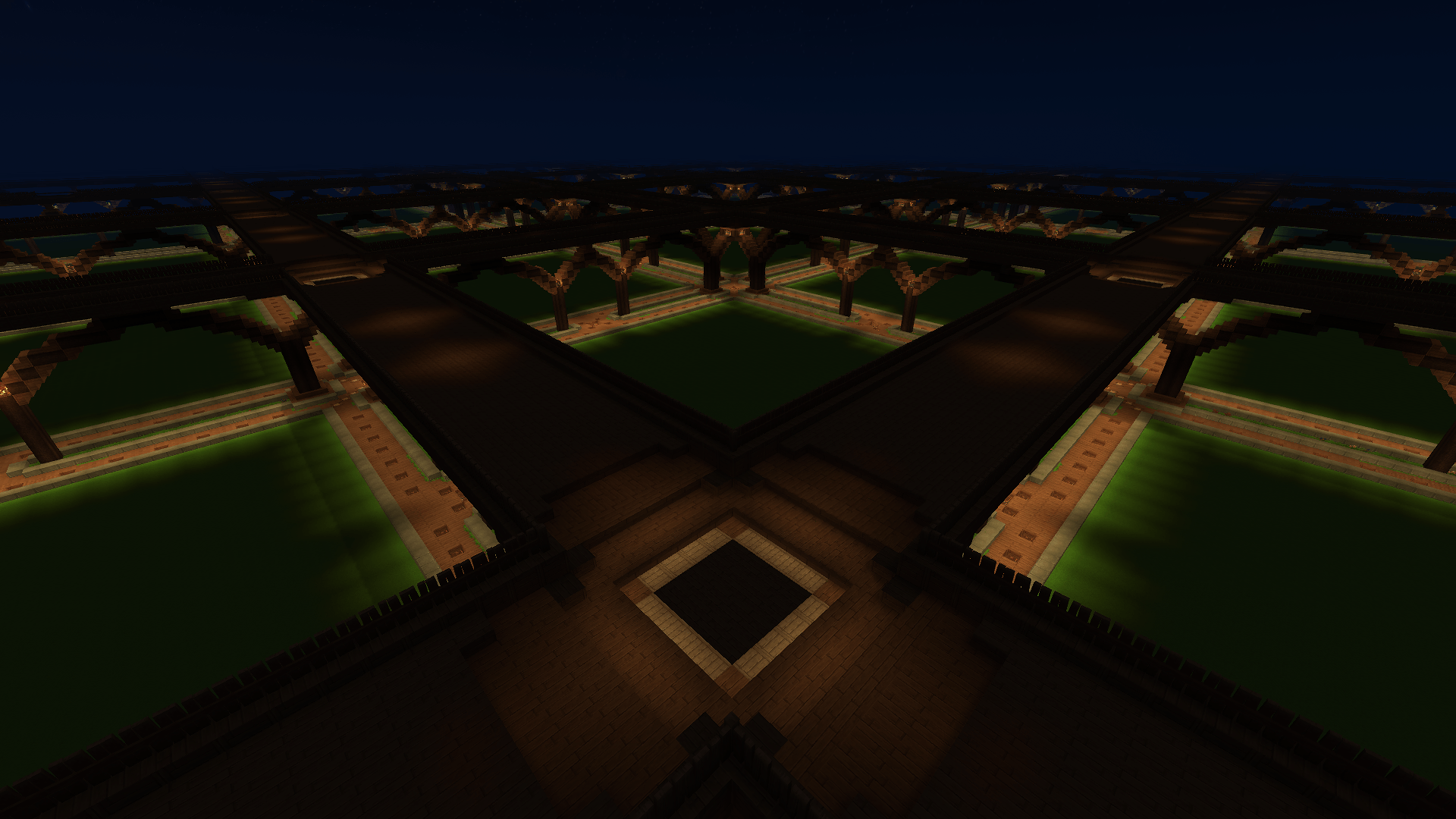
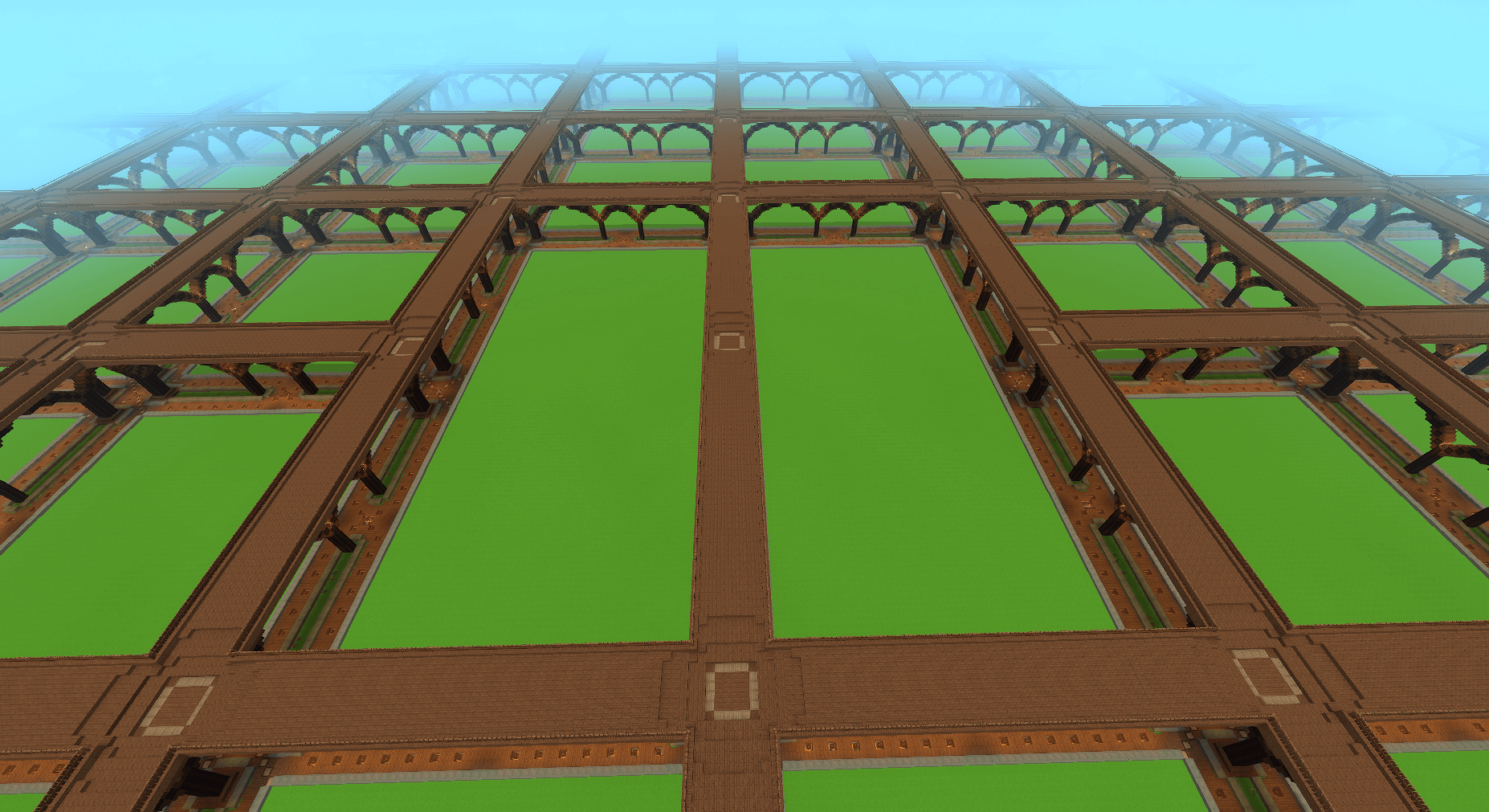
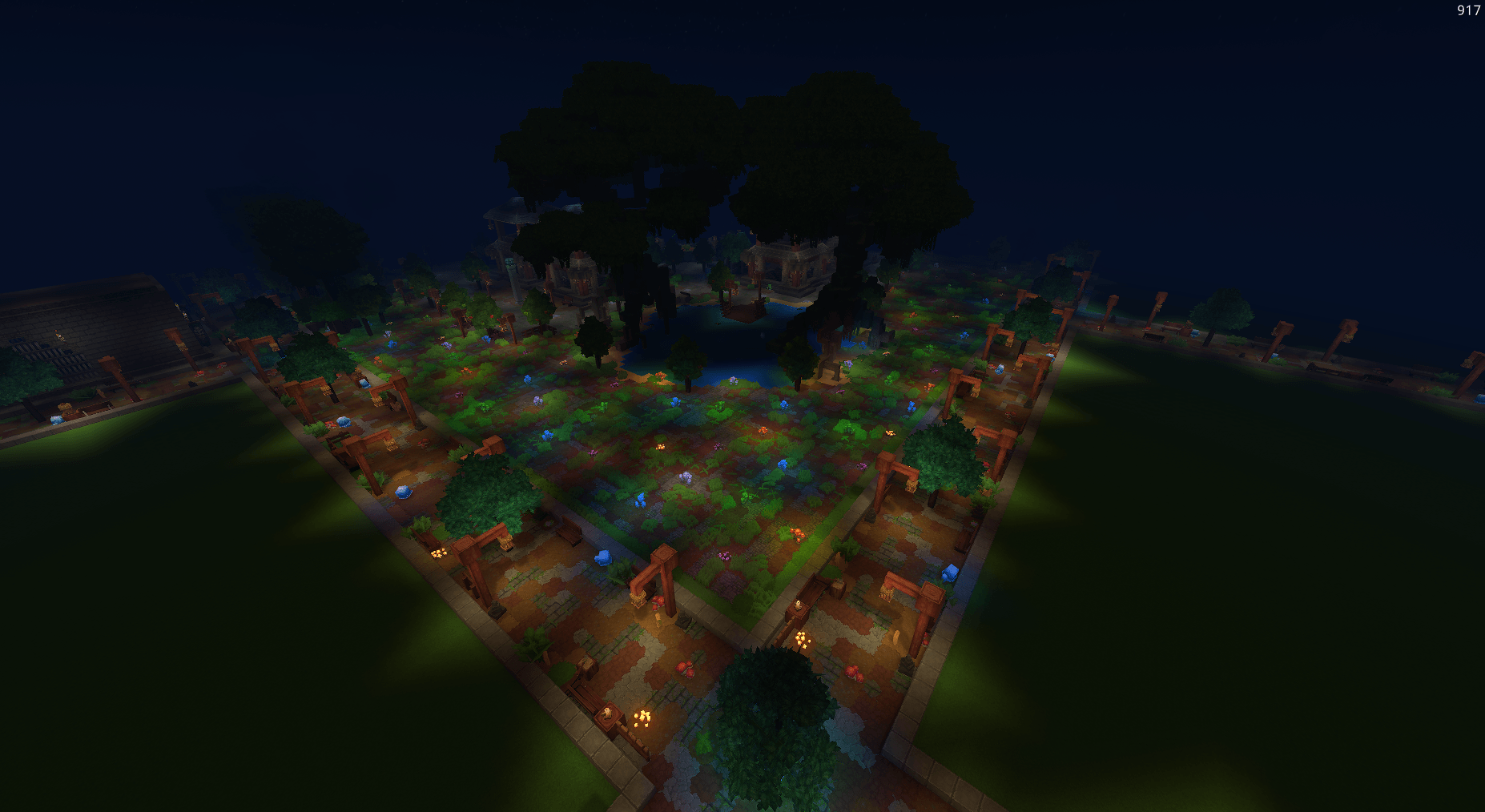
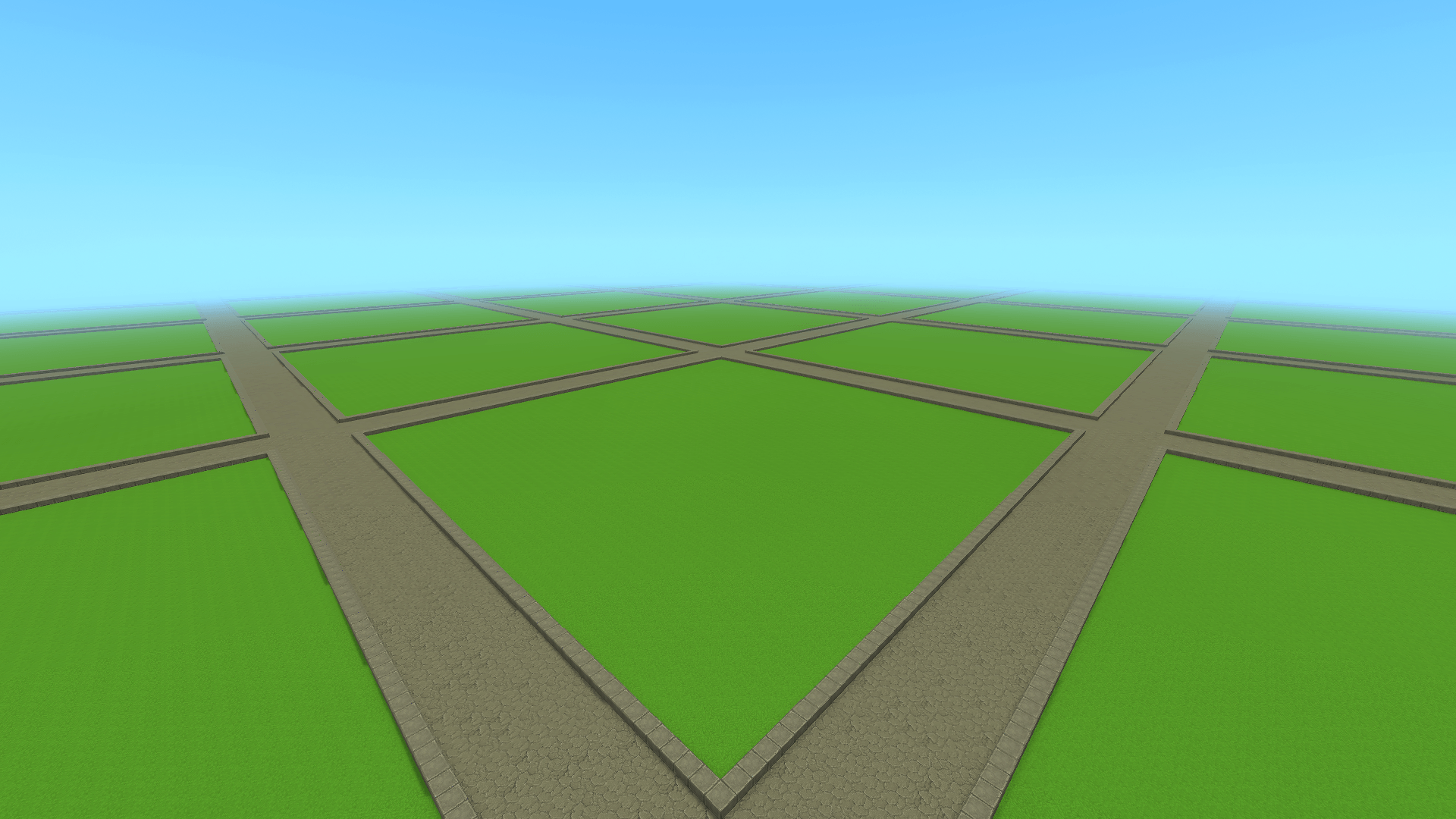
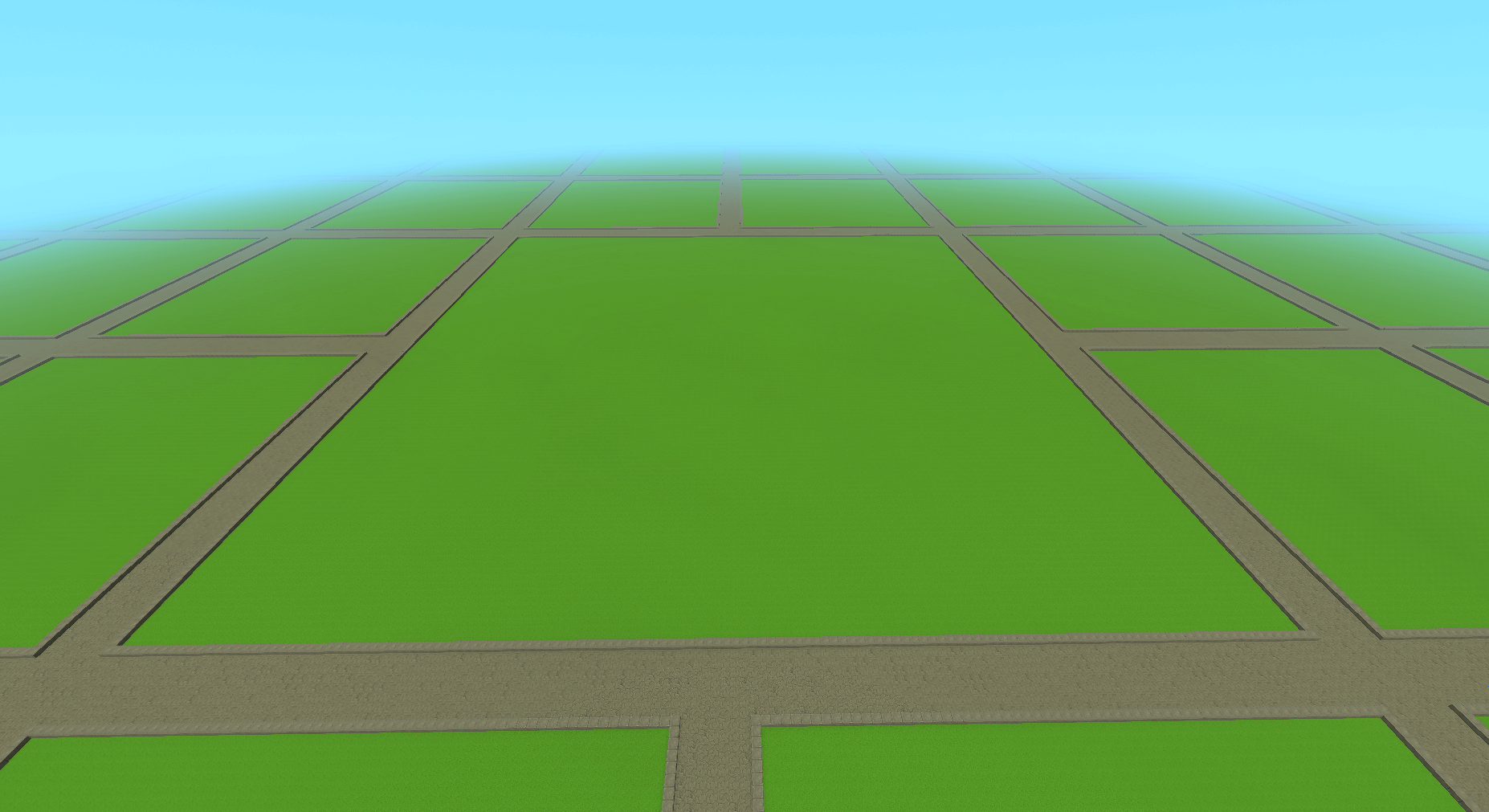
- Plot Worlds - Create dedicated worlds with customizable plot sizes
- Plot Claiming - Players can claim and manage their own plots
- Advanced Plot Merging - Chain merge support for L-shapes, 2x2, 3x1, and any configuration
- Plot Marketplace - Buy and sell plots with
/plot sell and /plot buy
- Membership System - Trusted players (build anytime) and Members (build when owner online)
- Plot Aliases - Name your plots and visit them by alias
- Plot Descriptions - Add descriptions shown in
/plot info
- Custom Homes - Set a custom teleport point on your plot
- Kick - Remove unwanted players from your plot
- Full Protection - Block breaking, placing, and interactions are protected
- BuilderTools Integration - Protects plots from all brush types, line tool, paste operations, scripted brushes, and selection tool
- Multi-Plot Support - Own multiple plots and navigate between them
- Flags - Toggle PvP, explosions, server_plot per plot
- Templates - Customizable world generation templates (classic, bridge)
- Economy - Optional integration with economy plugins for claiming costs, refunds, and marketplace
- Database - SQLite (default) or MySQL support
- Granular Admin Permissions - 18 specific admin permissions instead of all-or-nothing
- 10 Languages - English, Turkish, German, Spanish, French, Portuguese, Russian, Japanese, Korean, Chinese
- i18n Auto-Merge - Language files update automatically, preserving your customizations
- Error ID Tracking - User-friendly error messages with unique IDs for easy debugging
Commands
Player Commands
/plot claim - Claim the plot you're standing on/plot auto - Automatically find, claim, and teleport to a plot/plot delete - Delete your plot (refund if economy enabled)/plot home <number> - Teleport to your plot/plot visit <player|alias> [--number=1] - Visit a player's plot by name or alias/plot middle - Teleport to the center of a plot/plot sethome <set|remove|reset> - Set or remove a custom home location/plot trust <player> - Add a trusted player (can build anytime)/plot add <player> - Add a member (can build when you're online)/plot remove <player> - Remove a player from your plot/plot deny <player> - Deny a player from entering your plot/plot kick <player|*> - Kick a player from your plot/plot alias <name> - Set a custom name for your plot/plot desc <text> - Set a description for your plot/plot flag set <flag> <value> - Set a plot flag/plot flag remove <flag> - Remove a plot flag/plot info - View plot information/plot list - List your plots/plot clear - Reset your plot/plot merge <direction> - Merge with adjacent plot (north/south/east/west)/plot unlink - Unmerge all merged plots/plot sell <price|cancel> - List your plot for sale or cancel/plot buy - Buy the plot you're standing on/plot confirm - Confirm a pending action
Admin Commands
/plot admin setup <world> [--template=name] - Create a new plot world/plot admin deleteworld <world> - Delete a plot world/plot admin reload - Reload configuration and translations/plot admin worldtp <world> - Teleport to a plot world/plot admin regenroads - Regenerate all roads in current plot world/plot setowner <player> - Transfer plot ownership
Permissions
Player Permissions
plots.claim - Claim plotsplots.auto - Auto-claim plotsplots.delete - Delete plotsplots.home - Teleport to own plotplots.visit - Visit other players' plotsplots.middle - Teleport to plot centerplots.sethome - Set custom home locationplots.trust - Add trusted playersplots.add - Add membersplots.remove - Remove players from plotplots.deny - Deny players from plotplots.kick - Kick players from plotplots.alias - Set plot aliasplots.description - Set plot descriptionplots.flag - Change plot flagsplots.merge - Merge adjacent plotsplots.unlink - Unmerge plotsplots.clear - Reset plot terrainplots.info - View plot informationplots.list - List owned plotsplots.confirm - Confirm pending actionsplots.sell - List plots for saleplots.buy - Buy plotsplots.setowner - Transfer plot ownership
Admin Permissions
plots.admin - All admin commandsplots.admin.bypass - Bypass plot protectionplots.admin.command.setup - Create plot worldsplots.admin.command.deleteworld - Delete plot worldsplots.admin.command.reload - Reload pluginplots.admin.command.worldtp - Teleport to plot worldsplots.admin.command.regenroads - Regenerate roads in plot worldsplots.admin.command.setowner - Transfer any plot's ownershipplots.admin.command.trust - Trust on any plotplots.admin.command.add - Add members to any plotplots.admin.command.remove - Remove from any plotplots.admin.command.deny - Deny on any plotplots.admin.command.kick - Kick from any plotplots.admin.command.clear - Clear any plotplots.admin.command.merge - Merge any plotsplots.admin.command.unlink - Unlink any plotsplots.admin.command.flag - Set flags on any plotplots.admin.command.sethome - Set home on any plotplots.admin.command.desc - Set description on any plotplots.admin.command.delete - Delete any plotplots.admin.command.alias - Set alias on any plotplots.admin.sell.bypass - Sell/cancel on any plotplots.admin.kick.bypass - Cannot be kicked
Limit Permissions
plots.limit.<number> - Set player plot limit (e.g., plots.limit.5)plots.limit.unlimited - Unlimited plots
Flags
pvp (default: false) - Allow PvP combat on the plotexplosions (default: false) - Allow explosion damage on the plotserver_plot (default: false) - Mark as server-owned plot (admin-only)
Configuration
Edit config.json in the mod data folder:
{
  "database": {
    "type": "sqlite",
    "sqlite": {
      "file": "plots.db"
    },
    "mysql": {
      "host": "localhost",
      "port": 3306,
      "database": "plotplus",
      "username": "root",
      "password": ""
    }
  }
}
Supported Languages
Language files are stored in mods/Hexora_PlotPlus/languages/ as JSON files. You can customize any translation by editing these files. New keys are automatically merged on updates.
- English (en-US)
- Turkce (tr-TR)
- Deutsch (de-DE)
- Espanol (es-ES)
- Francais (fr-FR)
- Portugues (pt-BR)
- Russkiy (ru-RU)
- Nihongo (ja-JP)
- Hangugeo (ko-KR)
- Zhongwen (zh-CN)
Installation
- Download
PlotPlus-x.x.x.jar
- (Optional) Download
PlotPlus-Patches-x.x.x.jar for enhanced protection (BuilderTools, fluid spread, crop harvest)
- Place
PlotPlus in your server's mods folder. If using patches, place PlotPlus-Patches and Hyxin in the earlyplugins folder
- Start the server
- Configure in
config.json
- Create a plot world with
/plot admin setup <worldname>
Addons
Support
Report issues on CurseForge — it remains the primary place for bug reports and support.
For general discussion, updates, and feedback, join the Hexora Development Discord (still under development): http://discord.gg/hexora-dev
License
All rights reserved.