


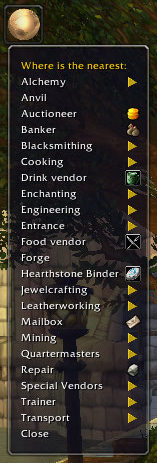
This is an example of the Main Menu. Some of the options will be hidden if they do not apply to your character.
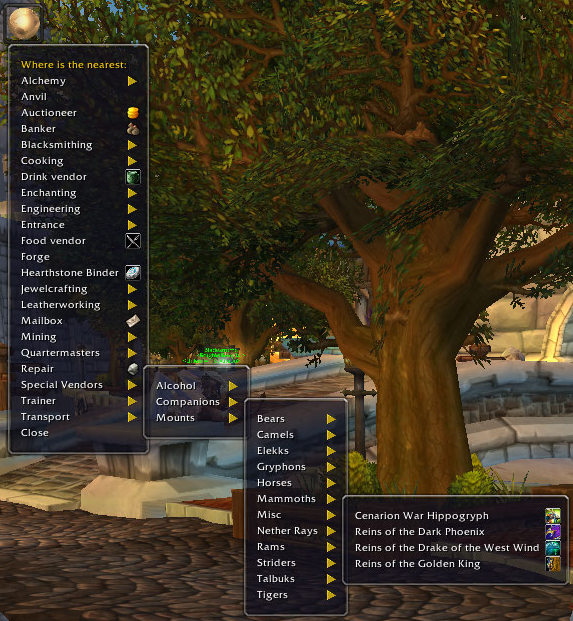
The Special Vendors menu option will help you find where to buy those special items.
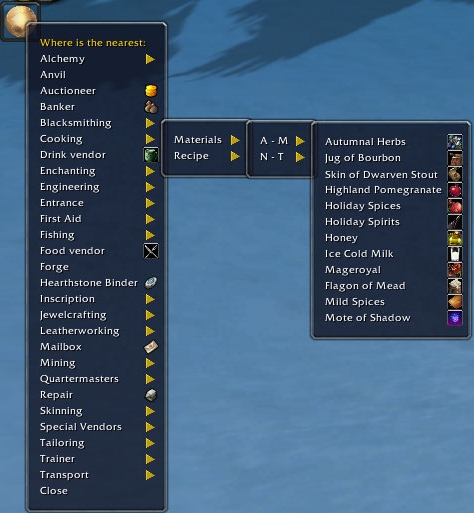
WhereIs will track the materials needed for trade skill recipes and display the ones you can buy from vendors.
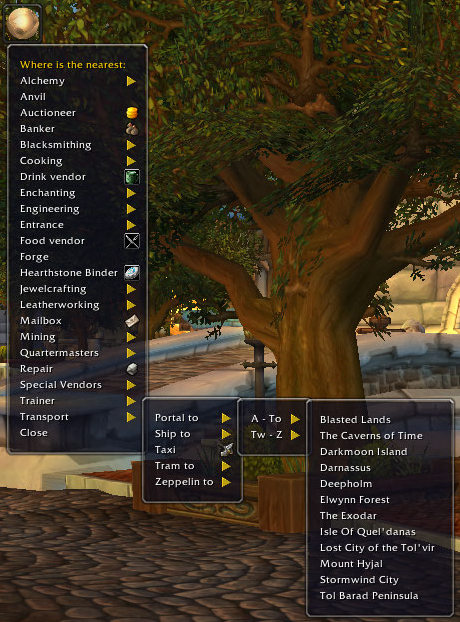
Need a ship, taxi, Zeppelin or portal to somewhere? Now find out where it is.
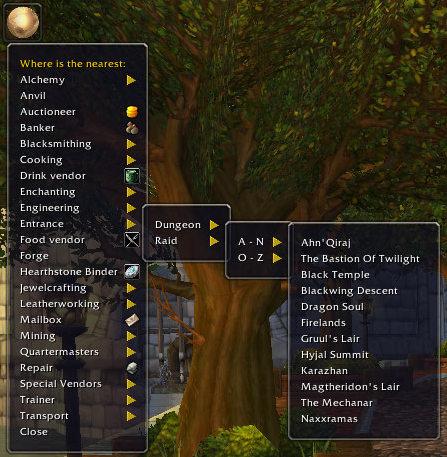
The WhereIs Menu with an example of how Raid and Dungeon entrances are displayed.
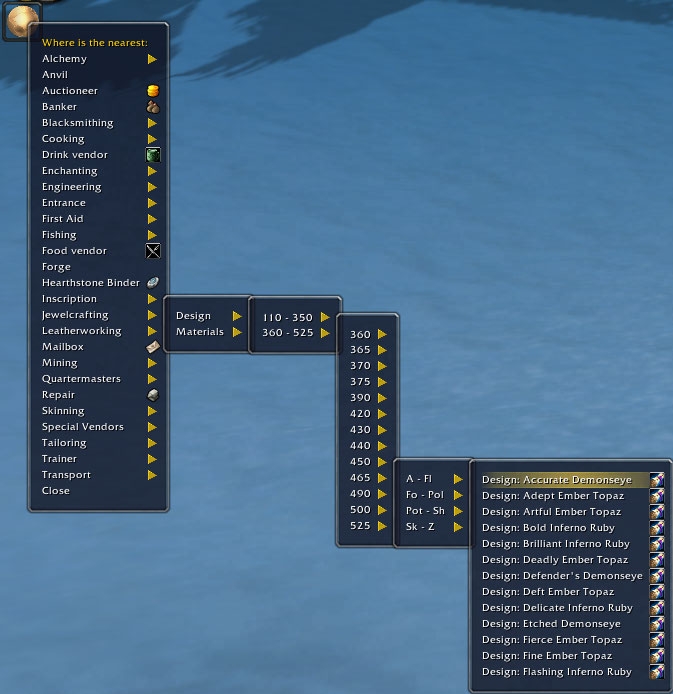
This image shows an example of how trade skill recipes are displayed. Firstly, they are sorted by Trade Skill level, then alphabetically.
Description
Note
The addon (WhereIs) is empty of information. If you want to pre-load all the info you will need to install and run the WhereIs_Update addon at least once. You have to run the update once for each faction because, if you don't play Horde, you don't have the useless information taking up memory. To run the update, type /wi update.
Issues
It would seem that curse.com has problems notifying authors about new comments. If you have a question or issue that needs my attention please use the curseforge ticketing system or send me a PM.
Where Is....?
This is the addon to answer that question. Where is that Entrance, Transport, Portal, Quartermaster, Vendor, Anvil, Forge, Food & Drink and this list goes on.
Simply select what you want from the menu and WhereIs will tell you where to go. If you have TomTom or Carbonite installed, then you can get an arrow pointing the way.
Thanks to
Esamynn for Astrolabe.
New Features
Travellers
Some NPCs change locations. WhereIs is now able to identify those NPCs and record their different locations when you interact with them. If you want to find a travelling NPC, WhereIs will help you track them down. If you prefer, you can filter out Travelling NPCs.
How does it work?
WhereIs will try to keep track of an NPC's current location and will point to that location when you want to go back. If the NPC is not there when you arrive, you can Ctrl+left click the addon icon and the next nearest location will be shown. "Rinse & repeat" until you gone through all the known locations or find the NPC.
Friends
It is now possible to improve your status with individual NPCs. These NPCs will be listed in a new menu option. (Some are Travelling NPCs.)
Tools
MoP has increased the range of trade skill tools you can use. Tools now have a seperate sub-menu option for each trade skill.
Other Features
- Filter Zone Level
High level mobs have a Crushing Blow ability. If you want to avoid those zone, select this option.
- Filter Limited Quantities.
You're looking to buy an item, but the vendor has run out - now what? WhereIs will now track "out of stock" items. This means you can use the addon to search for an alternative vendor.
- Filter Calendar Events.
Don't go pointing to an NPC that's not around at the moment.
- Trade Skills
Trade Skills have their own menu options, if you don't have that trade skill, the option will be hidden. (The picture has them turned on so you can see them.) The Trade Skills menu options will allow you to find the closest vendor for a particular item. There is a range of items tracked for each trade skill, these include items like tools, seeds and other items introduced in MoP.
- Food & Drink.
Now you can automatically search for food or drink suitable for your toon level. Did you know there are vendors in Daralan that sell food and drink for level 85 toons?
- Trainer
Will only displays the trainers you need.
- Entrance.
Where is the entrance to that dungeon/raid - here's your answer!
- Special Vendors.
Want to buy a pet, mount, or some alcohol? Now you can select the item you want and find the nearest vendor.
As far as possible the addon will update it's self as you play and this version has enhanced info sharing. So when you find something new, it will share that with other guild members and friends. You can turn this option off.
The WhereIs Team


