


filler
filler
filler

filler
filler
filler
Description
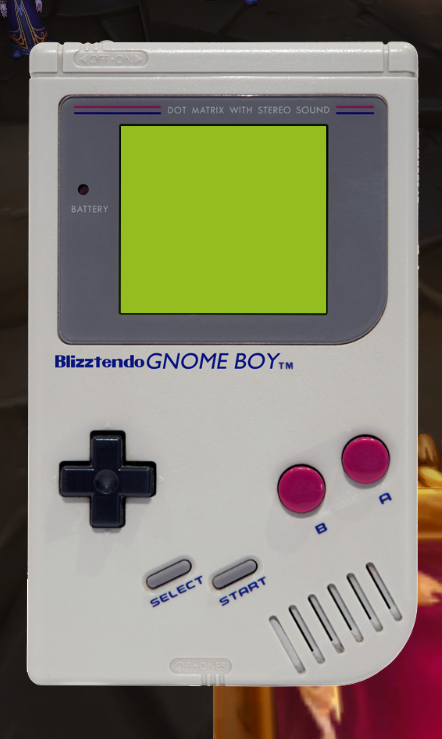
Gnome Boy
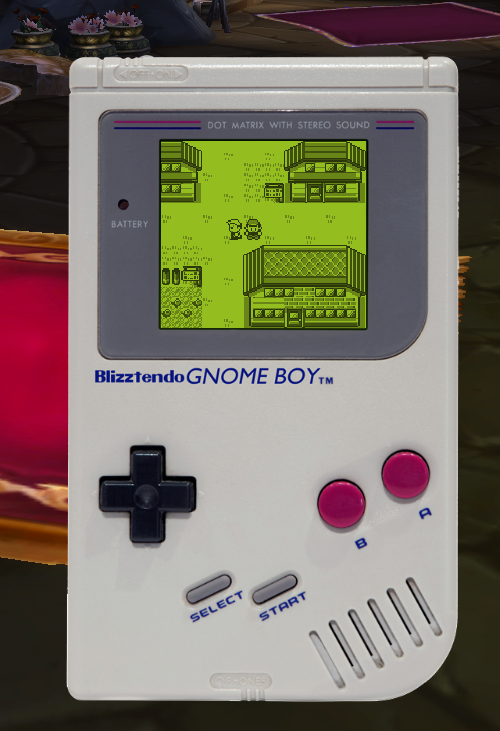
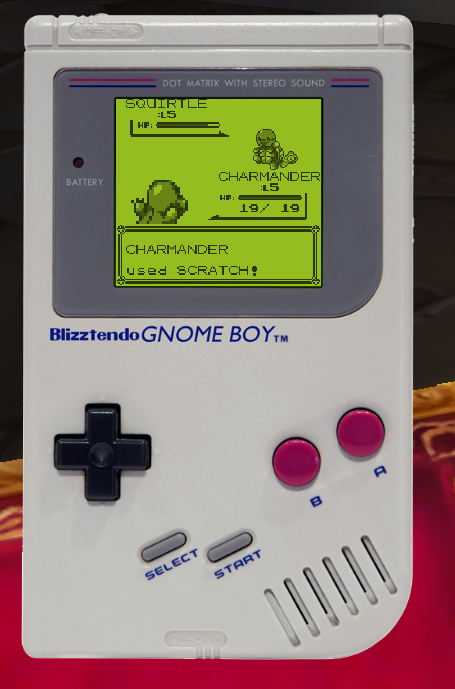
Game Boy (Color) emulator in World of Warcraft
Much of the gameboy backend relies on the code from Garry Boy, a Game Boy emulator created in Garry's Mod.
It had to be heavily adapted to work in the WoW Lua API. Saving was added, too, so that users can save game data!
Usage
=========
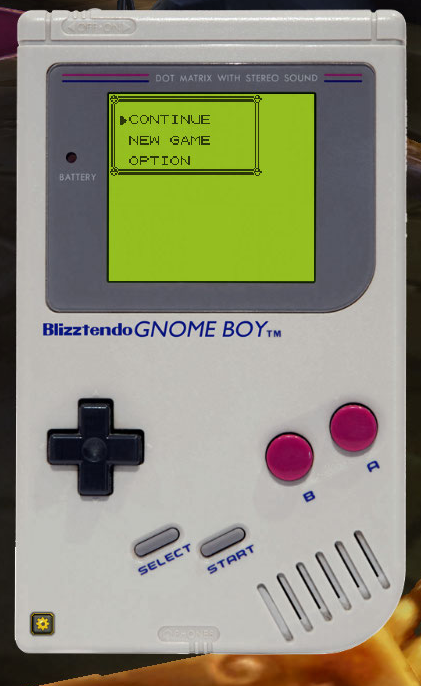
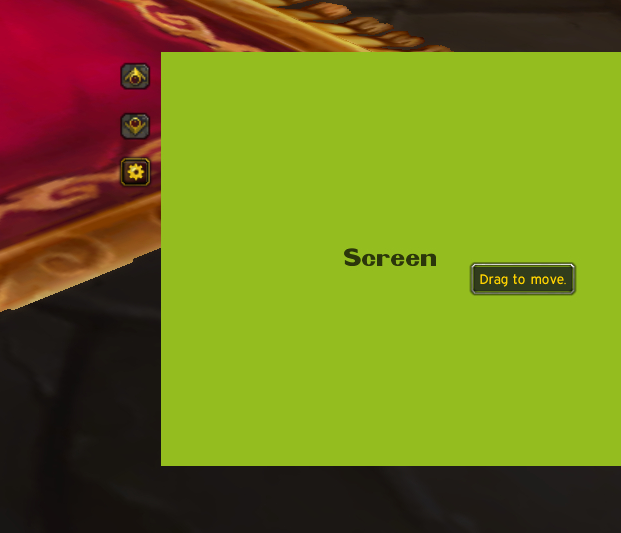
Click on the minimap button to show/hide the emulator. Click on the gear icon provided on each skin to lock the emulator in place and load it. Bindings may be set for all of the keys on the game boy, which are necessary to use the Cinema and Screen themes.
Adding ROMS
=========
Installing ROMs requires Python 2.7.6 to be installed.
Add all roms (ending in .gb or .gbc) to the /roms folder (Inside the GnomeBoy folder in your addons) and then run convert.bat or convert.sh in the GnomeBoy folder in order to install them into the addon. Alternatively, just run convert.py; that's all that either of those scripts does. They'll then be available in game to be played.
=========
NOTE: This addon uses a lot of memory and lowers frame rates while it's visible. That's the nature of the beast.
Like it? Donate here
The Gnome Boy Team


