A huge revamp is coming SOON with optimization, improvements, and changes.
Features:
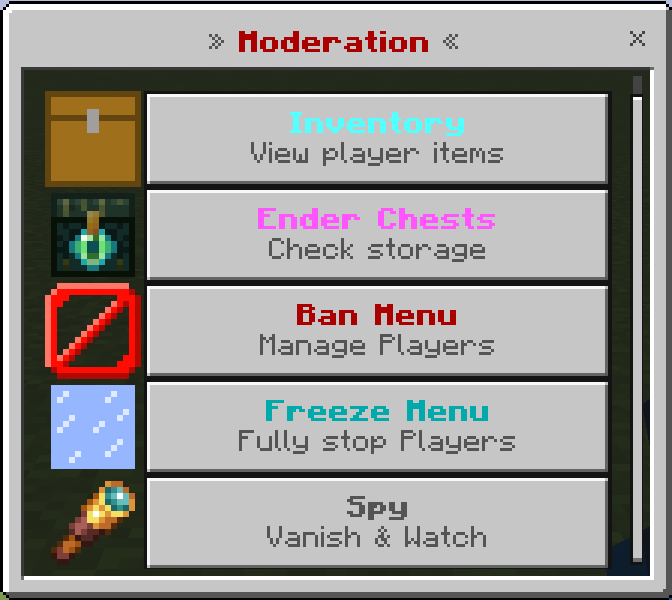
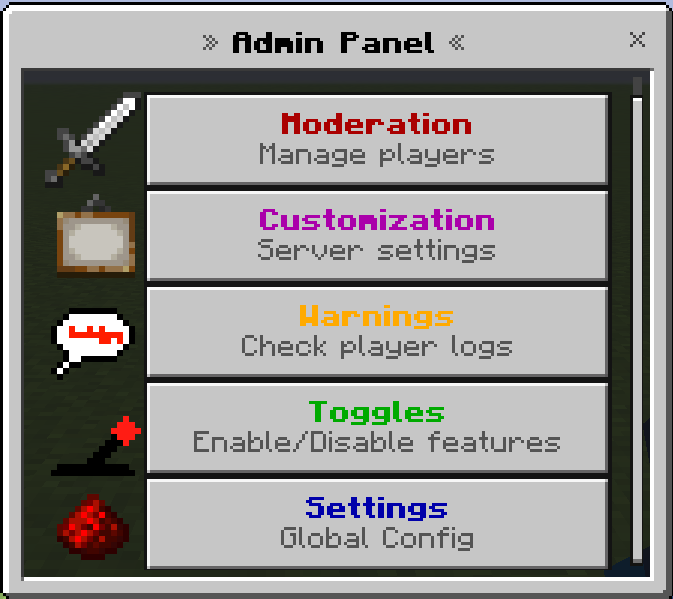
Moderation:
- Inventory viewer
- Ender Chest viewer
- Freeze System
- Mute system
- Ban/unban system even offline
- Spy — lets you view global player data or watch what players are doing while being invisible to tracers.
- Item Ban
- Basic warning systems, anti-fly, anti-kill aura, high cps, and excessive items protections (toggleable)
- Anti Bundle Dupe (toggleable)
Customization:
- Home System
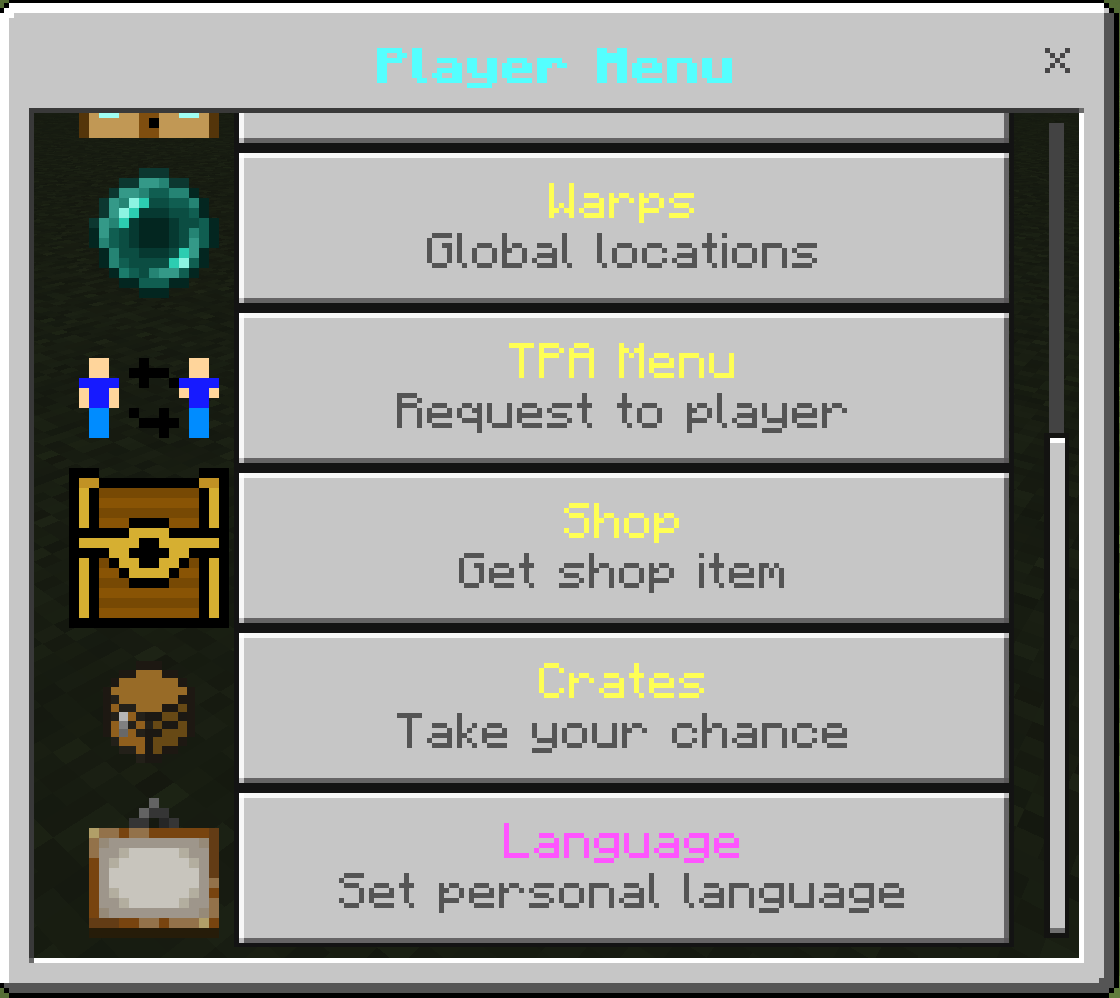
- Set the default language; players can also set a personal language (English, Spanish, Portuguese).
- Warp System
- Broadcast system
- Disable specific entities from spawning
- Toggles for the End, Nether
- Custom chat tag system
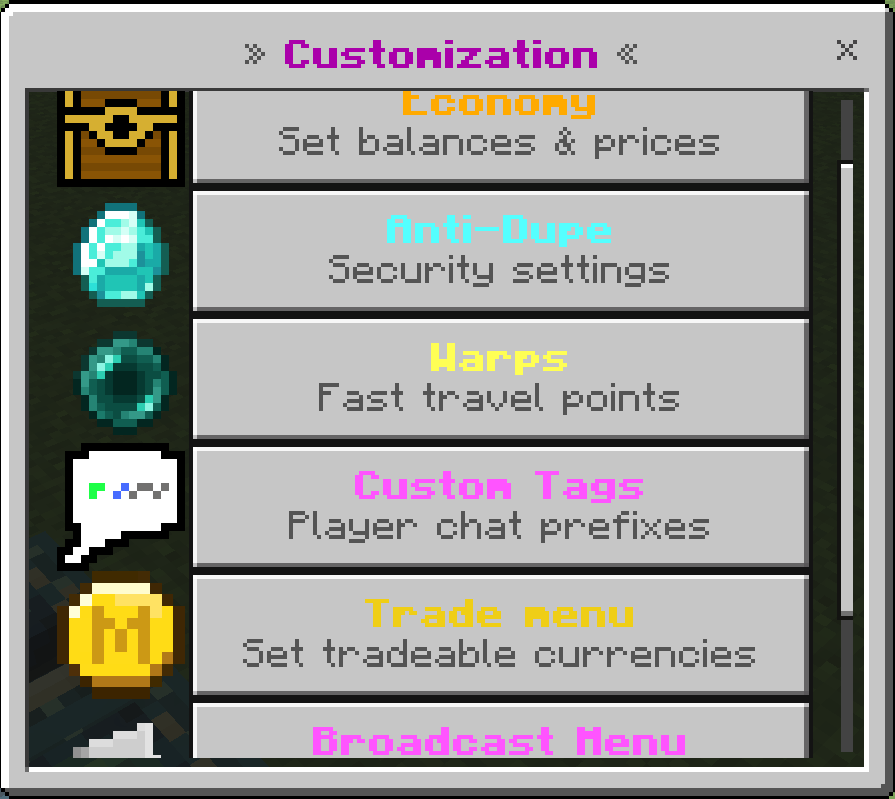
- Customizable settings
- Admin Land Claim
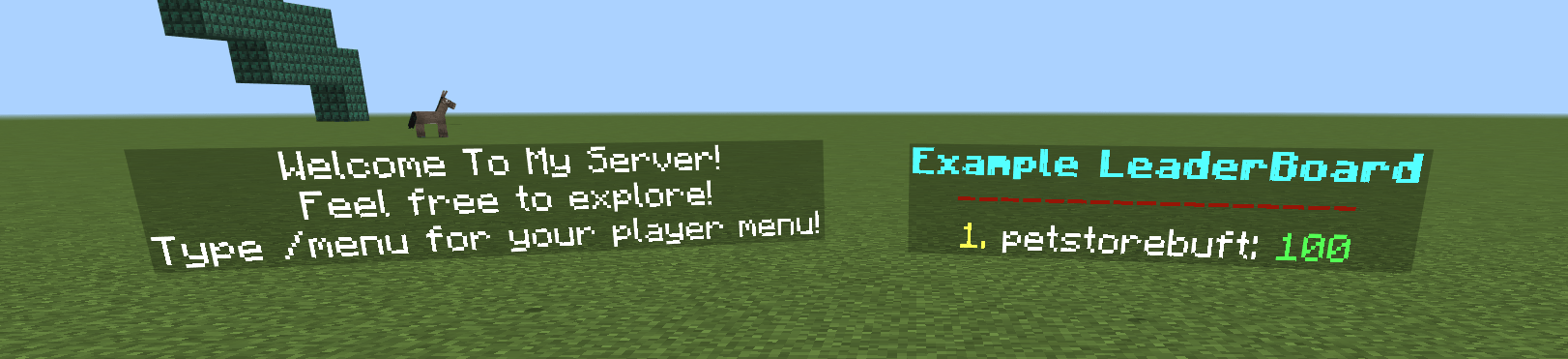
- Hologram system (text or leaderboards and also is /kill proof)
- Toggle wither spawning
- Custom Items: Miner Helmet, Farmer Boots, Sell Wand, Auto Hoe
- Customizable death system: make custom particles, commands, or sounds run on the attacker/dead entity
- Customizable code system, that players can redeem
- World Border (toggleable) (adjustable)
- Item NameTags (toggleable) (invisible behind walls)
- Random teleport (toggleable) (adjustable)
- Customizable Crate System (toggleable)
- Anti-Combat Log (toggleable)
- Player Land Claim (toggleable)
- TPA system (toggleable)
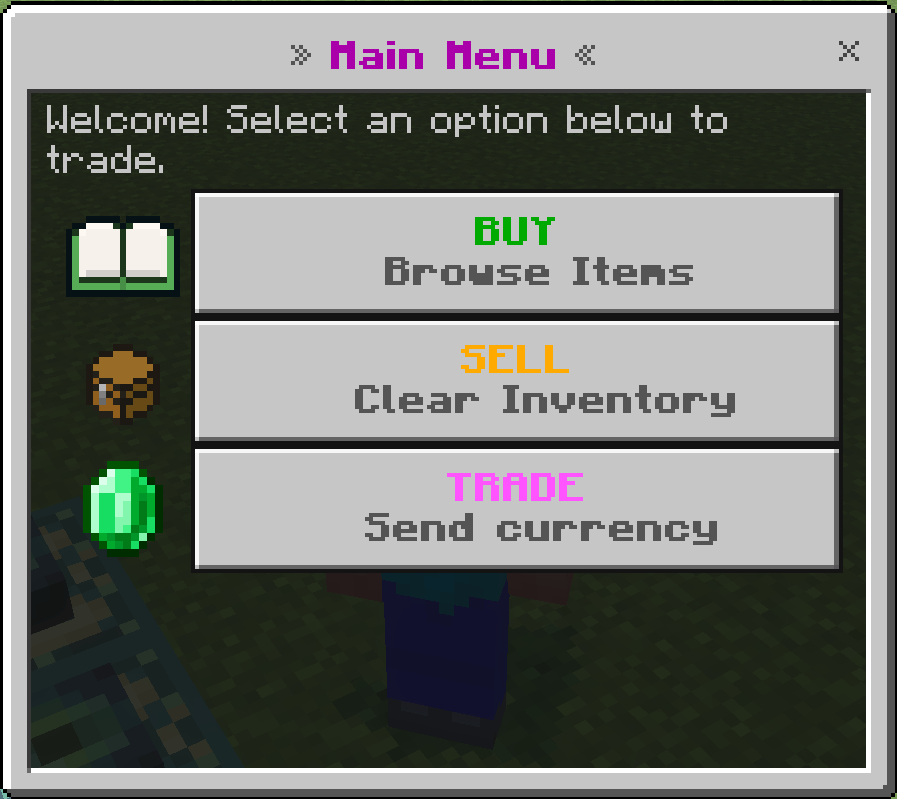
- Economy system (toggleable)
- World Entity Item Clearer (toggleable)
- Bounty System (toggleable)
- Stackable Mobs (toggleable)
- Rank next to name (toggleable)
- Health below name (toggleable)
- Proximity Text Chat (toggleable)
- Auction house (toggleable)
- Bazaar (toggleable)
- Custom Spawners: lets you stack the custom spawners only obtainable through player menu (toggleable)
- Simple Spawners: works like DrDonuts' spawners, where mobs dont spawn; it's just a UI with immediate drops (toggleable)
- Private Vault system (toggleable)
Custom Commands
- /admin — gives the admin menu item
- /menu — opens the player menu (if enabled)
- /menuitem — gives the player menu item (if enabled)
- /helper — opens the helper menu (if enabled)
- /helperitem — gives the helepr menu item (if enabled)
- /spystop — stops the spy ability
- /sc <msg> — hidden chat only admins can see (broken on realms atm)
- /tpa <name> — teleports you to the requested user and is cancelled when you move
- /shop — gives the shop item (if enabled)
- /sellhand — sells held item if in sell shop
- /sellall — sell all sellable items in inventory
- /bal <target> <scoreboard> — displays how much of the scoreboard someone has
- /baltop <scoreboard> — displays top 10 balances of online players
- /back — teleports you back to your last death, toggleable, and expires after 10 min
- /pay <target> <scoreboard> <amount> — send currency
- /buy <item> <amount> — buy set items
- /rtp <dimension — teleport to various dimensions randomly
- /warp <name> — warp to set locations
- /spawn — teleport to world spawn
- /home <name> — teleport to your set homes
- /tpahere <name> — teleport someone to your location
- /ah — spawns the ah NPC
- /ahitem — gives the item to spawn the ah NPC
- /ahsell <price> <amount> <currency> <time> — list a item on the ah
- /bazaar — spawns the bazaar NPC
- /bazaaritem — gives the item to spawn the bazaar NPC
- /pv — spawns the private vault entity
- /pvitem — gives the item to spawn the pv entity
- /order <item> <buy/sell> <amount> <price> <currency> — creates a bazaar order
- /code <code> — redeem a set code
- /crate <name> <amount> — open mass amounts of a crate quickly
- /helper — opens the helper menu
- /helperitem — gives the item to open the helper menu
- /invsee — view someone's inventory
- /party <accept/create/invite/leave/msg> <target> — manage your party
- /resetspawners — resets spawner data
- /sidebar — toggles the sidebar for you
- /spawner <entity> <amount> — (admin only) lets you give yourself any amount of any type of custom spawner
- /toggleui — globally toggles the custom UI in case you cant in the toggles menu
- /worth <item - optional> <amount - optional> — find the worth of a item in your shop
With any command you need to type a name; you don't need to type full names; the first 3 letters are sufficient
Chat Tags
This pack includes built-in custom chat tags: Owner, Admin, Dev, Helper.
In the toggles option you can enable having multiple or only one chat tag(s) and the priority is
custom>owner>admin>helper so if i have the tags "test" and "owner" with multiple disabled, it will show [test] petorebuffet
To create custom tags, go to the menu option. Then the first box is the tag you give the player, and the second box is the text it displays. So if i did vip --> §5§l[VIP], i would then do /tag <target> add vip
Economy Tutorial
First add a scoreboard objective:
/scoreboard objectives add <name> dummy (with name being whatever you want)
Then make sure the economy is enabled under toggles. Go to the economy tab and add any items you want, set their cost, and choose the scoreboard to add/remove from.
If your scoreboard name includes formatting codes (for example, §lMoney), include the exact characters in the scoreboard option — it is case sensitive.
Video Tutorials:
Player/Admin Land Claim Tutorial
Economy Tutorial
Holograms Tutorial
Custom Crates Tutorial
Sidebar Tutorial (custom kill counter)
Complete Demonstration (v3.7.9)
How to set up a Server!
Support & Custom Work
Check me out on Fiverr
Also join this Discord to see progress on my upcoming add-on, Dungeons Plus, which will add 100+ items and many more dungeons to Minecraft, or join to get help with any of my add-ons.
server: https://discord.gg/QgeeGsEAkp
discord: petstorebuffet
Or join the Minecraft Bedrock server at
> Ip Address - srv836894.hstgr.cloud
> Server port - 19132
I will 100% take any advice on this pack for features to add or any bugs that need fixing!