promotional bannermobile promotional banner

What's Next?

Build out your rotation and get real-time suggestions on what abilities to use and when.
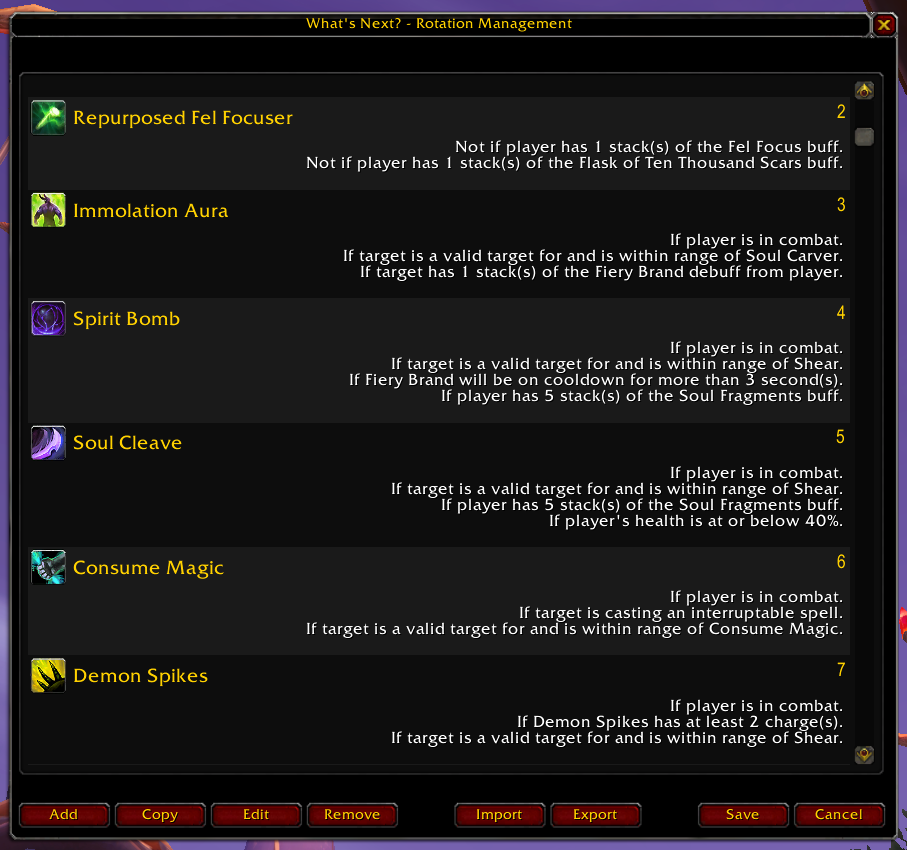
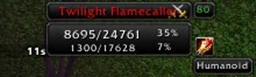
Displays all suggestion entries in the active rotation.

Displays all suggestion entries in the active rotation.

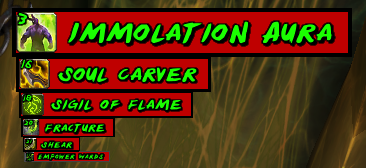
<p>A screenshot of the Suggestion Display.</p>

A screenshot of the Suggestion Display.

Shows all suggested abilities in order from highest priority to lowest.

Shows all suggested abilities in order from highest priority to lowest.

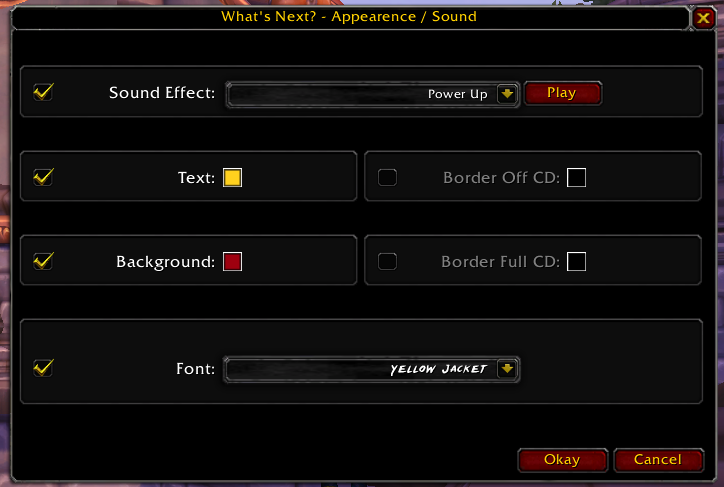
Edit the appearance and add sound effects of individual suggestions to distinguish them on the fly.

Edit the appearance and add sound effects of individual suggestions to distinguish them on the fly.

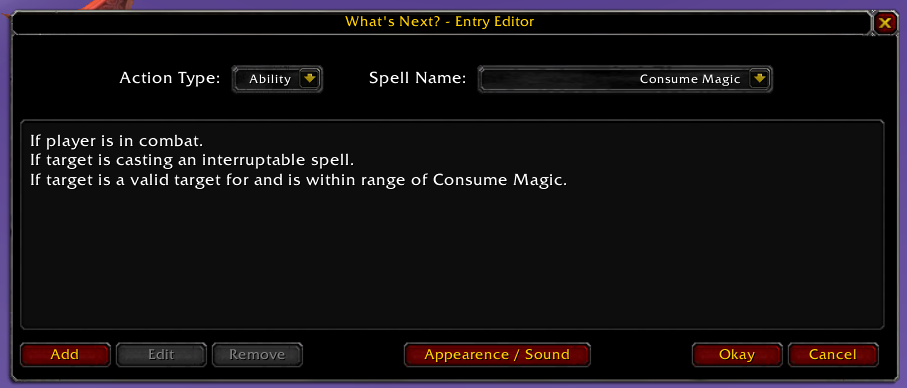
Select the ability to suggest and what conditions need to be checked.

Select the ability to suggest and what conditions need to be checked.

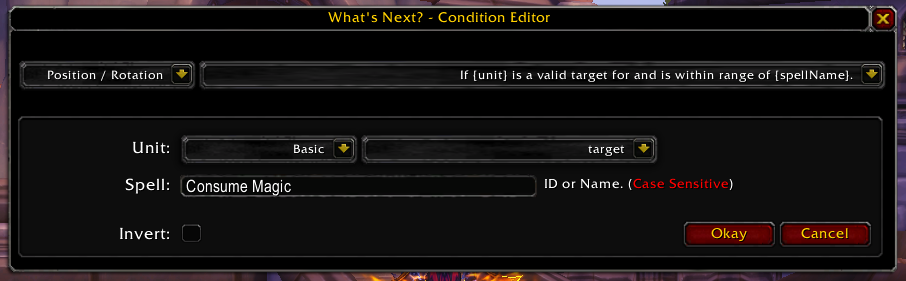
Select condition statements and fill in the needed values.

Select condition statements and fill in the needed values.

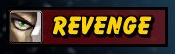
<p>A screenshot of the Suggestion Display when there is nothing to suggest.</p>

A screenshot of the Suggestion Display when there is nothing to suggest.

Description

Would love to see the rotations people build!


Summary

What's Next? takes into account all available battle field data, player CD's and power levels to suggest the next action the player should perform.

A powerful easy-to-use interface allows the user to build the rotation however they wish without any scripting!

If you like What's Next? please do click the like and/or favorite buttons on Curse to help increase its visibility.


Example: Build An Interrupt Reminder

Step 1 - Launch the Addon

Open the Rotation Management Window by left clicking the mini-map icon.

Step 2 - Start New Suggestion Entry

Click the 'Add' button along the bottom to create a new suggestion entry.

Step 3 - Select Ability

Select 'Ability' from the first dropdown.
Select your interrupt ability from the second dropdown.

Step 4 - Add Condition 1

Click the add button along the bottom to add a condition to the suggestion entry.

Select 'Casting' from the first dropdown.

Select  'If {unit} is casting an interruptable spell.' from the second dropdown.

Step 5 - Save, Save, Save

Click 'Save' on the 3 windows and you're all set!


'What's Next?' will now suggest your interrupt ability whenever your target is casting an ability you can interrupt!


My Personal Rotations

These will need to be adjusted based on your talents, set bonuses and items.

To use these:

1. Log into the appropriate character 

2. Swap to the appropriate spec

3. Open the main window

4. Click "Import'

5. Paste in the text block

6. Click "Okay"

7. Click "Save"


My Other Addons

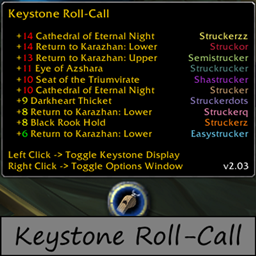
  • Keystone Roll-Call - Accumulates, displays, and reports all known keystones for the week, automatically compiled from guild, party, and raid members.
  • What's Next? - Analyses battlefield conditions and suggests abilities, items, or macros to use given a set of conditions from the user.
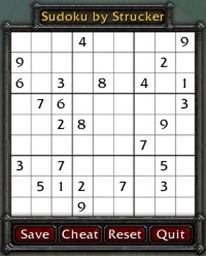
  • Sudoku - An in-game Sudoku puzzle interface.
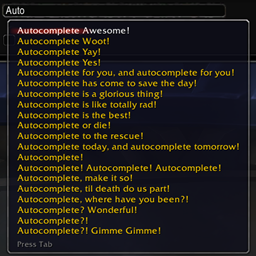
  • Library EditBox AutoComplete - Add custom autocomplete suggestions to any editbox.

The What's Next? Team

profile avatar
  • 7
    Projects
  • 147.3K
    Downloads

More from LordStruckerView all

  • Keystone Roll-Call project image

    Keystone Roll-Call

    • 78.9K
    • Addons

    Accumulates, displays, and reports all known keystones for the week, automatically compiled from guild, party, and raid members.

    • 78.9K
    • April 8, 2026
    • Addons
    • +3
  • Death Clock project image

    Death Clock

    • 18.0K
    • Addons

    Death Clock displays an estimated kill time for any of over 50 different unit addresses.

    • 18.0K
    • July 22, 2018
    • Addons
    • +3
  • Library EditBox AutoComplete project image

    Library EditBox AutoComplete

    • 543
    • Addons

    Add custom autocomplete suggestions to any editbox.

    • 543
    • December 23, 2017
    • Addons
    • +2
  • Sudoku project image

    Sudoku

    • 22.5K
    • Addons

    Sudoku! Play unique challenging Sudoku puzzles in WoW.

    • 22.5K
    • November 17, 2017
    • Addons
    • +1
  • Keystone Roll-Call project image

    Keystone Roll-Call

    • 78.9K
    • Addons

    Accumulates, displays, and reports all known keystones for the week, automatically compiled from guild, party, and raid members.

    • 78.9K
    • April 8, 2026
    • Addons
    • +3
  • Death Clock project image

    Death Clock

    • 18.0K
    • Addons

    Death Clock displays an estimated kill time for any of over 50 different unit addresses.

    • 18.0K
    • July 22, 2018
    • Addons
    • +3
  • Library EditBox AutoComplete project image

    Library EditBox AutoComplete

    • 543
    • Addons

    Add custom autocomplete suggestions to any editbox.

    • 543
    • December 23, 2017
    • Addons
    • +2
  • Sudoku project image

    Sudoku

    • 22.5K
    • Addons

    Sudoku! Play unique challenging Sudoku puzzles in WoW.

    • 22.5K
    • November 17, 2017
    • Addons
    • +1