
A 1x6 Horizontal Rune Configuration
Highlighting some of the configurable Frost buttons
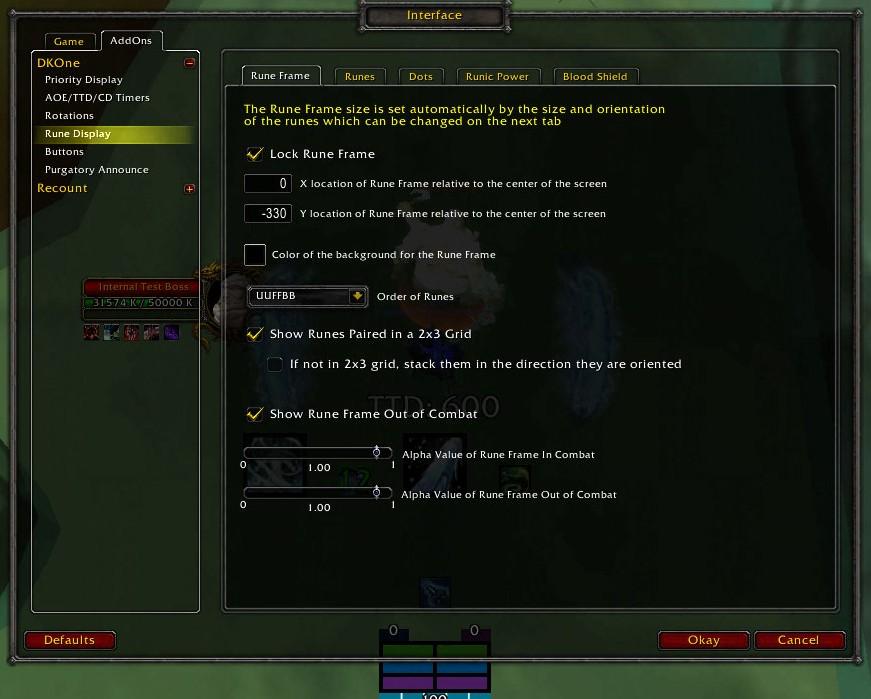
The overall configuration for the Runeframe
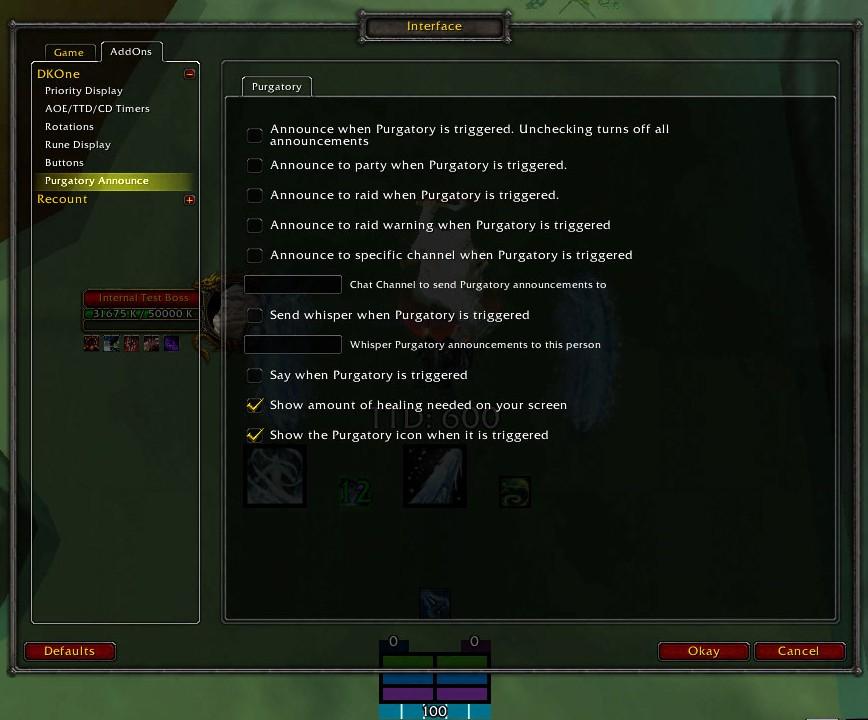
Options for announcing when Purgatory is triggered. It announces your name and how much healing you need.
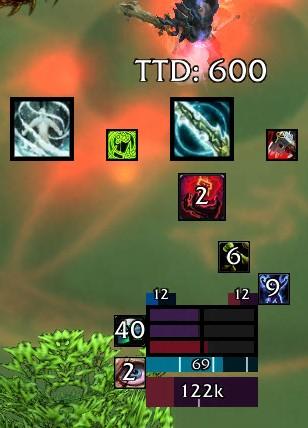
Typical Blood UI with default settings
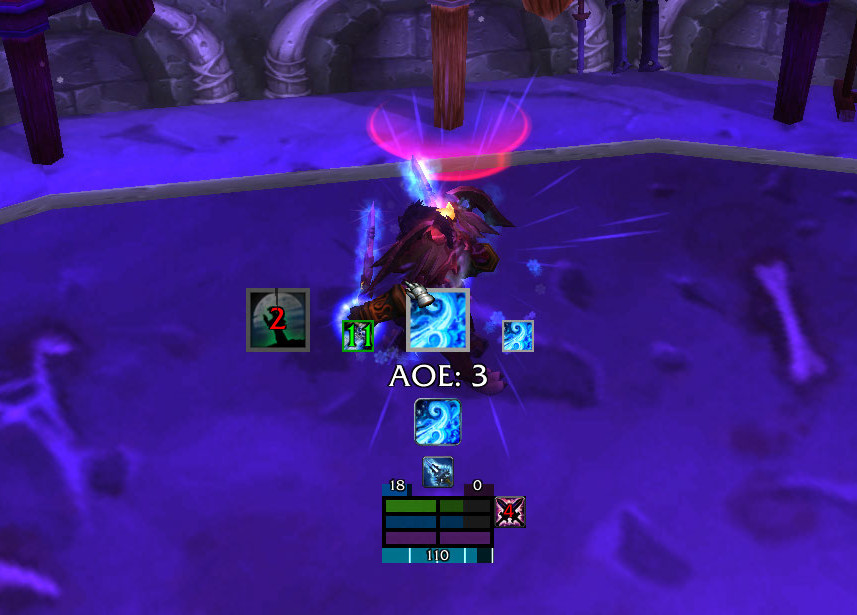
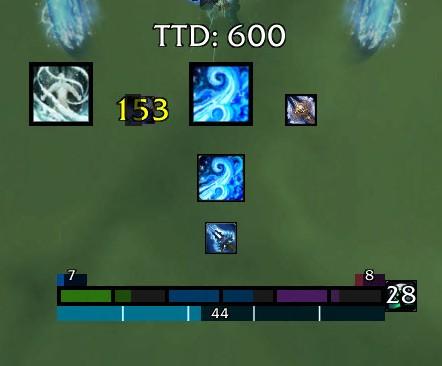
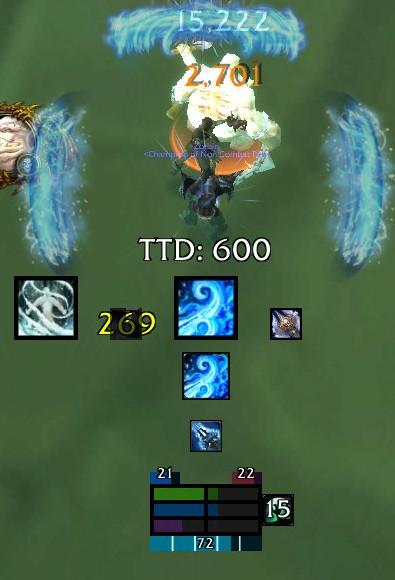
DKOne while AOEing in frost spec
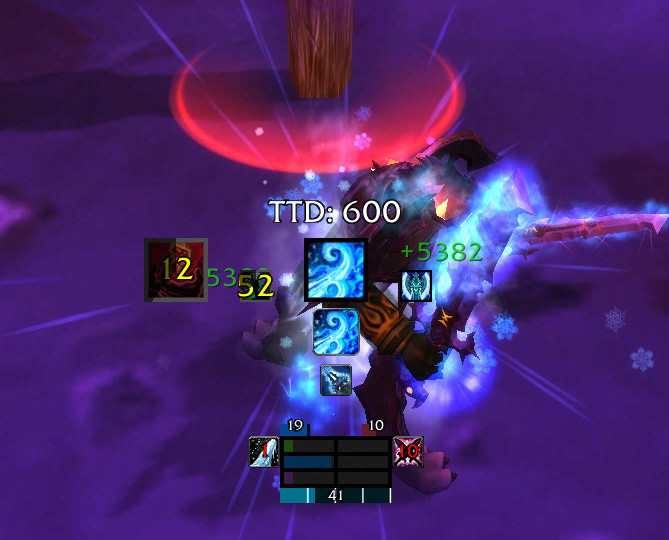
Shows a basic view of what DKOne looks like with default setting in combat while in frost spec
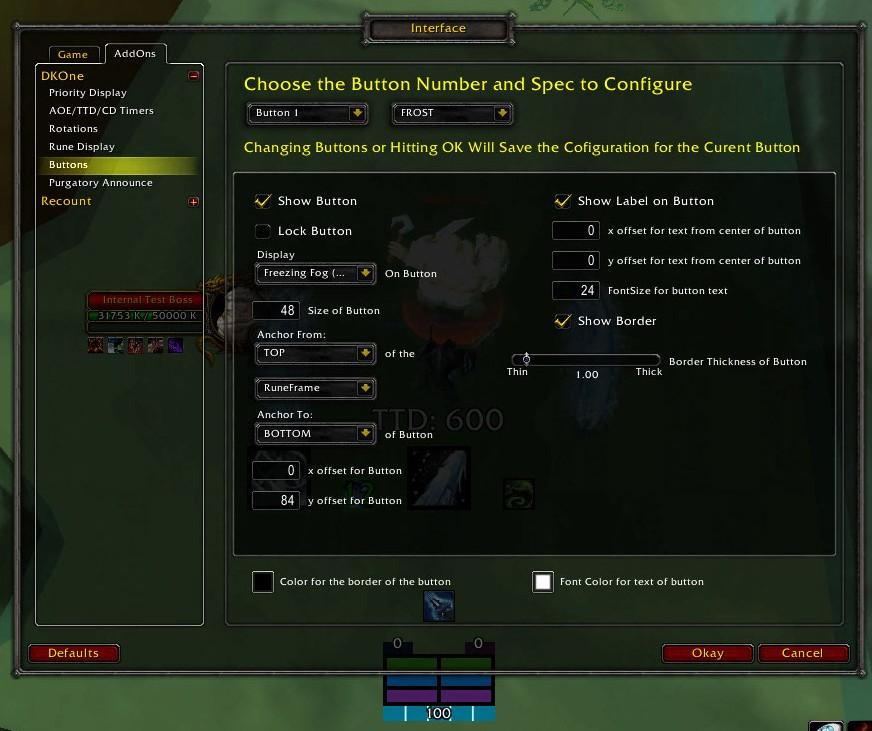
The configuration screen for buff and proc buttons. There are 24 separate buttons that can be configured, 8 for each spec.
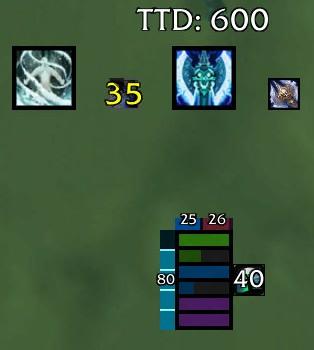
A 6x1 Horizontal Rune Configuration
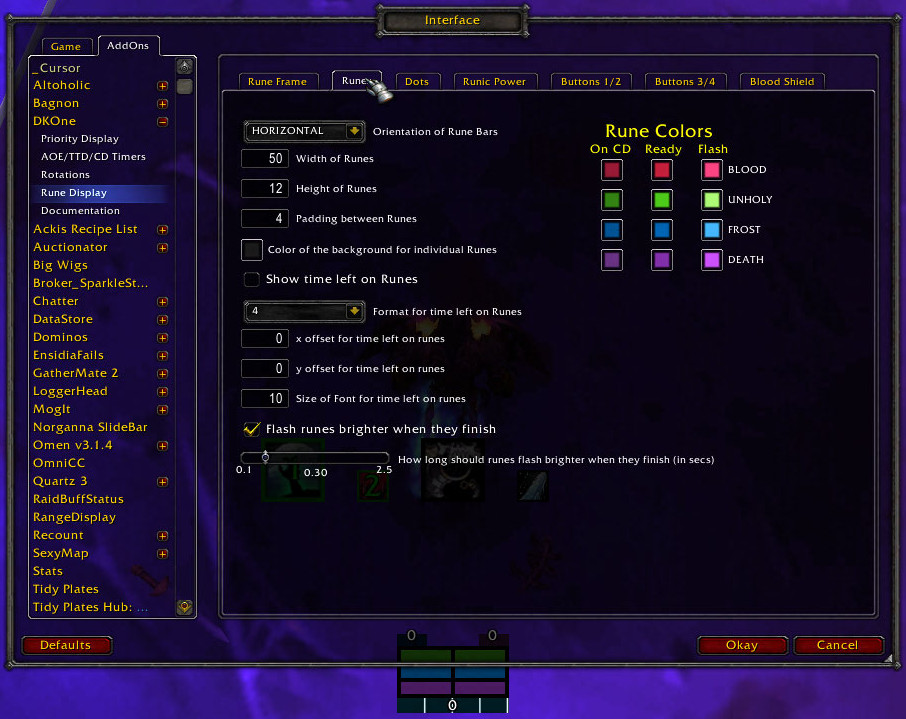
Configuring the Runes on the rune tab on the Rune Display configuration page
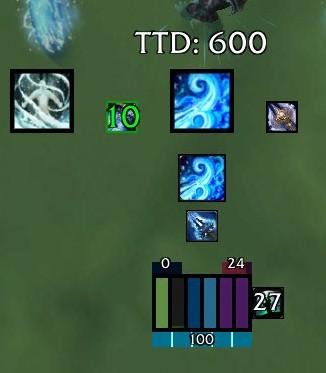
A 1x6 Vertical Rune Configuration
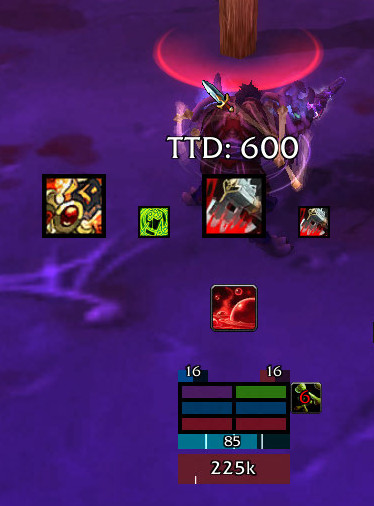
DKOne in combat while in blood spec, showing the blood shield at bottom of the rune frame
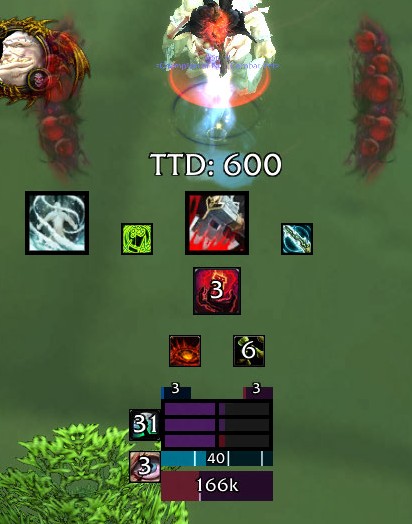
Showing some of the new configurable buttons
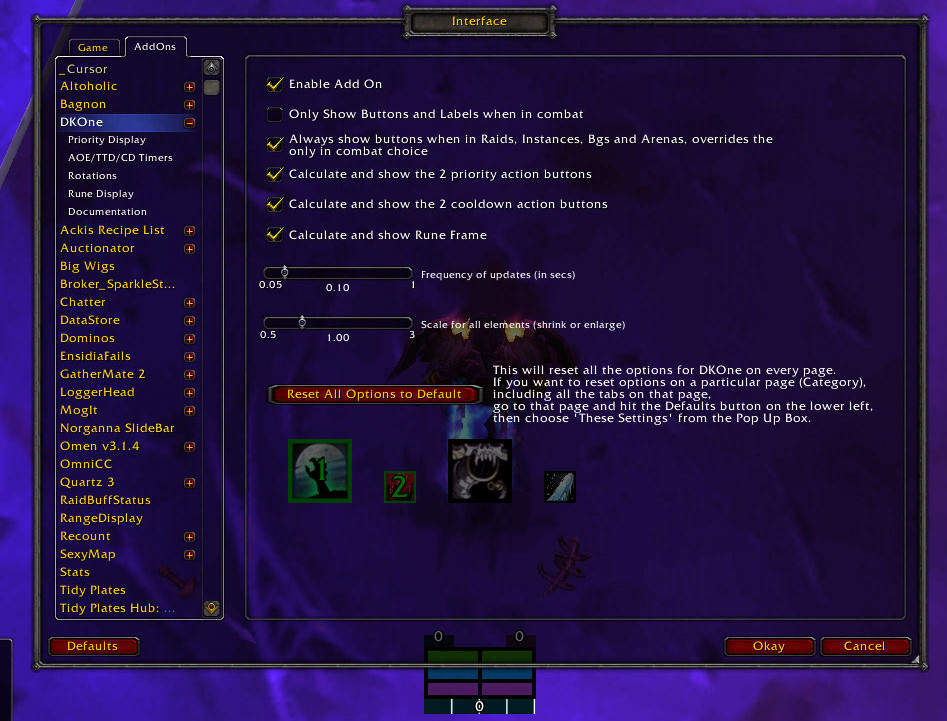
The first page of the configuration screen
Description
Back to the DKOne Curse Homepage
5.1.0
A new version (v50102) is up.
Quick Help
Summary
A complete all-in-one combat addon for the raiding DK of any spec. It shows a Rune Display with additional information on runic power, dot timers, and blood shields. It also shows the next two recommended actions and the next two cooldowns that will be up. It dynamically switches between melee, AOE and ranged priorities and whenever you change specs. It tracks the current number of AOE targets and estimates how long until the current target will die. There are up to 8 additional small buttons that you can set to track things like blood tap charges, killing machine, crimson scourge, and doom procs. It is completely customizable and the recommended priority can be changed and customized on the configuration screen using any of the many different actions.
Priority Action Buttons
These two buttons show the next two recommended actions. There size and location can be changed in the configuration screen. You can also unlock and drag them if that is more convenient. They check resources, cooldowns, procs and buffs. They are based on a priority list that the user can edit or modify. The addon goes through the priority list and shows the first action that satisfies all the requirements. It then accounts for resources gained or used by that action as well as the GCD and calculates the second action to take. The default priority lists for each dps spec are mostly taken from the top dps priority lists in Simcraft, the blood priority is based on my reading of various DK tanking forums and my own experience.
Ranged
The addon detects when you are not within melee range of your current hostile target and colors the border red and switches to a ranged priority list.
AOE
The addon detects when you are hitting multiple targets. When you are aoeing a certain number of targets it switches to an aoe mode, where it colors the border white and switches to an aoe priority. You can adjust many parameters to control this behavior.
TTD
TTD is Time To Die. The addon estimates how long until the current target dies based on how fast its health is going down. That estimate is displayed as TTD. You can adjust parameters of that estimate and display as well.
Priority Cooldown Buttons
These two buttons show the next 2 cooldowns that will be available. These can be moved and resized as well. If more than 1 cooldown is available it shows them in the priority order listed on the configuration screen. If an action is on cooldown there is a timer on top that counts down. If the timer is green (default color, can be changed) this means that the action is off cooldown, but you can't or shouldn't use it for some reason. You may not be able to use it because you don't have enough runic power or the right rune. You may not want to use it because the conditions aren't right, for example, you only want to use Empower Rune Weapon if you have used most of your runes up and you aren't capped out on runic power. In that case even though its off cooldown, it will show a green timer and you should wait to use it. The timer will go away when it's the best time to use it.
Rune Frame
The runeframe includes not only the display of the runes, but also, runic power, dot timers, procs, buffs, and blood shield when in blood spec. The height, width, orientation and even color of all the different bars can be changed. You can show numeric labels on everything or turn them off on individual elements. You can set the position of the main box with the runes in it, or unlock it and drag it around. The other parts of the runeframe are positioned relative to the main box.
The DKOne Team
