Cao's Inventory Packs aka Bags of Holding
NEW Version
fixes map images not showing... the "interface" folder from this mod should be placed inside "textures" folder.
not by itself outside of the folder. .... sorry for inconvenience those that already downloaded this.
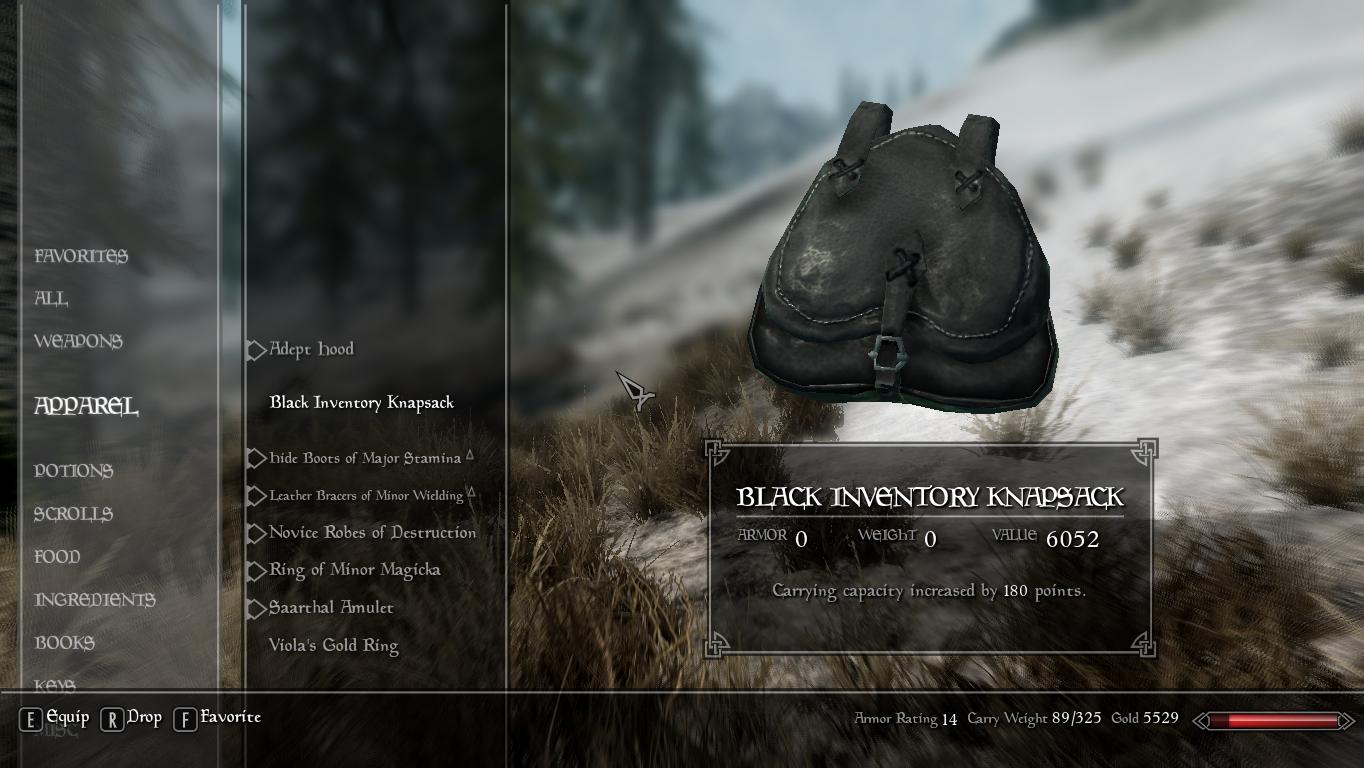
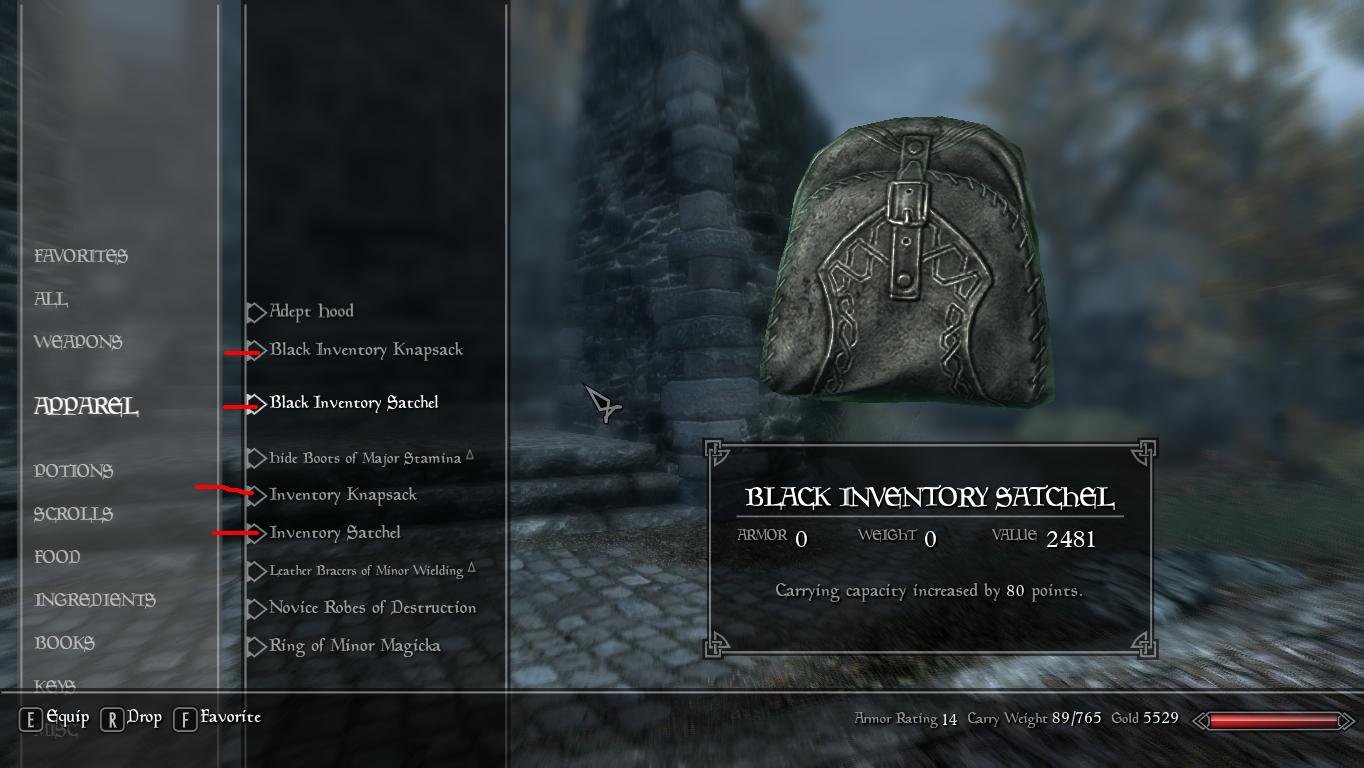
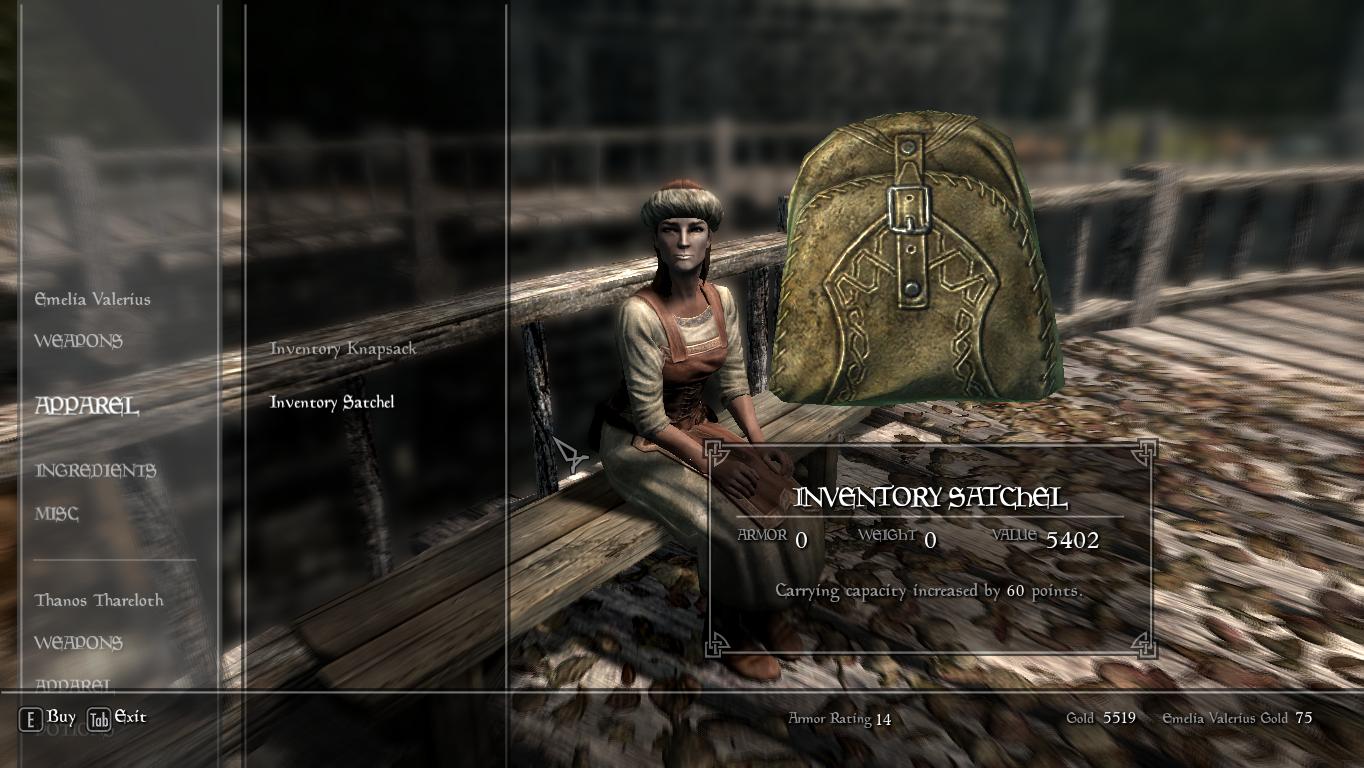
This mod adds 2 Satchels and 2 Knapsacks that increase your carry capacity.
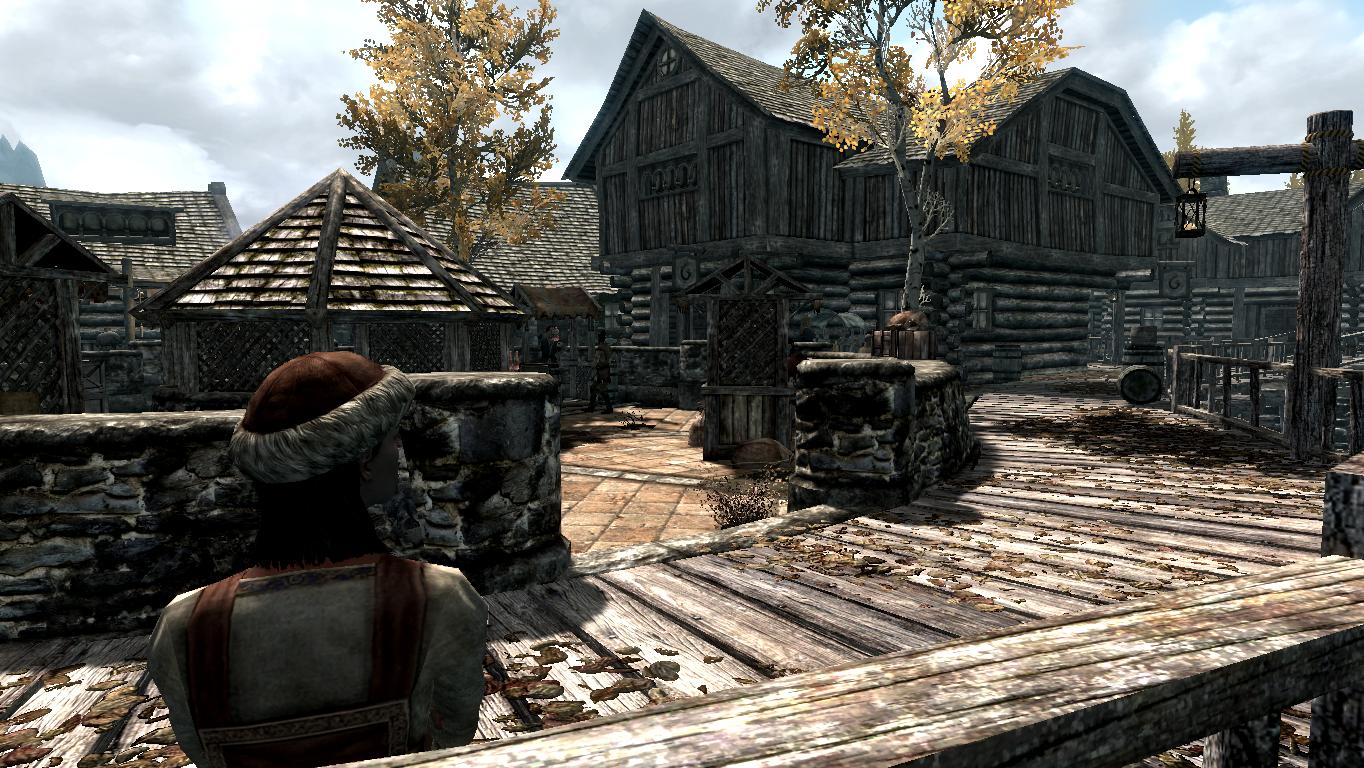
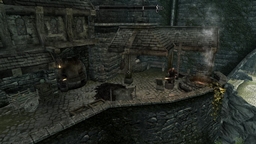
2 are to be purchased (or stolen) from Emelia Valerius a female merchant in Riften,
she hangs out by two benches between the marketplace and the castle of Riften.
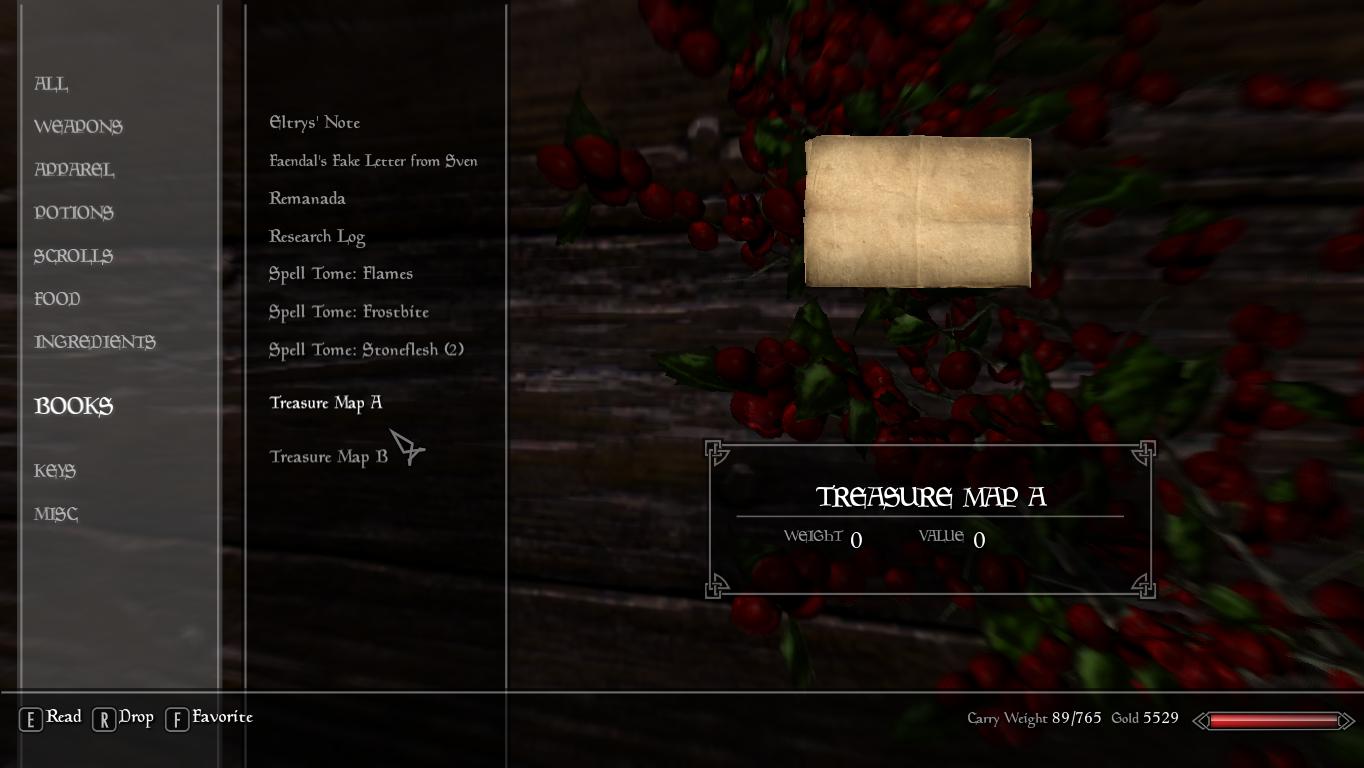
2 black leather variants are hidden, to be found with hidden treasure maps.
Hint,
if you cannot afford the packs from Emelia Valerius, see what items she gives away for free! ... (well, 1 gold)
_________________
If you could donate, it would be great, I spent many hours before the creation kit was released to create this mod,
to do so: click the donate button in the upper right, thank you.
_________________
It seems Iam unable to set the price of the packs, they are incredibly expensive, the game
sets the price according to the powerfulness of the items enchantments... ...
the 2 black leather packs can be found for free, but takes some effort...
I hope the maps are pretty easy to follow. :D
The packs do NOT show up on your character, you equip them in your apparel tab of your inventory.
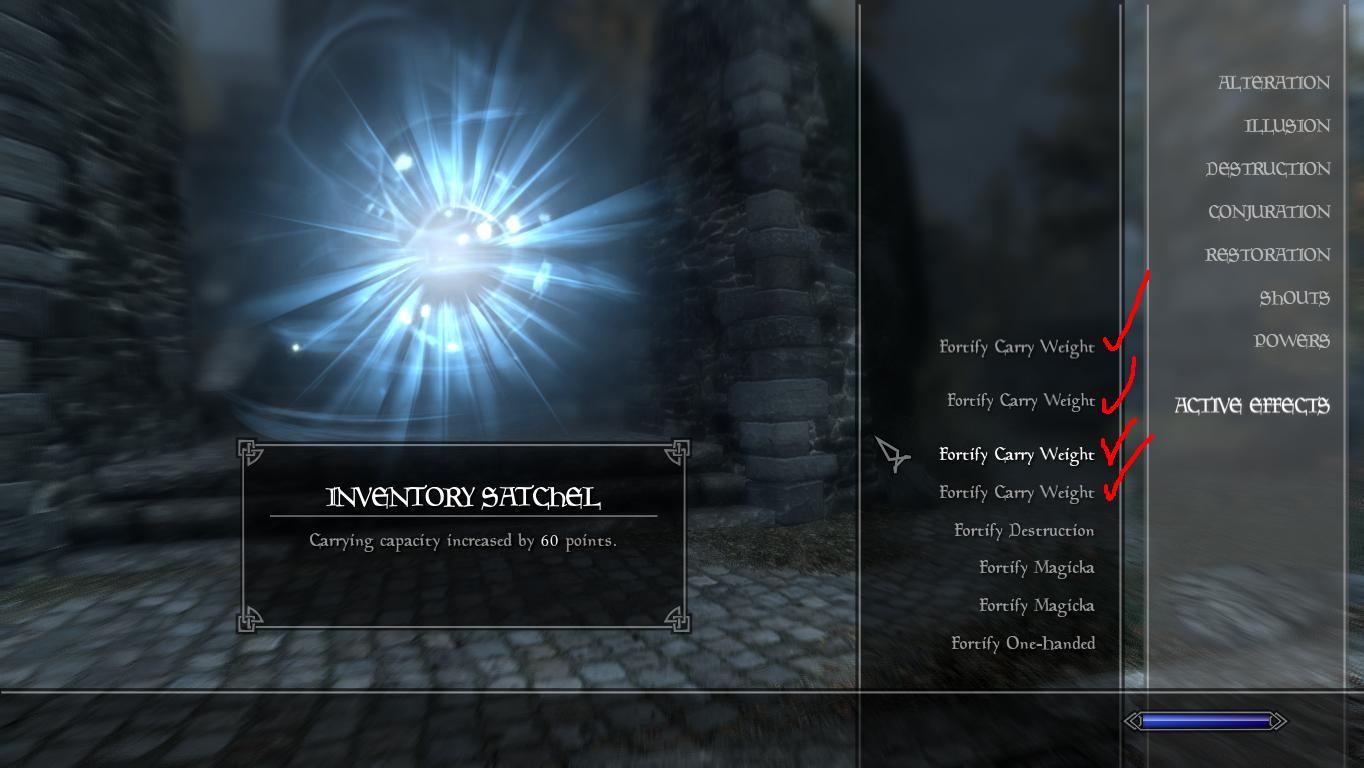
As long as they are equipped, they give you the bonus, you can equip all 4 at the same time for a total
bonus of 440 extra carry capacity.
The packs don't take up any equipment slot.
HOW TO INSTALL
use Curse Client
http://www.curse.com/client
or
Place "cao_InventoryPacks.esp" into Skyrim DATA folder
also place the folders "interface" "meshes" and "textures"
into DATA folder aswell.
in the launcher tick the checkbox.
Go to: Drive Letter:\Program Files\Steam\steamapps\common\skyrim\Skyrim\SkyrimPrefs.ini
For those who don't have bought the game on steam, the SkyrimPrefs.ini file is located in Drive Letter:\Users\<USERNAME>\Documents\My Games\Skyrim
Add these lines, or change them if they already exist so they match the below:
[Launcher]
bEnableFileSelection=1
If that fails:
Go to: Drive Letter:\Users\[USERNAME]\AppData\Local\Skyrim
Make the Skyrim folder un-read only.