


oUF_D3Orb Lightweight Mod
- By
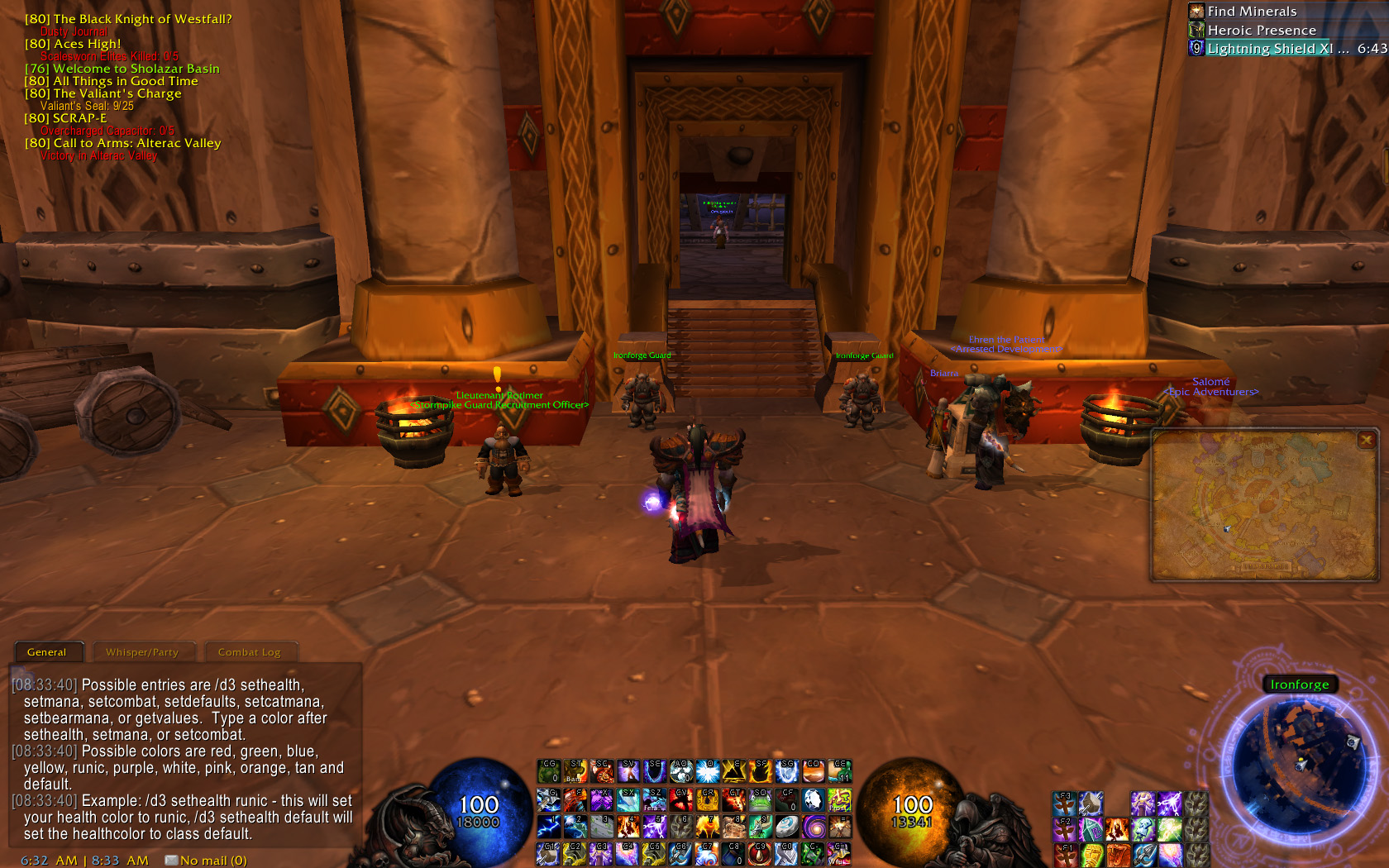
using the /d3 menu
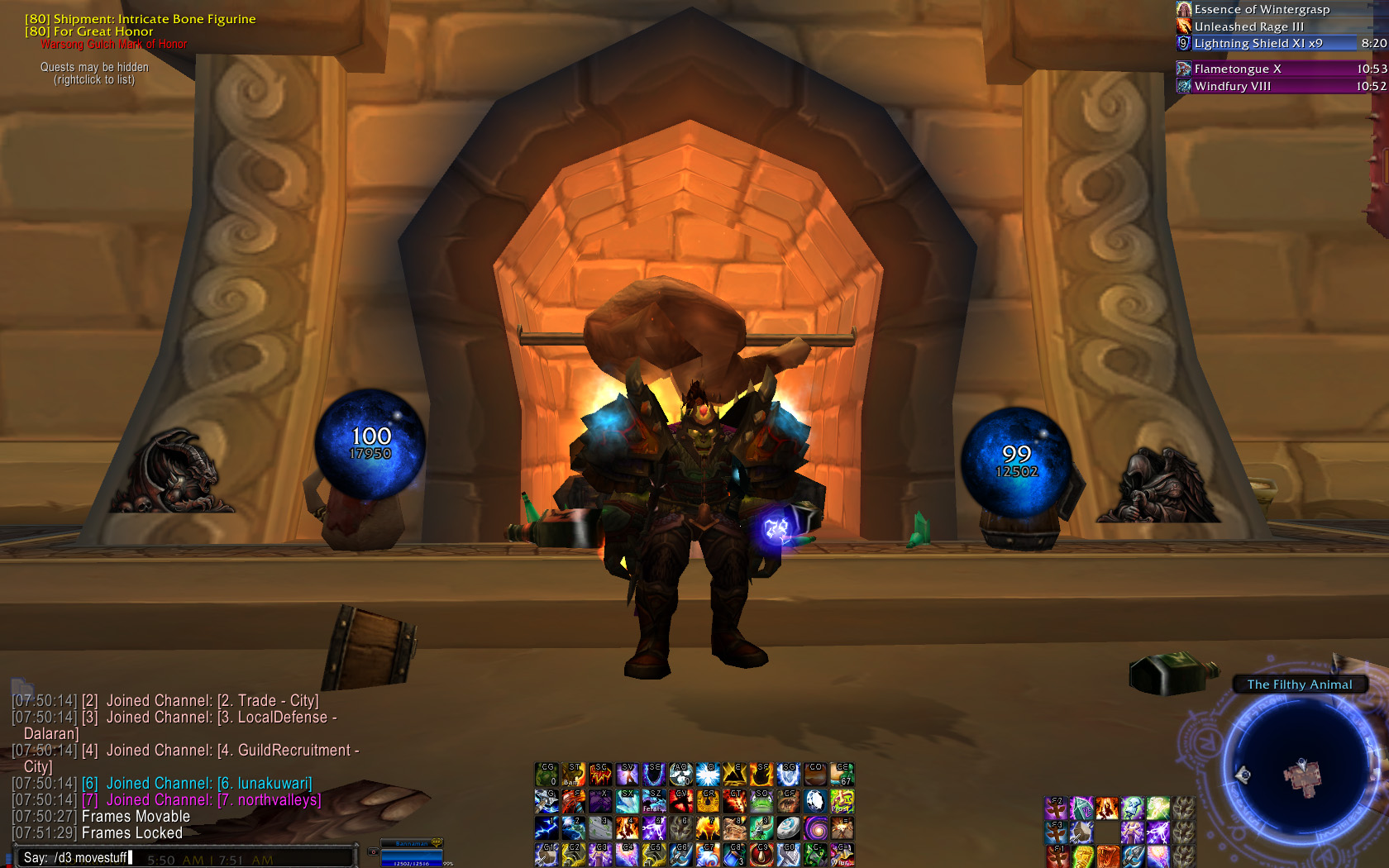
Orbs being moved.
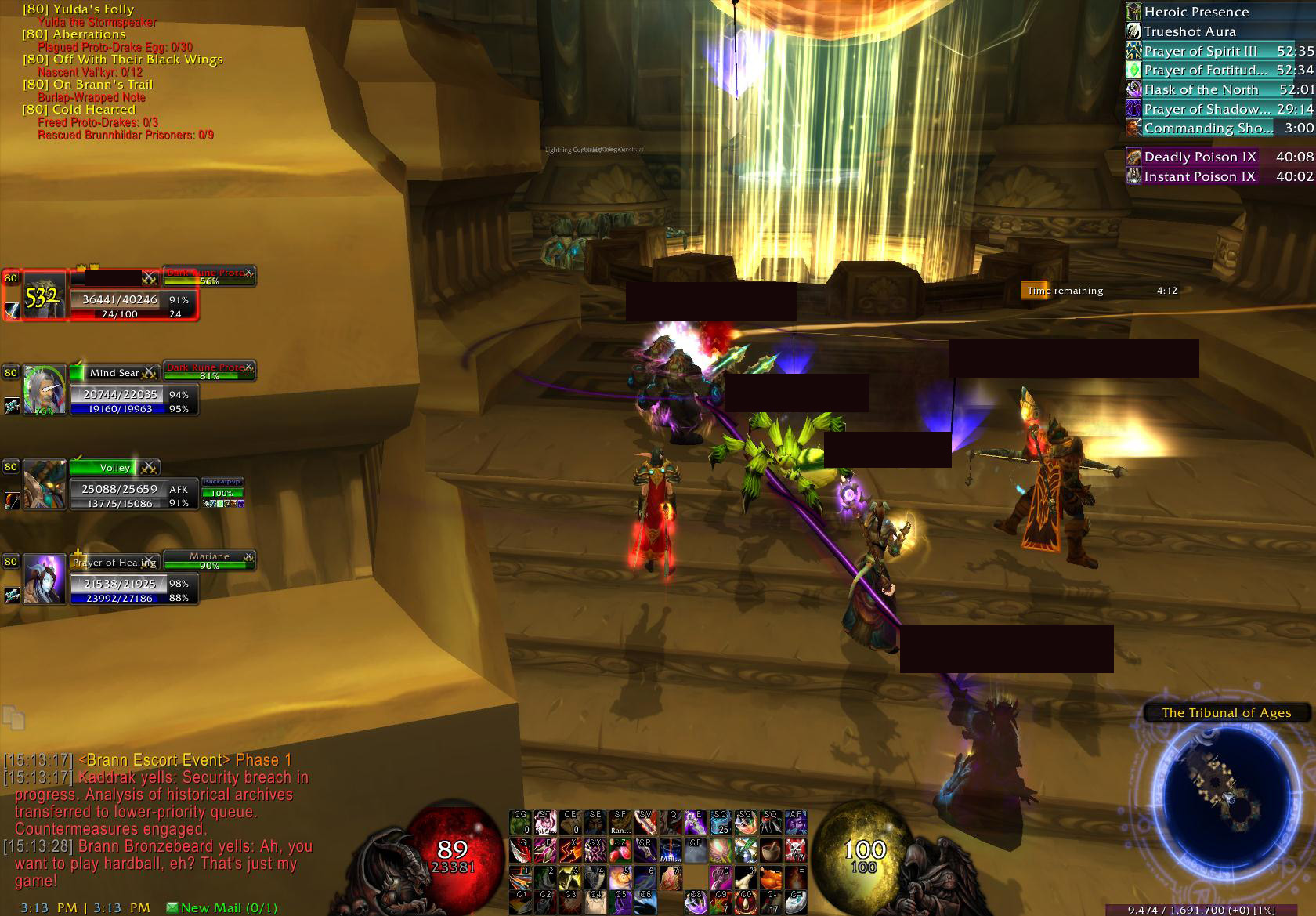
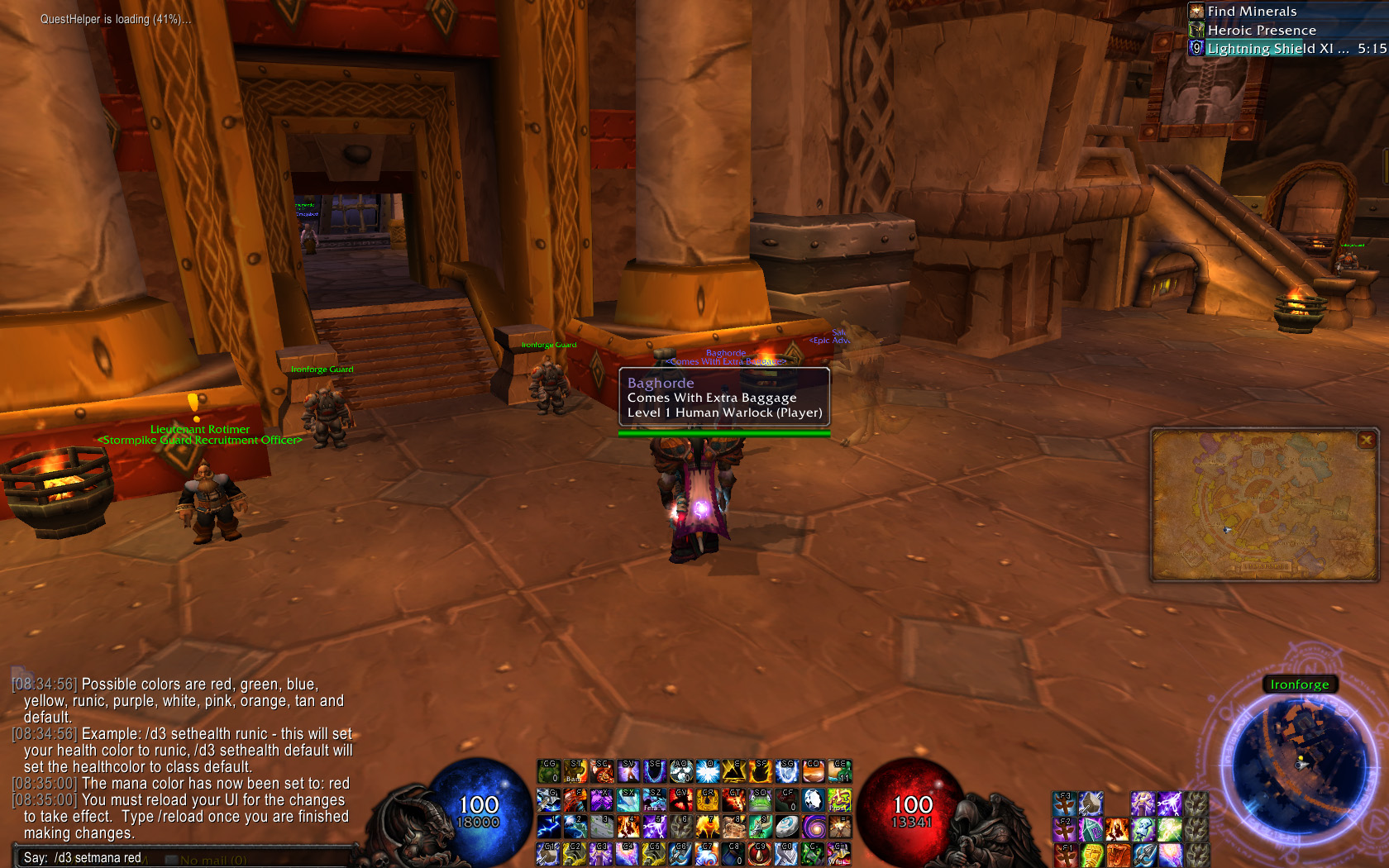
changing the mana orb color via /d3 menu
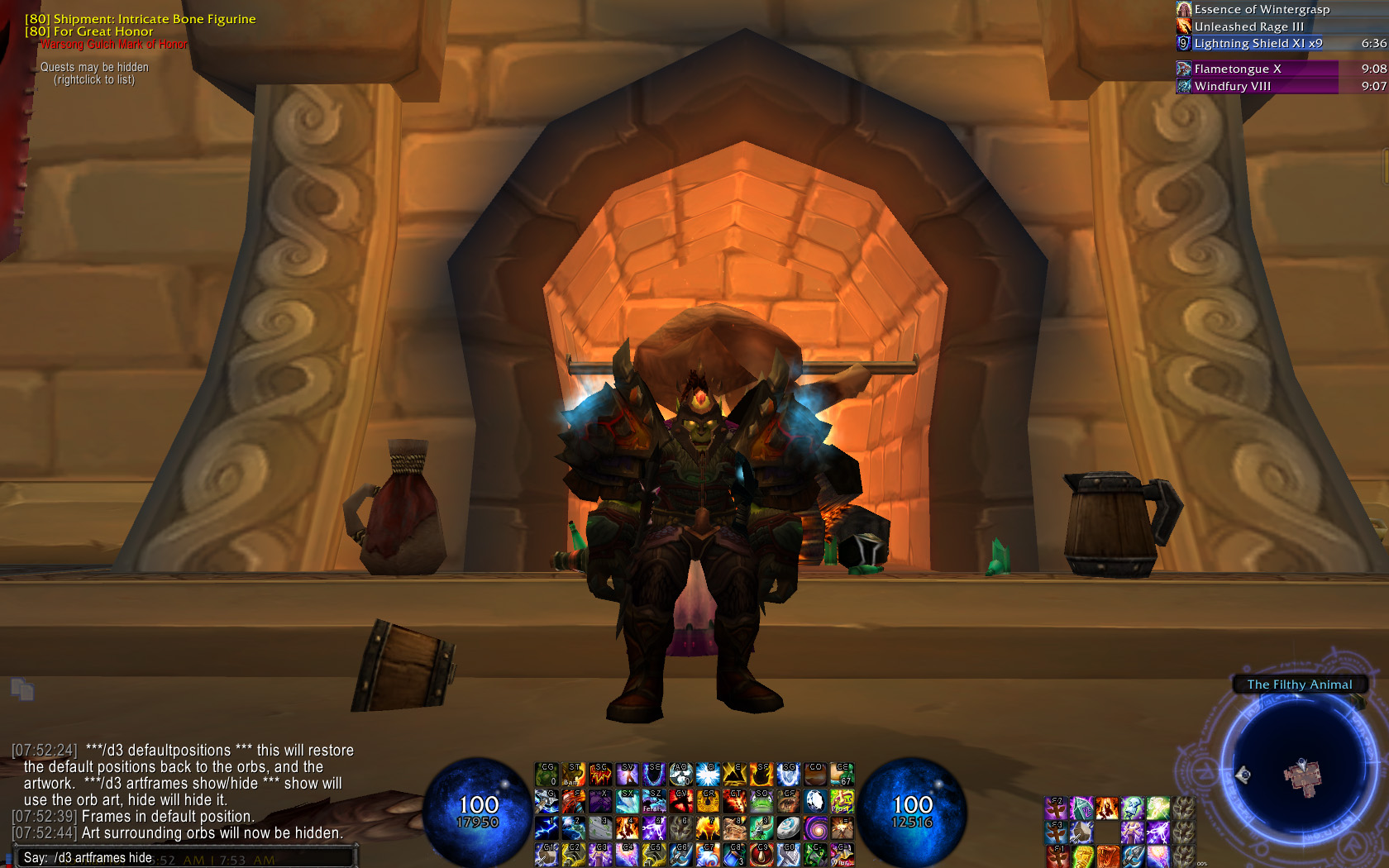
Art frames hidden.
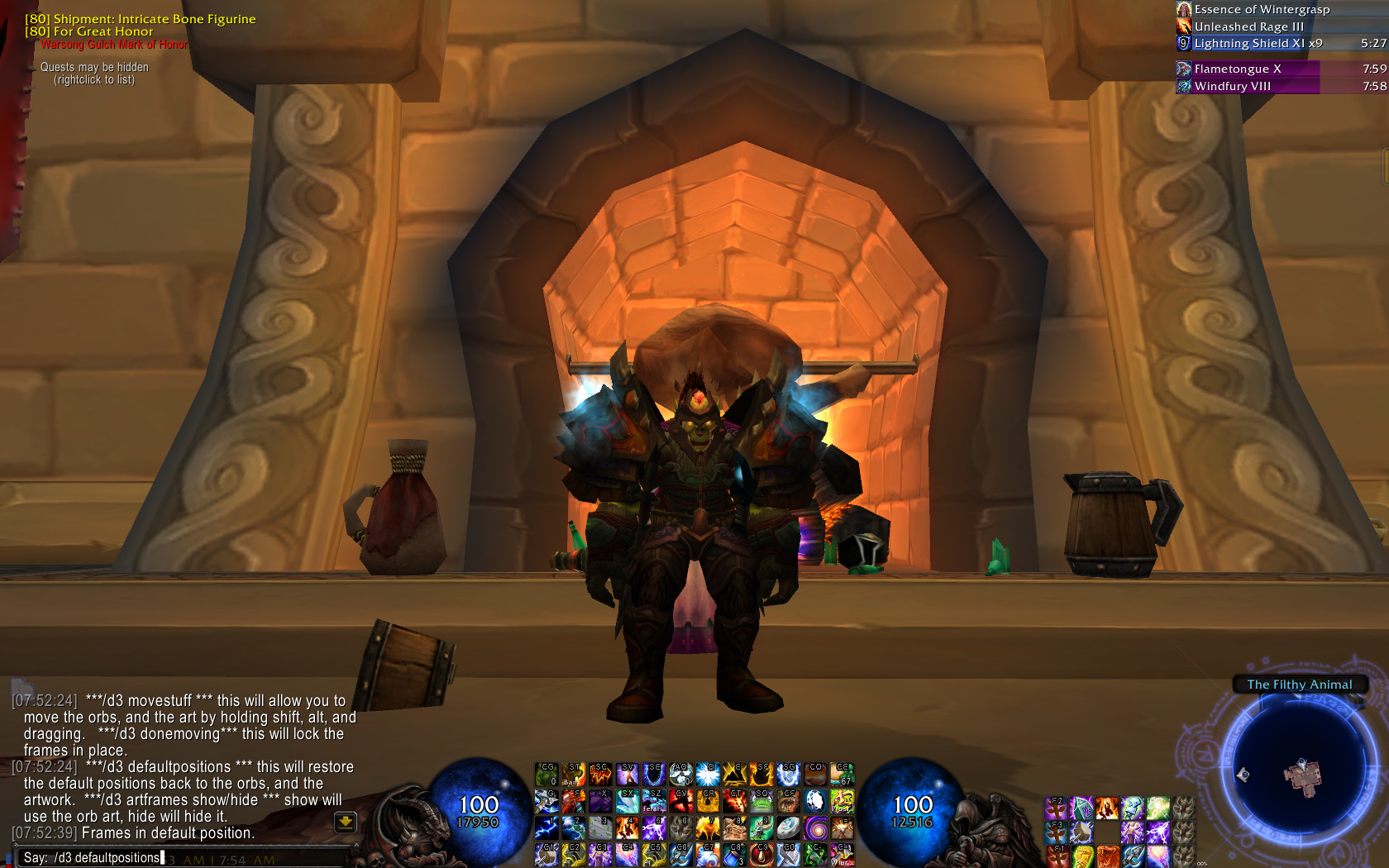
Default positions restored.
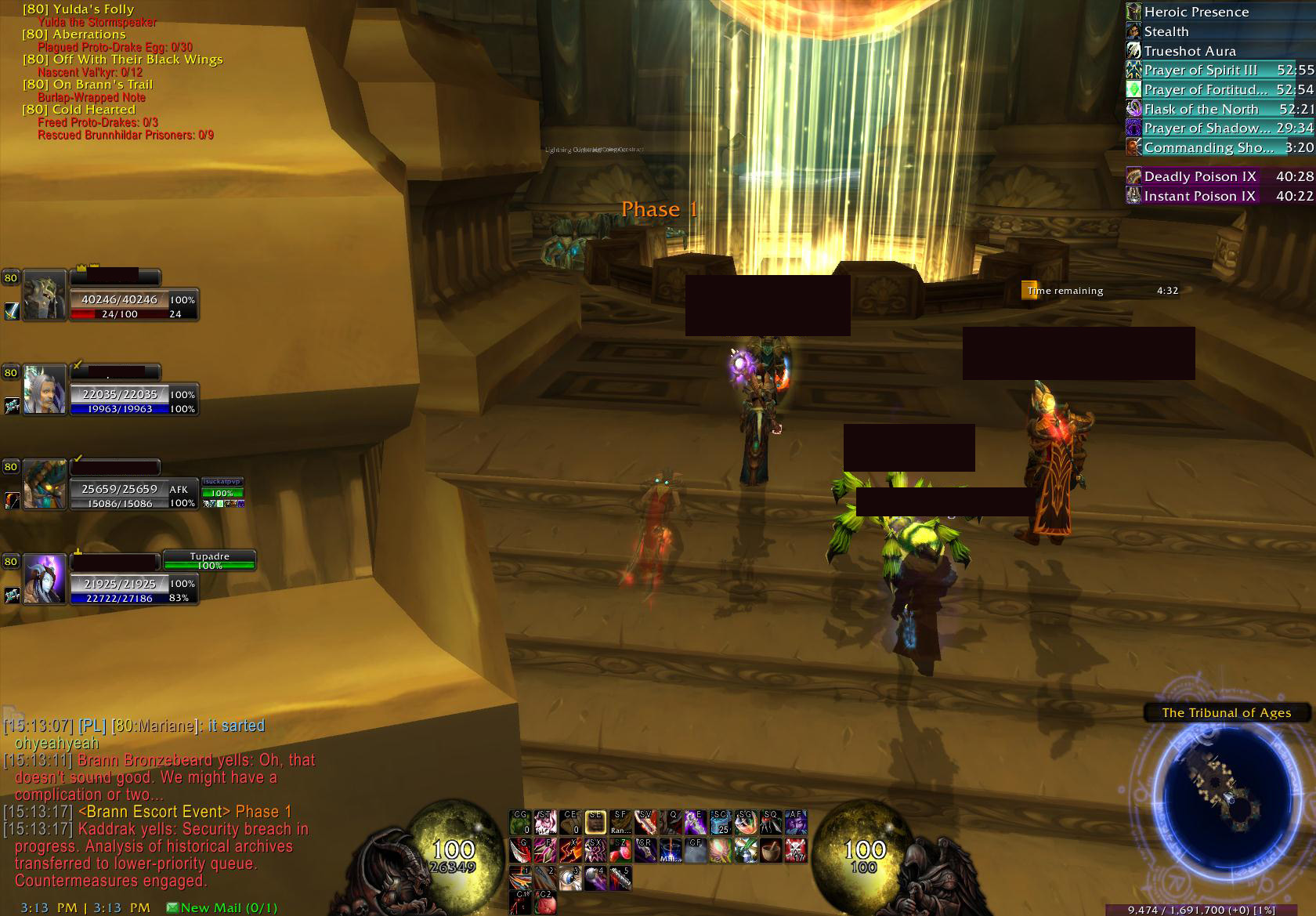
Default look of the orbs out-of-combat.
Description
oUF D3 Orbs - Modified by Tagger (Mistra50)
This addon has been rewritten and re-released as "Mistra's Diablo Orbs" and offers lots of features that this one does not. As a result, this addon will no longer be updated post 5.0.4, but should still work just fine.
These oUF Diablo 3 Orbs were originally written to be placed in the RothUI. I have made them lighter scale - they add no target, raid, or party frames, and no longer contain any backdrop behind the orbs, making them ideal for use with your choice of action bar addon.
Functionality has been added past the default of the original author's creation - combat tracking has been added to the orbs: the health orb will be colored red upon entering or leaving combat, since they are designed to replace the user's own frame. Therefore, the user will be notified when in combat by this color change. (For Death Knights, the default color for their health orb is the static red, so a function to change their orb color to light blue has been added.)
IMPORTANT - Until I have time to update this, you must have the 1.3.28 version of the oUF Core for the orbs to function! The 1.3.28 archived versions of oUF can be directly downloaded from WoWInterface here (direct DL). If you are uncomfortable with the direct download, you can download the file for yourself using this link.
List of modifications:
- UI Frame Elements removed (target frame, target of target, party frames) to support use with any other UnitFrame addon. (Also hides the default blizzard player frame)
- Orbs will show their full health/mana values below 100,000 (no abbreviations, i.e 24,788 health will not show up as 24.7k, but 109,999 health will show up as 109.9k)
- Combat Tracking - Health orb will change color to red to signify that the player has entered combat, and return to the designated class color once out of combat. For Death Knights, the combat color is light blue.
- Orb backdrops removed - space between and behind the orbs is now clear and void of obstruction.
- Menu to adjust orb colors added via slash commands - /d3 for instructions
- April 05, 2010: Menu to allow user placement of orbs and artwork via slash commands - /d3 for instructions
- Art frames may also be hidden via the /d3 menu
- October 24, 2010: Fixed demon frame movement issue. Also added focus color for hunters and the option to change health and mana colors to the new focus color at will.
- October 30, 2010: Added a new GUI menu to replace the existing text menu.
For any specific questions, or comments, please email me.
*Note also that the original author is Zork, and that his direct permission to re-release this modification has been given*
New features added! Paladin and Warlock both have a Soul Shard and Holy Power monitor. Druid and Death Knight to follow for their respective resources.
The user menu has arrived! Users can now select their preferred colors, or just stick to the defaults. The menu can be accessed by typing /d3.
/d3 to access the menu!
Q&A
- I have the RothUI, and I saw this update. Will it work?
- Simply put, no. This is not intended for use with the RothUI. This mod is standalone. If you have the RothUI installed, and you attempt to install this over it, problems will arise.
- Anything else I should know?
- As long as you're not the proud user of the RothUI, nope. Note that the RothUI is an addon package that Zork put together, and they include the original version of the oUF D3 Orbs that were intended for use within the RothUI. This version that I have adjusted makes them standalone - that is to say, usable with other addons in your own interface without adjusting the code. They are designed in this modification to only replace your player frame, and not your other frames, allowing you to use the Blizzard unit frames, or any other unit frame modification you'd like. In my case, I use Xperl.**
The oUF_D3Orb Lightweight Mod Team
