About Quick Rogue Info
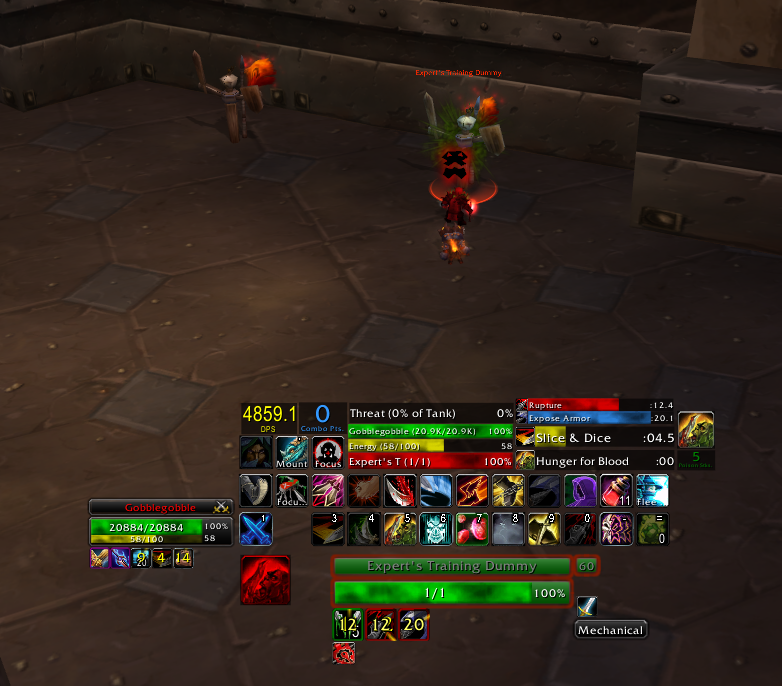
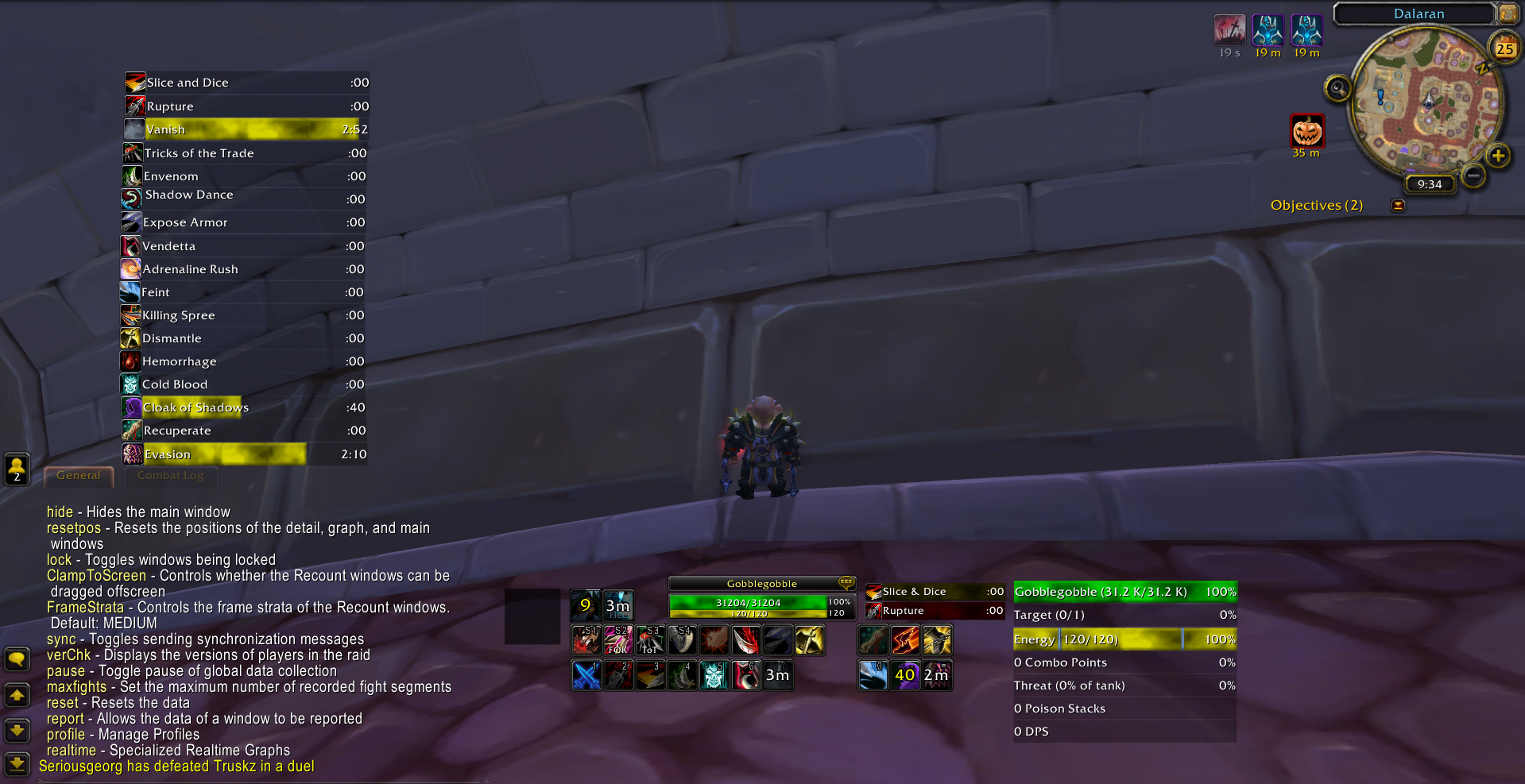
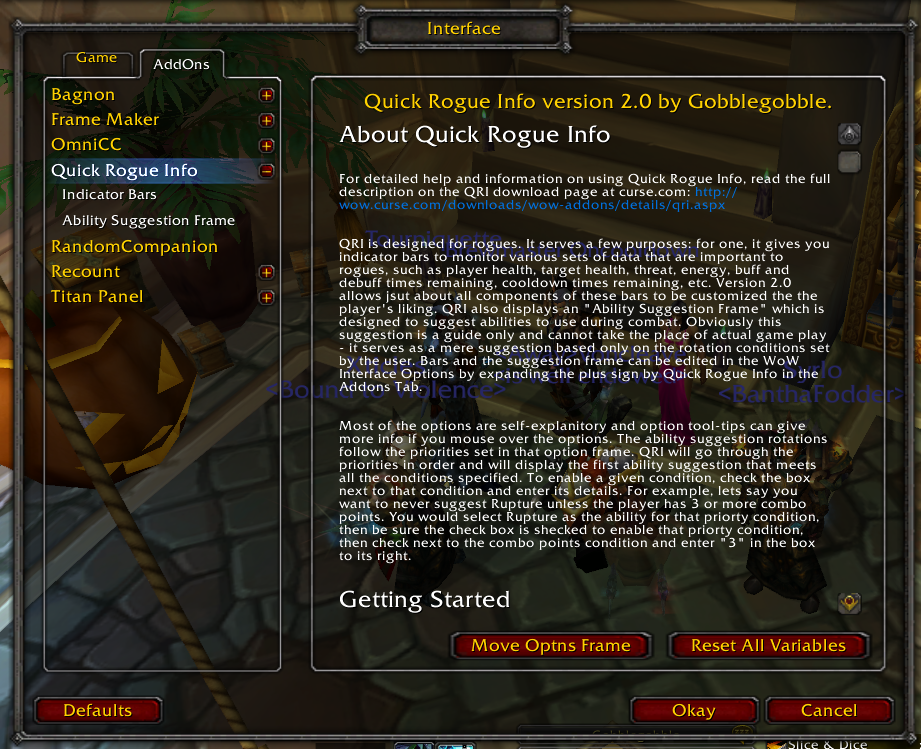
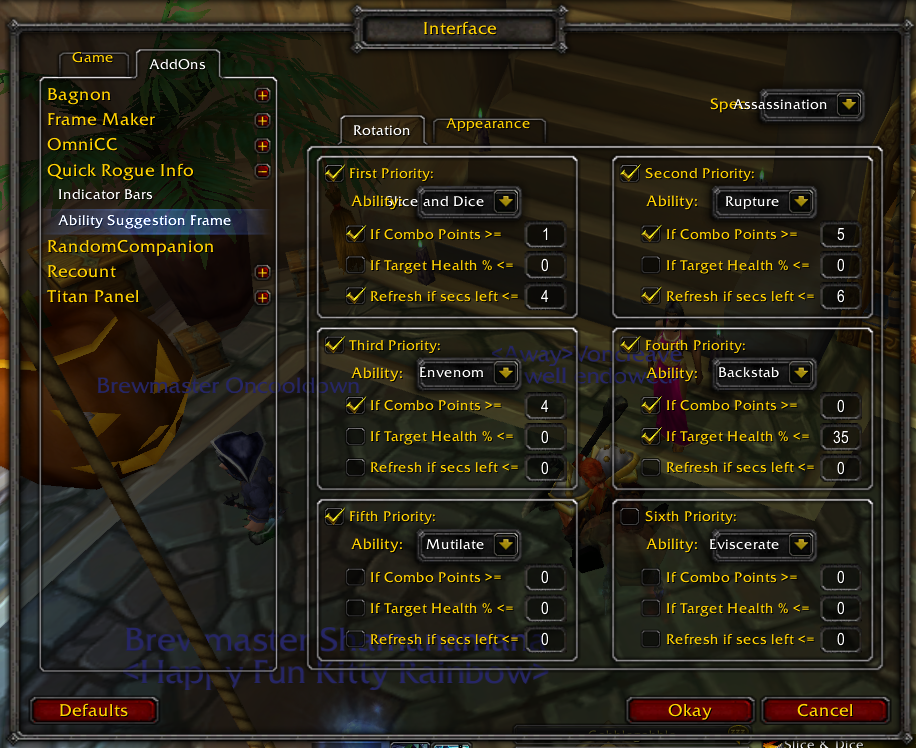
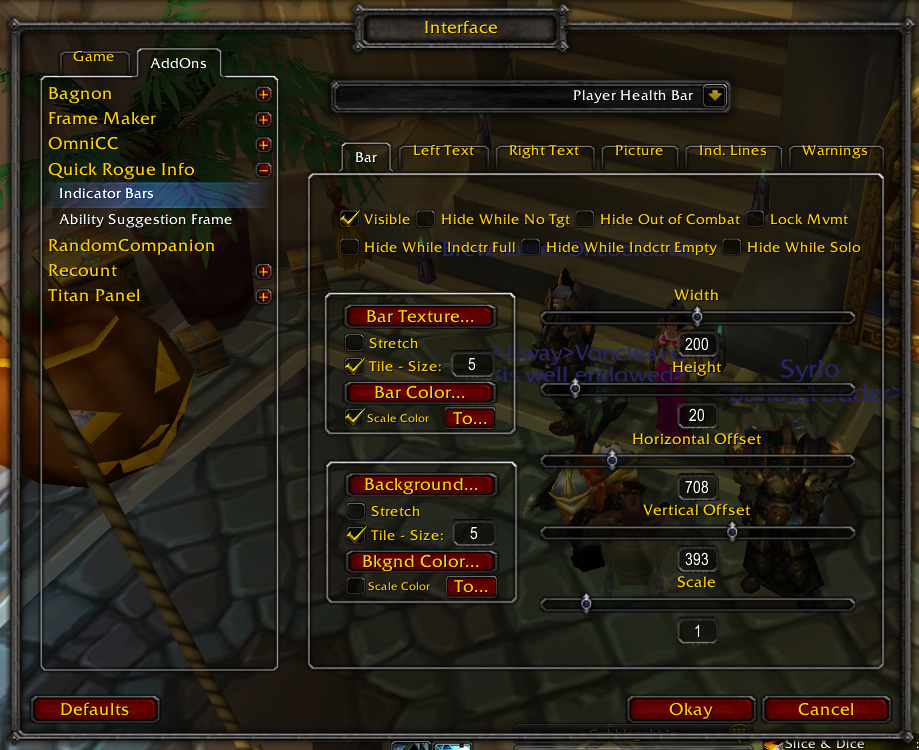
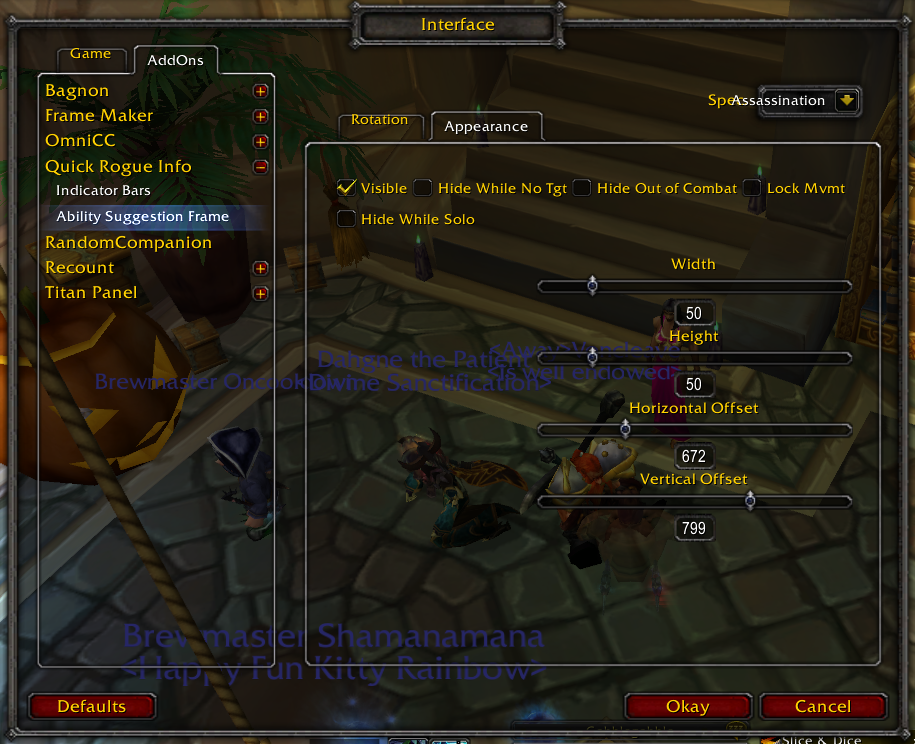
Quick Rogue Info is a customizable set of information frames for rogues. Included are the display of buff and debuff bars, combo points, poison stacks, threat, DPS, player health, target health, energy, and much more! Also, an icon suggests the next ability to cast based on simple rotation rules for all rogue specs, which are customizable via the Interface options. Indicator Bars show player and target health, target threat, energy, buffs, debuffs, DPS, combo points, poison stacks, etc. Buff/debuff bars show time left for slice & dice, rupture (if you use it anymore), hunger for blood, expose armor (for those that need it), and many other rogue abilites. For DPS, data is pulled from recount, so recount is required to be installed to display DPS.
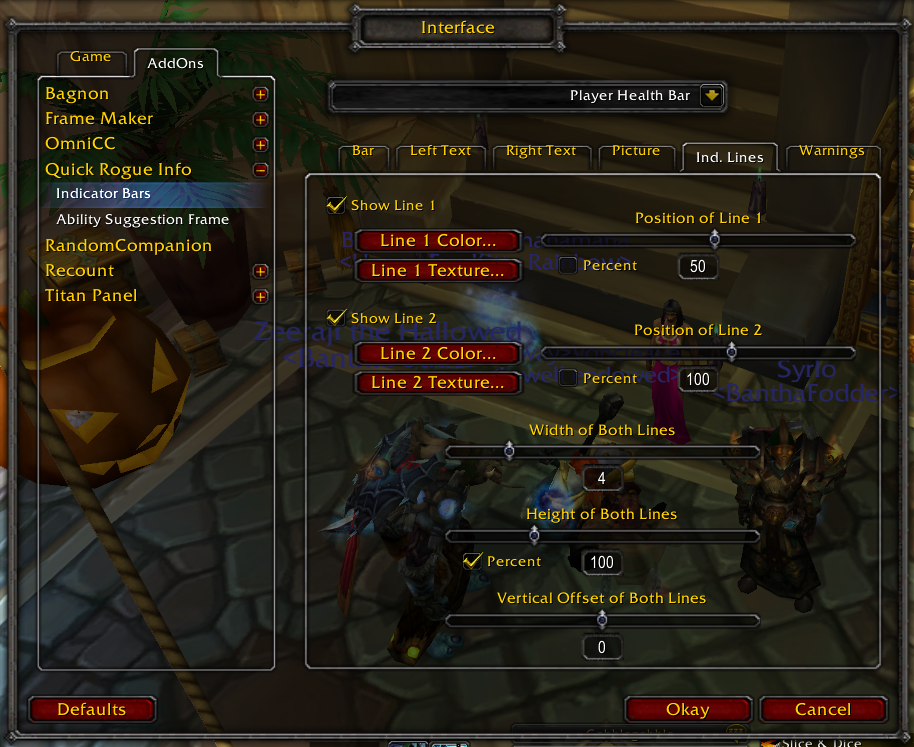
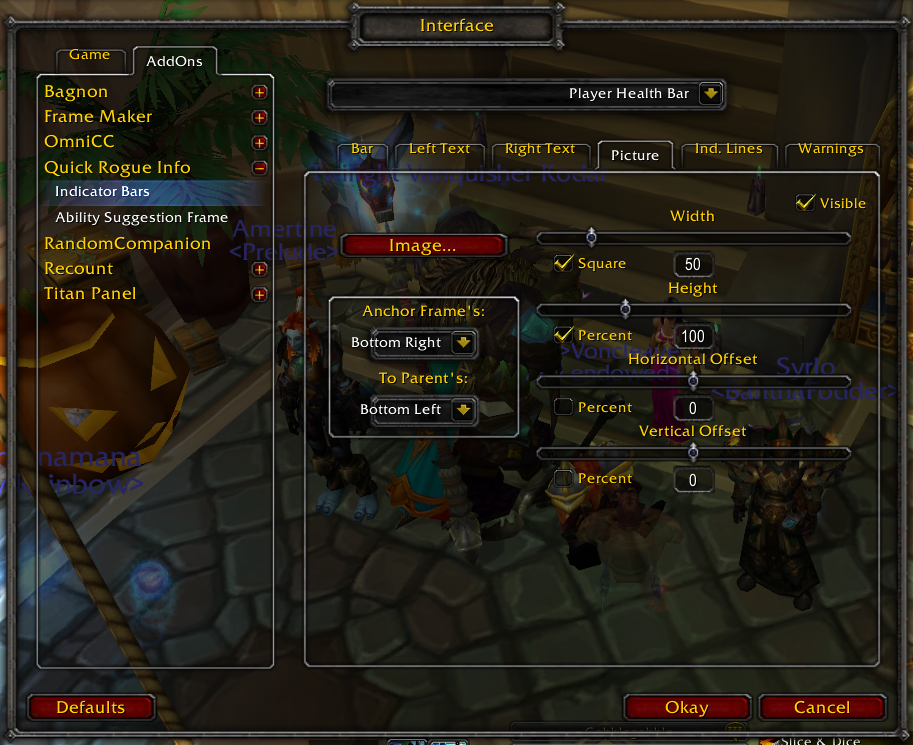
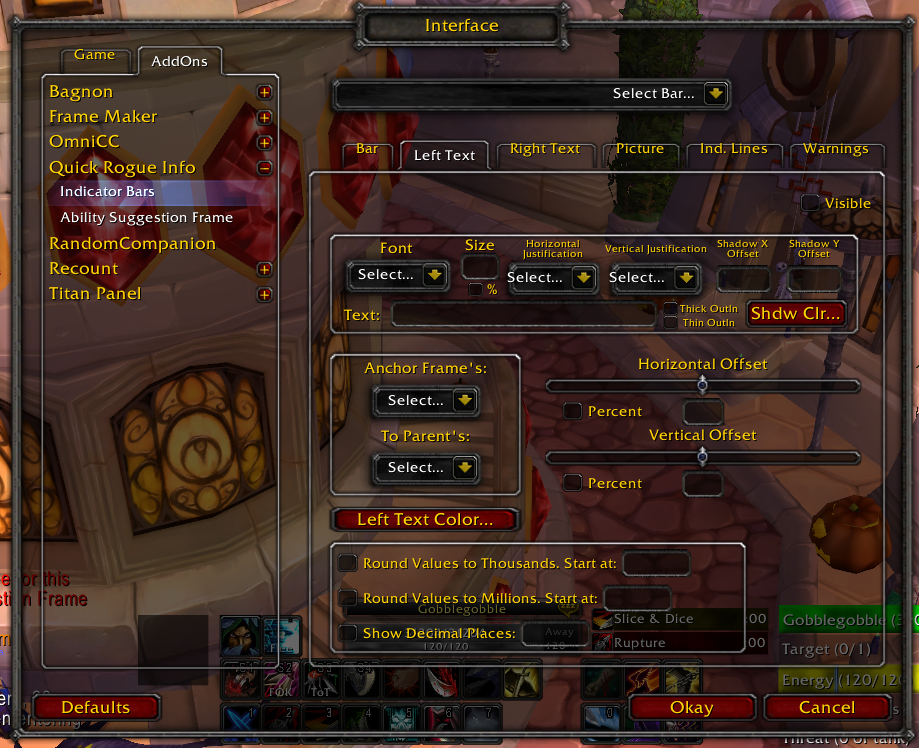
Many options can be set - just about everything can be customized. All frames can be disabled, resized, shown only if active or if a target is selected, if in combat, if in a party or raid, if full, empty, etc. There are many more options allowing the user to customize the interface.
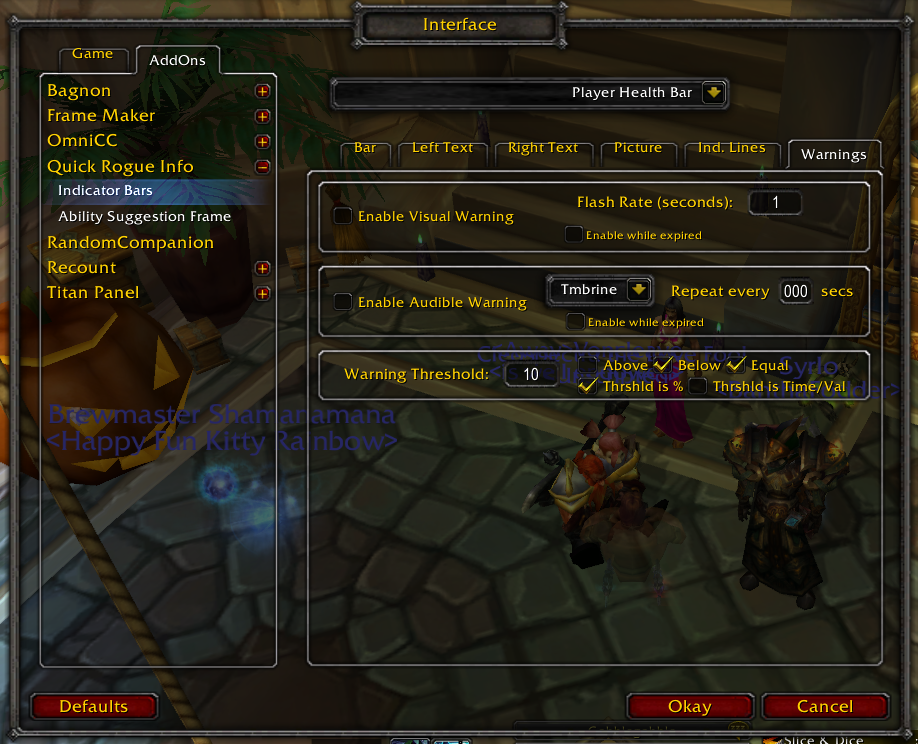
Each bar type also allows warnings to be set in the form of a flashing bar or an audible warning. This is customizable as well via the in-game interface.
Please ask or comment if you have questions or suggestions!
A Note on the new Bandit's Guile Strikes Counter Bar
In version 2.07, two new bars were introduced relating to Bandit's Guile - you can read the change log for details, but I wanted to put a note here regarding the Strike Counter Bar. the bar is designed to provide a rough count of how many Sinister Strikes/Revealing Strikes have been made since the last insight level change, and an idea of when to expect an insight change. The bar shoudl assist combat rogues with energy pooling so they can maximize damage at the higher insight levels of the Bandit's Guild Buff. With these new bars, there are now three bars included with Quick Rogue INfo relating to Bandit's Guile - these three bars can be used together to closely track this powerful ability.
Please note, however, that the Strikes Counting Bar uses a somewhat primitive counting mechanism, and therefore, it is not going to provide an exact feedback system. This bar works by counting the number of Sinister Strikes or Revealing Strikes that are successfully made on any target between insight level changes. The number of strikes that it actually takes to change the insight level in a given combat situation may vary from what is shown on the bar, however. The reason you may see some variance between the count on the bar and the actual changes to insight levels in-game is because there no feedback system from the Blizzard UI given to this bar - there is no mechanism available to addons (as far as I am aware) that actually tracks this count. The bar here simply counts the number of times you complete a successful Sinister Strike or Revealing Strike (and no other abilities). The Count resets whenever an Insight level from Bandit's Guile changes States (for example, when the buff changes from Moderate Insight to Deep Insight, or when the buff falls off), but the count continues at the Deep Insight Level indefinitely until Deep Insight Drops off. The count is not affected when changing targets so it will continue to accumulate if you Sinister Strike one target and then Sinister Strike another.
The reason for this design is that for one, the mechanics of the Bandit's Guile insight level changes are not reported to the game client (as discussed above), and for two, these mechanics are not yet fully known. Also, the number of successful strikes between insight levels appears to have some randomness to it - the average seems to be that the insight level changes on the 5th successful strike, but this is not always the case. The indicator bar here assumes a max of 4 (the bar will be full after 4 successful Sinister Strikes or Revealing Strikes), but it may take 5 or more strikes before the insight level changes. Still, more times than not, the bar will fill to full and the insight level will change on the next successful strike to the target.
But the bottom line is that at this point, the bar can only be used as a rough guide as to when the insight level will change. The bar will do a good job of giving you a general idea, but it may not be exact. Still, this tool should assist players in pooling energy as combat spec. Please send me feedback on this bar - I would welcome any suggestions to improve it.